How to Create an Automation for Ticket Response in Airtable
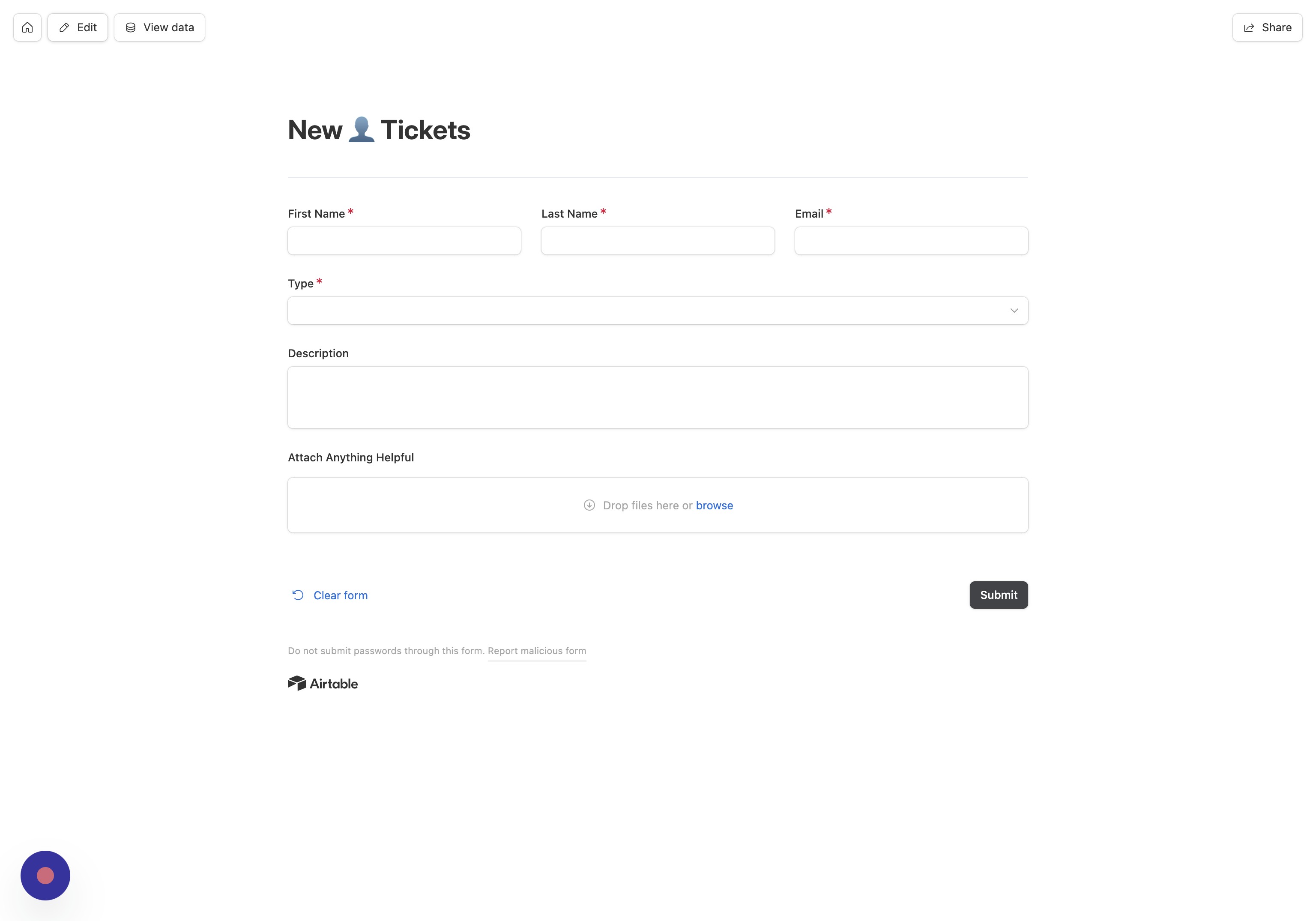
- Open Edit Click "Edit"
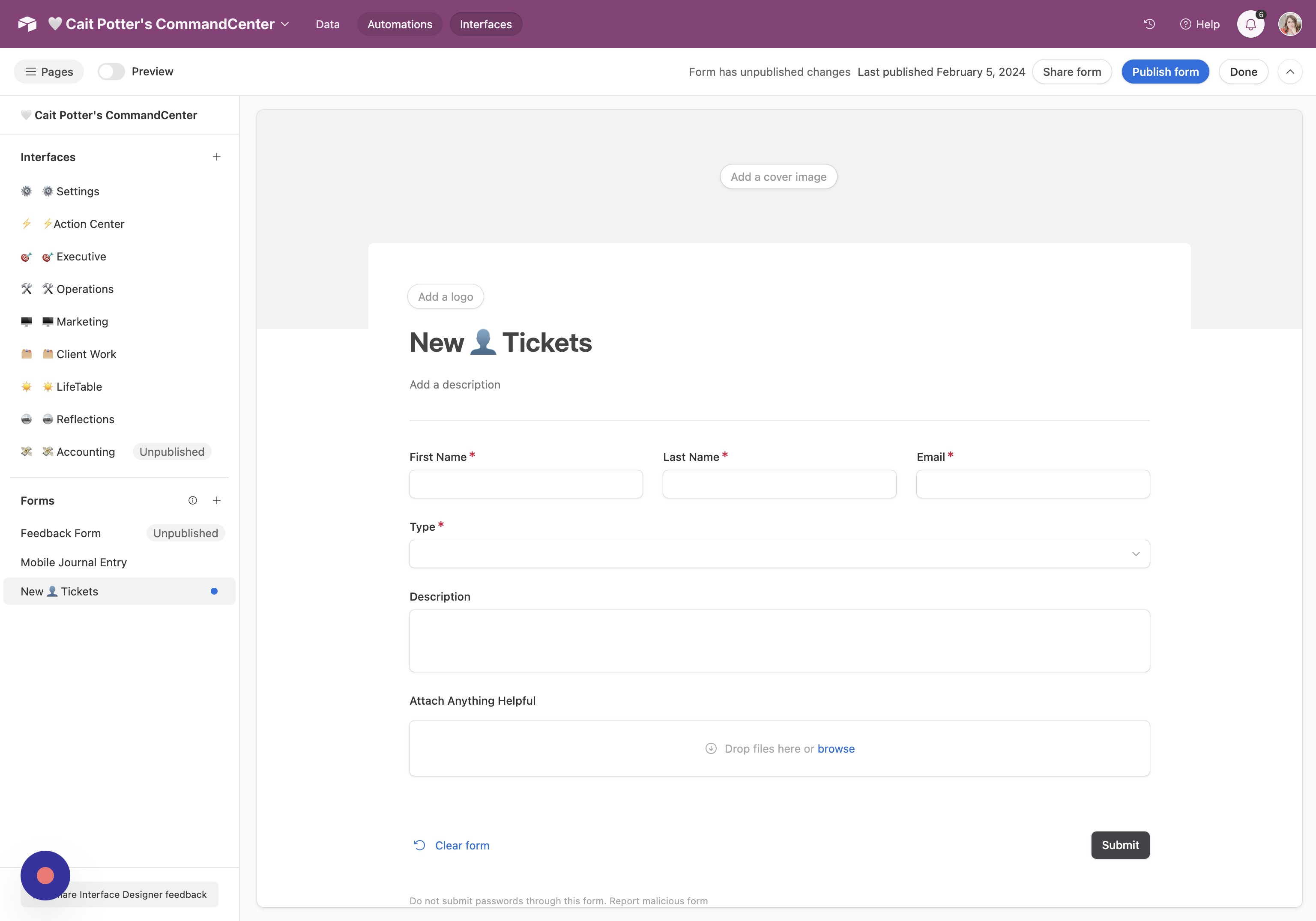
- Go to Automations Click "Automations"
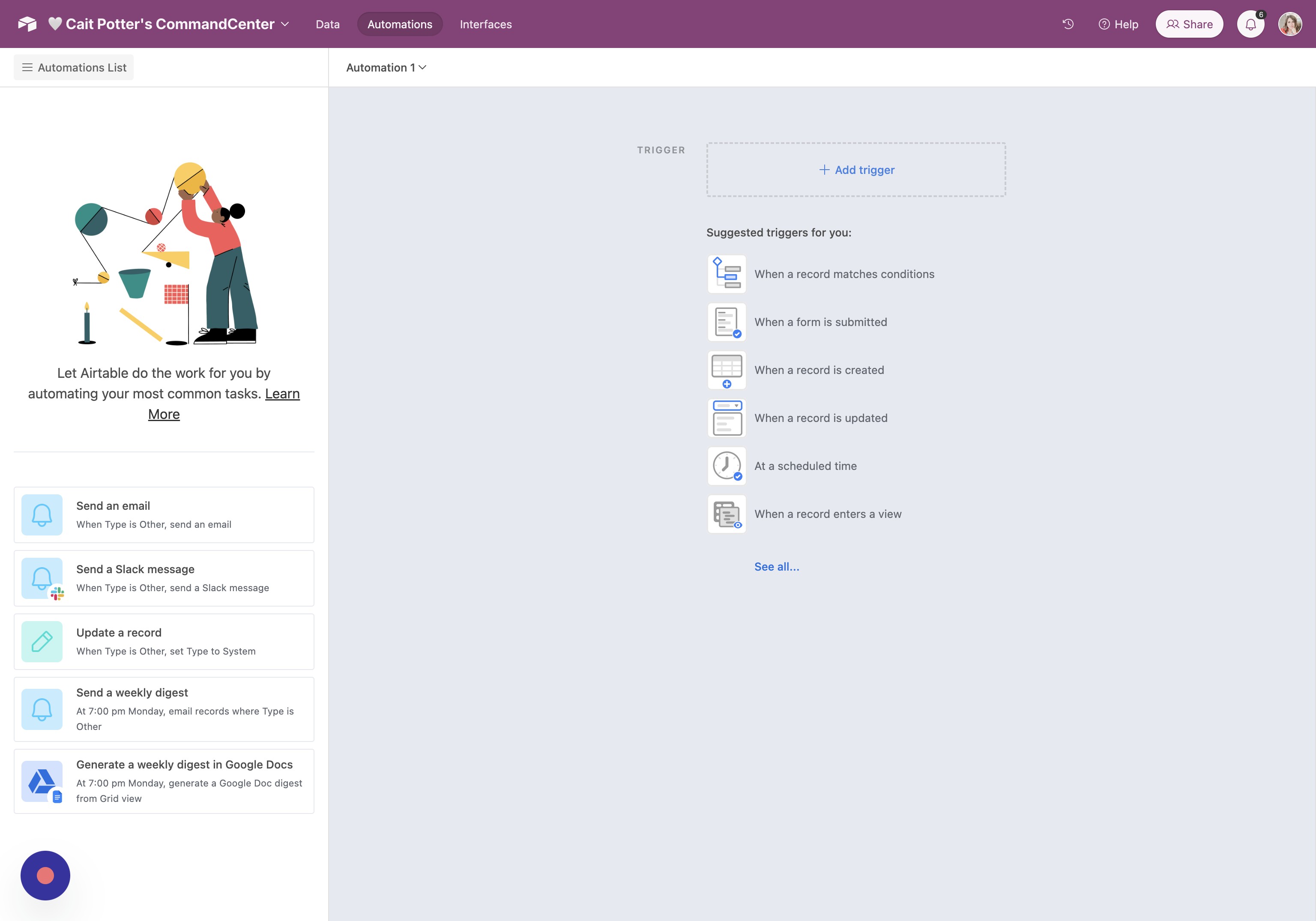
- Add Trigger Click "Add trigger"
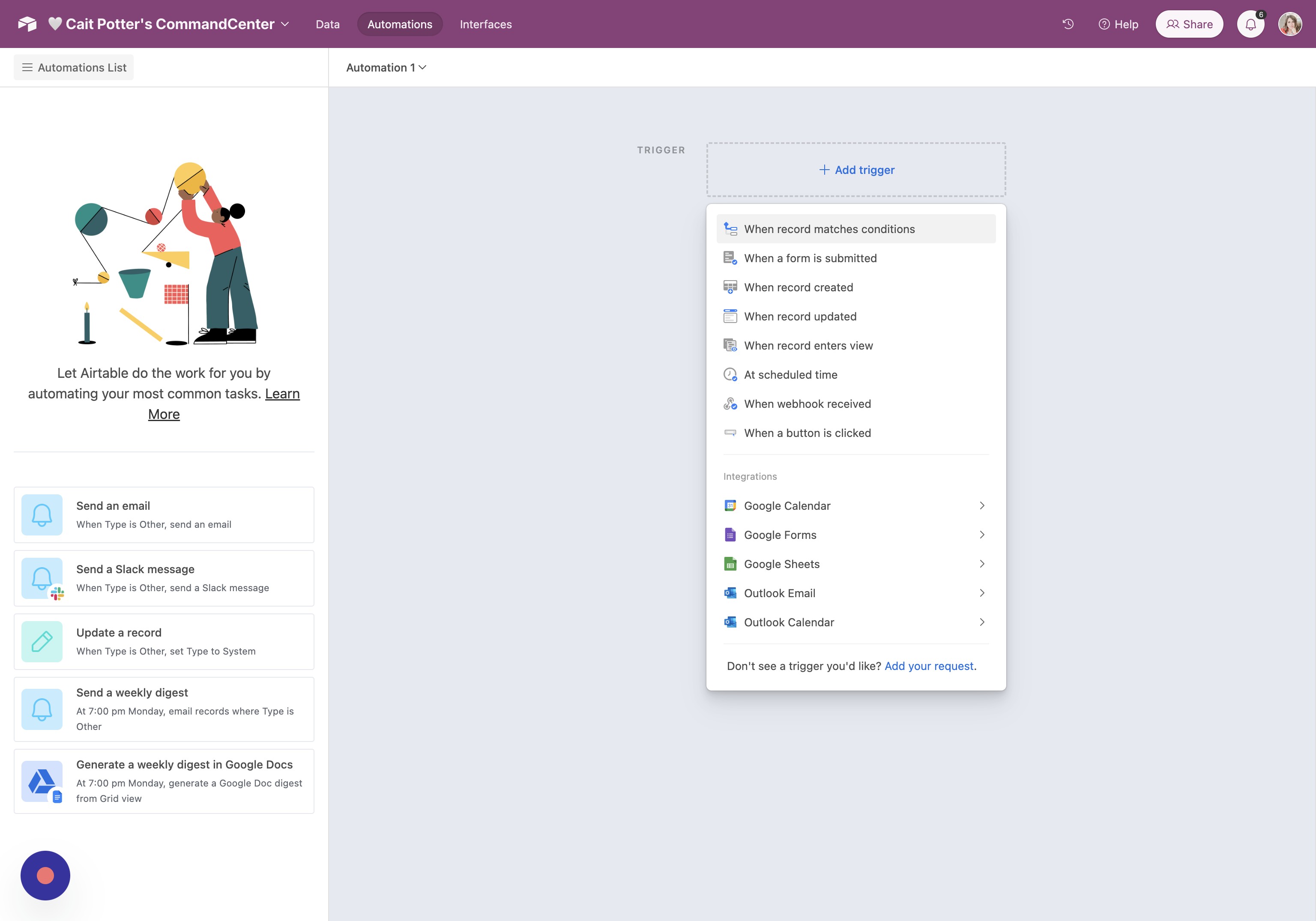
- Set Trigger Type Click "When record matches conditions"
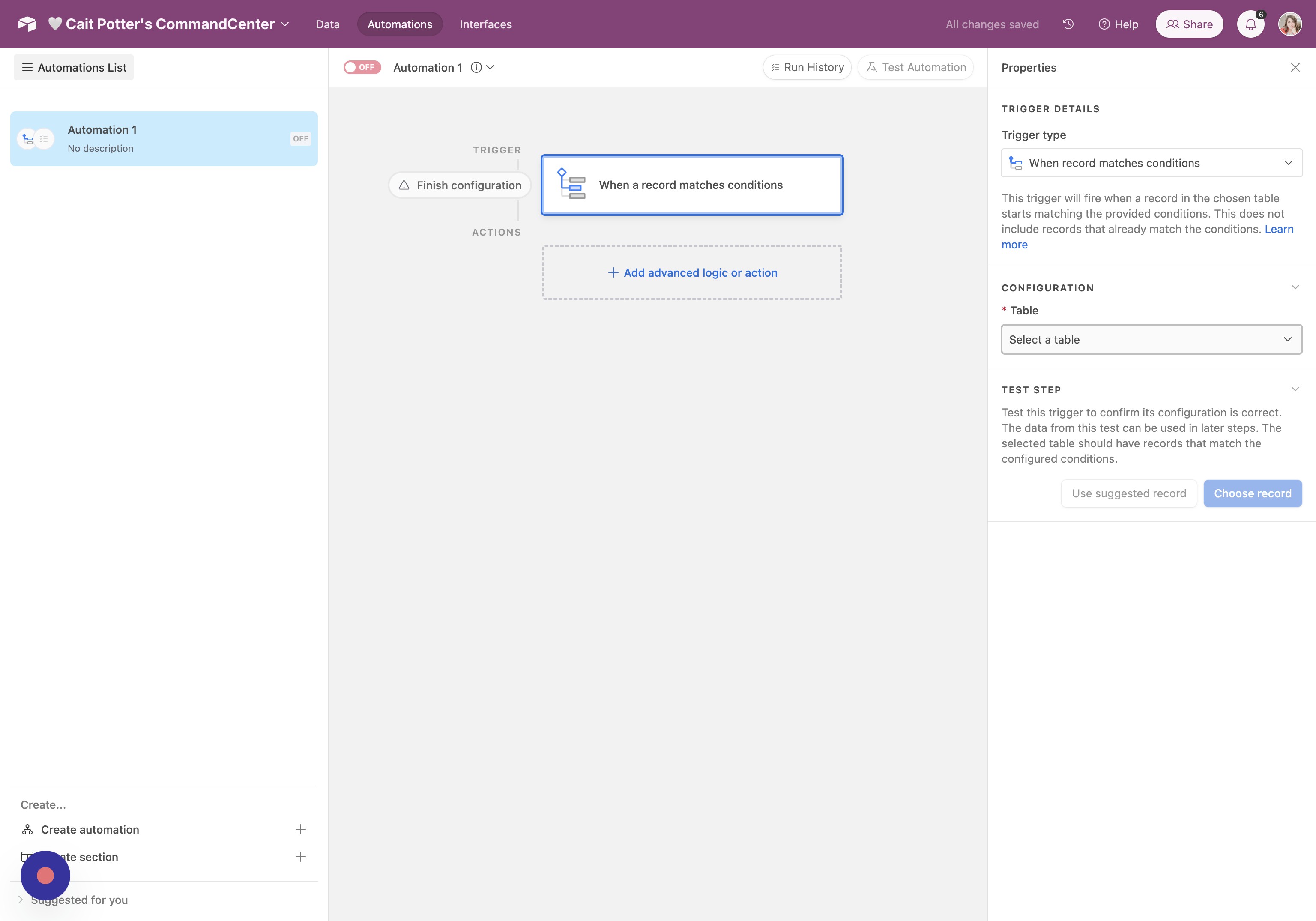
- Choose Table Click "Select a table"
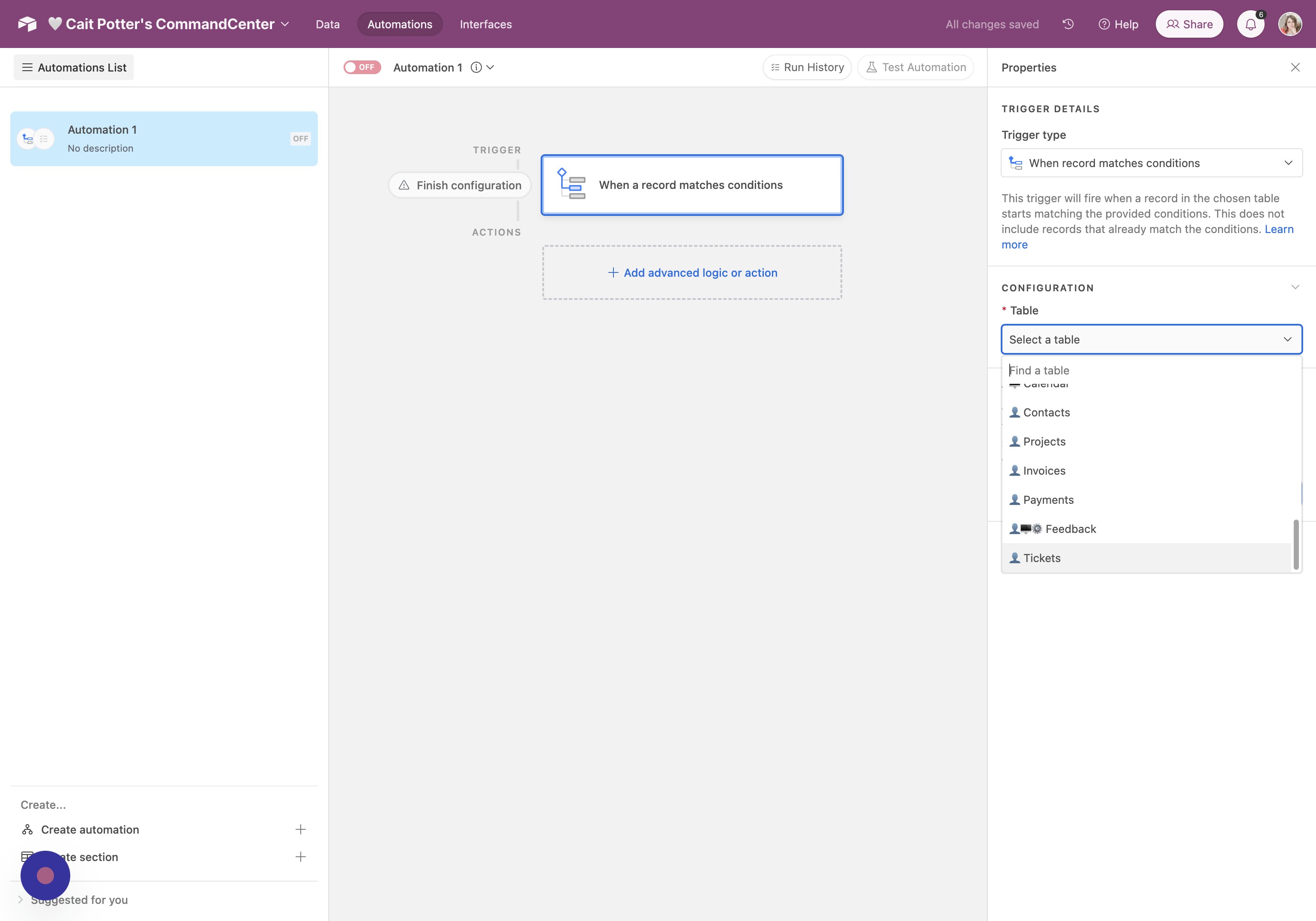
- Select Tickets Click "👤 Tickets"
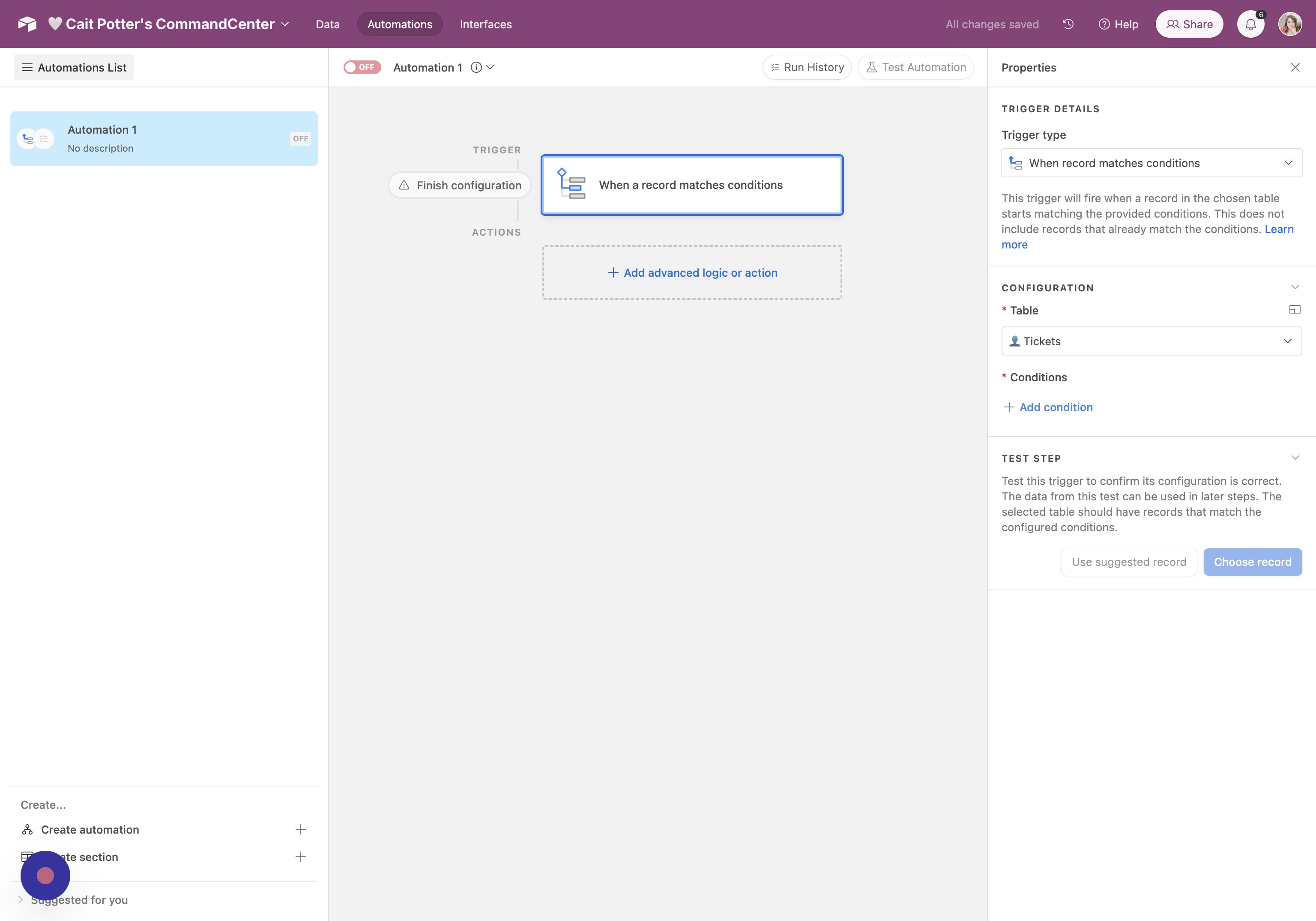
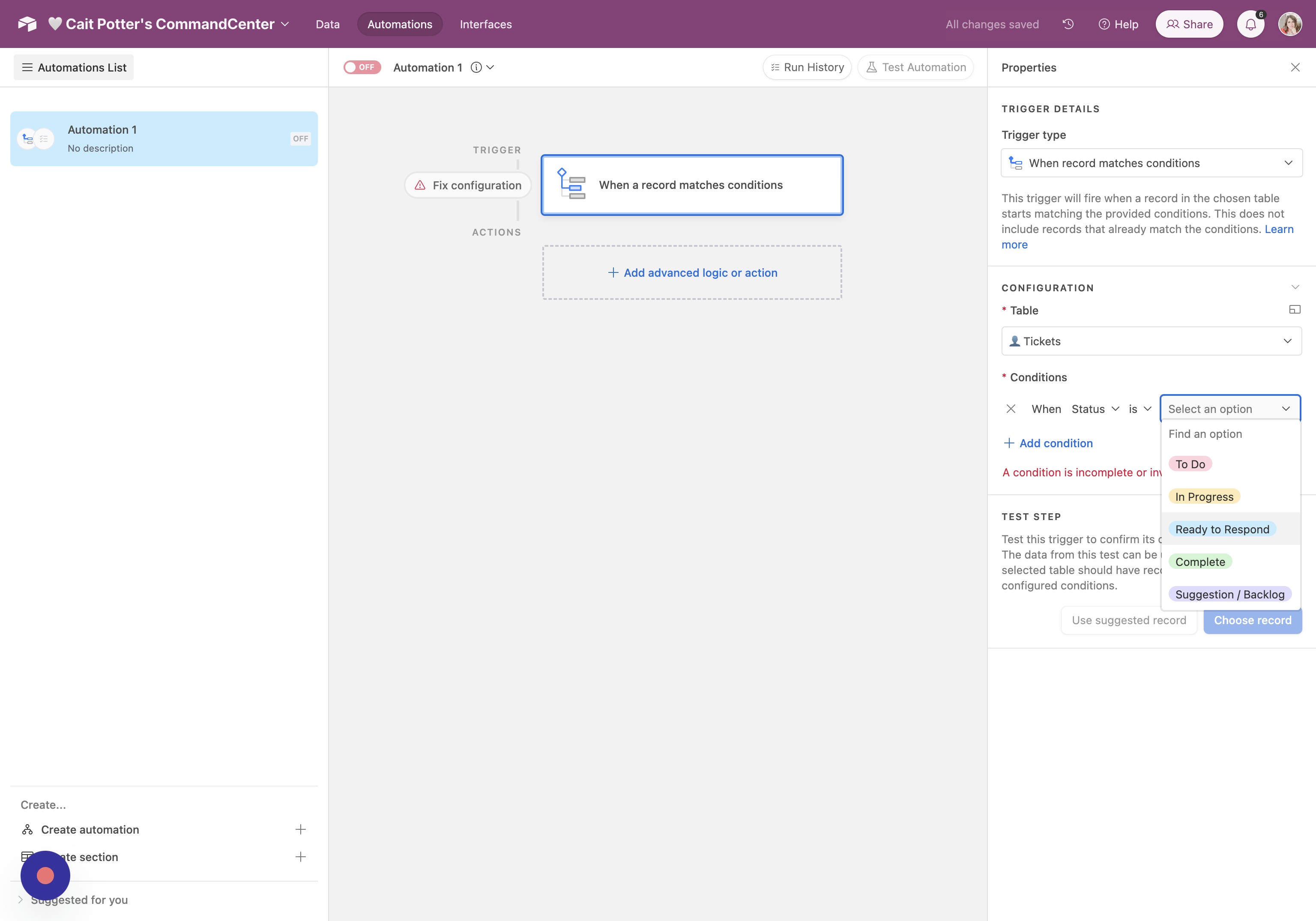
- Add Condition Click "Add condition"
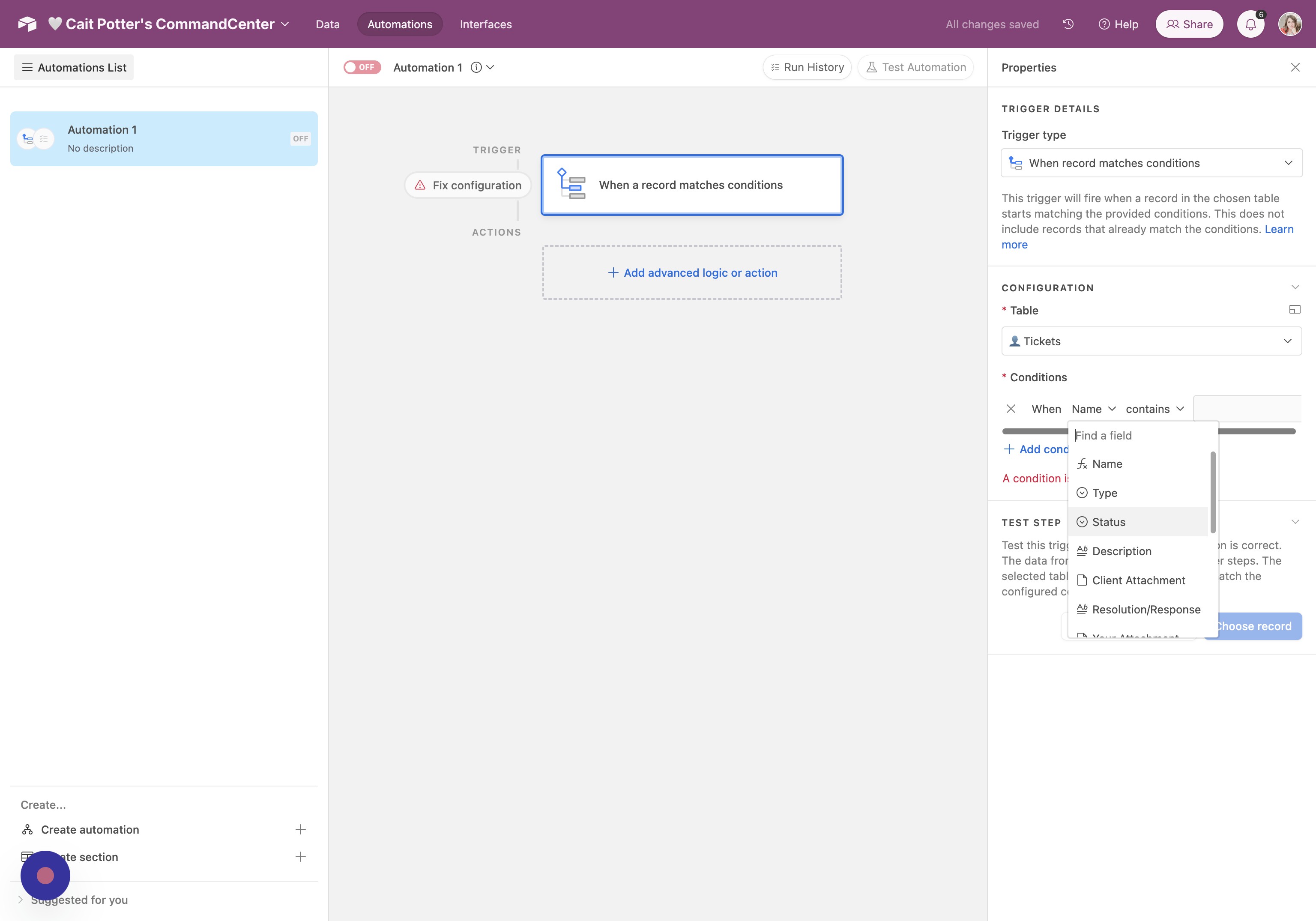
- Rename Field Change "Name" to "Status"
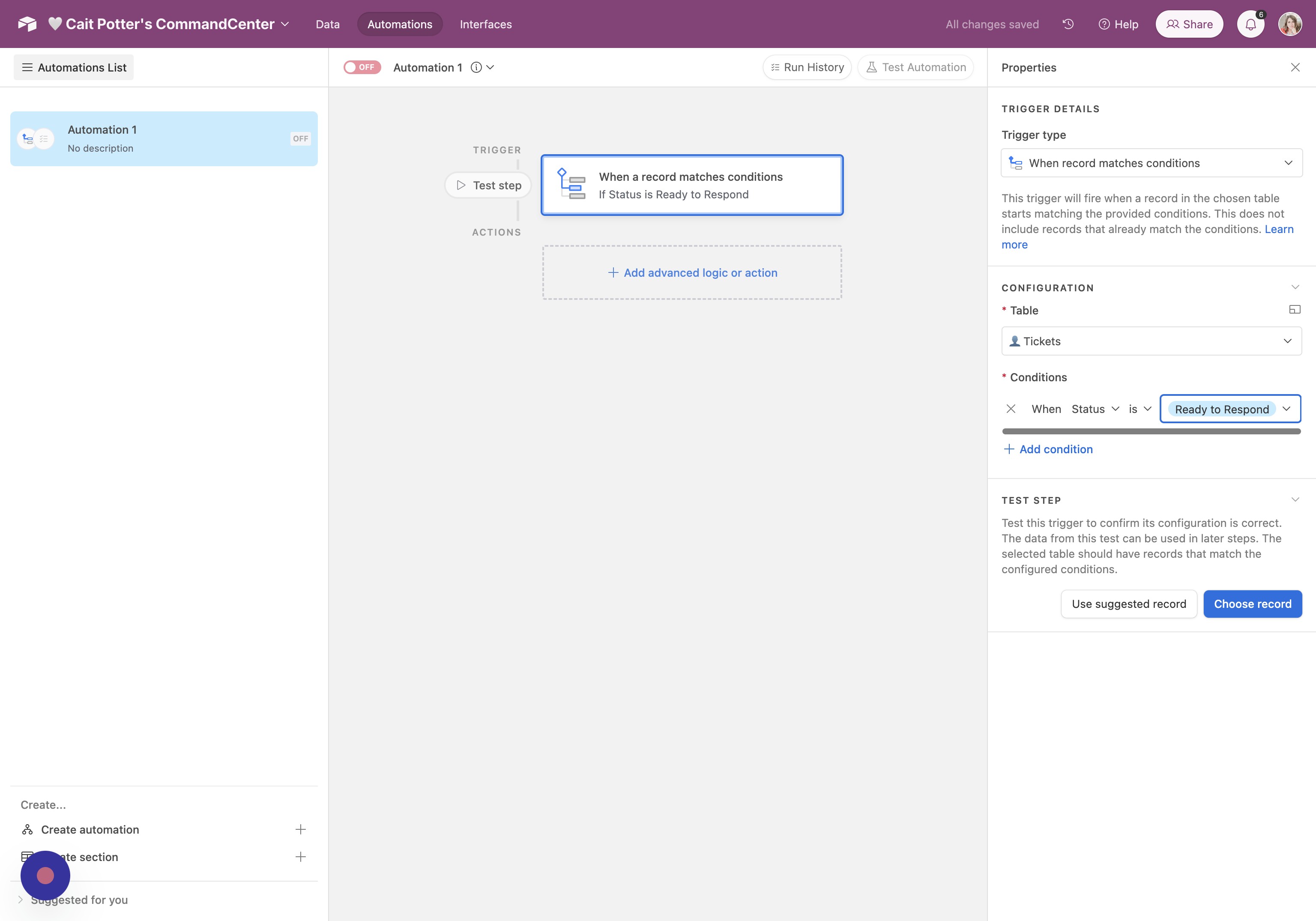
- Update Field Value Change the third field to "Ready to Respond"
- Create Action Click here to create your action.
Did this answer your question?
Thanks for the feedback
There was a problem submitting your feedback. Please try again later.
No results found
