❓Manage Your Tickets
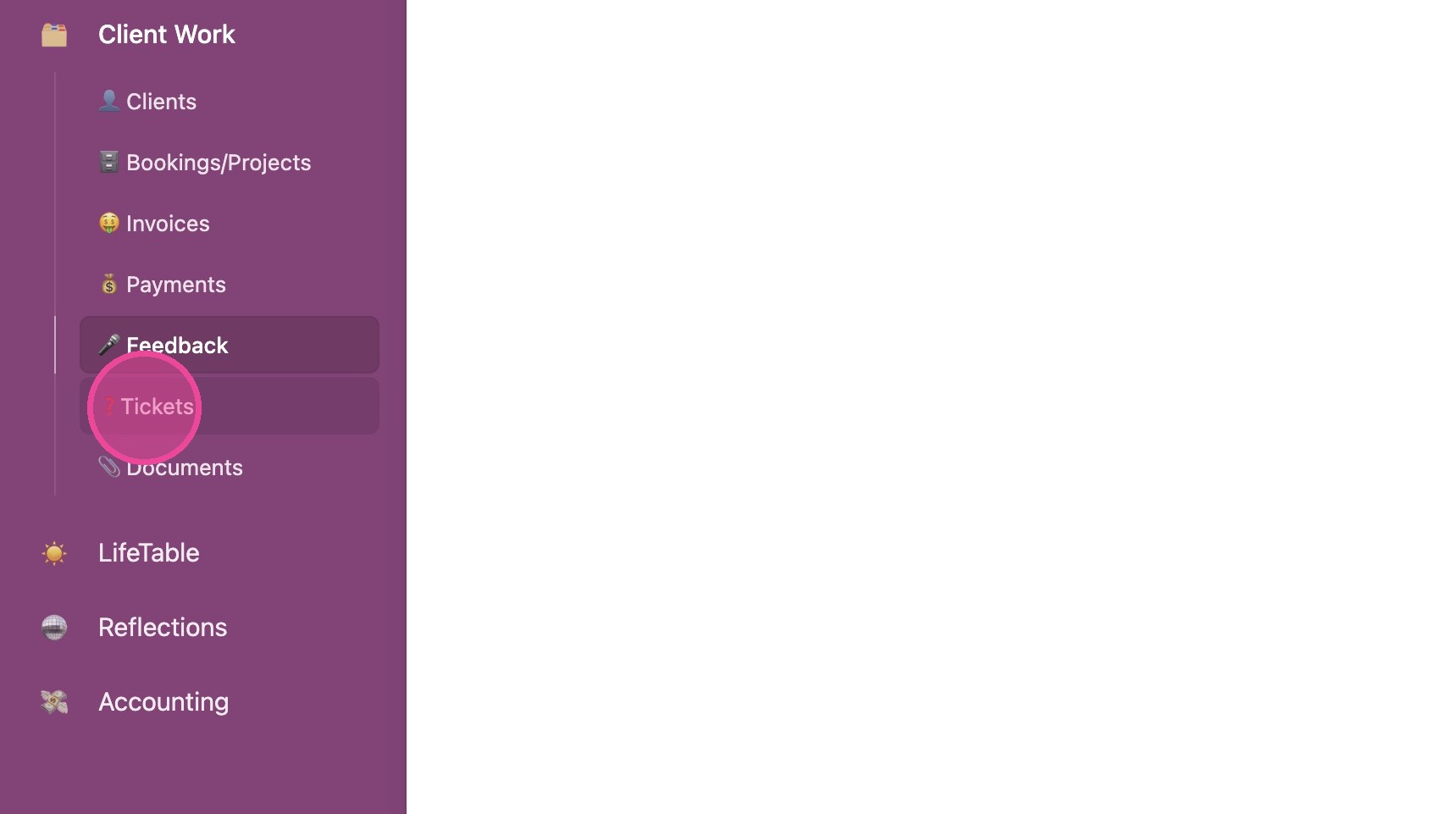
1. Click "❓Tickets"
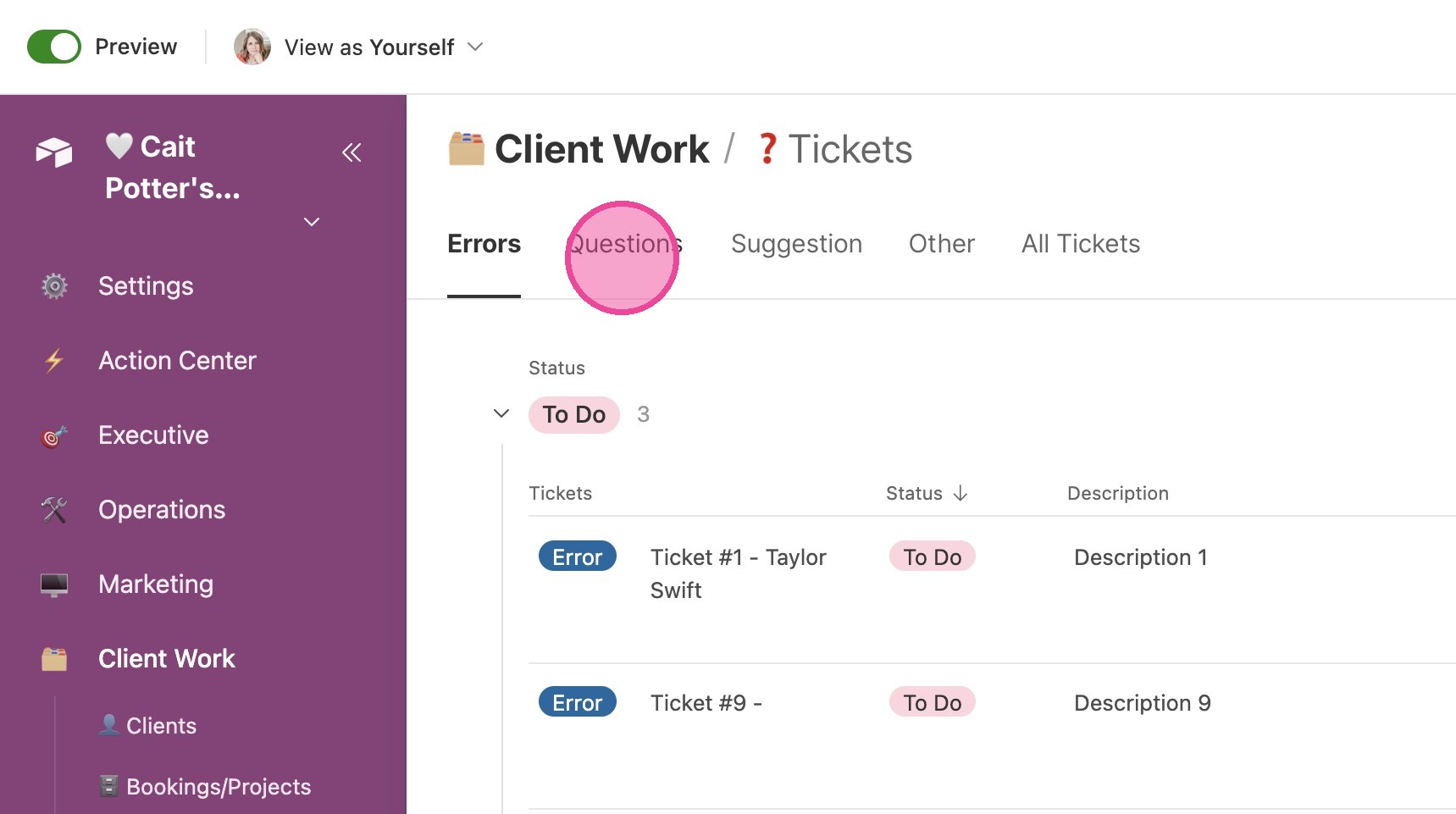
2. Click "Questions"
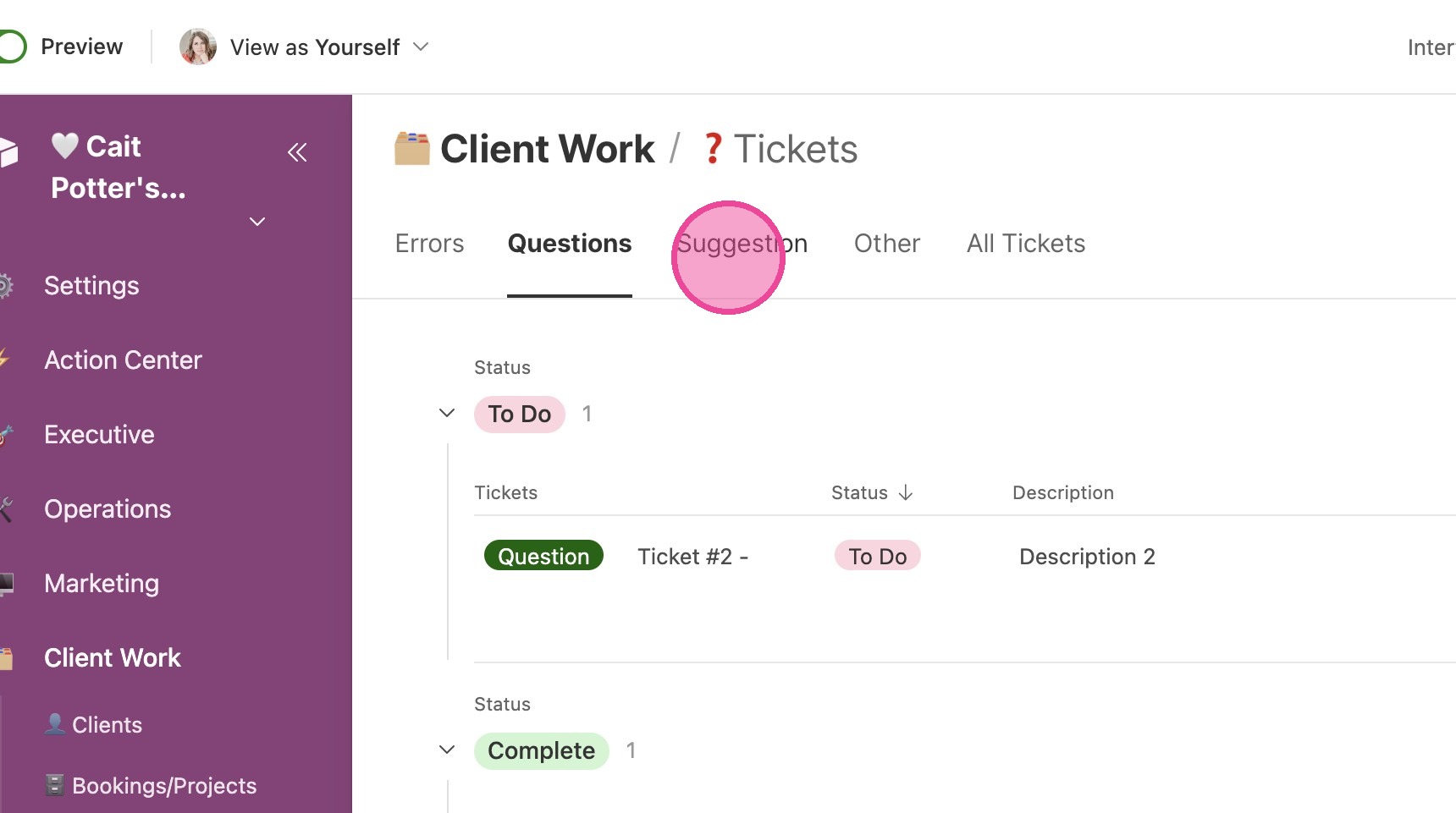
3. Click "Suggestion"
4. Click "Filter
1"
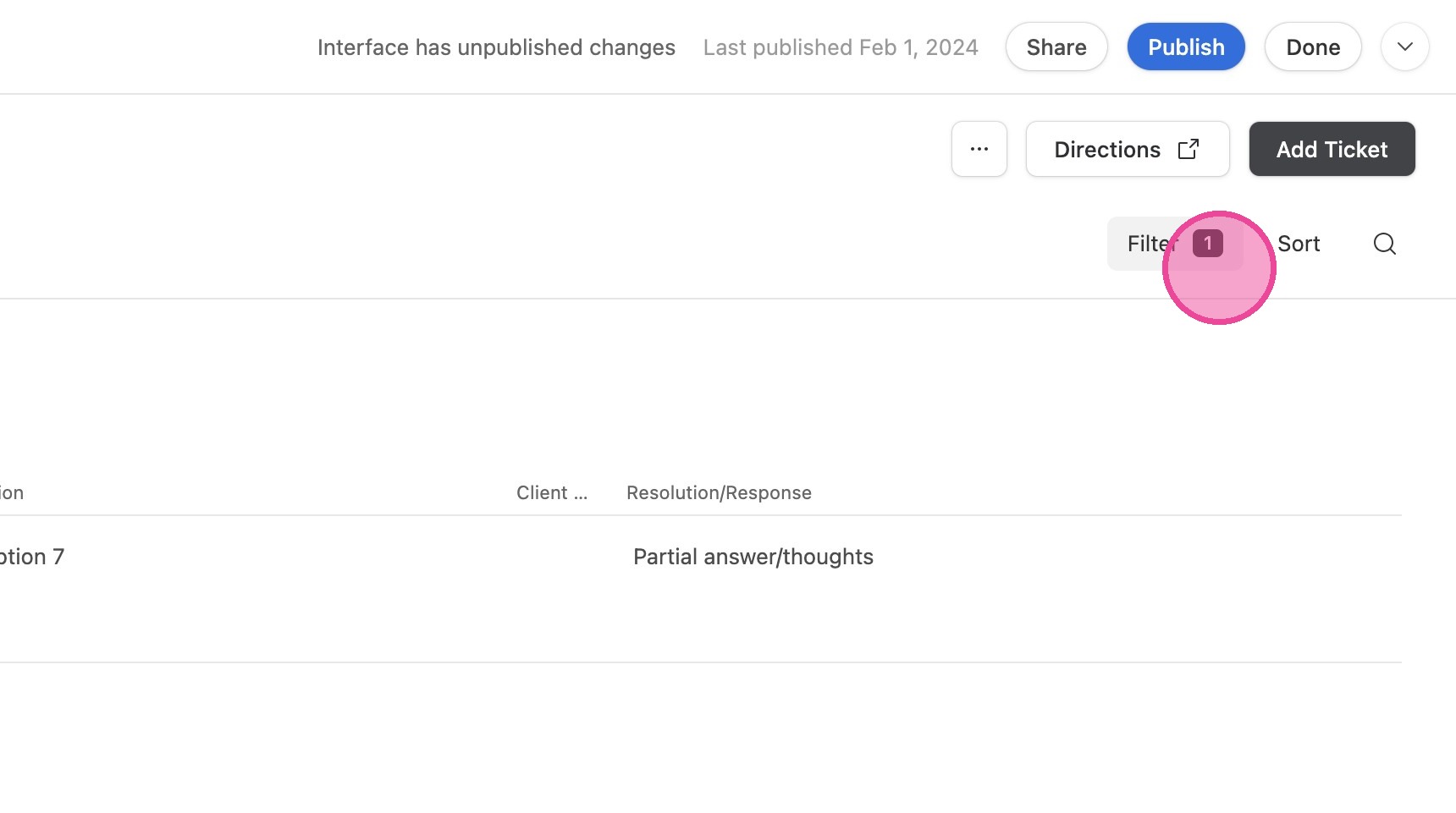
5. Click here.
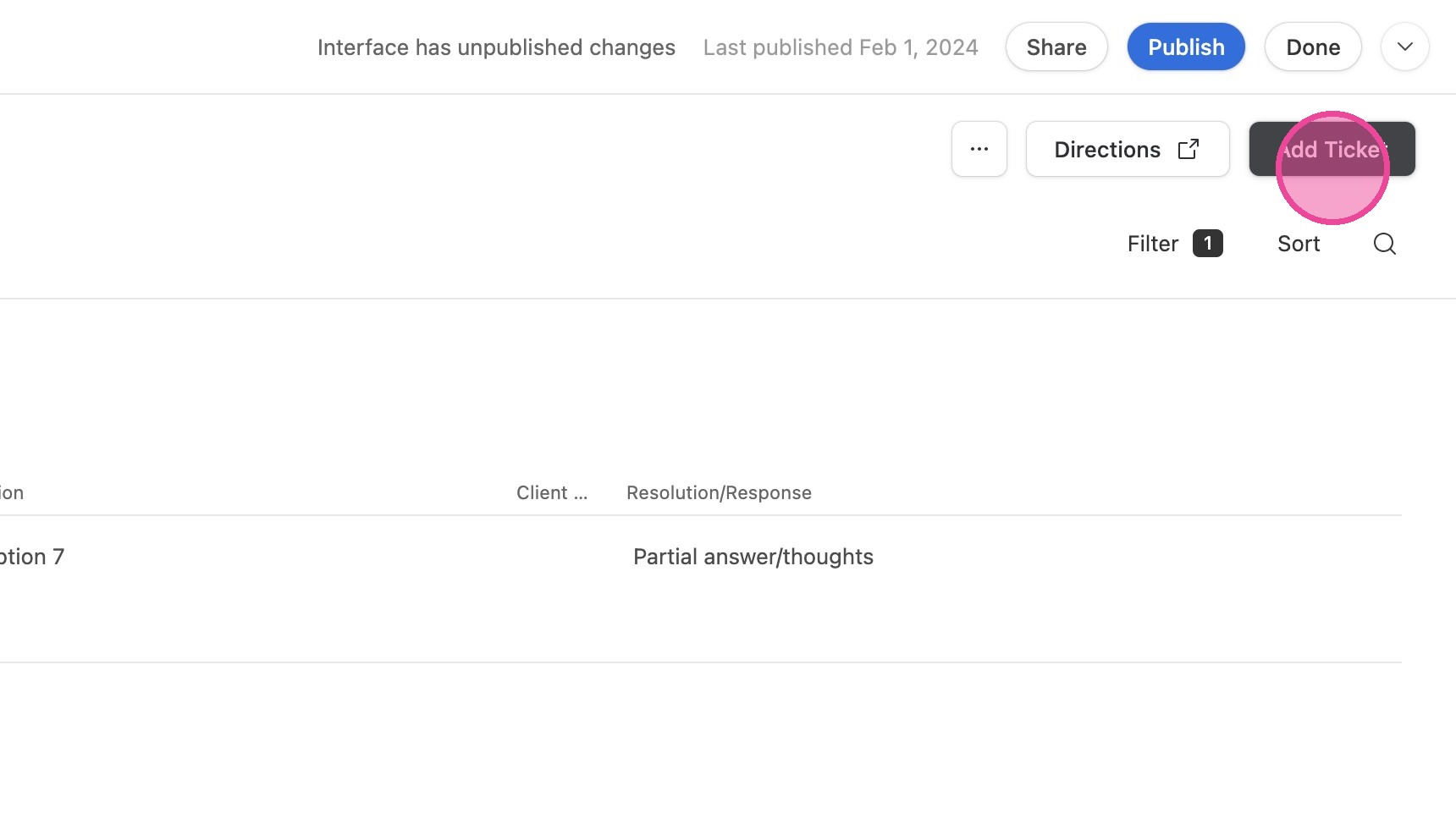
6. Click "Create"
7. Click here.
8. Click "Errors"
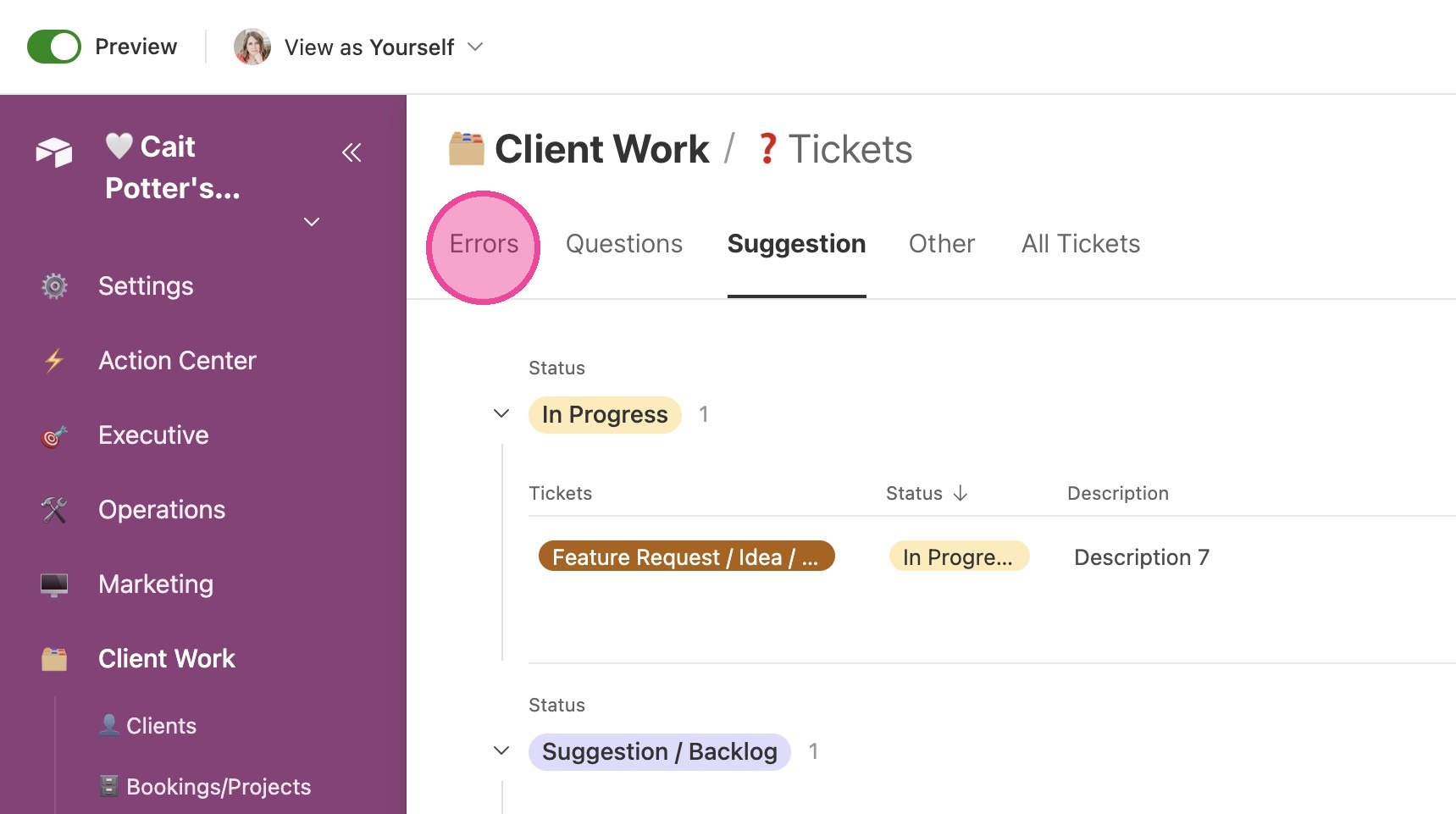
9. Click here.
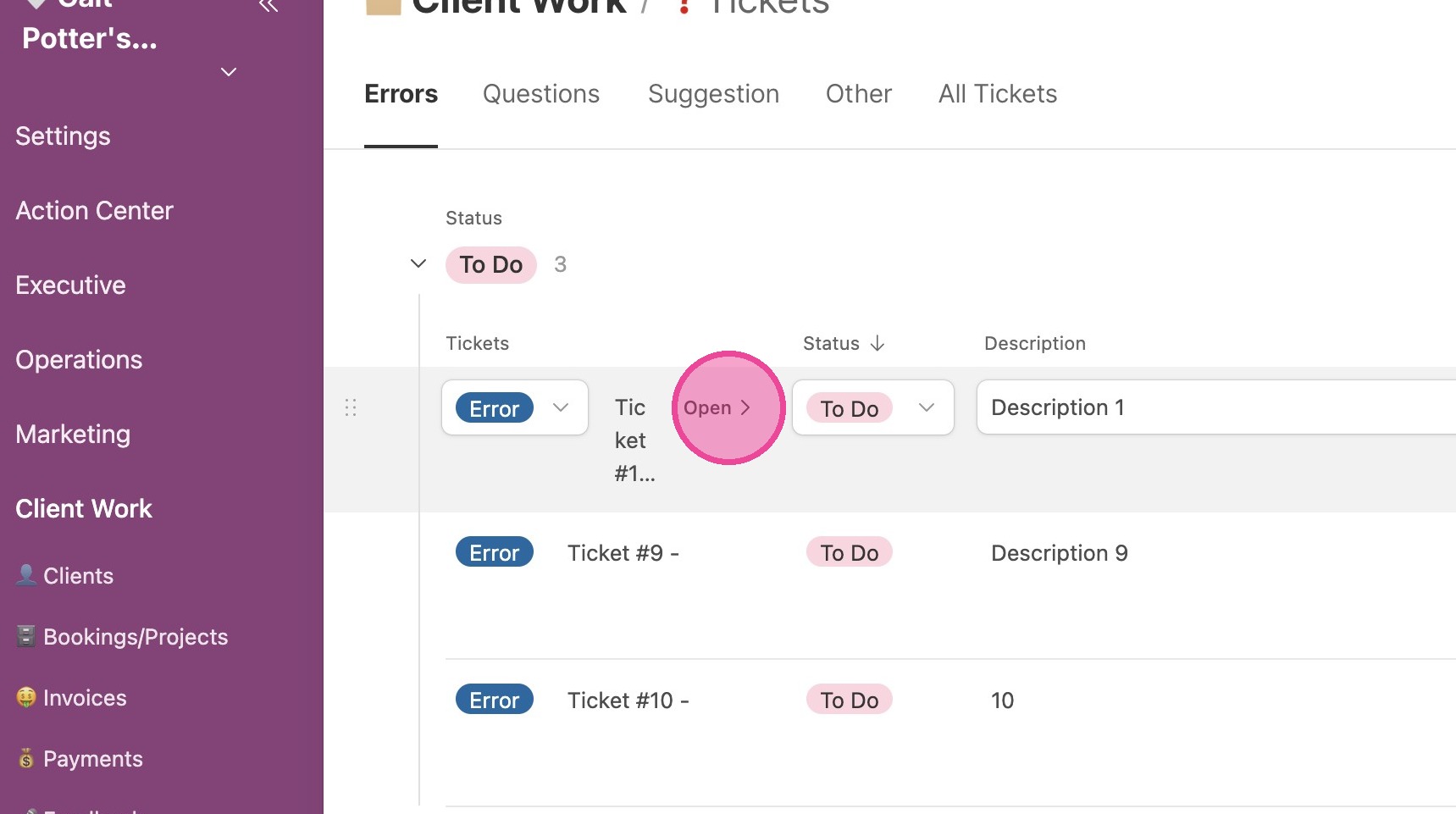
10. Click here.
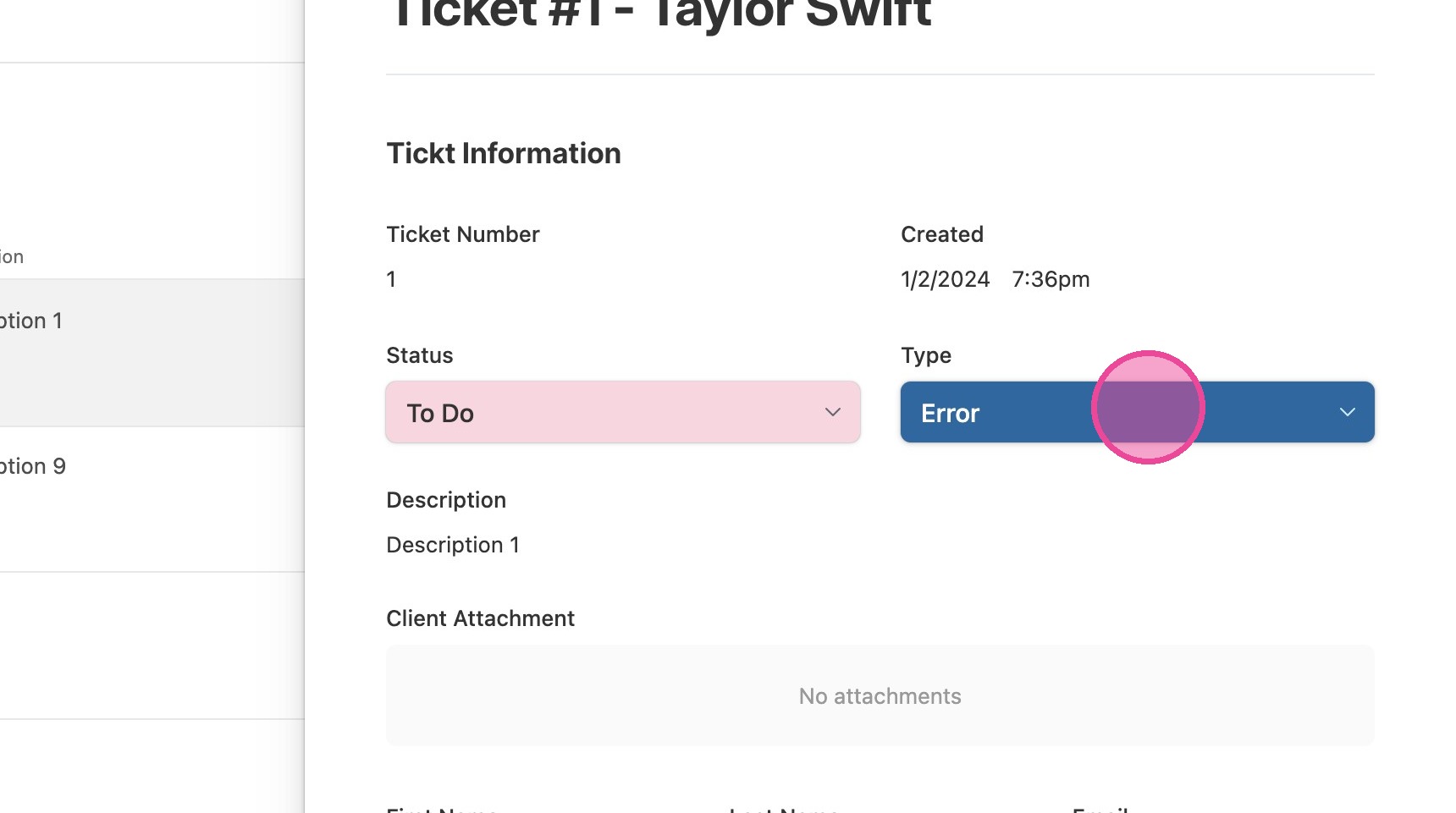
Respond to Ticket
11. Fill in your resolution/response to the ticket here. If there are any relevant attachments, upload those.
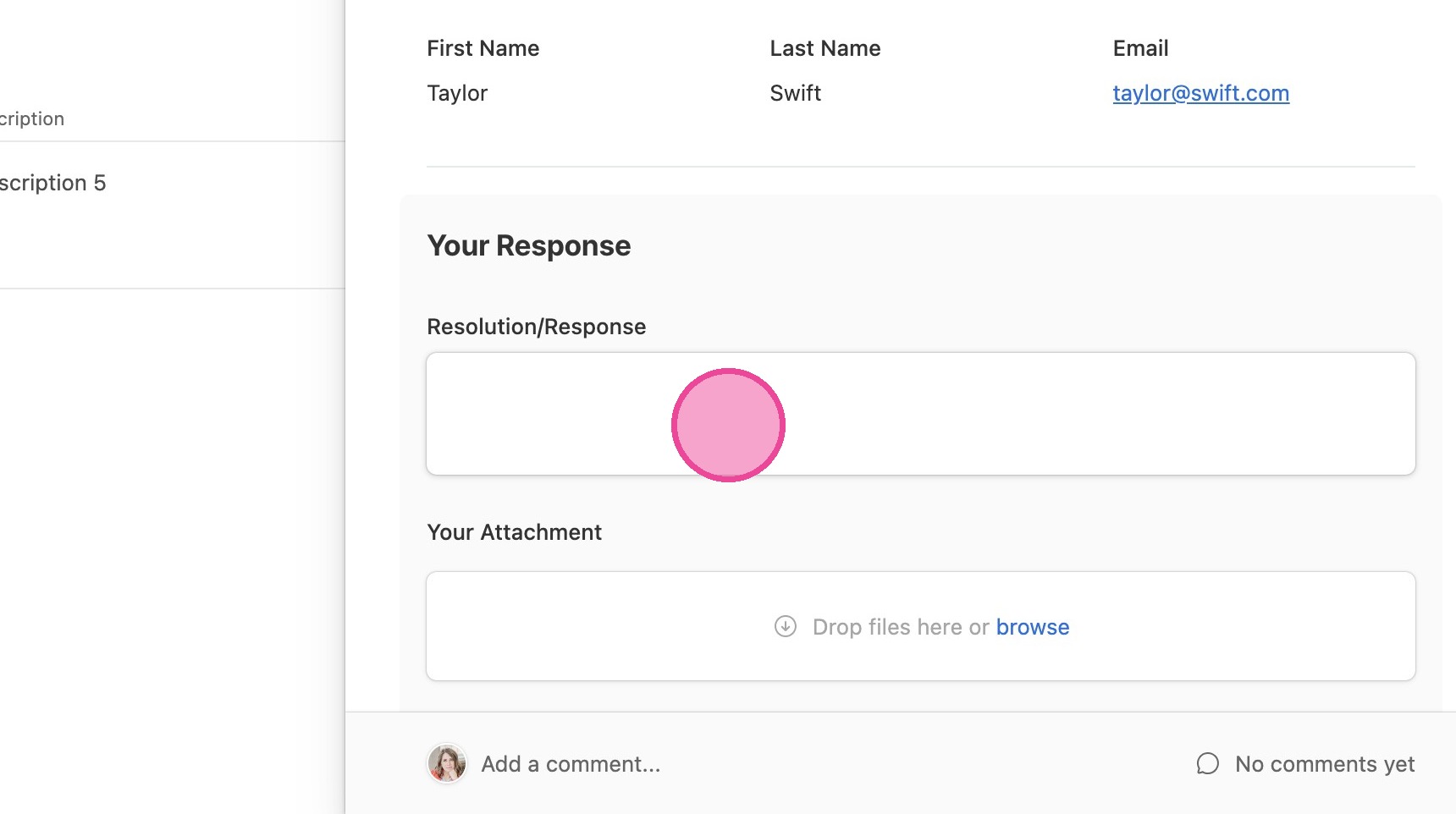
12. If you have any private notes about the ticket that you don't want the customer to see, submit that here.
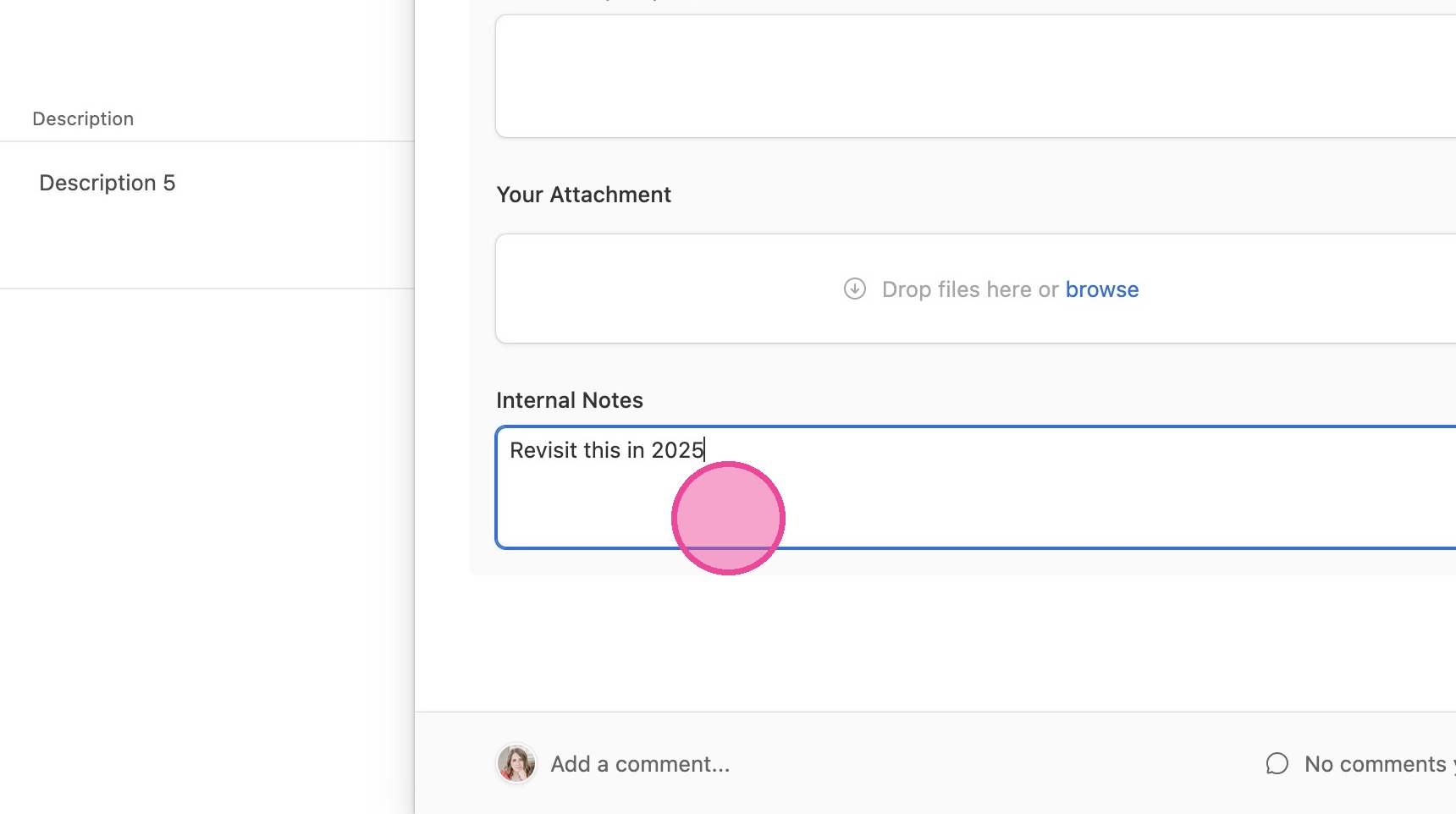
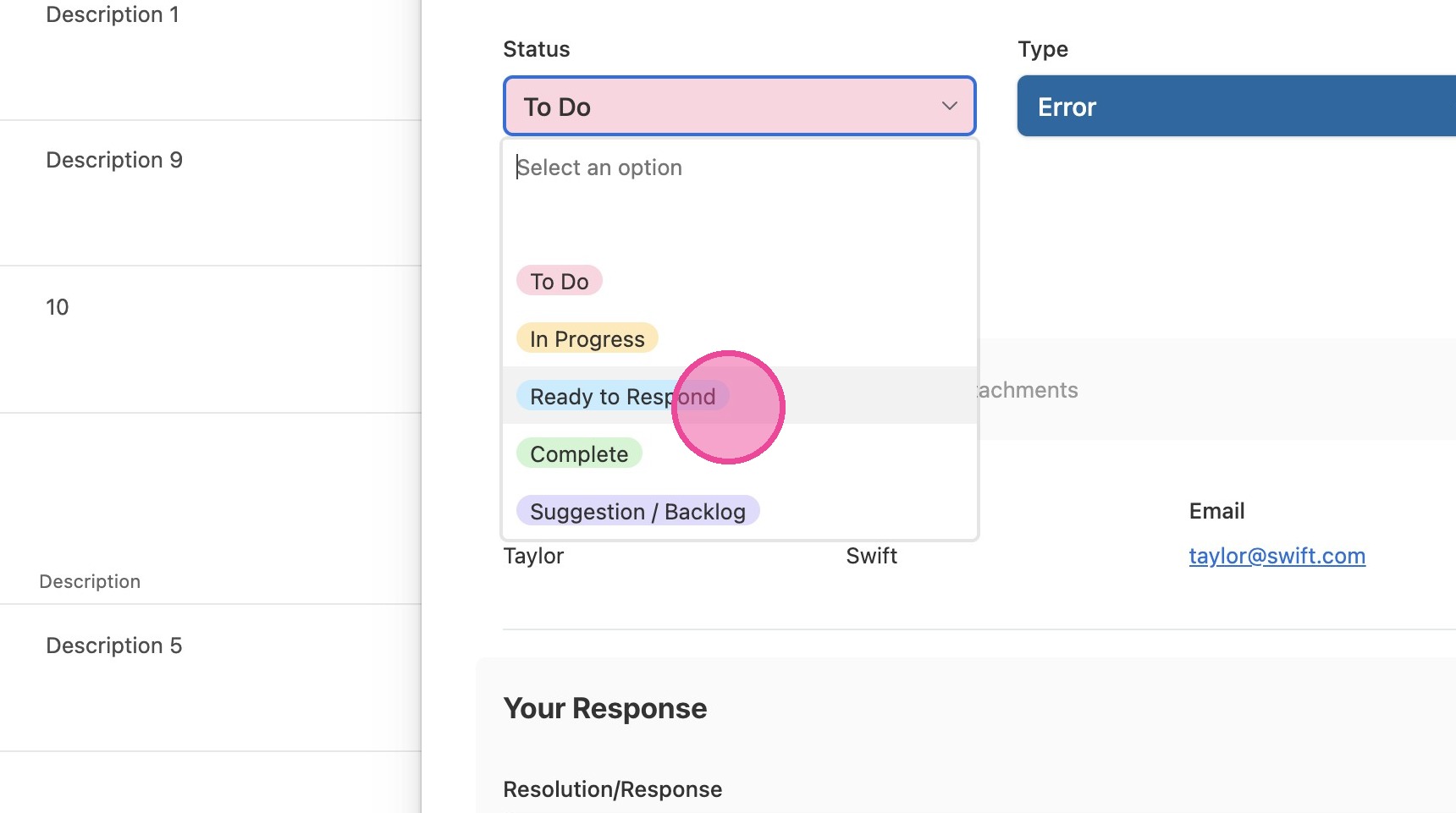
13. When you're ready, change the status to "Ready to Respond" OR "Complete", depending on your process. The "Tickets" tutorial includes another tutorial on how to automate a response once you mark the ticket as "Ready to Respond".