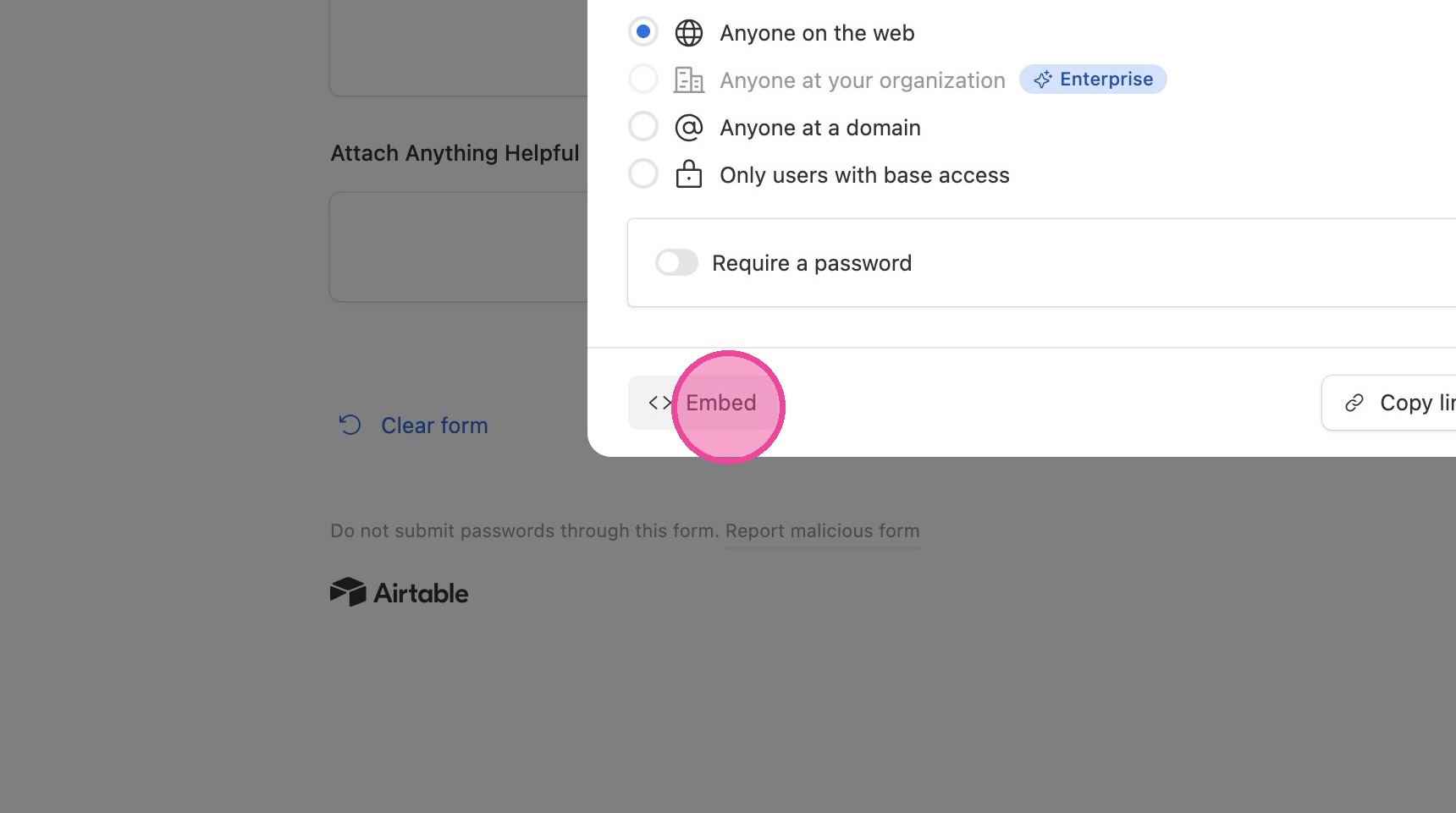
How to Create a Public Ticket Form in Airtable
Customize the Form
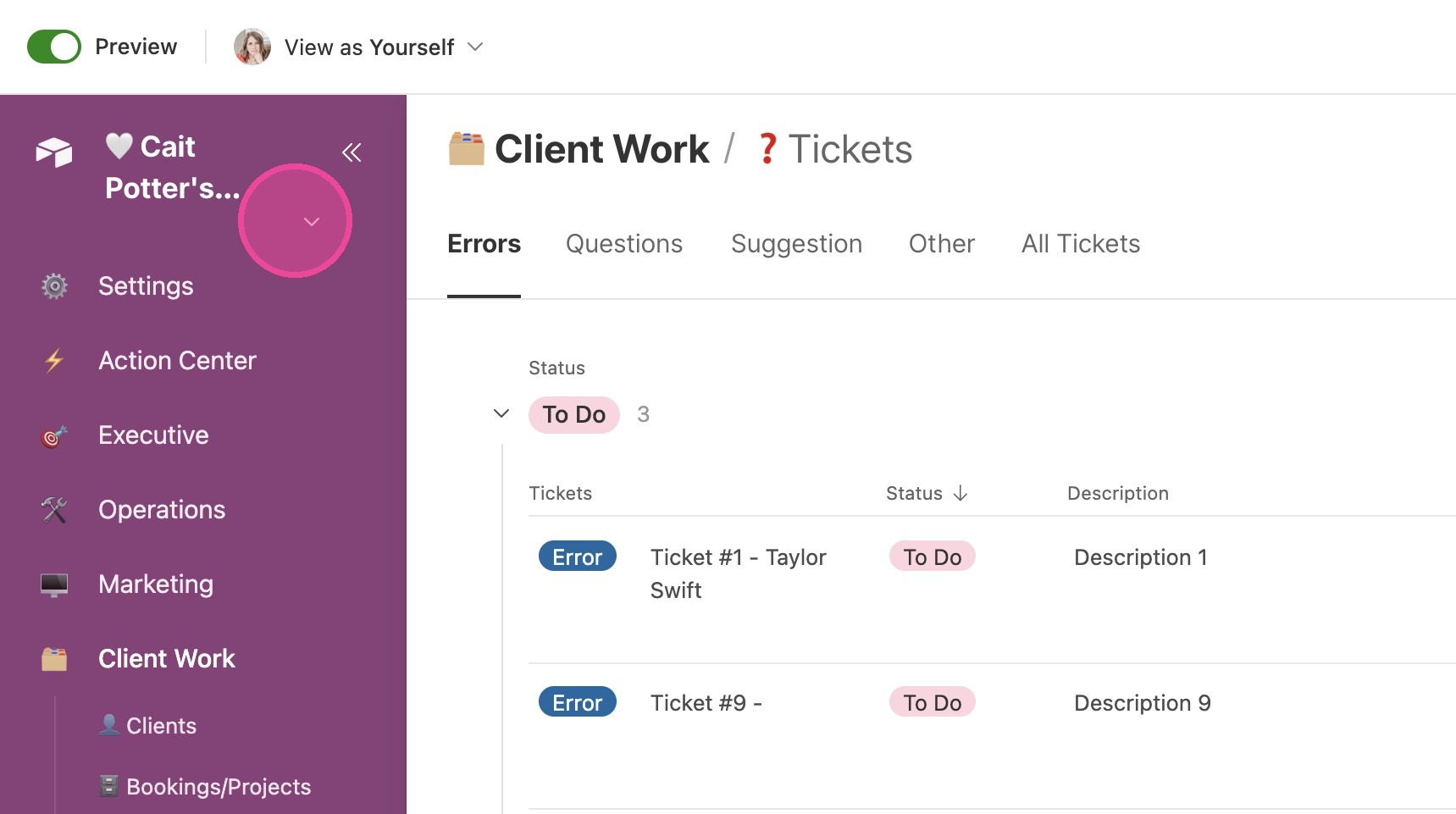
1. Click this icon next to your CommandCenter Title
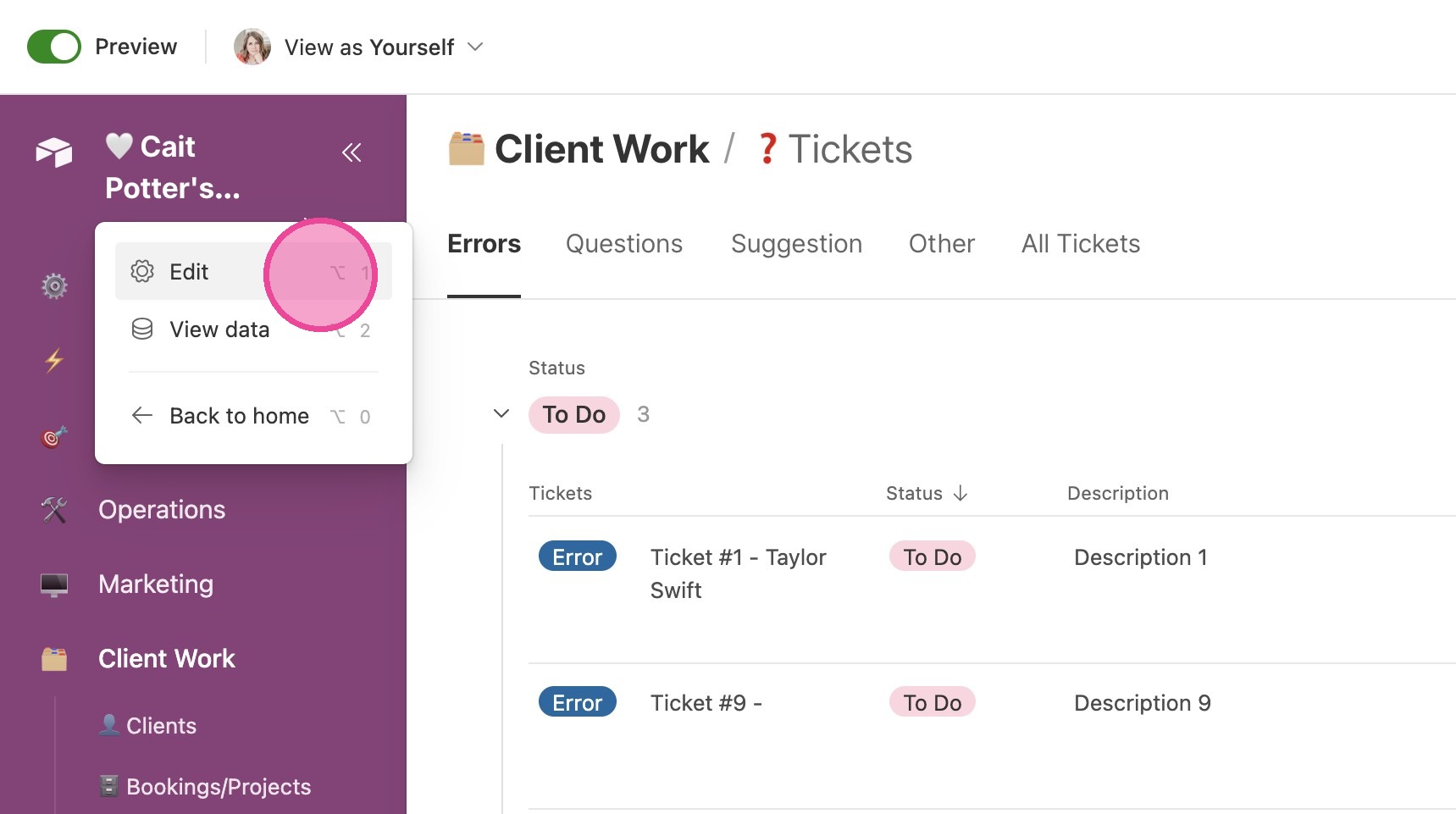
2. Click "Edit
⌥1"
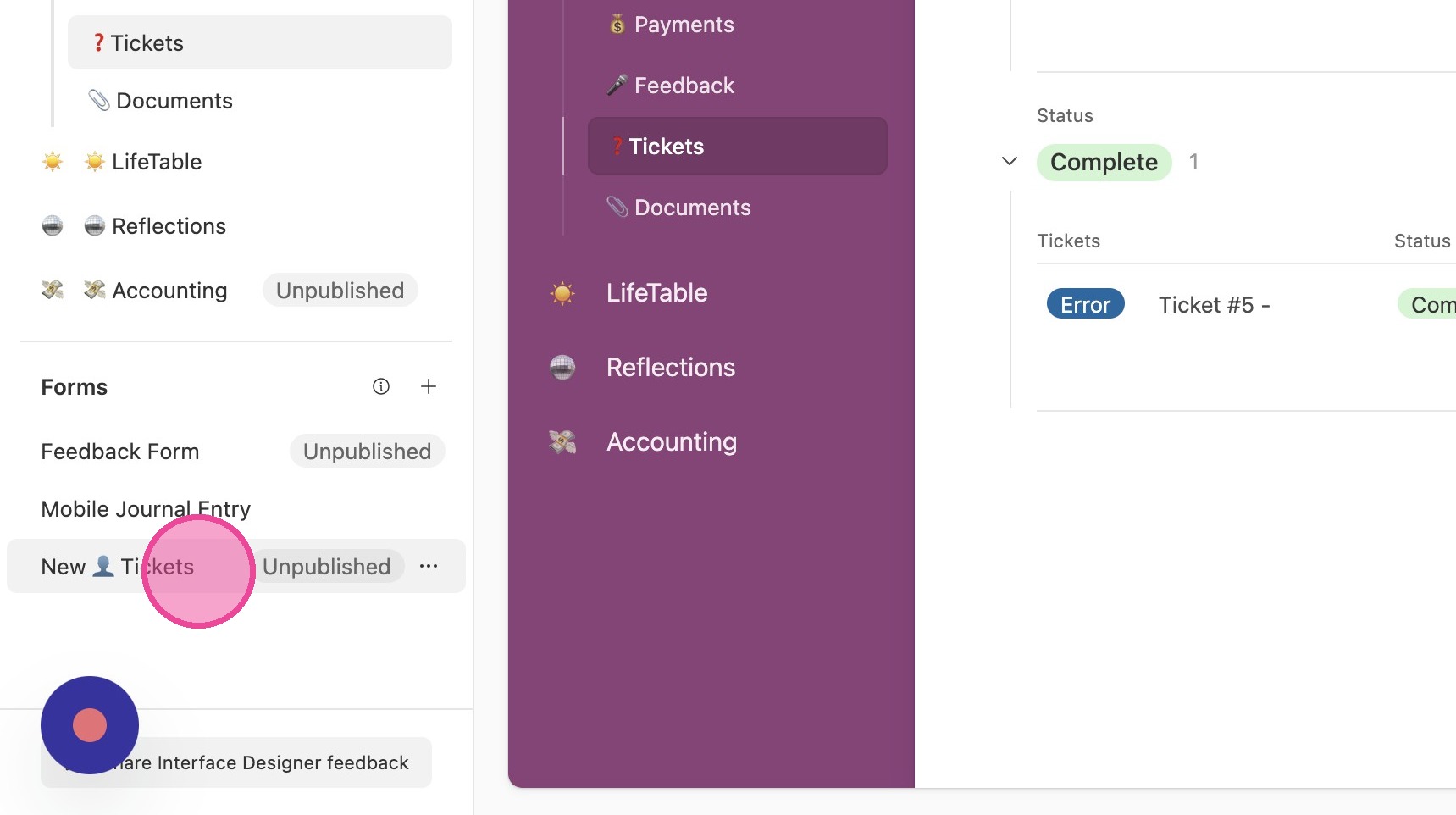
3. Click "New 👤 Tickets"
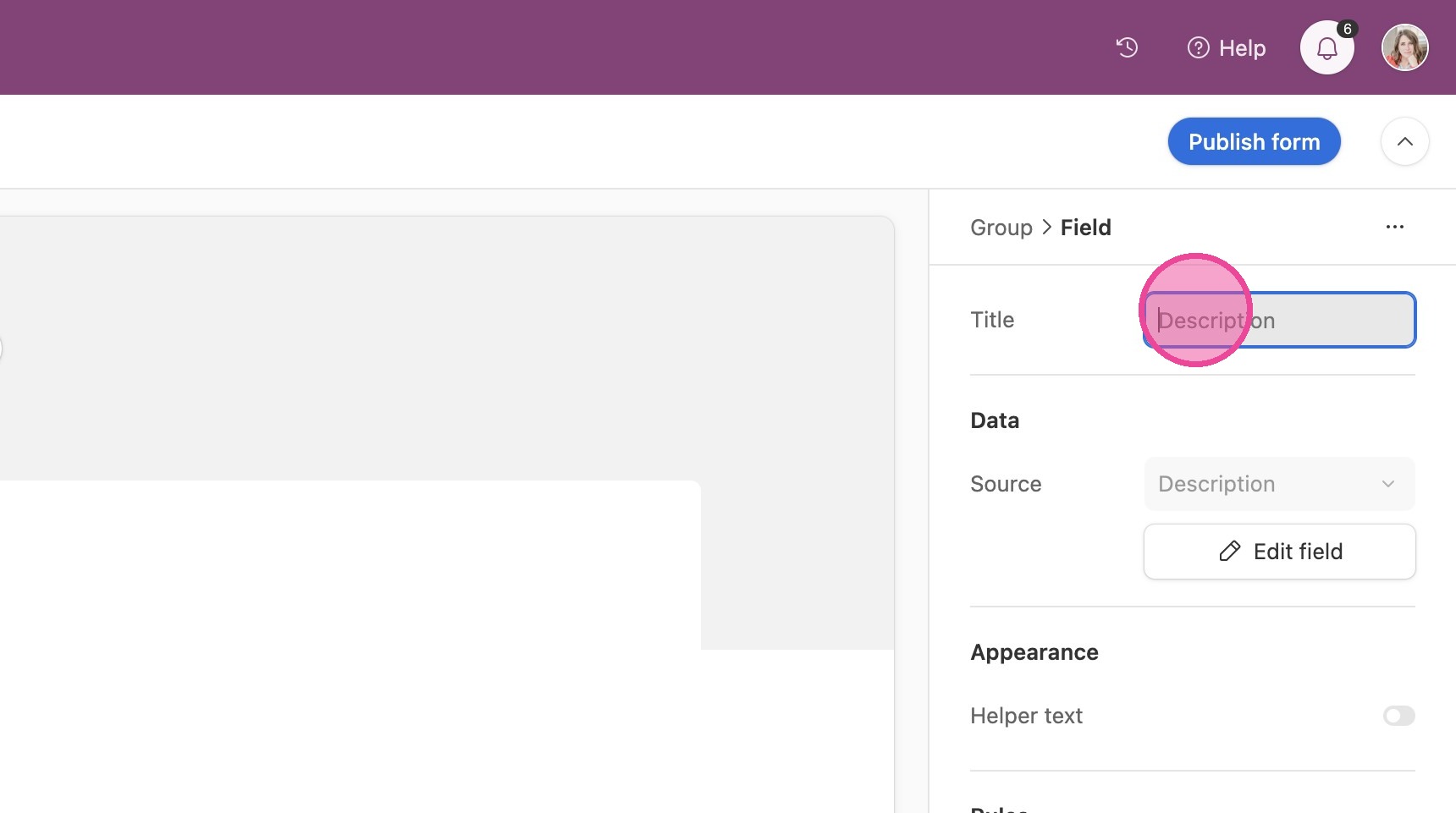
4. Customize this question as desired.
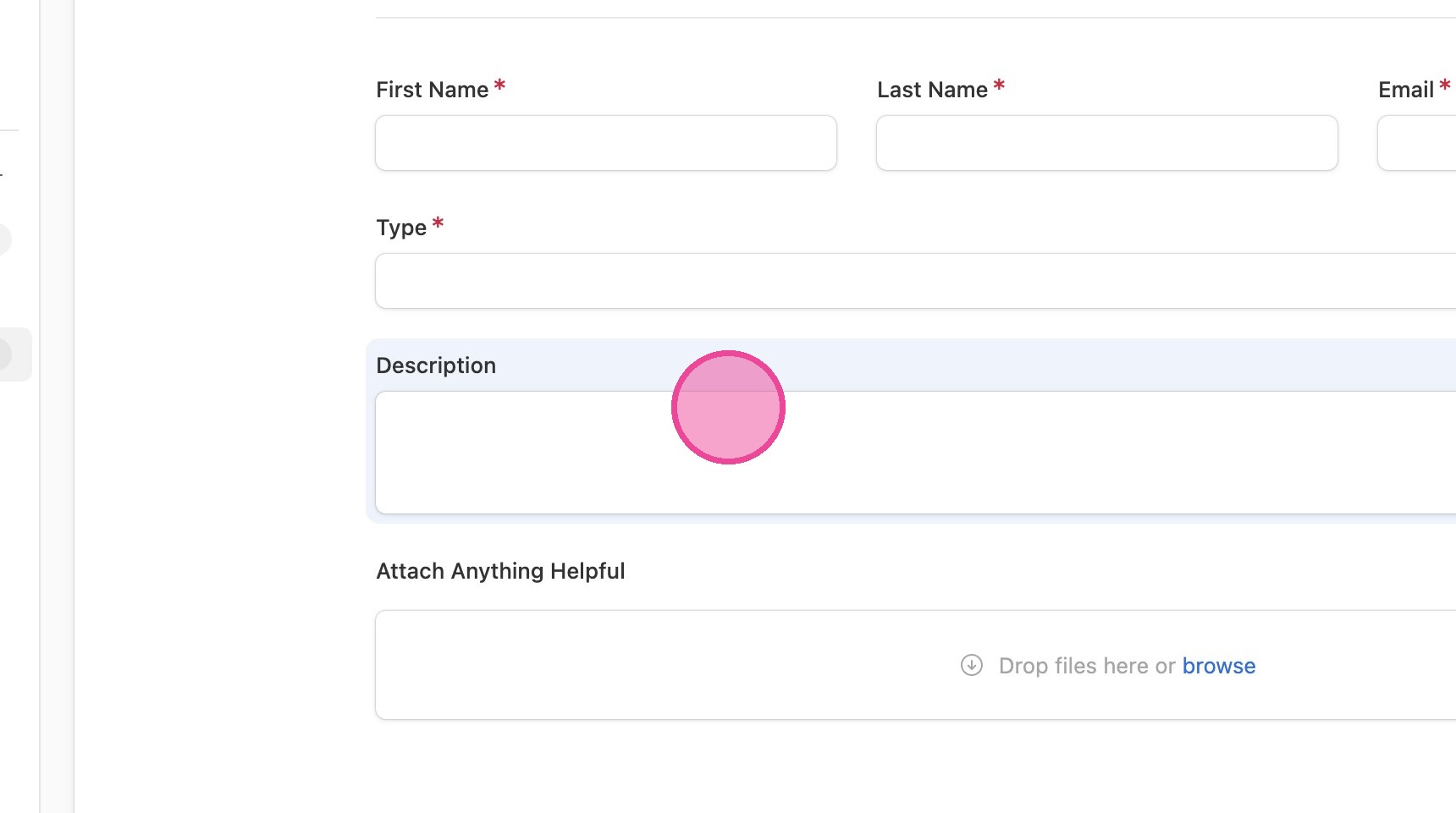
5. It is recommended to leave it general so that the box works no matter what kind of ticket they are submitting.
Publish the Form
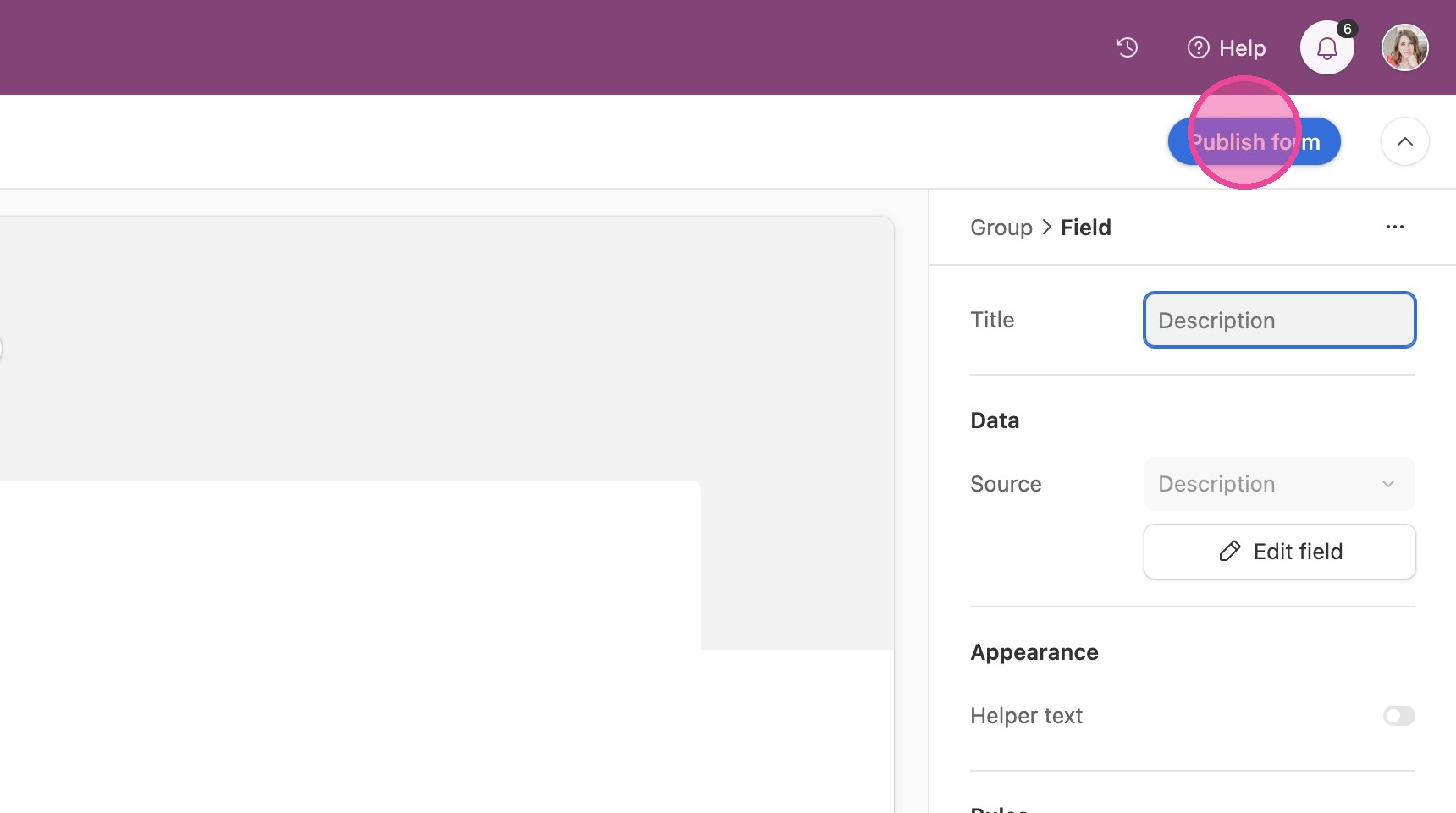
6. Click "Publish form"
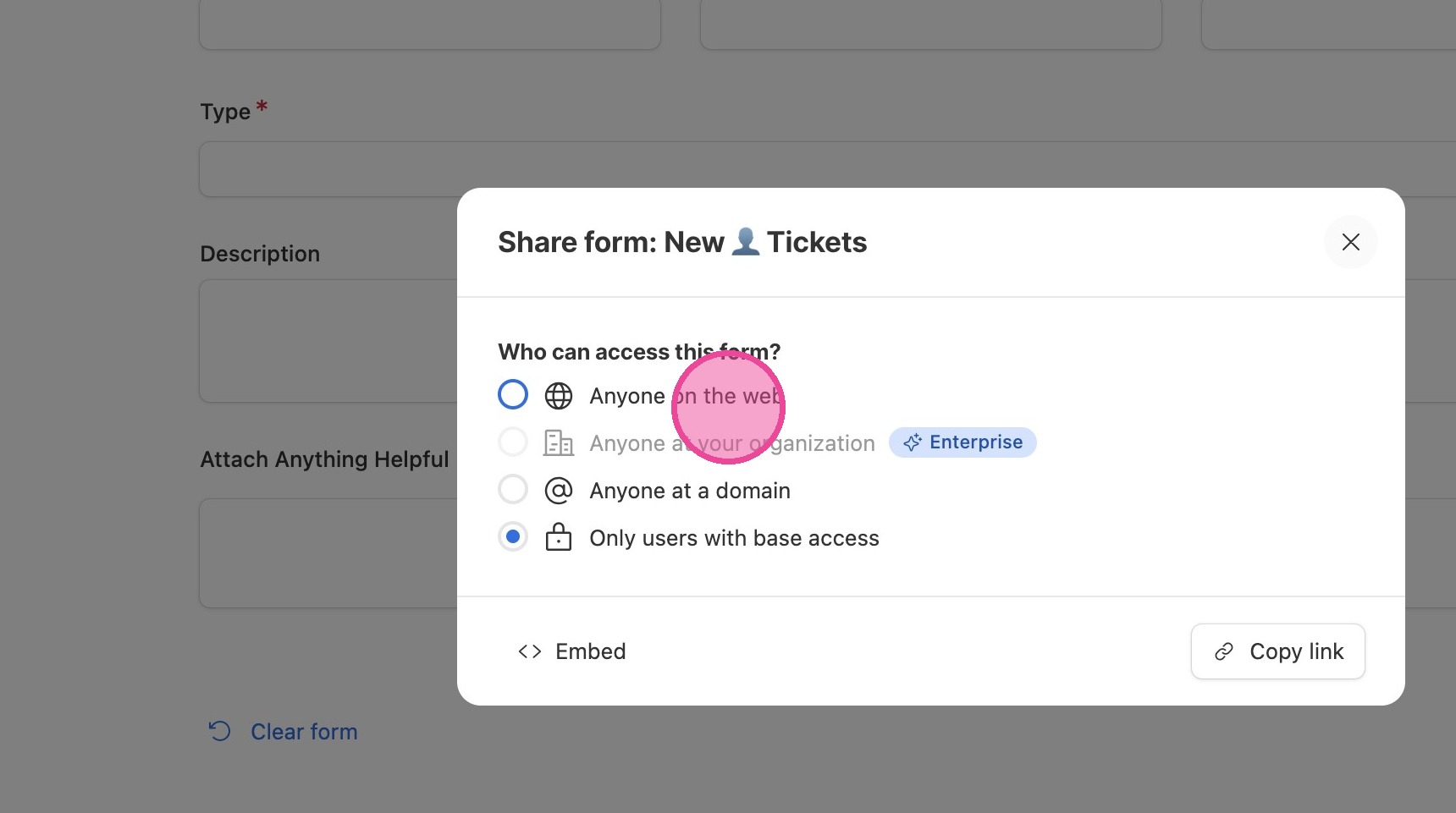
7. Click "Anyone on the web"
Share Via Link
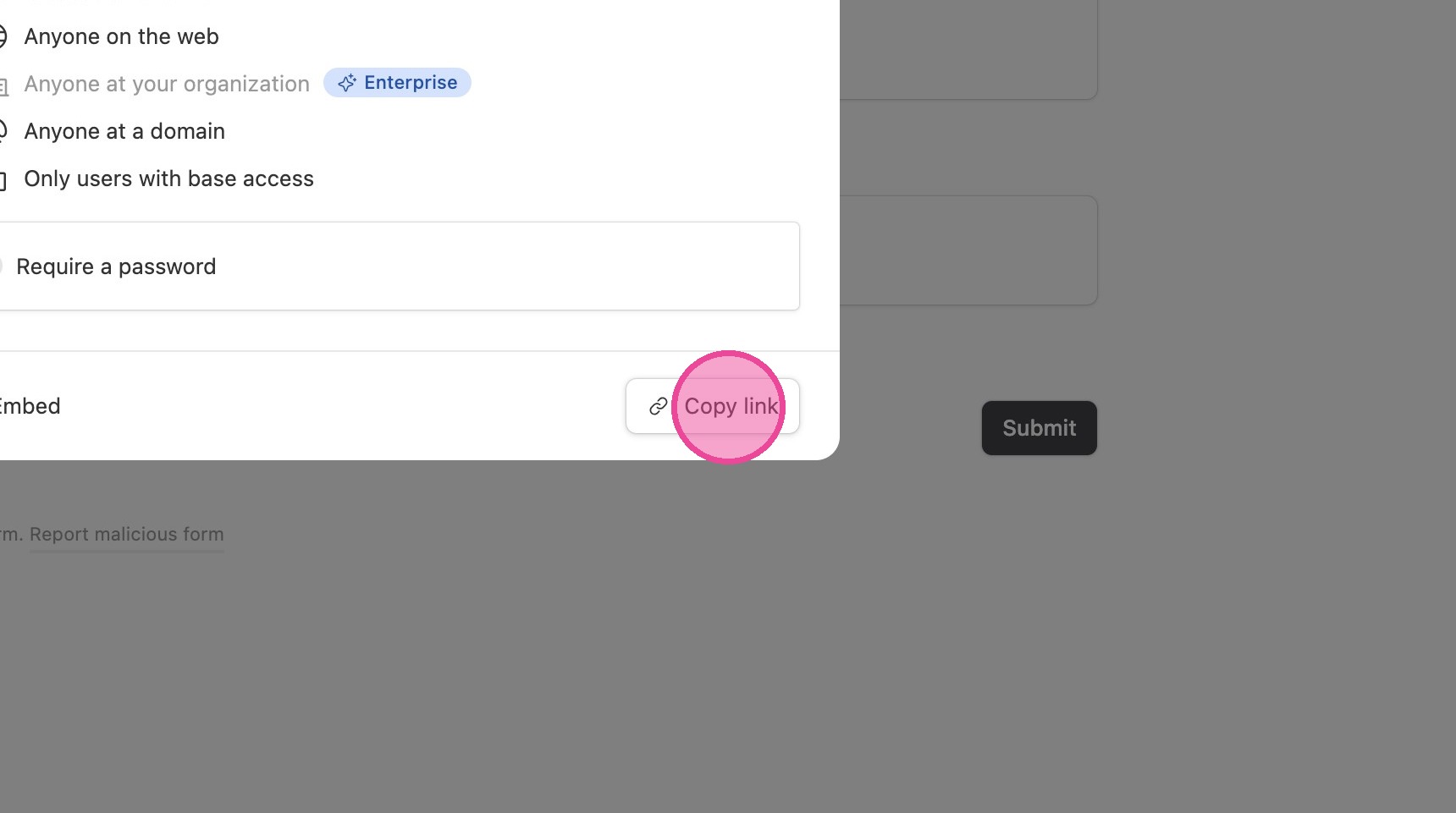
8. Click "Copy link"
Share Via Embed
9. Click "Embed" & copy the code that pops up to wherever you are embedding it.