
🤑 Invoices
What is it?
This is a spot to view your INVOICE information. The key to remember is that CommandCenter is NOT a CRM. That means that you're not going to be managing your invoices or payments. The reason this exists in the CommandCenter is to provide amazing information in the Executive Dashboard.
Inputting this information is a task that you can either assign to a VA or set up Zapier automations for.
Usability Checklist
Have you done all of this?
- Input all of your clients
- Created your projects
- Connected the two
- Created your invoices
How do I use it?
This is pretty simple! Input all of your Invoices so that you have them all in one place and can easily be shared with your team!
1. Click "🤑 Invoices"
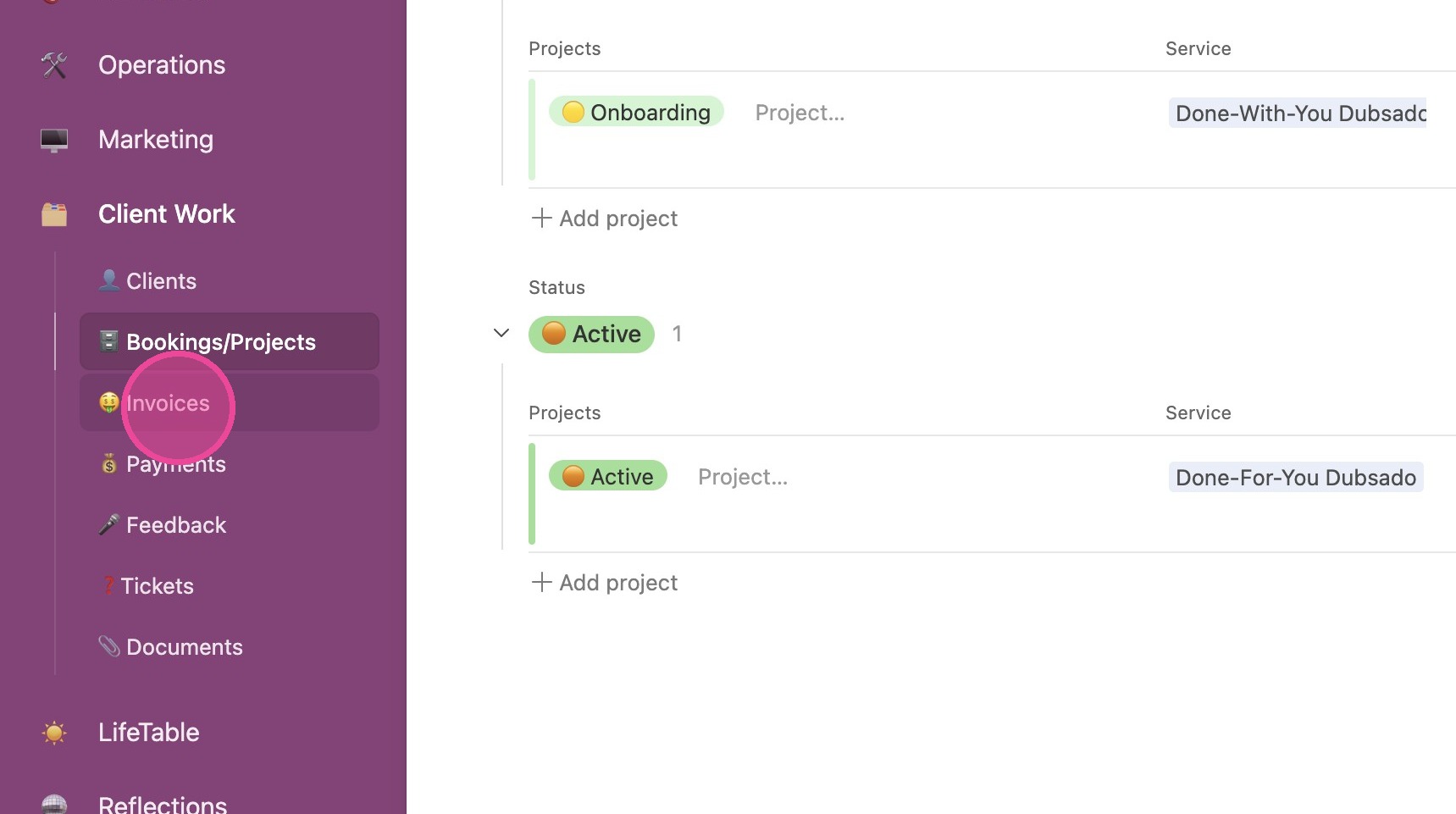
View Details
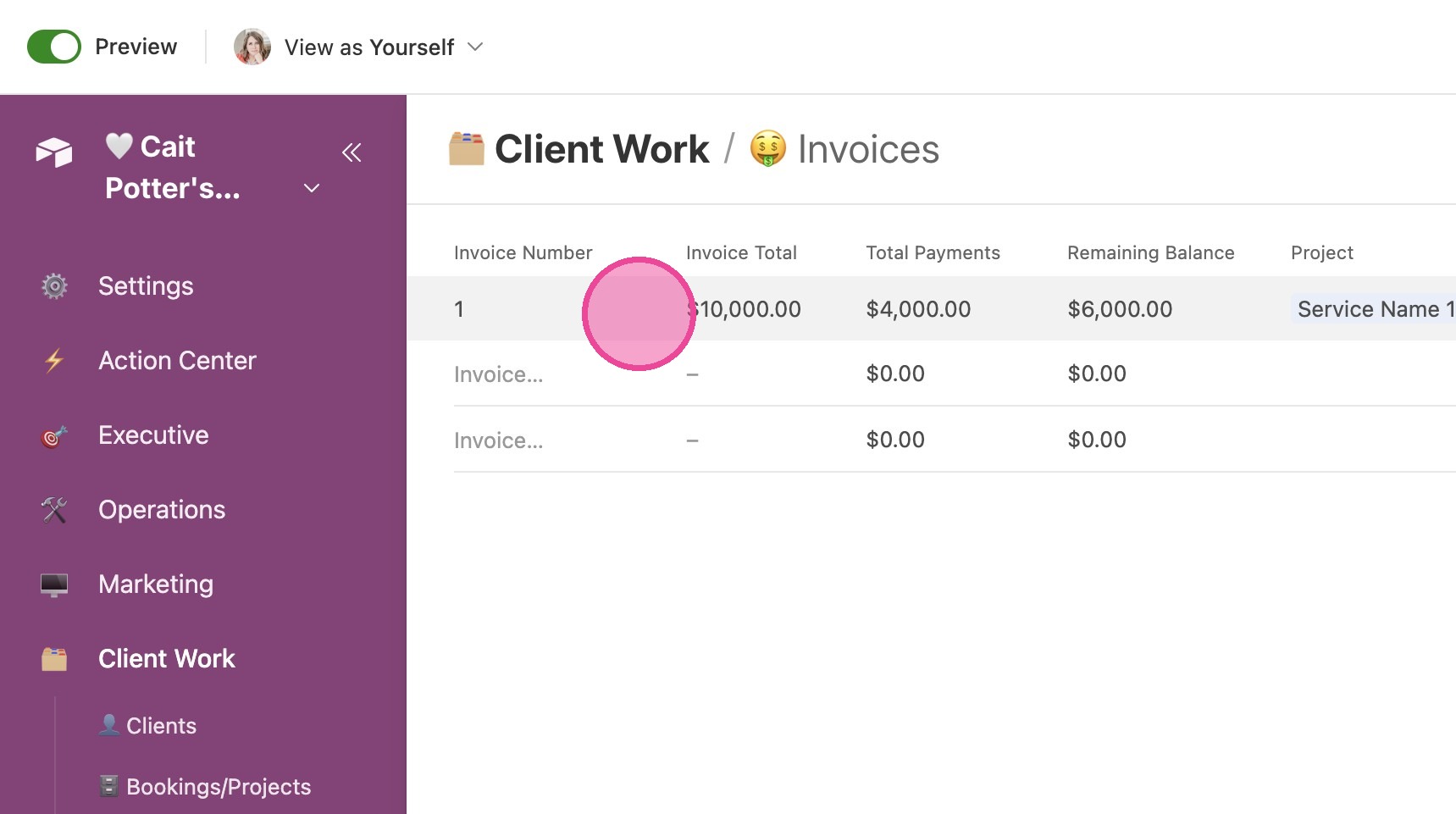
2. Click on any invoice to open the details.
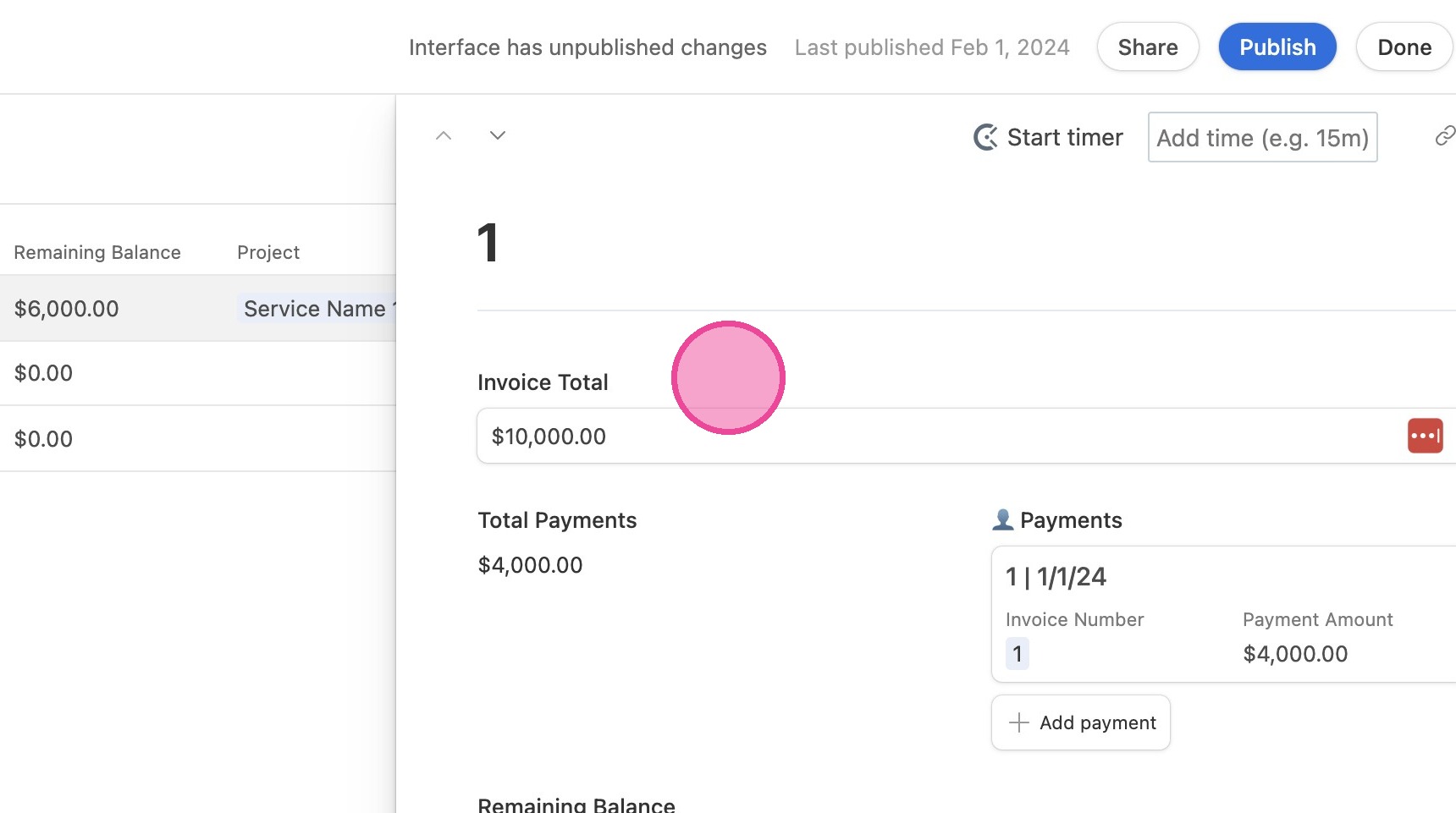
3. You can edit all information from here.
Tip: Tip! Note that the Client and Booking/Project should be created BEFORE creating any Invoices. Then Payment should be created AFTER the invoice.
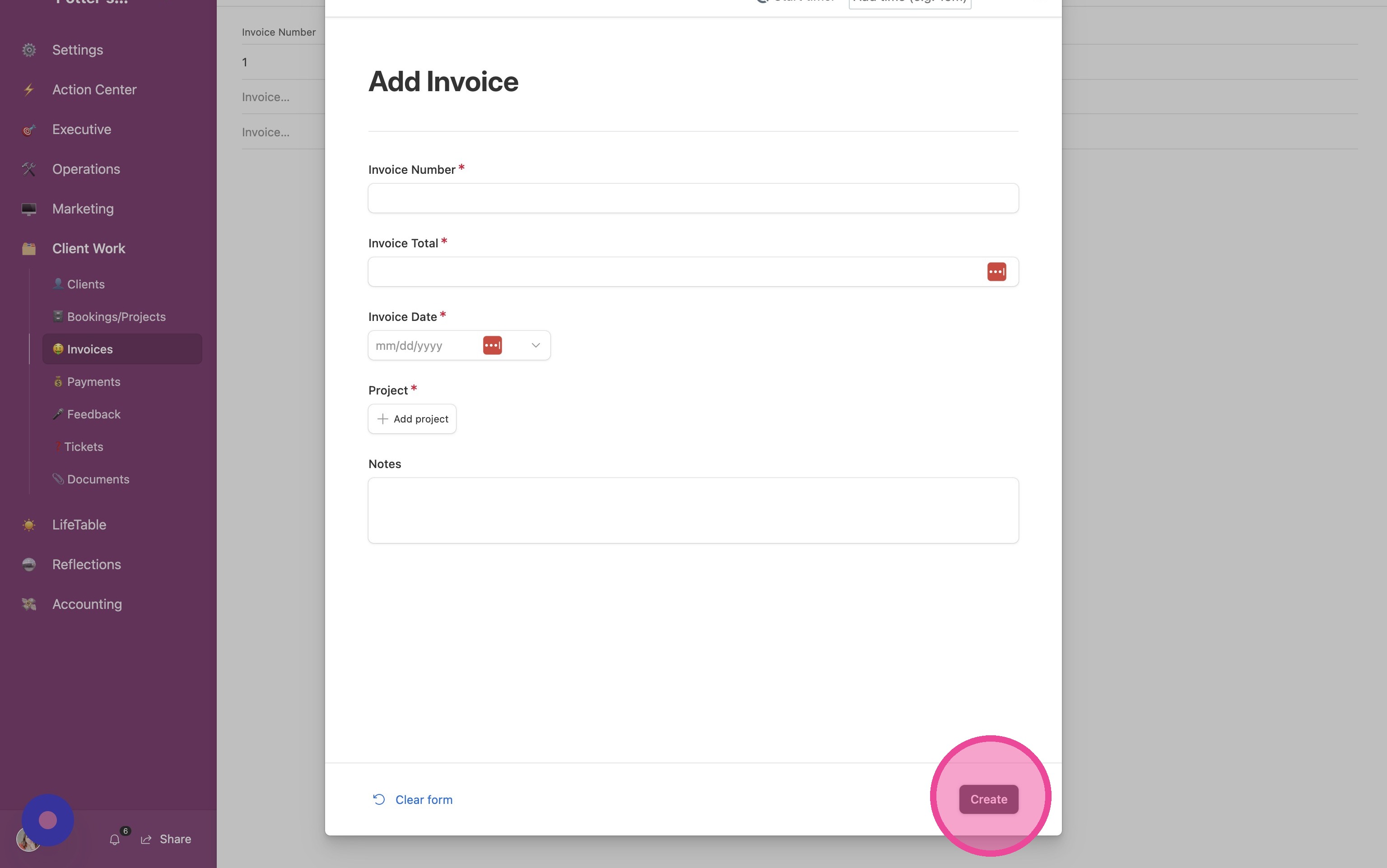
Add New Invoice
4. Click "Add Invoice"
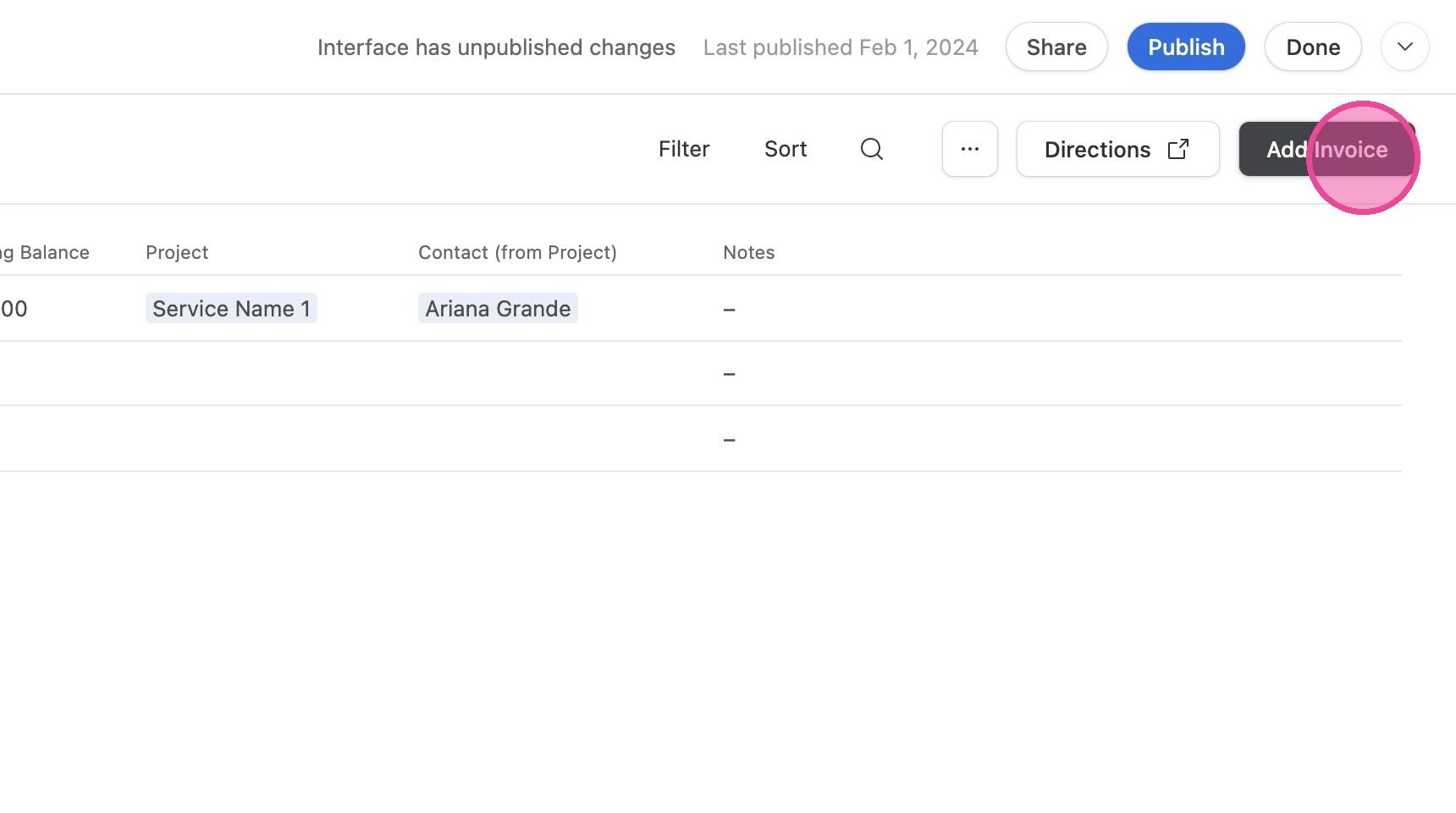
5. Fill out the form and click "Create"
Tip! Note that the Client and Booking/Project should be created BEFORE creating any Invoices. Then Payment should be created AFTER the invoice.