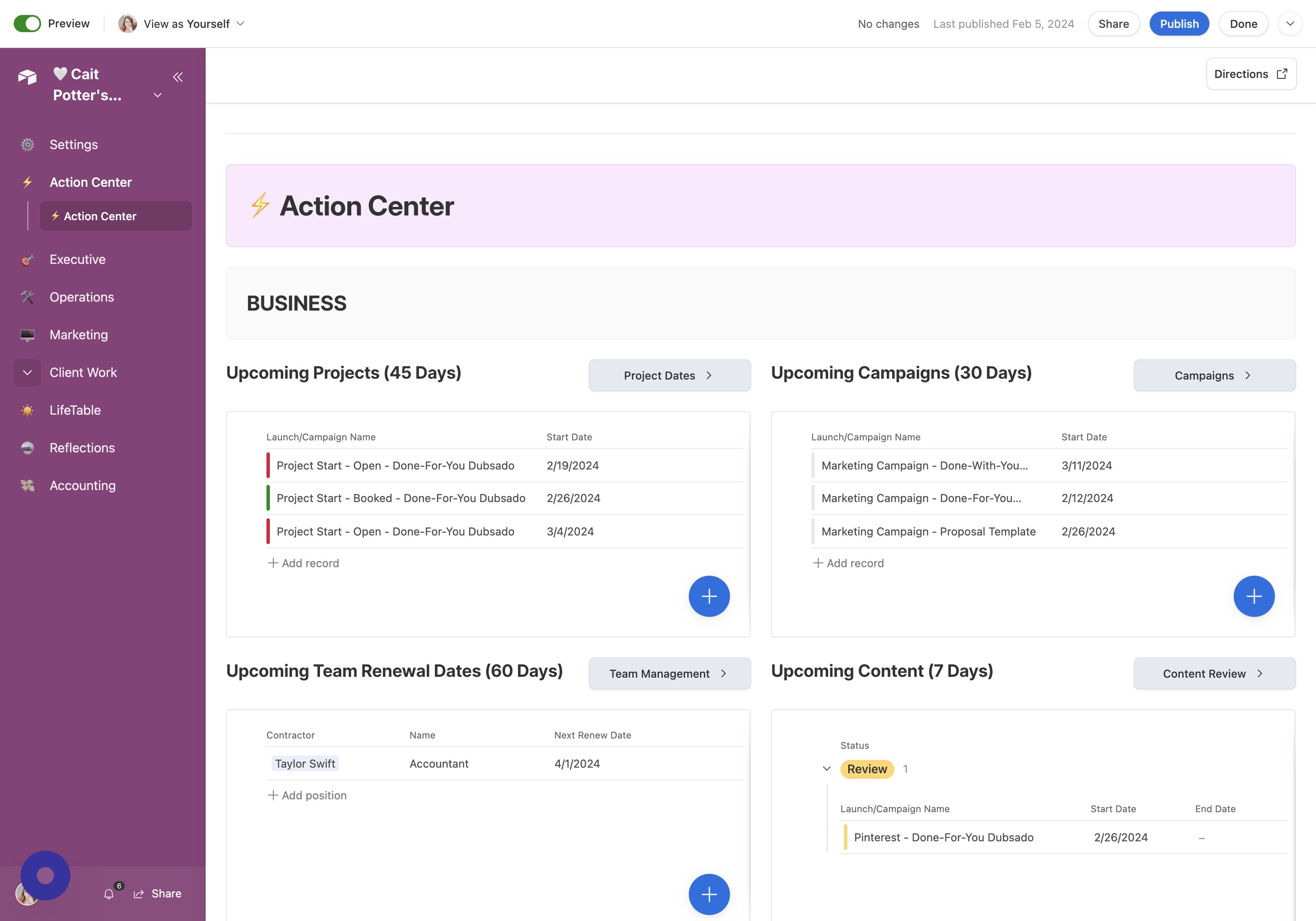
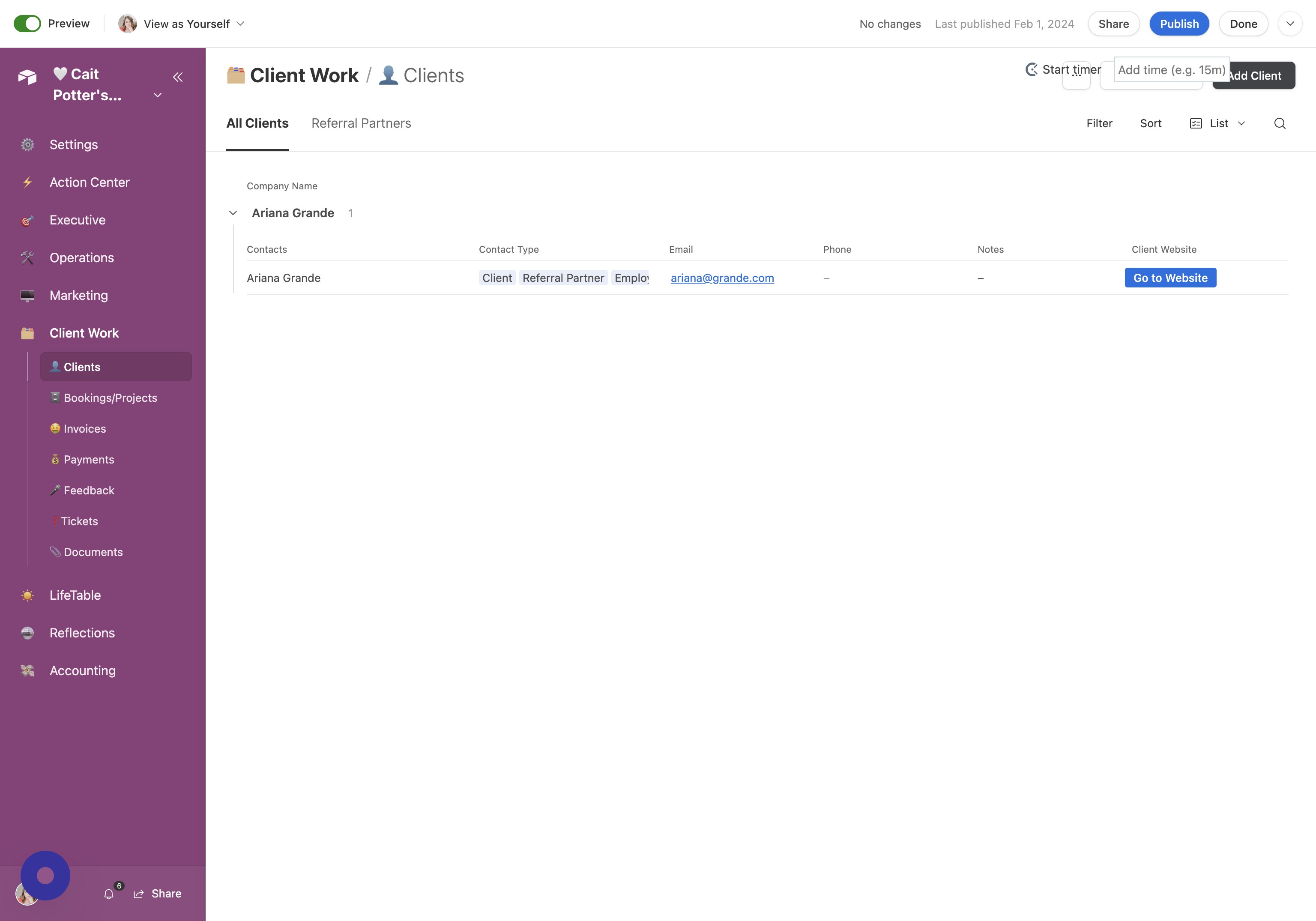
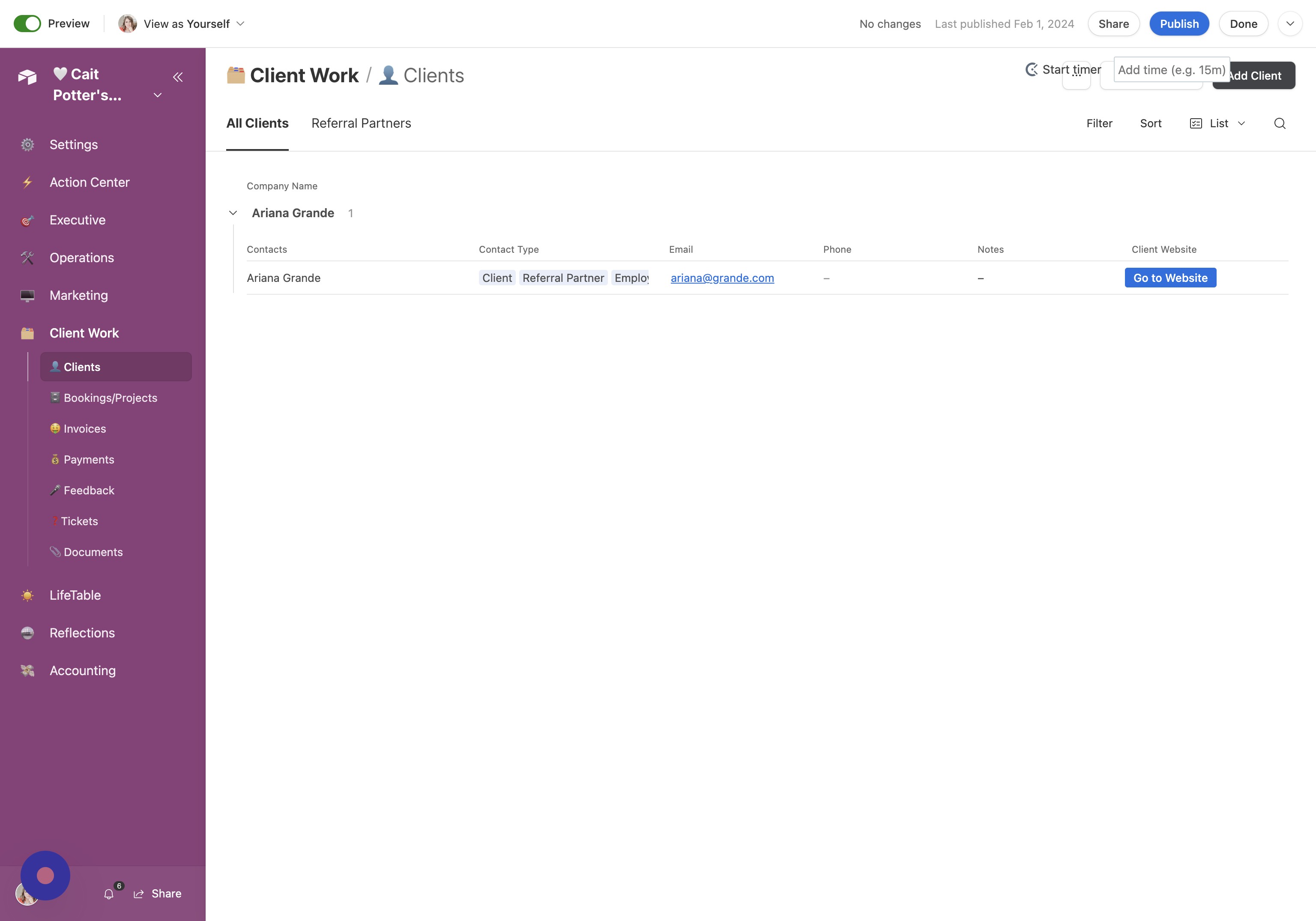
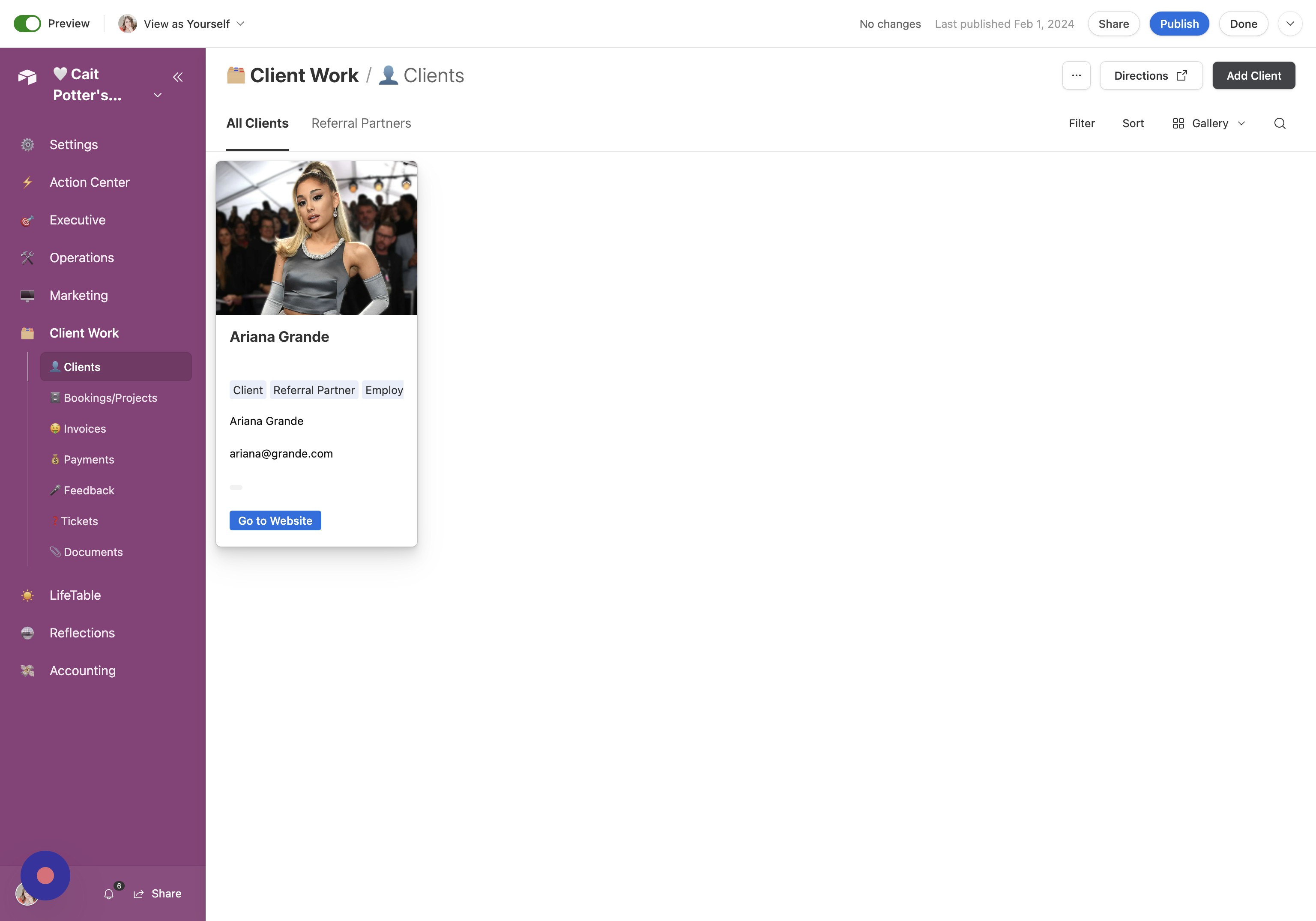
Understand Tabs This is intended to be pretty narrow in focus, so you have only two tabs, "All Clients" and "Referral Partners". This "Referral Partners" tab will only have partners WHO ARE ALSO clients!
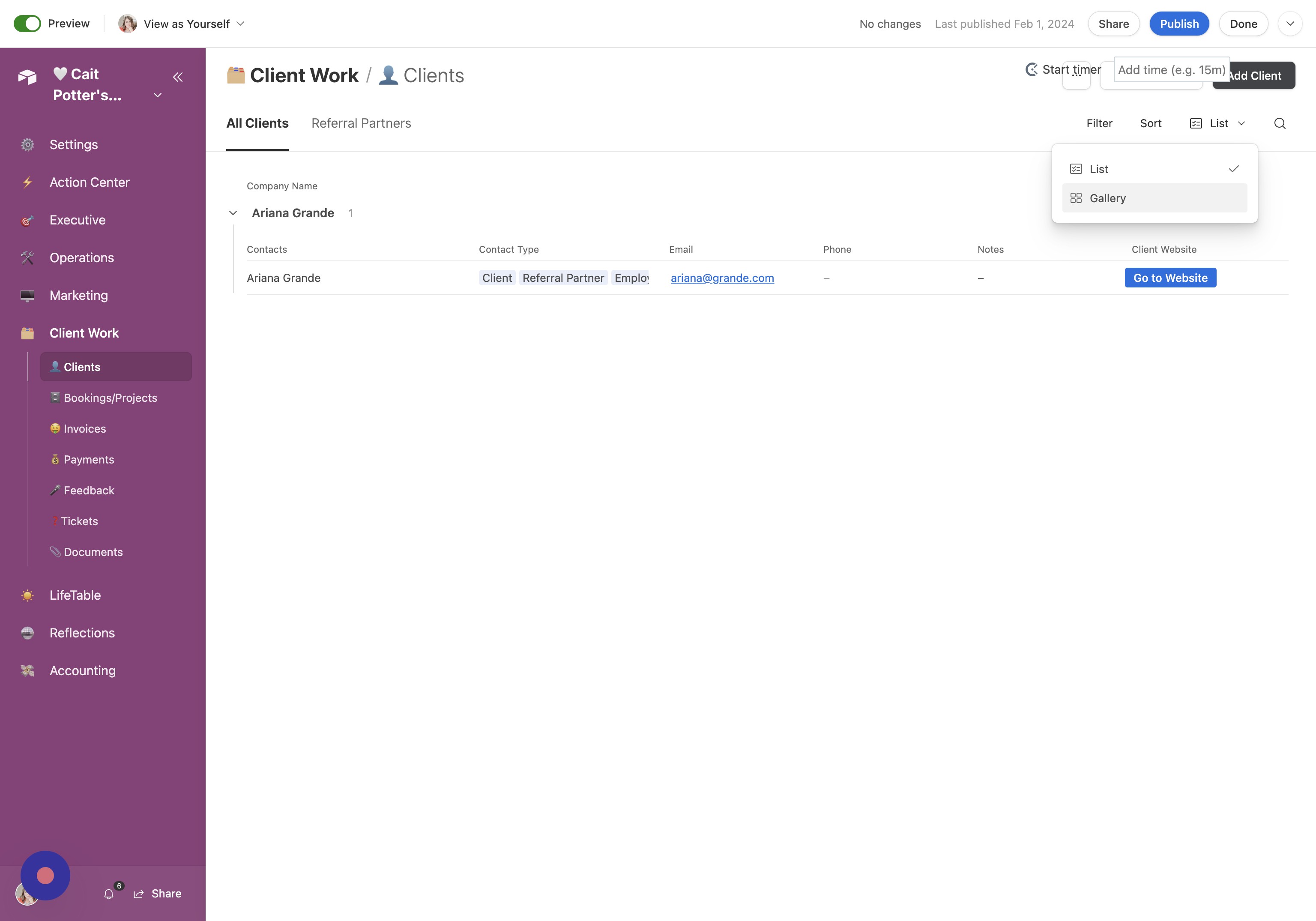
Switch Views You can toggle between two different views: List and Gallery.
View Details
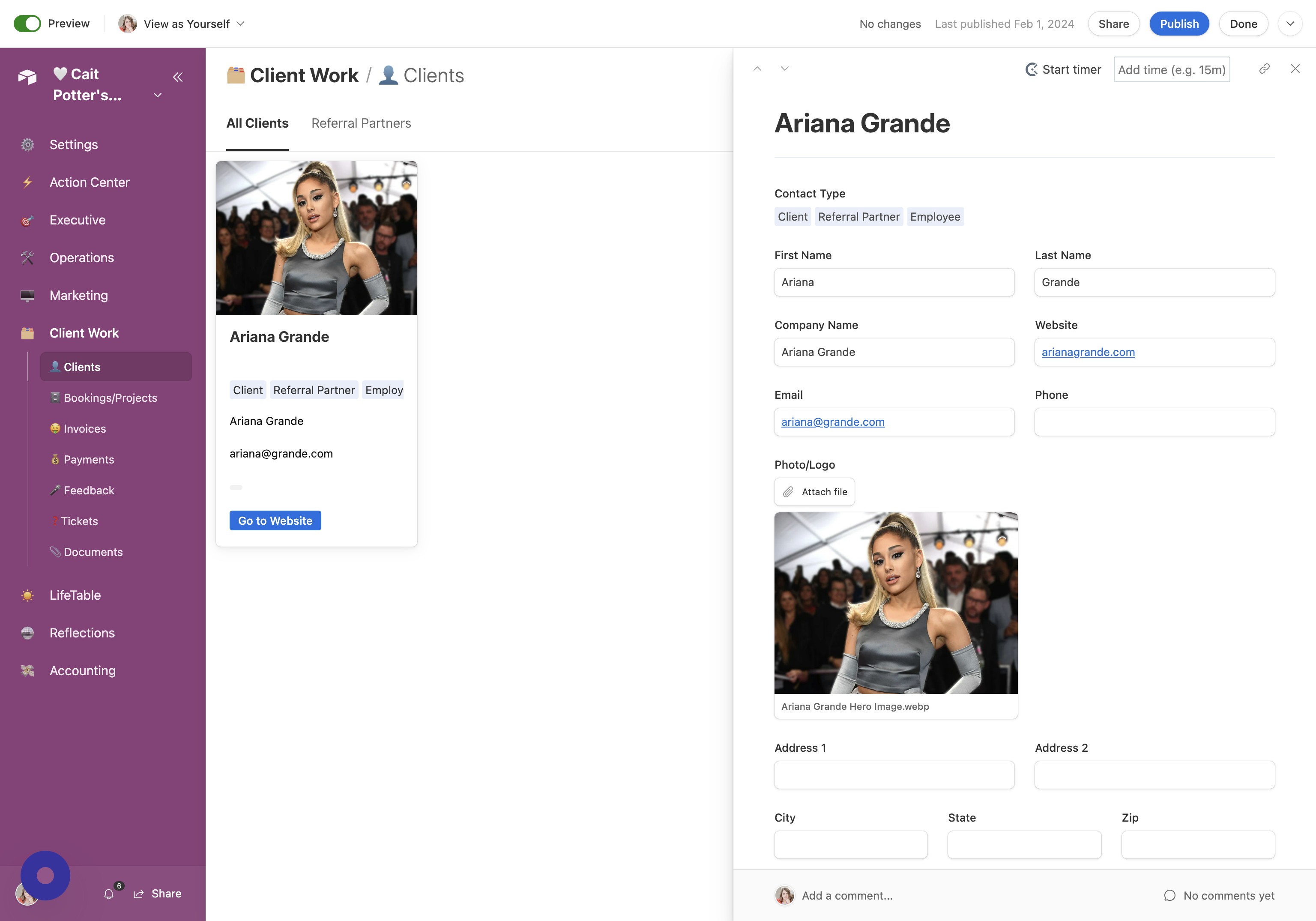
Open Client Details From either view, click the client to open the details view.
Review Client Info From this view, you can associate all information associated with this client.
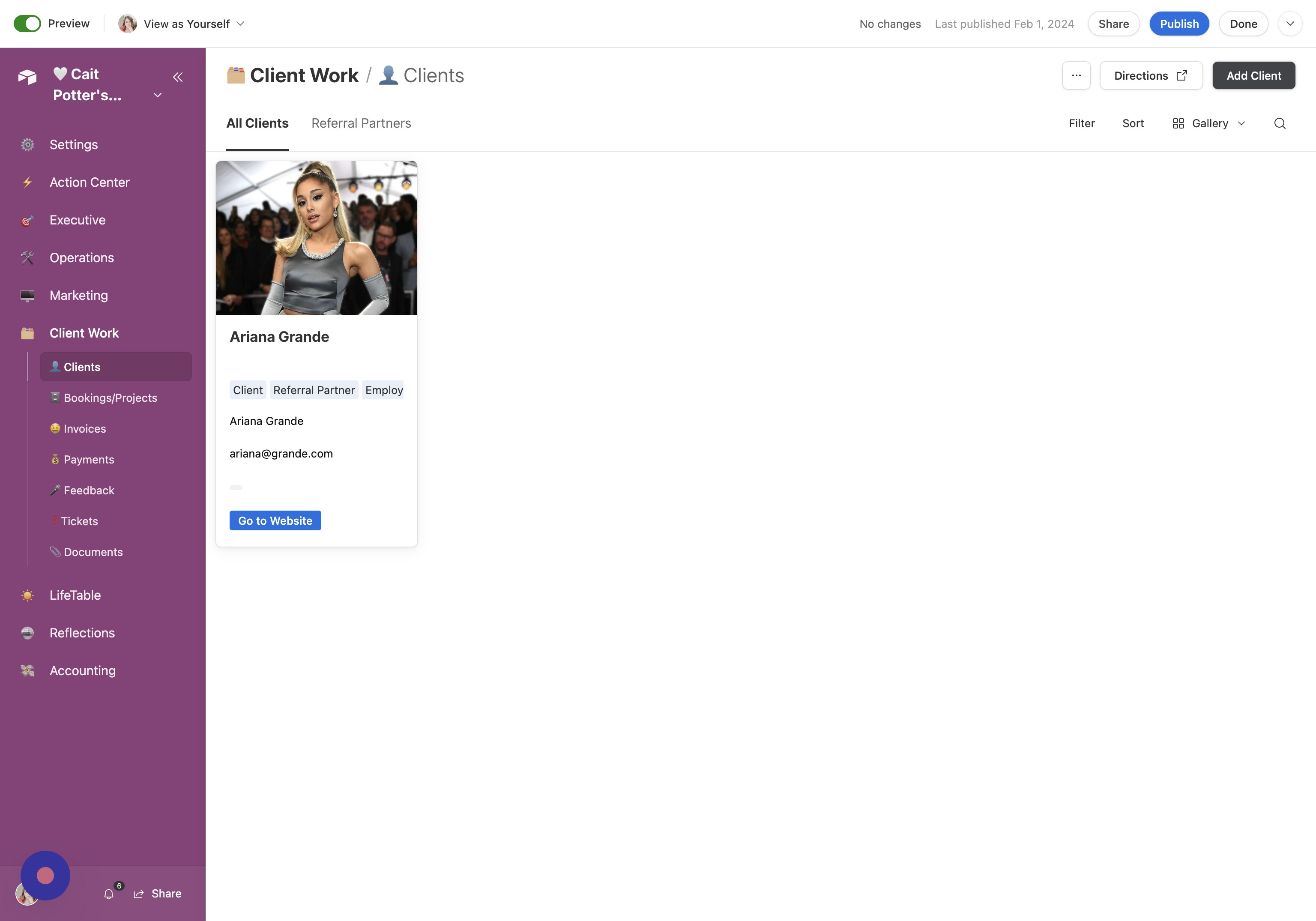
Add a New Client
Click Add Client Click "Add Client"
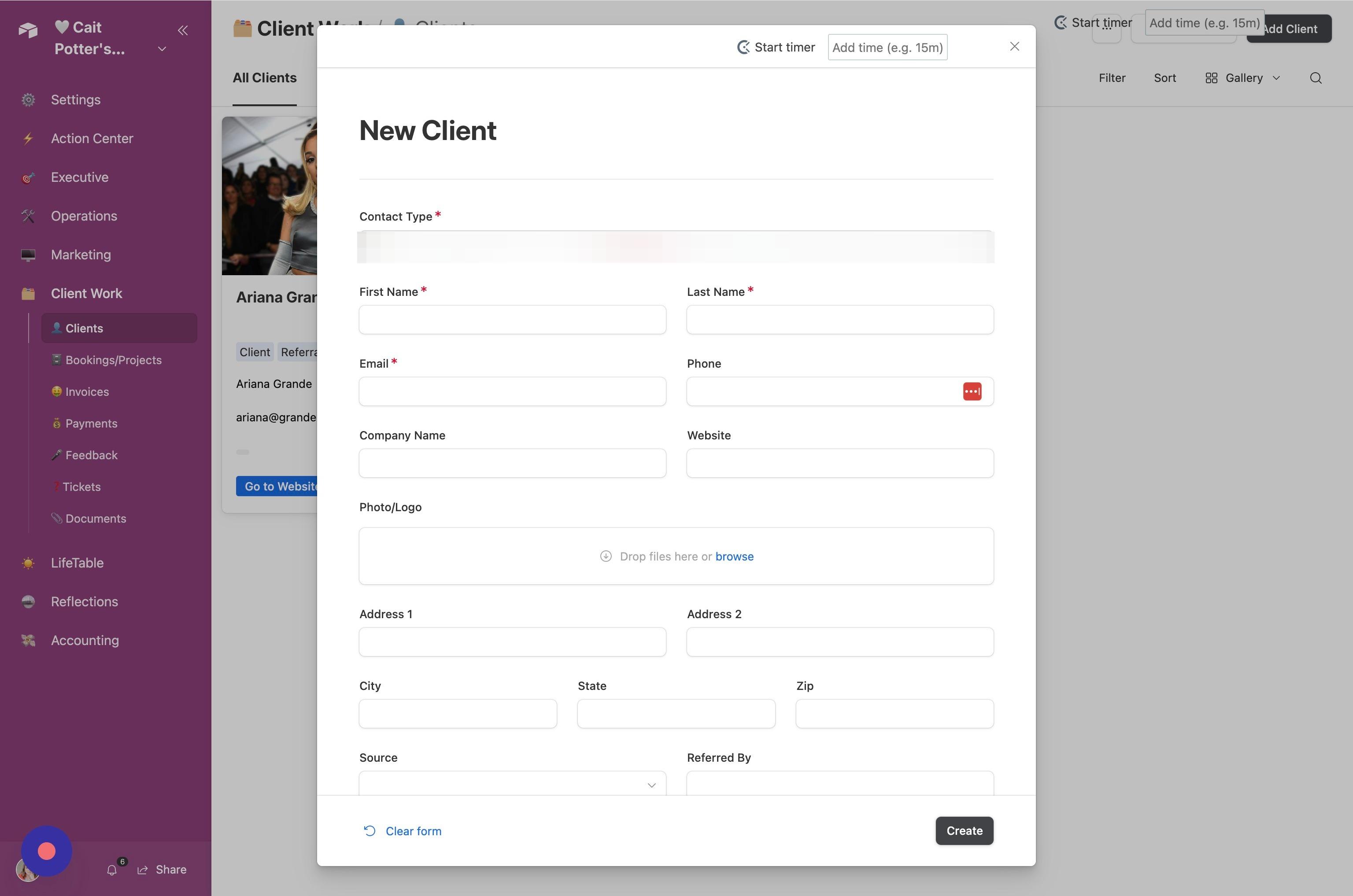
Create Client Fill out all required information and click "Create"
Did this answer your question?Thanks for the feedbackThere was a problem submitting your feedback. Please try again later.