🖇️ Important Documents
What is it?
This area gives you a beautiful and convenient spot to store all of your important personal/home files. This is probably NOT where you are going to save all of your daily files.
Usability Checklist
Have you done all of this?
- Uploaded all of your household documents
- Uploaded all of your pet documents
- Uploaded all of your other personally important documents
How do I use it?
There is a default list of document/asset types already created for you, but you may need to customize this list to your life. Here's a tutorial on how to do that specifically!
Add New Item
1. Add the document to your library under a different type (probably the wrong type.) We need it in the list in order to update it.
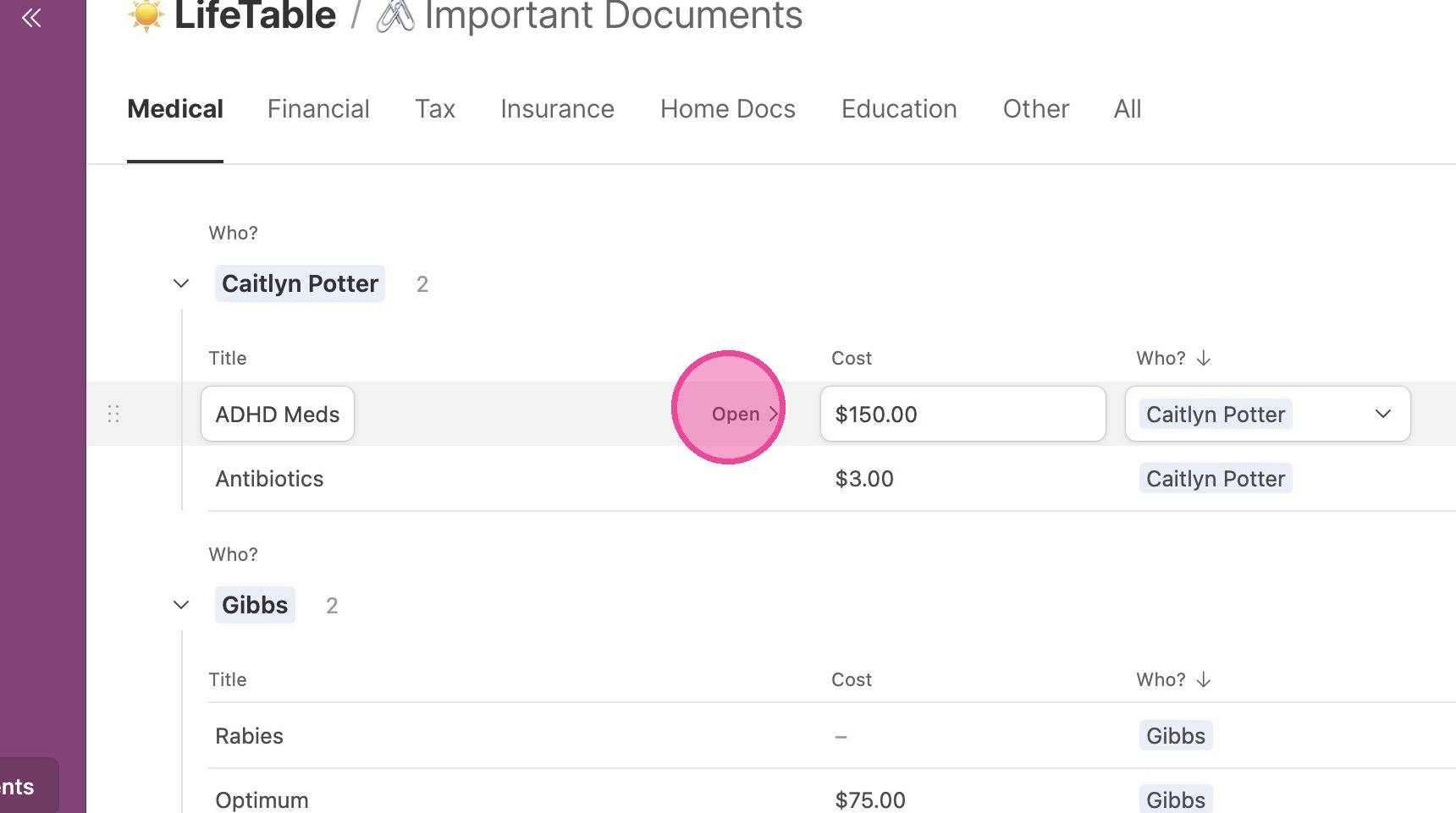
2. Open your new document.
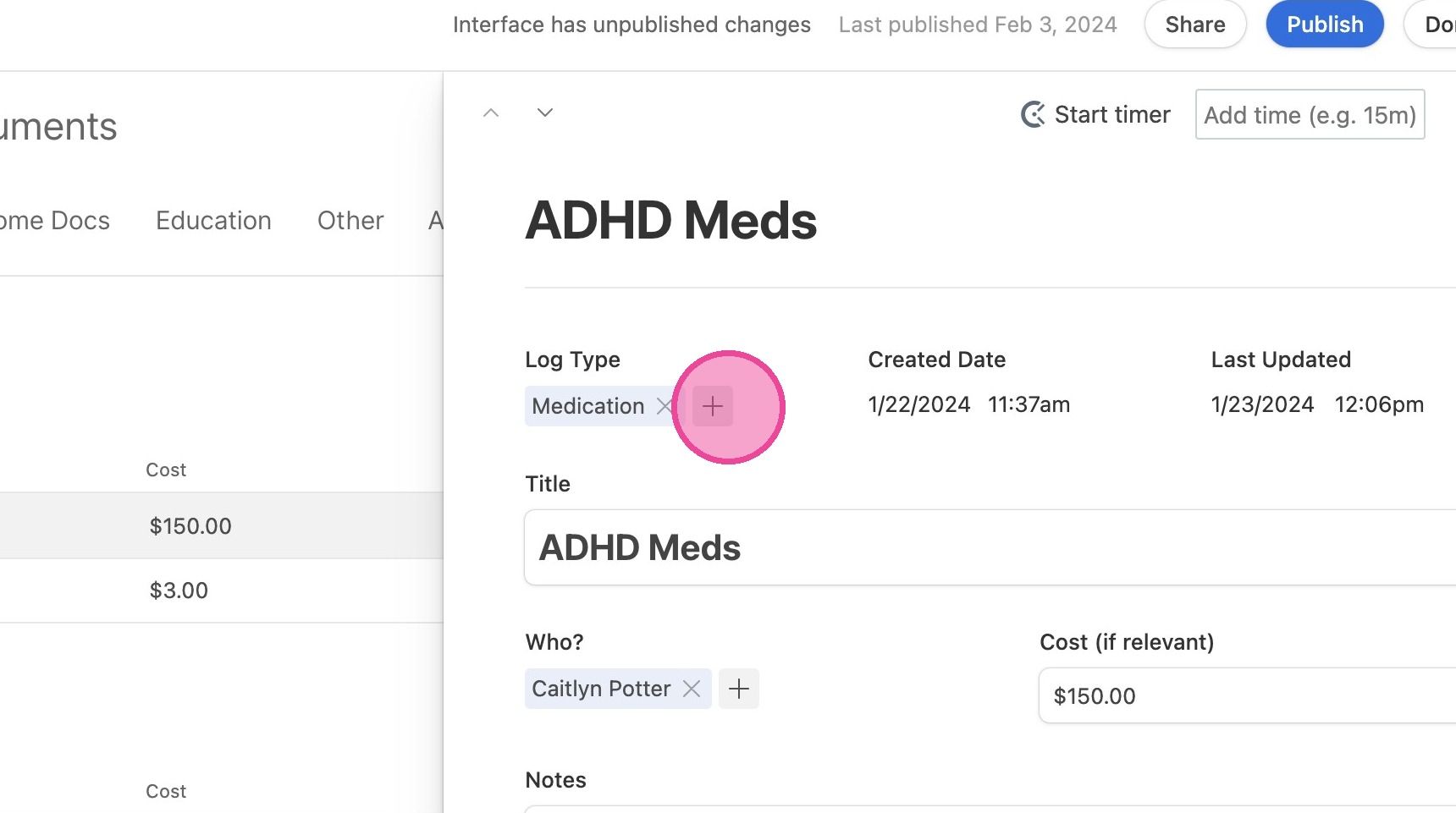
3. Under "Log Type", click the plus button that means "Add a record"
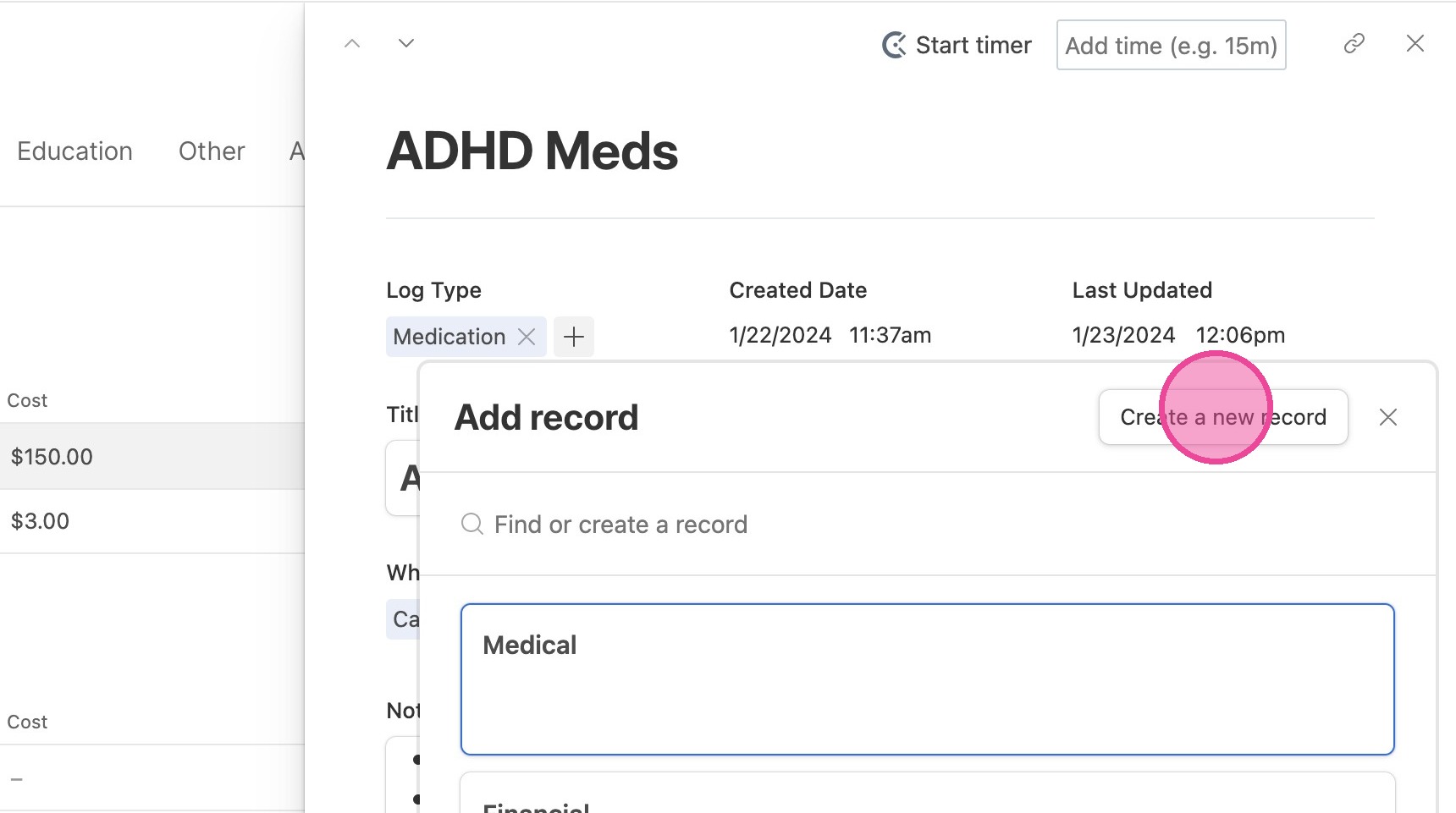
4. Click "Create a new record"
5. Complete the form and click "Create"
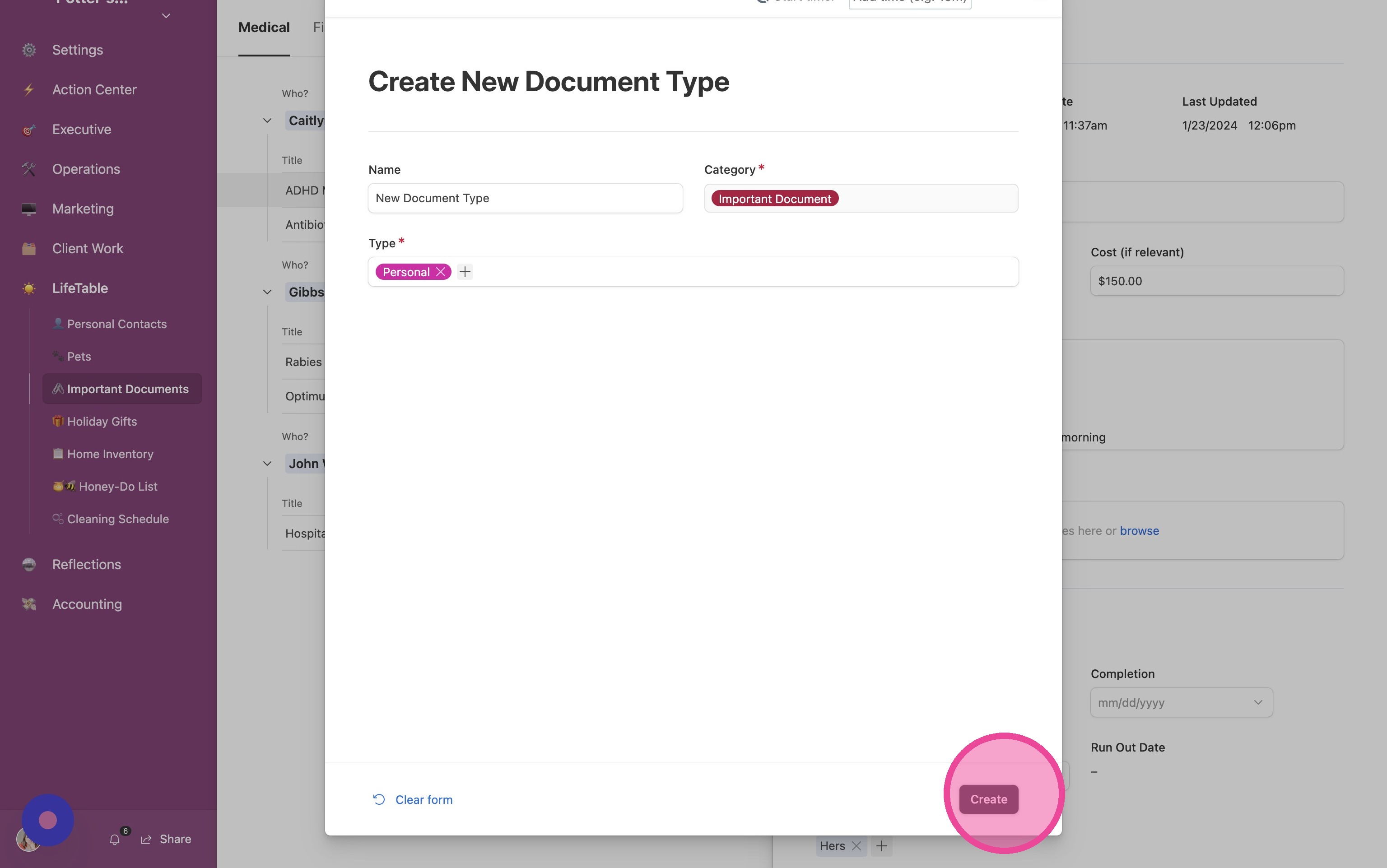
6. Click "Close"
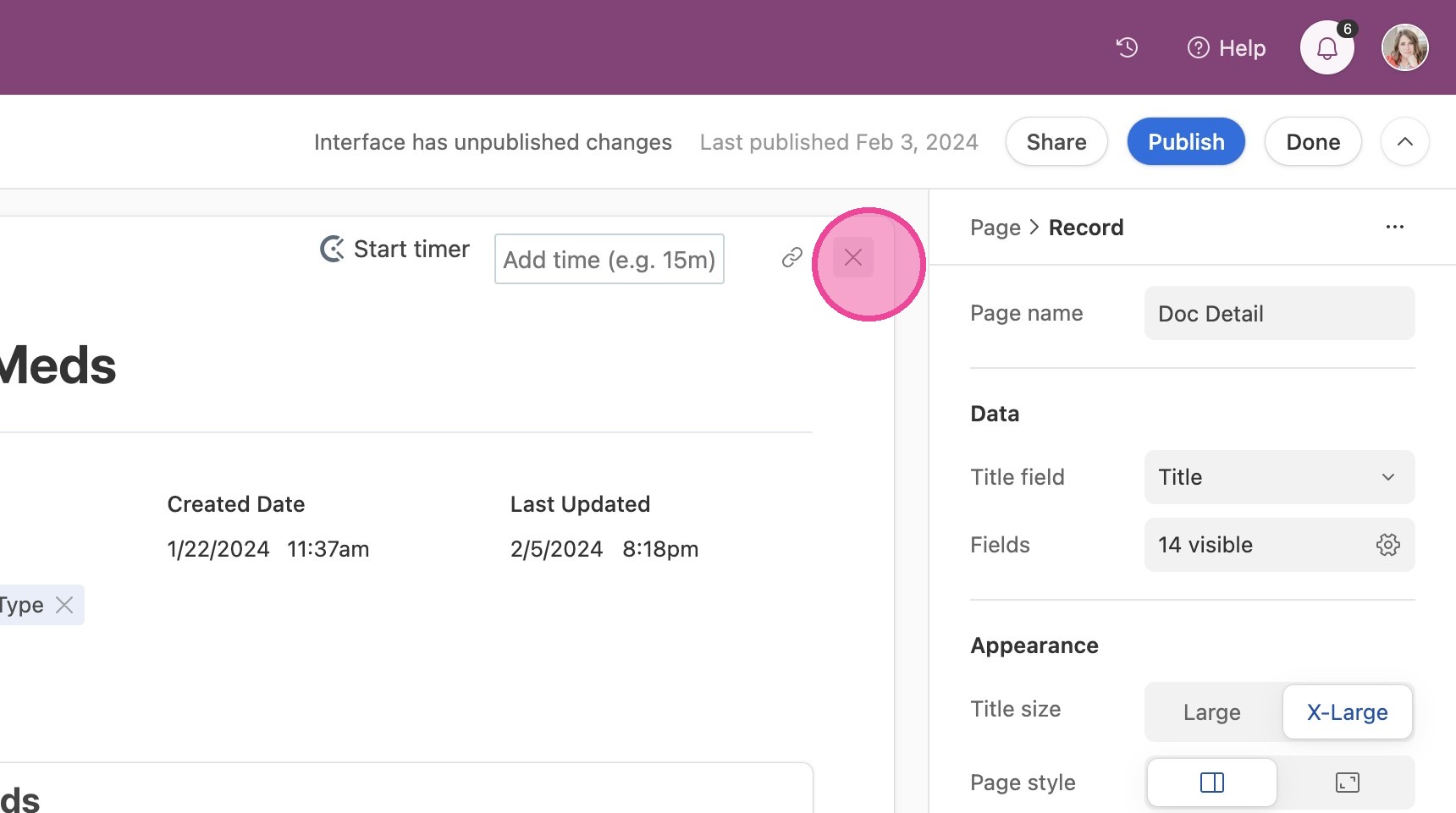
Create New Tab
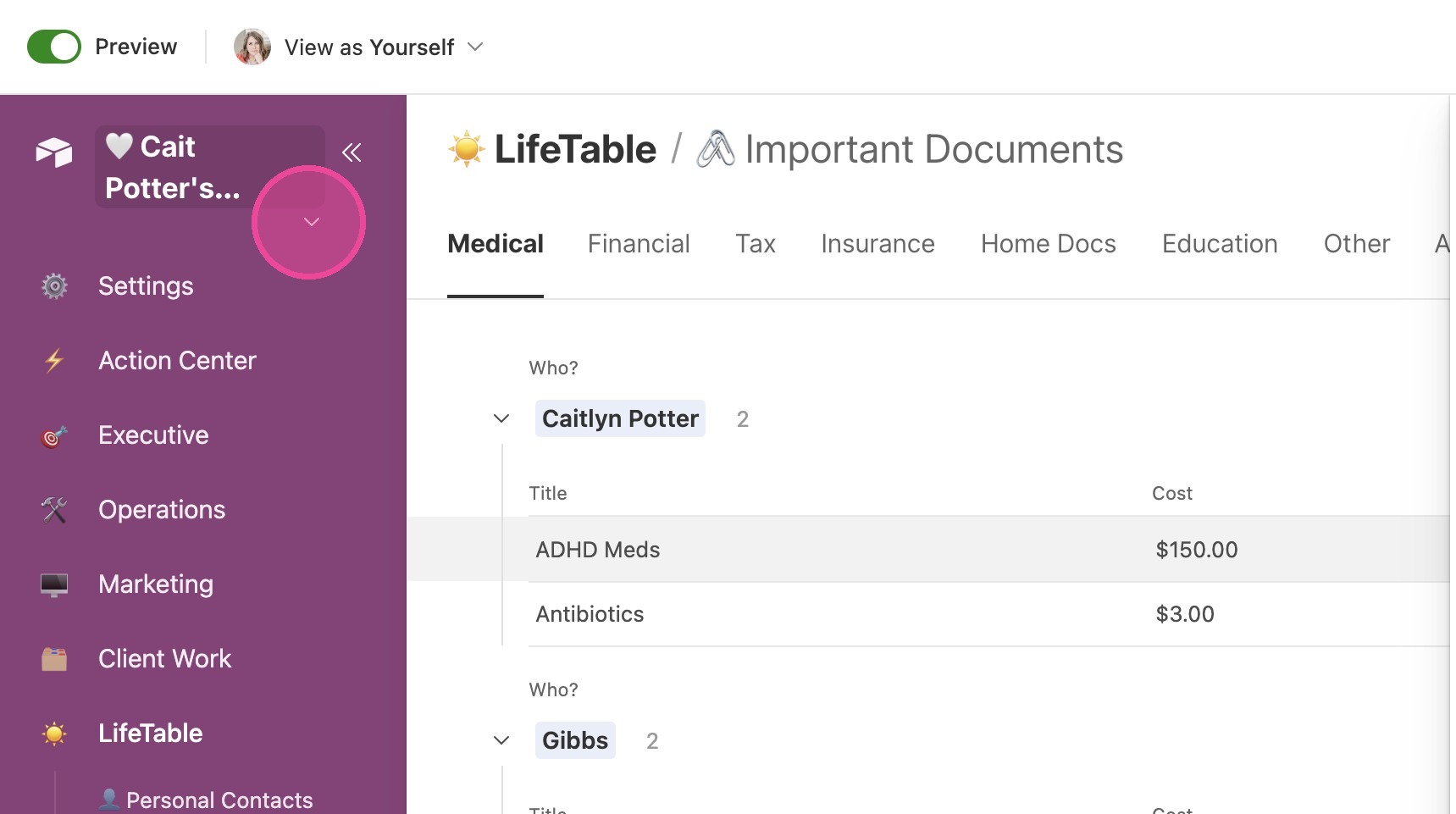
7. Click the arrow next to the title of your CommandCenter.
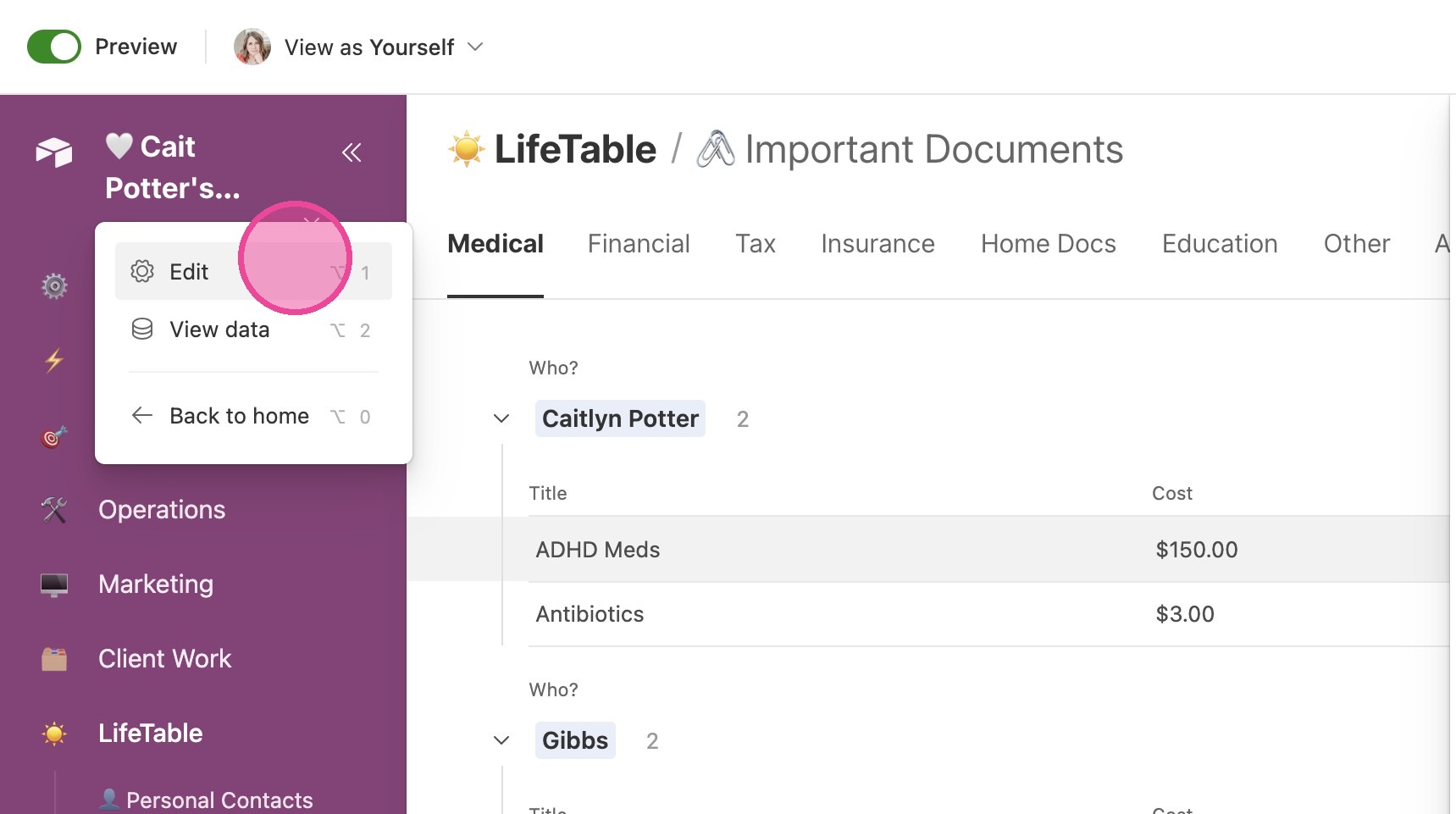
8. Click "Edit"
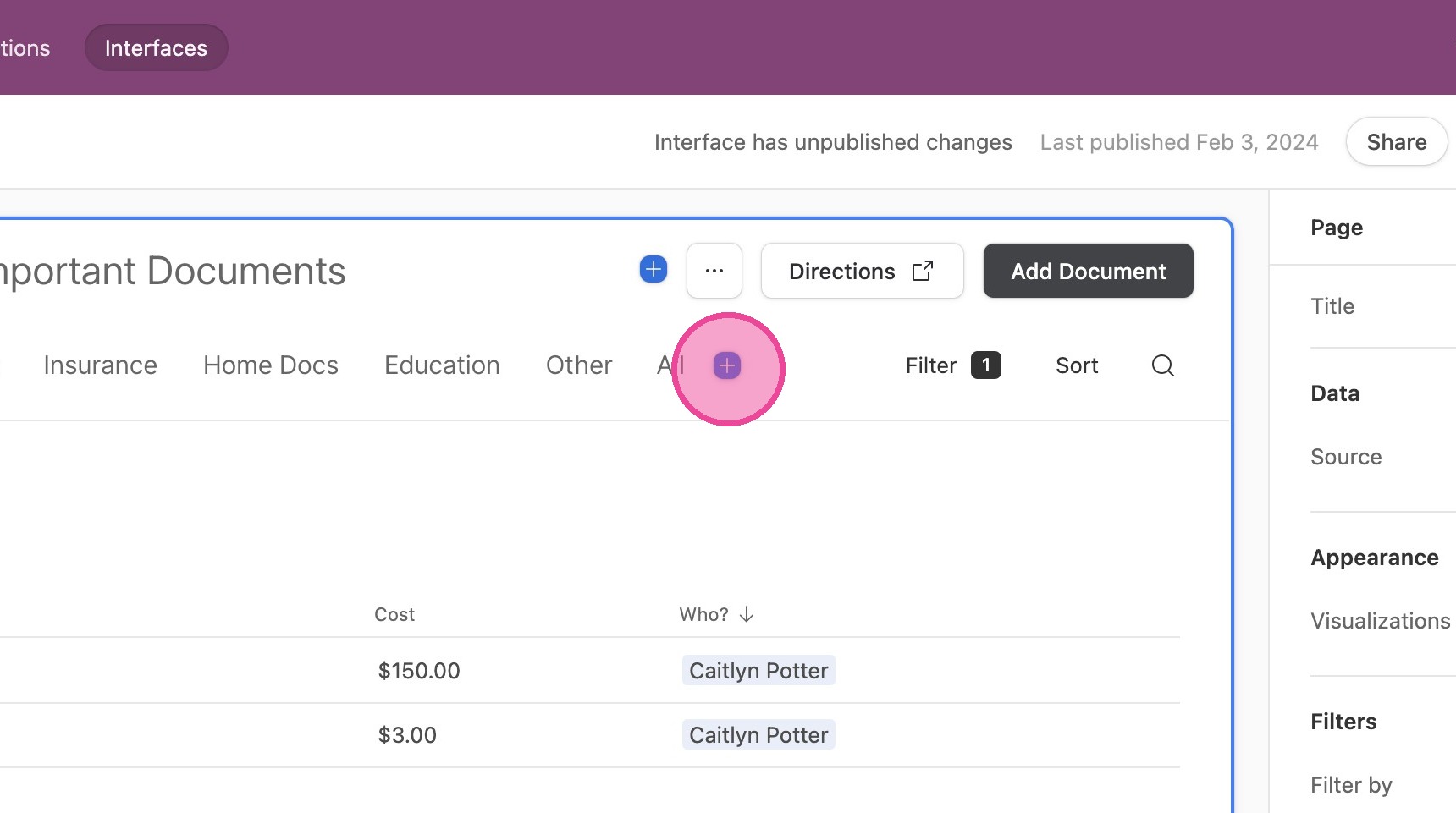
9. Click this button.
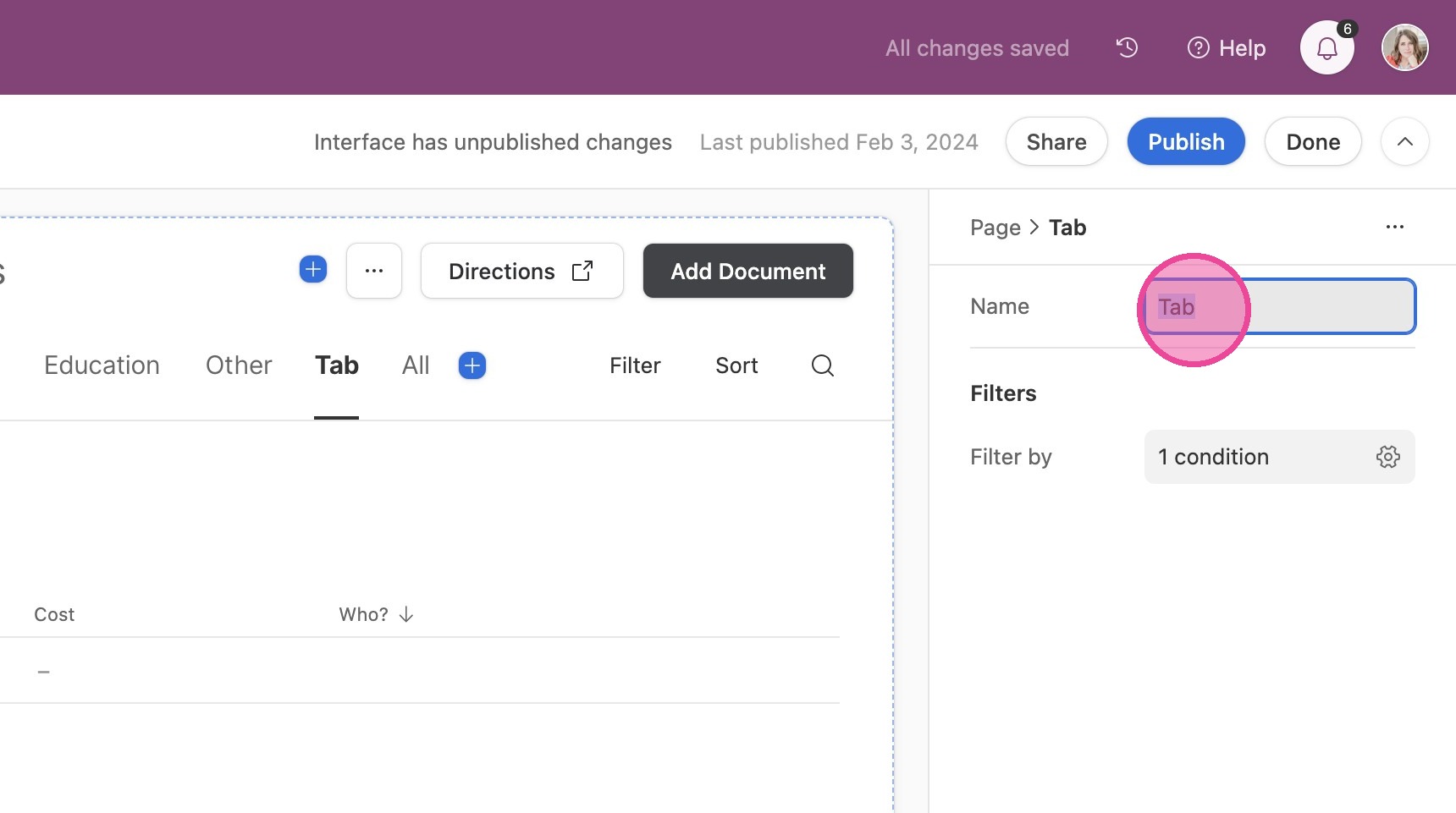
10. Change the name of the Tab to the name of your new document type.
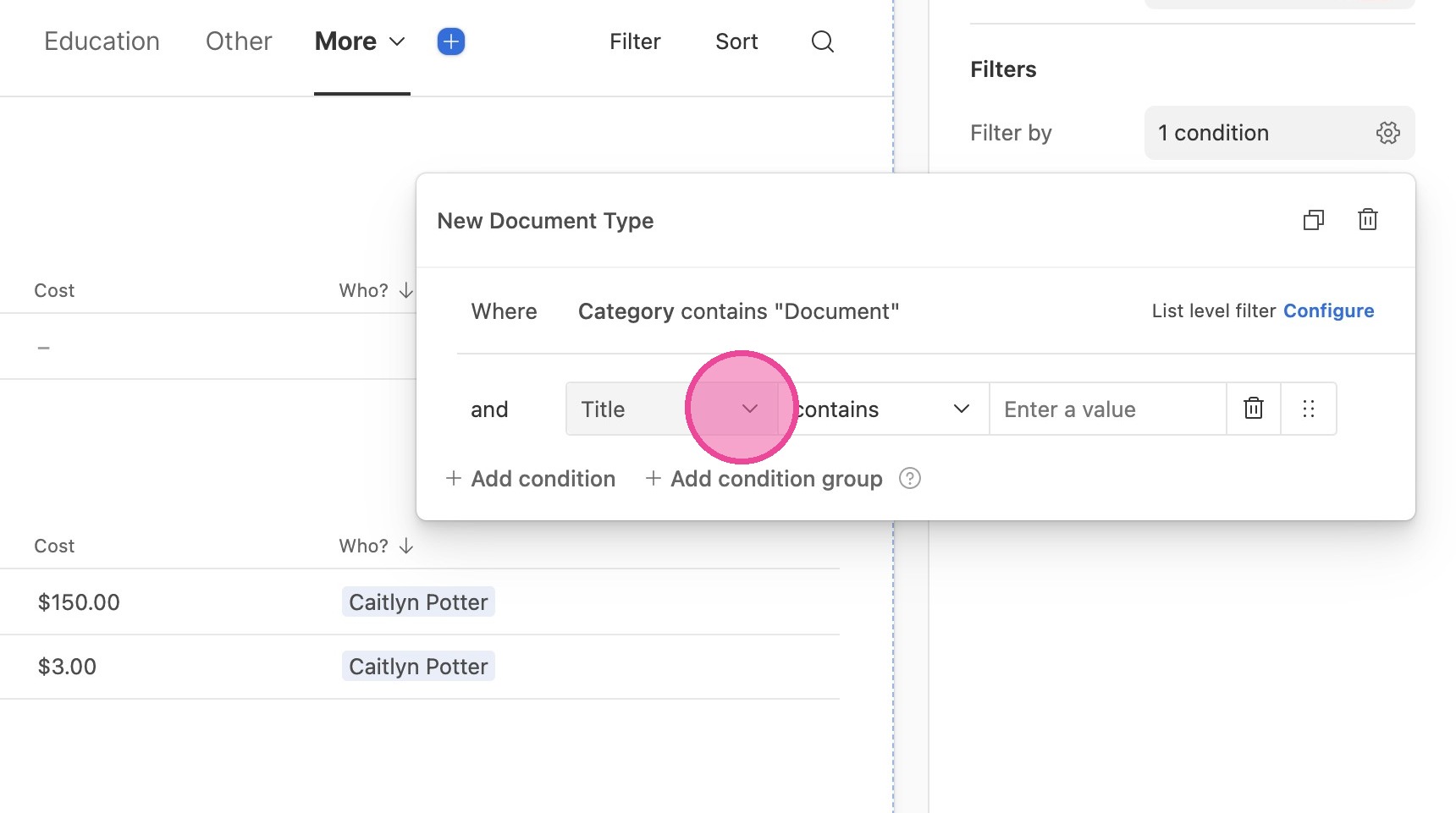
11. Now, we need to set up a filter. Click in the "Filter by" fields.
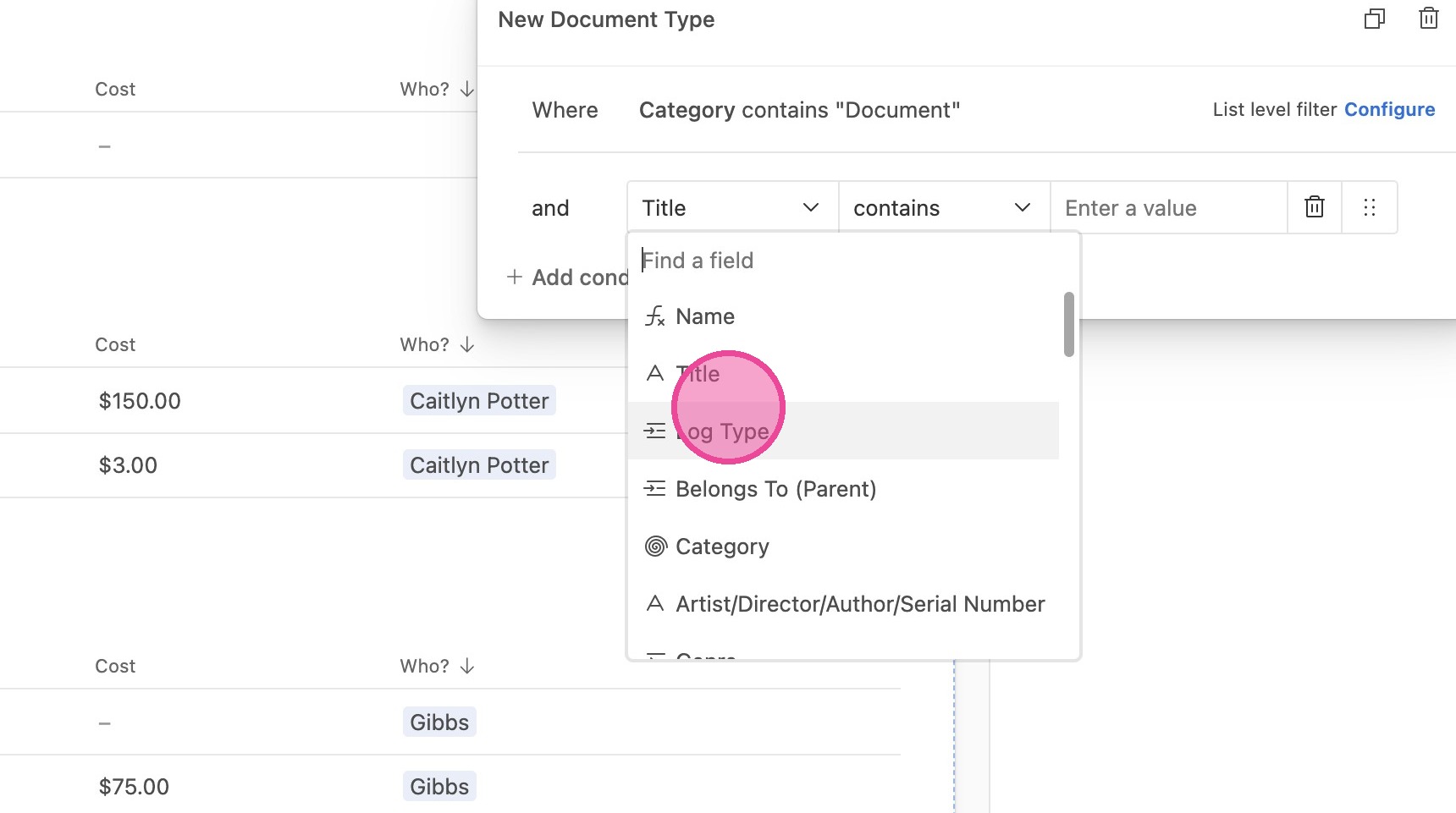
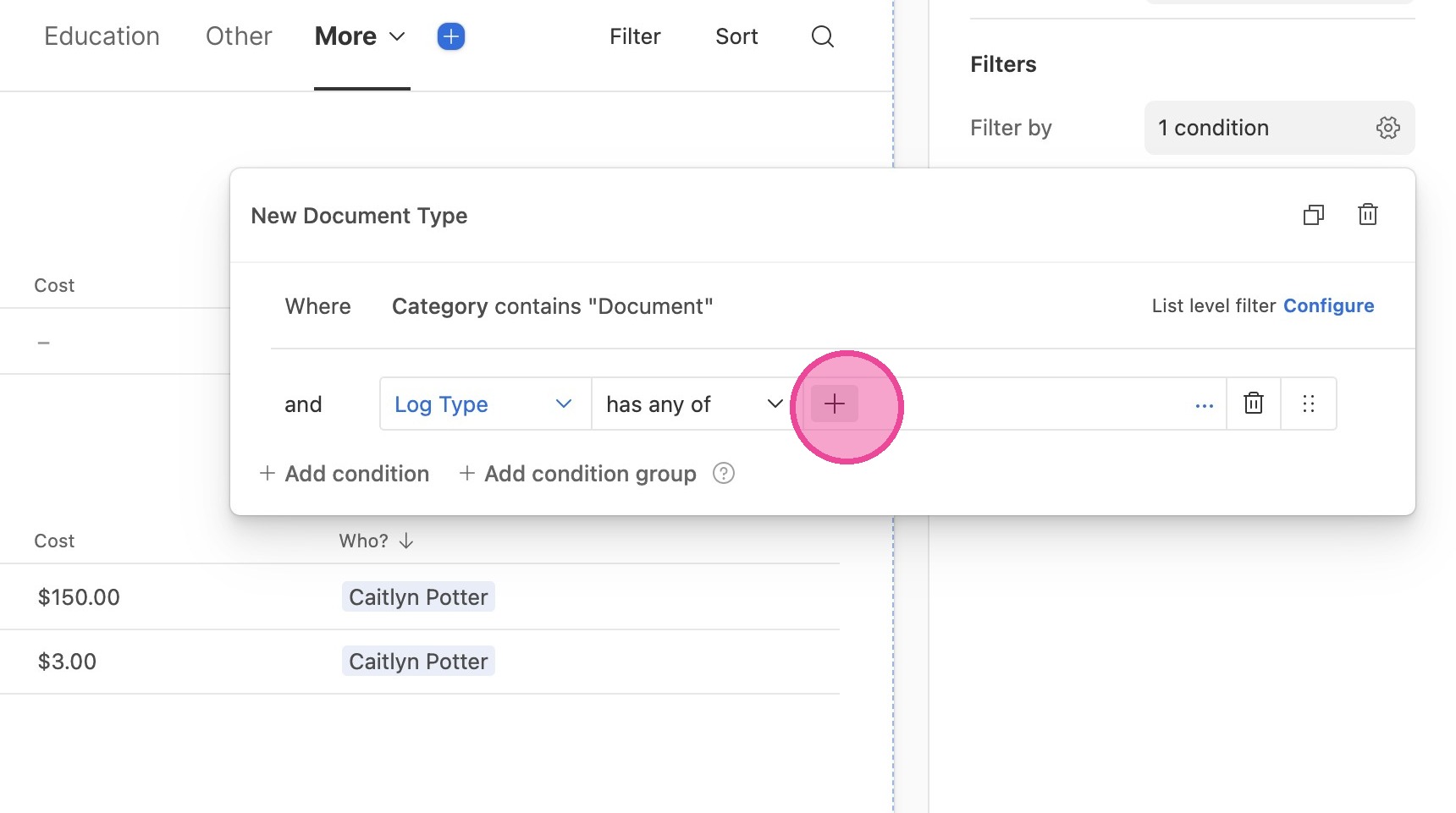
12. Click the first field and select "Log Type" from the dropdown menu.
13. Click this icon.
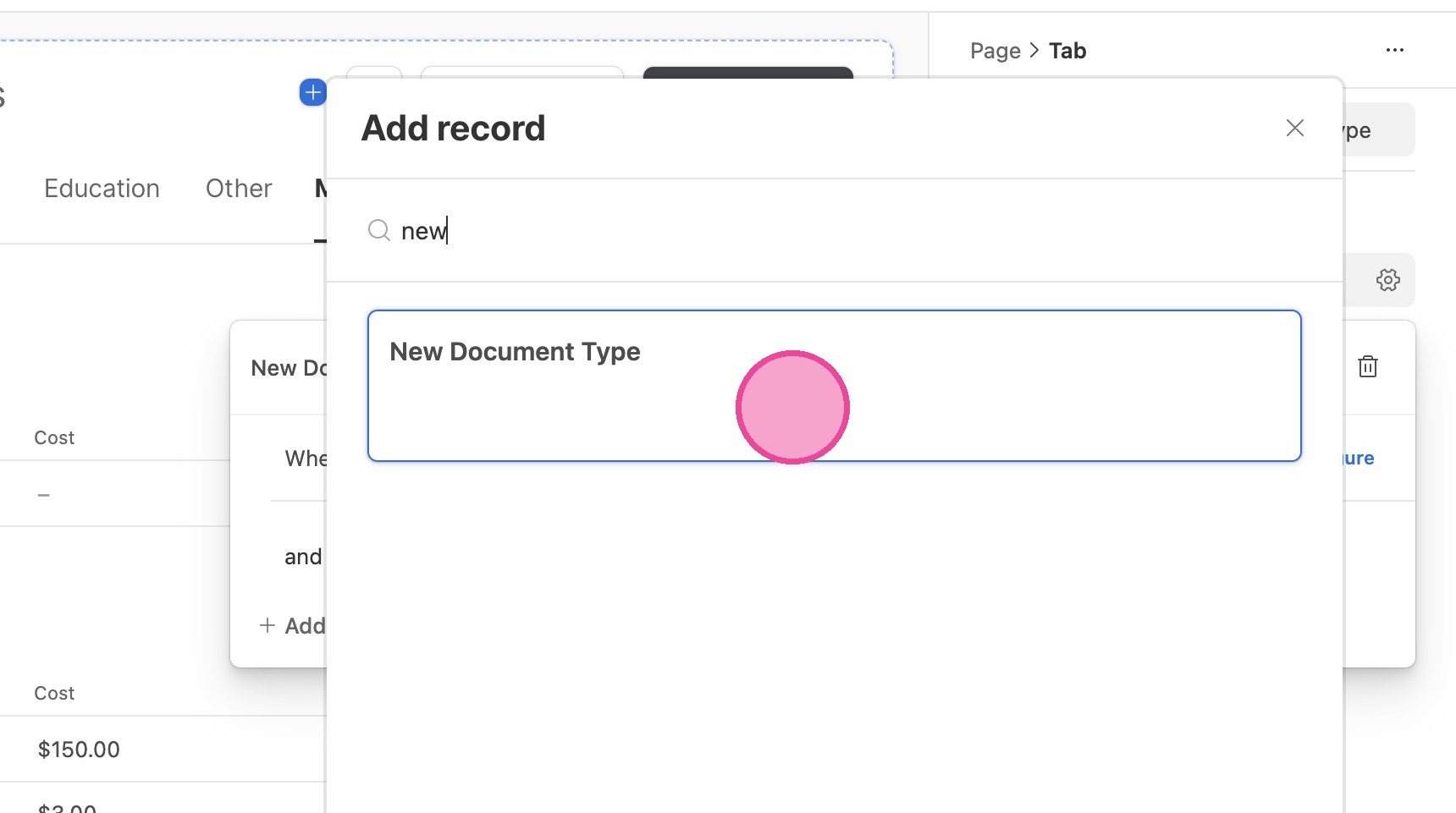
14. Search for the new document type you just created and select it.
Publish
15. Click "Publish"
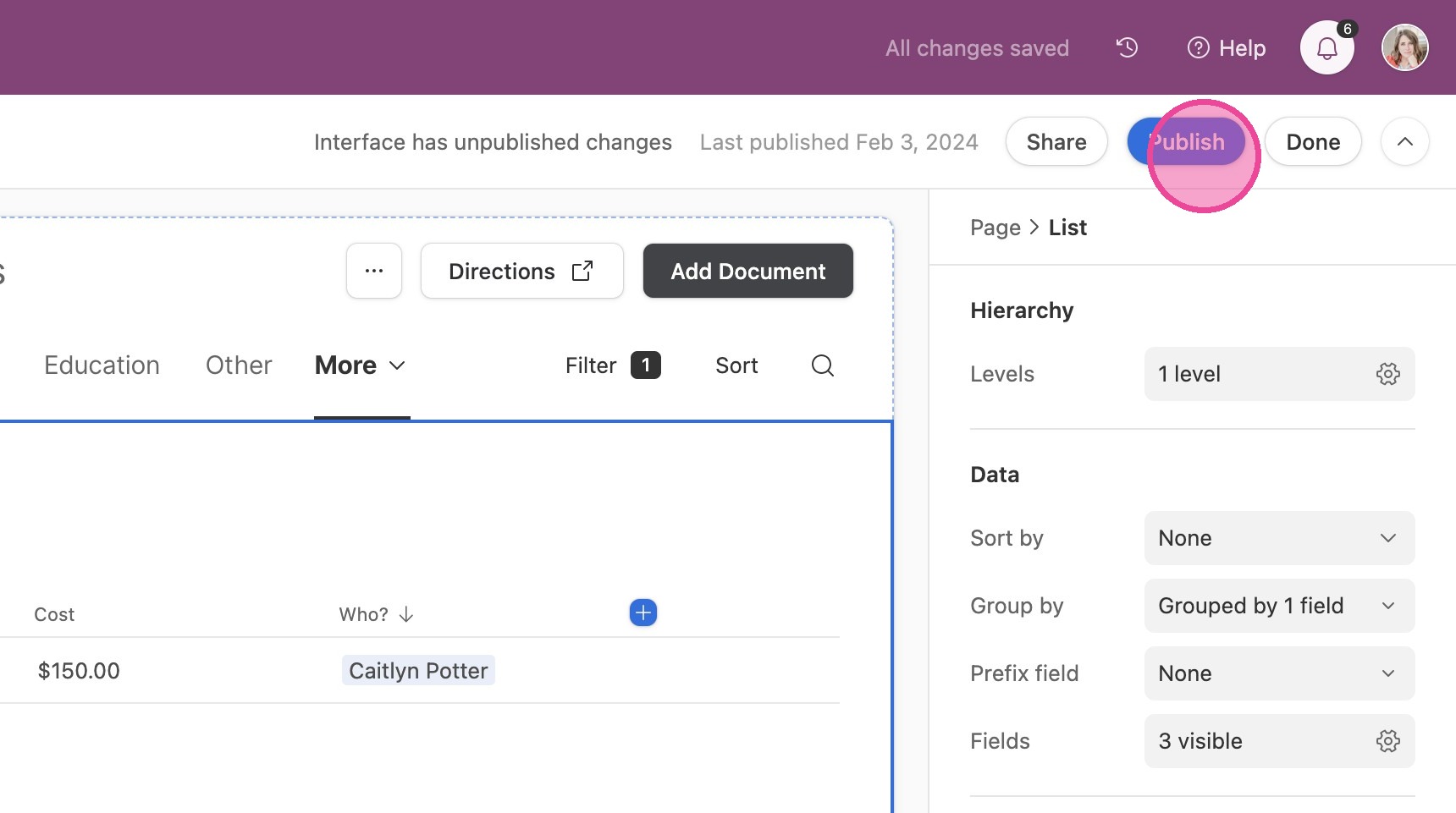
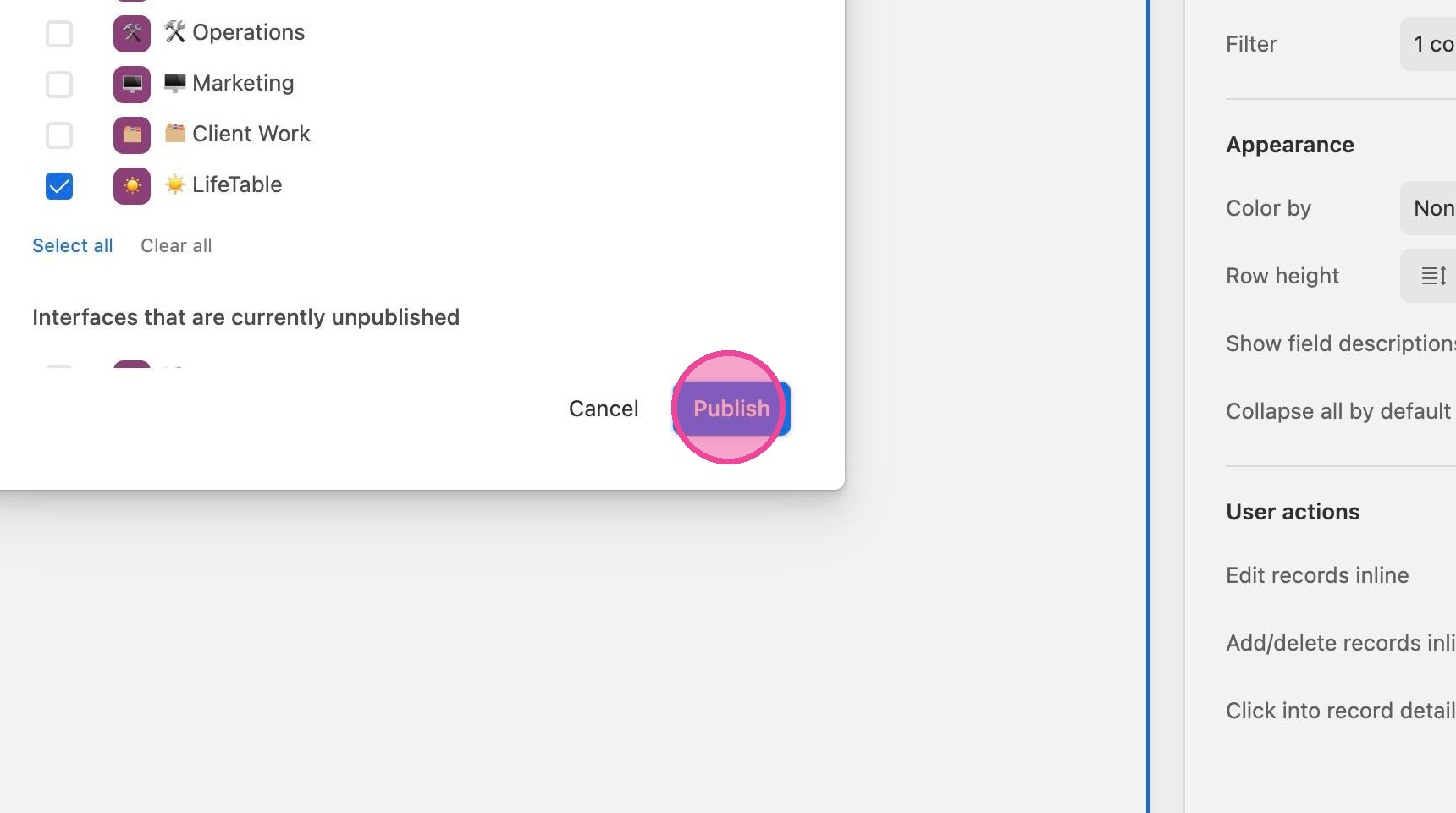
16. Click "Publish"