How to Create a New Personal Document Type in Airtable
Add New Item
1. Add the document to your library under a different type (probably the wrong type.) We need it in the list in order to update it.
2. Open your new document.
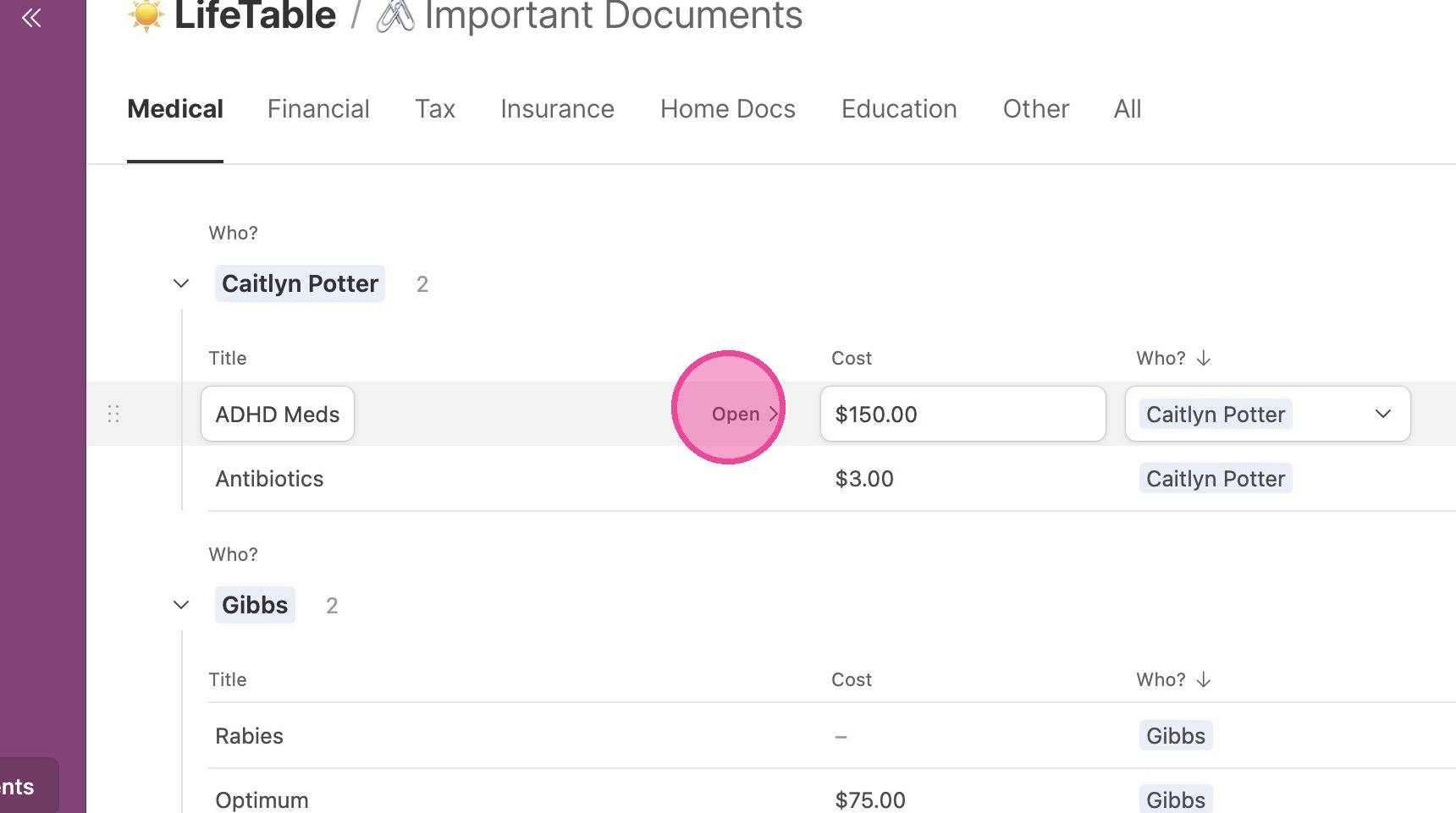
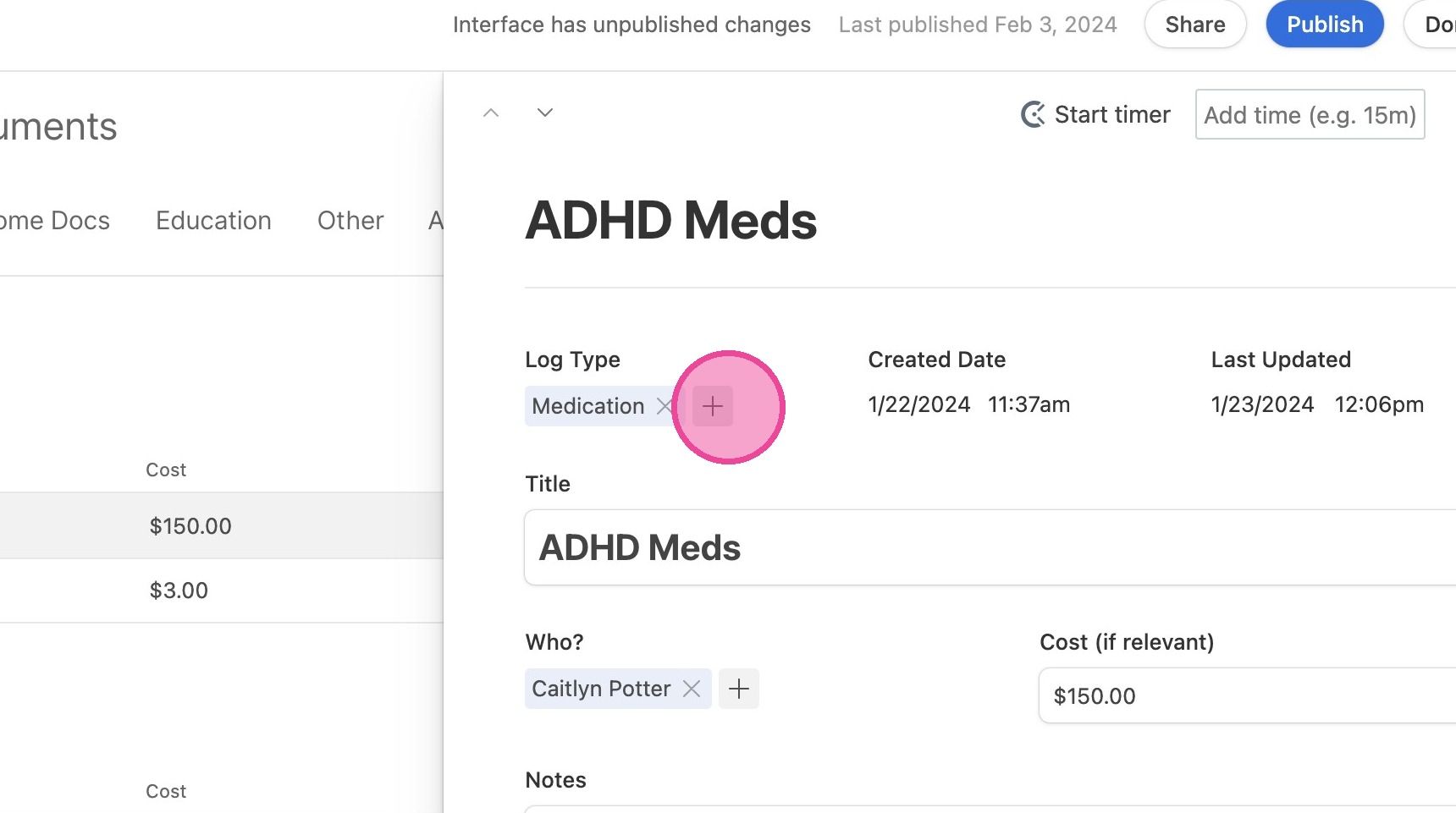
3. Under "Log Type", click the plus button that means "Add a record"
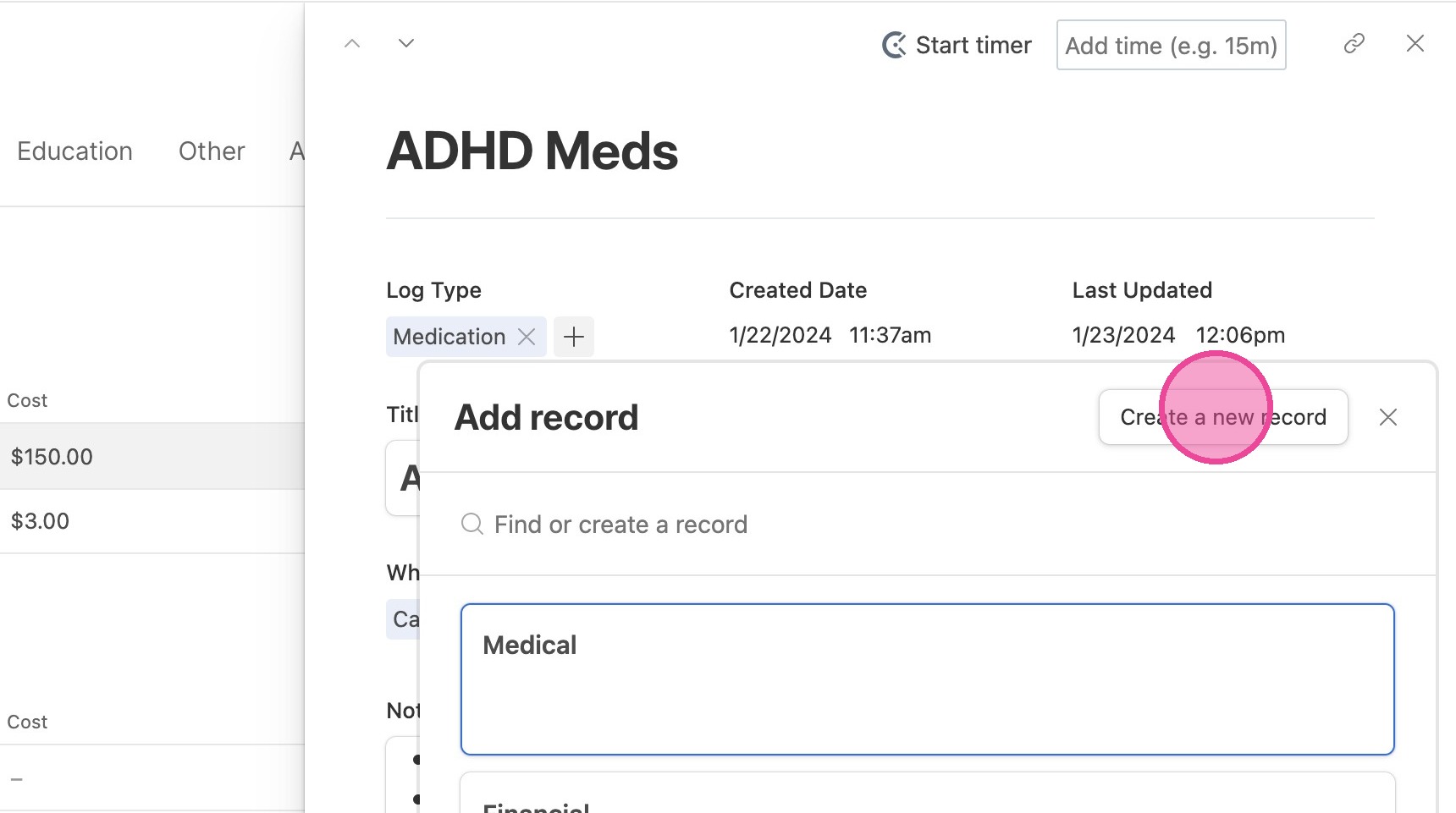
4. Click "Create a new record"
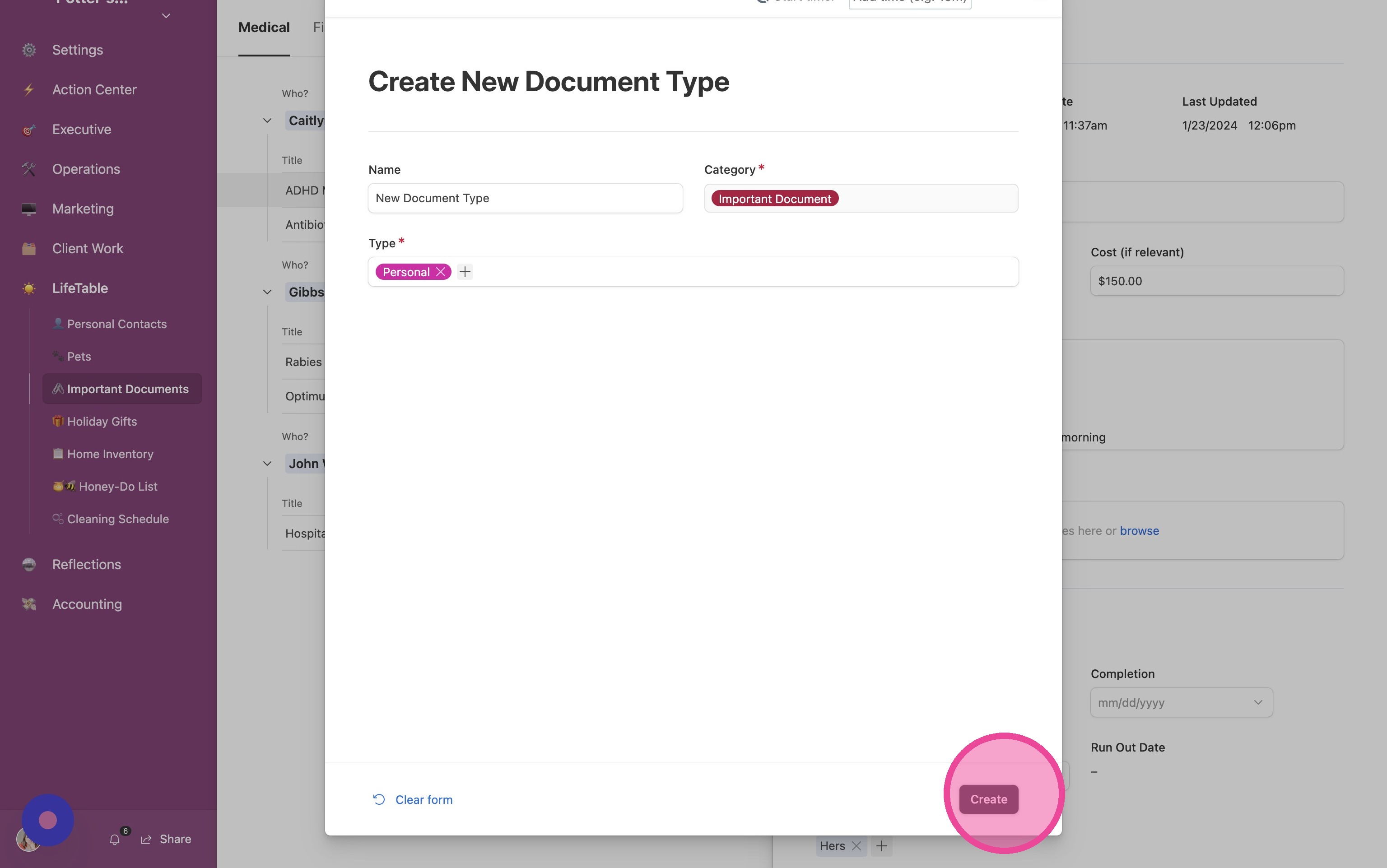
5. Complete the form and click "Create"
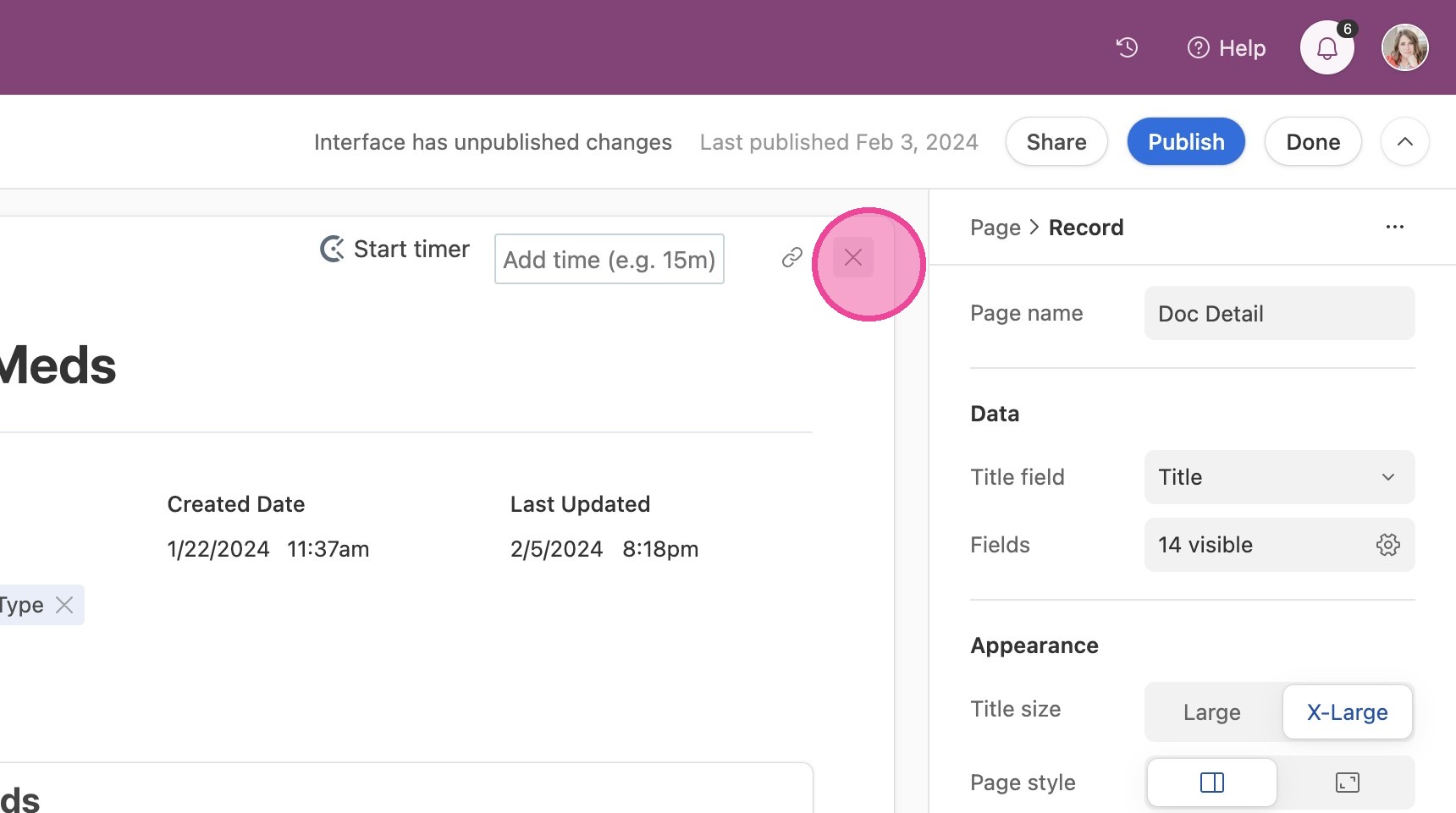
6. Click "Close"
Create New Tab
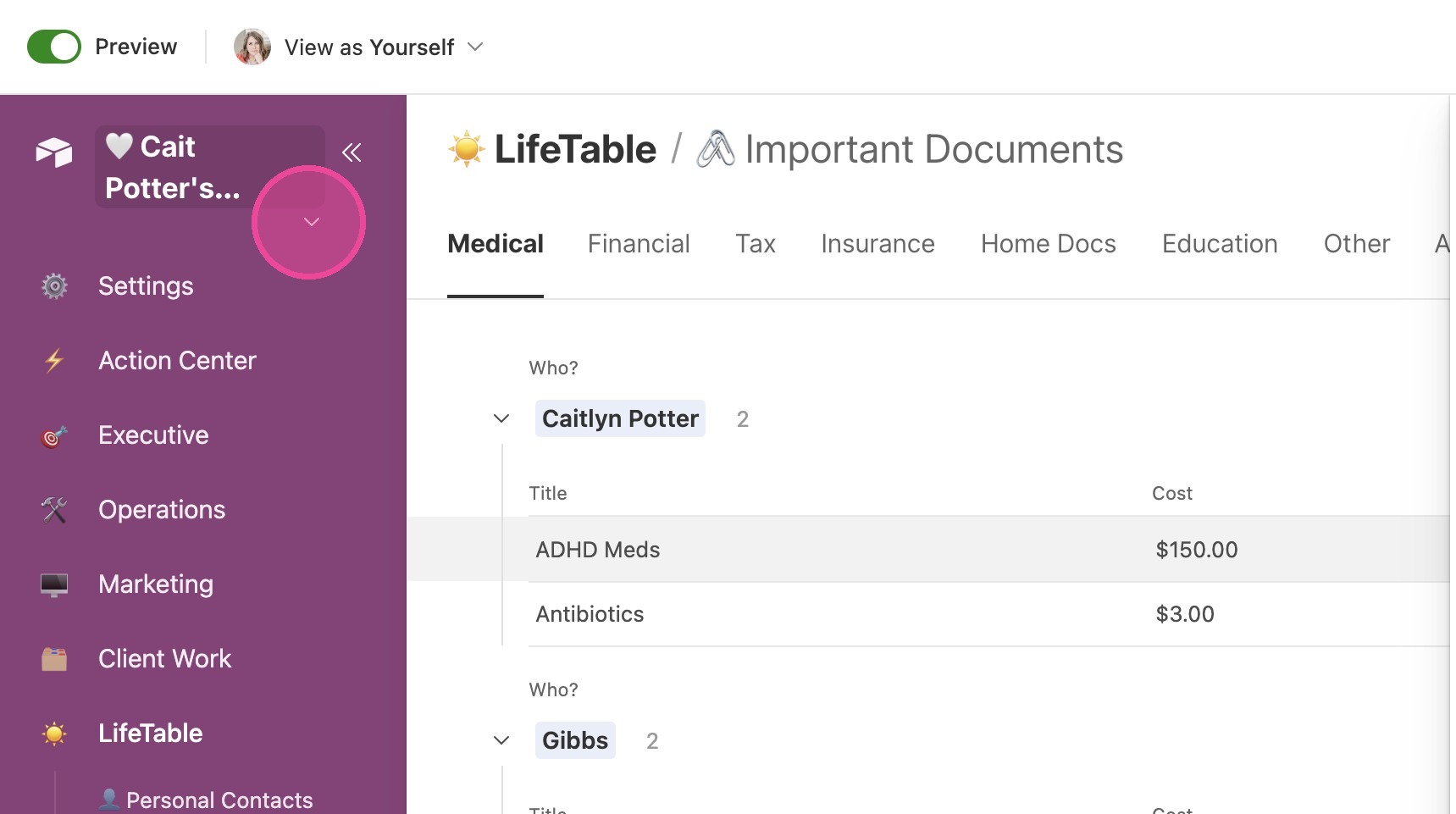
7. Click the arrow next to the title of your CommandCenter.
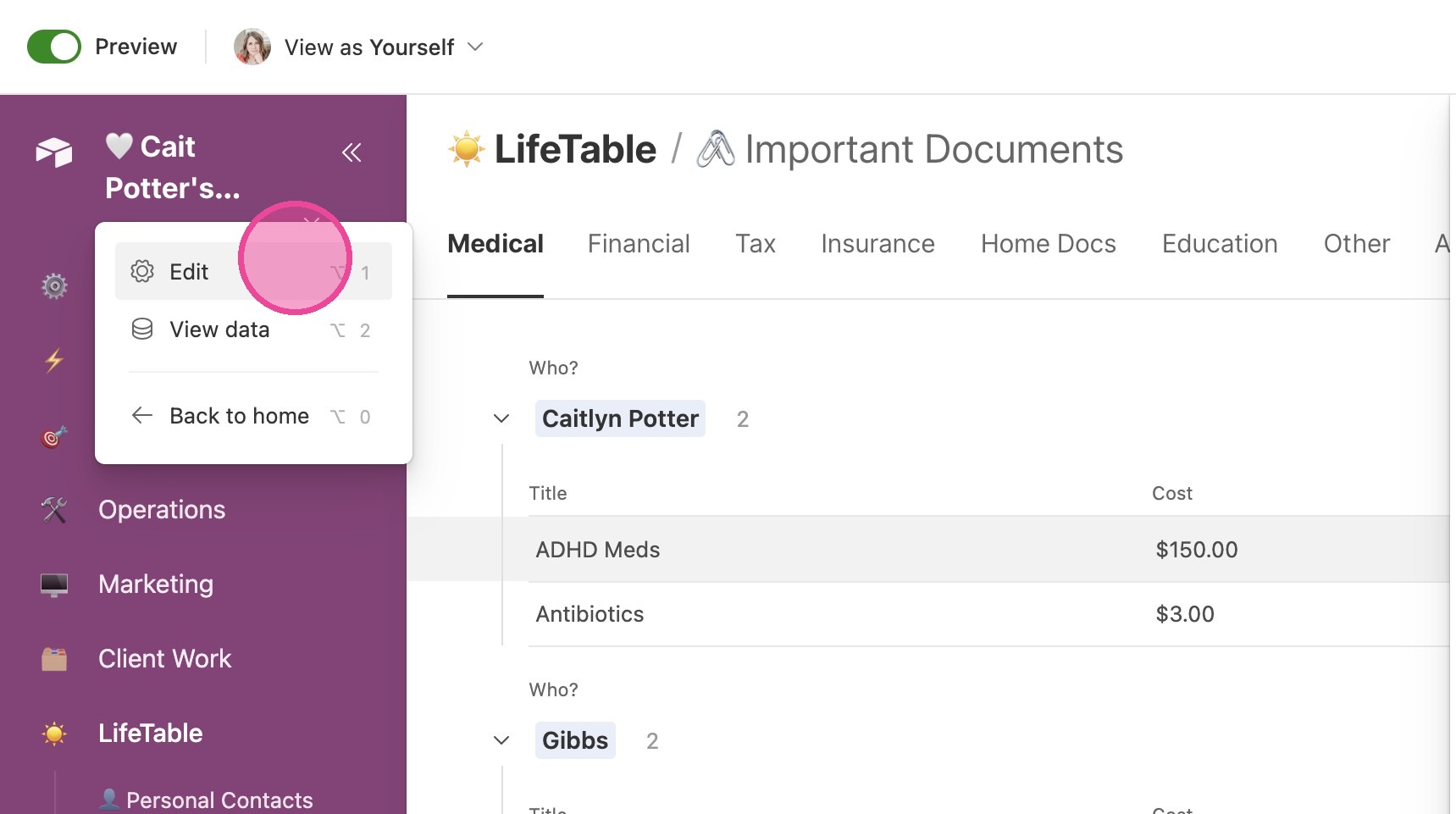
8. Click "Edit"
9. Click this button.
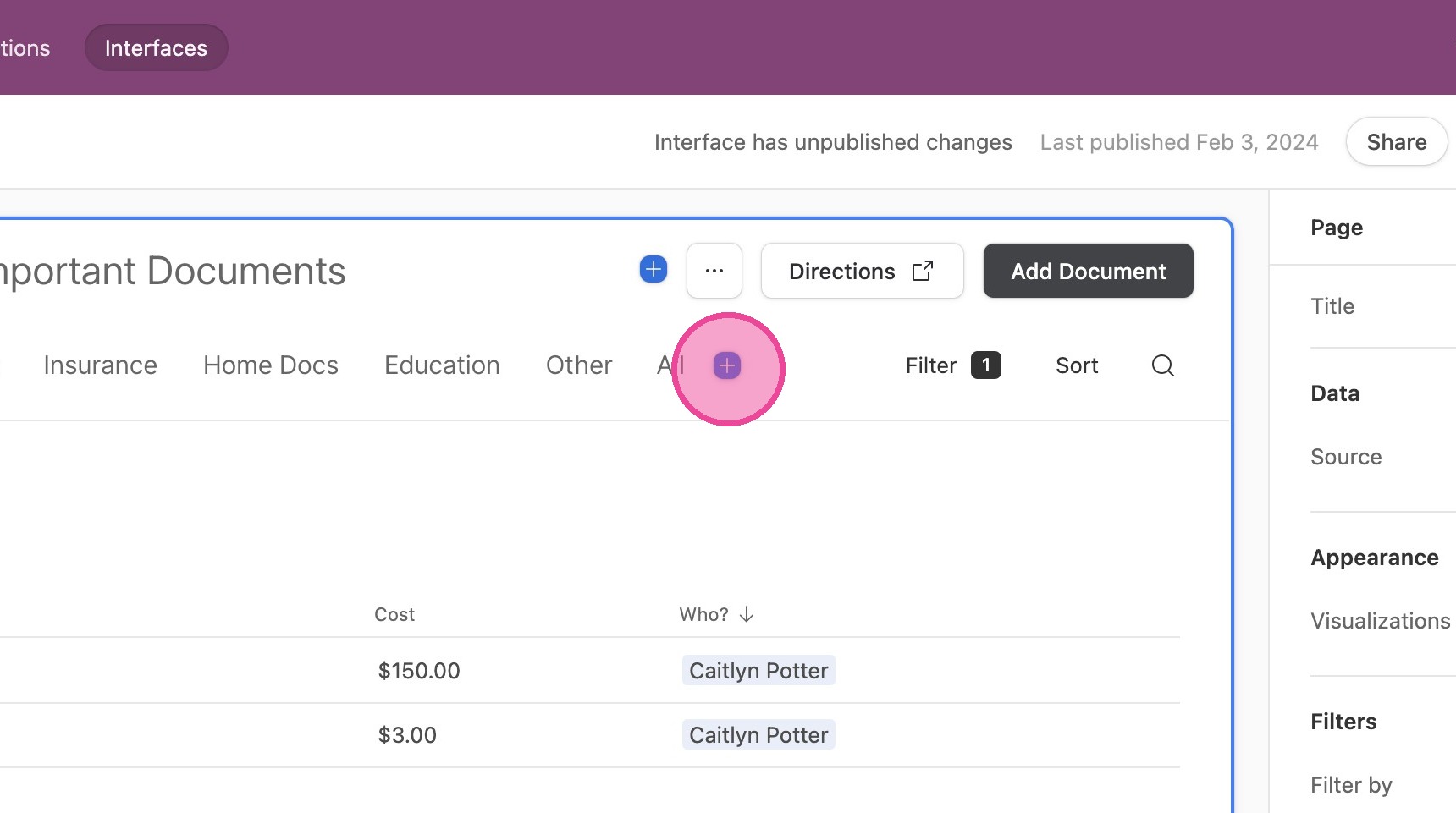
10. Change the name of the Tab to the name of your new document type.
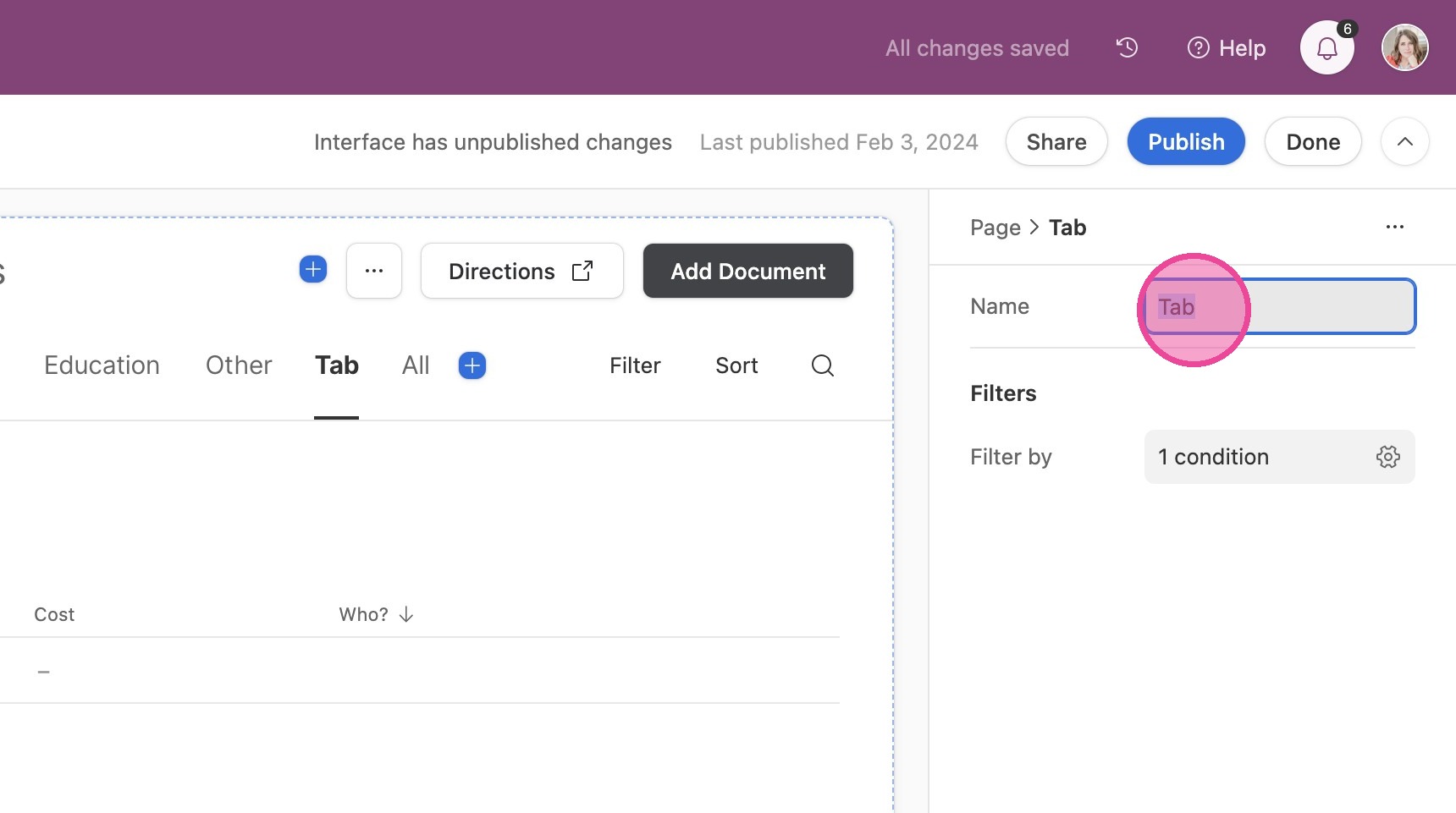
11. Now, we need to set up a filter. Click in the "Filter by" fields.
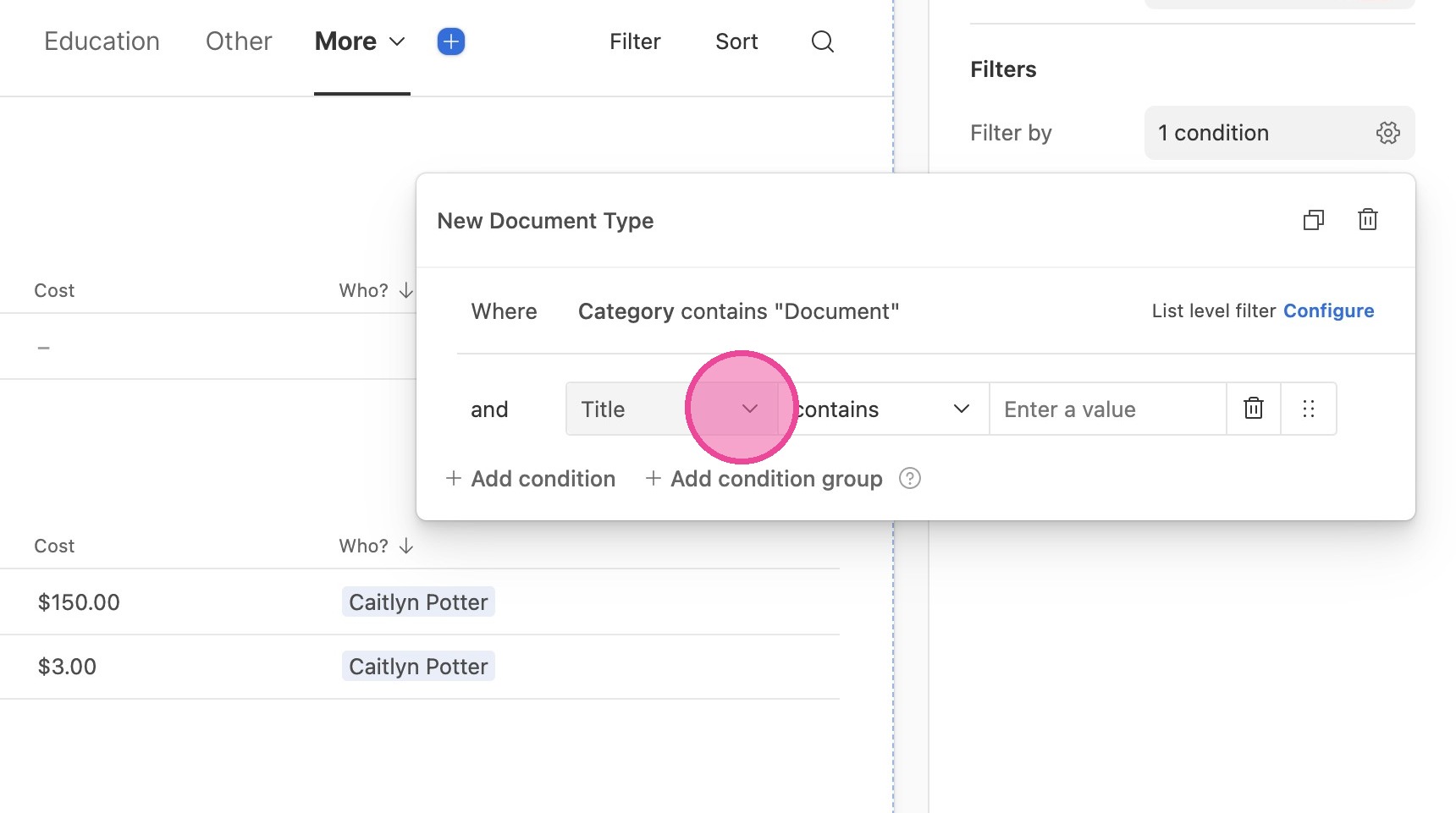
12. Click the first field and select "Log Type" from the dropdown menu.
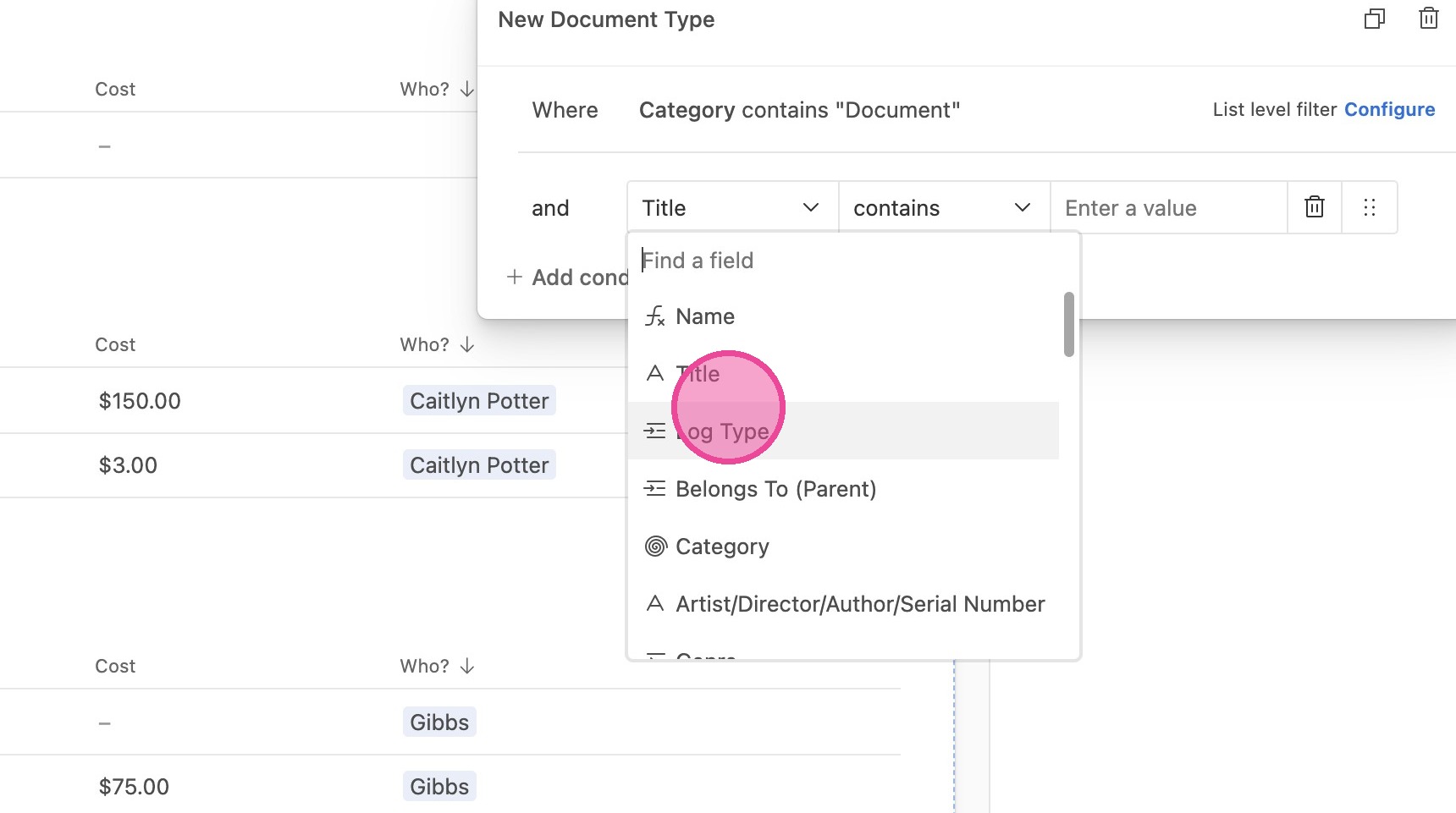
13. Click this icon.
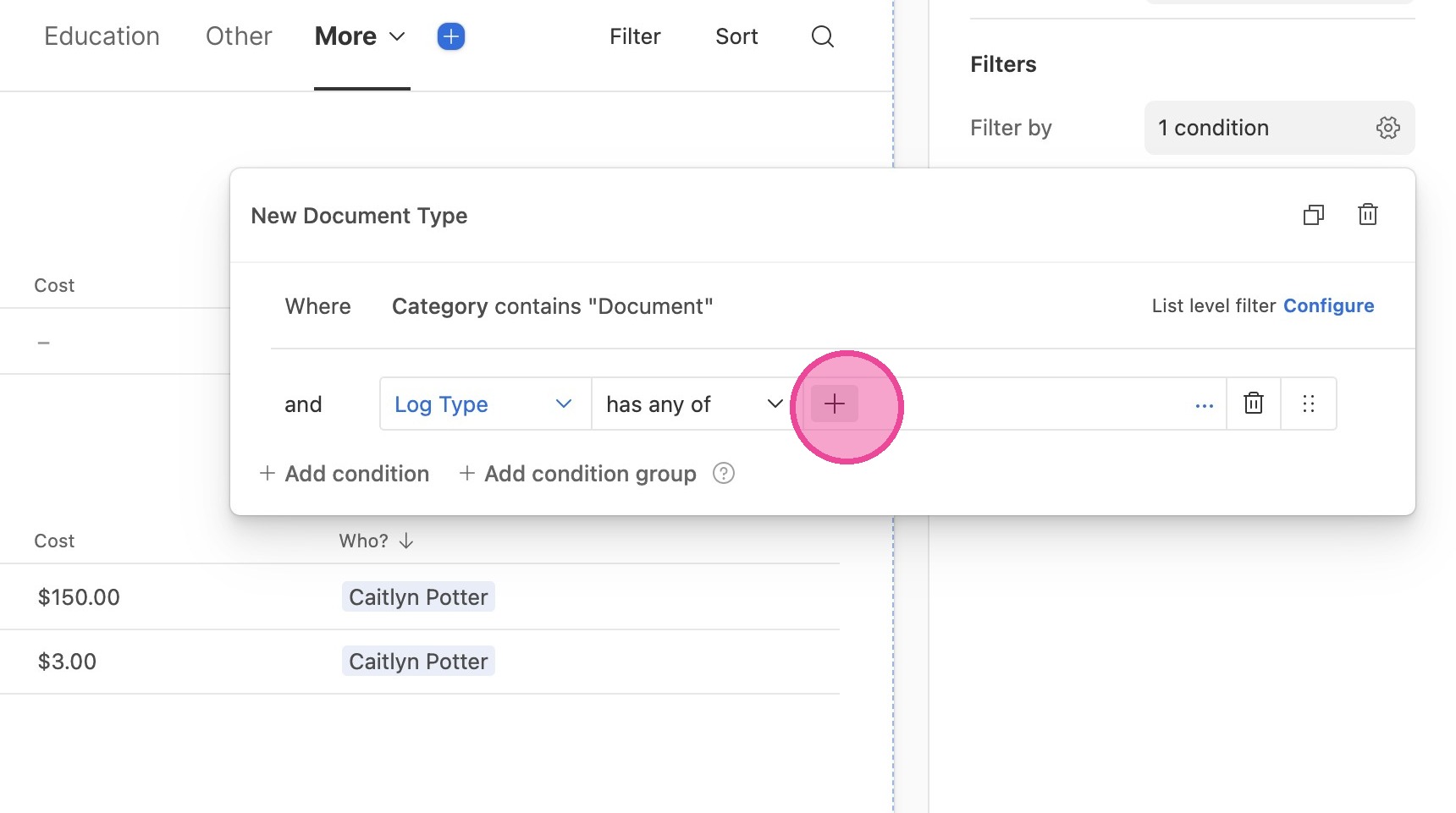
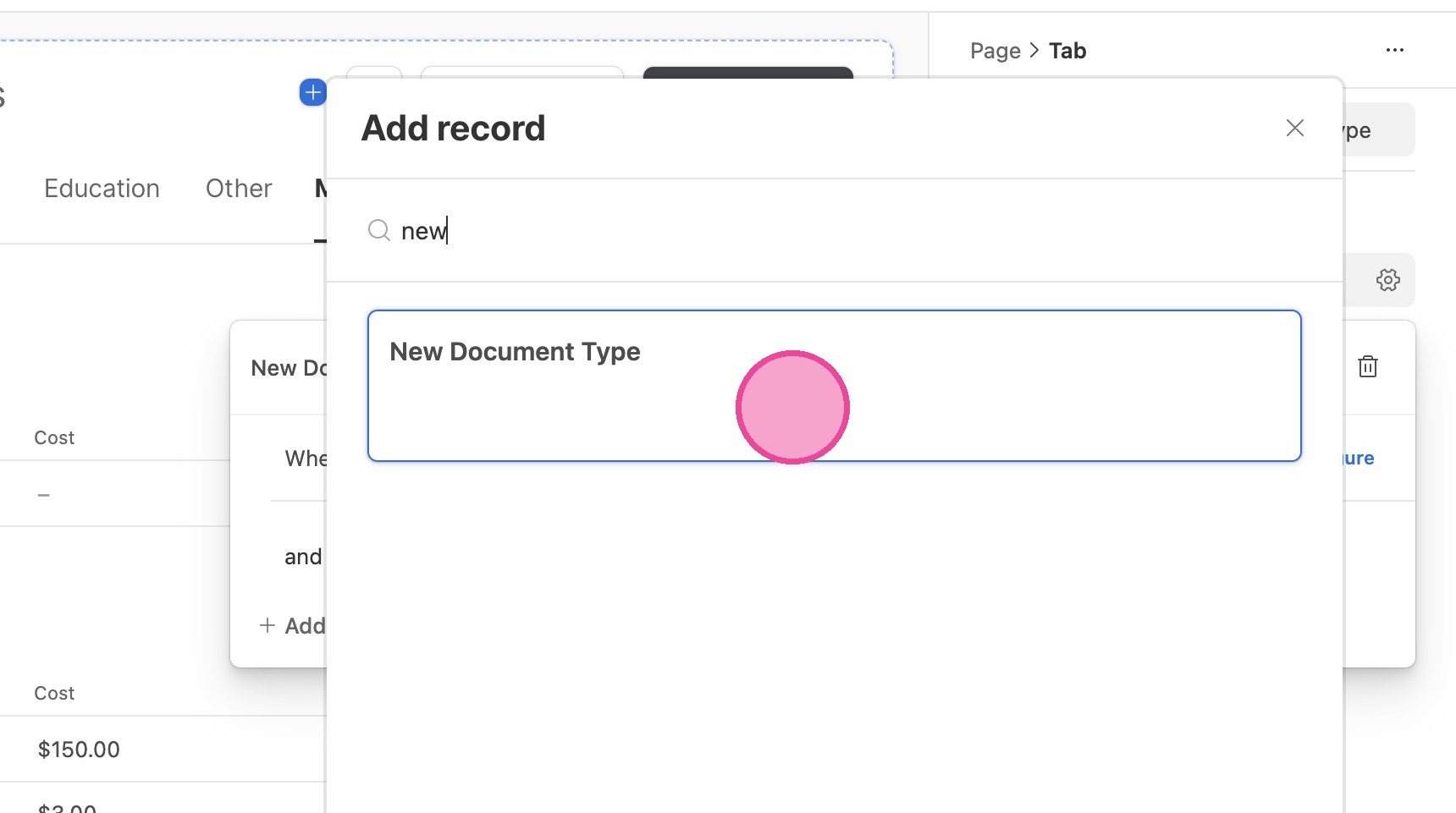
14. Search for the new document type you just created and select it.
Publish
15. Click "Publish"
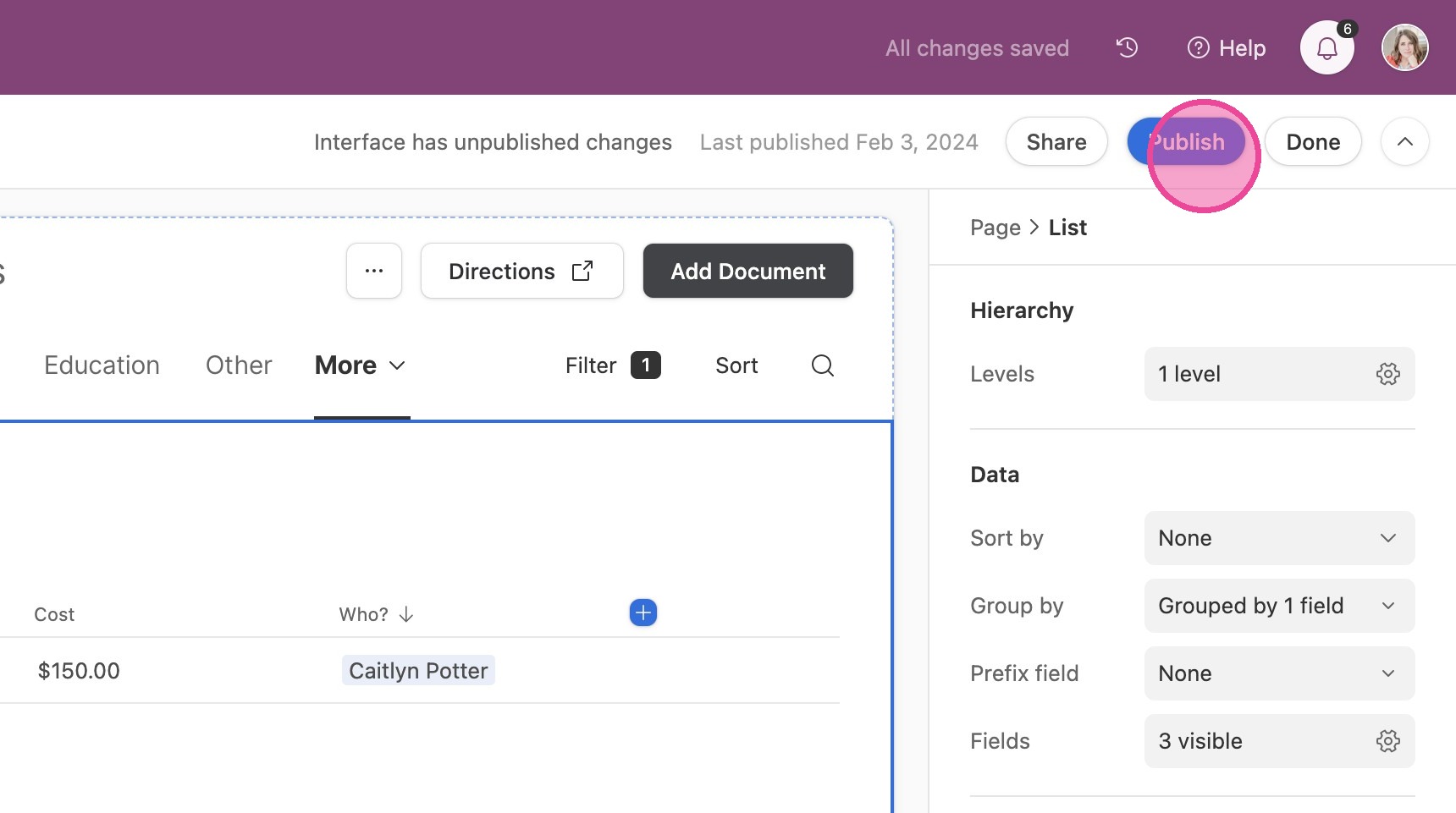
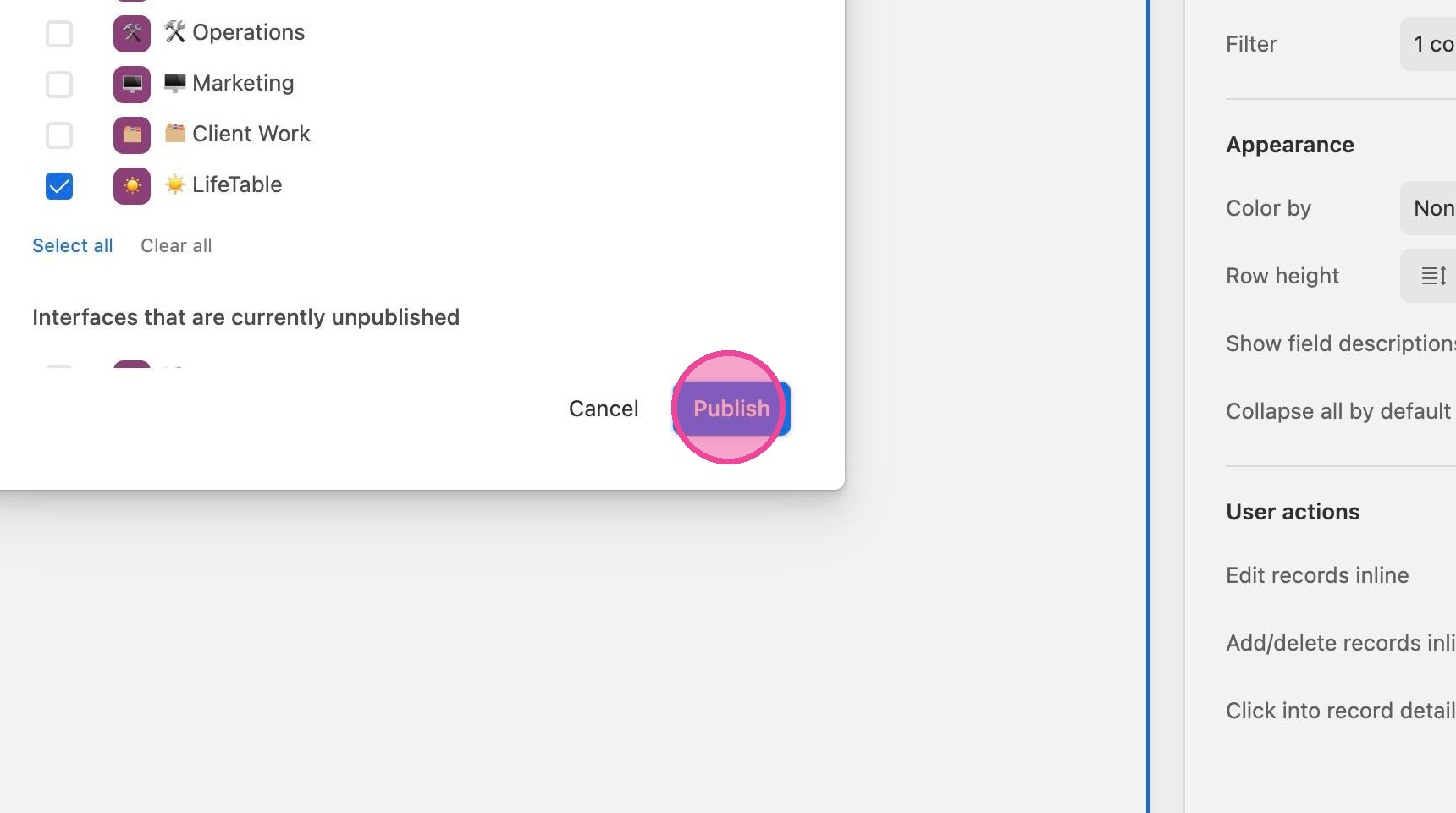
16. Click "Publish"