Share an Interface
- Open CommandCenter Interface Go to your CommandCenter interface.
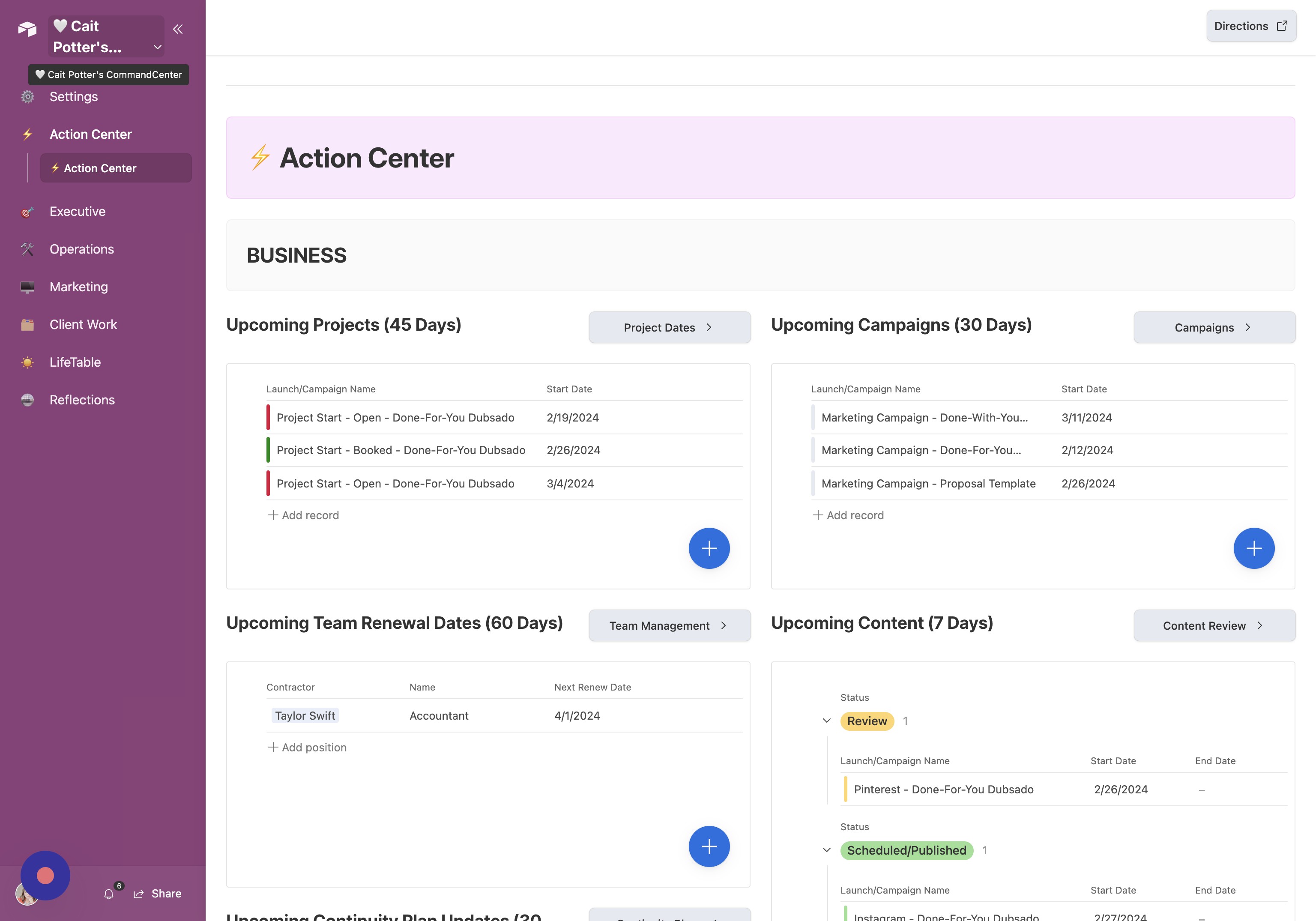
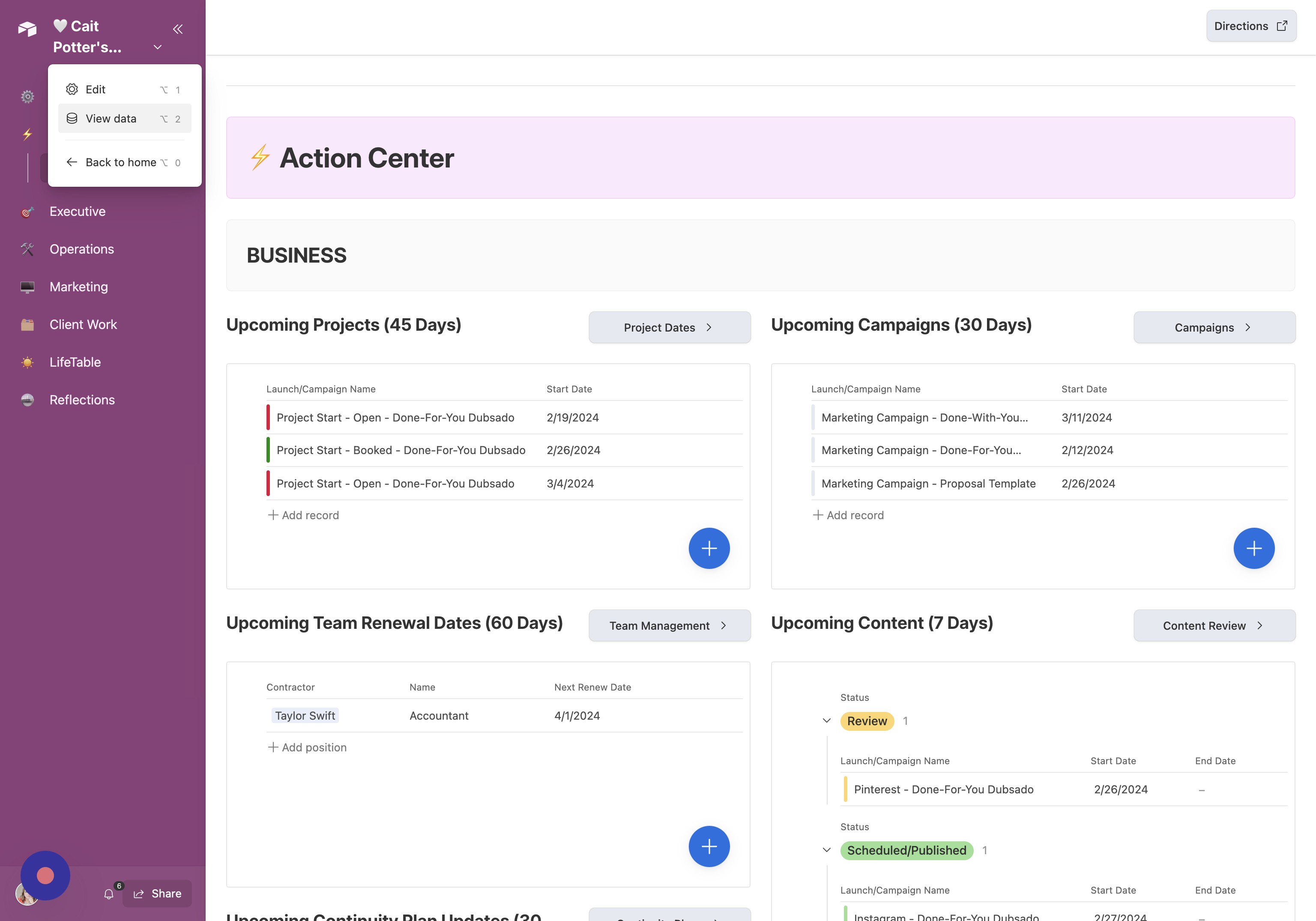
- Open Share Settings Click “Share.”
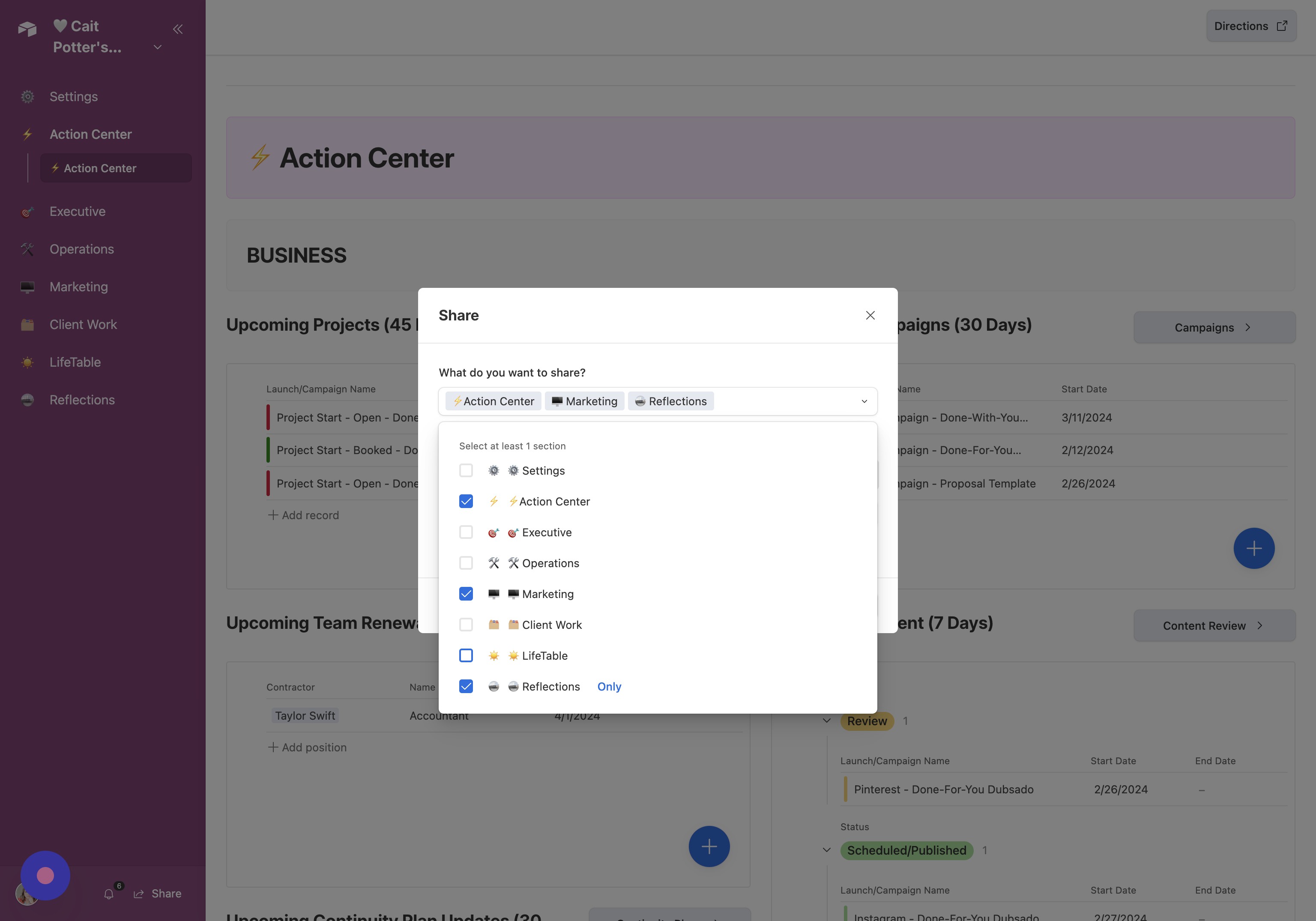
- Choose Interfaces to Share Select or deselect the interfaces you want to share.
- Enter Invite Email Click the “Invite by email or groups…” field and enter the email address.
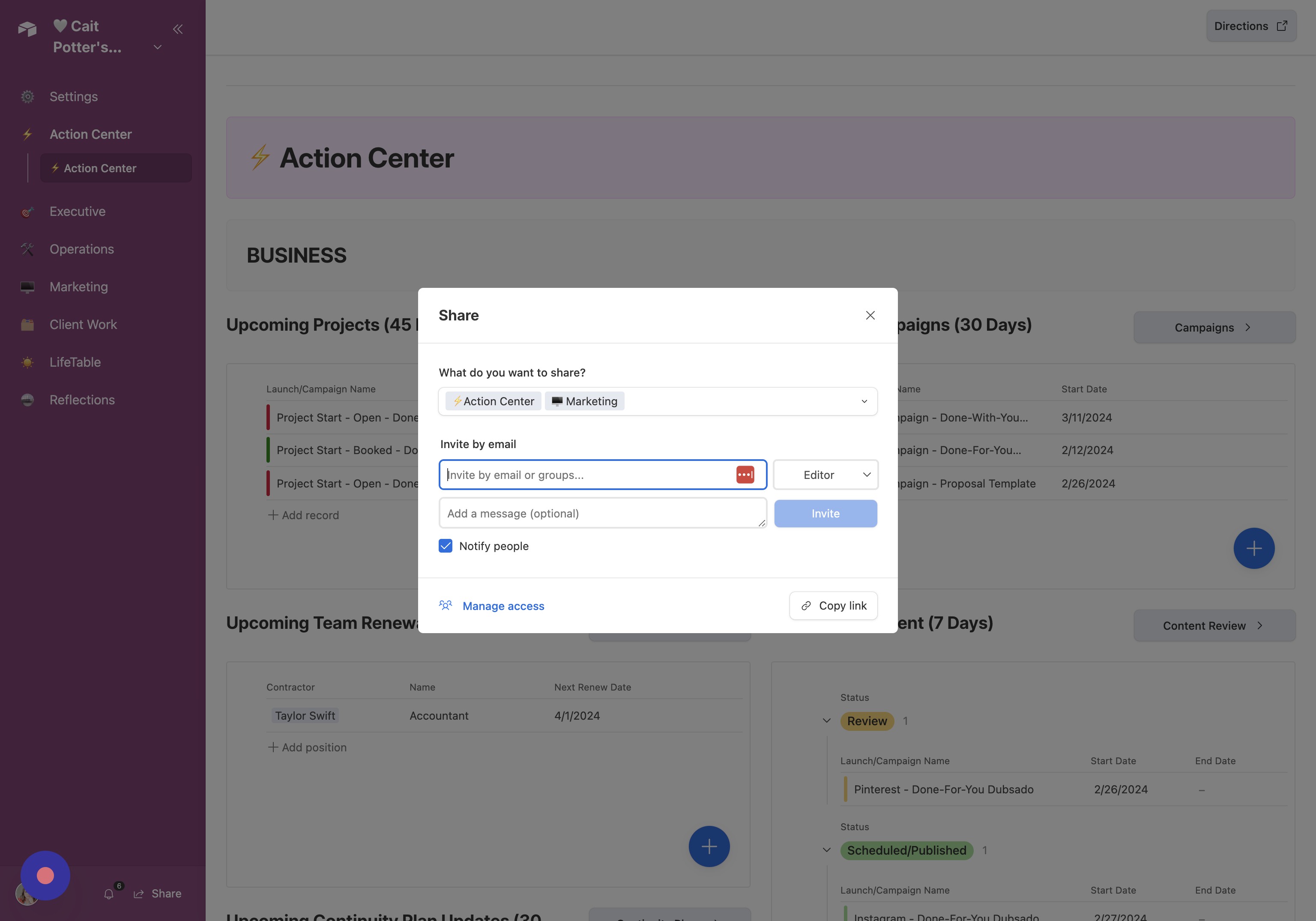
- Set Access Permissions Adjust permissions as needed. Use read-only access if you want to avoid paid seats.
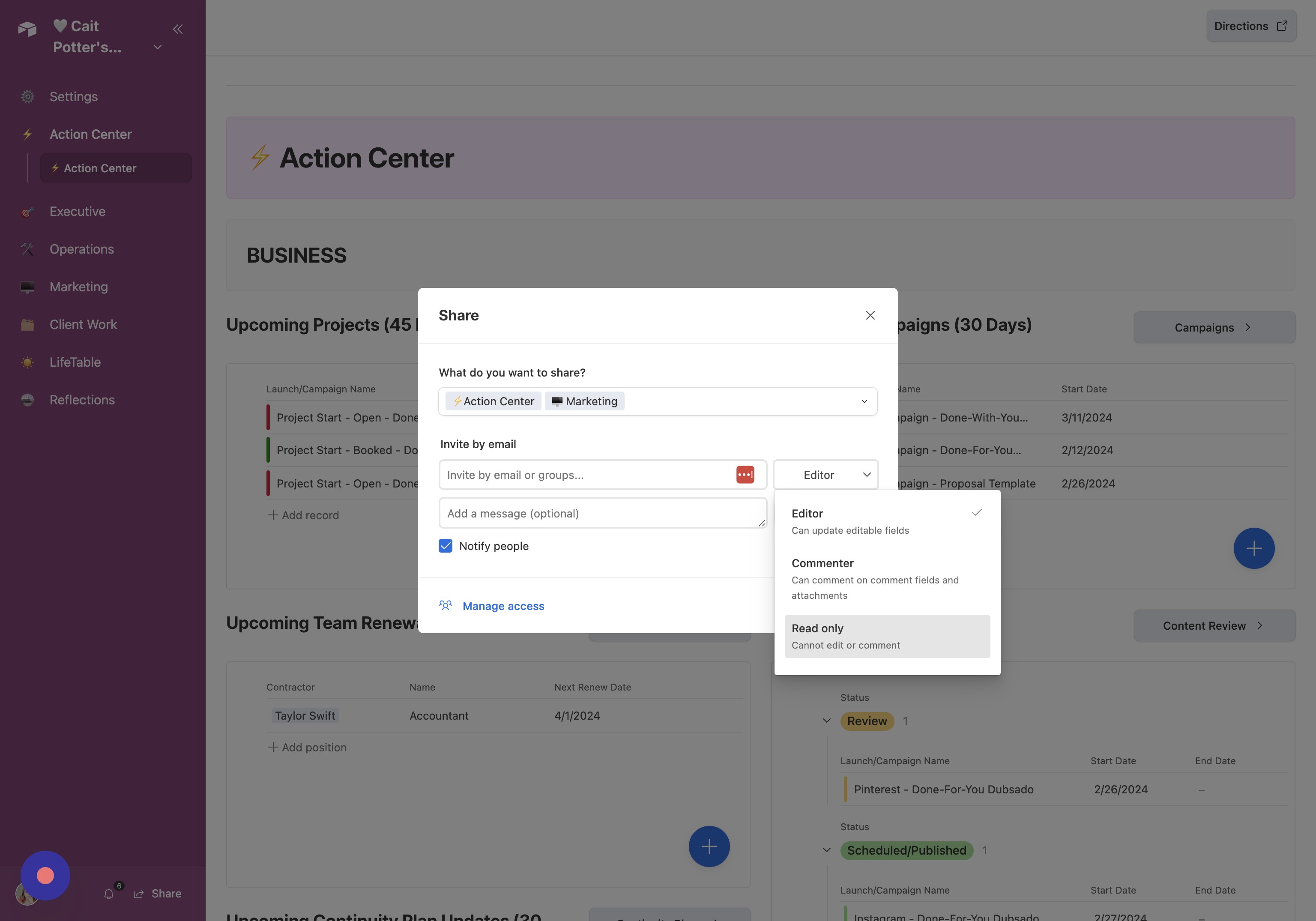
- Add Optional Message Click “Add a message (optional)” and enter your message.
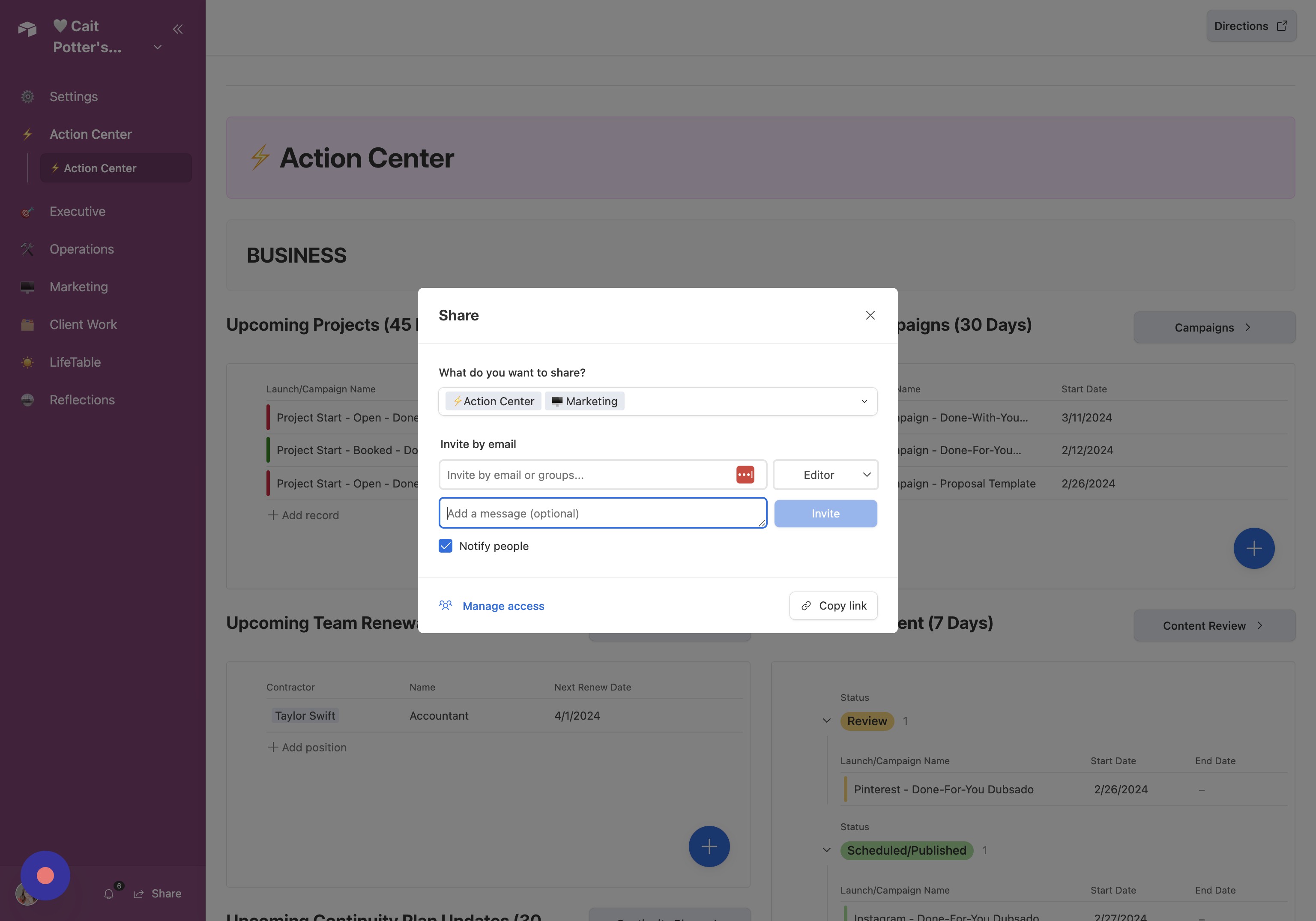
- Send Invitation Click “Invite.”
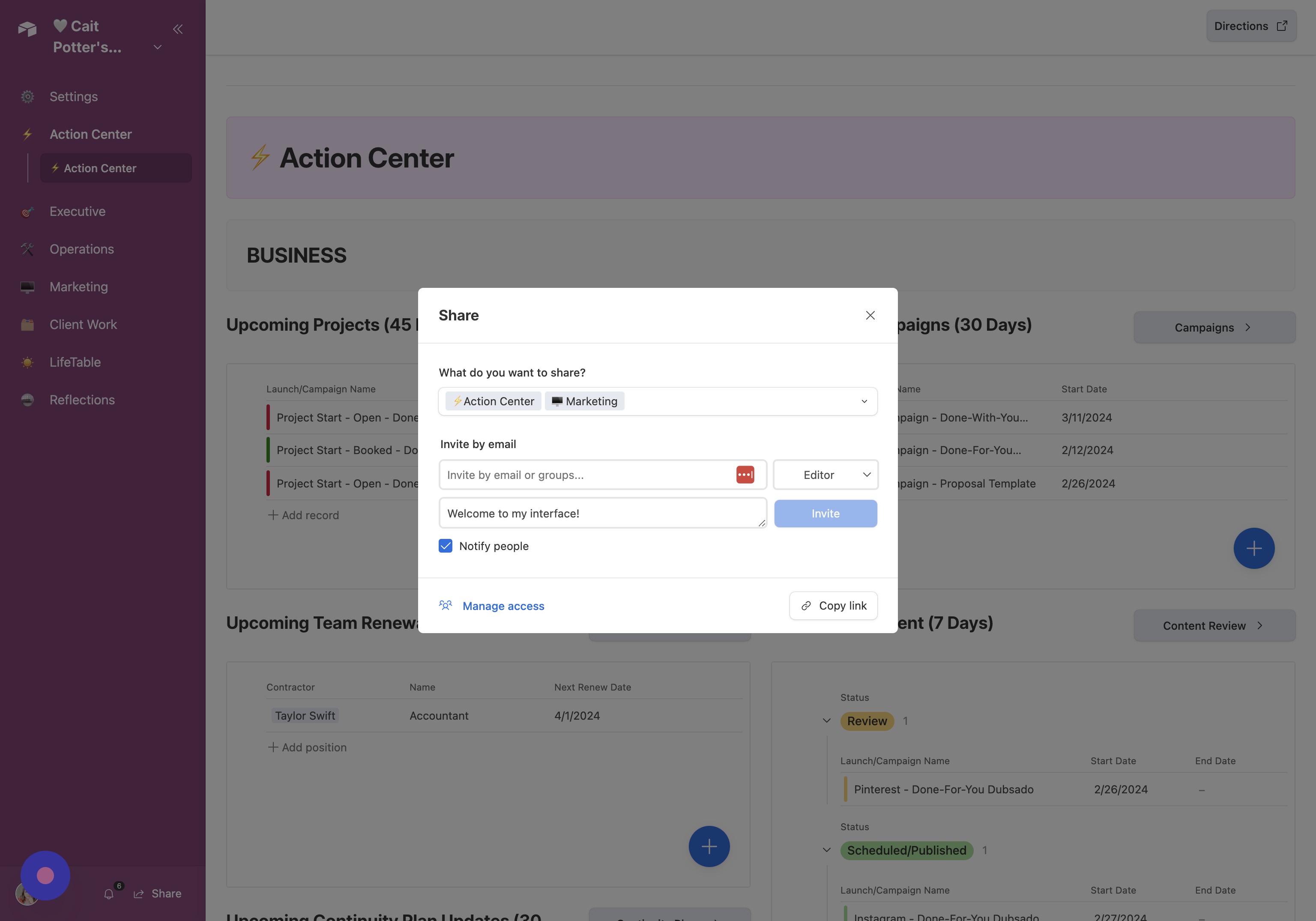
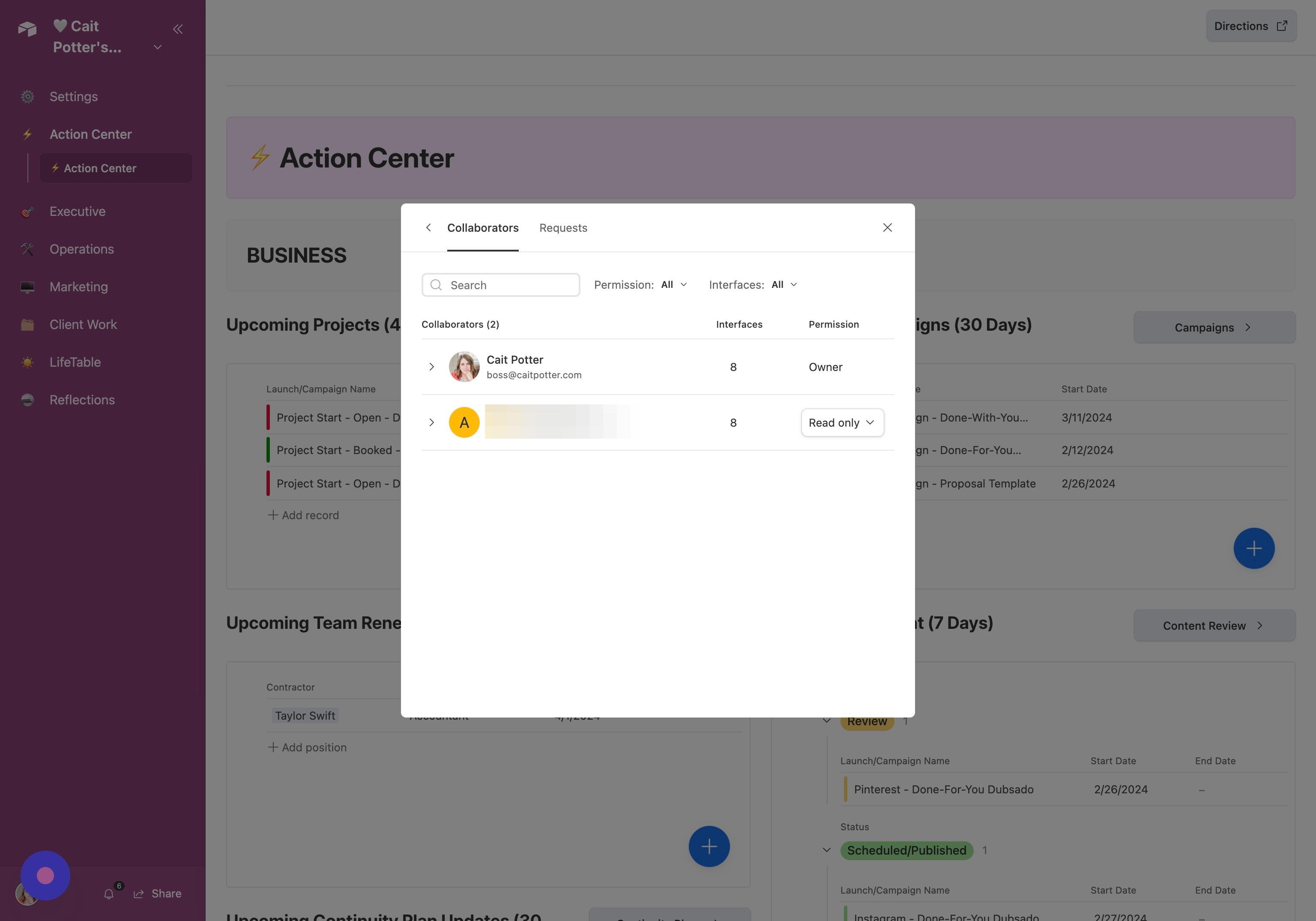
- Open Access Settings Click “Manage access.”
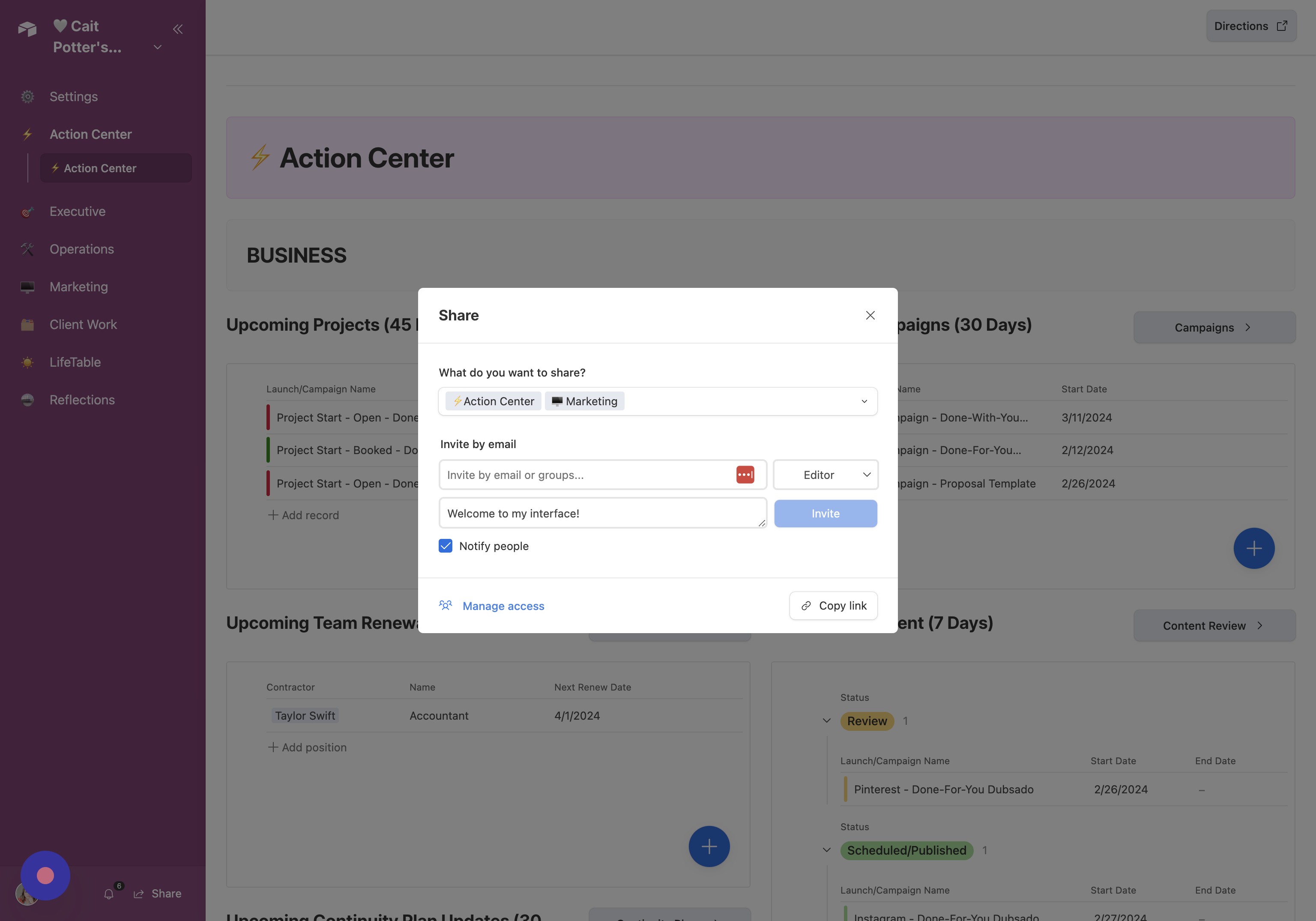
- Update User Permissions Adjust user permissions as needed.
Did this answer your question?
Thanks for the feedback
There was a problem submitting your feedback. Please try again later.
No results found
