How to edit wording in template of Onboarding Questionnaires
1. Navigate to https://www.notion.so/The-Setup-OS-by-Cait-Potter-206dd7308353808987bff97cb6ffafb3
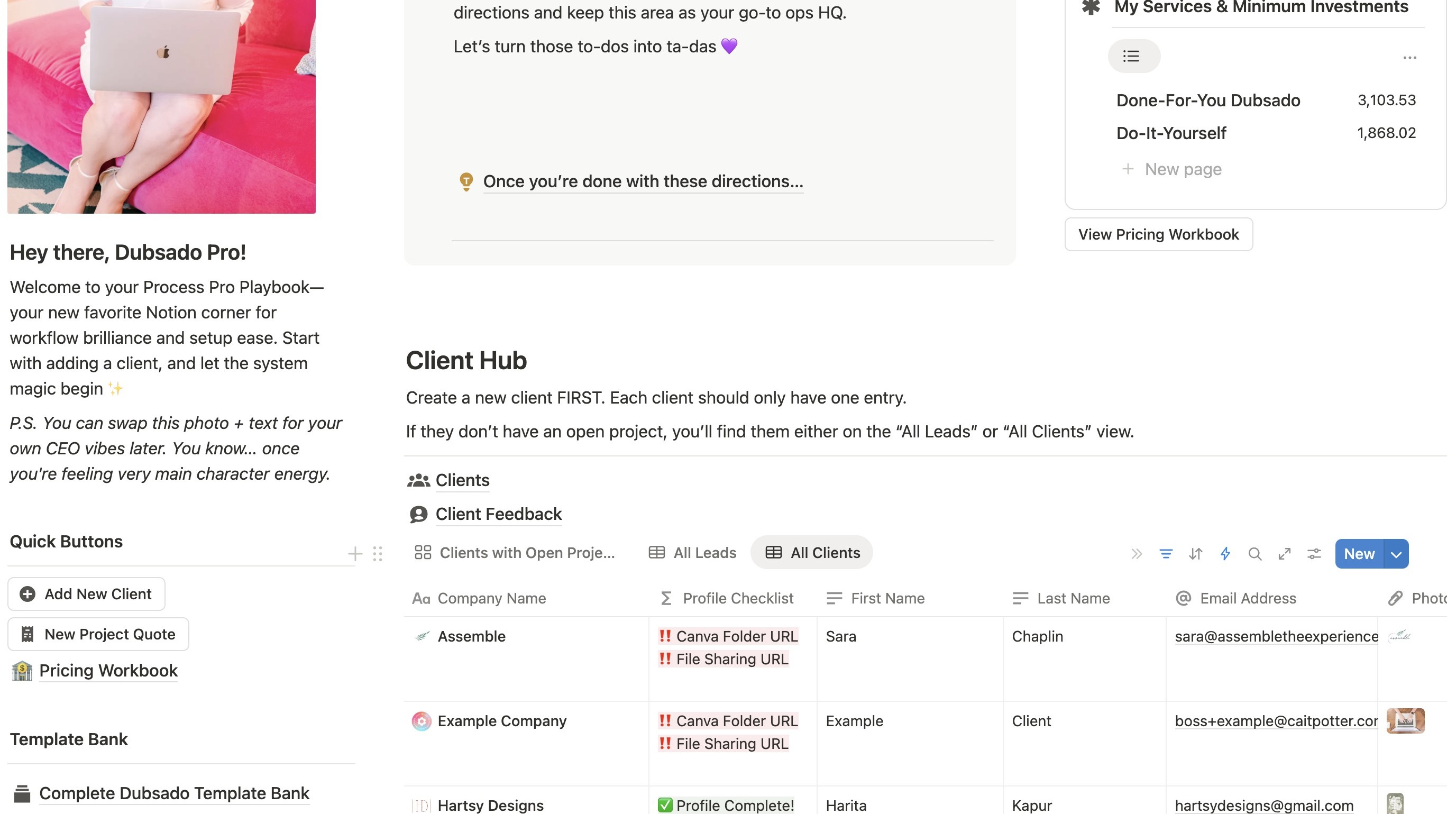
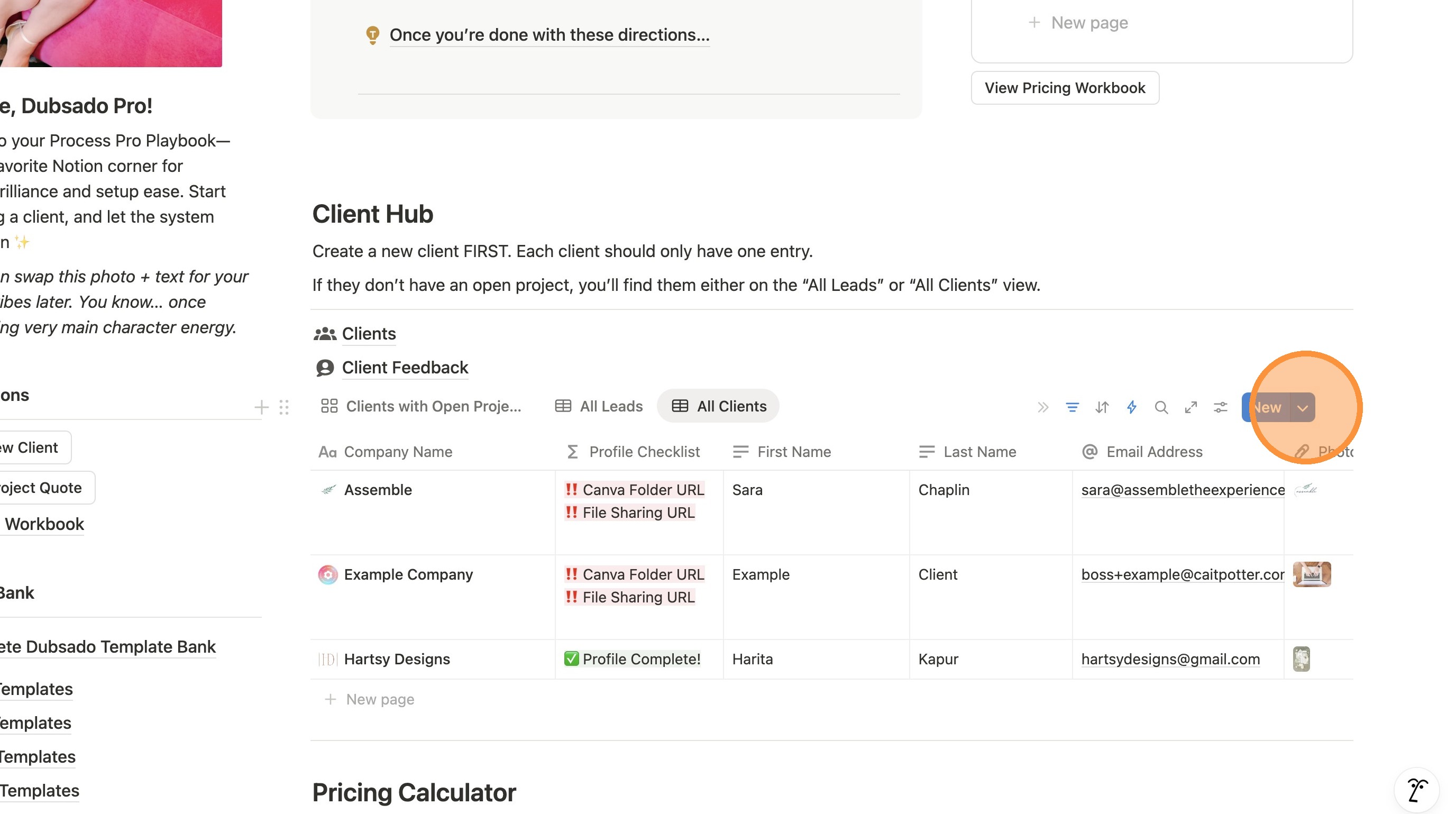
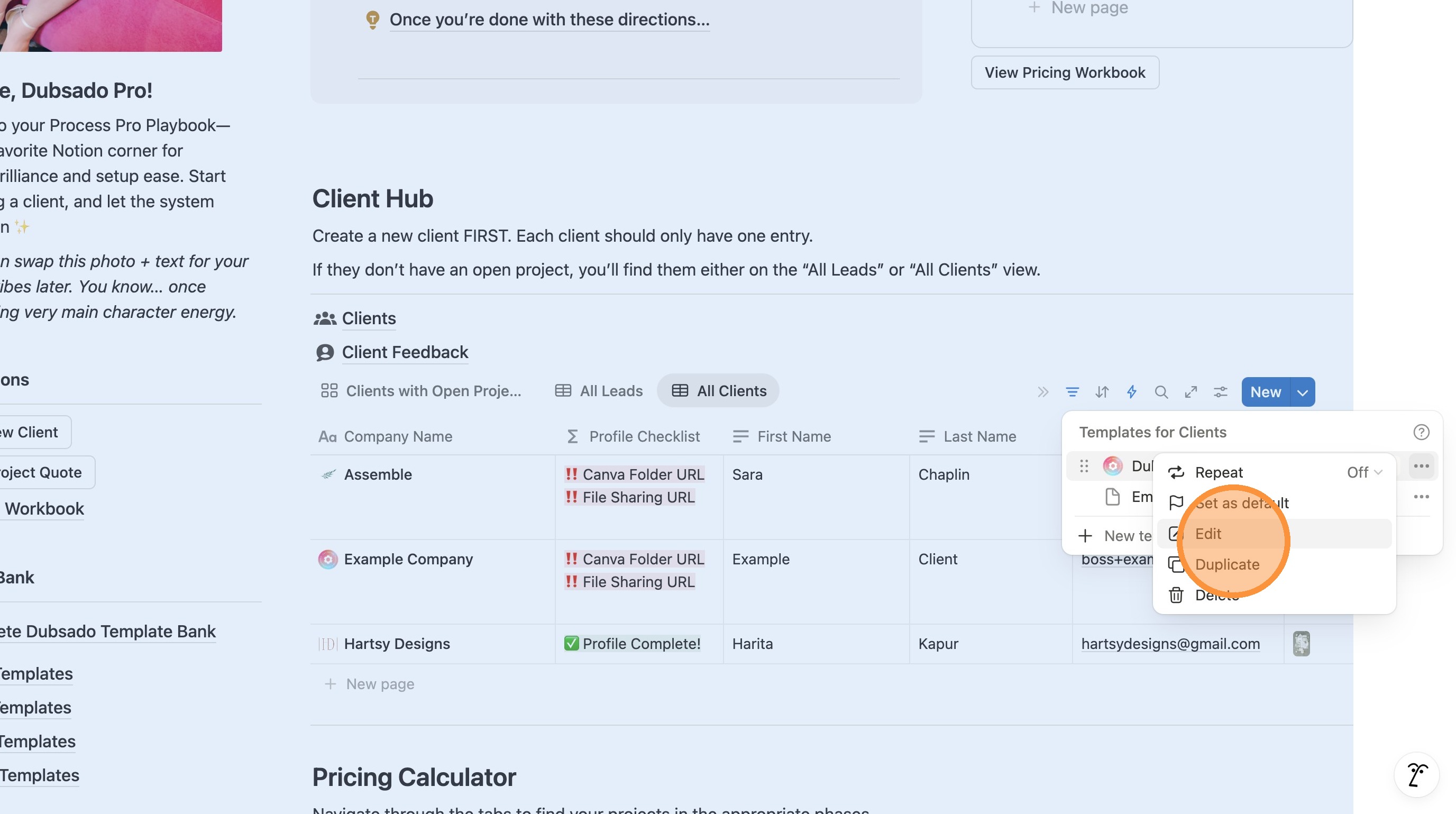
2. Scroll down to the Client Hub area and click the arrow next to "New"
3. Click the three dots next to the default template.
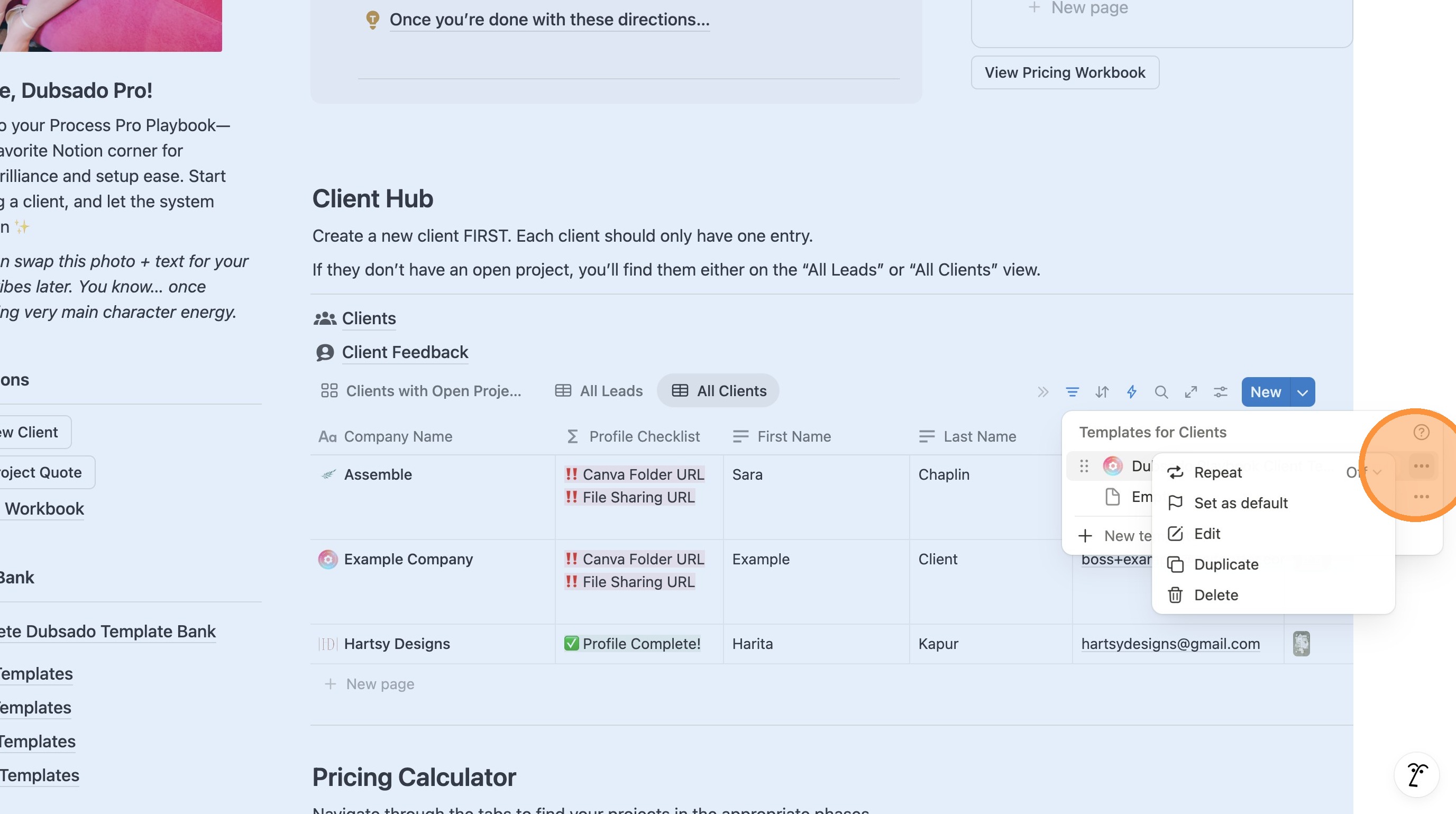
4. Click "Edit"
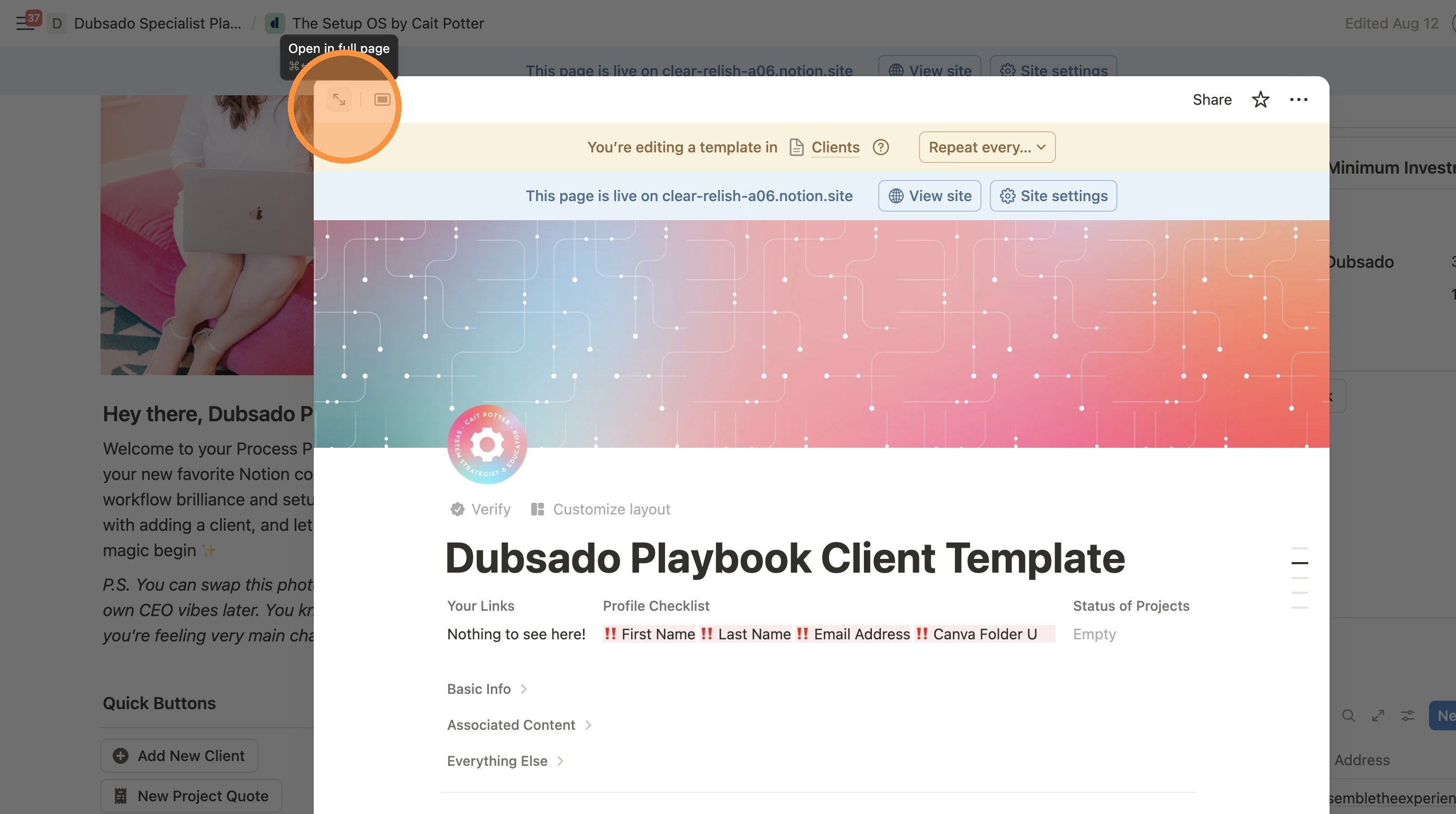
5. Click this icon to make the screen full page.
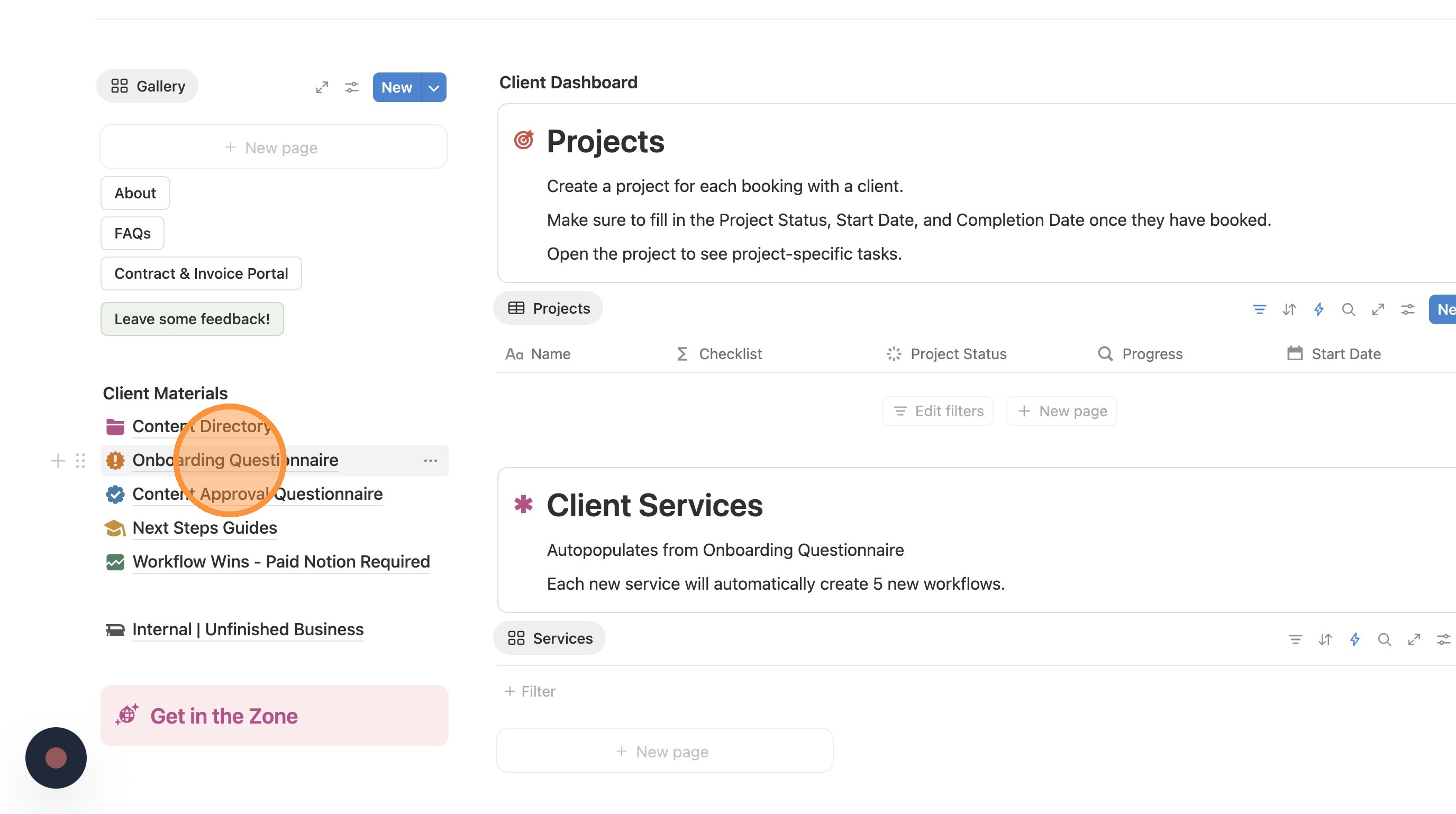
6. Click "Onboarding Questionnaire"
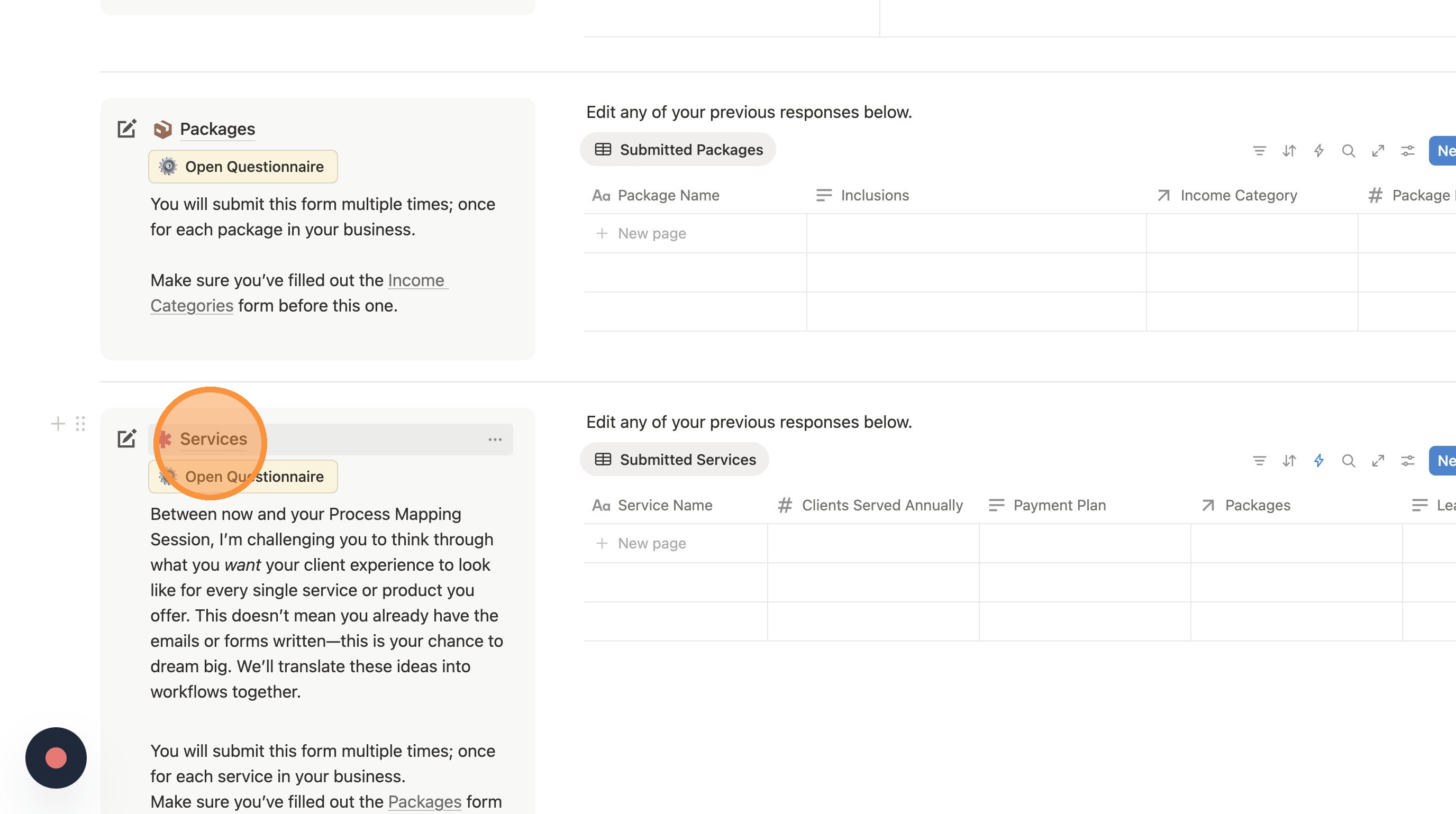
7. Scroll down to the section with the form you want to edit. Click on the title on the lefthand side. It should be underlined and have an icon with it.
In this example, we're clicking "Services"
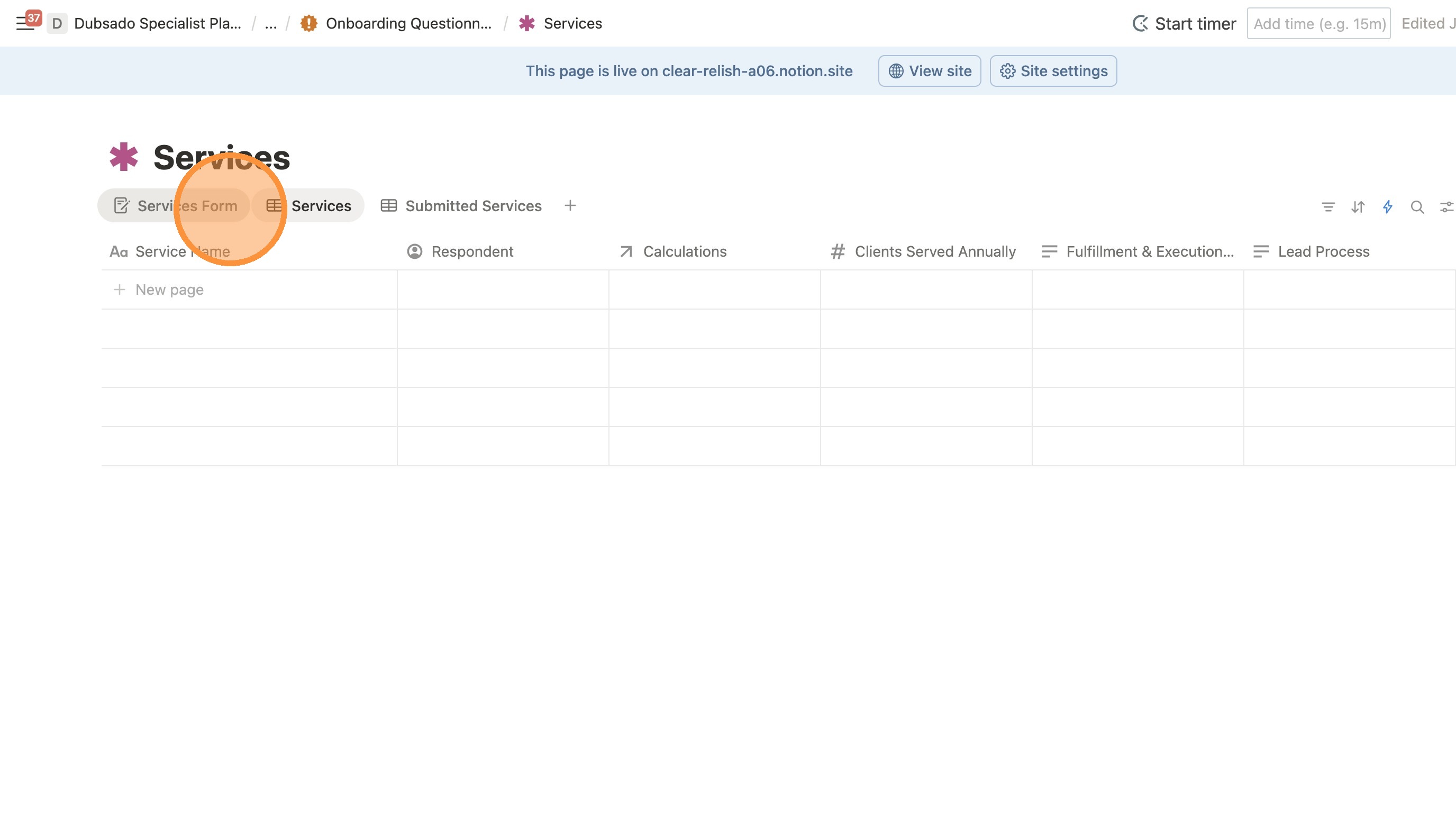
8. If it opens up to a screen that looks something like this, locate the tab that has the form view. In this example, it's called "Services Form"
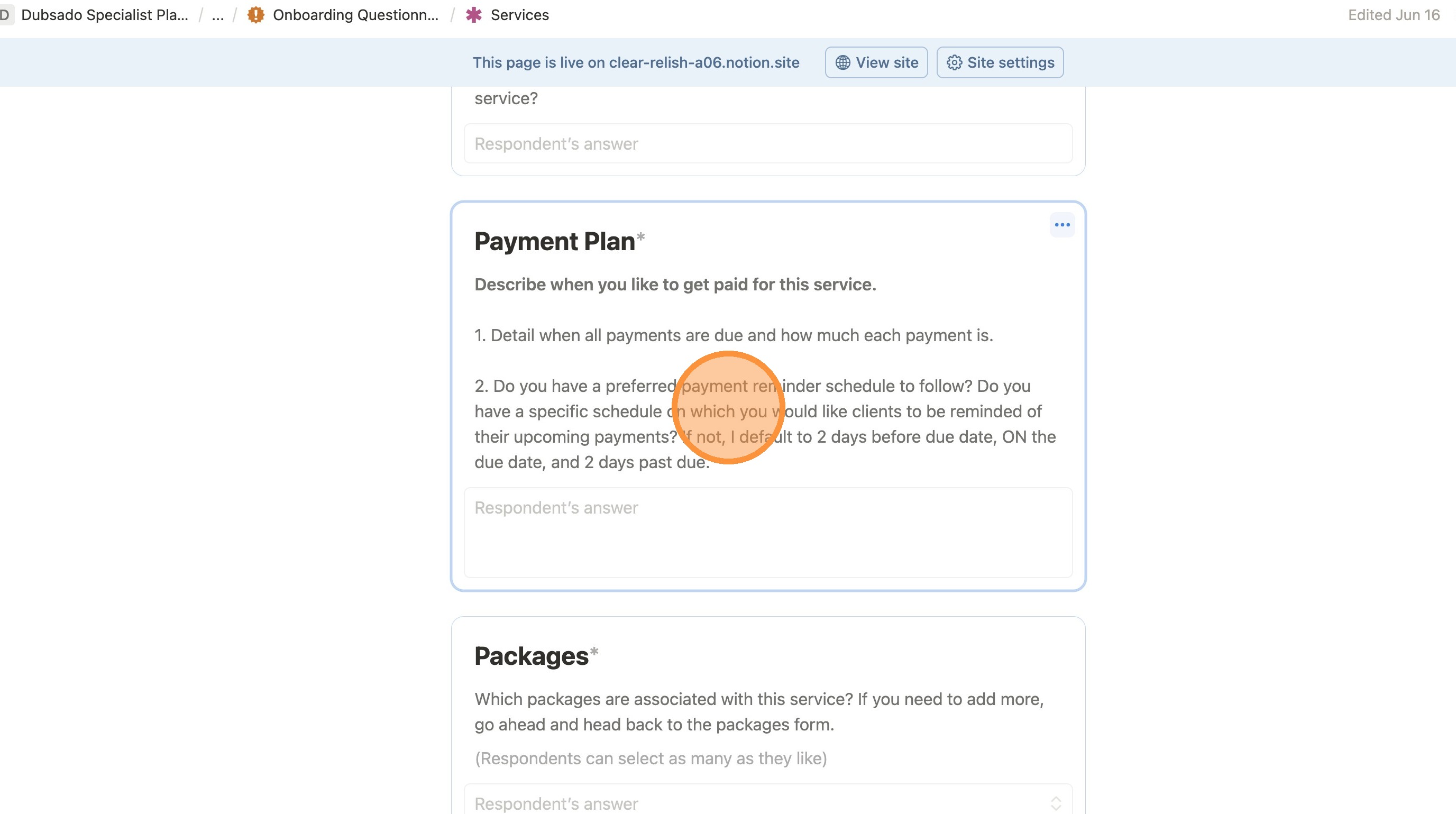
9. You can now freely click in the text of each question to edit the wording.
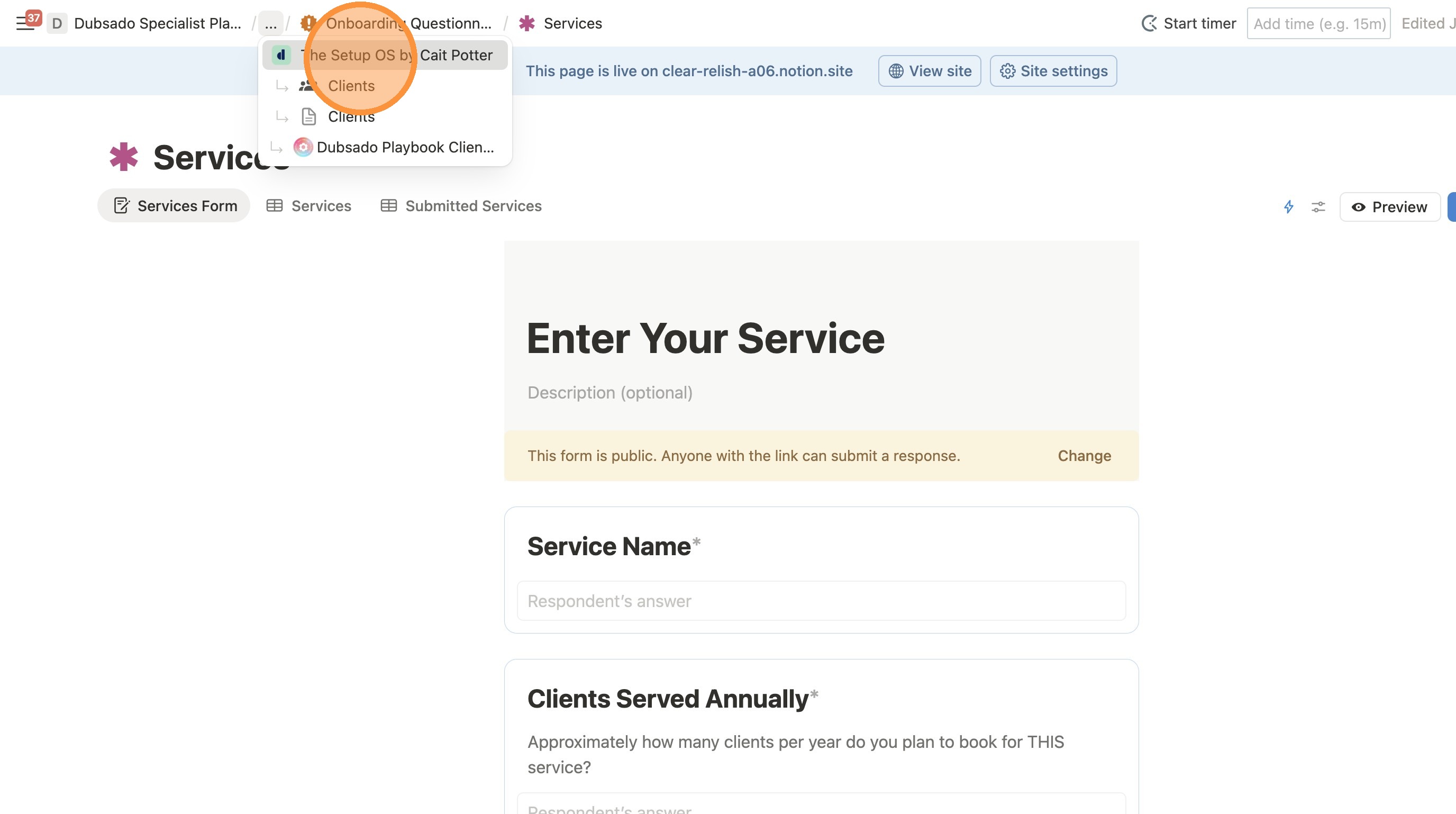
10. When you're done, you need to make sure you leave the Template area. Click "..." in the breadcrumbs.
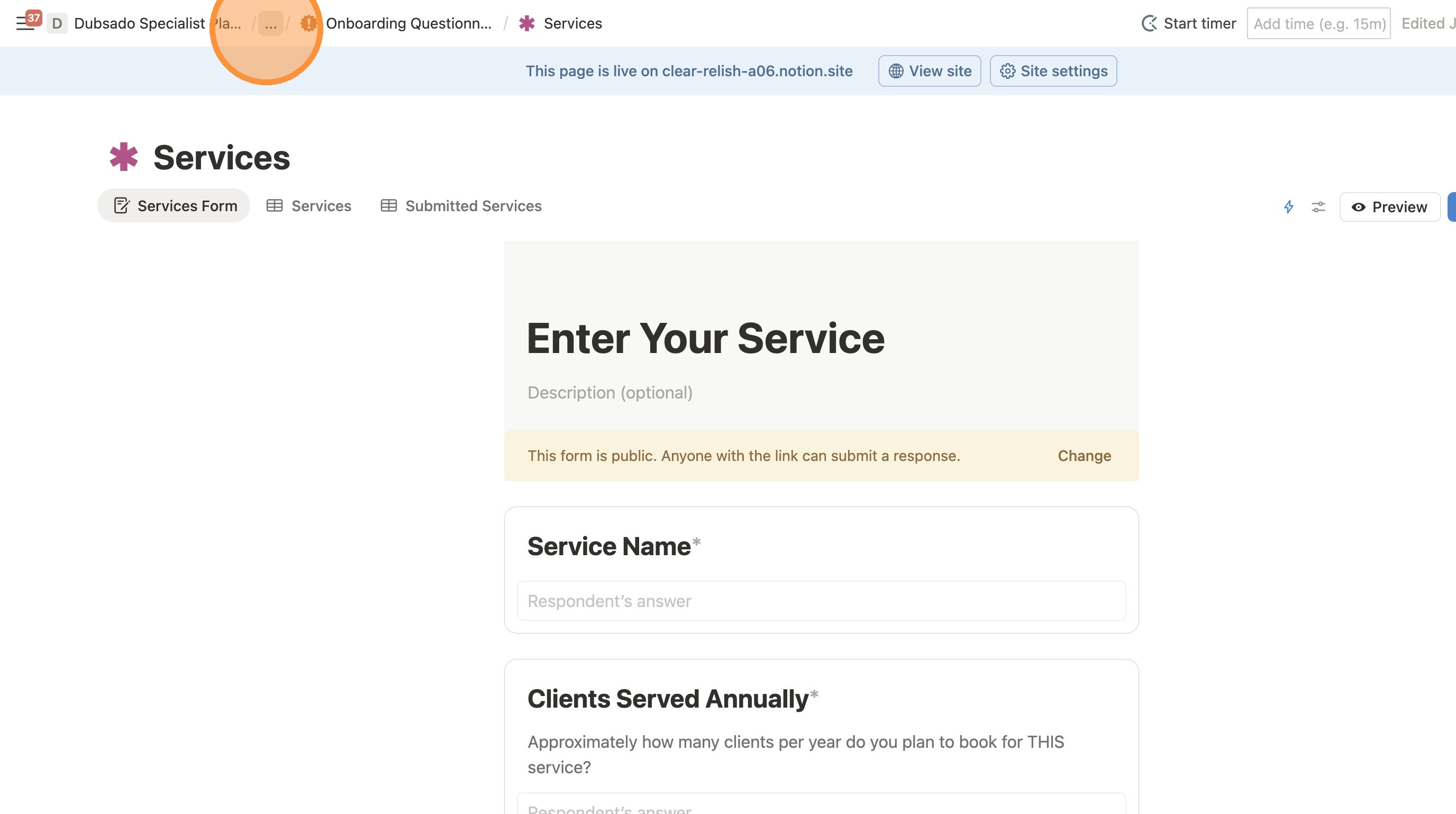
11. Click "The Setup OS by Cait Potter" to go back to the main home page, leaving the template editor.