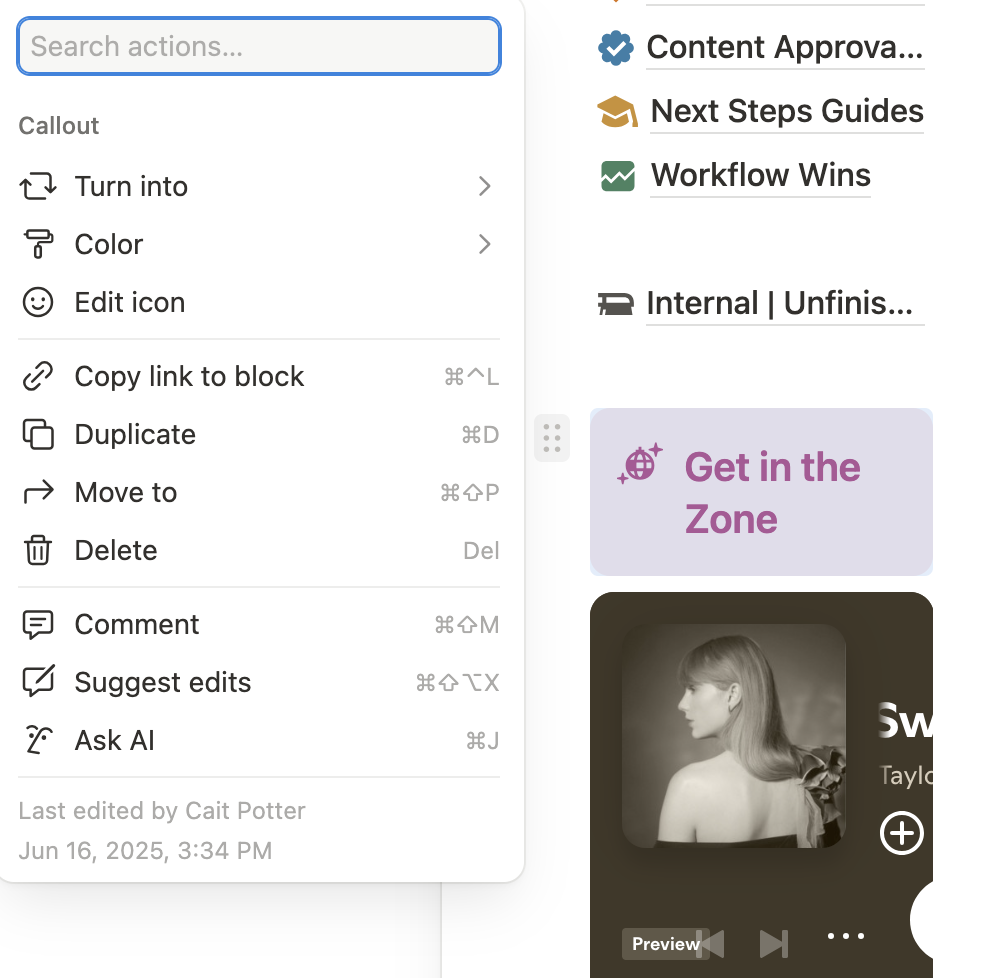
How to Delete Music Player & Quotes
Don’t want a playlist at all?
Totally fine. You’ll also find directions for deleting the Spotify block throughout the system - just follow them carefully to make sure it's removed from everywhere without breaking anything.
1. Navigate to https://www.notion.so/The-Setup-OS-by-Cait-Potter-206dd7308353808987bff97cb6ffafb3
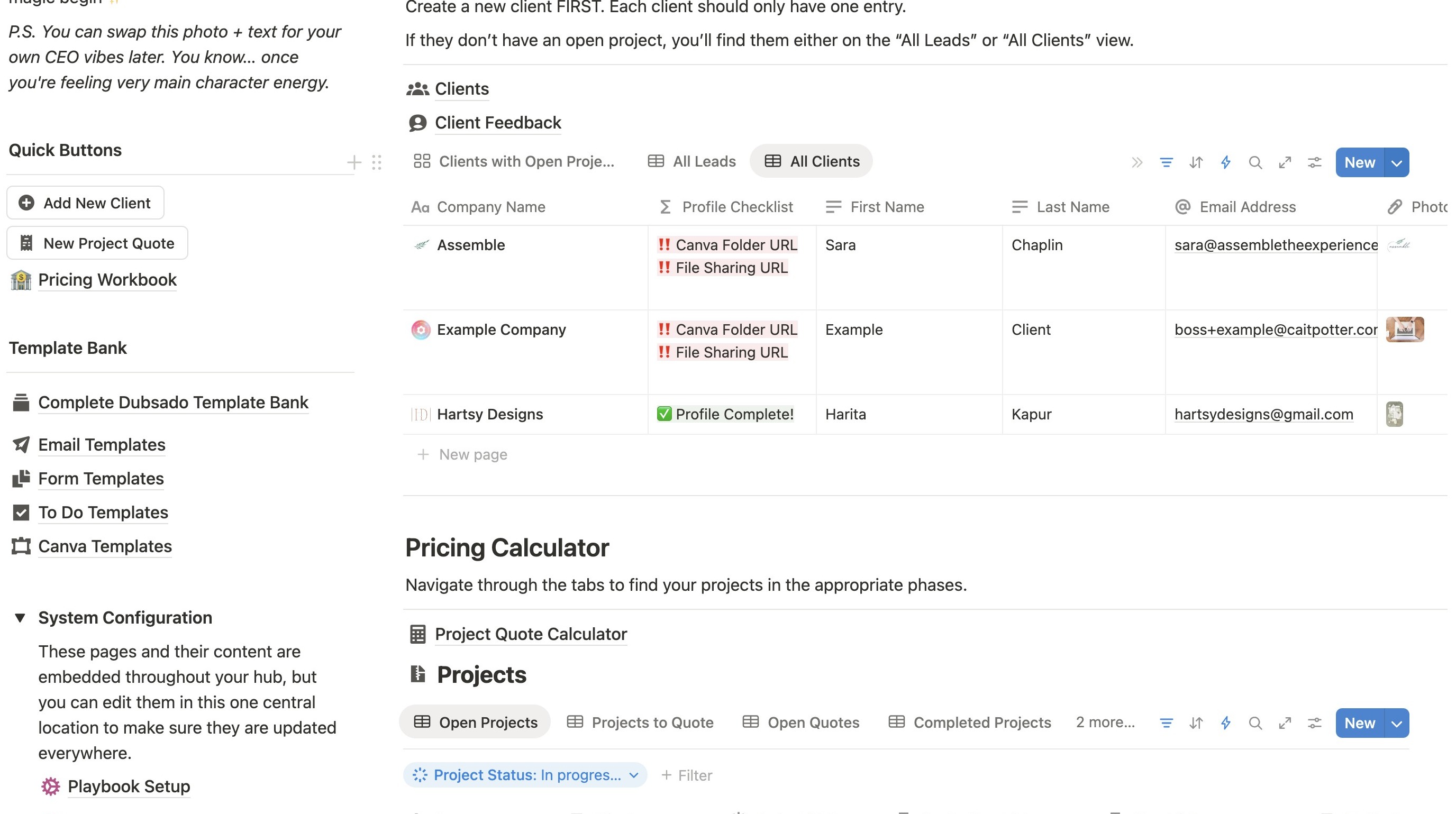
Open the Client Template
2. In the Client Hub area, click the arrow next to "New"
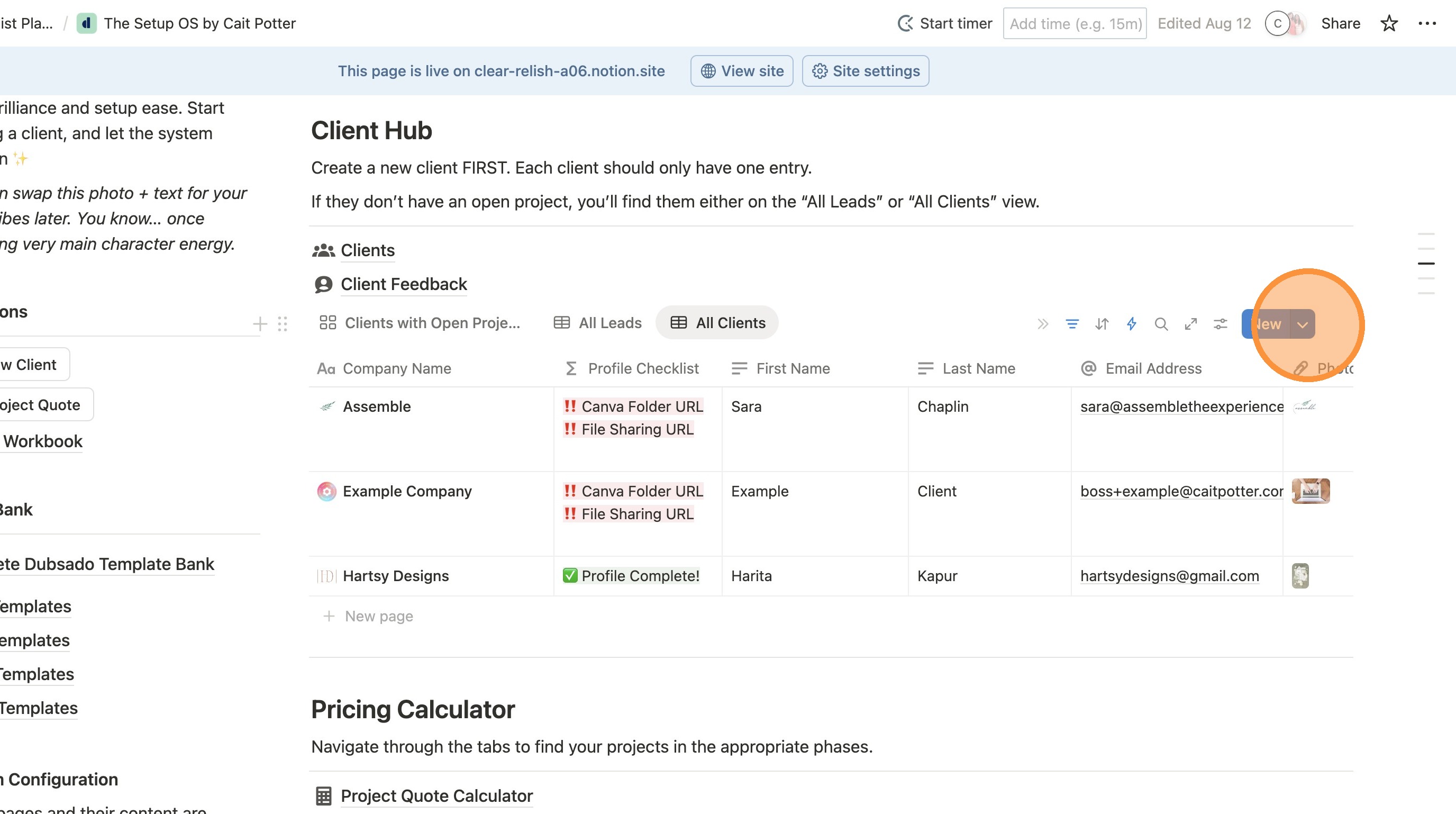
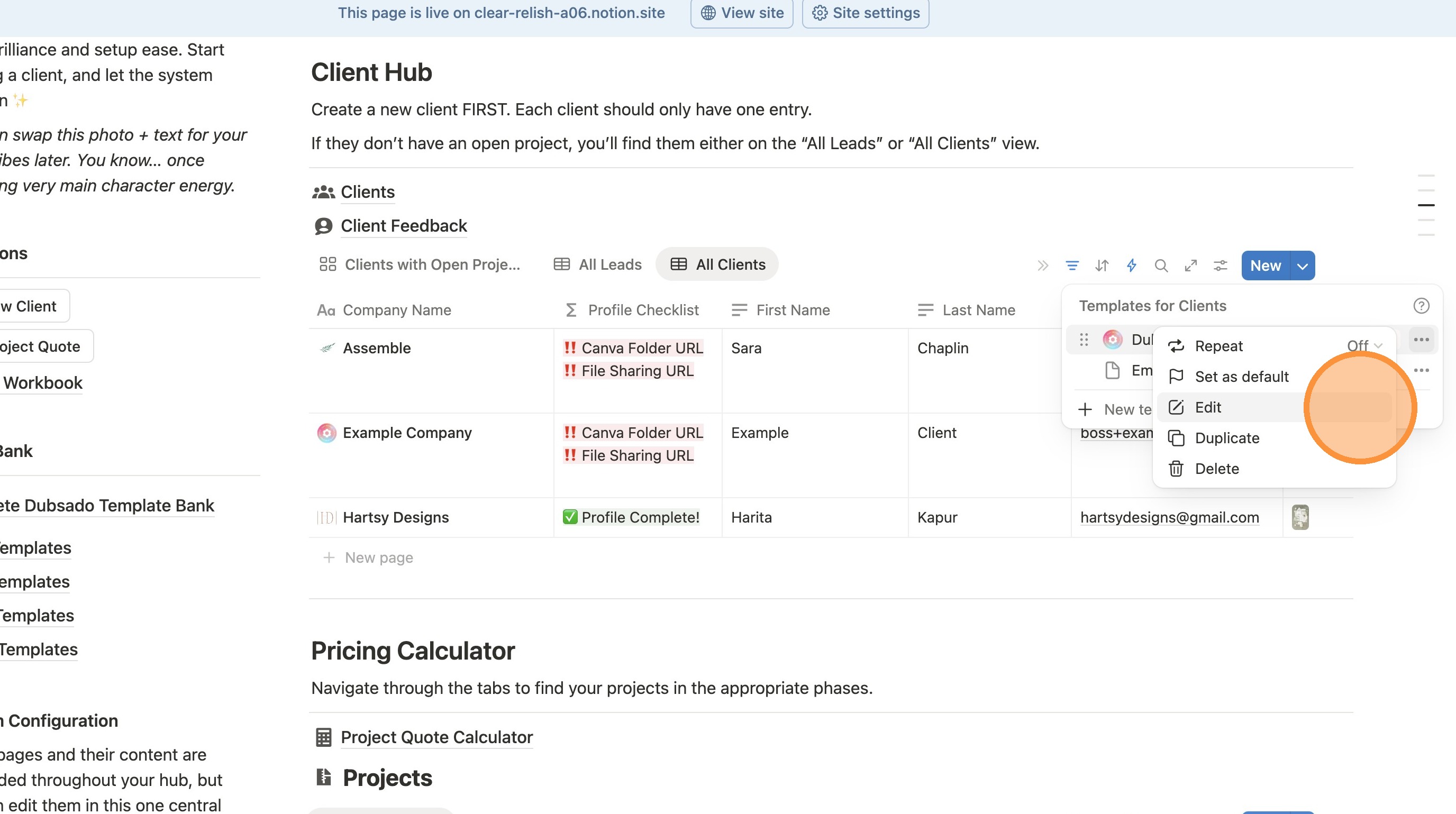
3. Click the 3 dots next to the template name.
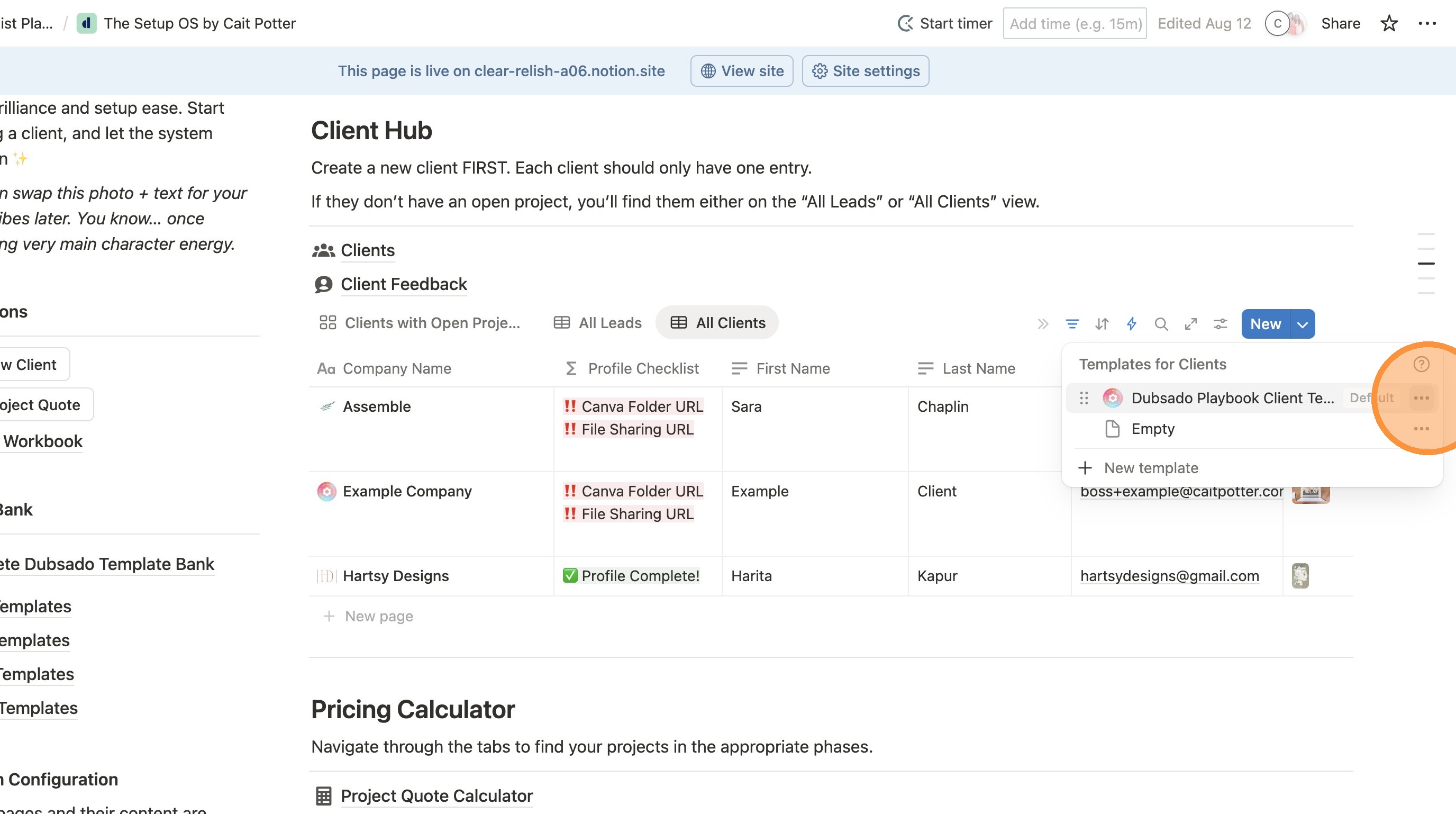
4. Click "Edit"
5. Click this icon to expand to full screen.
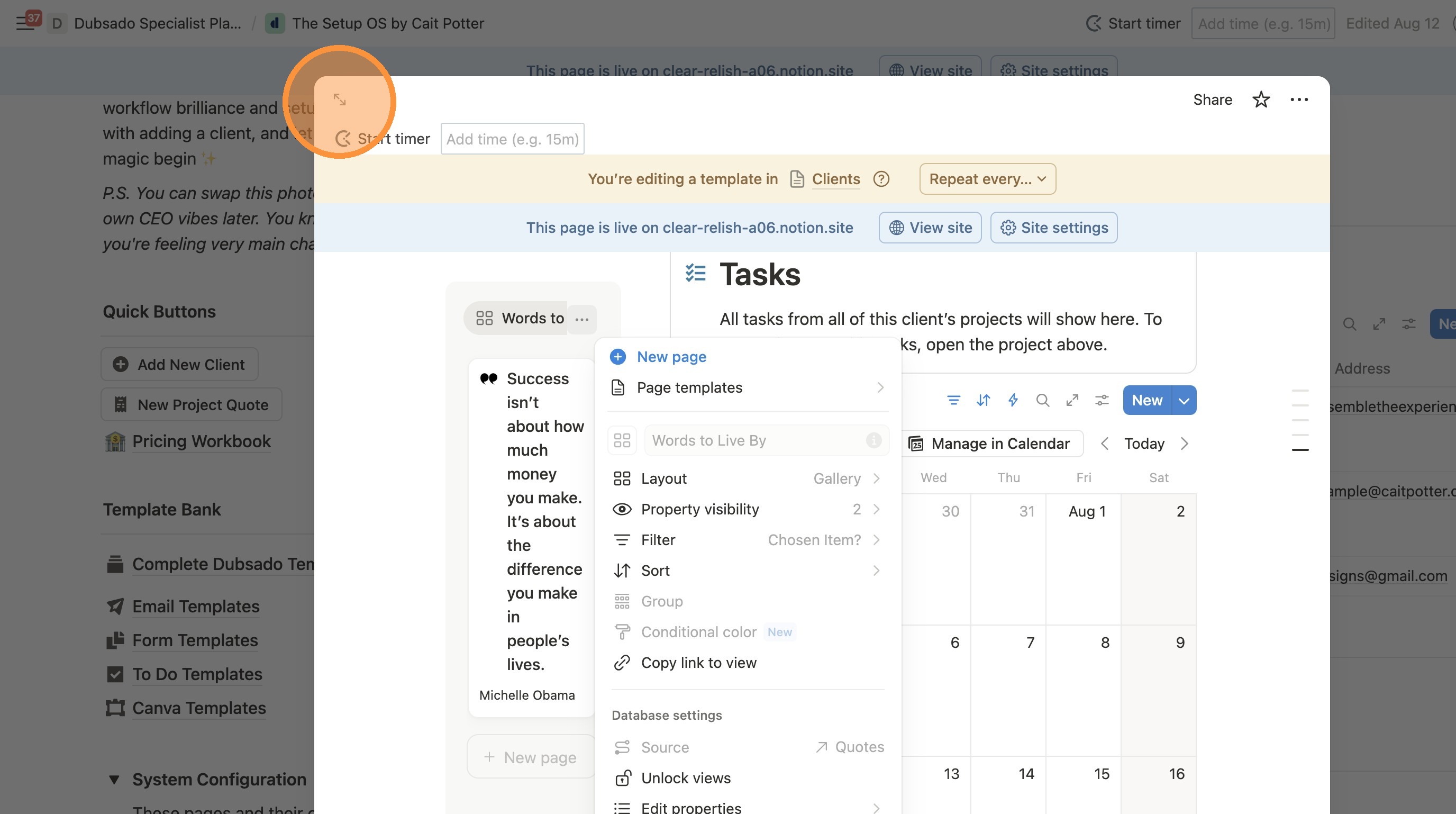
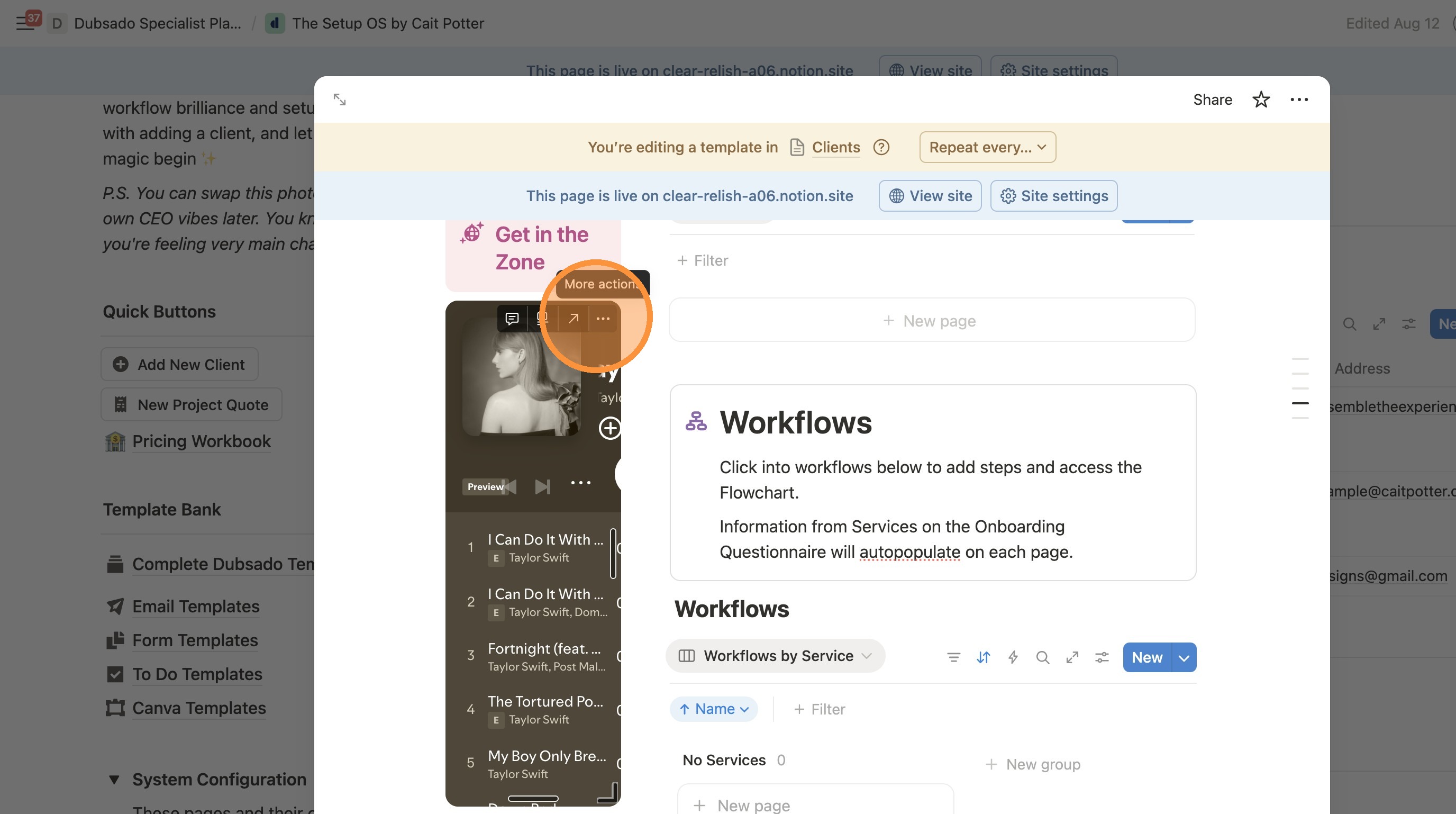
Deleting the Music Player
6. Hover over the music player and click the 3 dots icon.
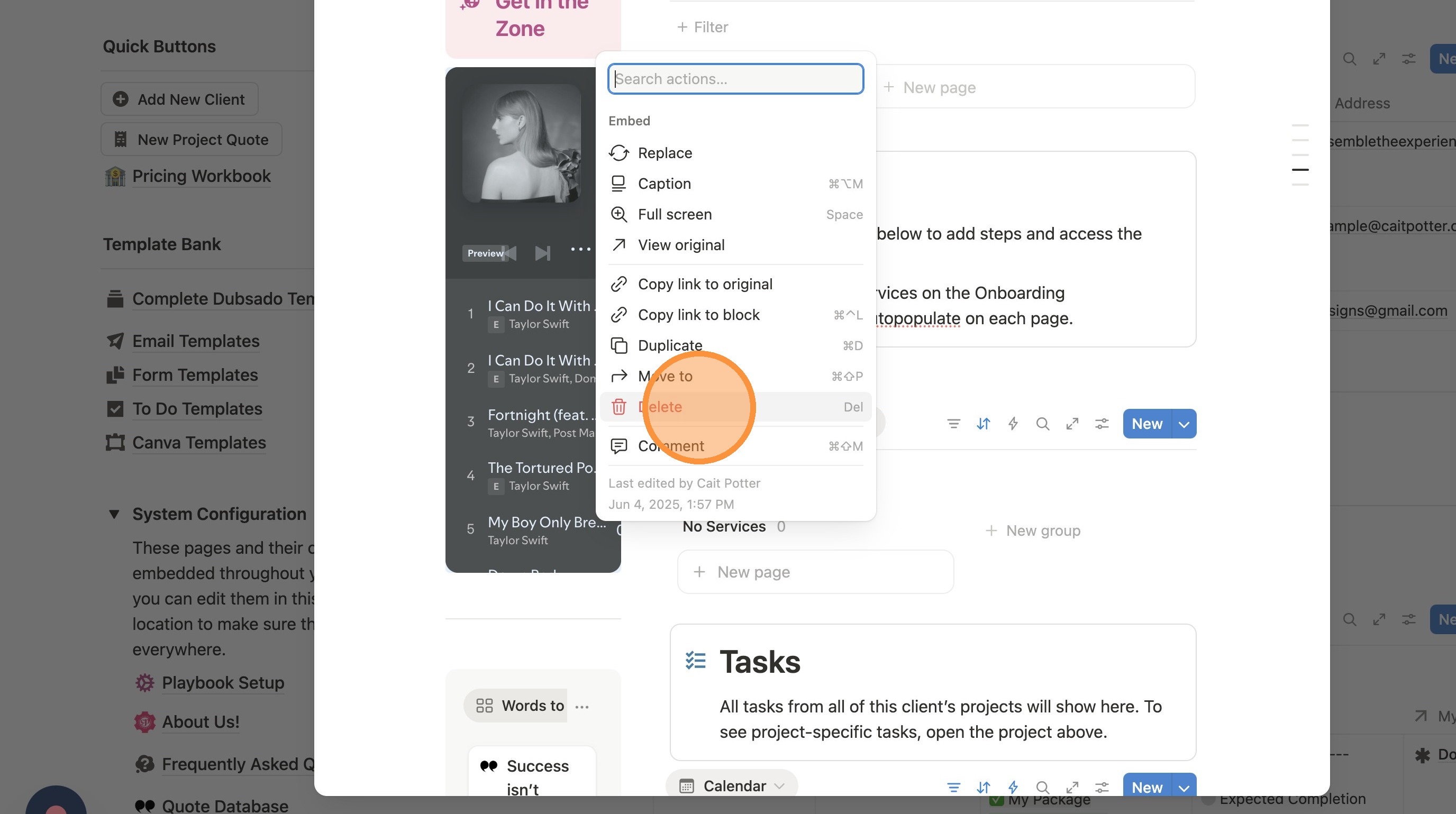
7. Click "Delete"
Deleting All Quote Instances
8. Click "Words to Live By" to highlight the quote.
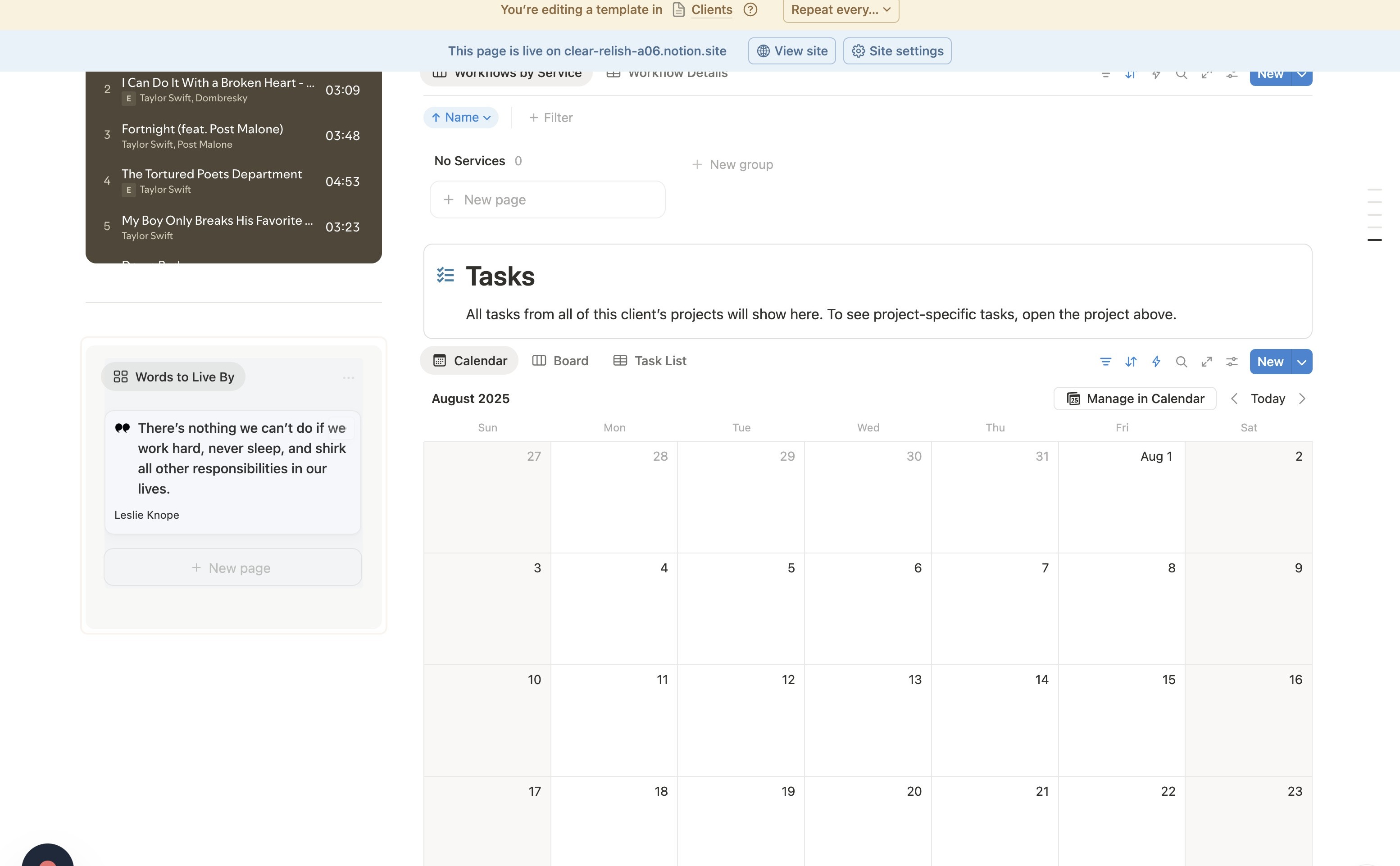
9. Click the delete key on your keyboard. This will leave an empty gray box everywhere in the template instead of the quotes.
Exit the Template
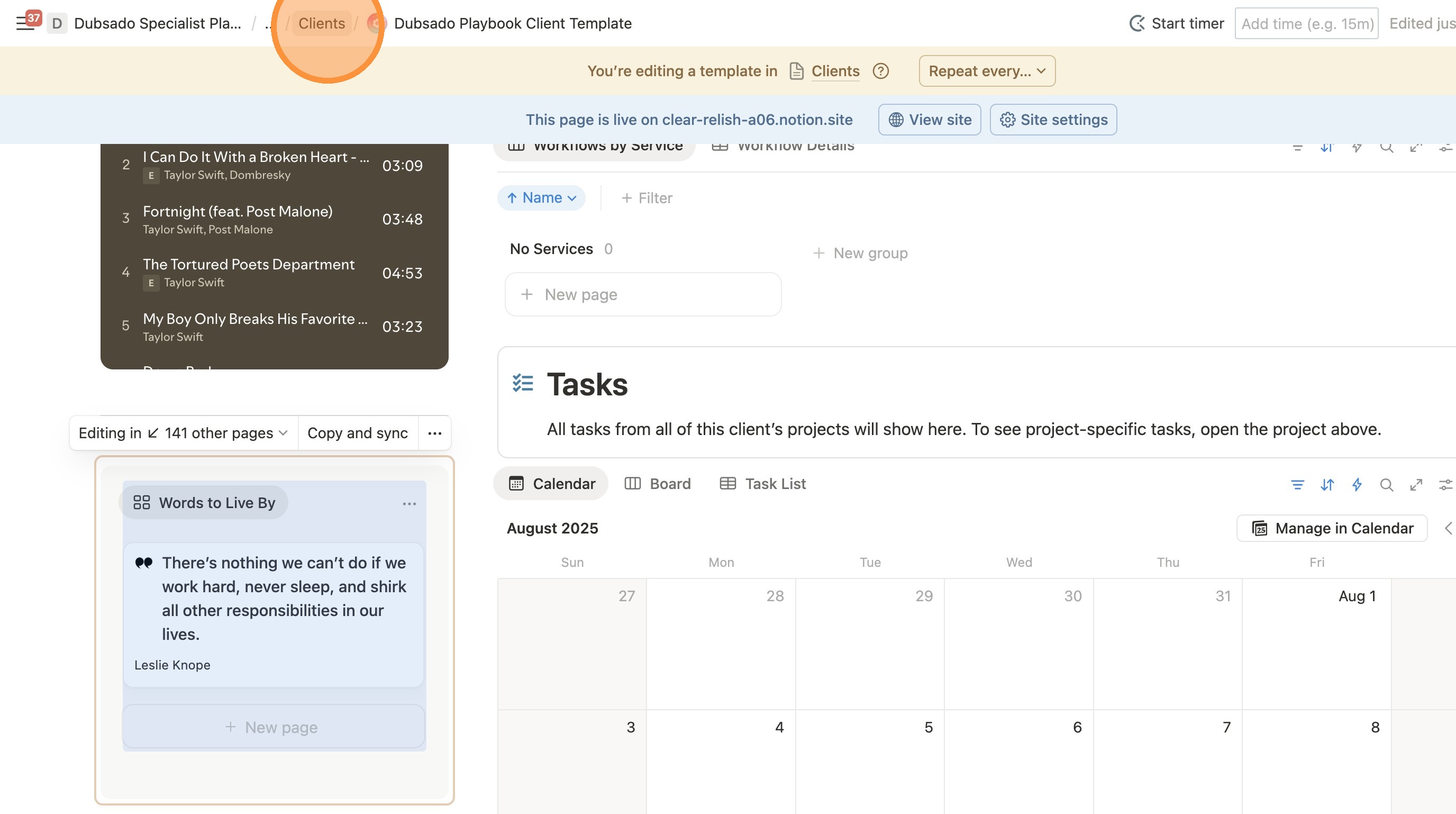
10. Click "Clients" in the breadcrumbs to leave the template editing. You don't want to make any other changes in this area! You can keep clicking the breadcrumbs until you're back at your main home page.
Remove the Playlist Header
Delete the "Get in the Zone" header above the playlist by clicking on the left where you see the six dot hamburger menu. Then click delete.