📸 Photo Gallery
How to Use It
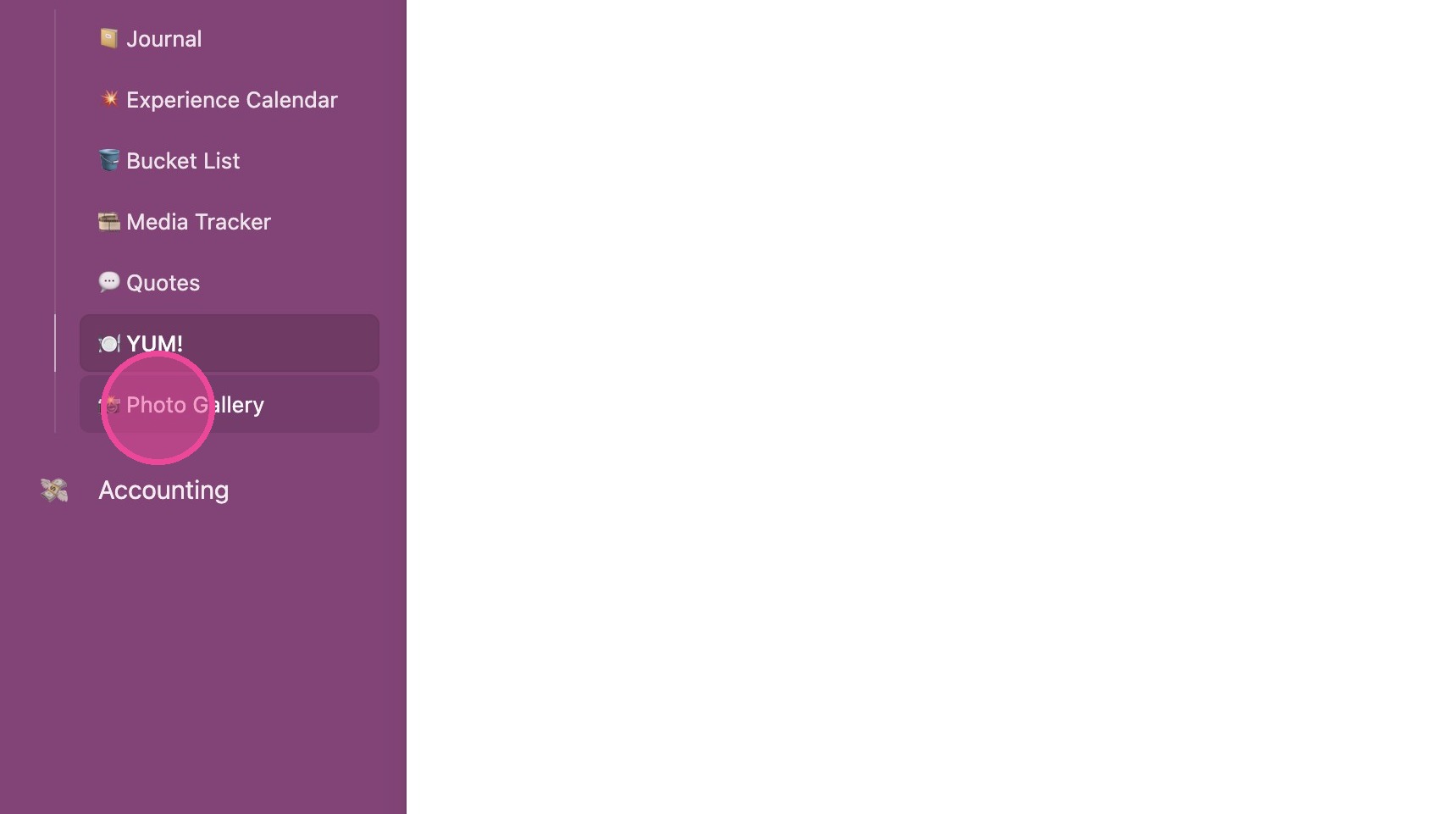
1. Click "📸 Photo Gallery"
2. Hover over the square to see additional photos. Photos will be automatically added here when you have attachments on entries throughout the Reflections Interface.
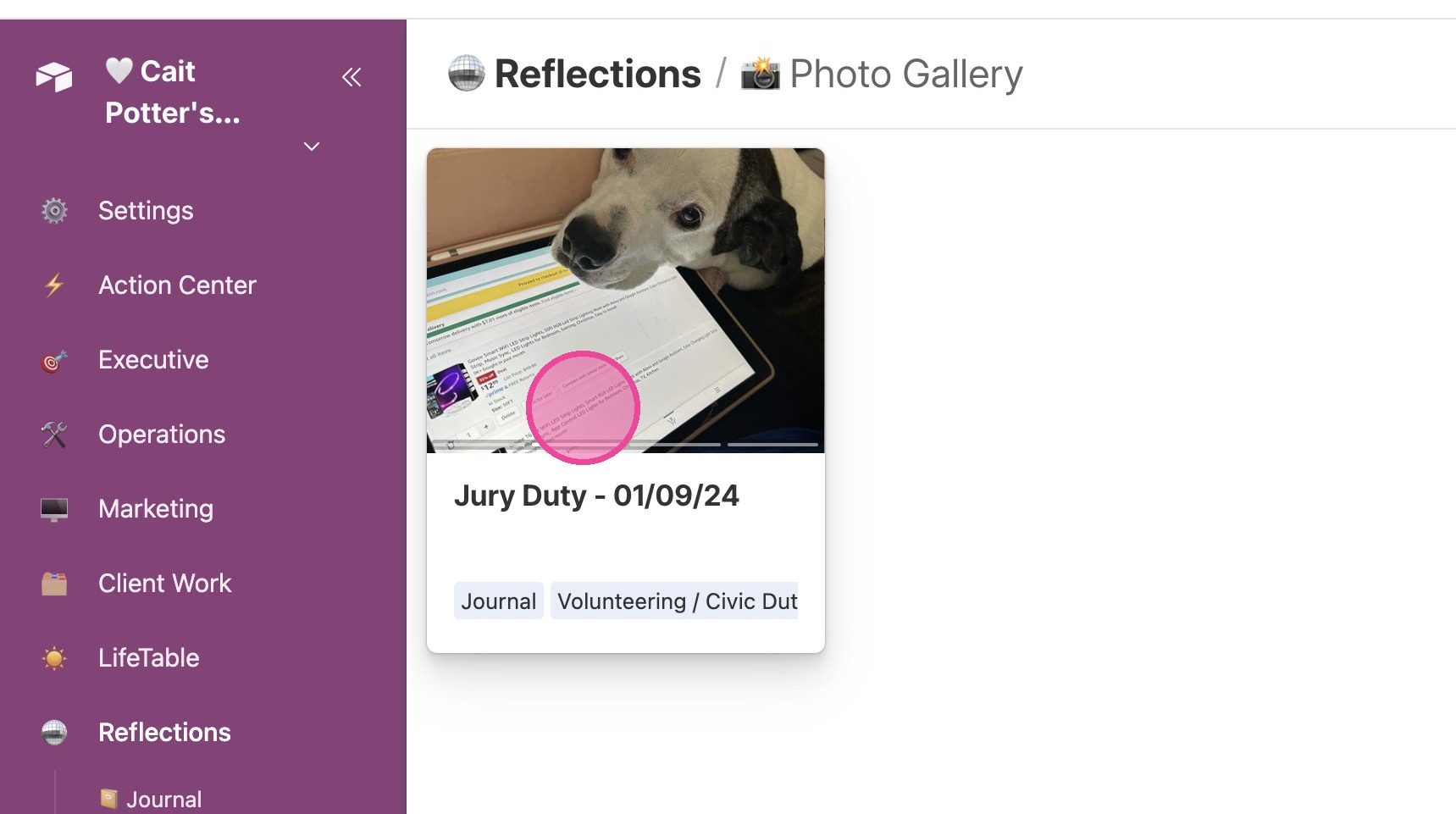

1. Click "📸 Photo Gallery"
2. Hover over the square to see additional photos. Photos will be automatically added here when you have attachments on entries throughout the Reflections Interface.