Photobook Bonus
View & Print Your Photobook
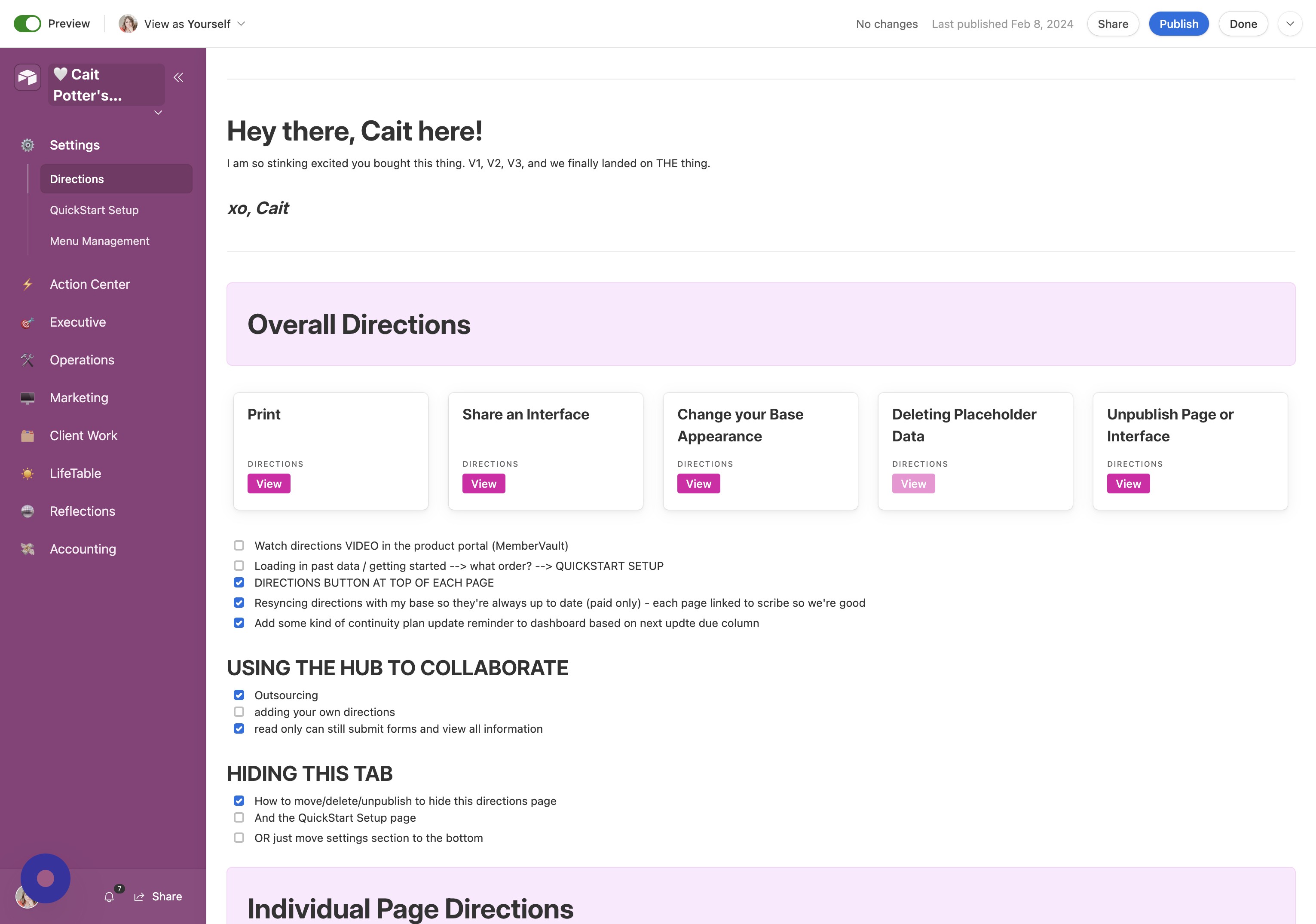
- Open CommandCenter Menu Click the arrow next to your CommandCenter title.
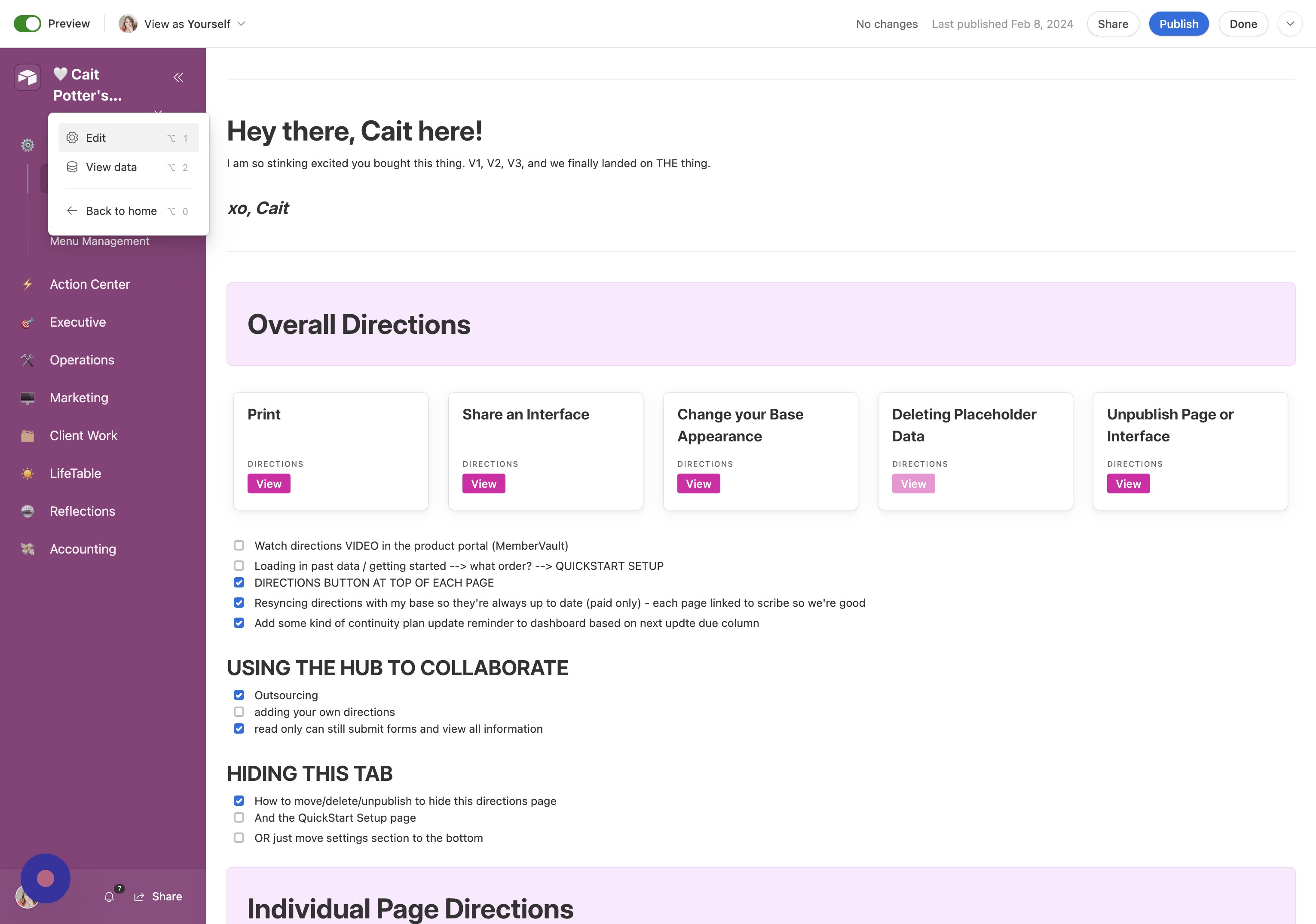
- Enter Edit Mode Click "Edit"
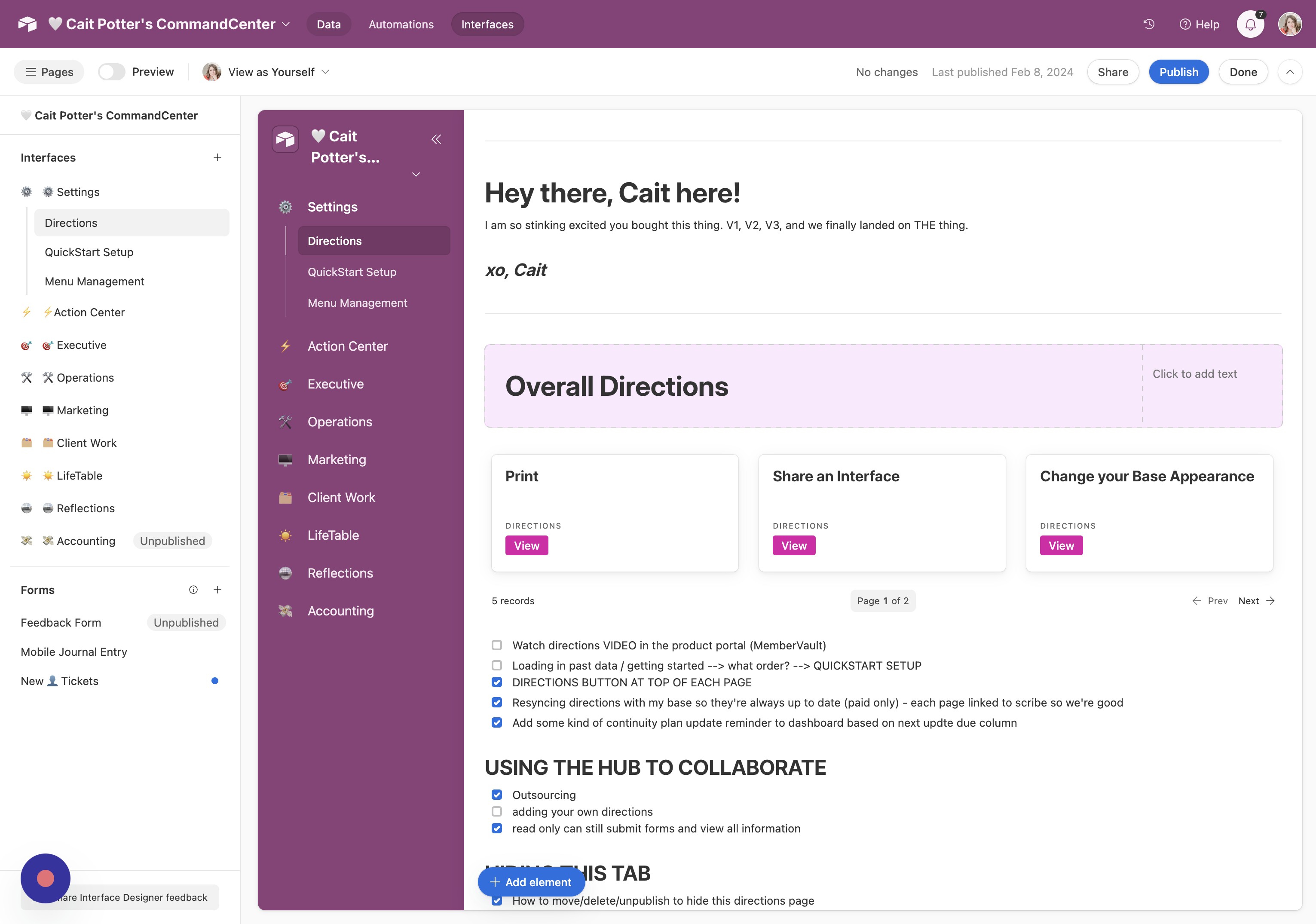
- Go to Data Tab Click "Data"
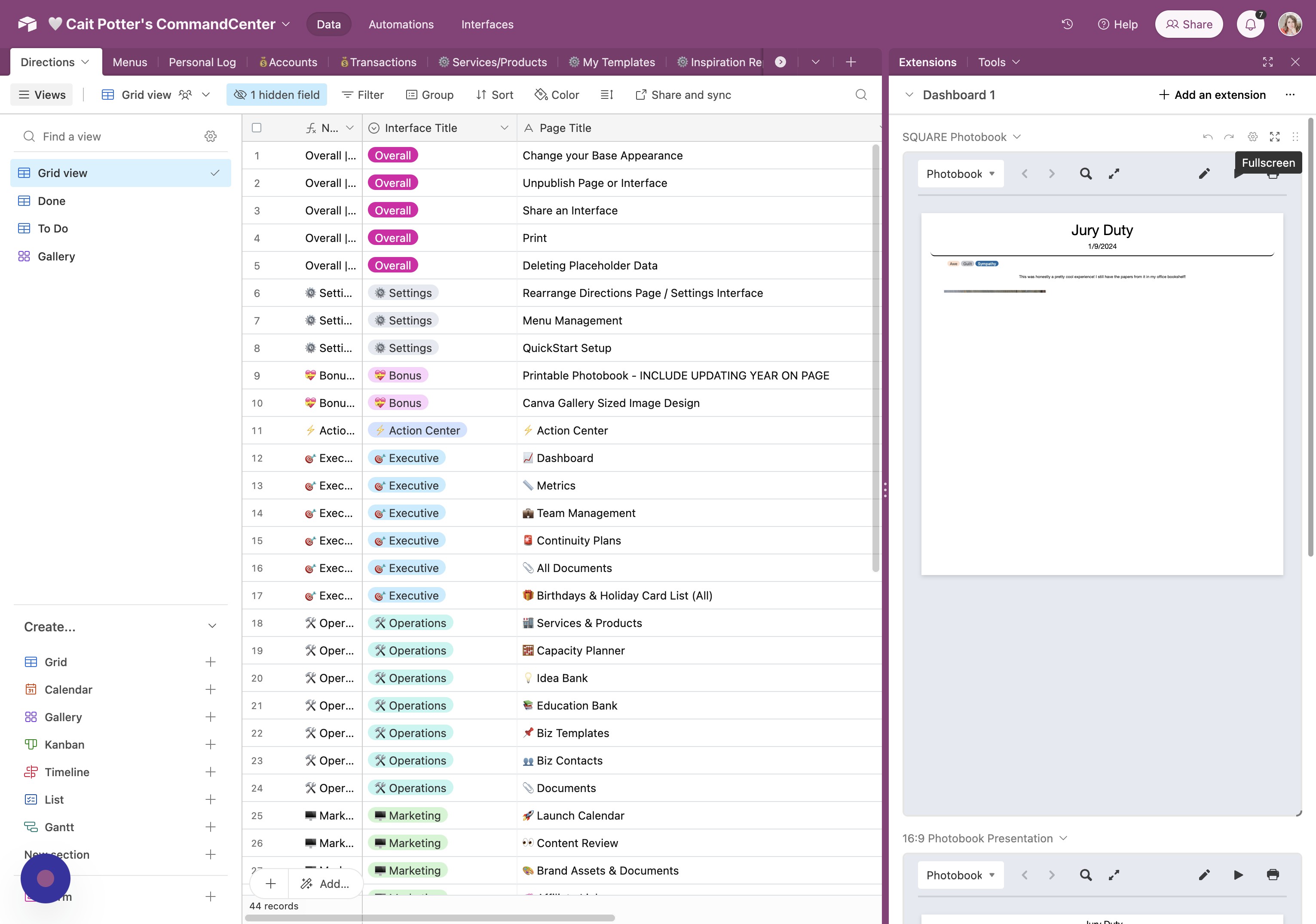
- Open Extensions Click "Extensions"
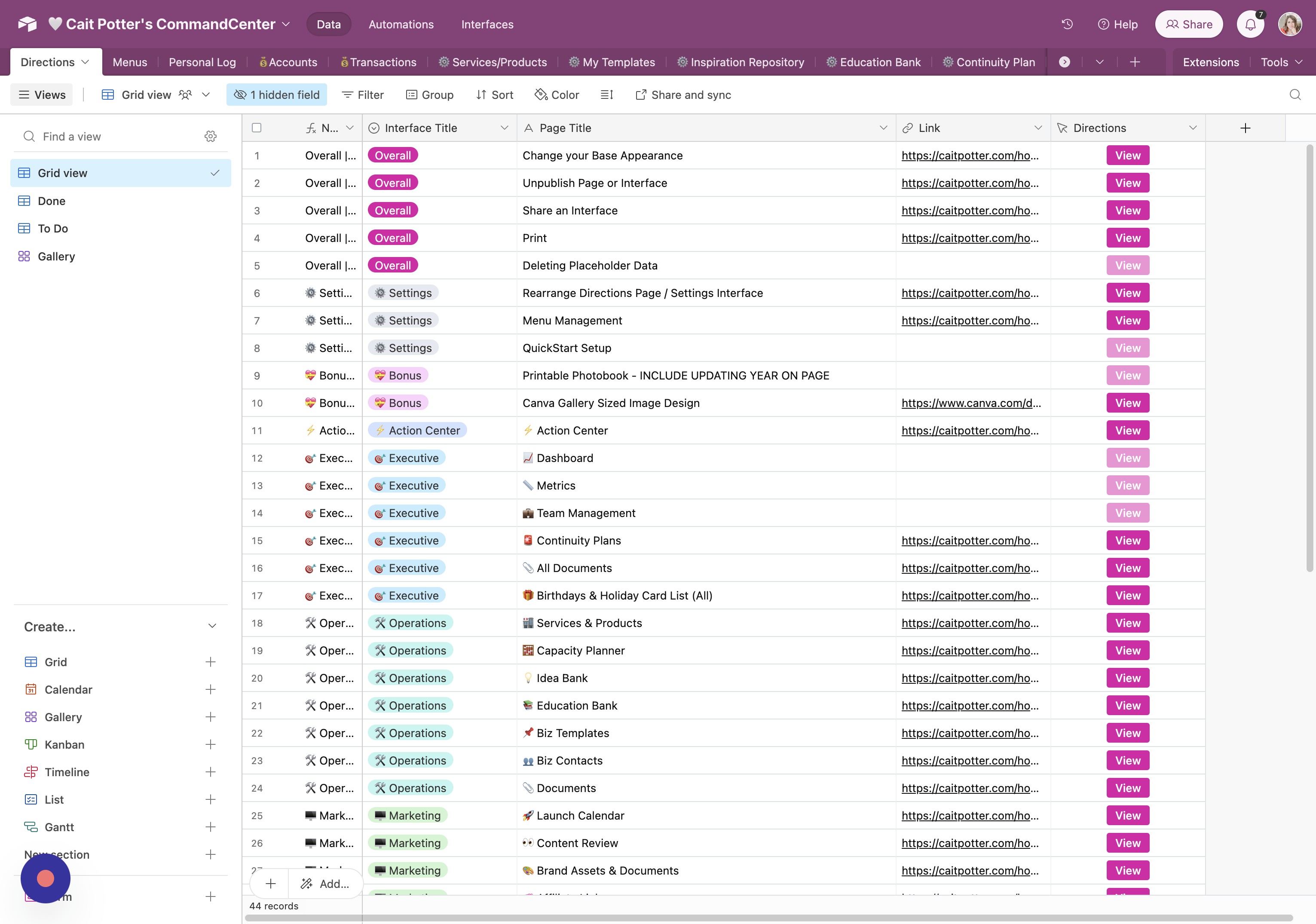
- Select Option Click here.
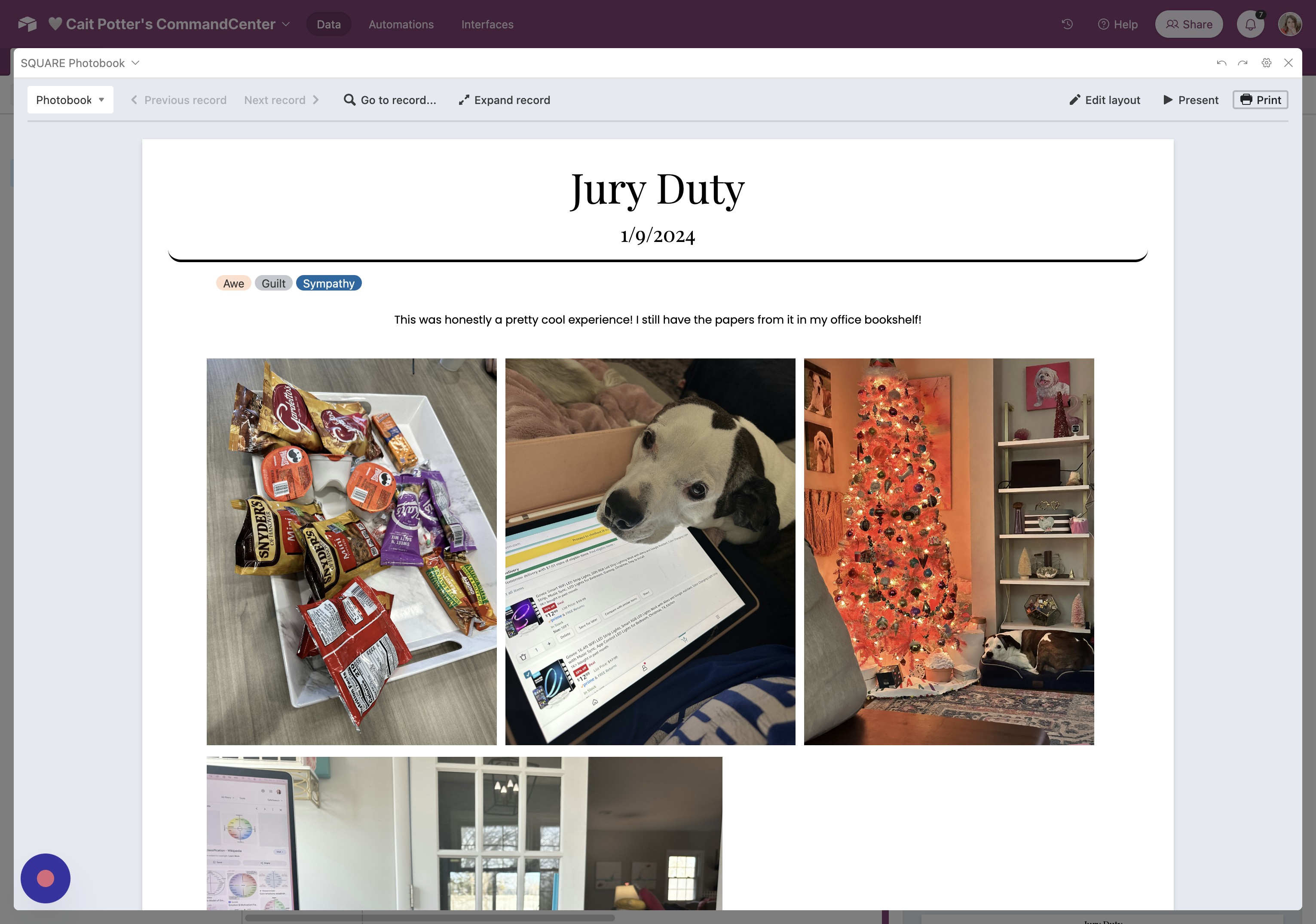
- Print Photobook Click "Print"
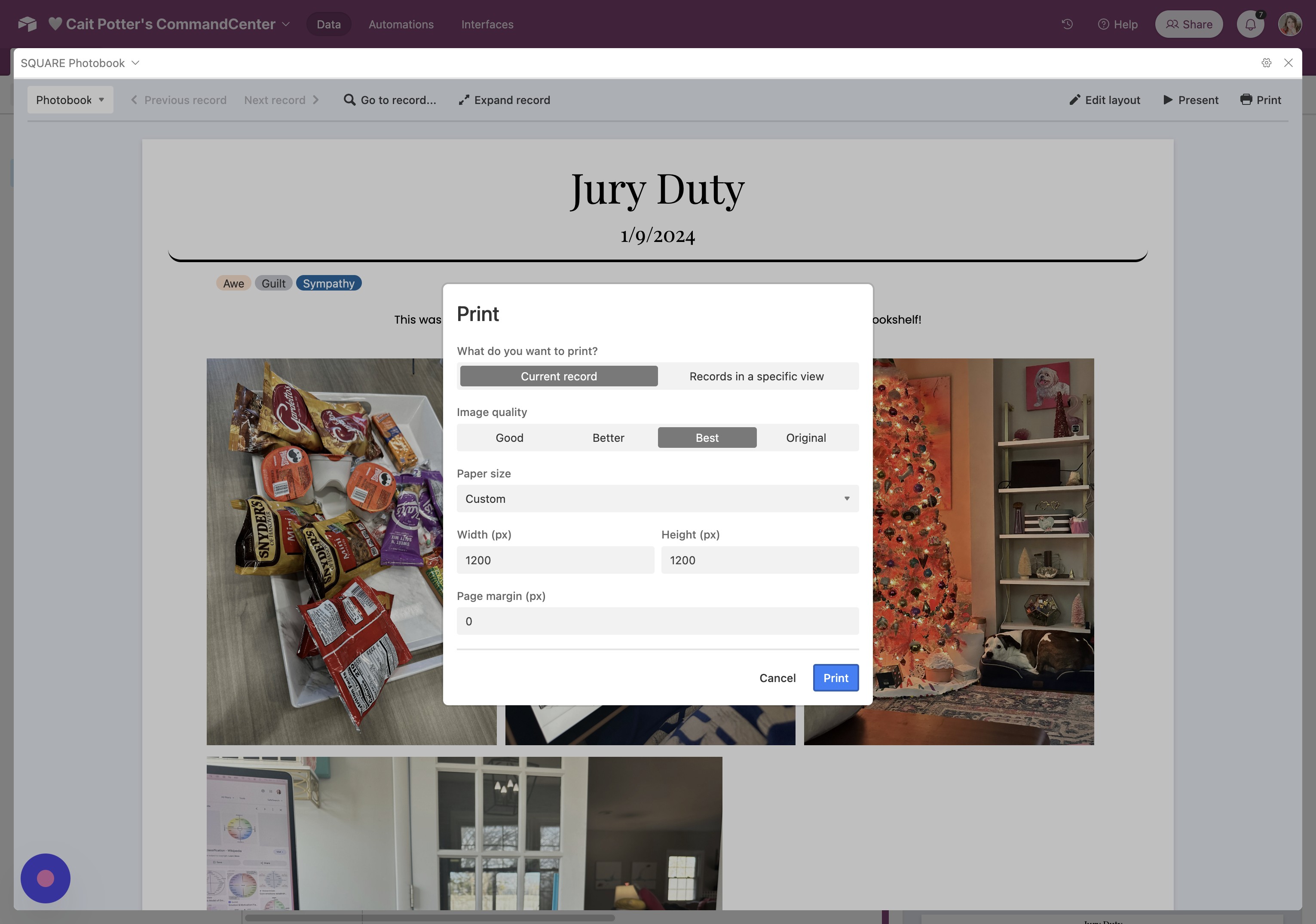
- Confirm Print Click "Print"
View Photo Presentation
- Open Presentation Icon Click this icon.
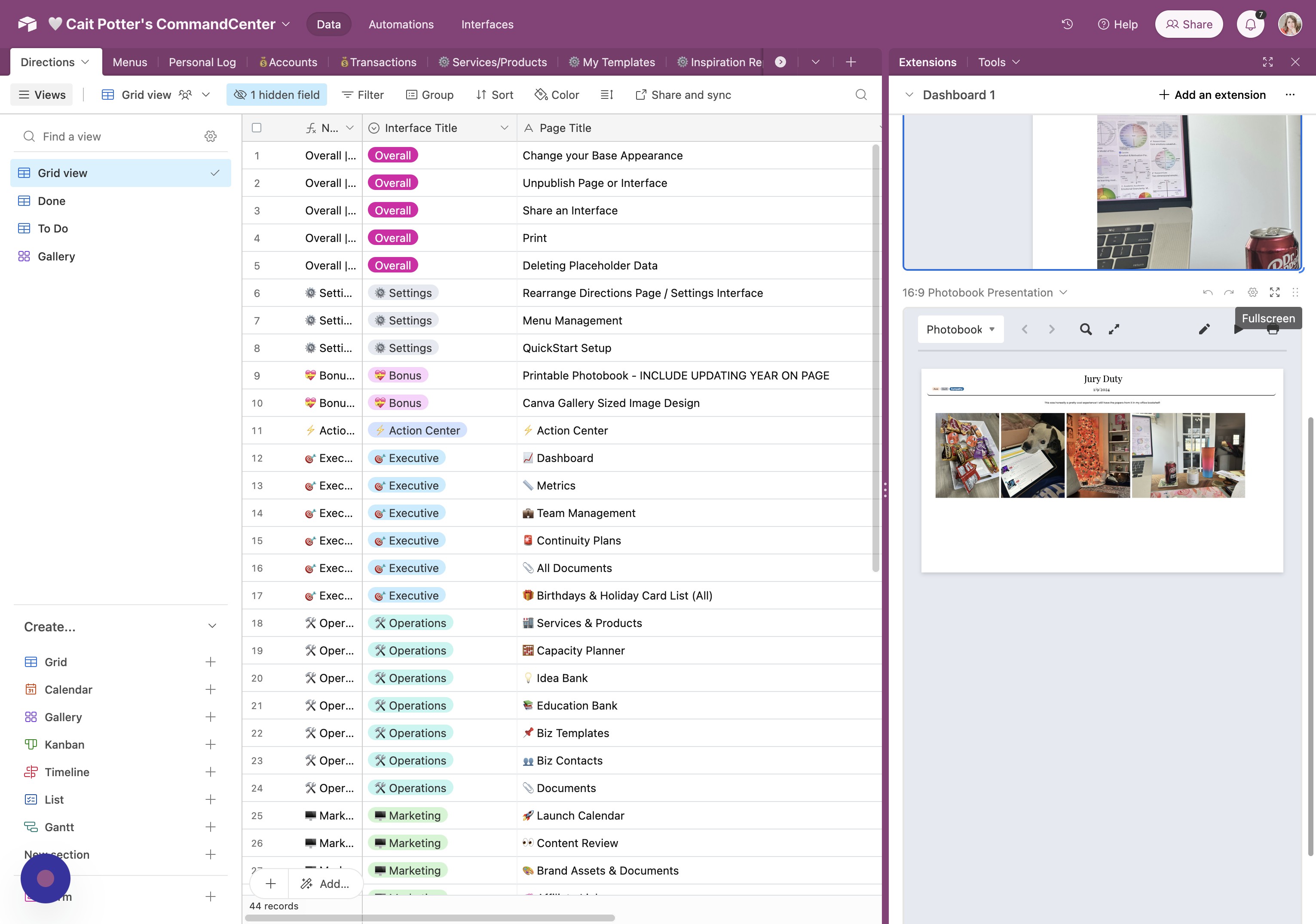
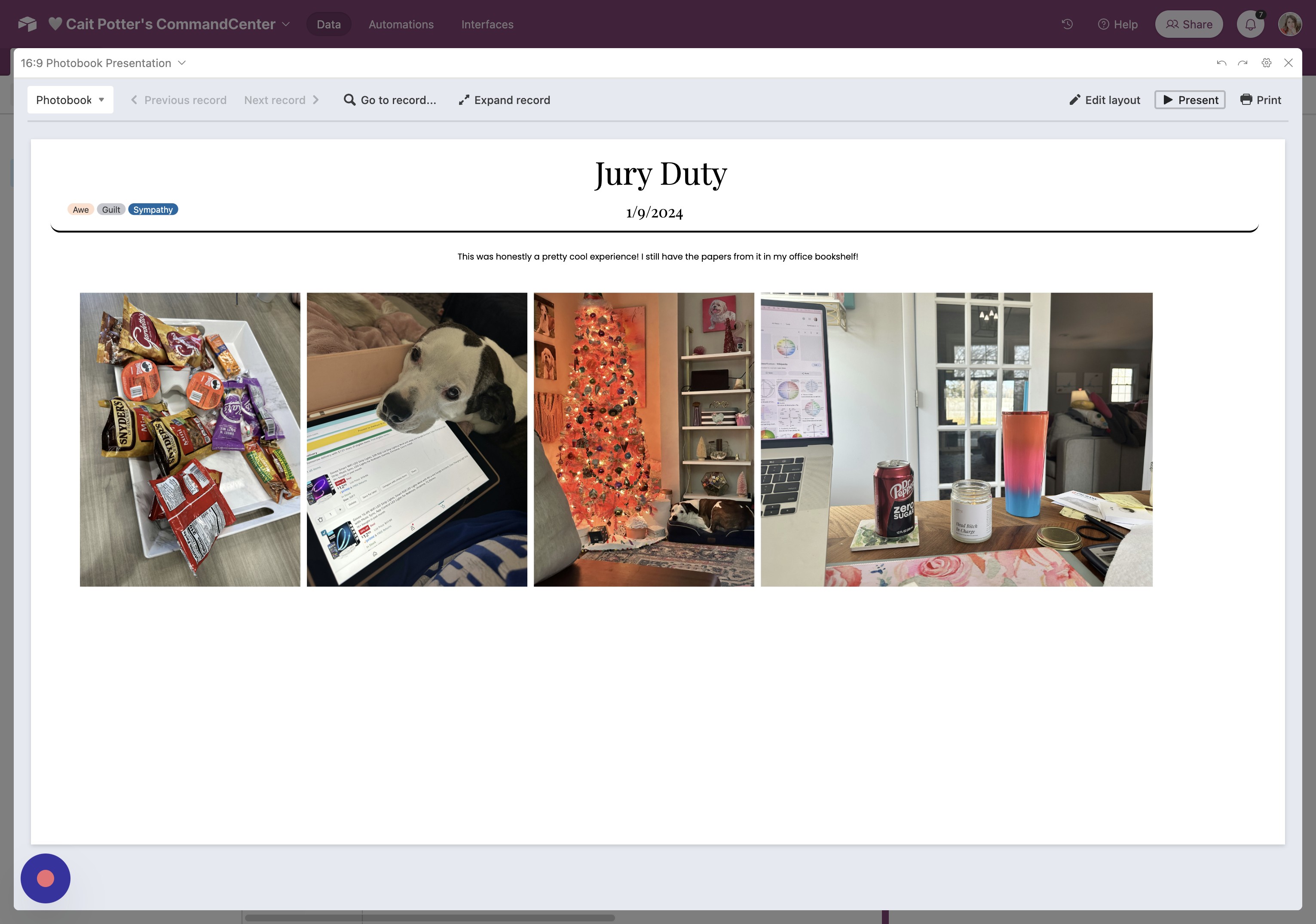
- Start Presentation Click "Present"
Did this answer your question?
Thanks for the feedback
There was a problem submitting your feedback. Please try again later.
No results found
