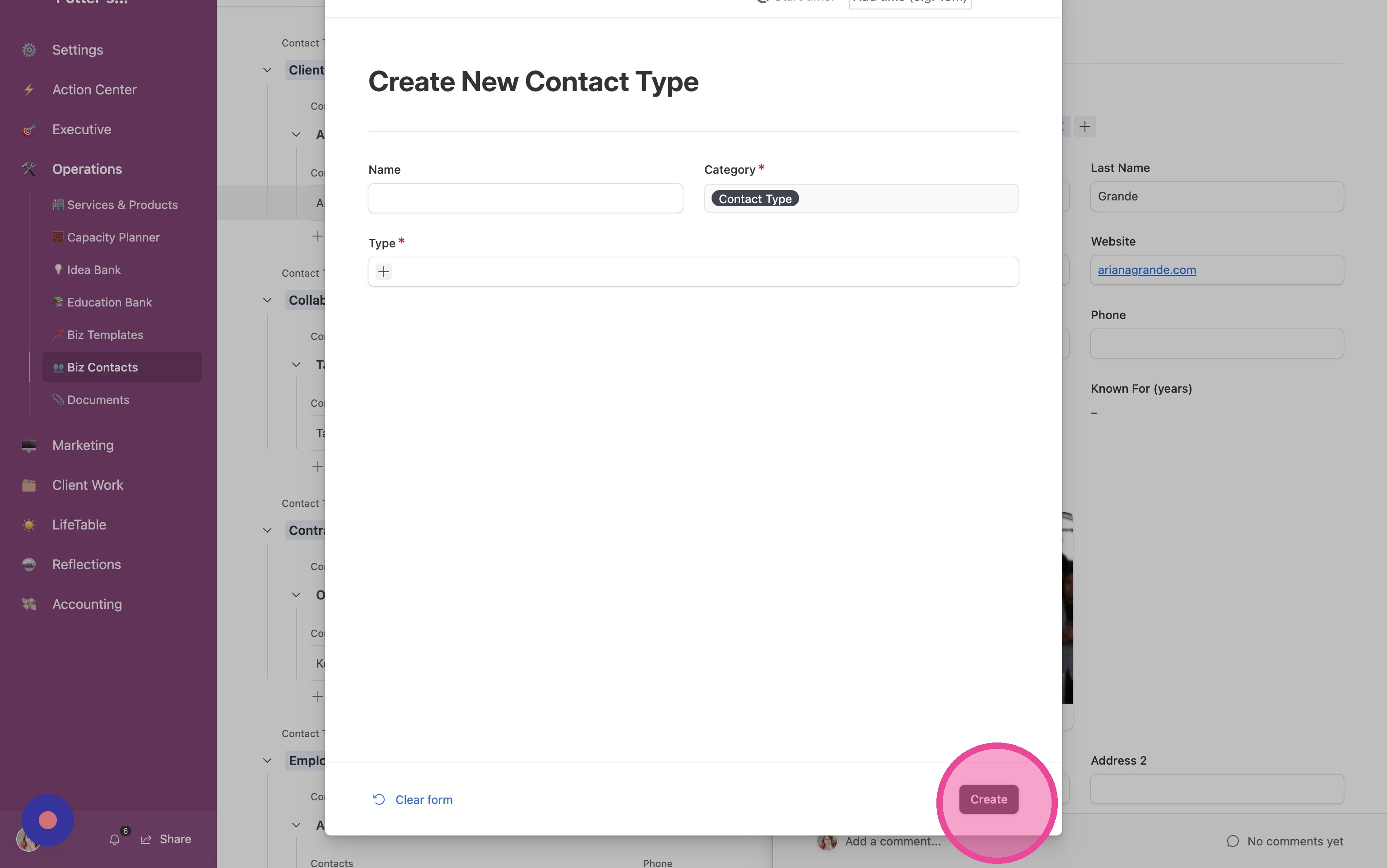
Create New Contact Type
1. Follow the directions in the main tutorial to create your contact. Assign the contact to any existing contact type that's also relevant, or pick a random one. We need to assign it to a random one in order to update it.
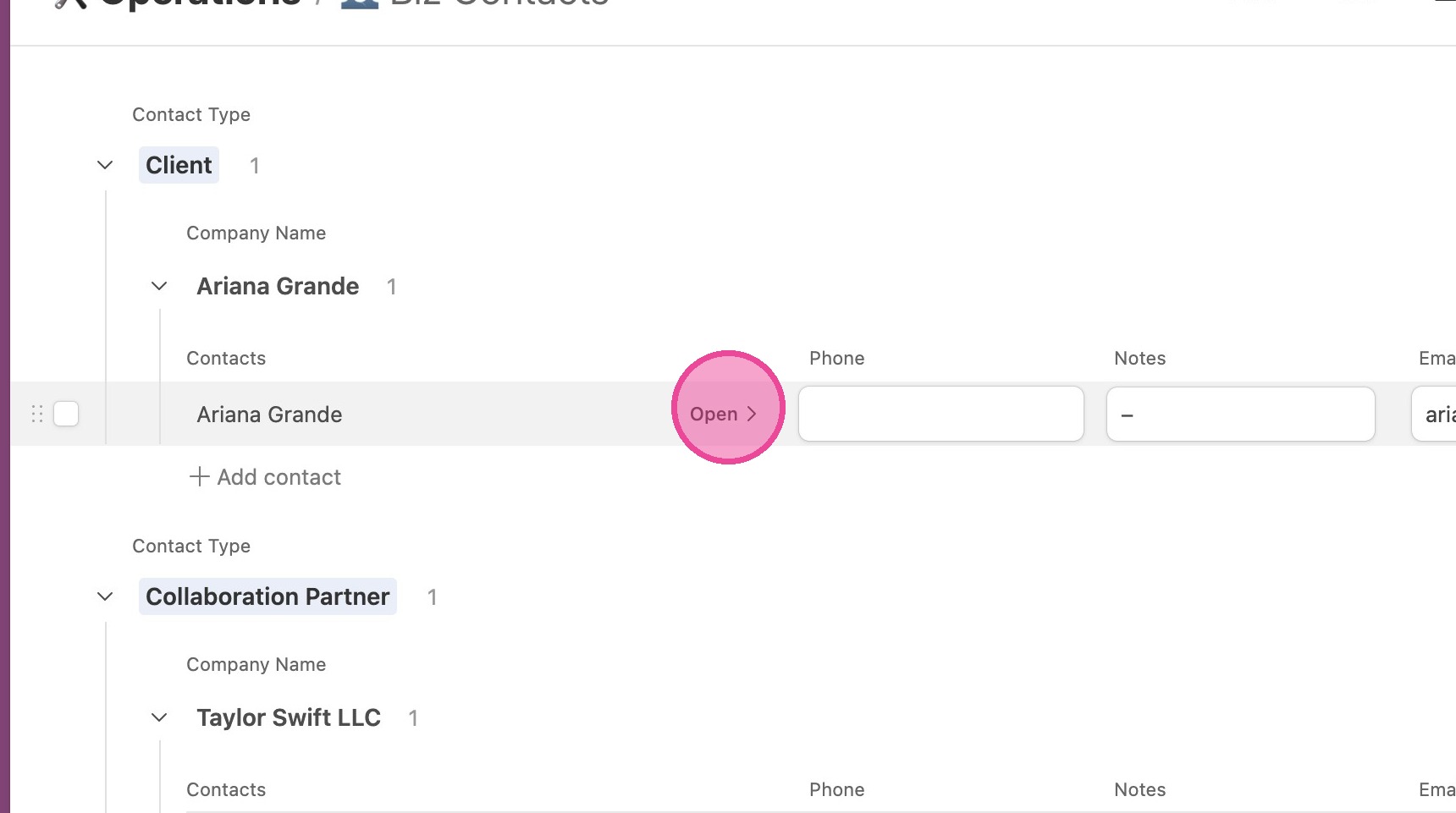
2. Once the contact is created, click "Open".
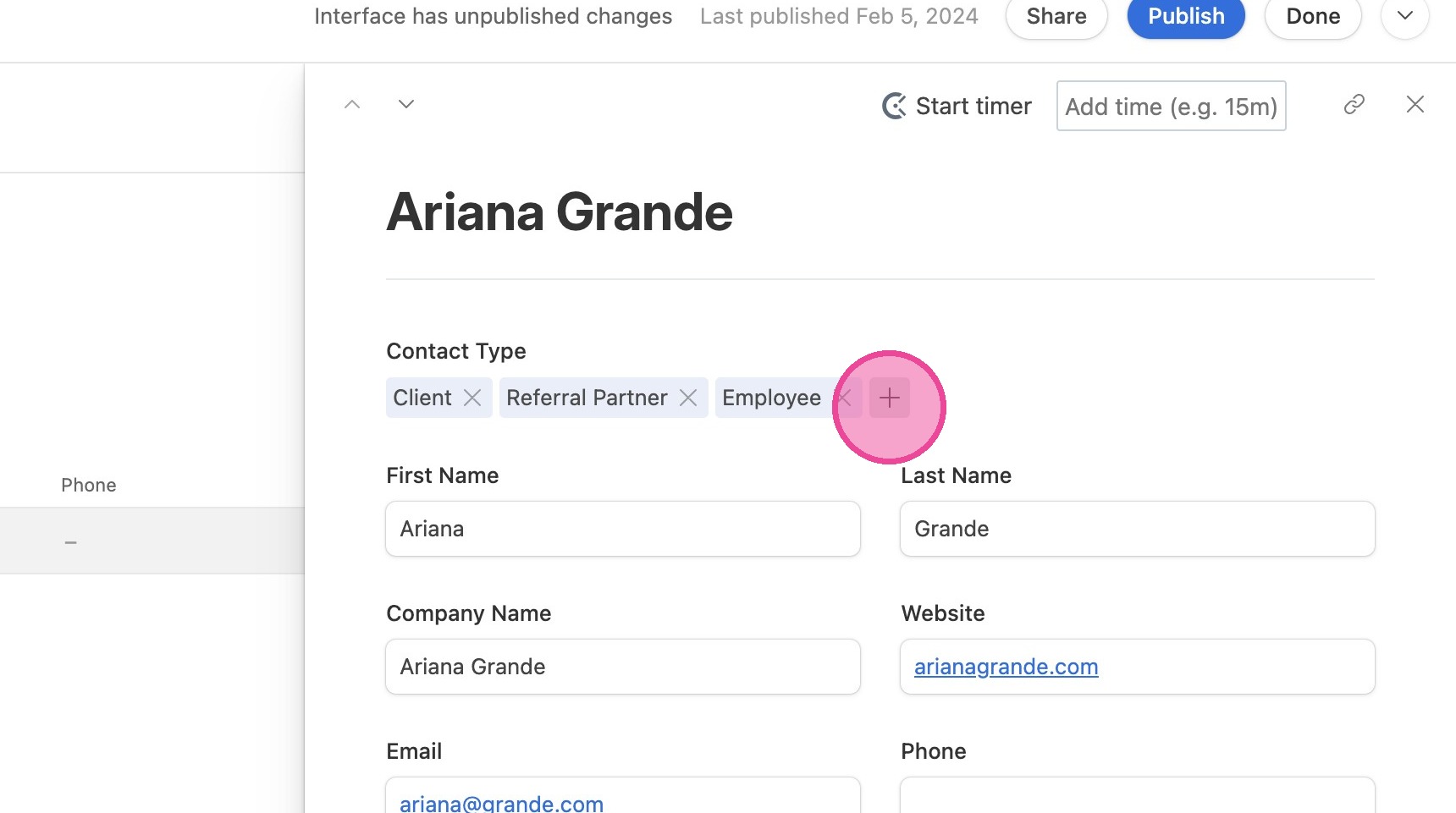
3. Under "Contact Type", click the plus button.
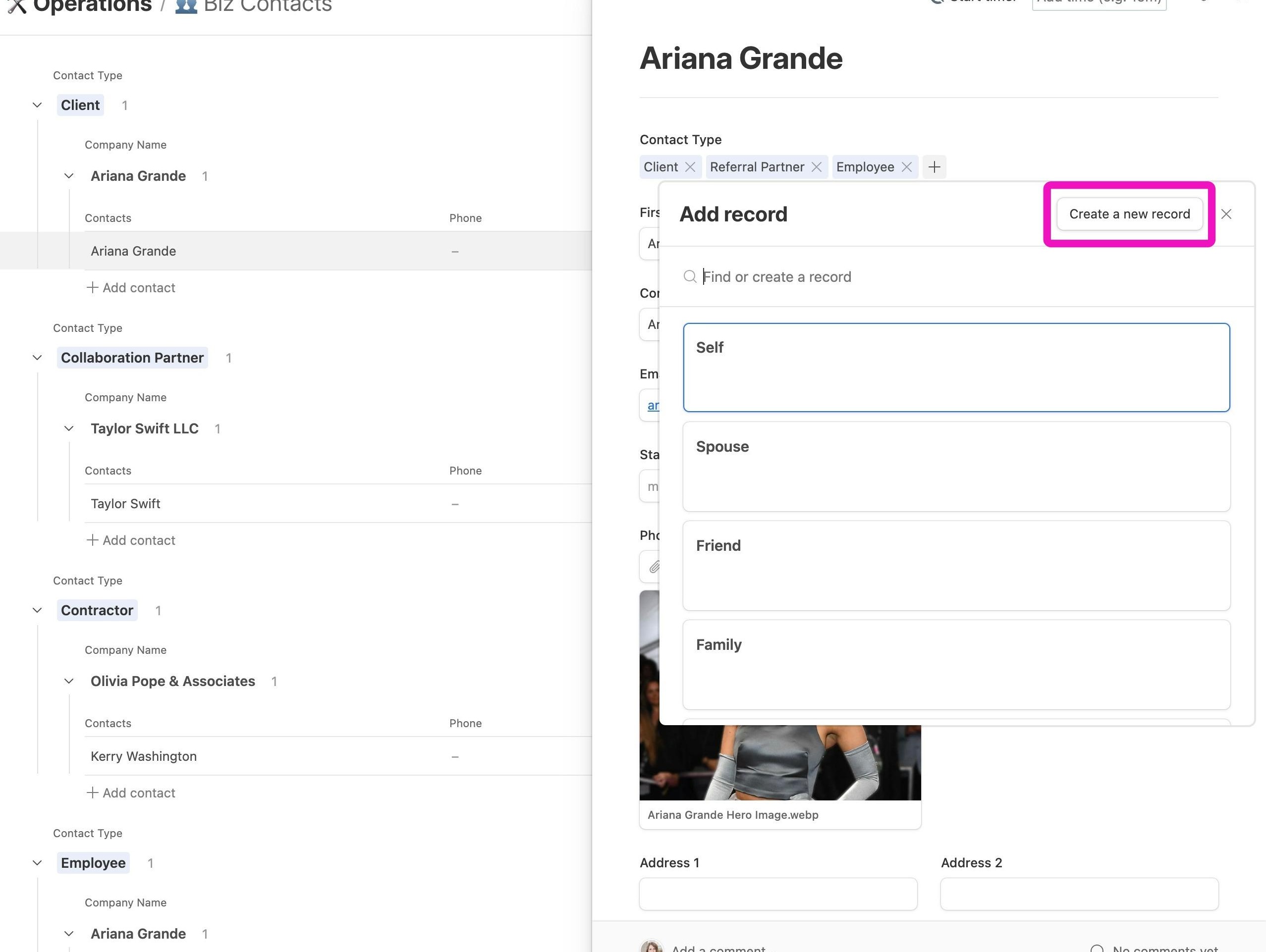
4. Click "Create a new record"
5. Fill out the form for your new Contact Type and click "Create"