👤 Personal Contacts
What is it?
This is a pretty traditional addressbook where you can keep all. your personal contacts in one place. This is the foundation of a lot of other helpful things that the CommandCenter does, like helping you with Holiday shopping and tying your favorite memories to the people you had them with!
How do I use it?
This is pretty simple! Input all of your contacts so that you have them all in one place! You may want to share this with your spouse or other members of your household.
1. Click "LifeTable" Interface

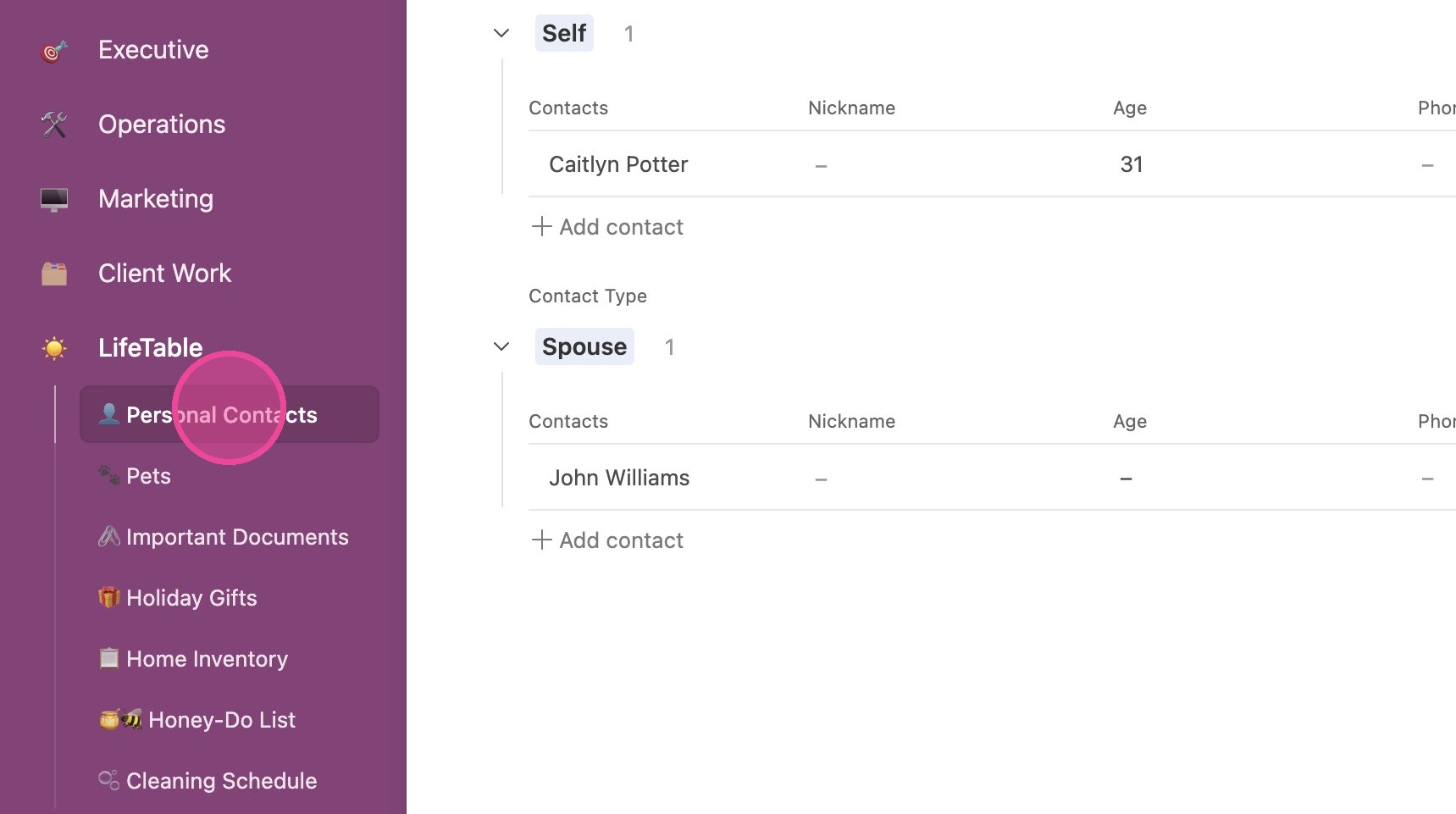
2. Click "👤 Personal Contacts"
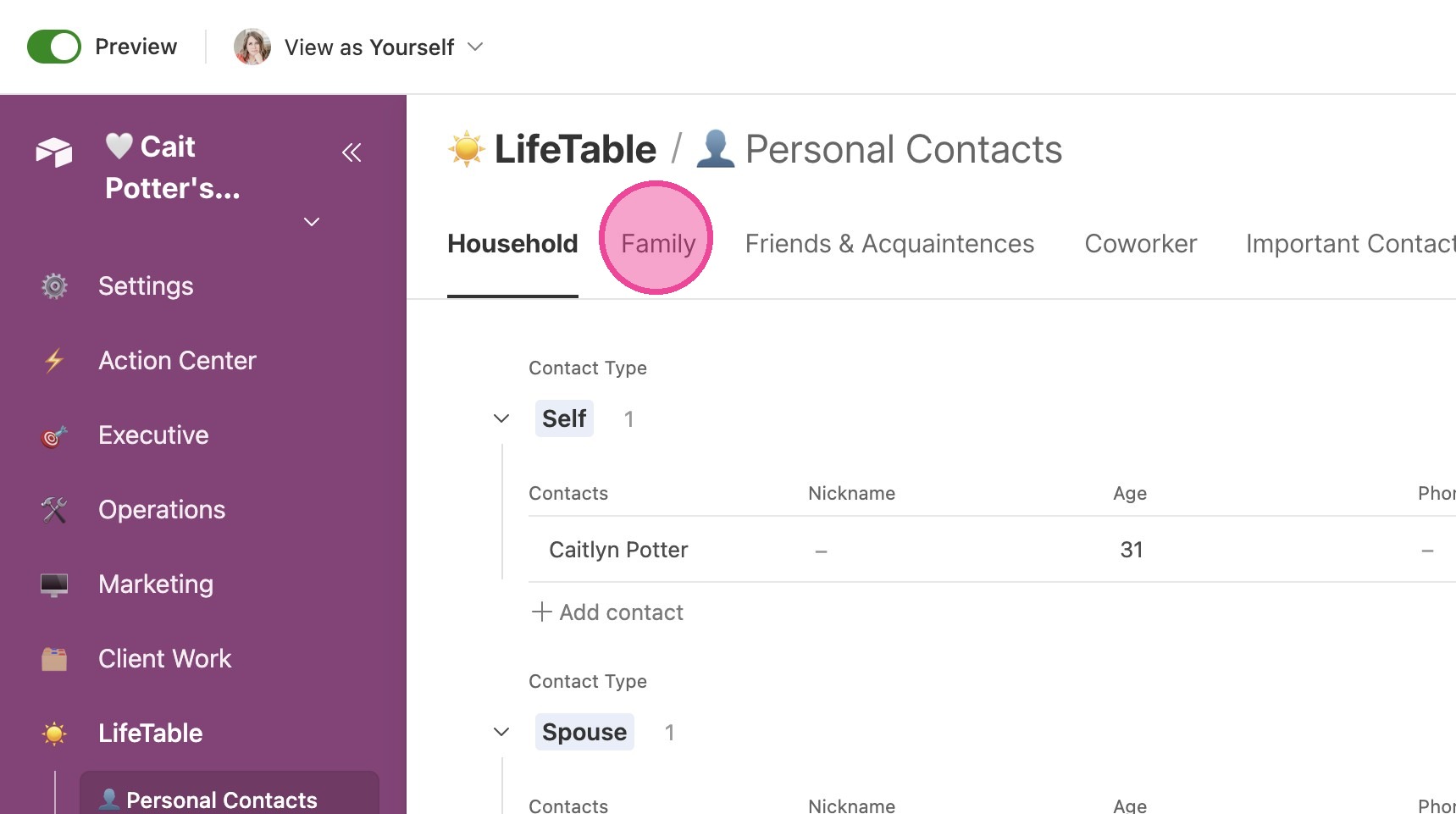
3. You have different tabs at the top to view the different members of your personal life.
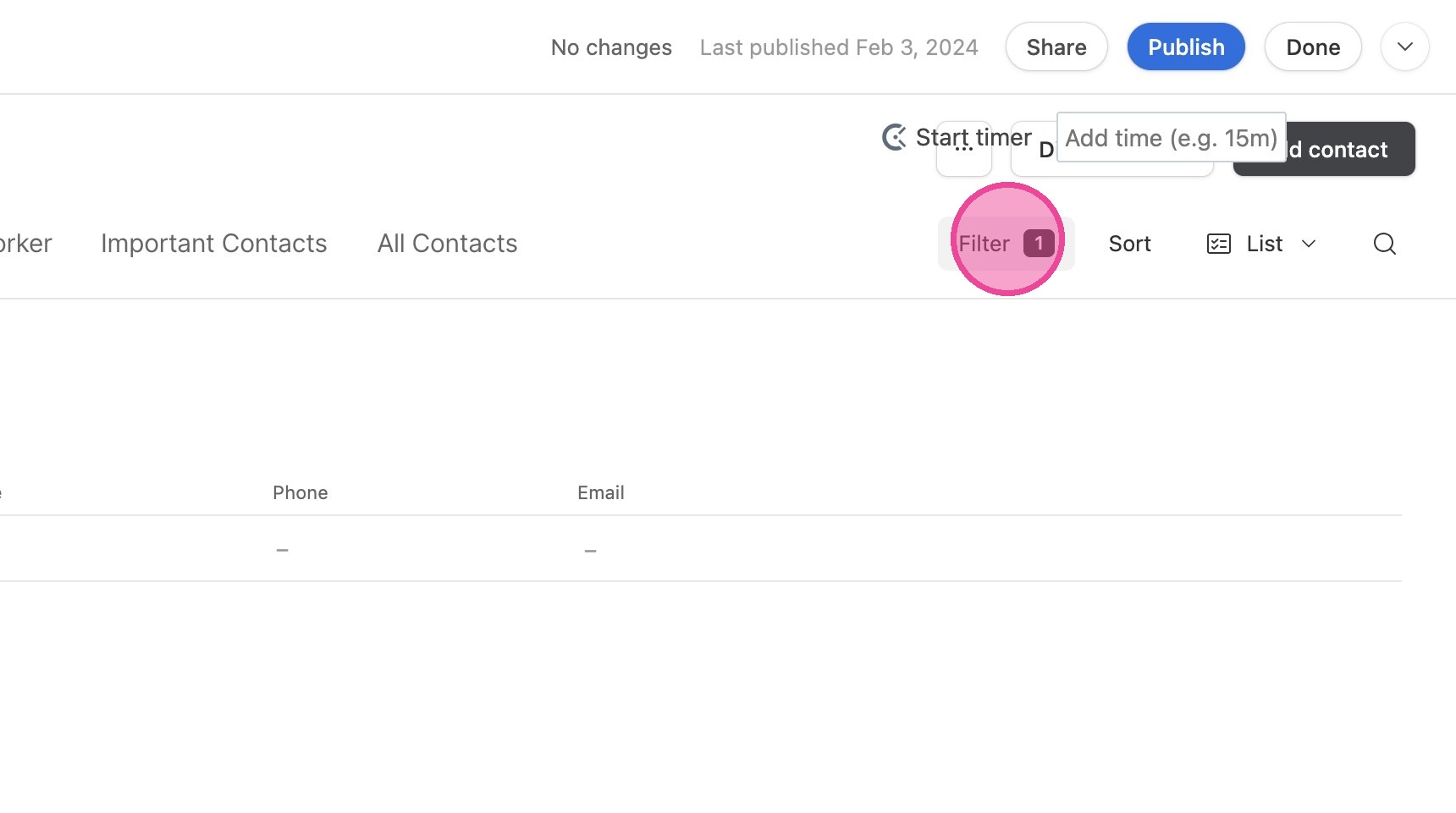
4. You can Filter your contacts as desired.
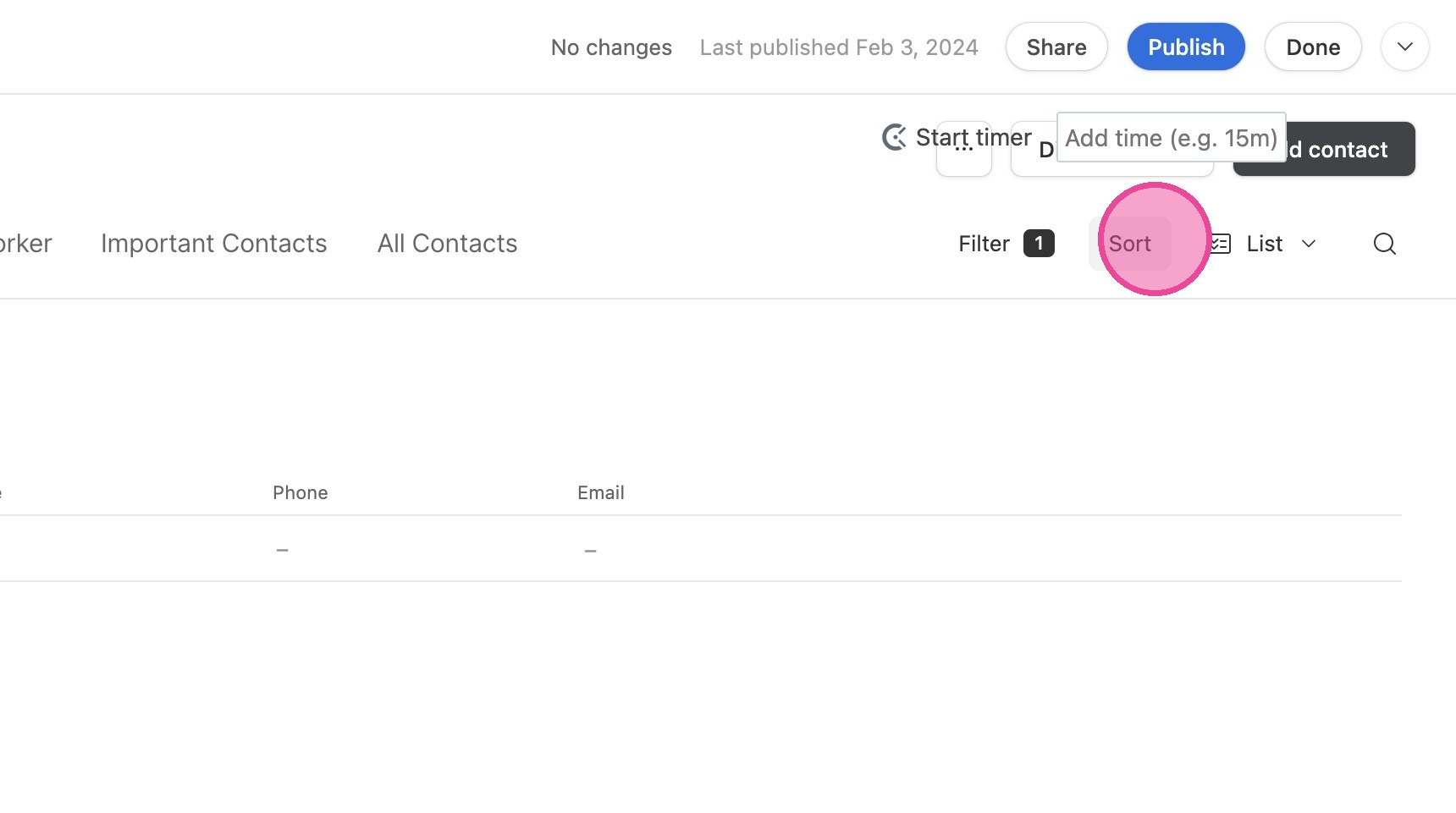
5. Or "Sort" them however you wish.
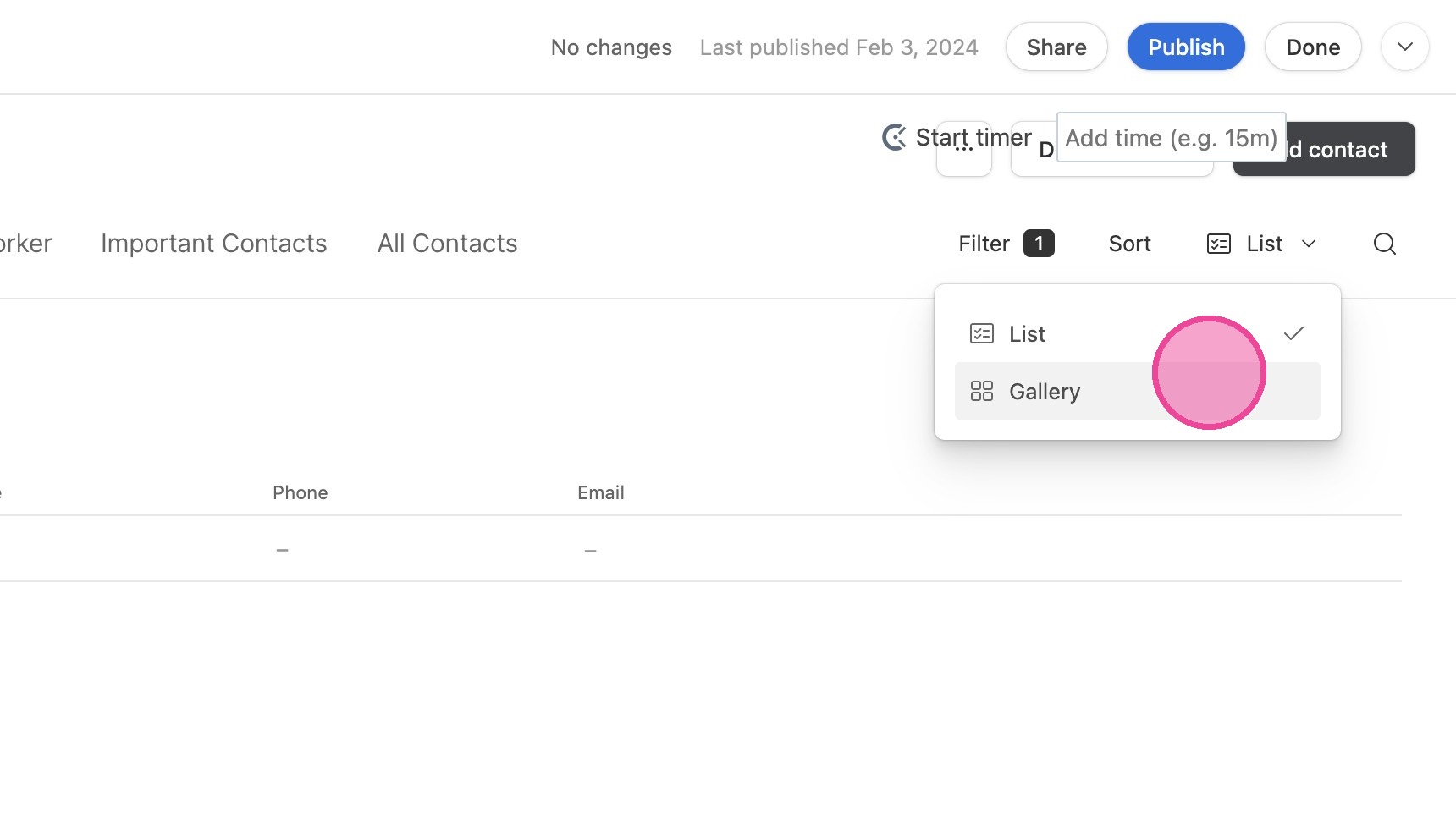
Change Views
6. You can toggle between List & Gallery view.
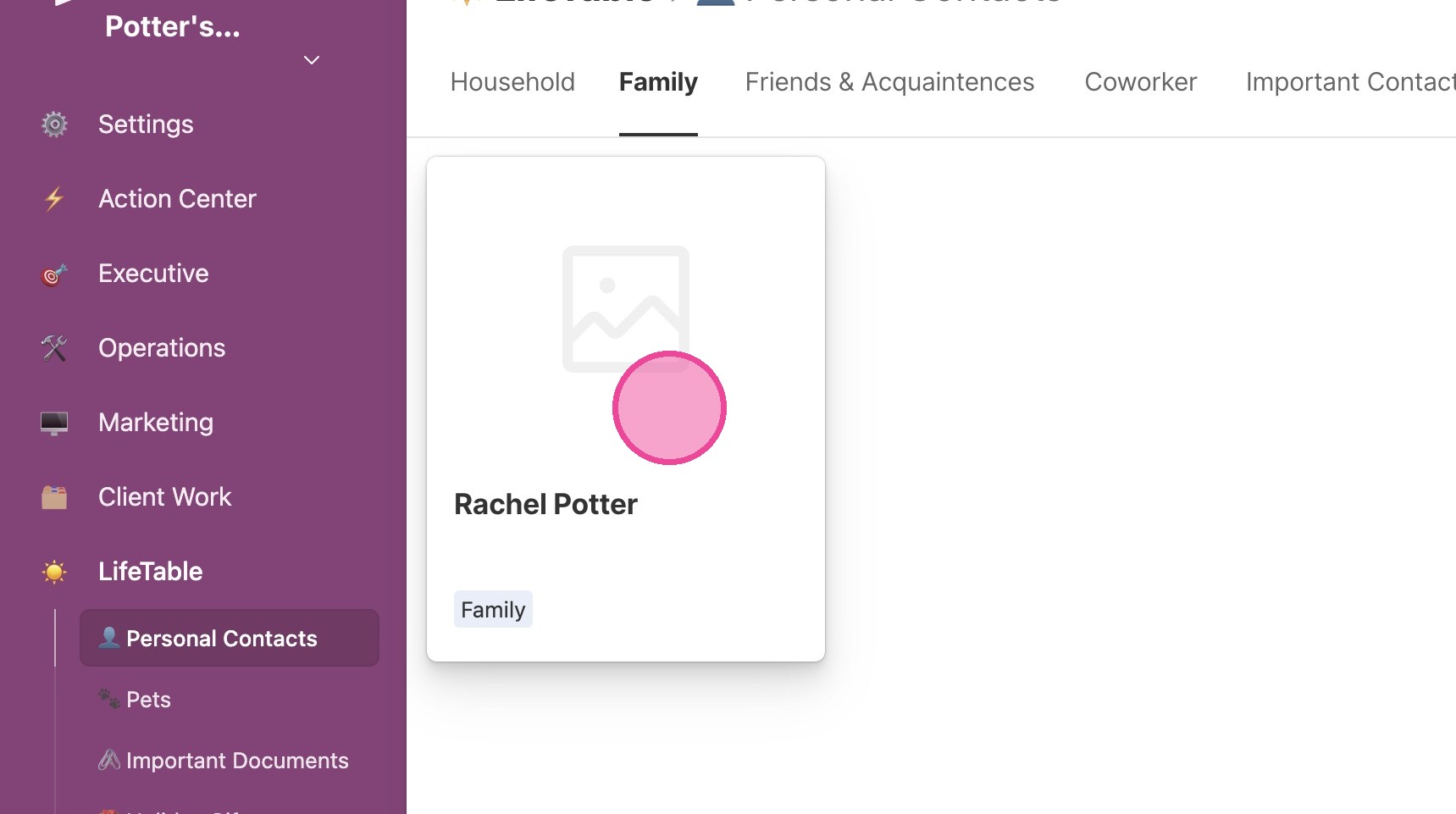
View Details
7. From any view, click the contact to open up their details.
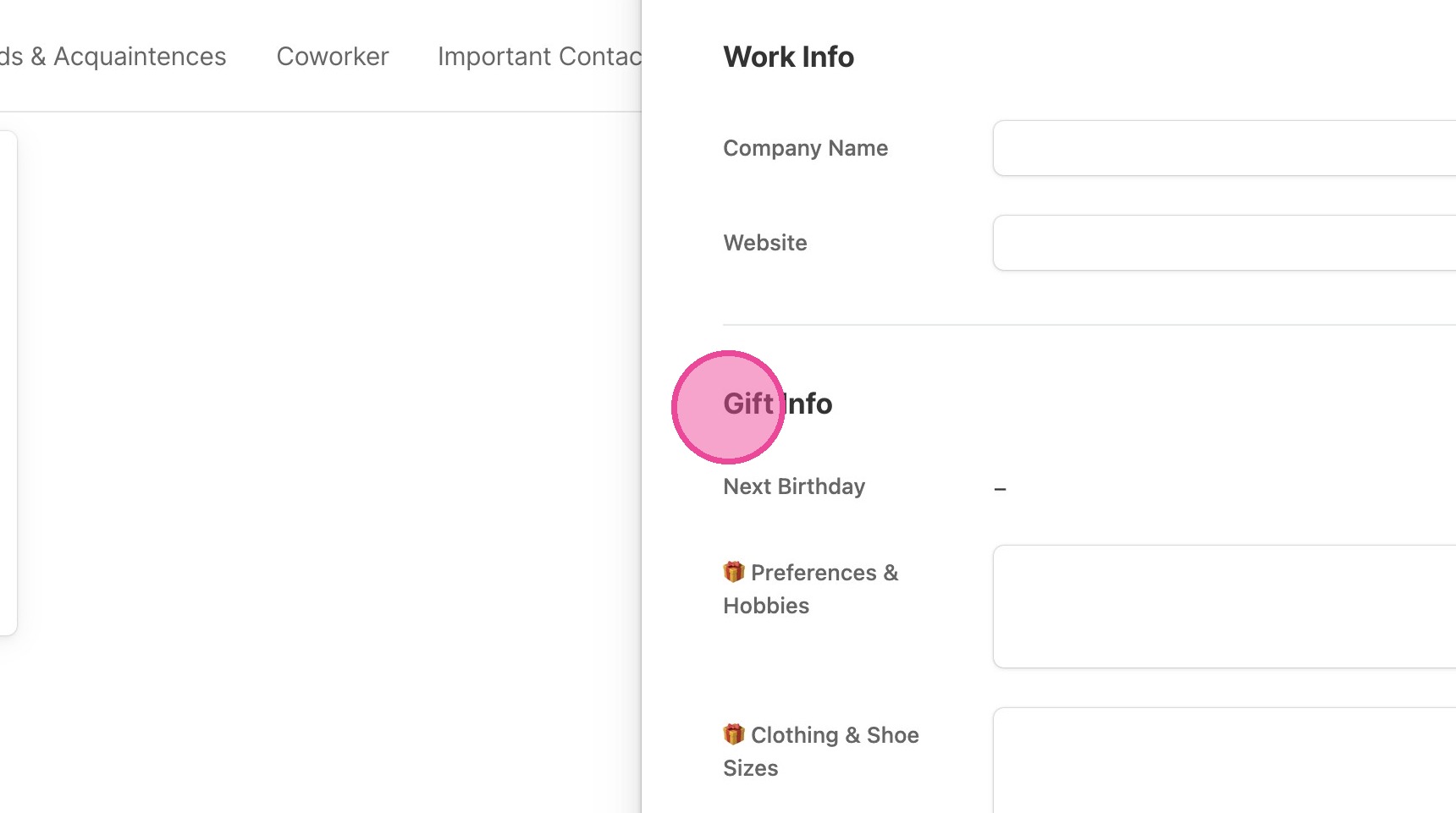
8. You can view and update all information related to your personal contacts here.
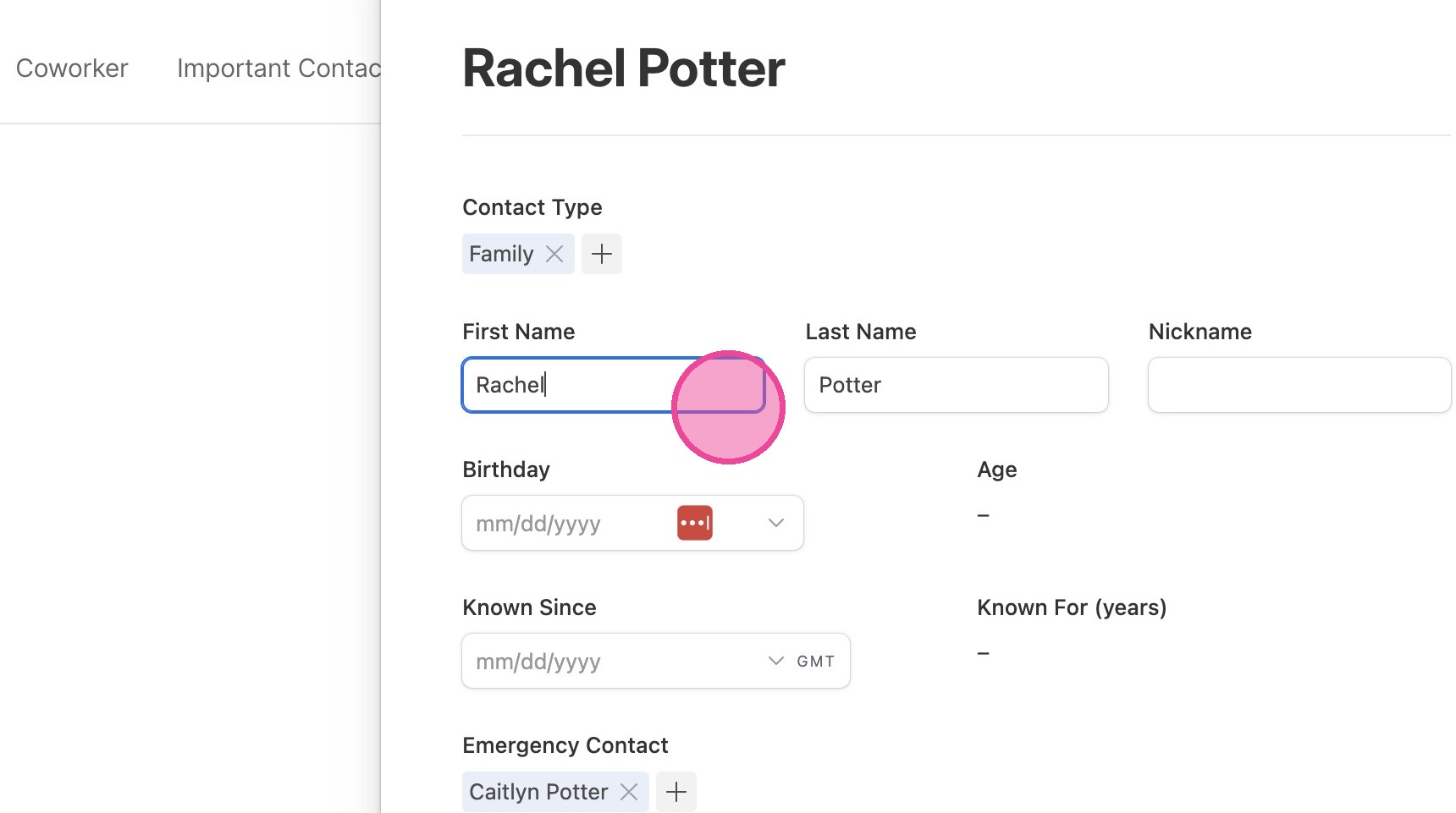
9. Make sure to fill in their "Gift Info"! This will really serve you later!
Add a New Contact
10. Click "Add contact"
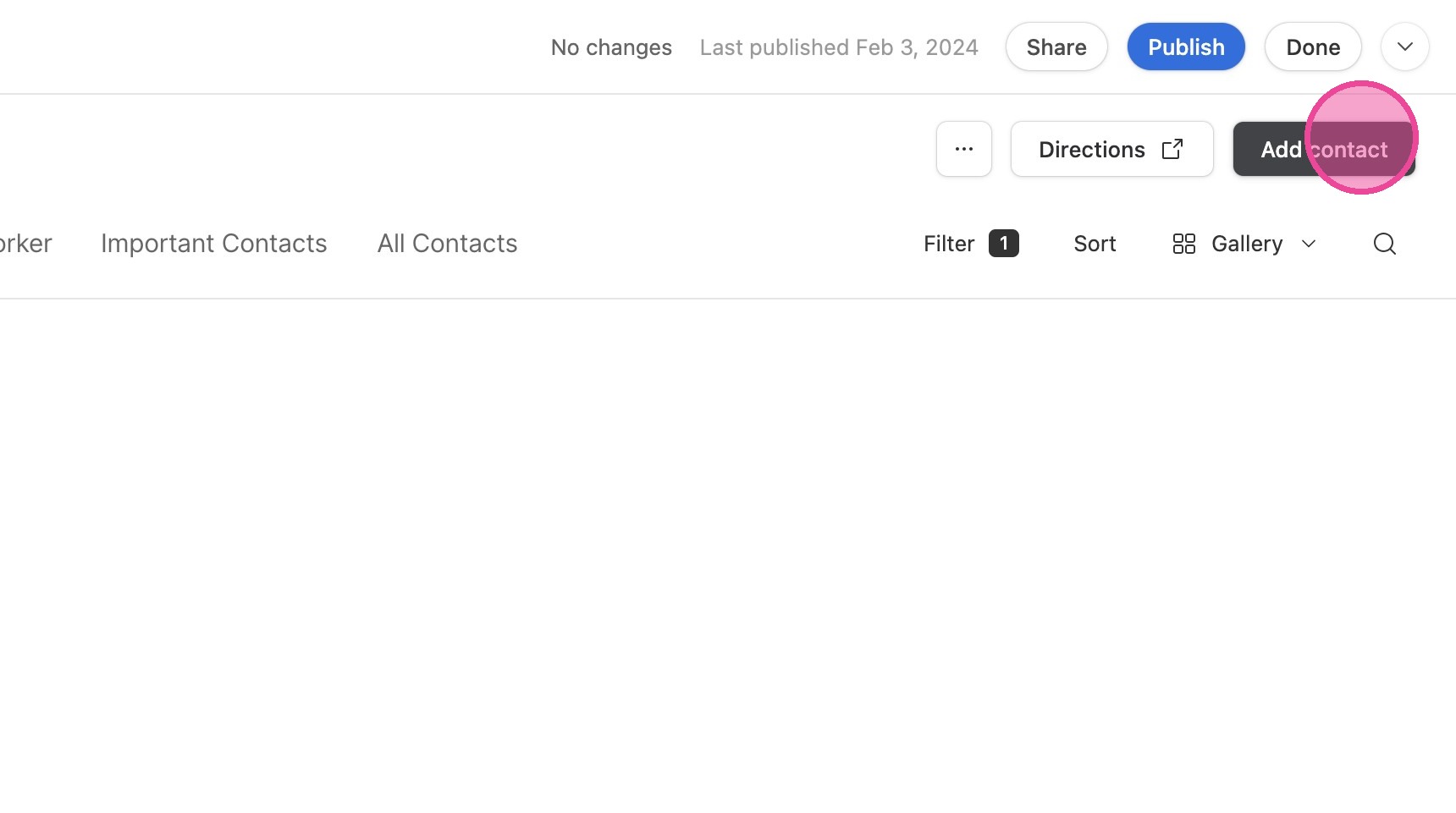
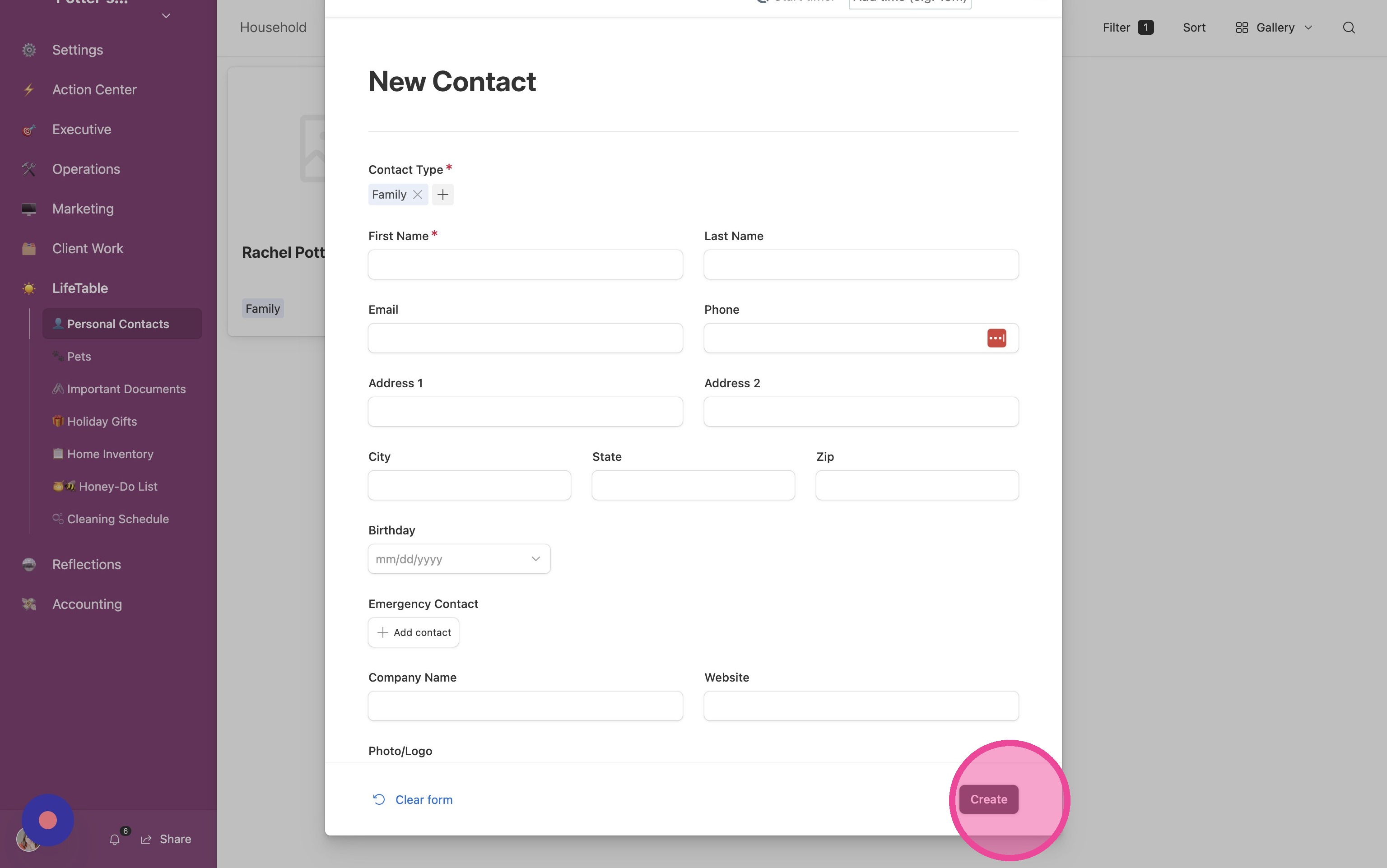
11. Fill out the form and click "Create"