
👀 Content Review
What is it?
Content Review displays a subset of the same information available on the Launch Calendar. Its focus is much more narrow; the idea is for you or your team to input all content that is coming up. Then you can change its status whether drafting, ready for review, scheduled/published, etc. This is all about channel management.
Usability Checklist
Have you done all of this?
- Input your upcoming marketing campaigns (this is critical so you can see WHAT you should be making content about)
- Started entering your planned content for each campaign
How do I use it?
You'll use a form to add each individual piece of content and can navigate among different views to see this information laid out in the way that makes the most sense to you.
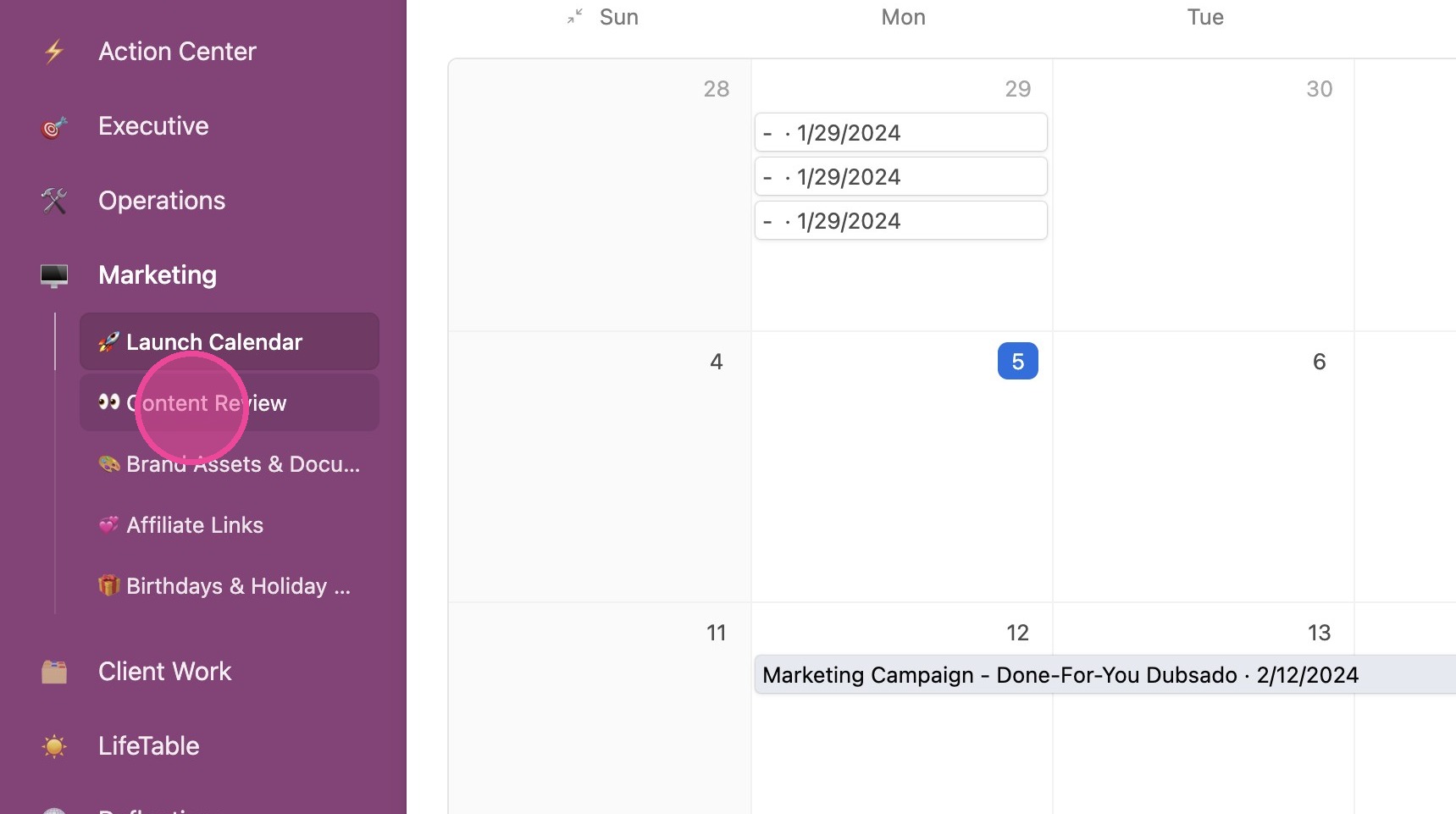
1. Click "👀 Content Review"
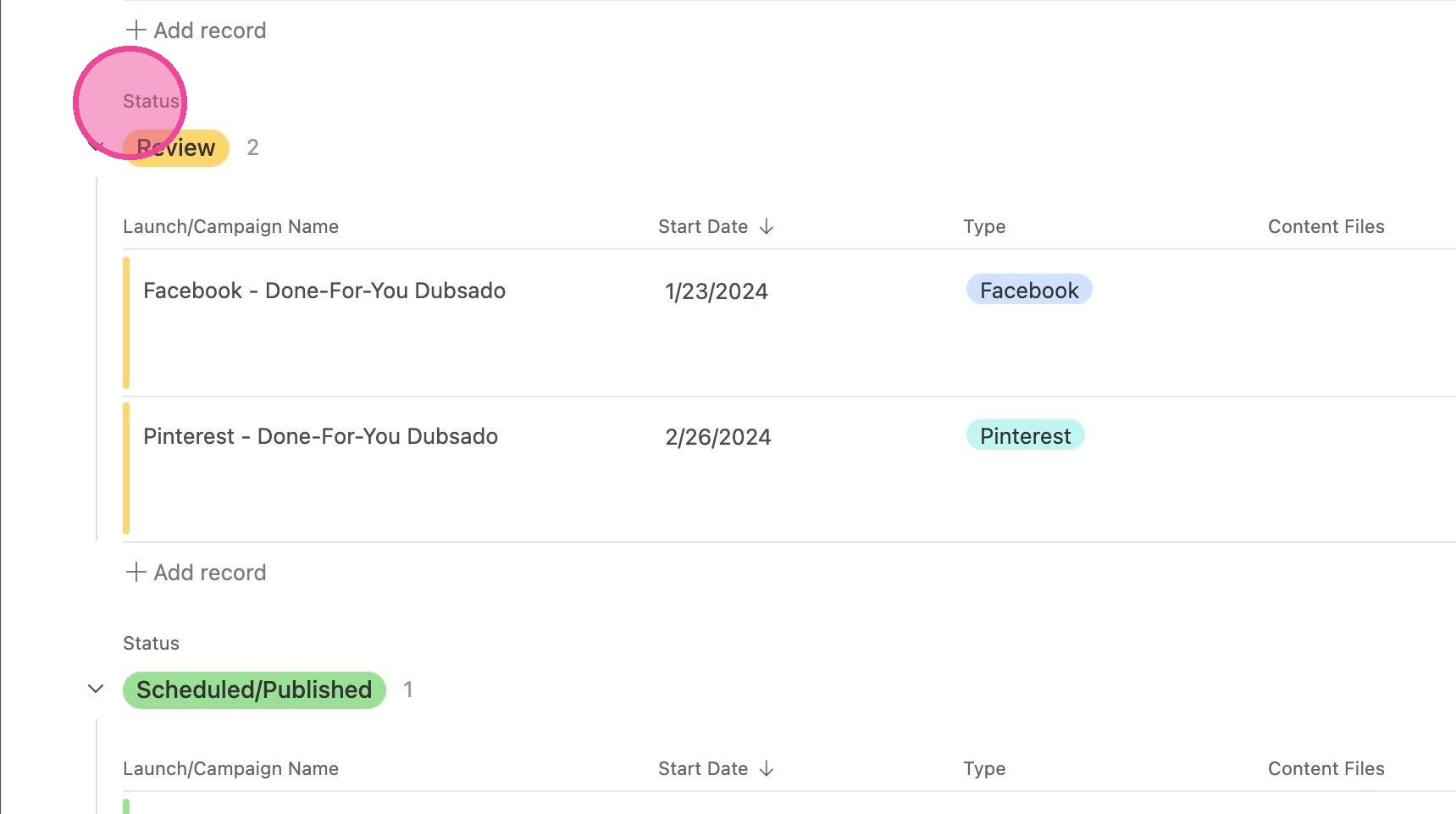
2. Here you will see a list of content sorted by status- that way you can easily see what you need to review and what you don't.
Change Views
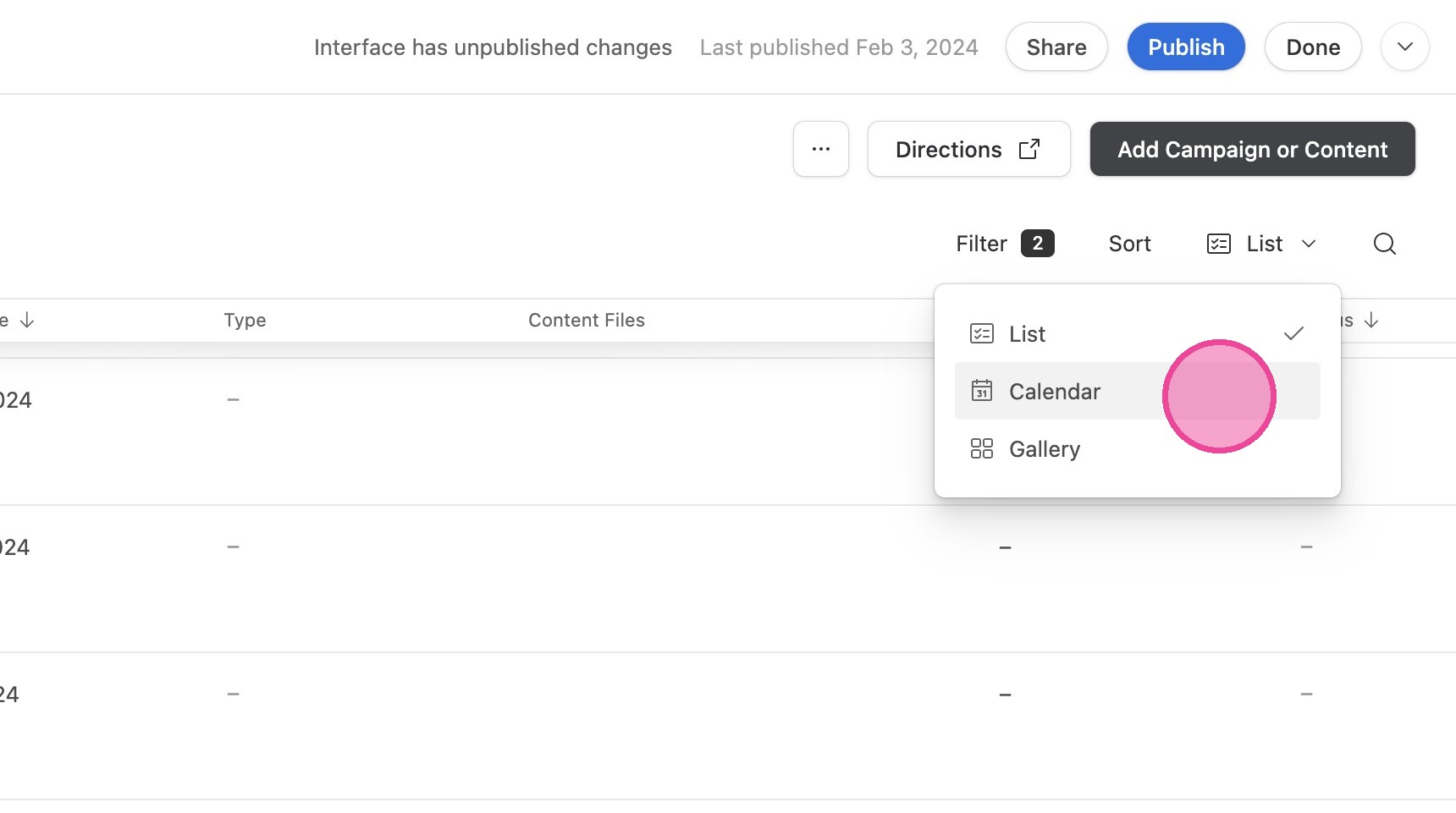
3. You can toggle between the following views: List, Calendar, and Gallery
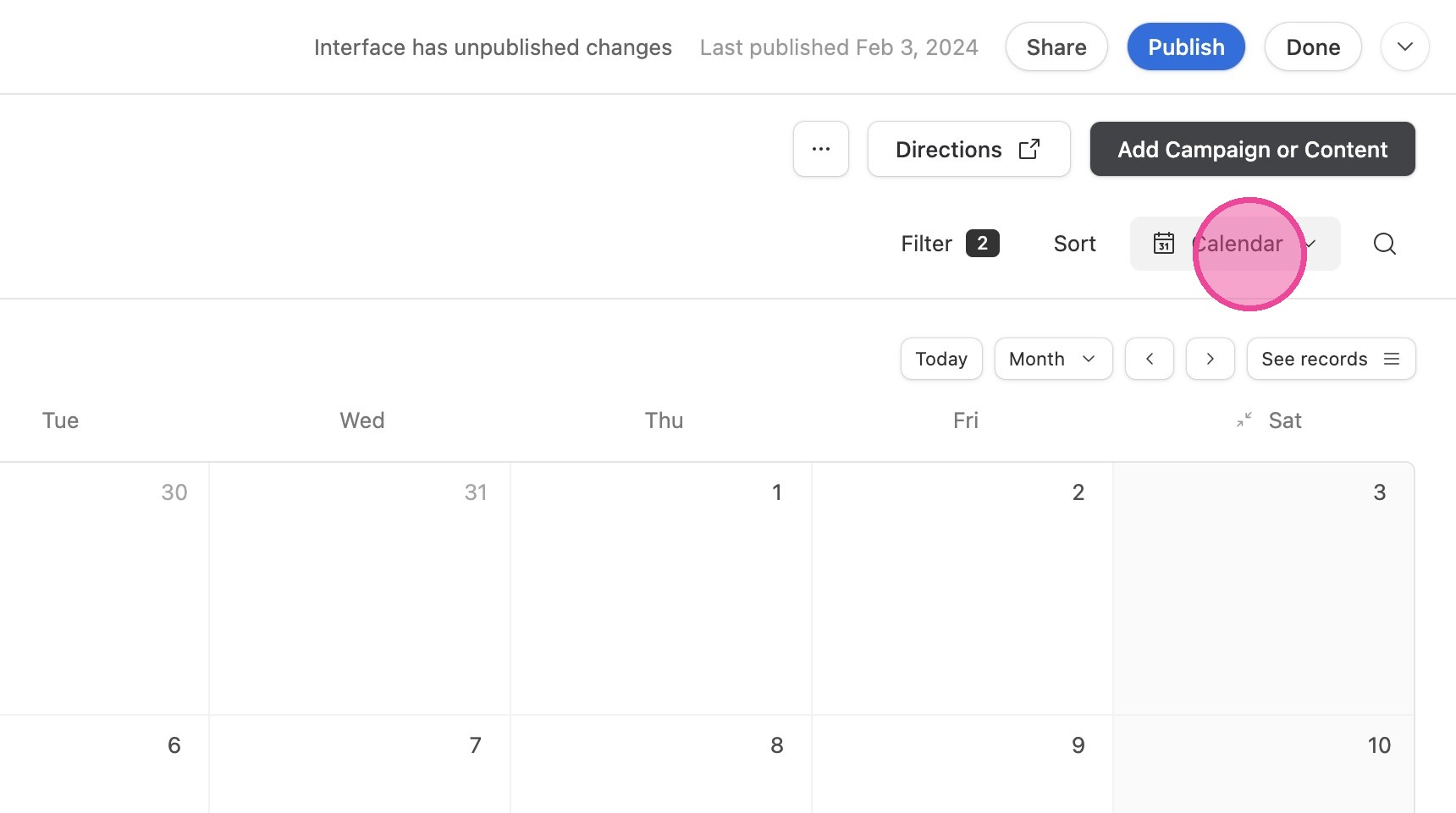
4. The Calendar in this view is different from the Launch Calendar because it ONLY has content listed on it, and it's colored by that content's status. You will not see marketing campaigns or project start dates here.
Add New Content
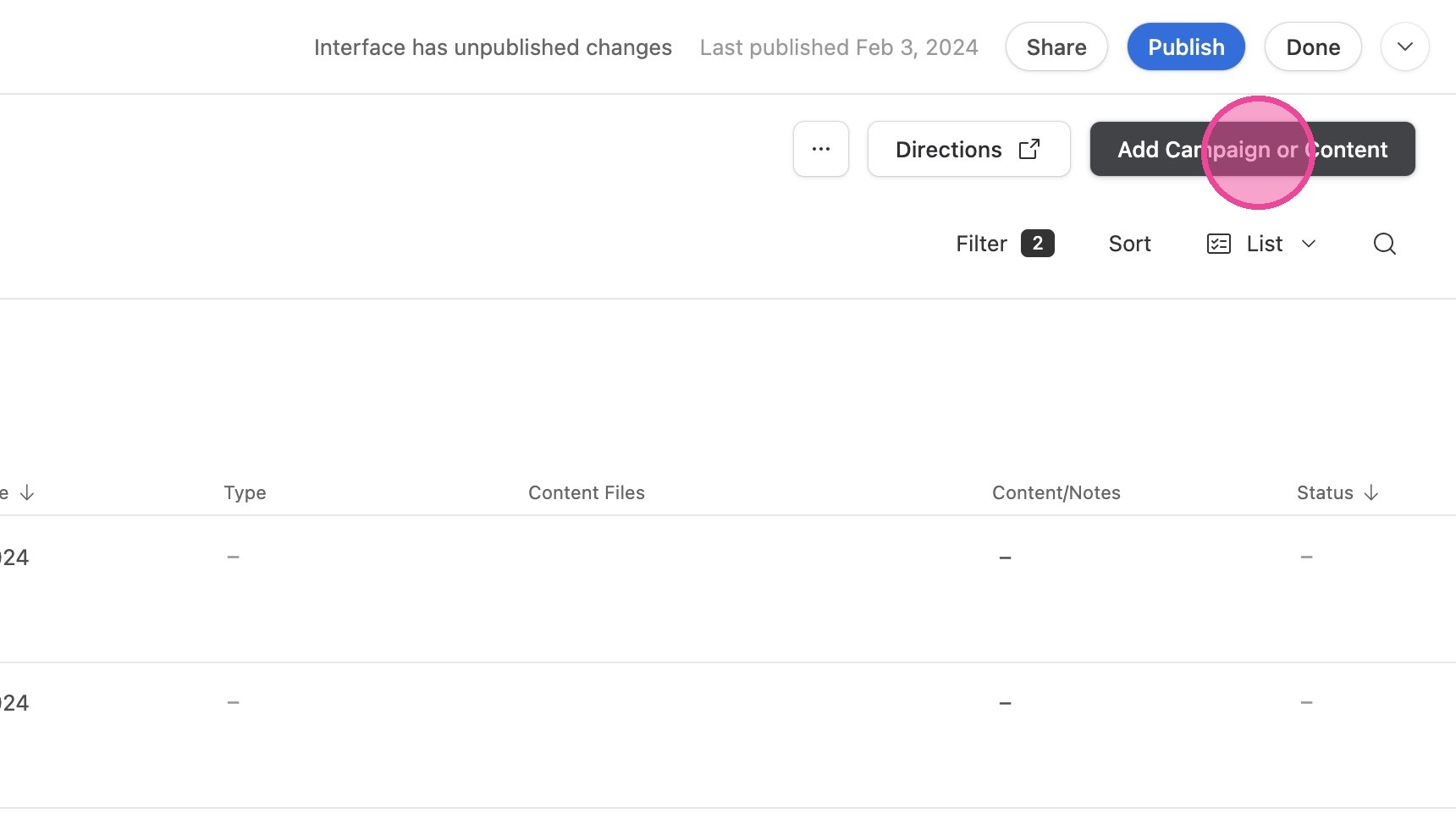
5. This is where your marketing team can click "Add Campaign or Content" to fill out a form to add content to the list for your review.
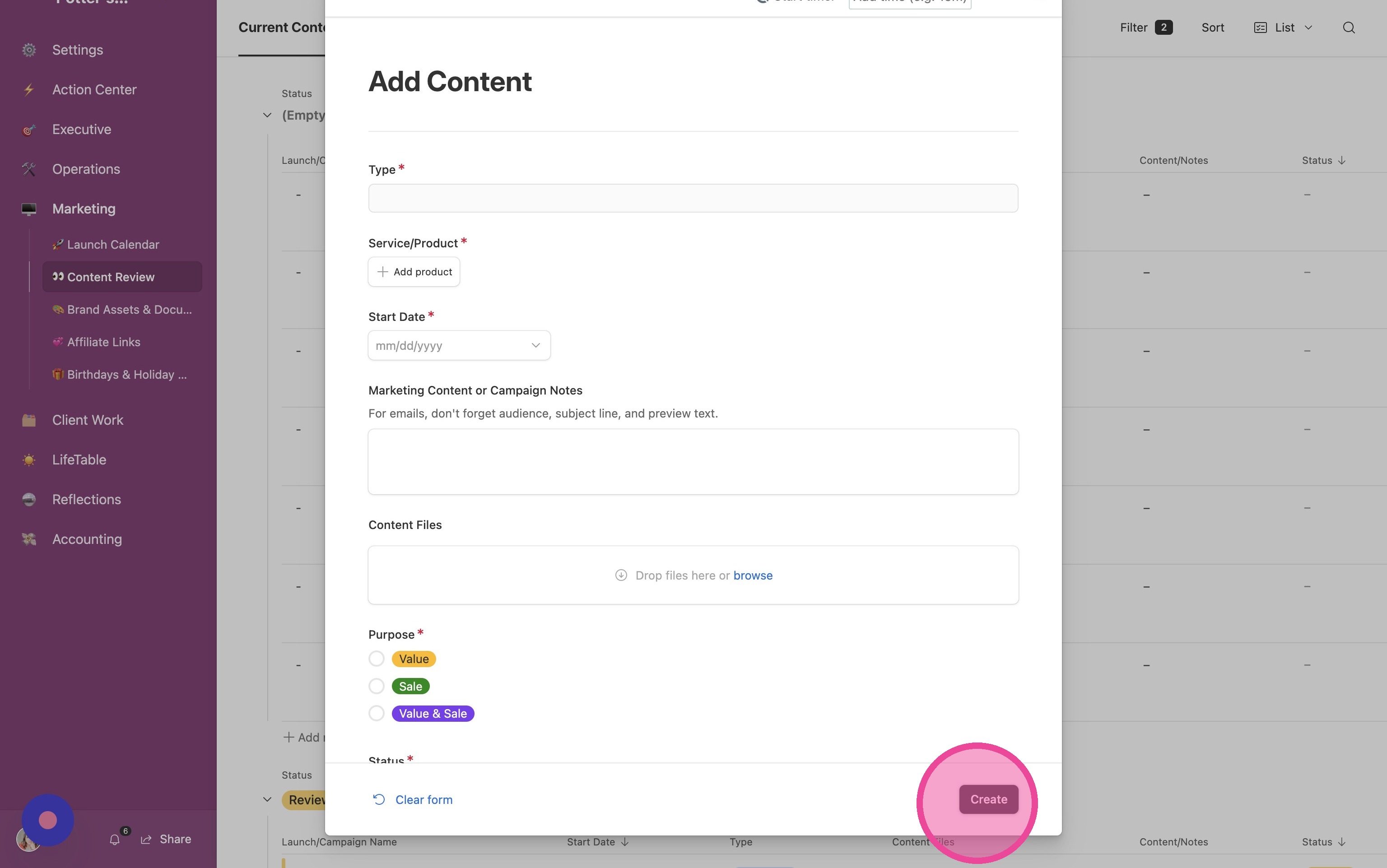
6. They will fill out all information and click "Create"
There is a default list of marketing channels already created for you, but you may need to customize this list to your business. Here's a tutorial on how to do that specifically!