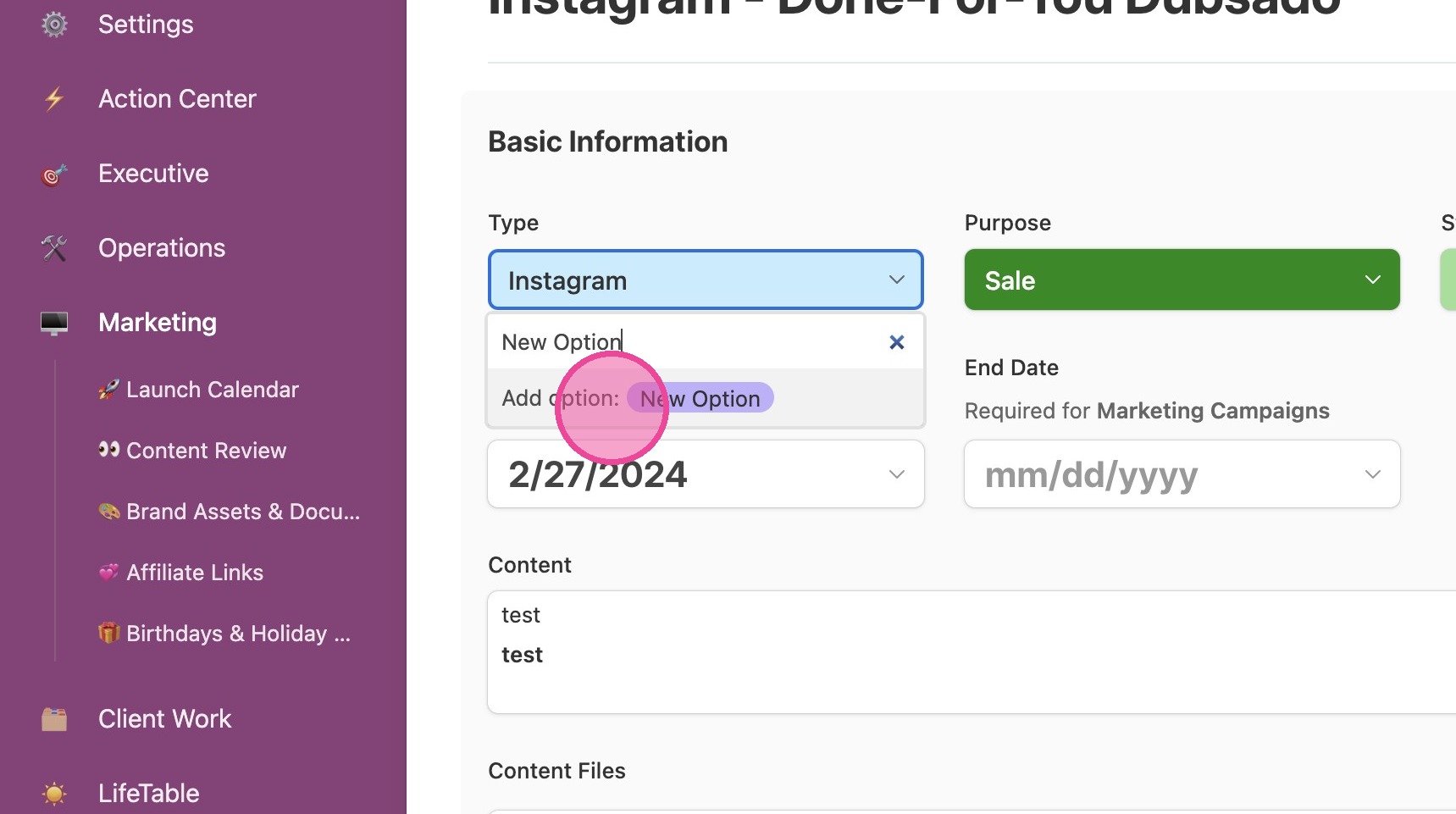
Add New Channel / Content Type
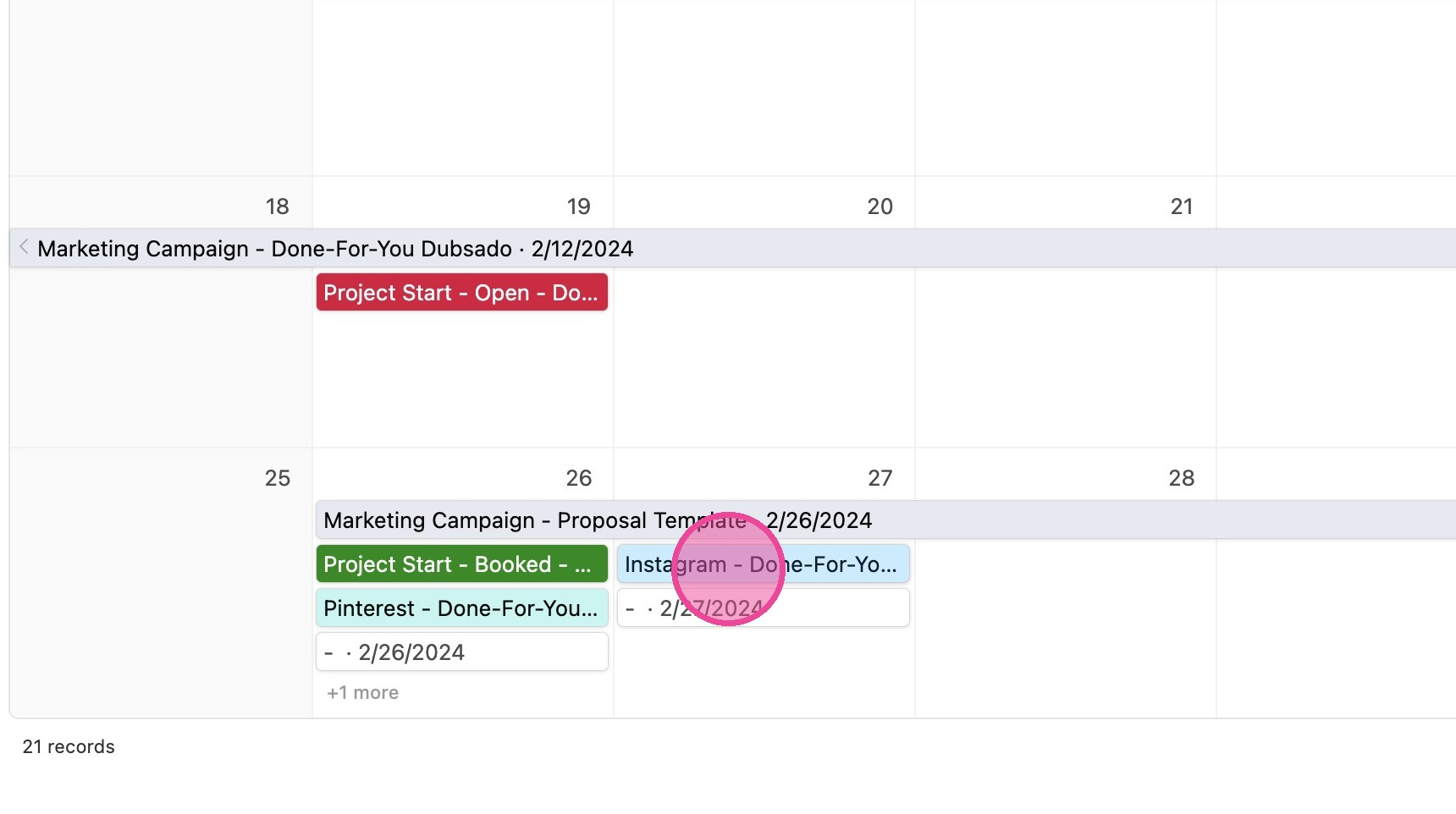
1. Add the content to your calendar under a different channel/type (probably the wrong type.) We need it in the list in order to update it.
2. Once it's created, click it to access the detailed view.
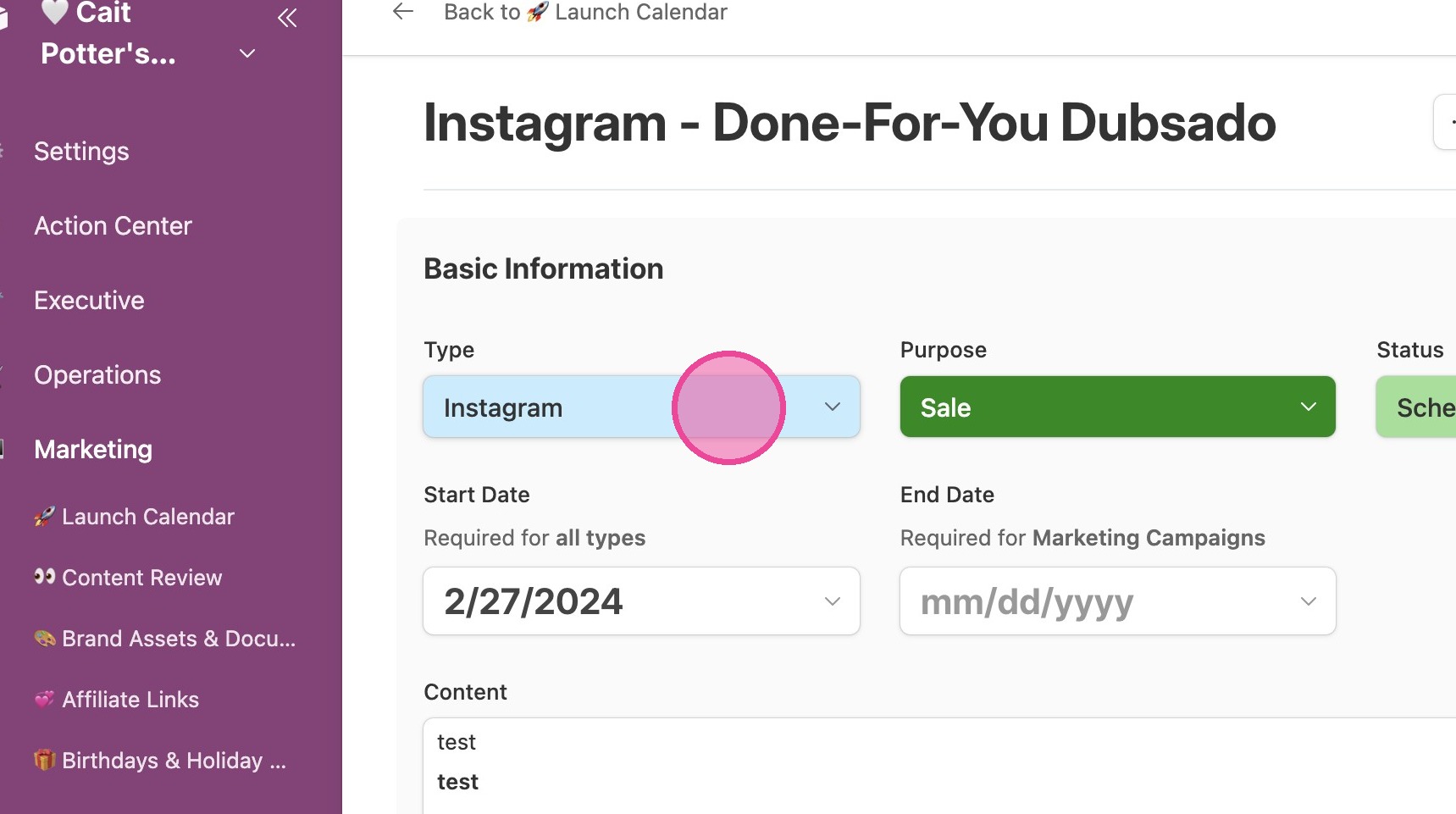
3. Click "Type"
4. Simply type in whatever you want your new option to be. When you're done, click "Add option:".