💞 Affiliate Links
How to Use
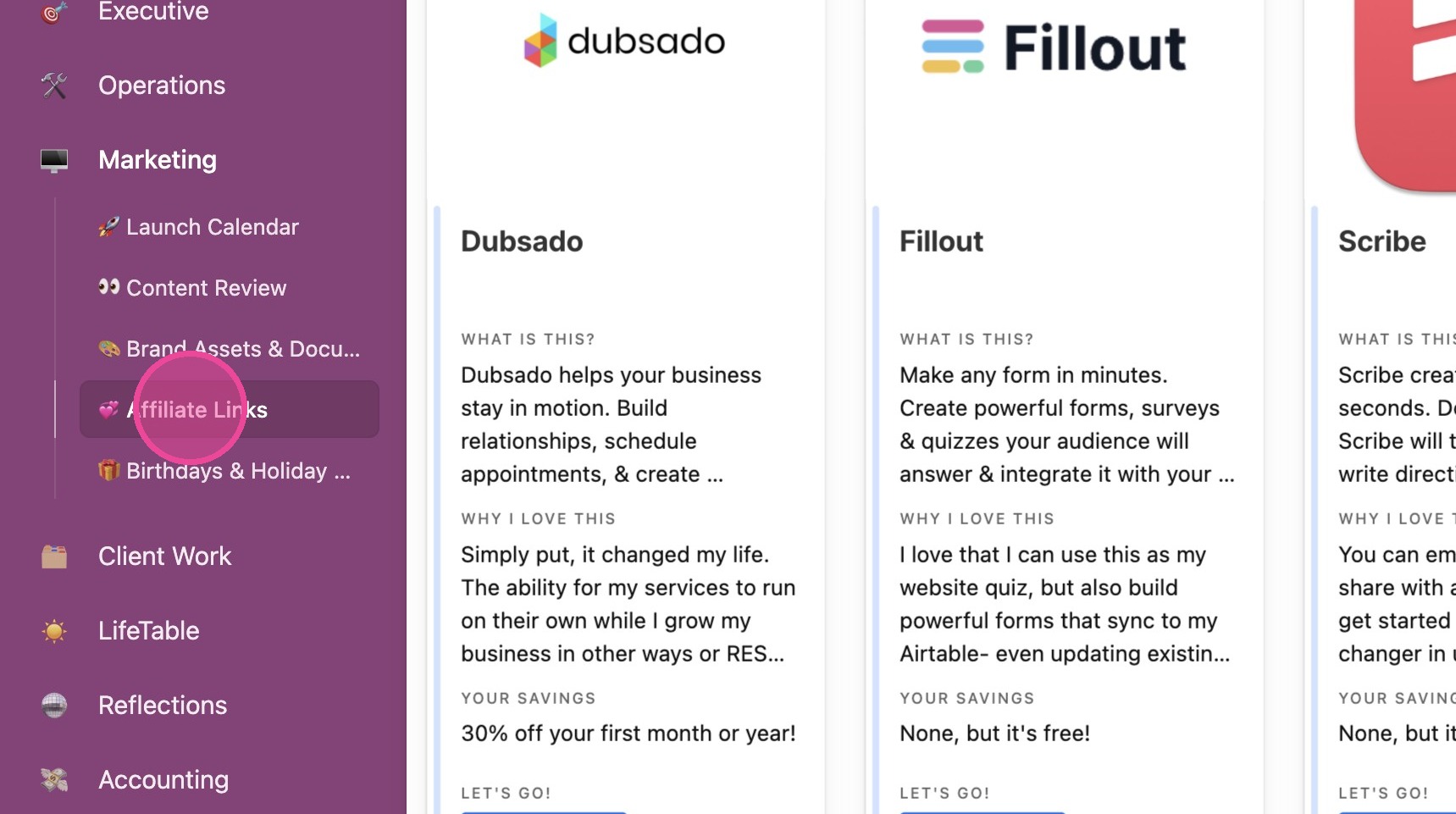
1. Click "💞 Affiliate Links" where you'll be taken to a beautiful gallery of your Affiliate Links
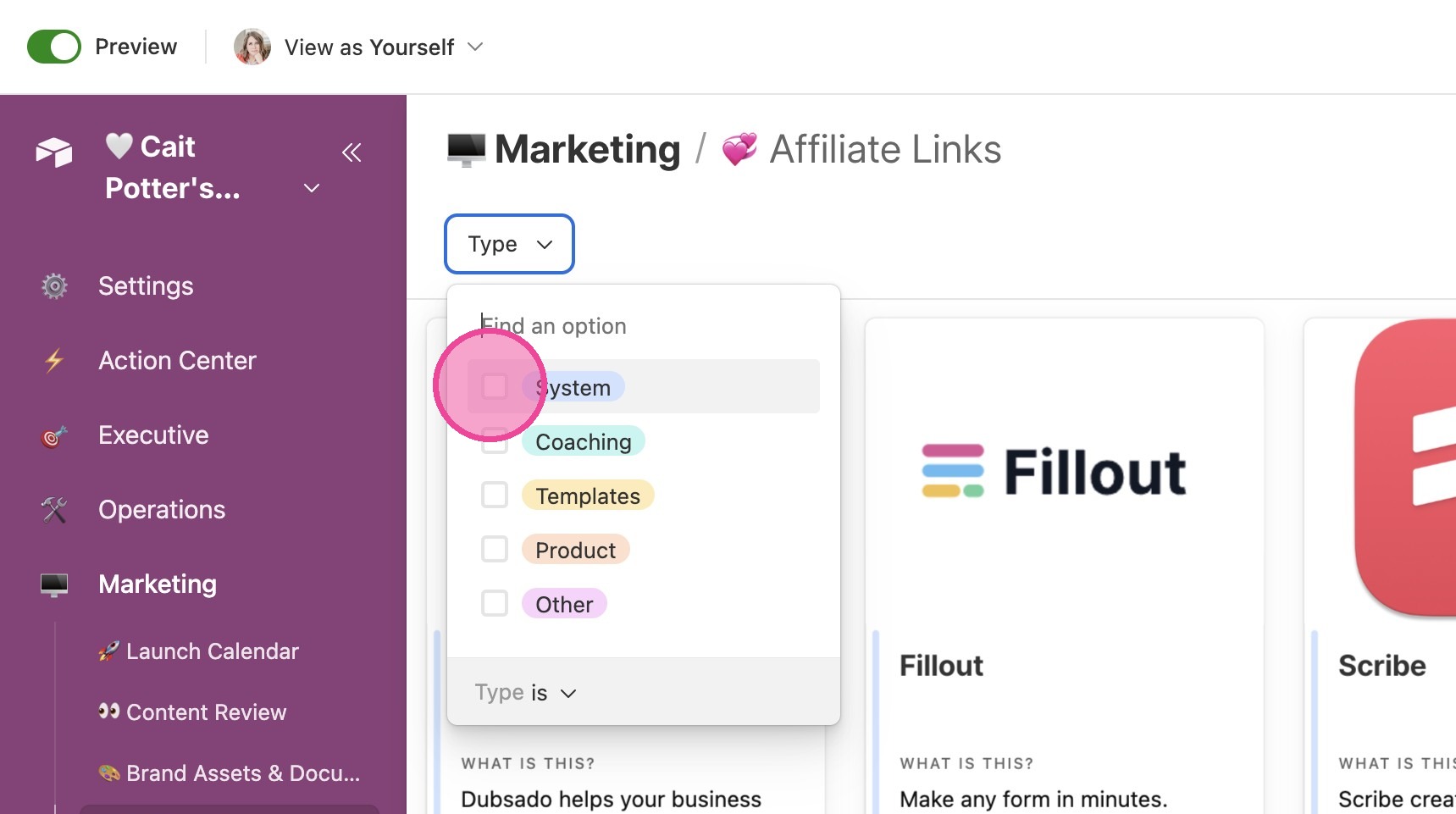
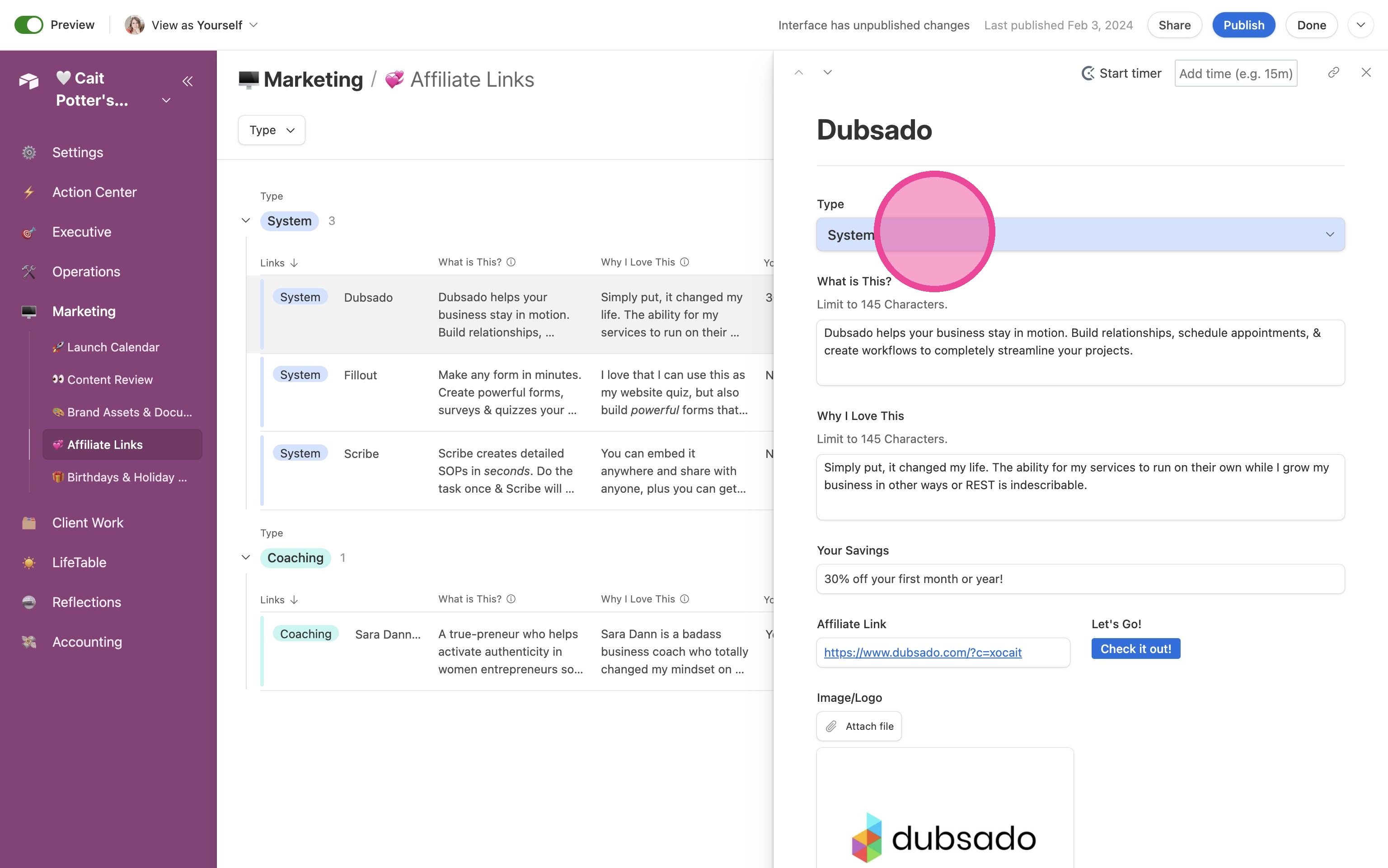
2. You can filter by type to only see certain types of affiliate items. Note that the color of this "Type" list matches the color of each item in the gallery view.
View Details
3. From any view, click the item to open up the details pane.
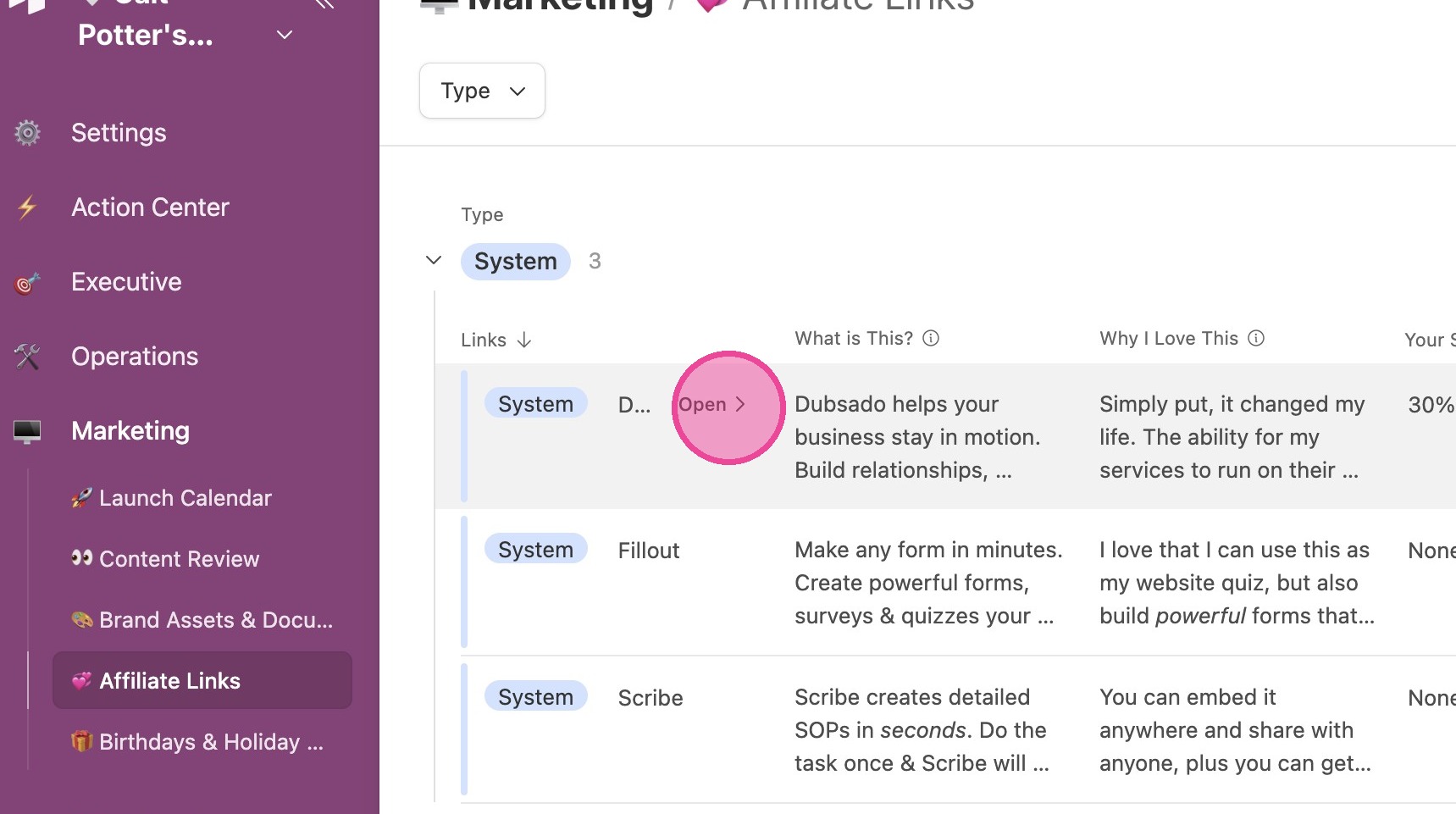
4. Here you'll be able to see and edit all details associated with this link.
Change Views
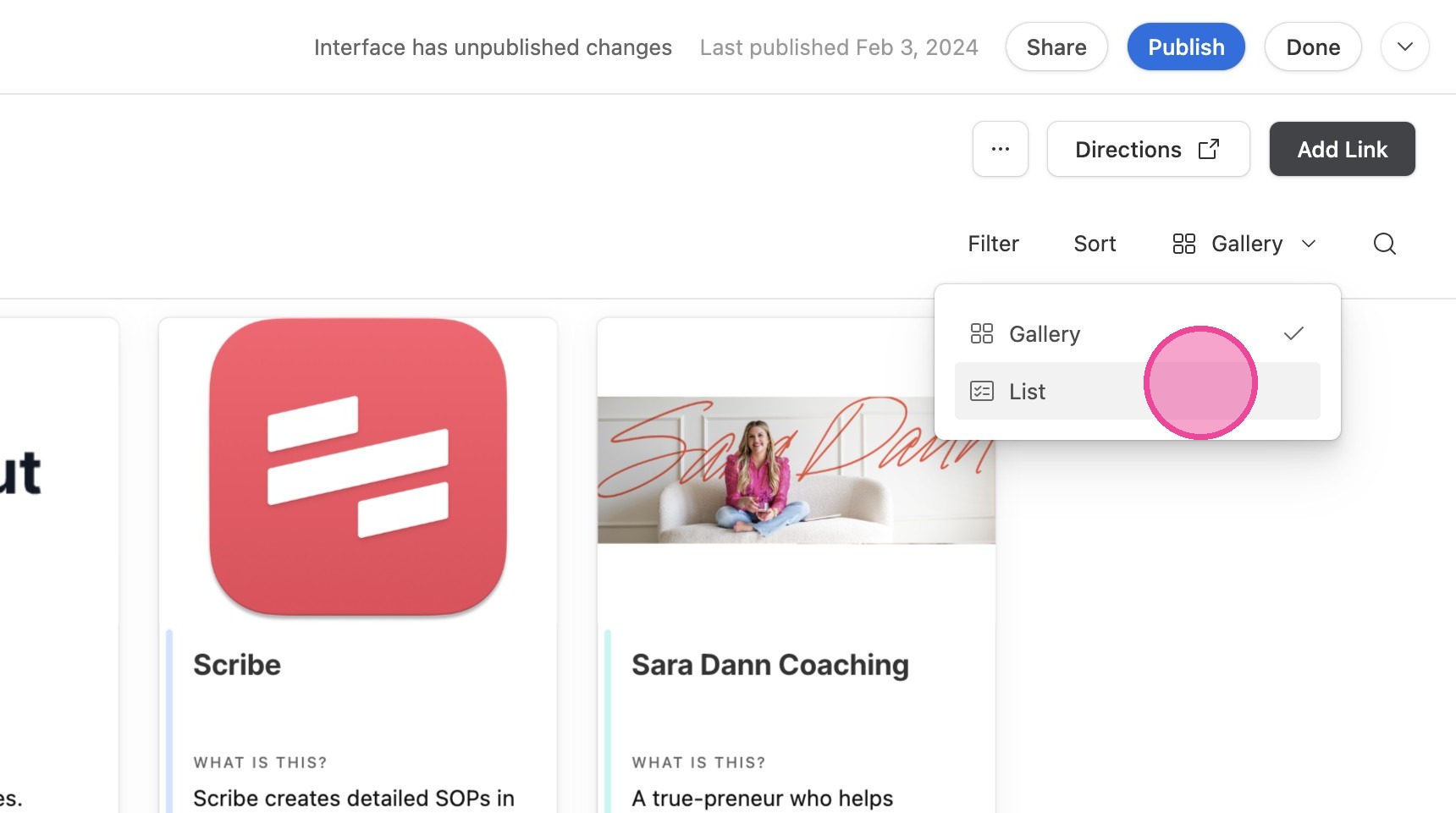
5. You can toggle between Gallery view and List View.
Add New Link
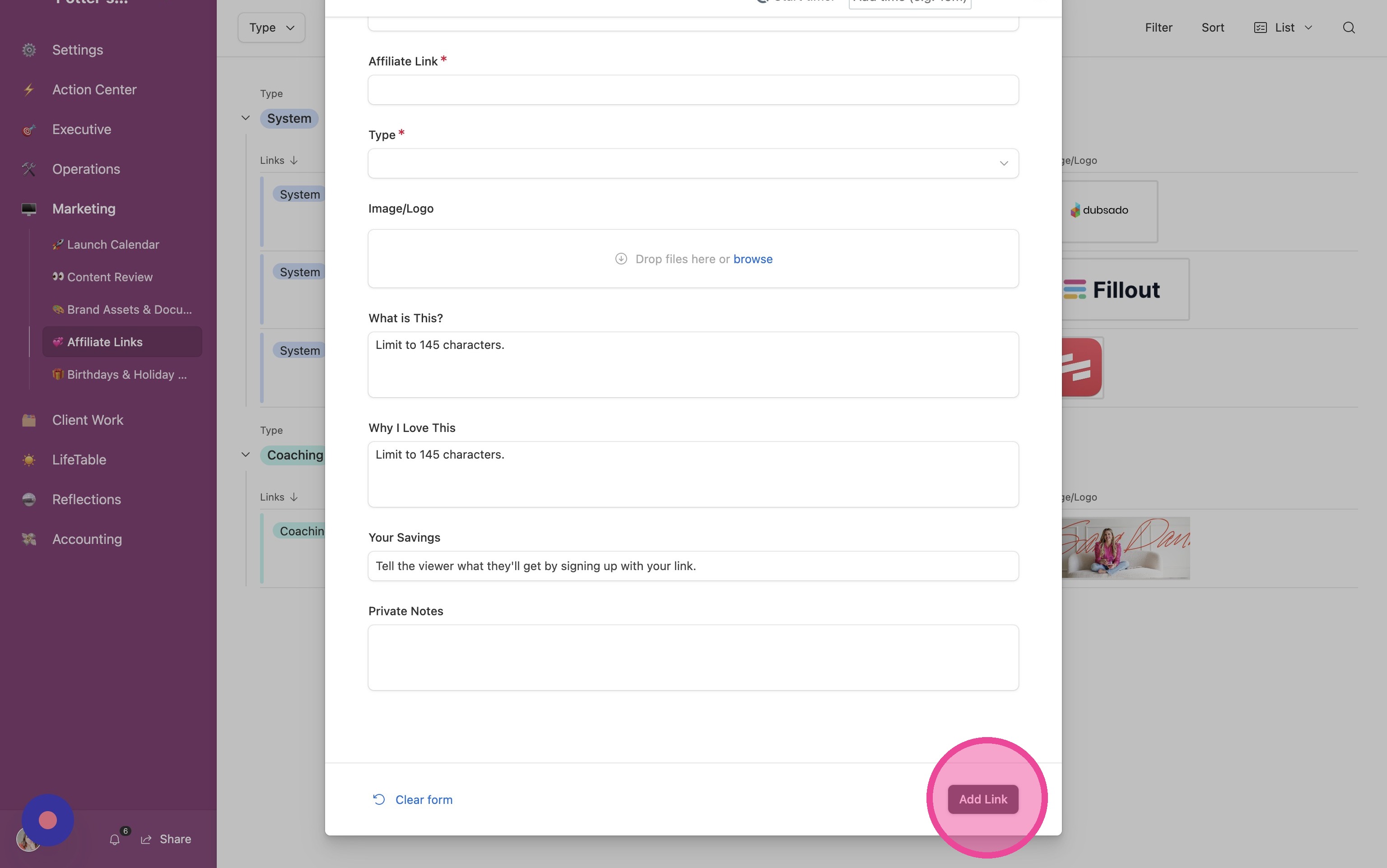
6. Click "Add Link"
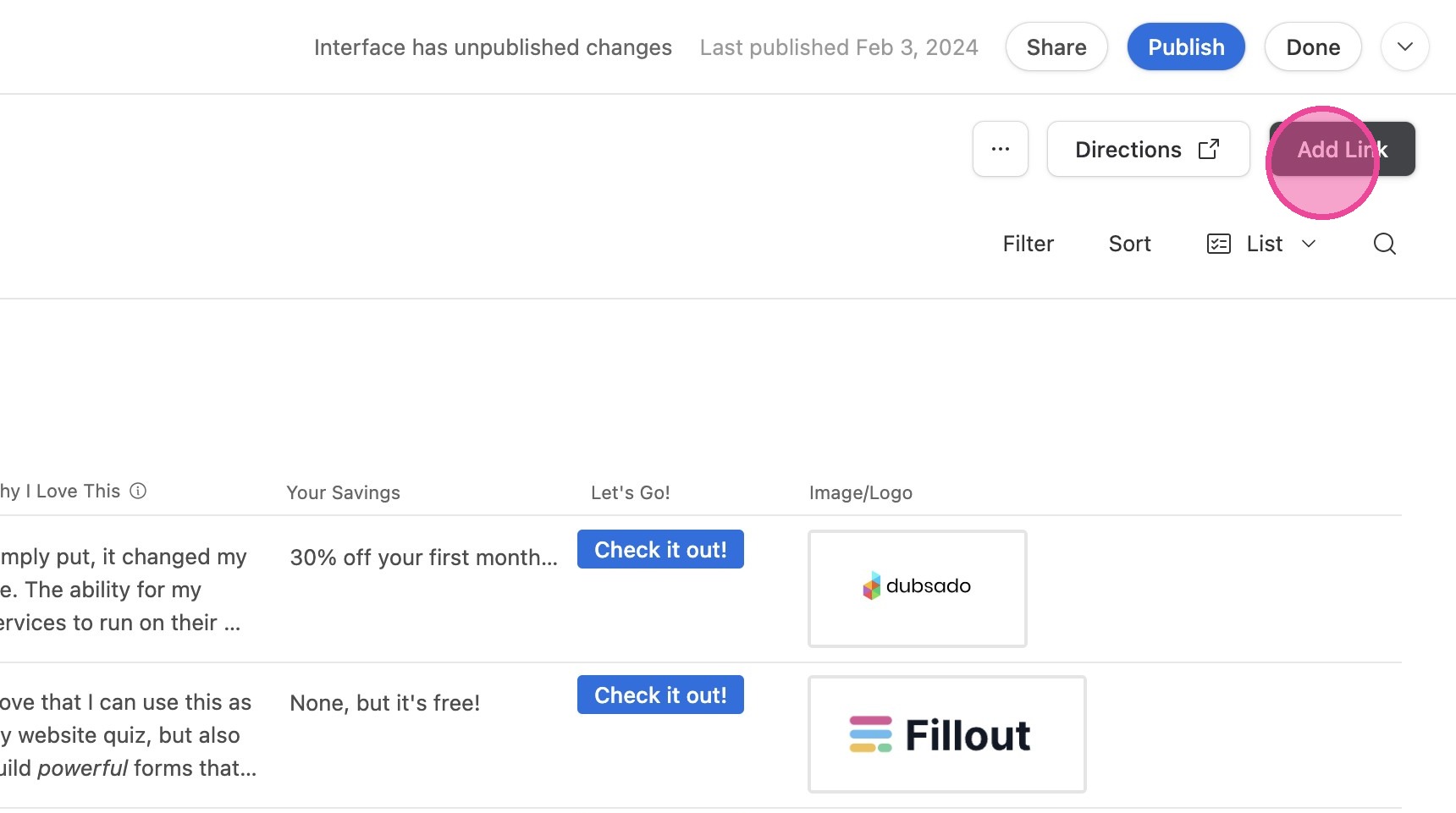
7. Fill in the required information and click "Add Link"