📚 Education Bank
What is it?
All those freebies you sign up for and resources you PURCHASE that you lose track of and never implement? Yeah, no more of that. The Education Bank is a convenient spot where you can enter all of this information- saving access links and files in an organized manner!
Usability Checklist
Have you done all of this?
- Entered all the resources that you have invested in or signed up for
- Created Affiliate Links to any relevant educational resources
- Connected resources & affiliate links
How do I use it?
Enter all the resources that you have invested in or signed up for
Create Affiliate Links to any relevant educational resources & connect them
1. Click "📚 Education Bank"
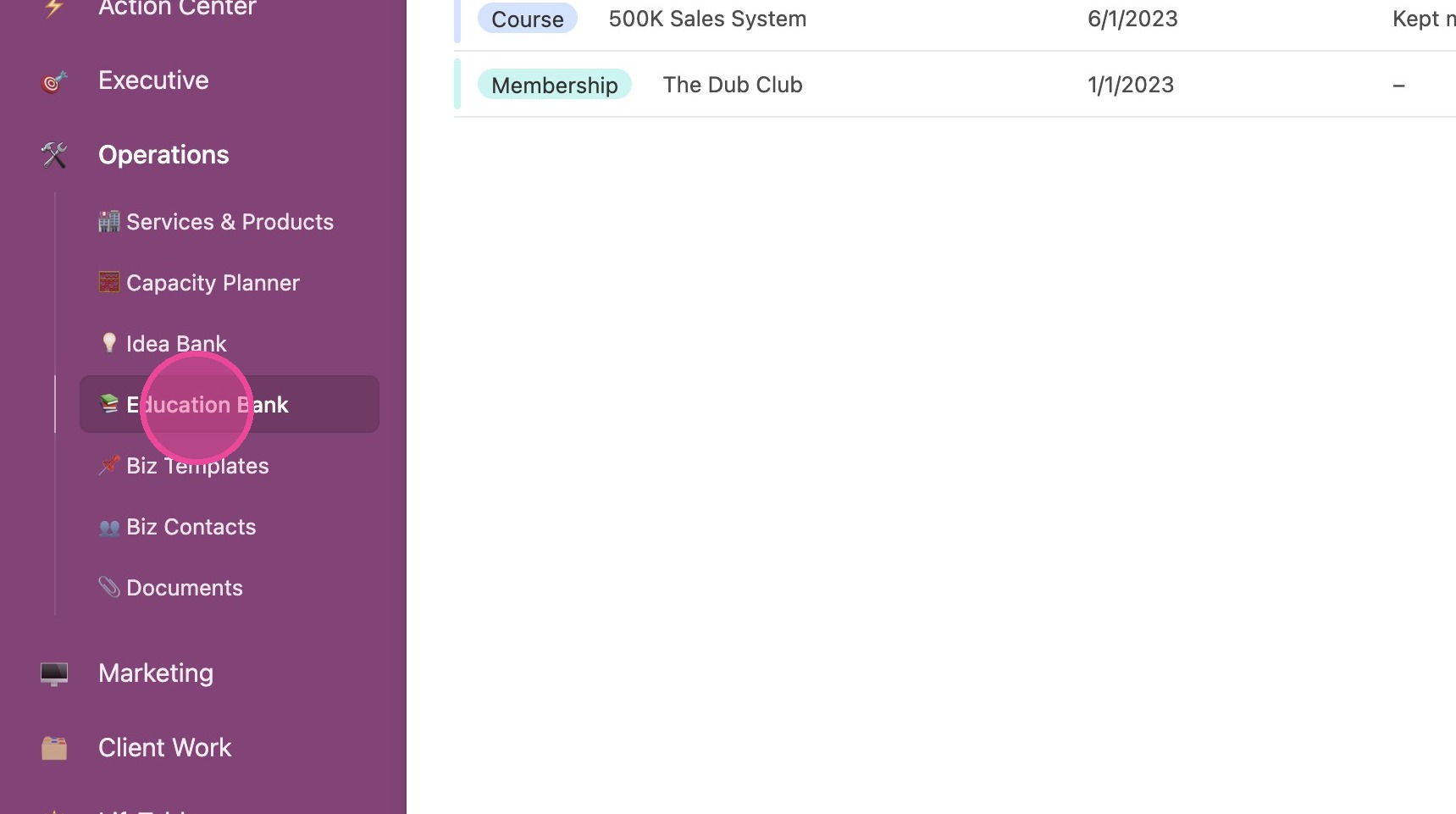
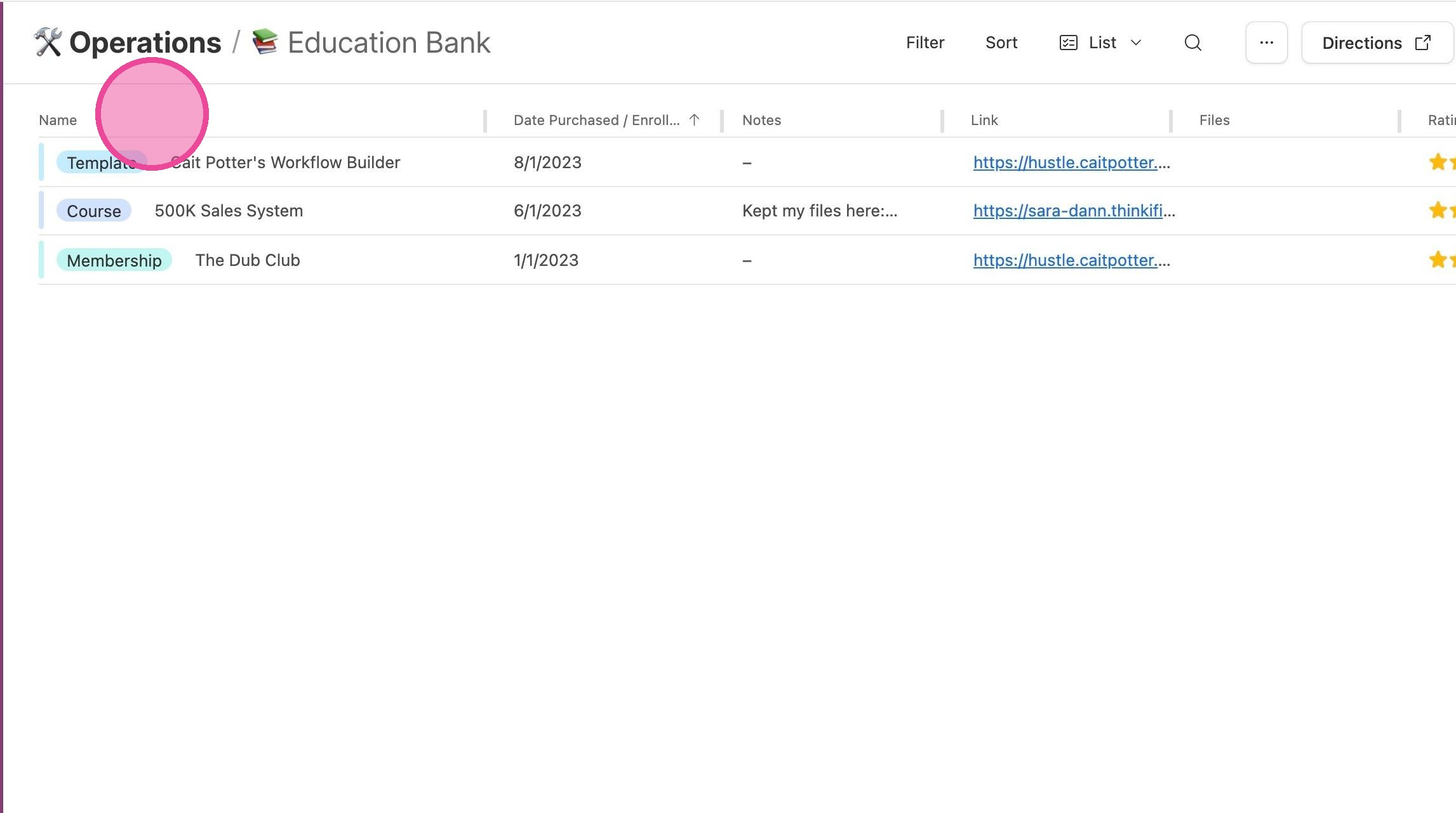
2. The main view is a List View that allows you to see the type of education, its title, when you purchased it, the access link, any notes you kept about it, files, your rating, and more.
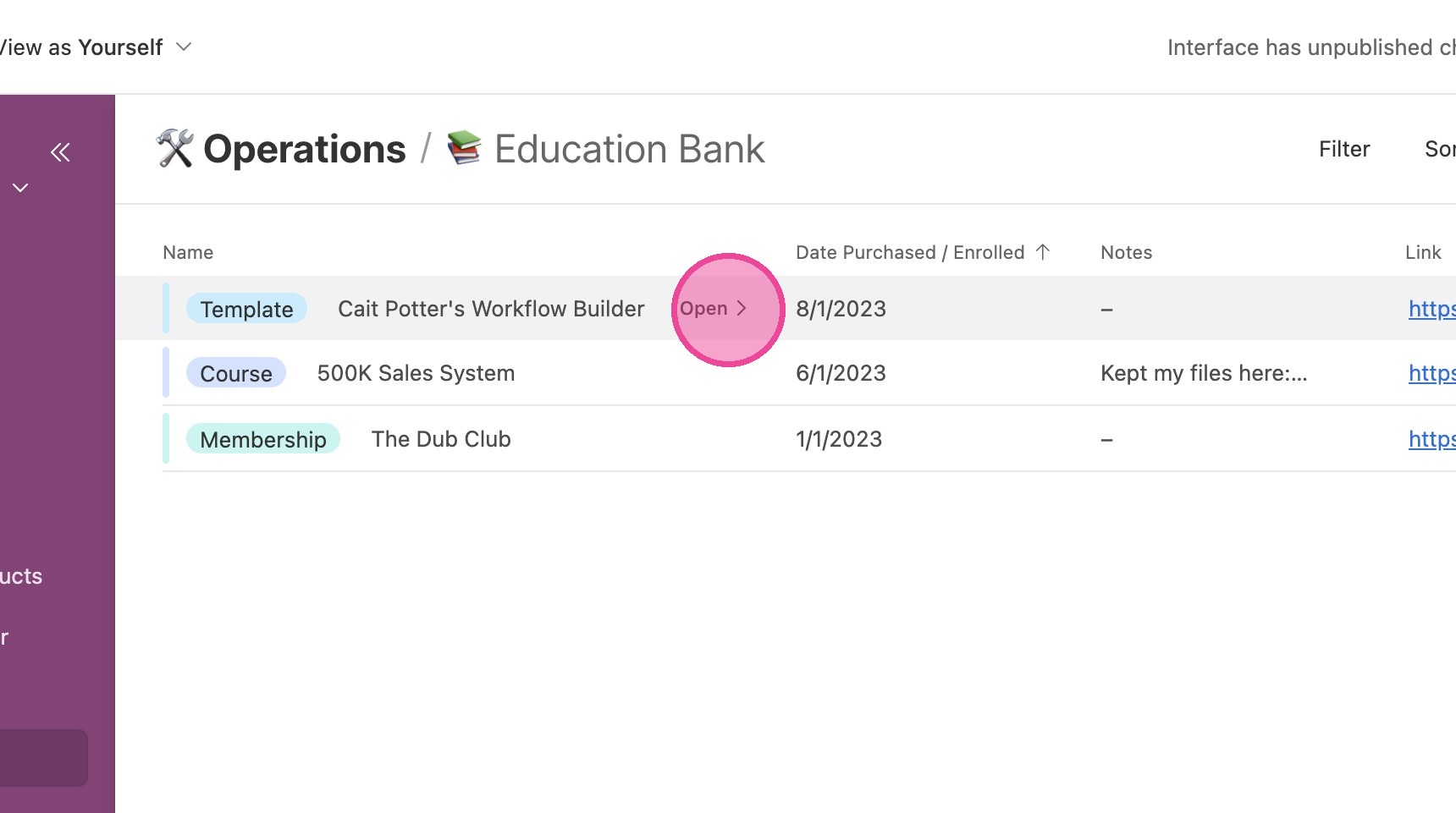
3. Click "Open" to view/edit more details.
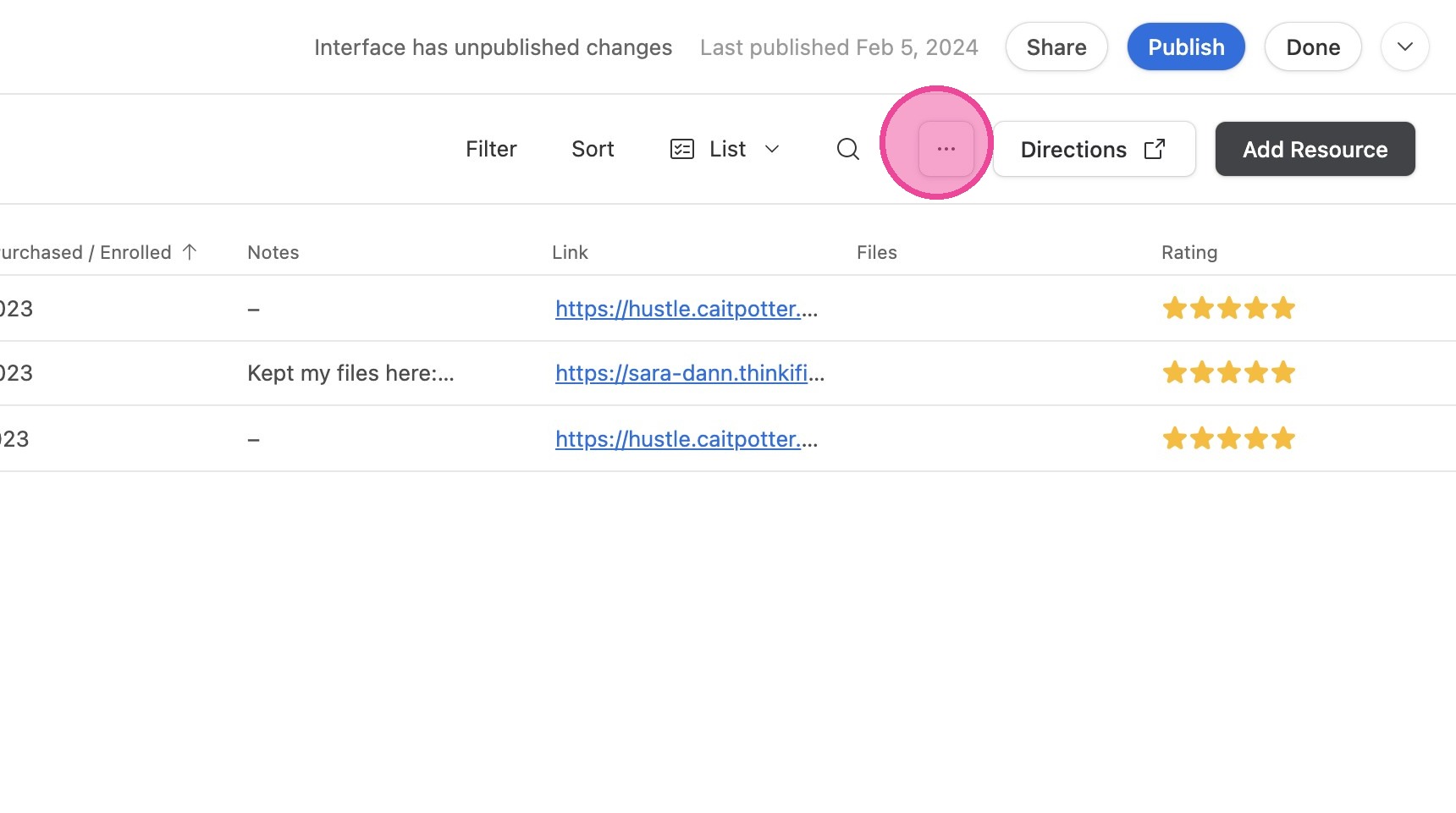
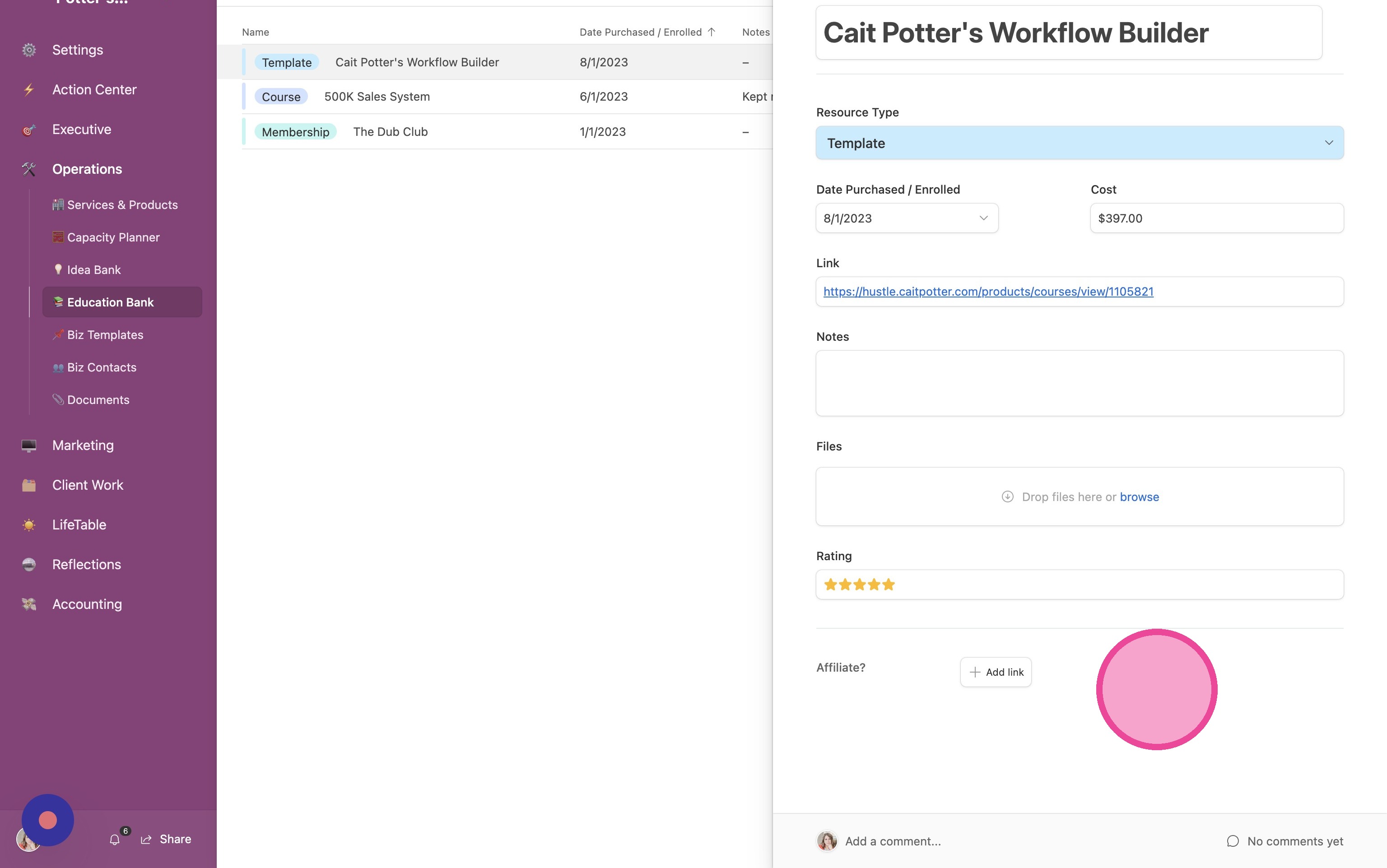
4. This is what the detailed view looks like. you can even connect each educational resource to an affiliate link.
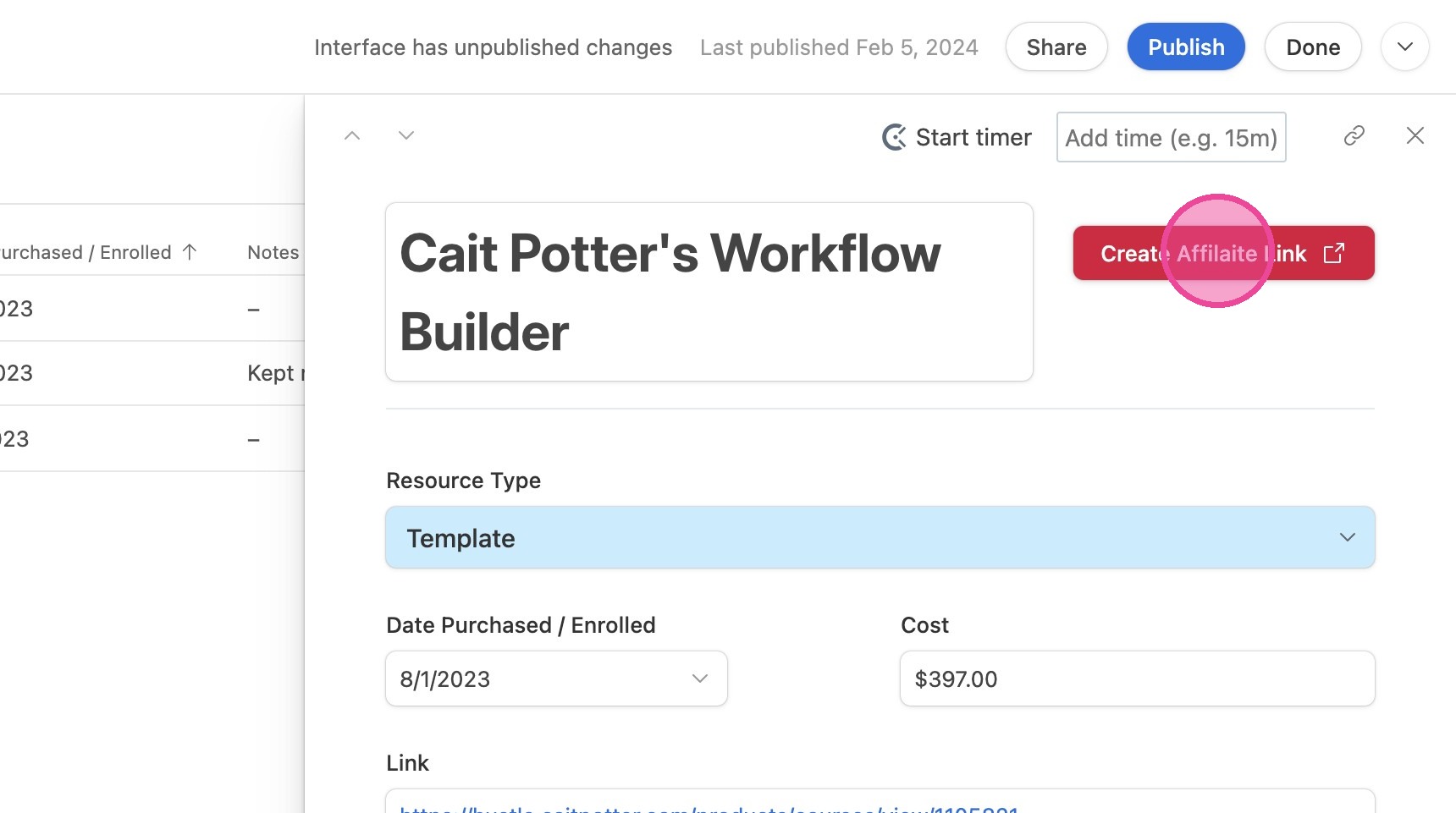
5. If you haven't created an affiliate link for the resource yet, click "Create Affiliate Link" to be taken to the appropriate place to create one.
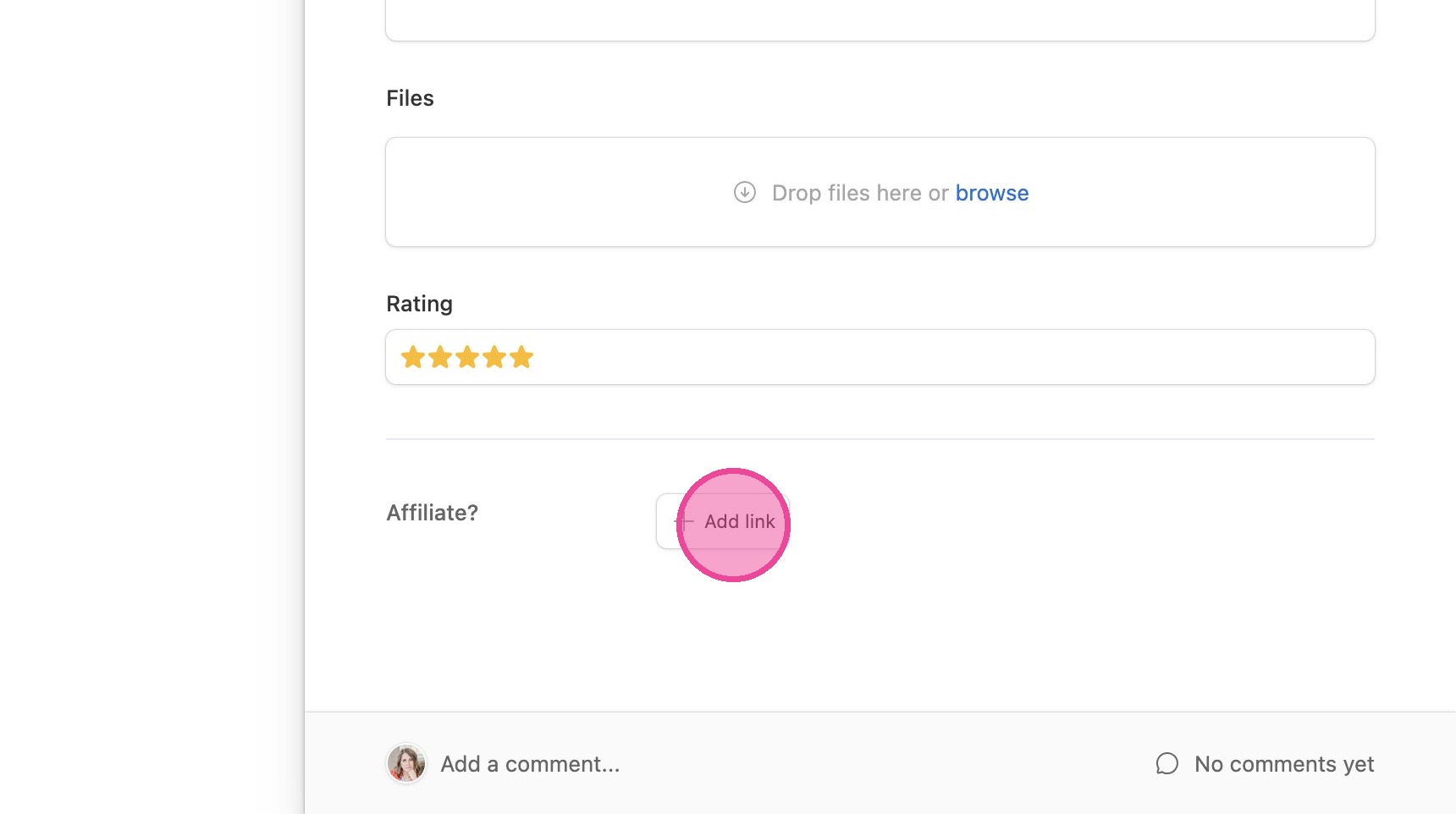
6. After you've filled out the form on your Affiliate Link tab, you'll come back to this screen and click "Add link" to connect your new affiliate product.
Add New Resource
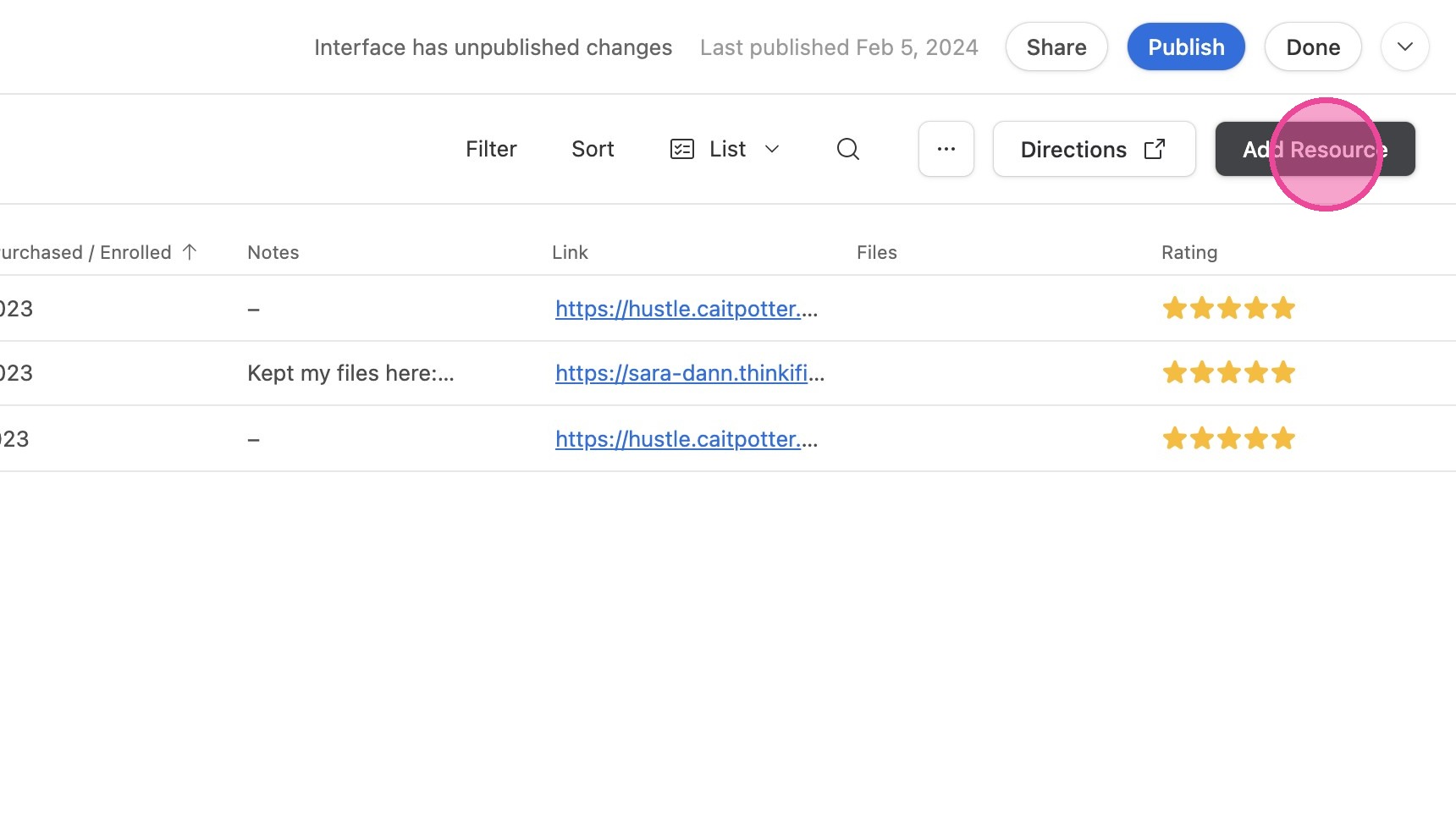
7. To add an educational resource, click "Add Resource"
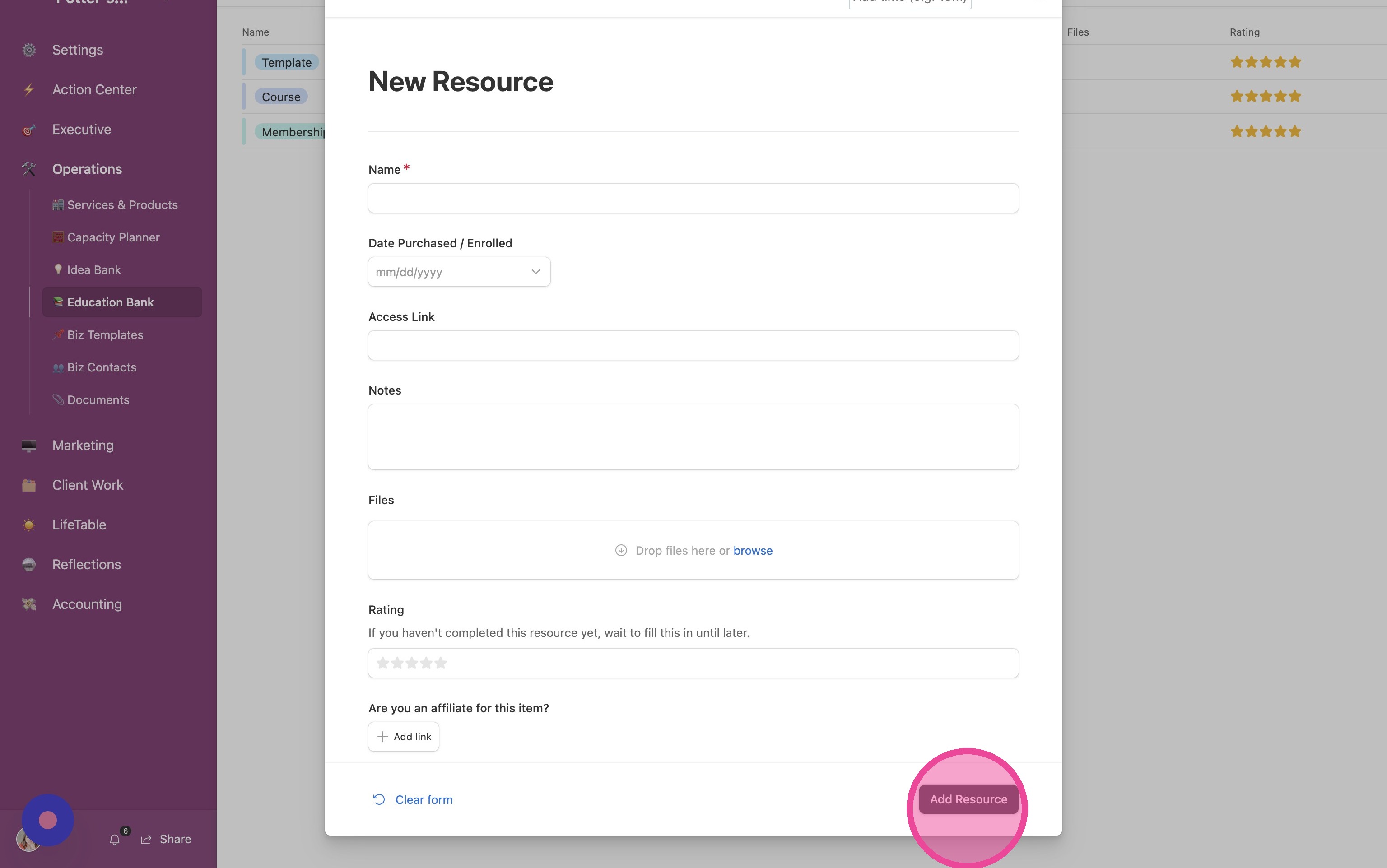
8. Fill out the form and click "Add Resource"
Different Views
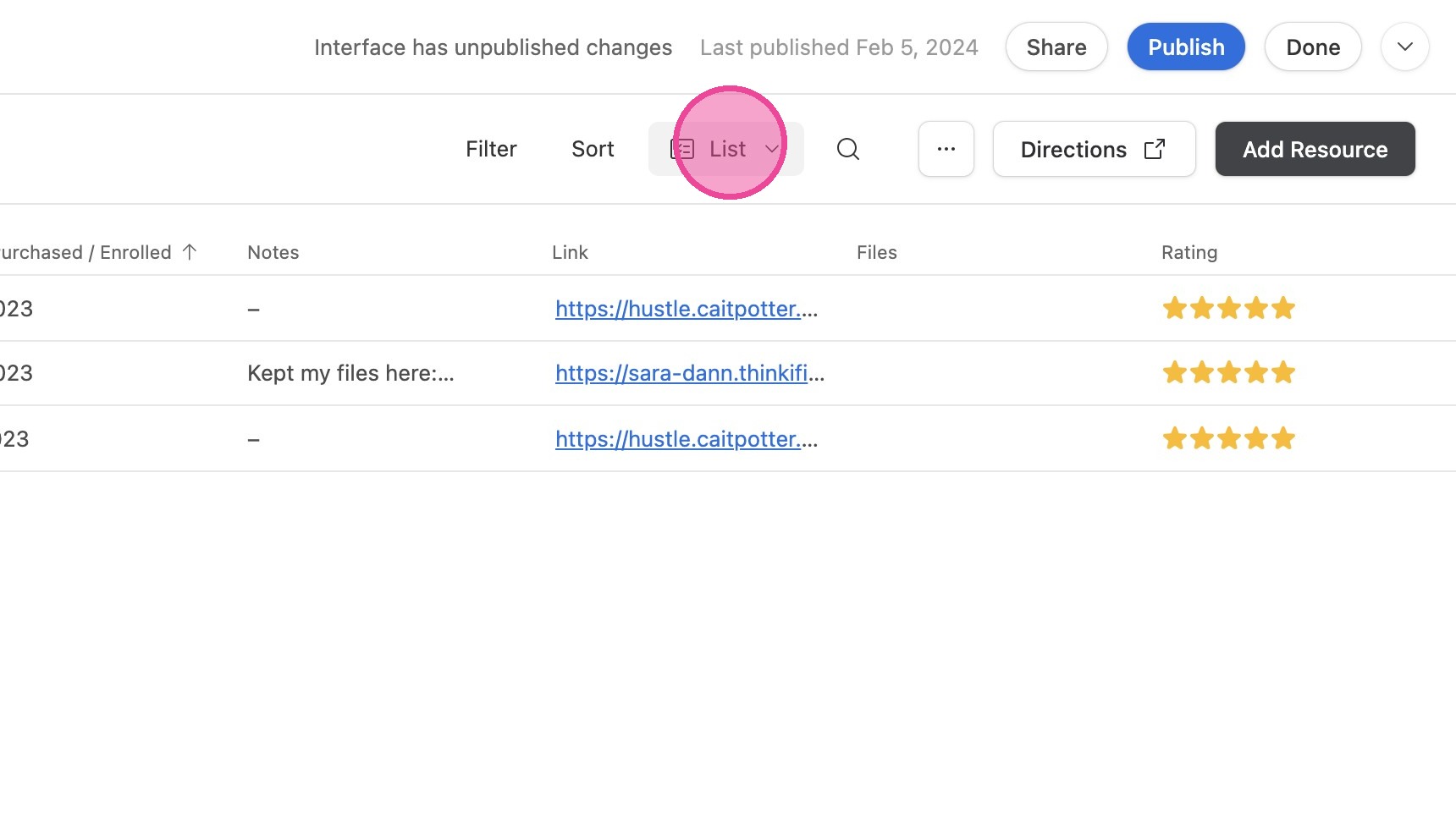
9. To navigate to a different view style, click "List"
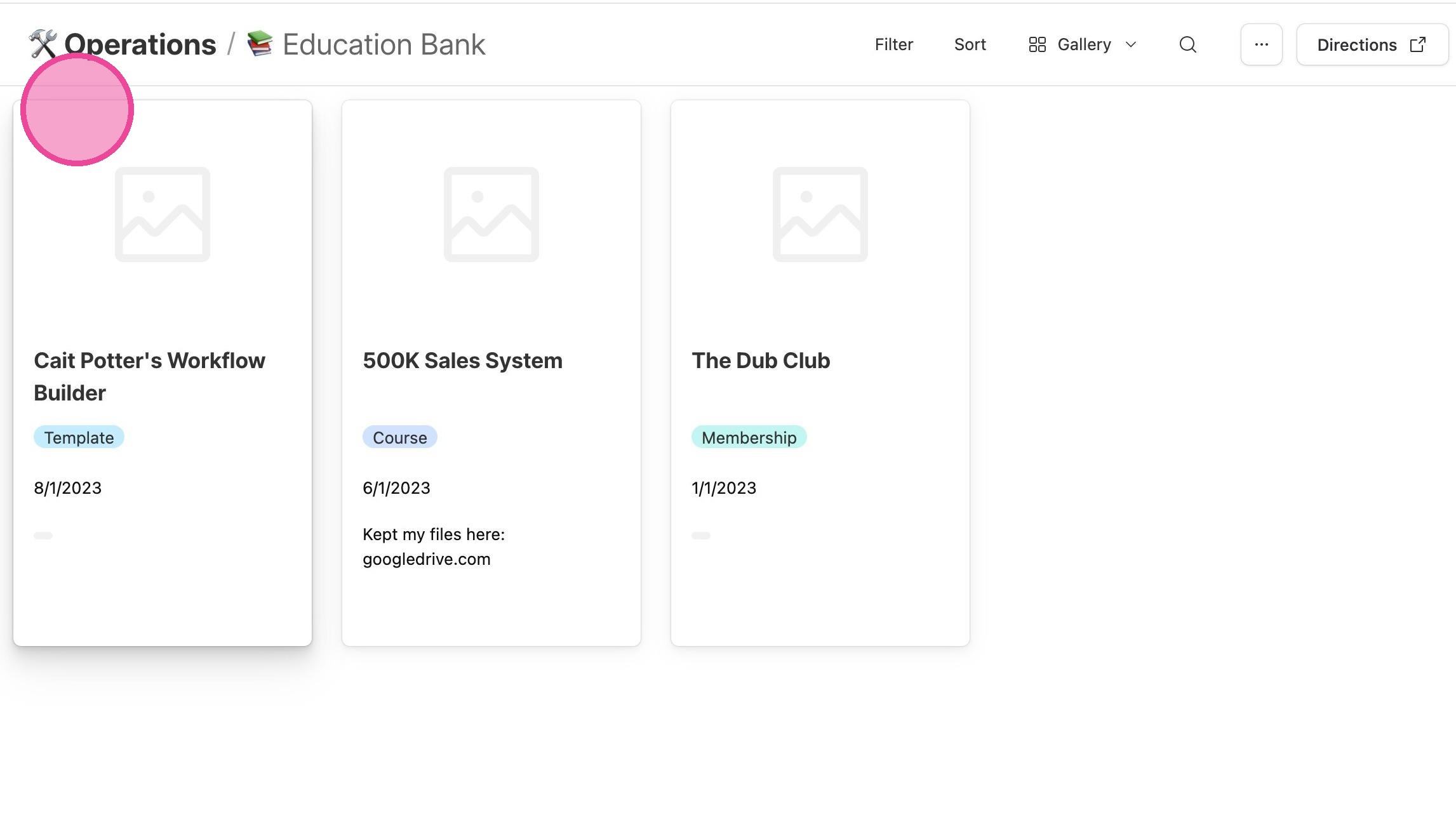
10. If you select "Gallery", you will see this view. Click each entry to open the detailed sidebar.
11. To change to a different view, click "Gallery"
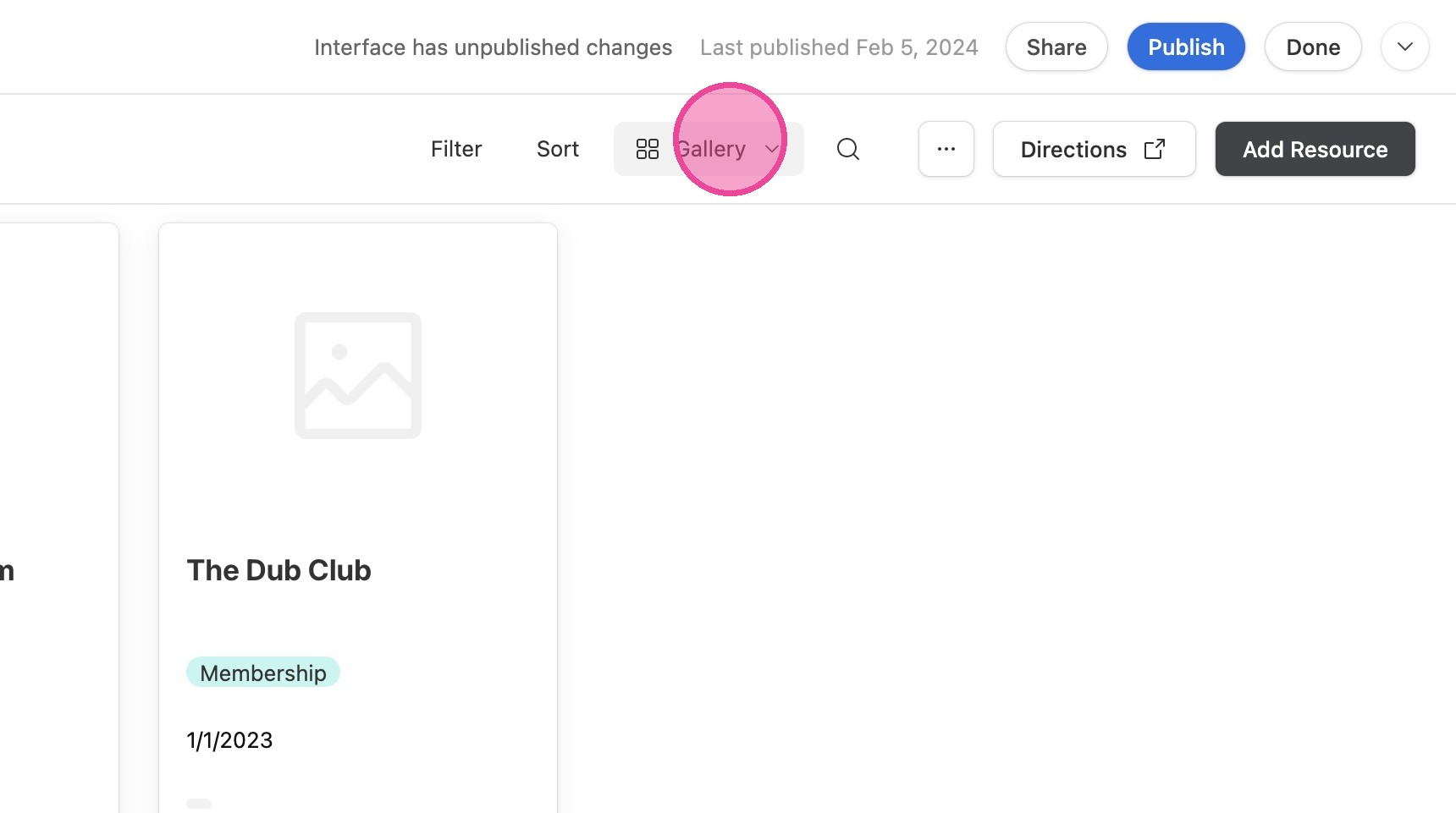
12. Click here.
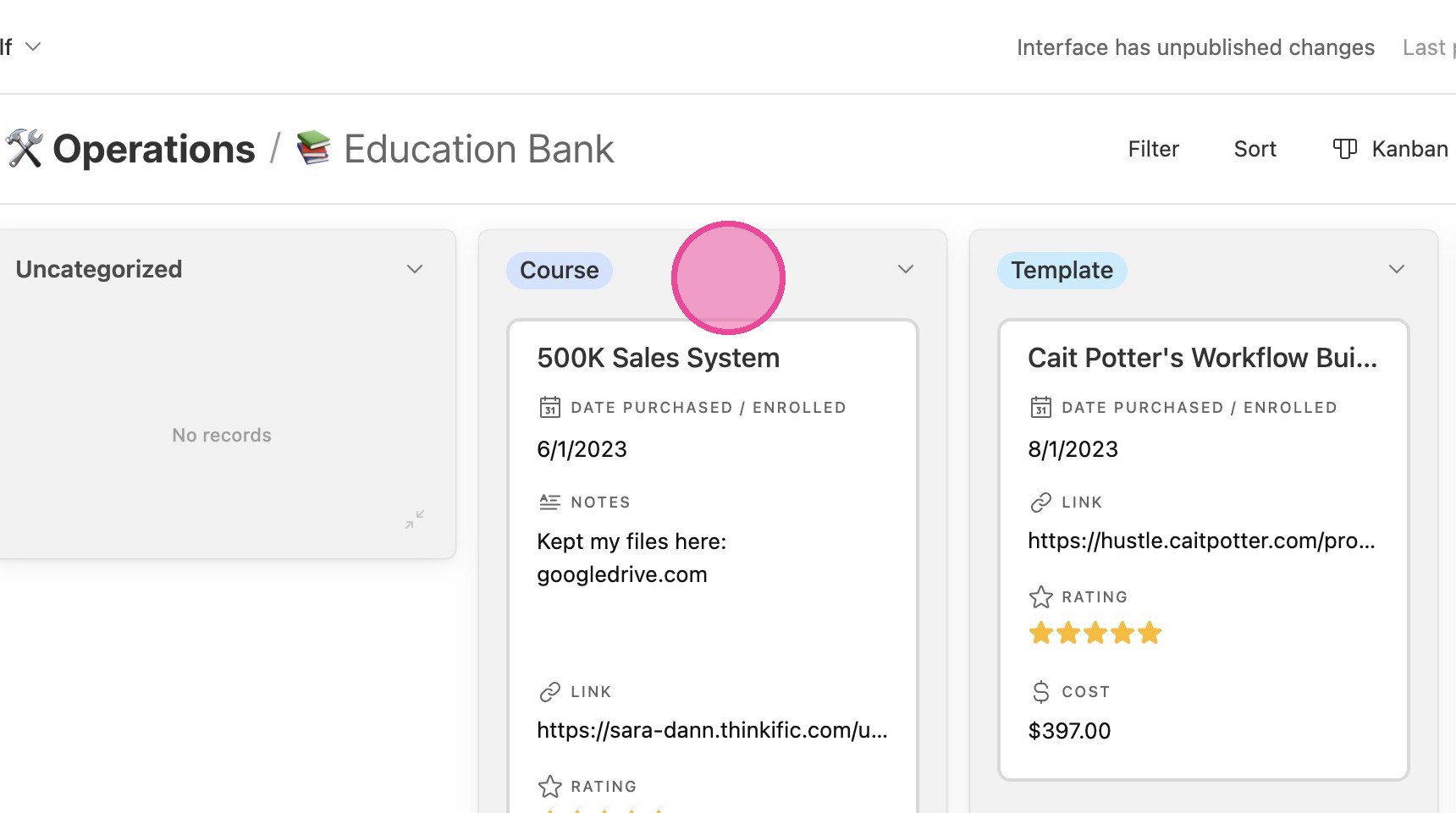
13. If you click "Kanban", you'll see this view.
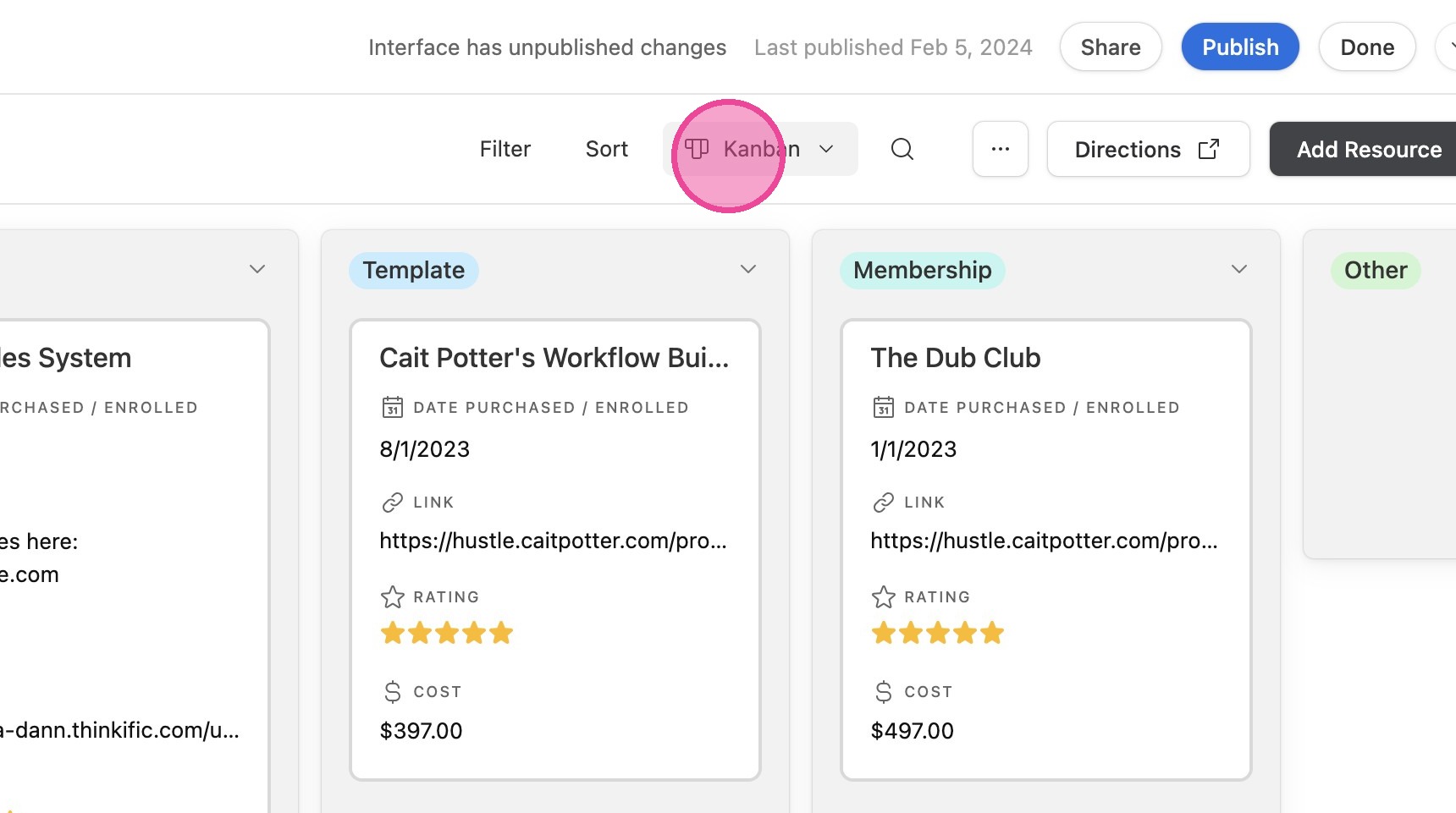
14. To print a list of your educational resources, click this icon.