🏬 Services & Products
What is it?
This area helps you track your Services & Products. The point of this is two-fold:
So that you have a complete picture of everything you're offering, price points, and other key information for easy reference and analysis
To connect to other areas of your CommandCenter for more advanced functionality and reporting.
Usability Checklist
Have you done all of this?
- Entered all of the information for your Services & Products?
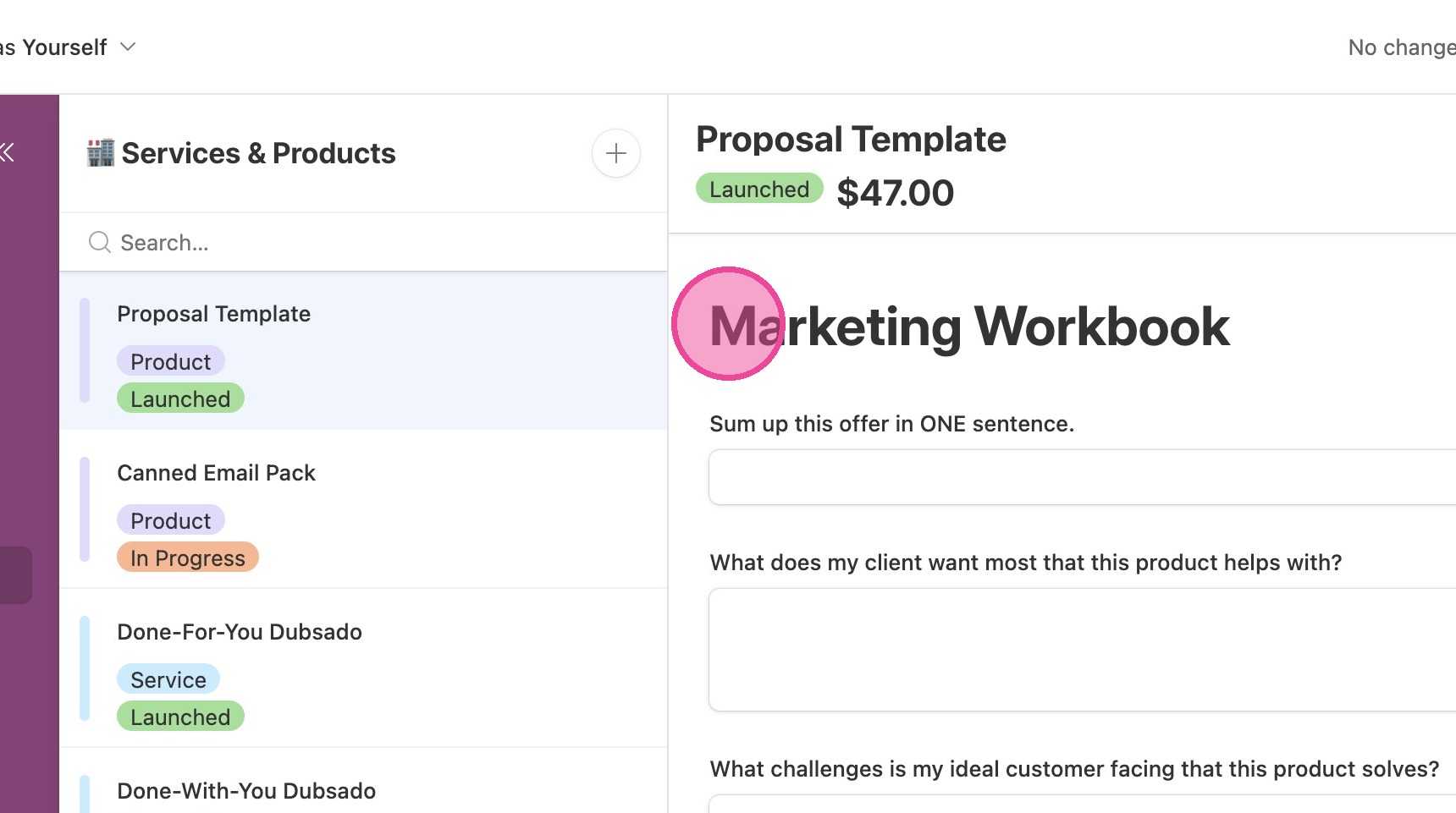
- Completed the Marketing Workbook for each product? This will greatly help you in the Launch Calendar!
How do I use it?
Enter all of the information for your Services & Products.
🏬 Services & Products
Made by Cait Potter with Scribe
This area helps you track your Services & Products. The point of this is two-fold:
- So that you have a complete picture of everything you're offering, price points, and other key information for easy reference and analysis
- To connect to other areas of your CommandCenter for more advanced functionality and reporting.
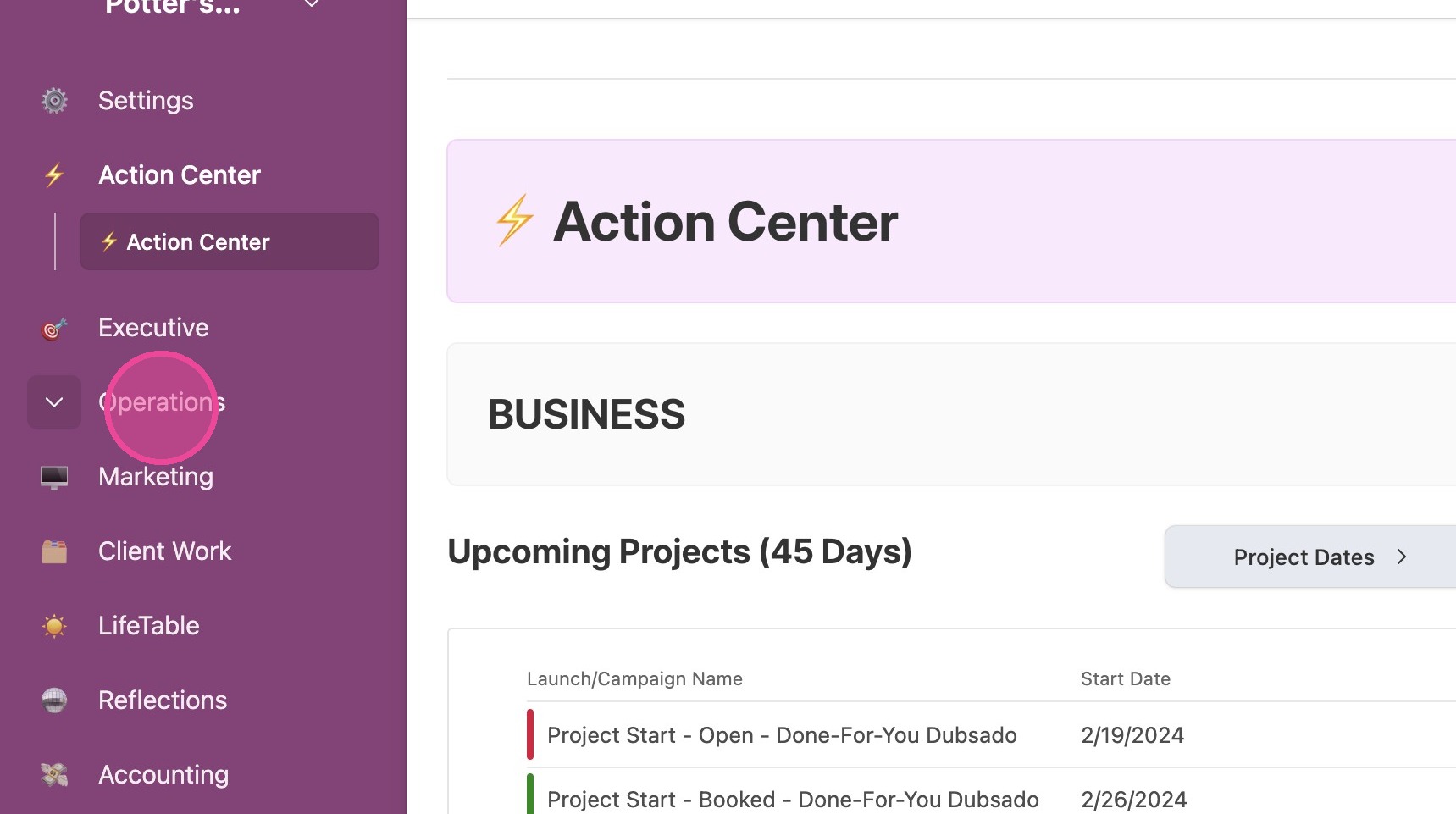
1. Click "Operations"
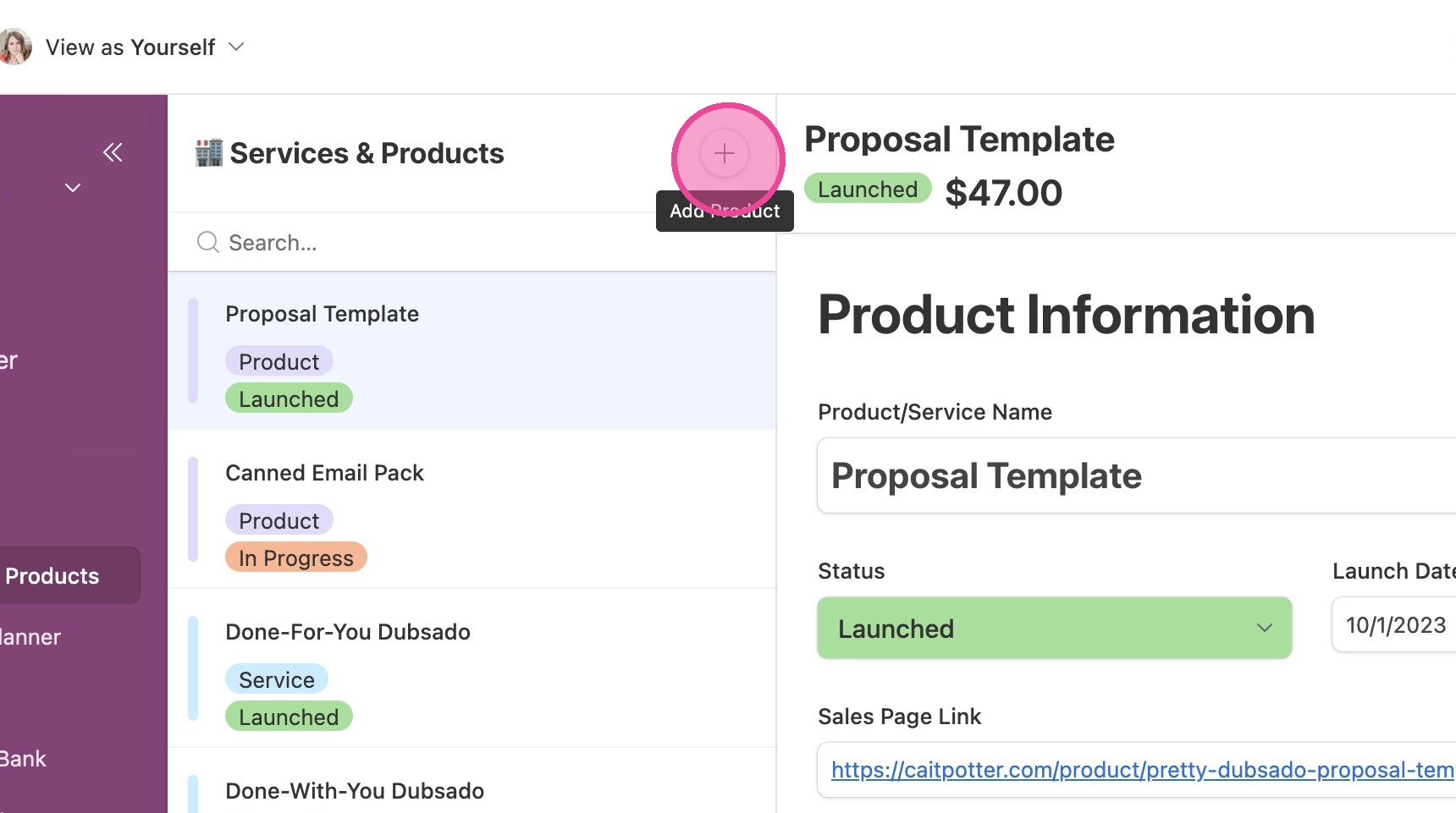
2. Click this icon.
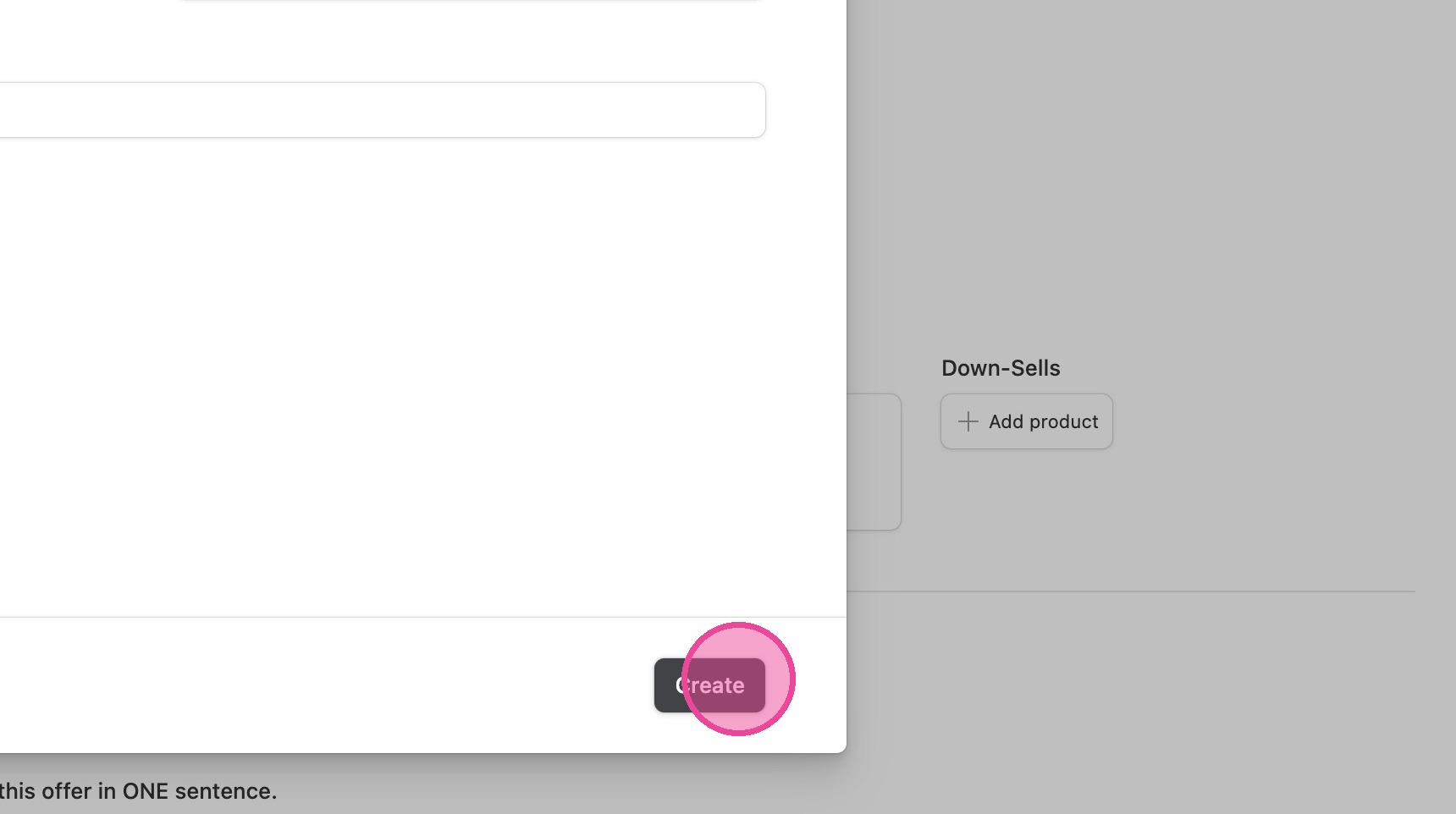
3. Click "Create"
4. Click here.
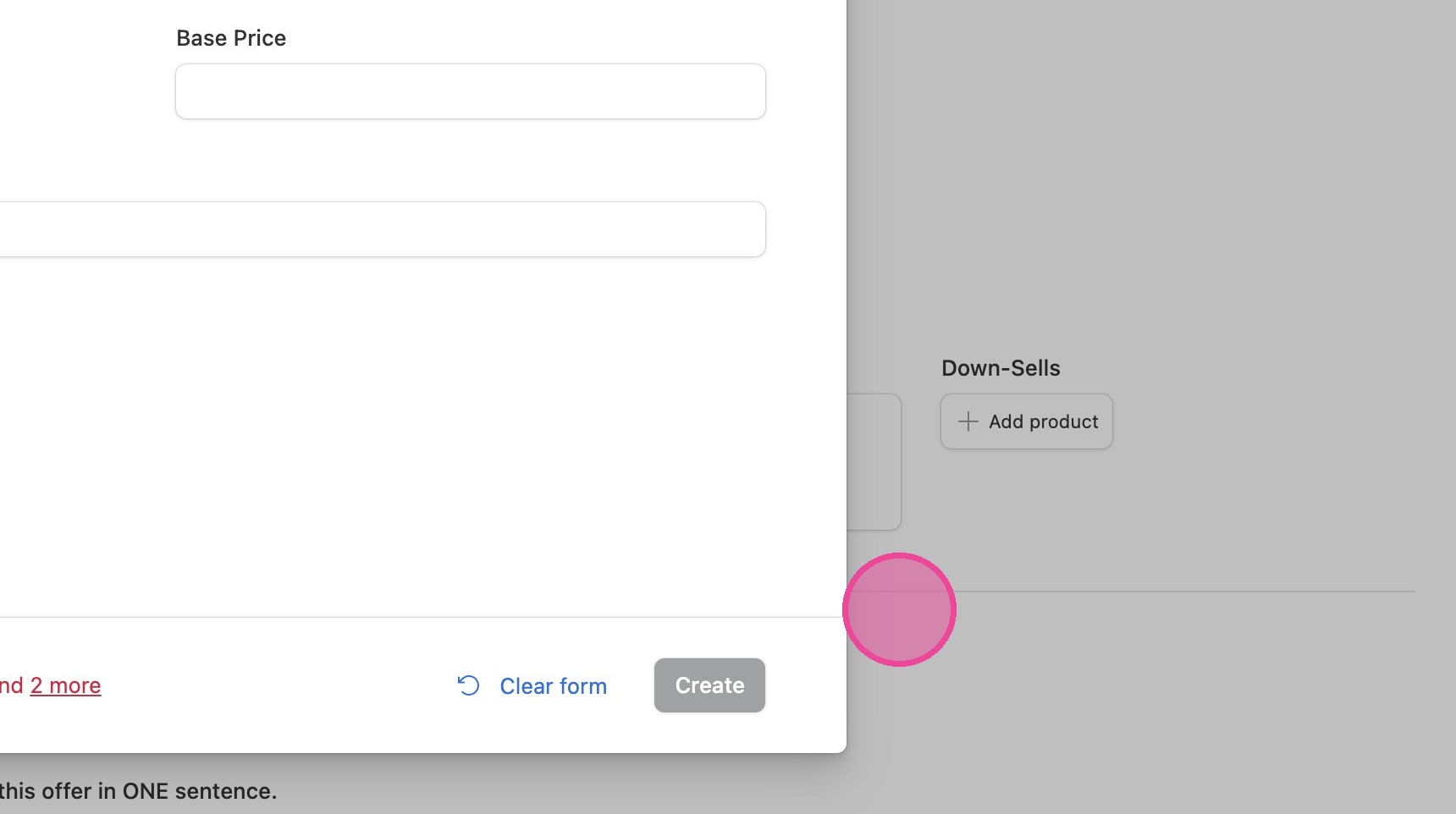
5. Click here.
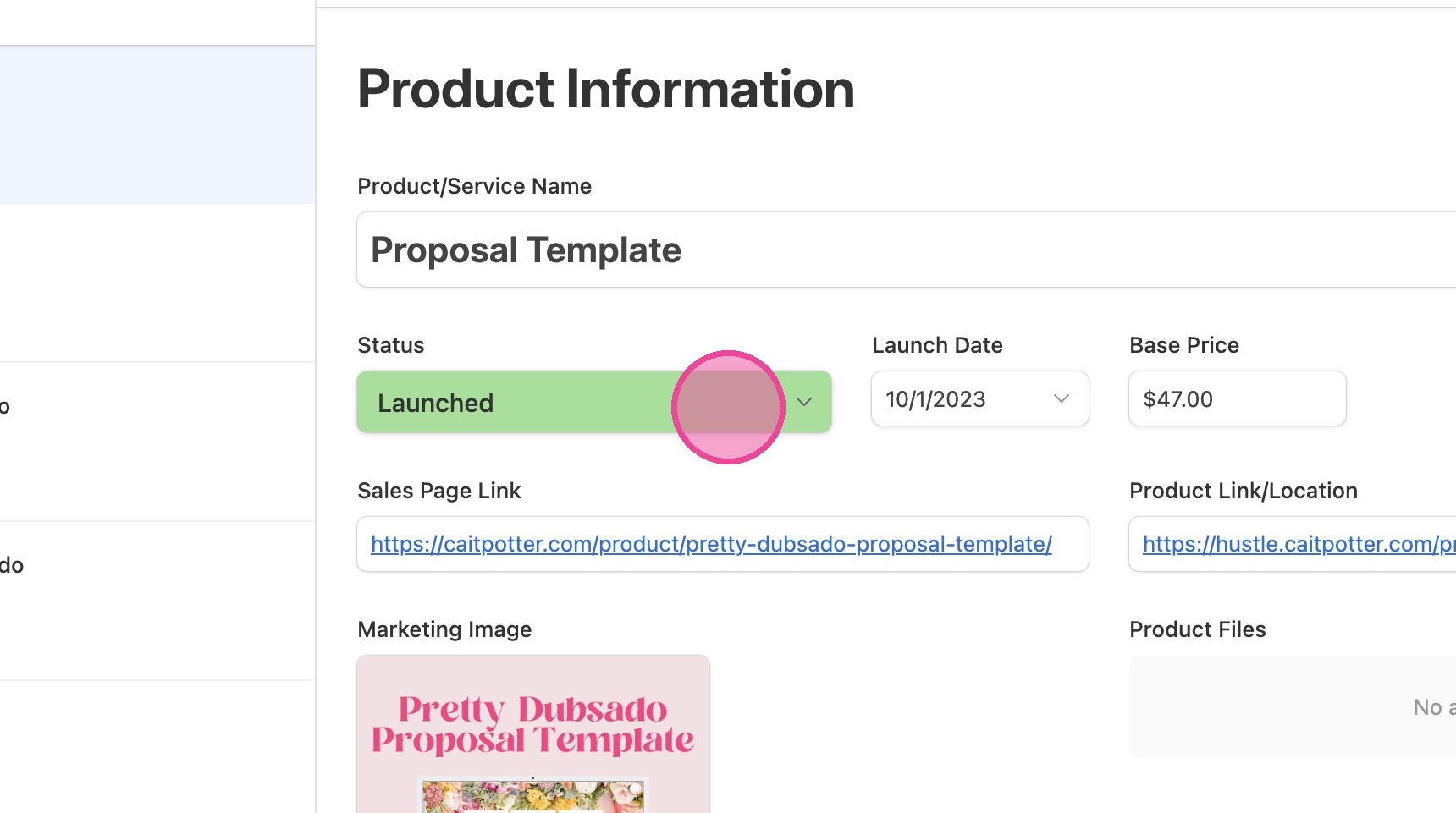
6. Click the "mm/dd/yyyy" field.
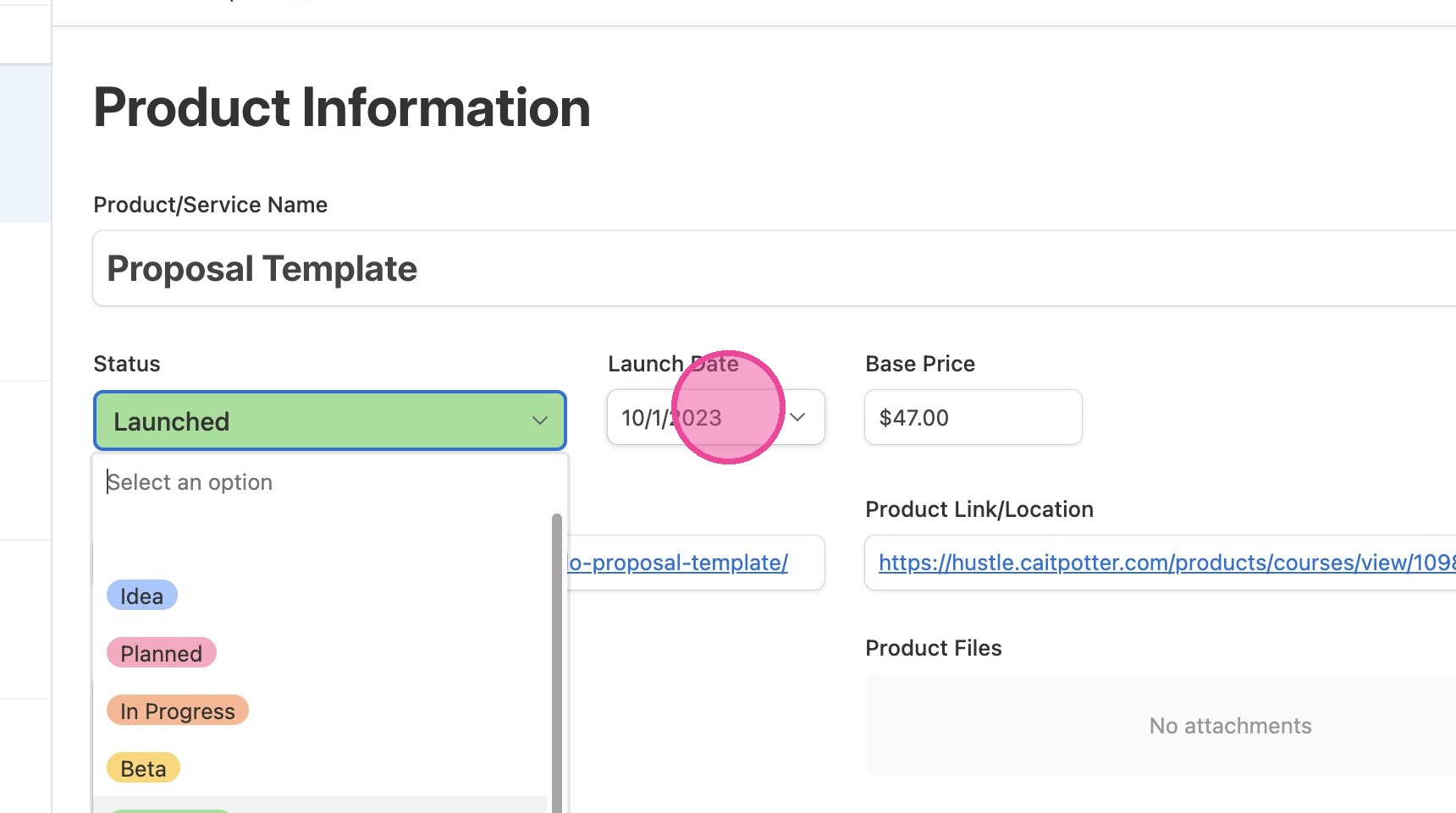
7. Click this text field.
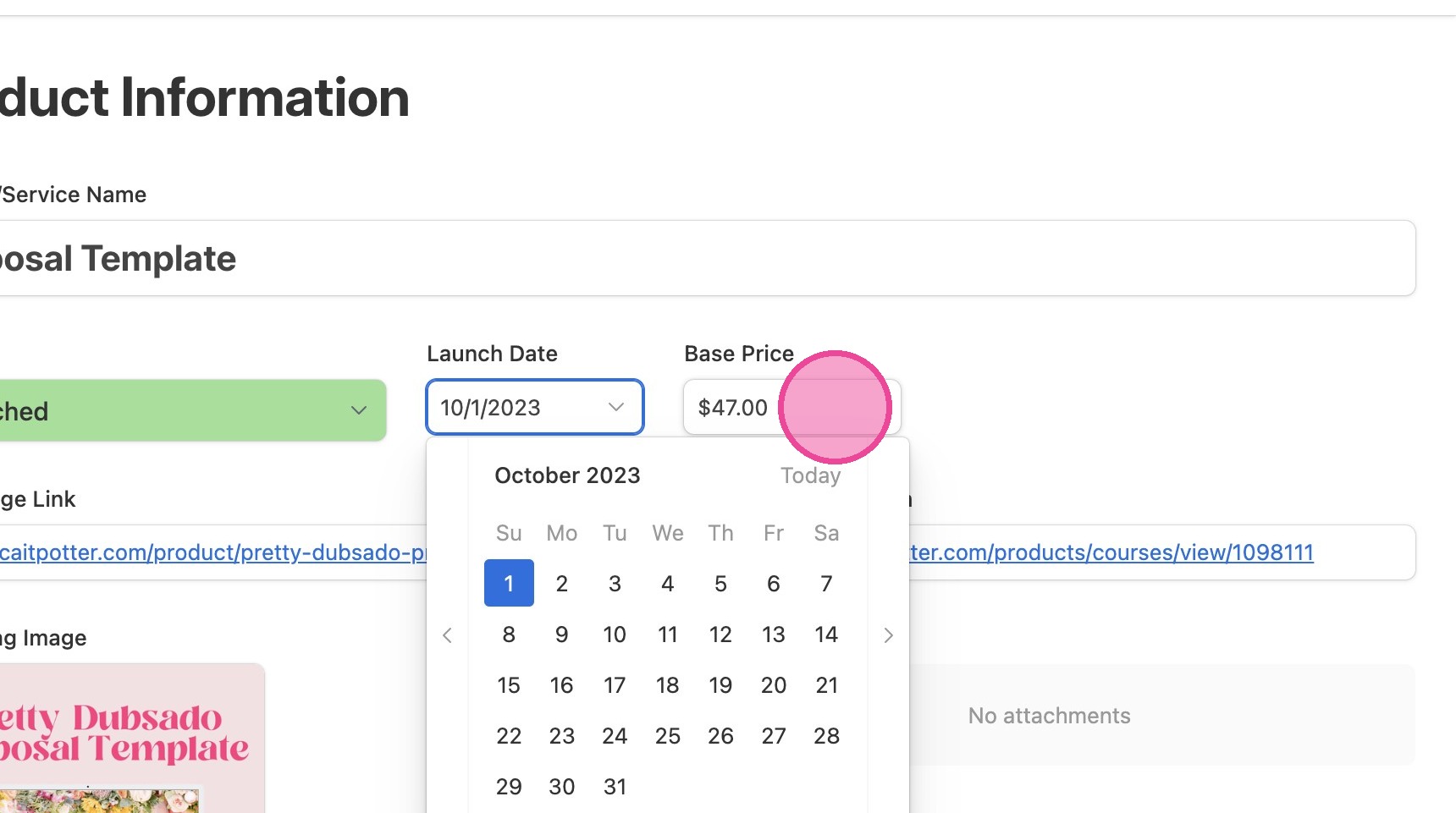
8. Click "Marketing Workbook"
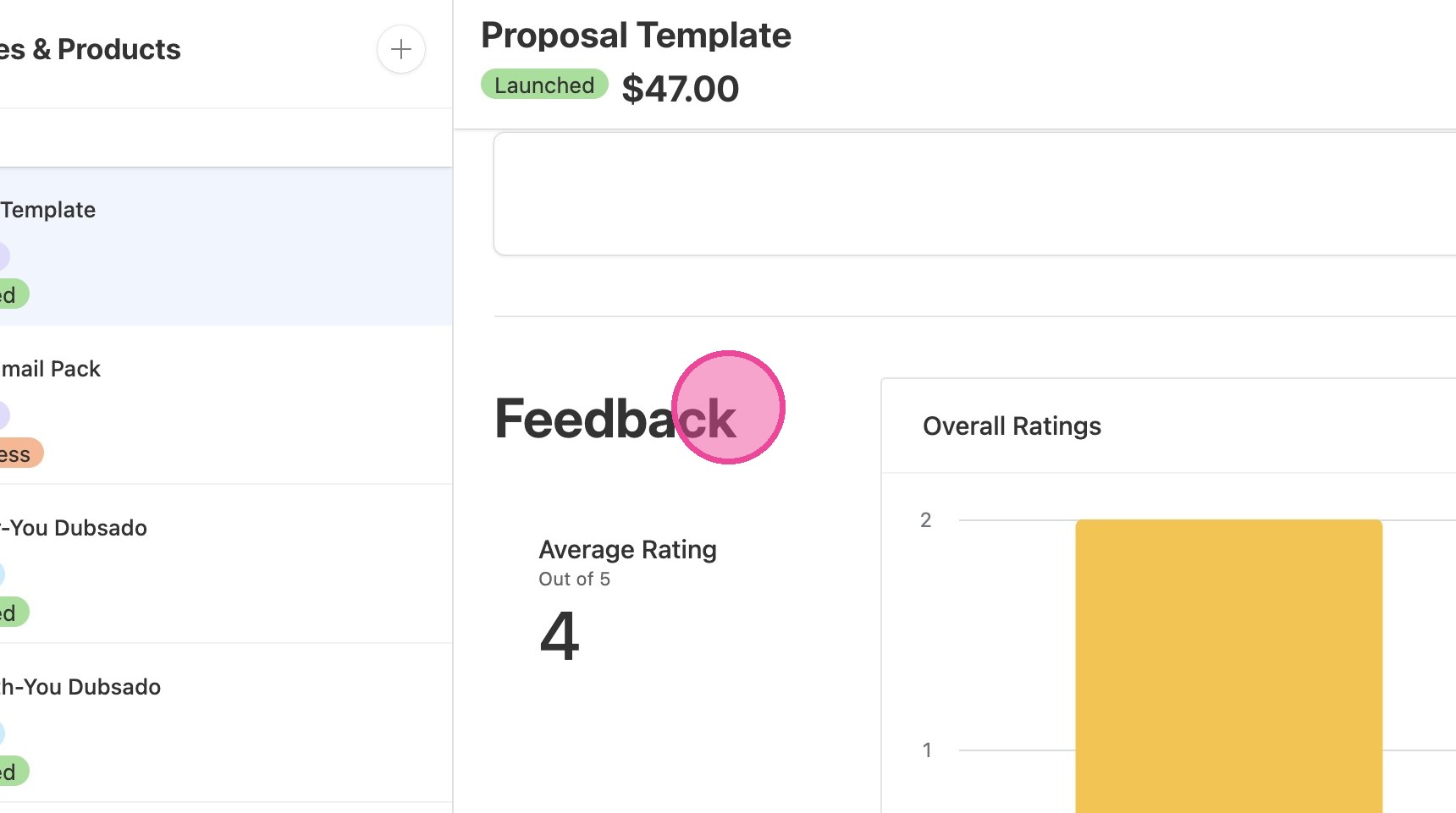
9. Click "Feedback"
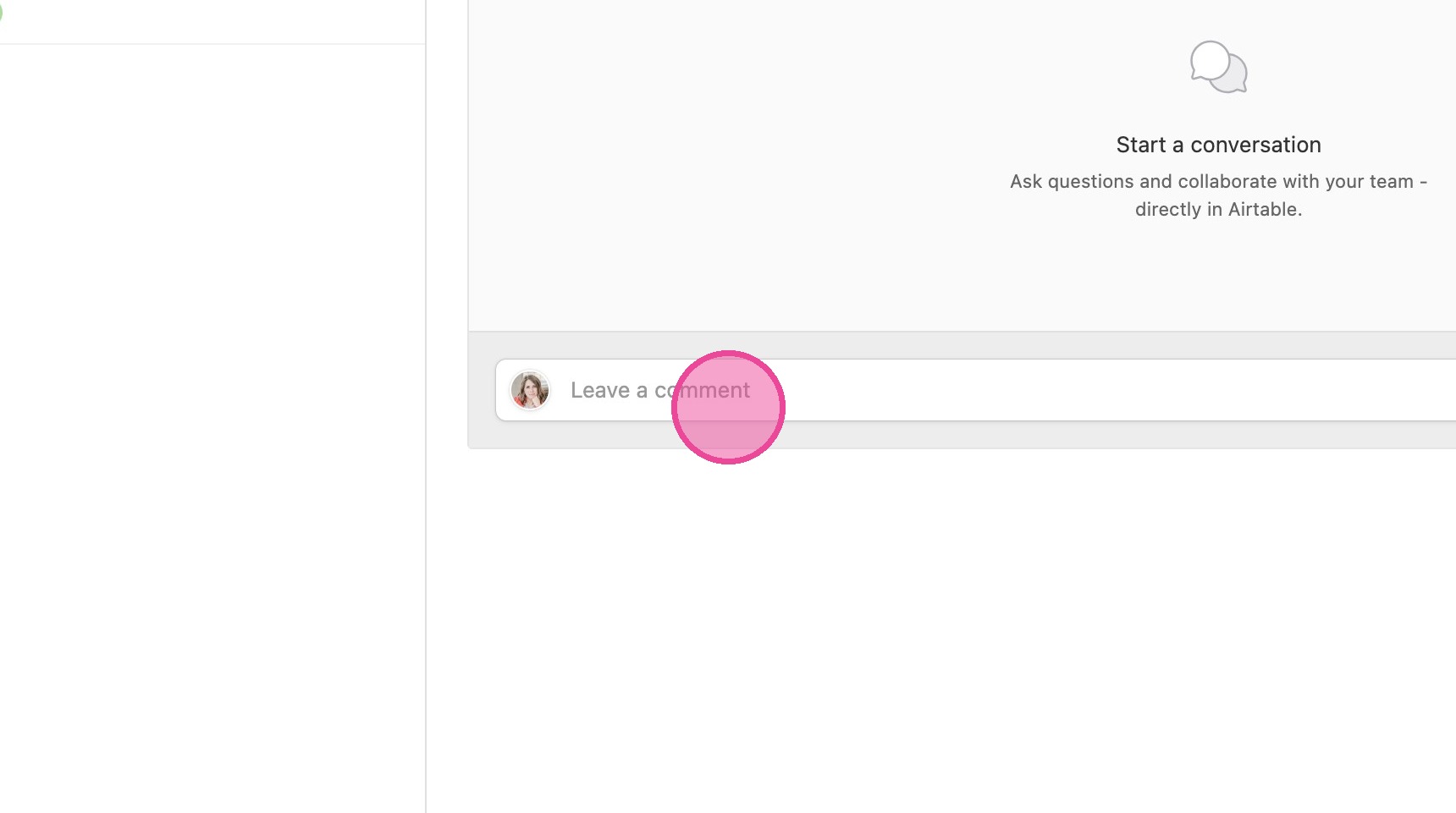
10. Click "Comment"