📋 Home Inventory
What is it?
Home Inventory is something that you won't think about when you don't need it, but if you ever DO need it, you'll be thankful for it. Perhaps thinking through your Continuity Plans got you thinking about this too. If you were ever the victim of a natural disaster or crime that affected an area of your home, are you prepared to recoup as much as possible from the insurance company? If not, this Home Inventory system is FOR YOU. Accessible anywhere you have internet but under secure lock & key, it'll keep everything safe.
Usability Checklist
- Have you done all of this?
- Input all your valuable personal items in & around your home
How do I use it?
📋 Home Inventory
Made by Cait Potter with Scribe
How to Use It
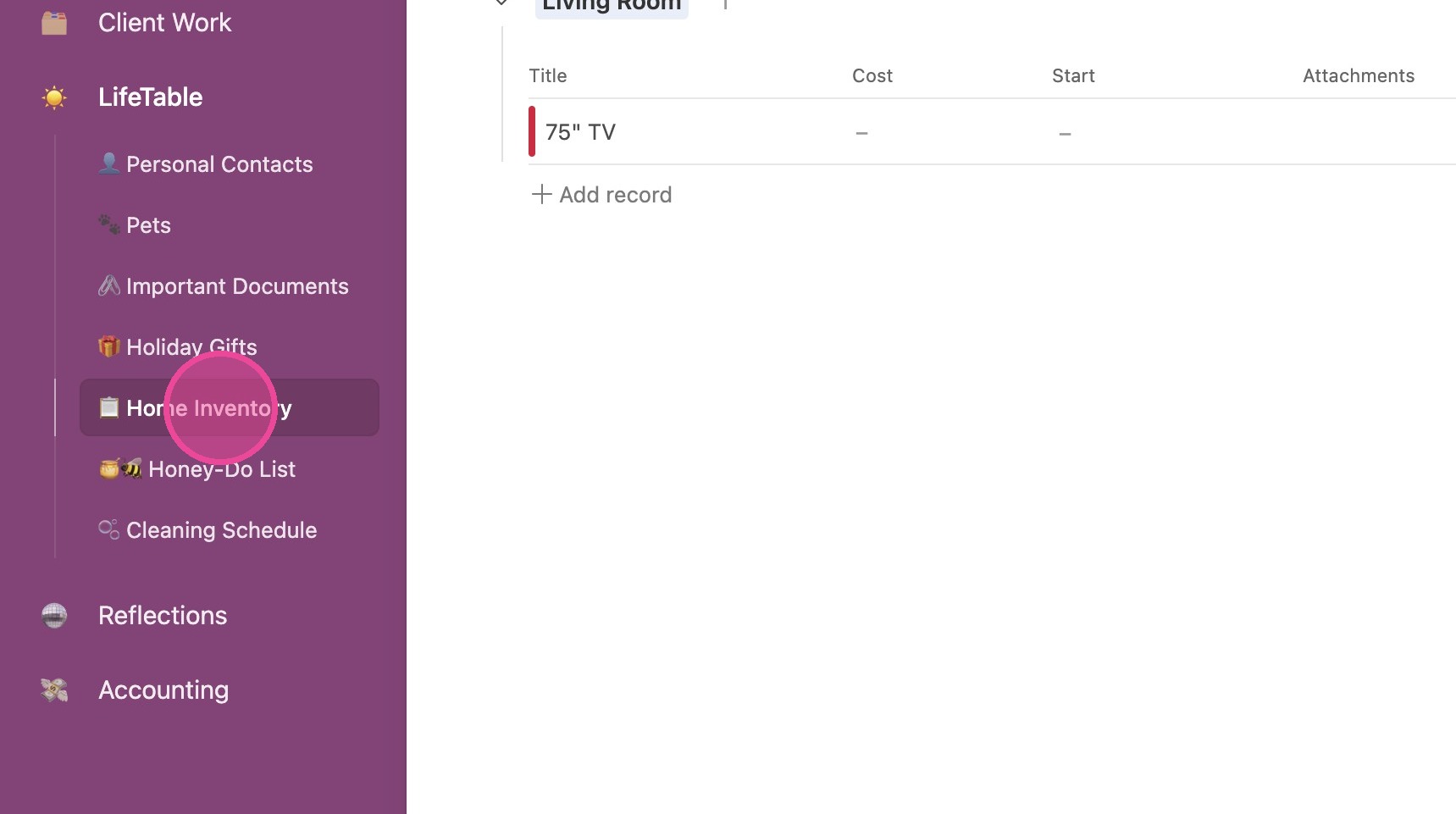
1. Click "📋 Home Inventory"
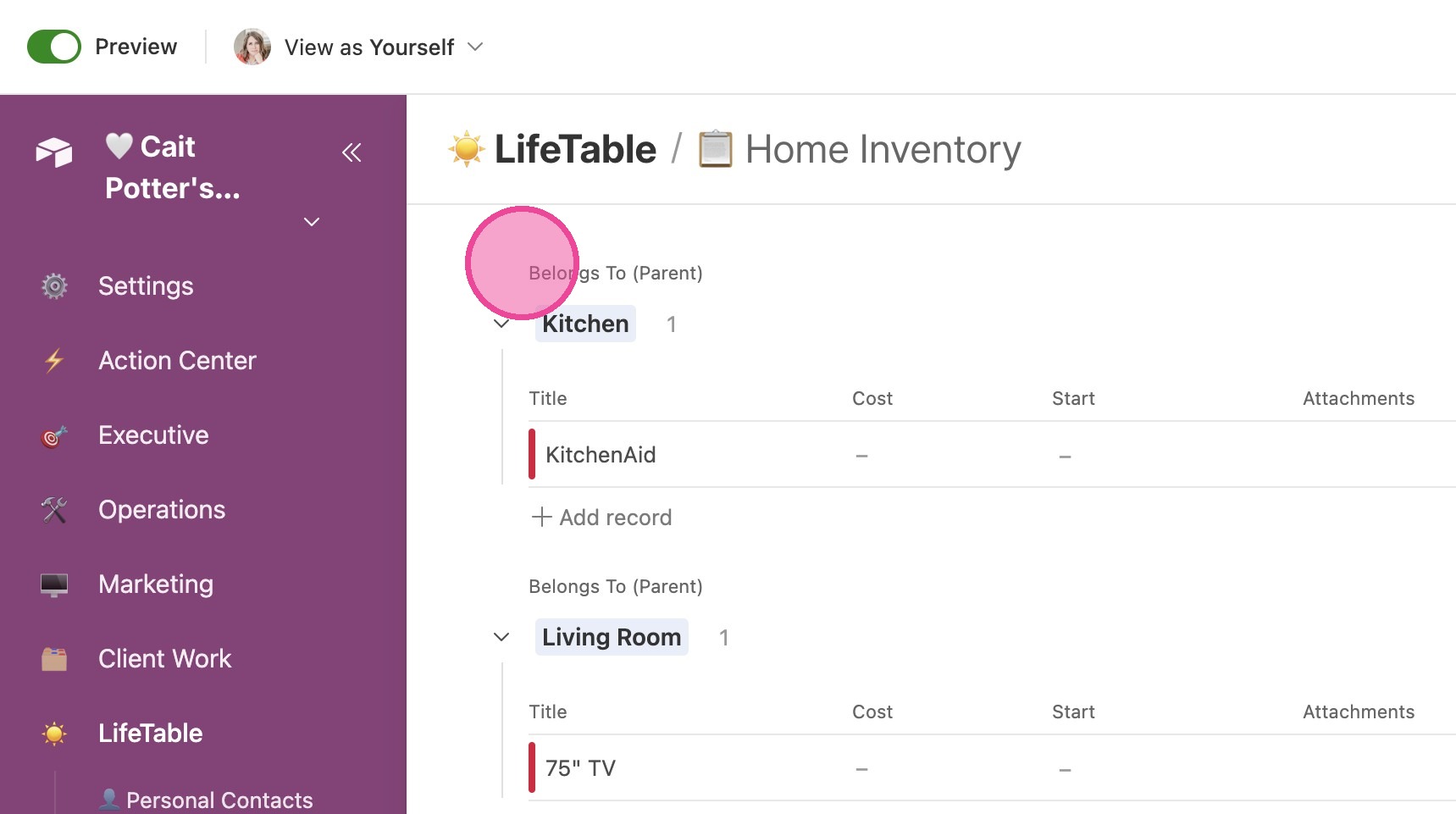
2. You'll see all items grouped by ROOM. The label is "Belongs To (Parent)", which just means ROOM!
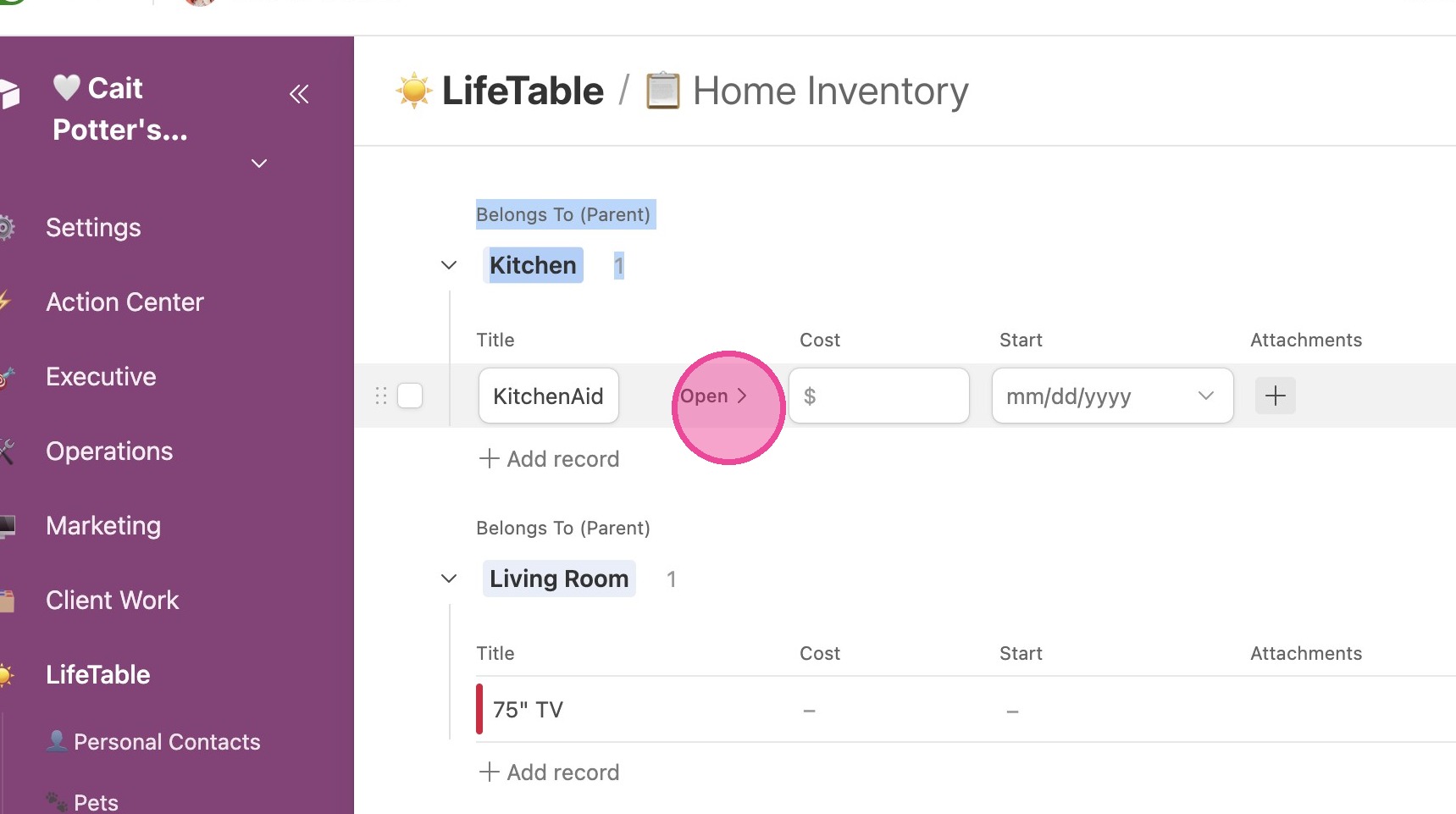
View Details
3. To view details, click "Open"
4. You can add where you got this item from.
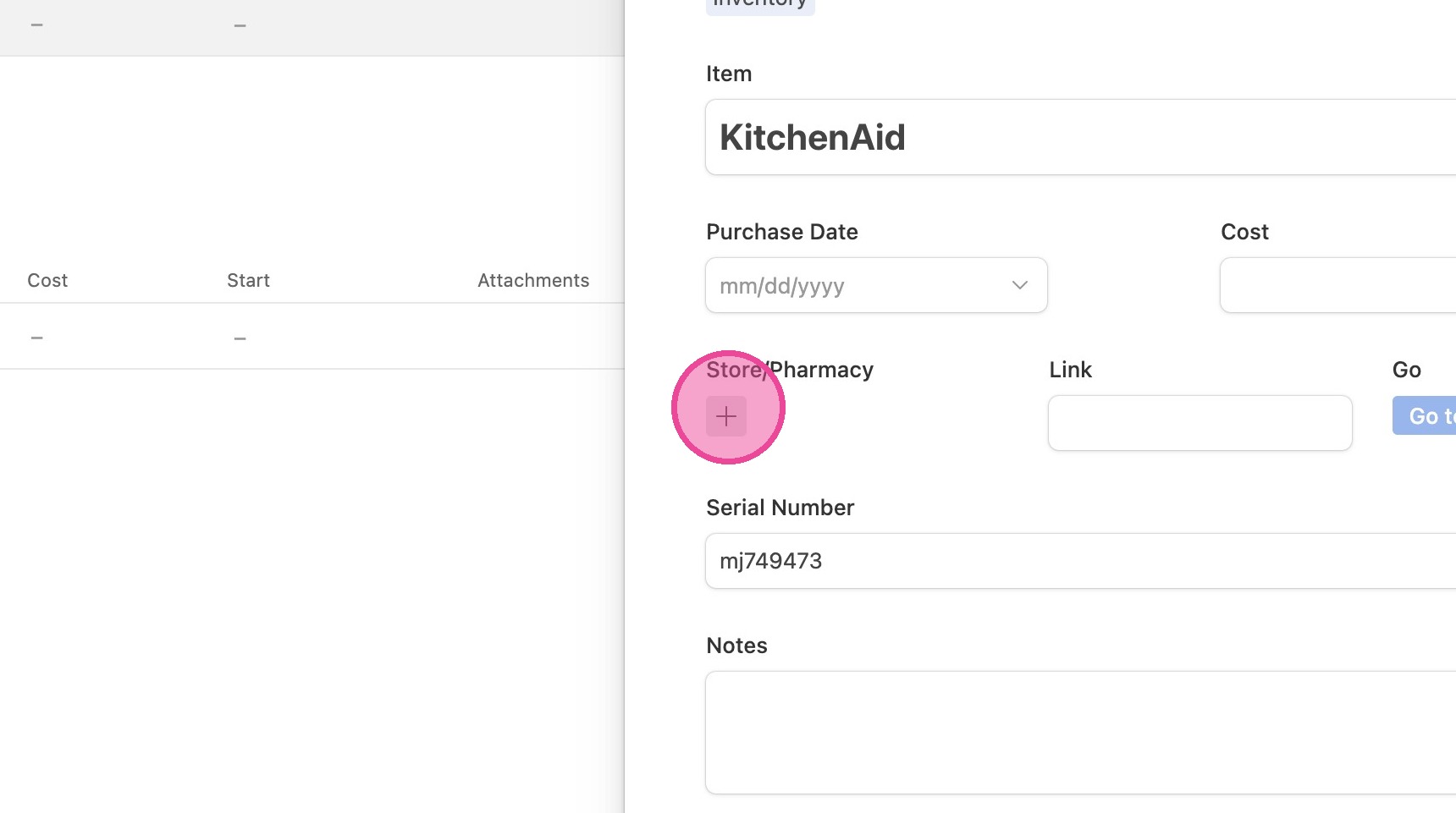
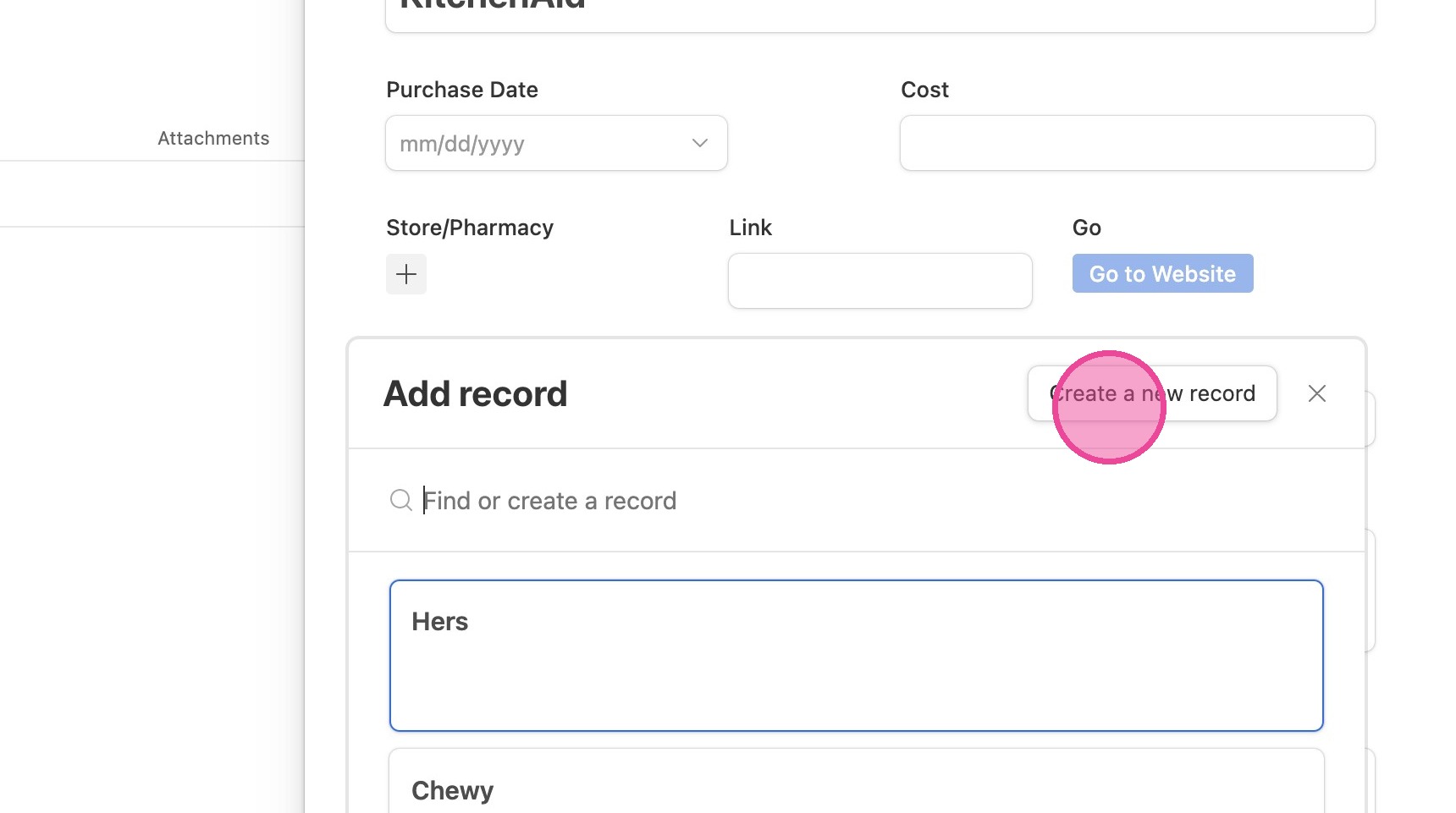
5. If the store you purchased it from isn't there, you can create a new one by clicking "Create a new record"
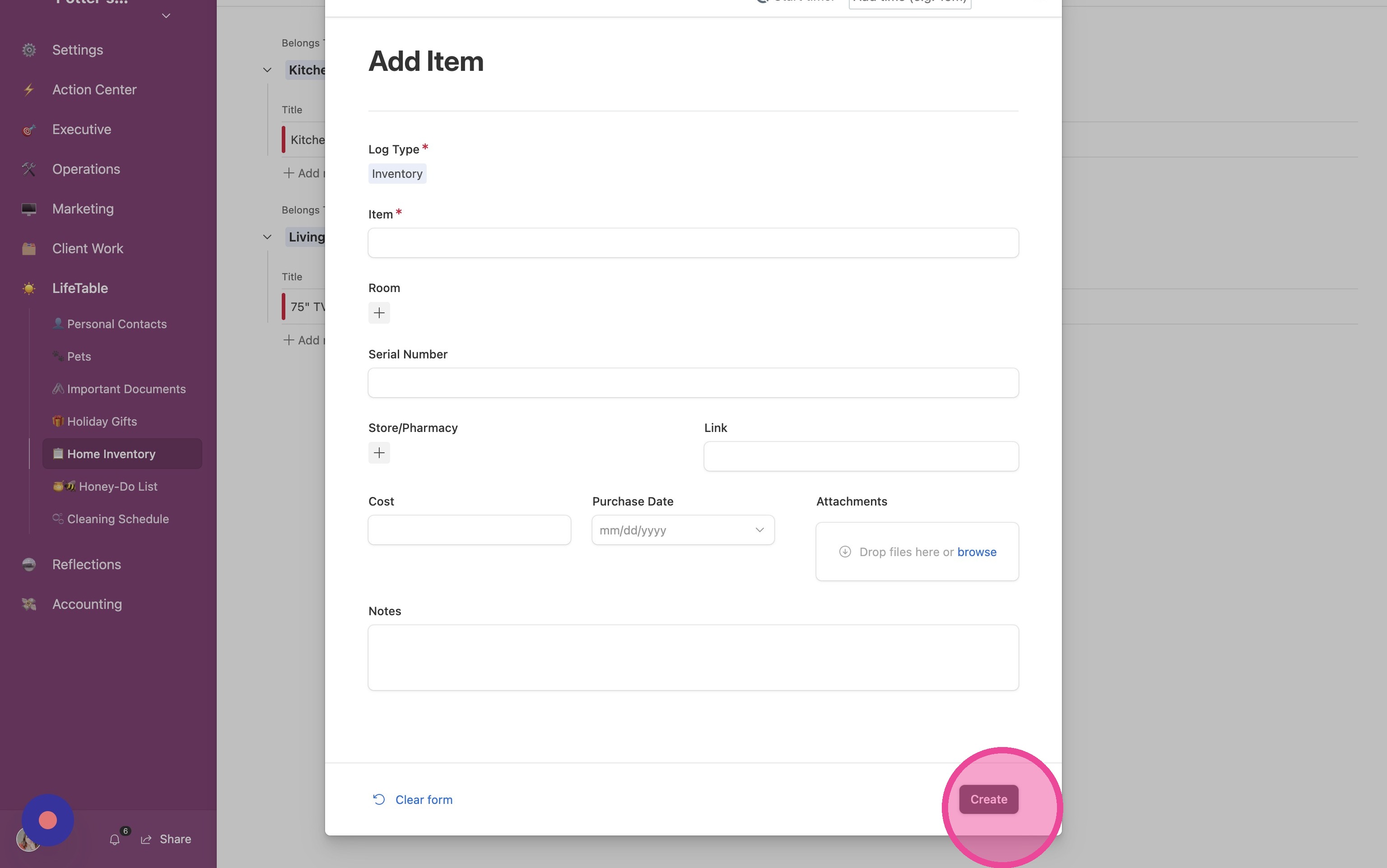
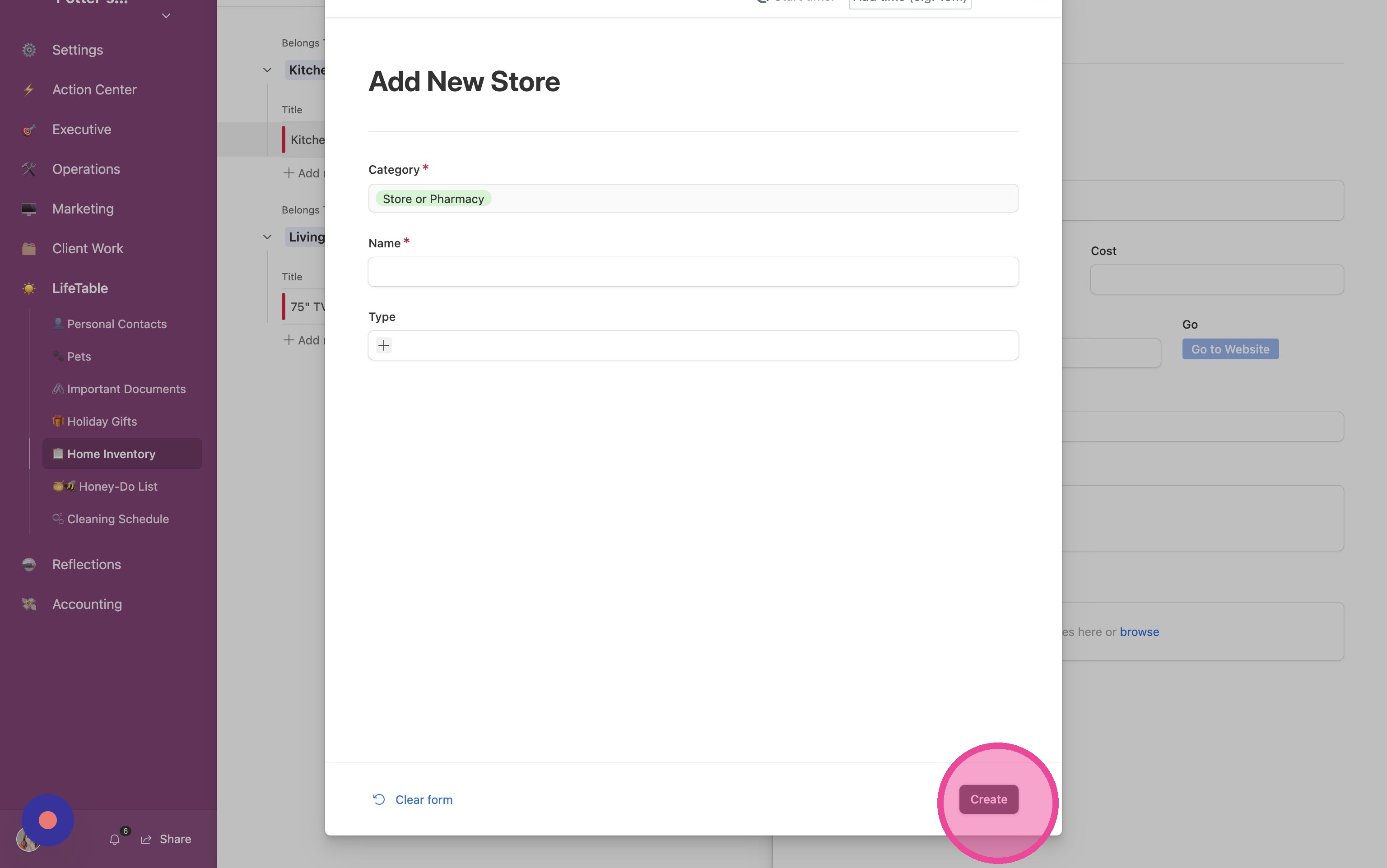
6. Fill out the form and click "Create"
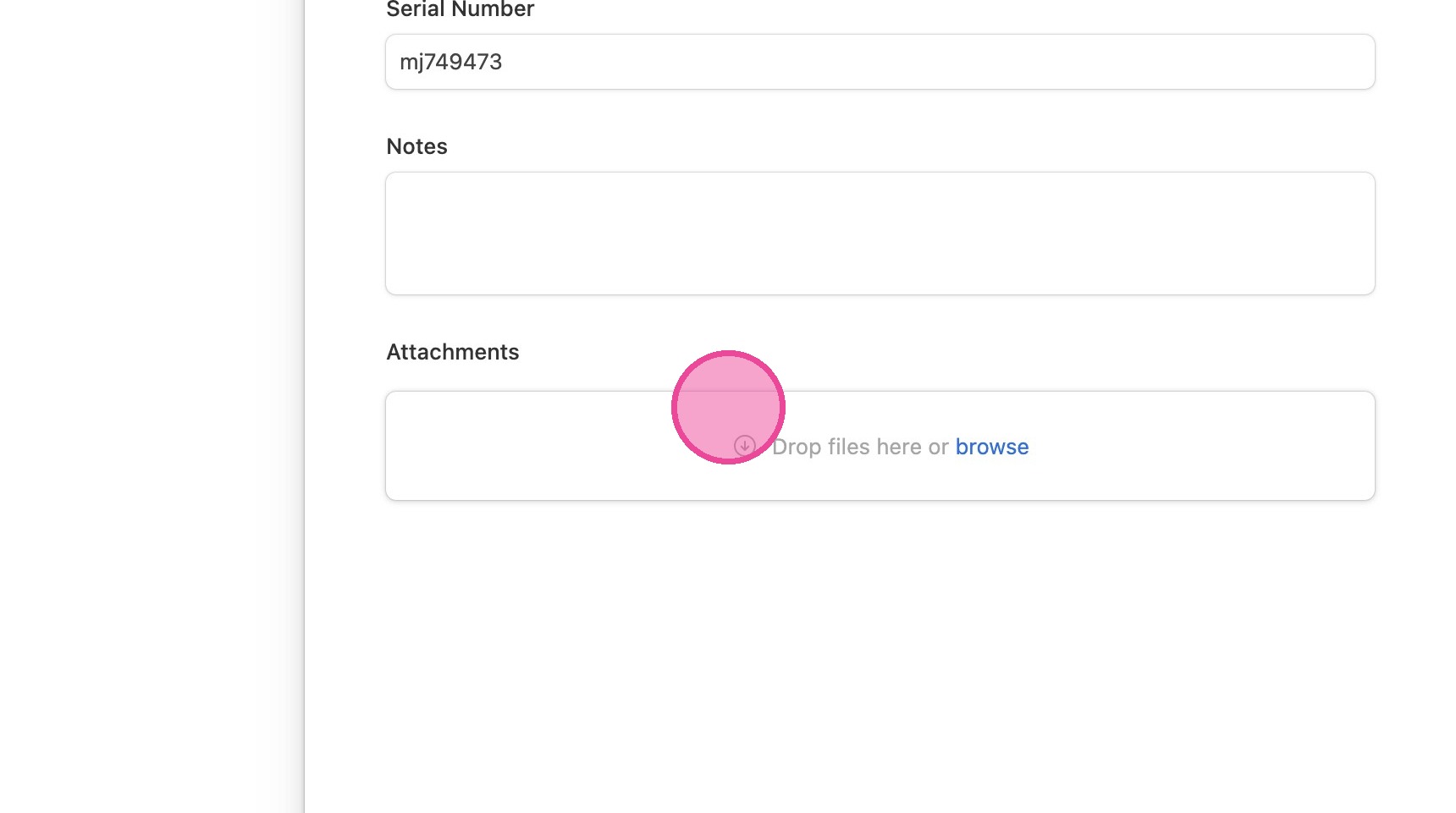
7. ATTACH YOUR RECEIPT!
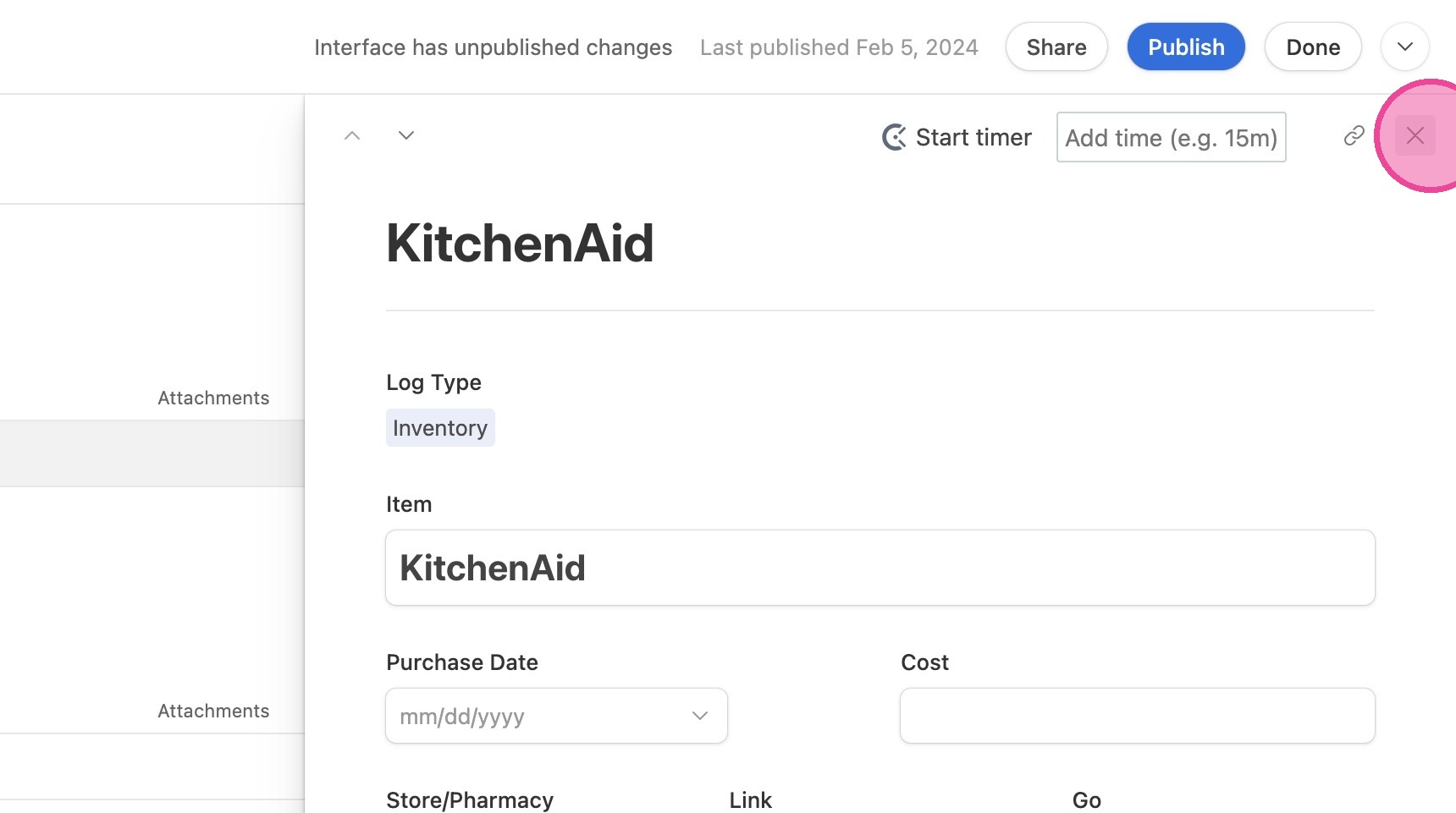
8. Click "Close"
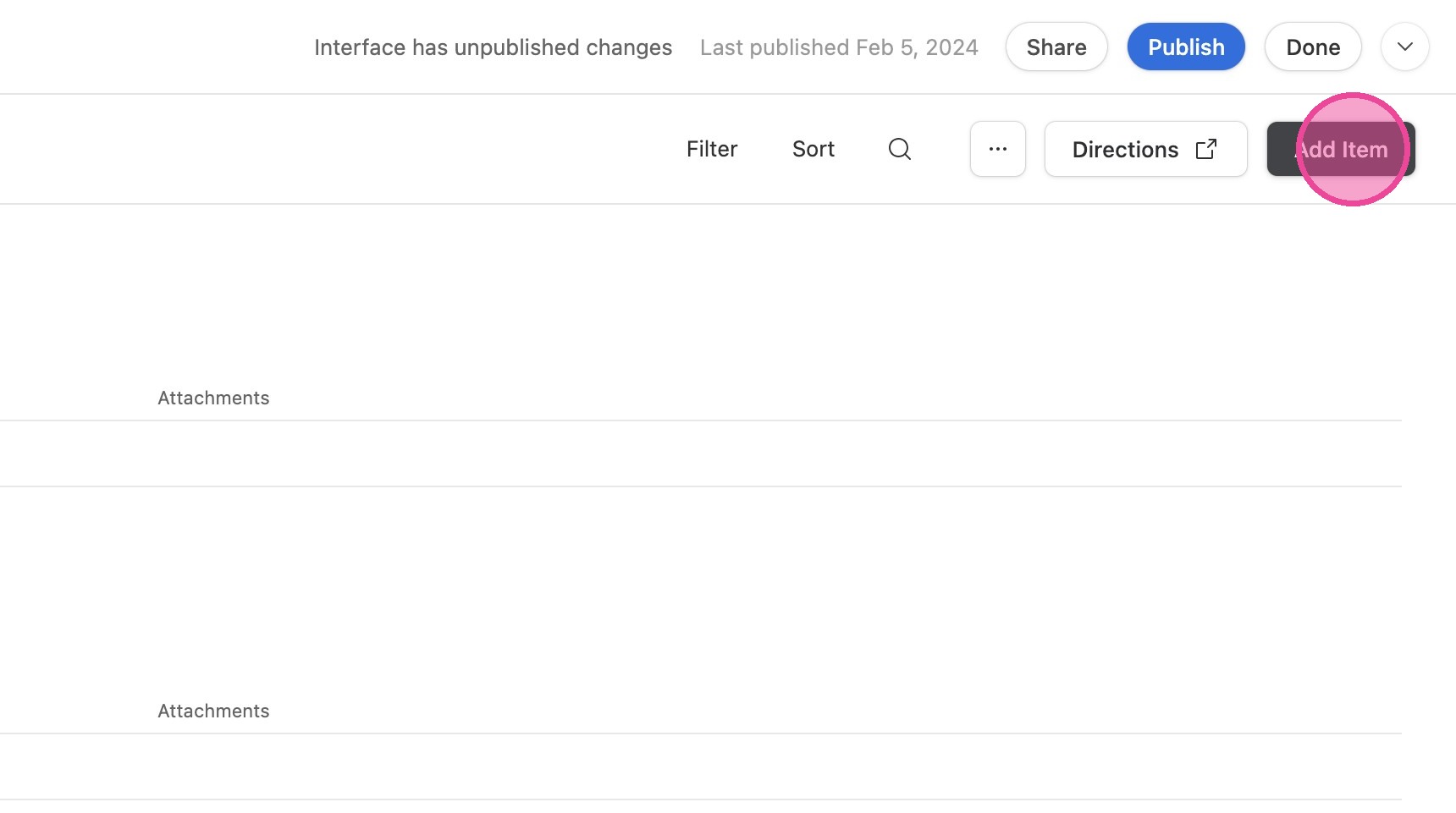
Add New Item
9. Click "Add Item"
10. Fill out the form and click "Create"