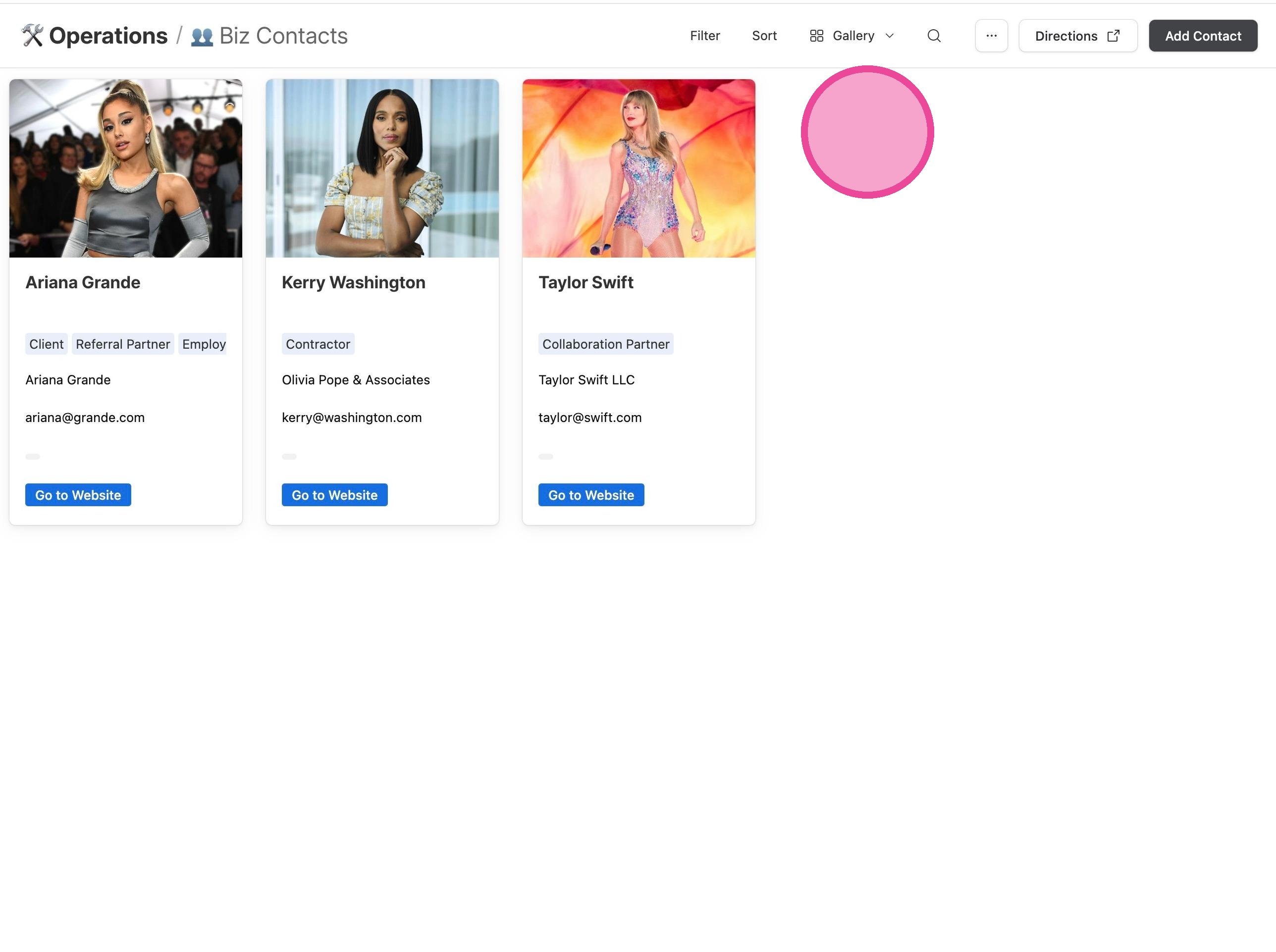
👥 Biz Contacts
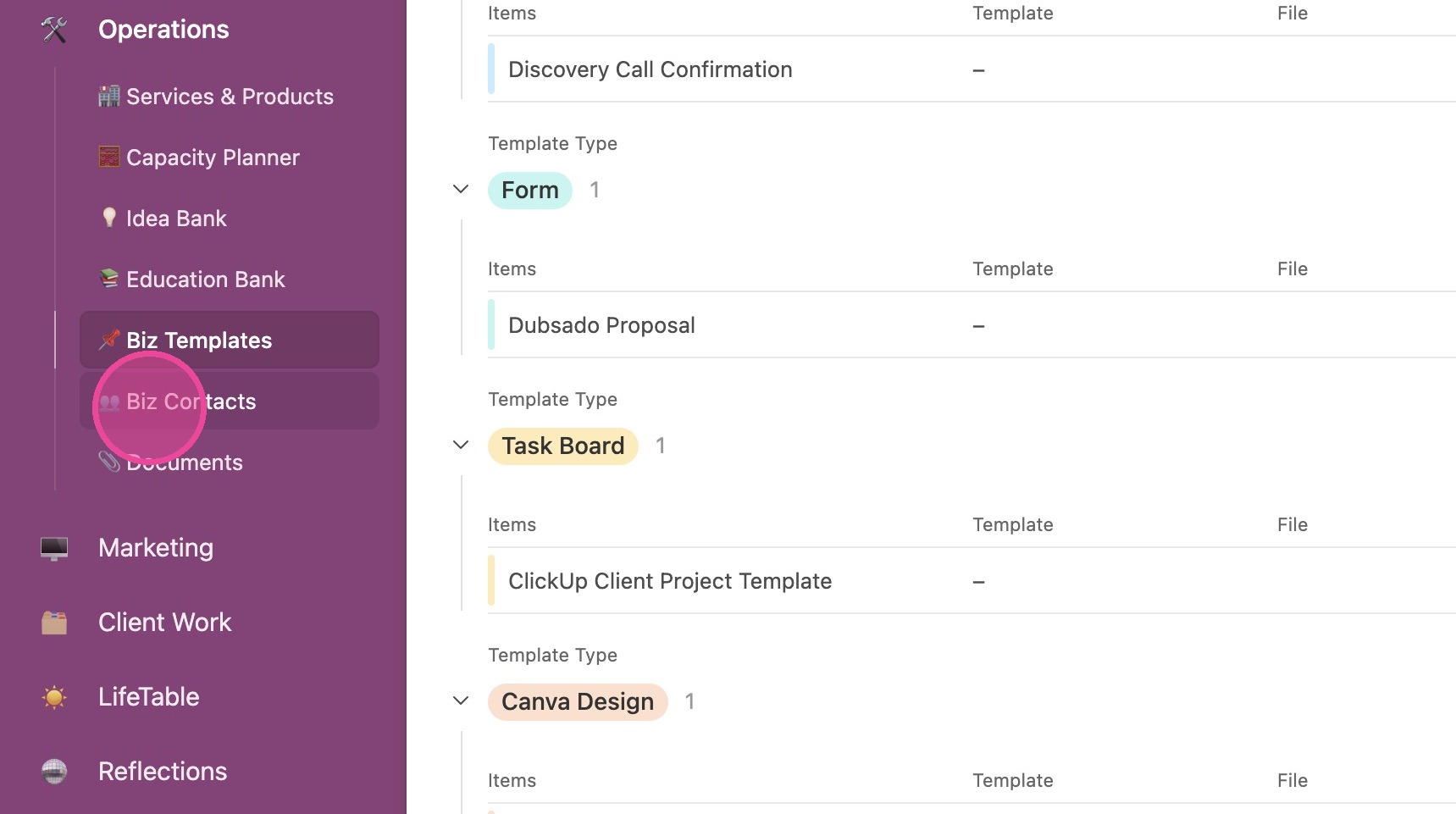
1. Click "👥 Biz Contacts"
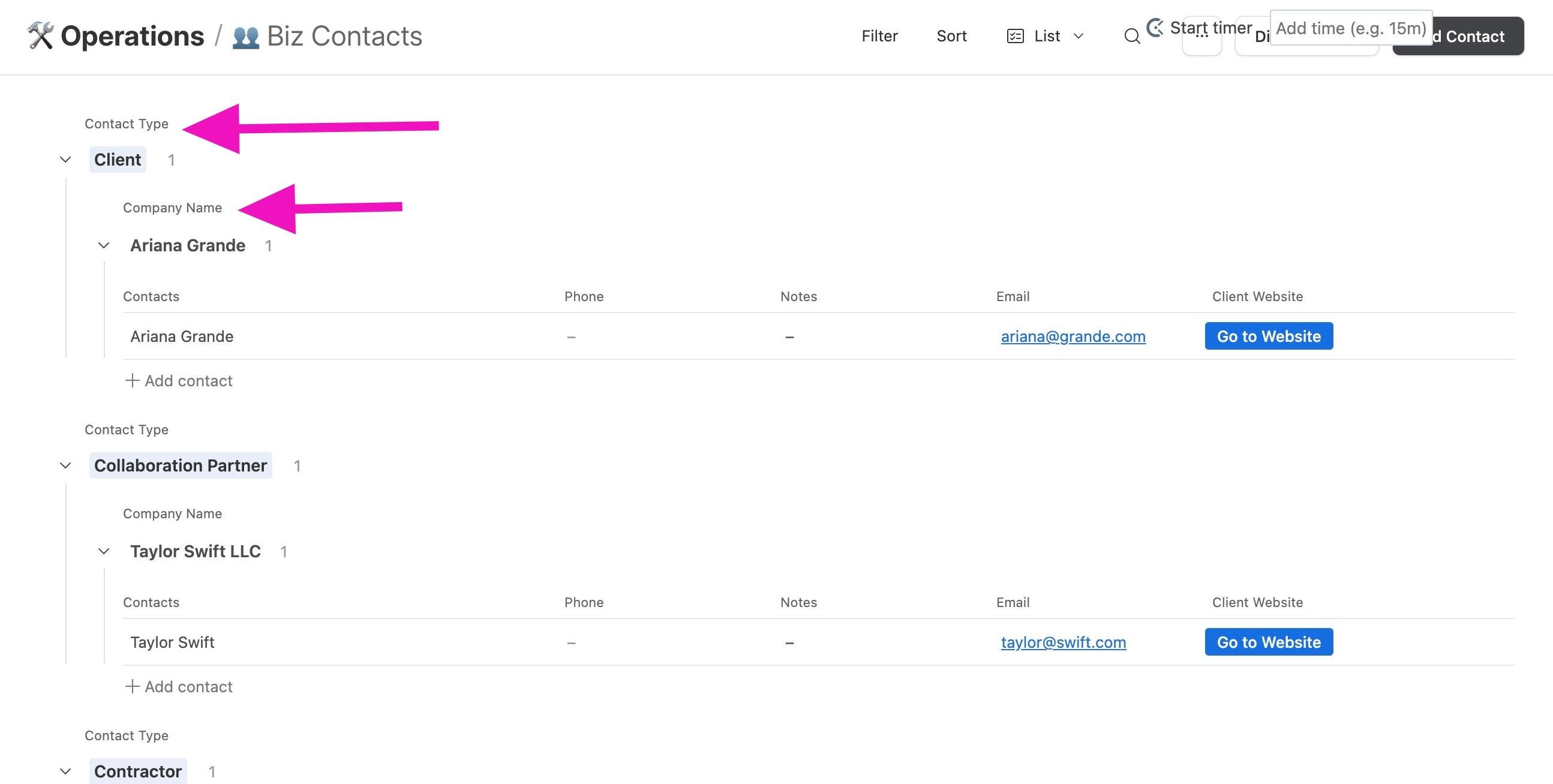
2. Your contacts are sorted first by Contact Type and then by Company Name, so if you've got multiple contacts at a certain company, they'll all be grouped.
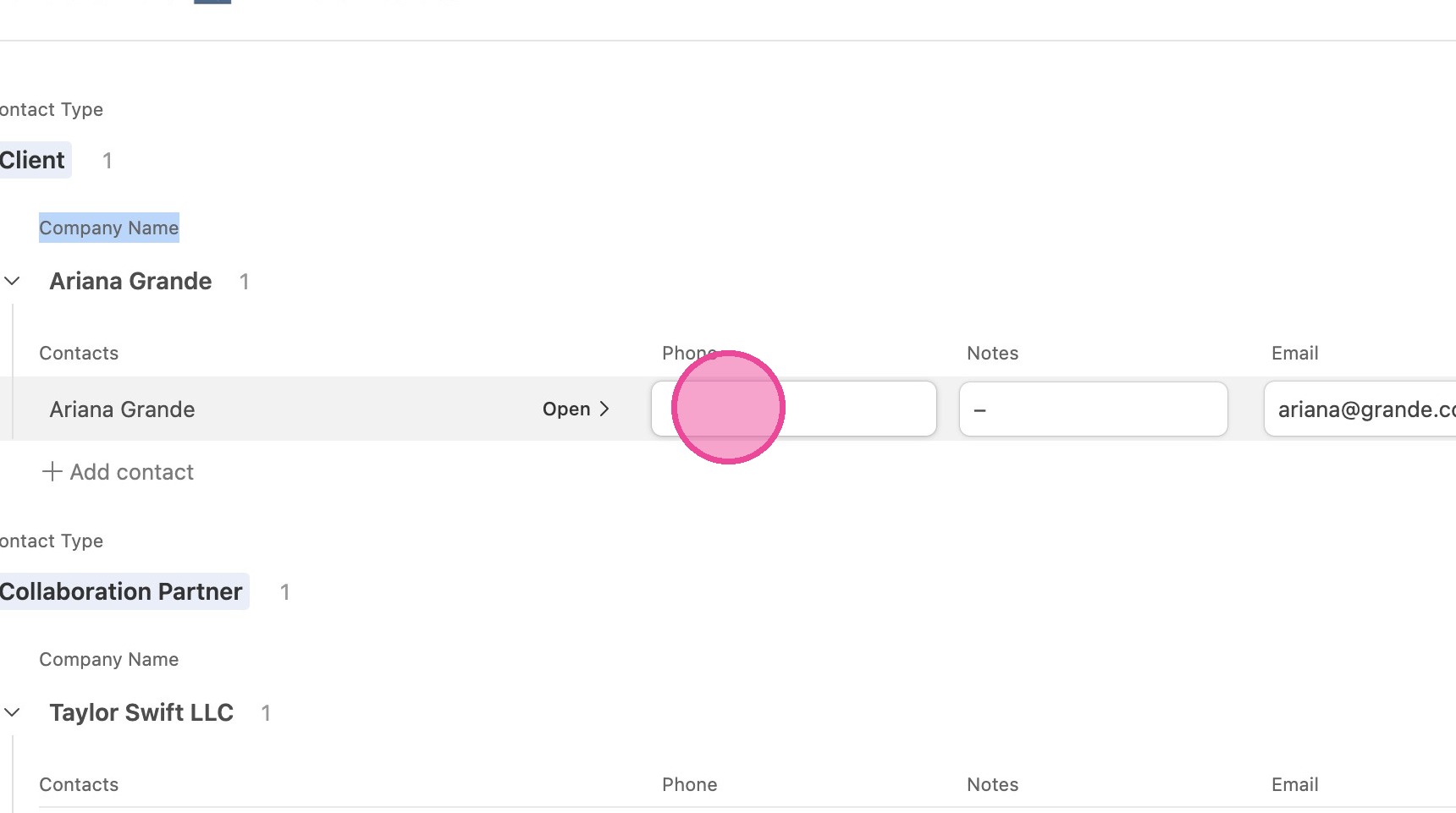
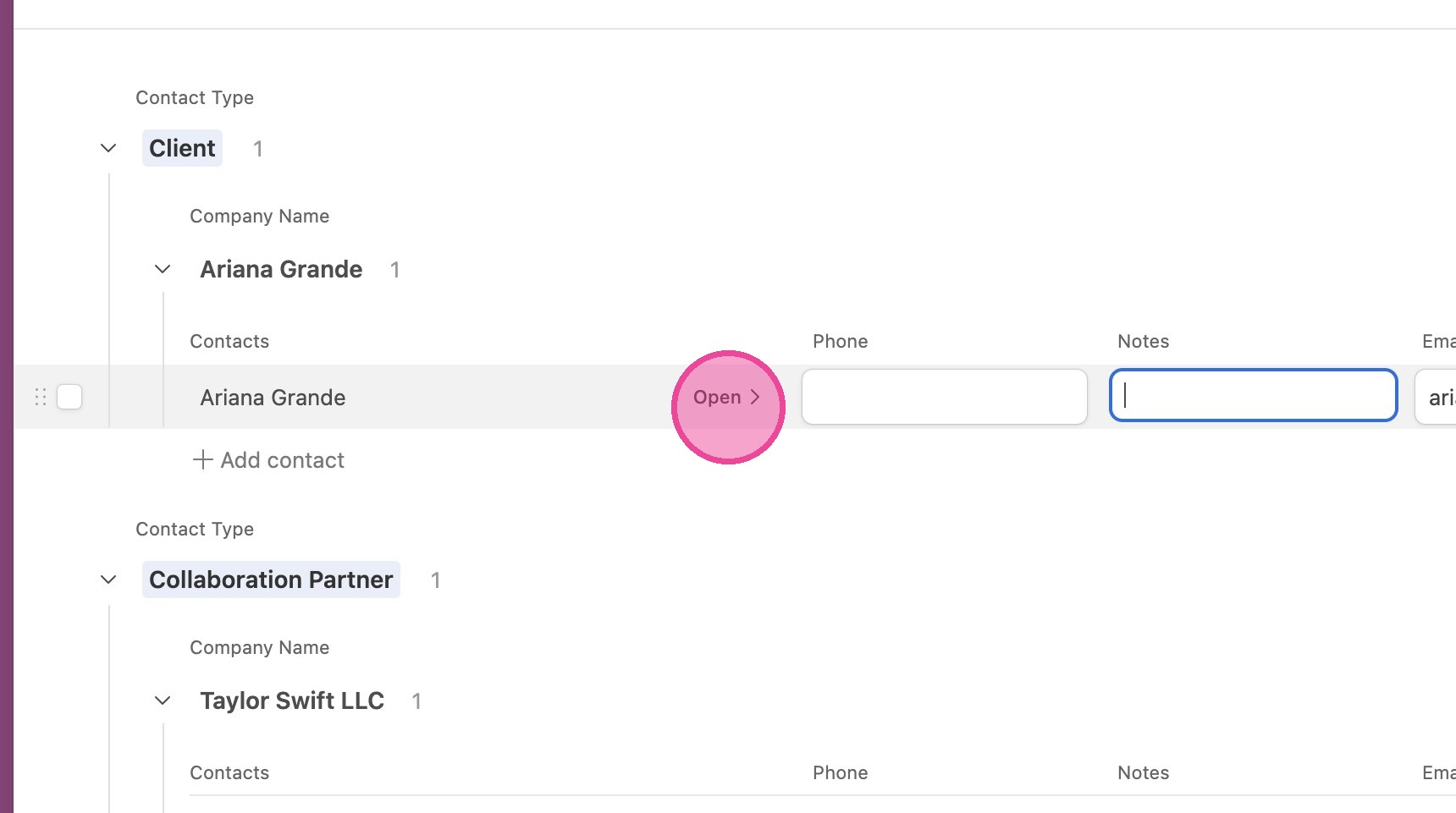
3. You can edit any information inline by clicking the field you want to edit and simply typing.
Open Client Details
4. Click "Open".
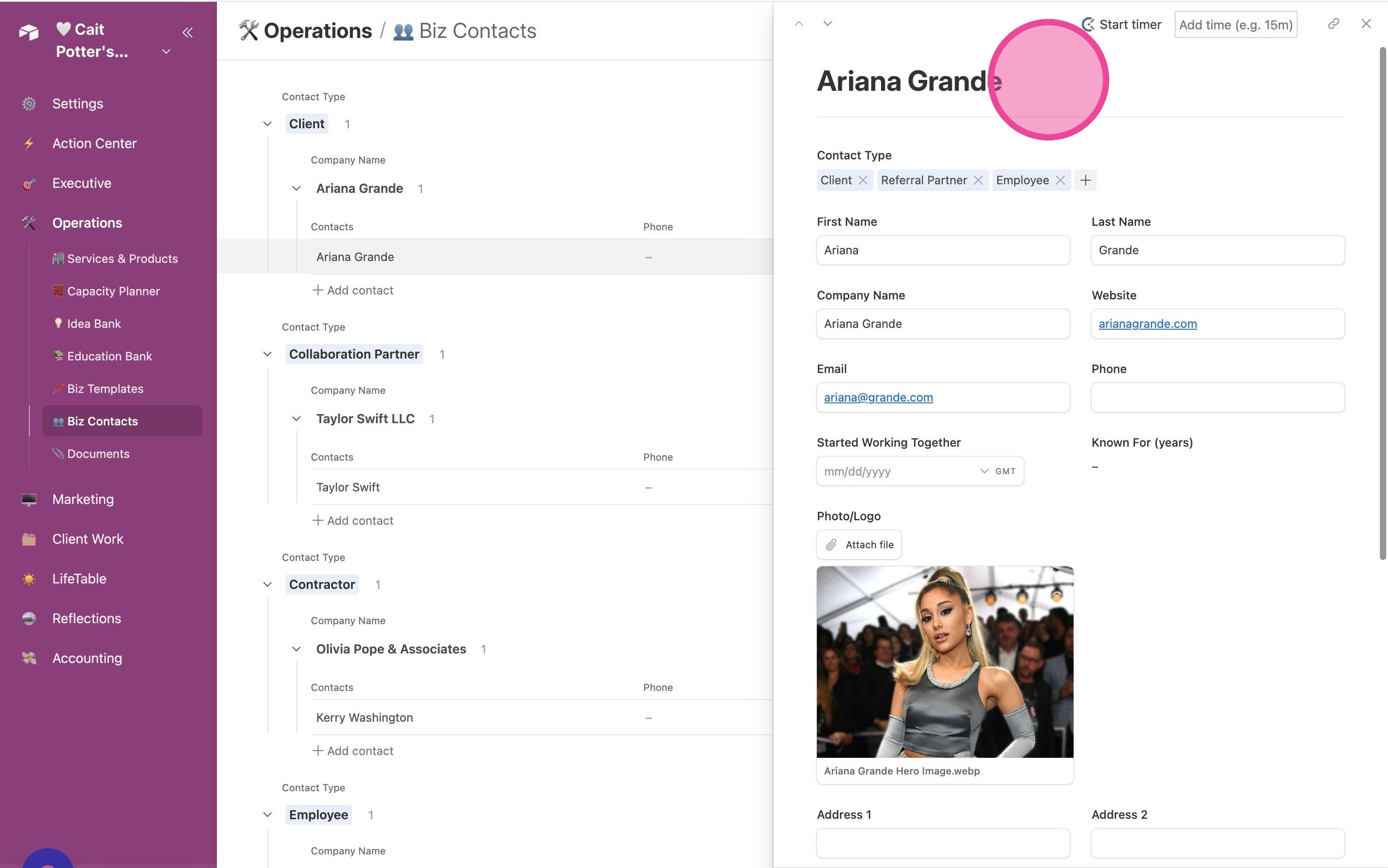
5. Then you'll see all your client details and you can make updates and changes as needed!
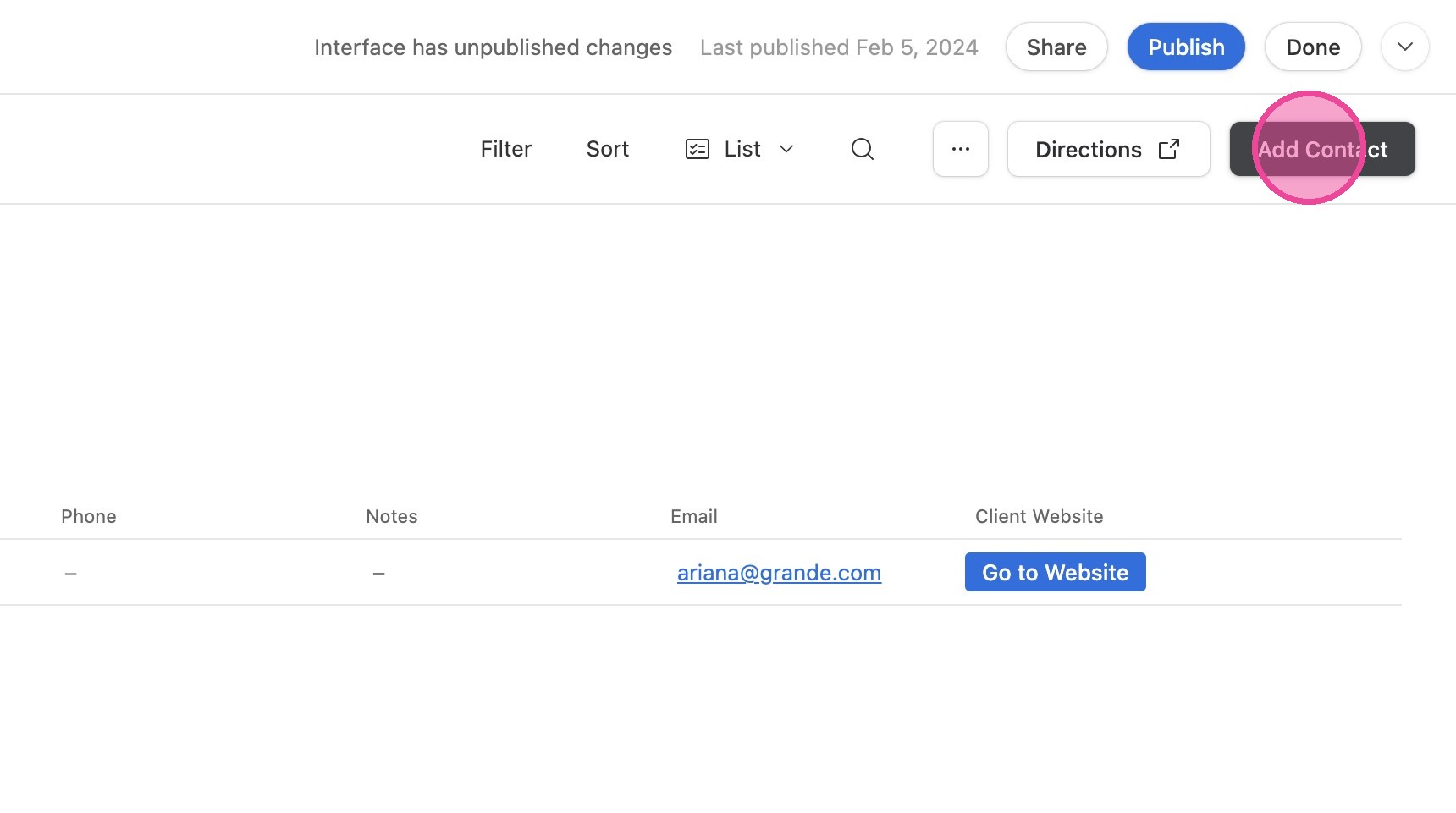
Create New Contact
6. Click "Add Contact"
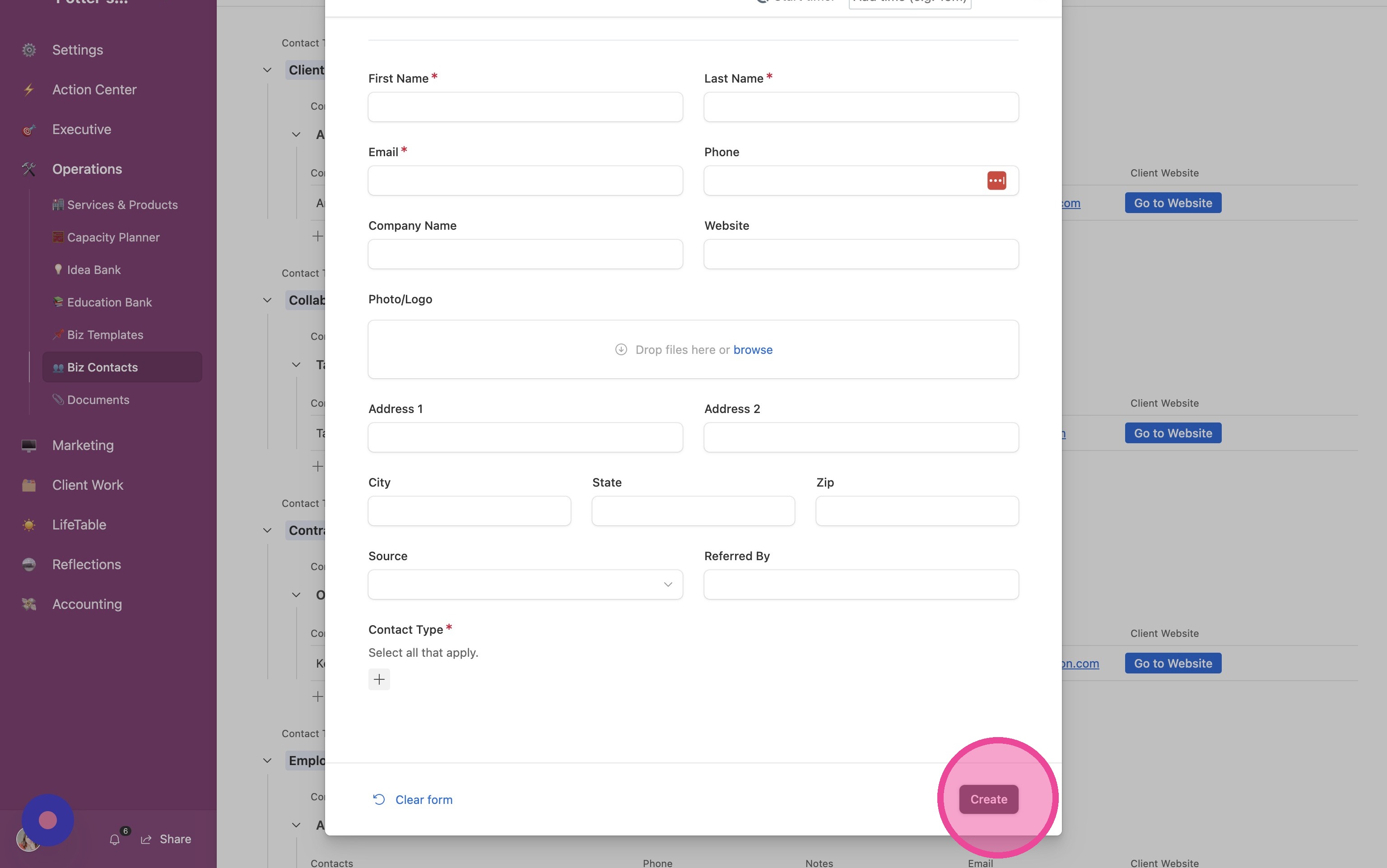
7. Fill out the form and click "Create"
Change Views
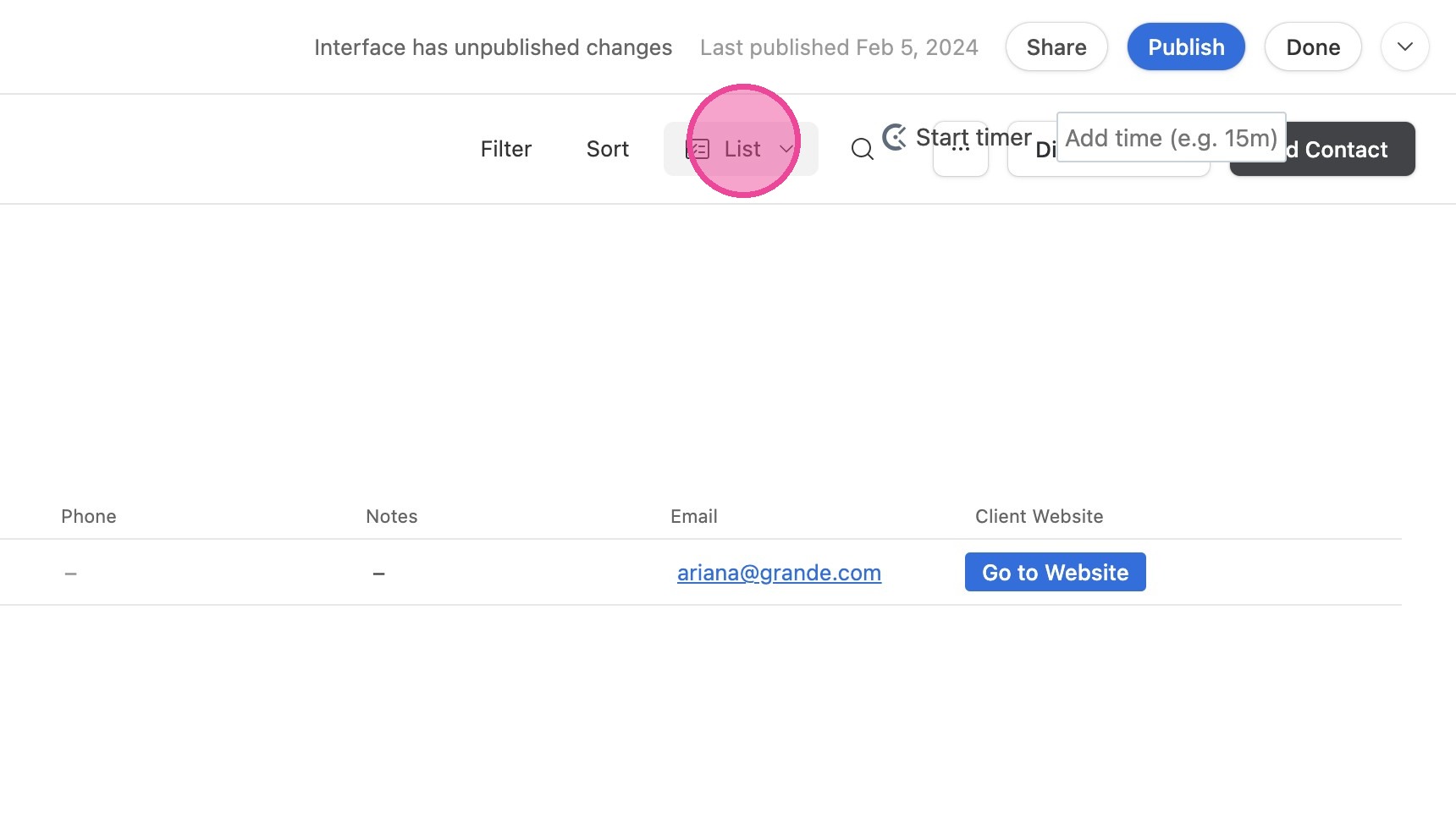
8. Click "List"
9. Click "Gallery"
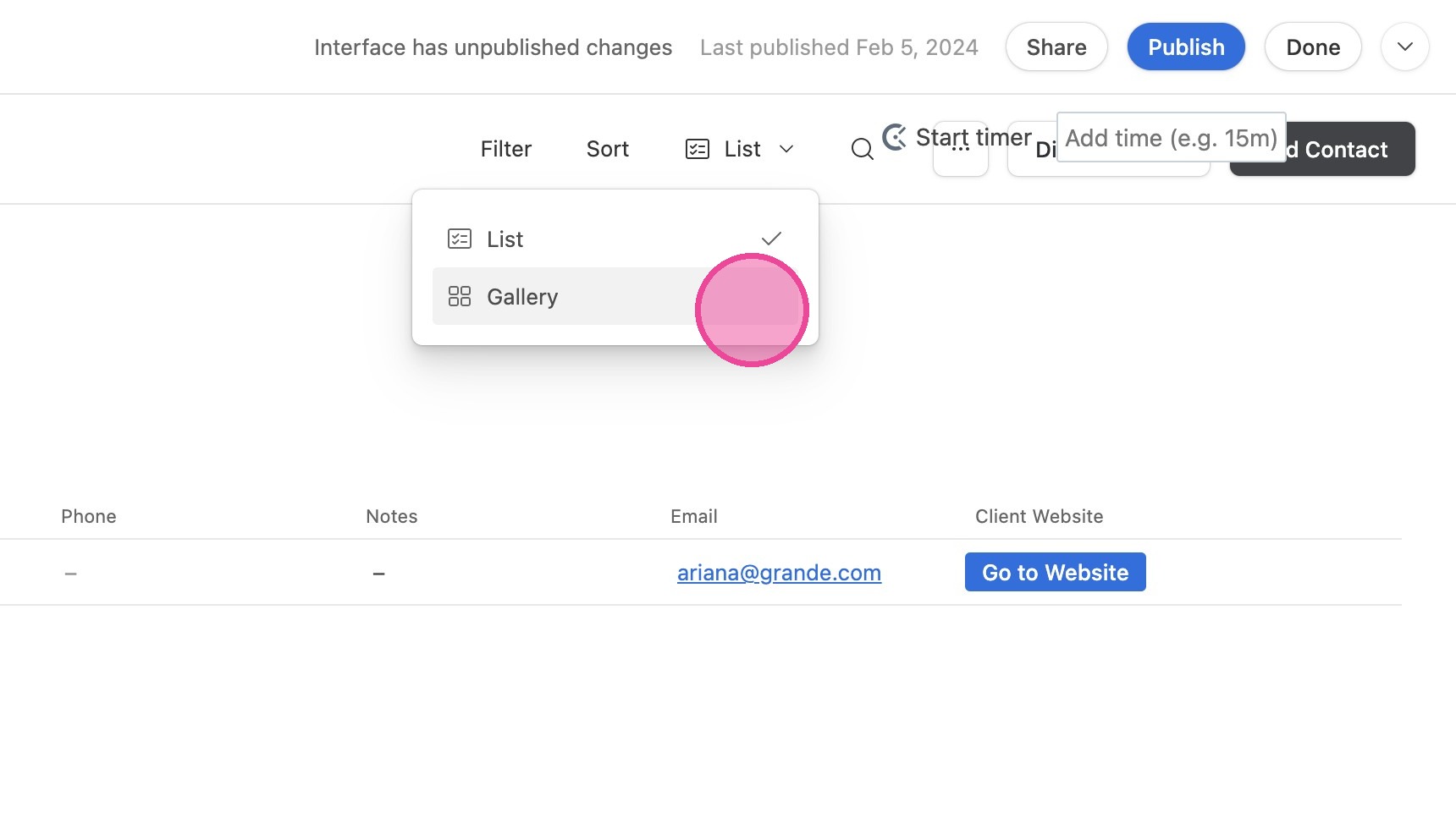
10. Now you can view a gallery of your contacts!