
📏 Metrics
What is it?
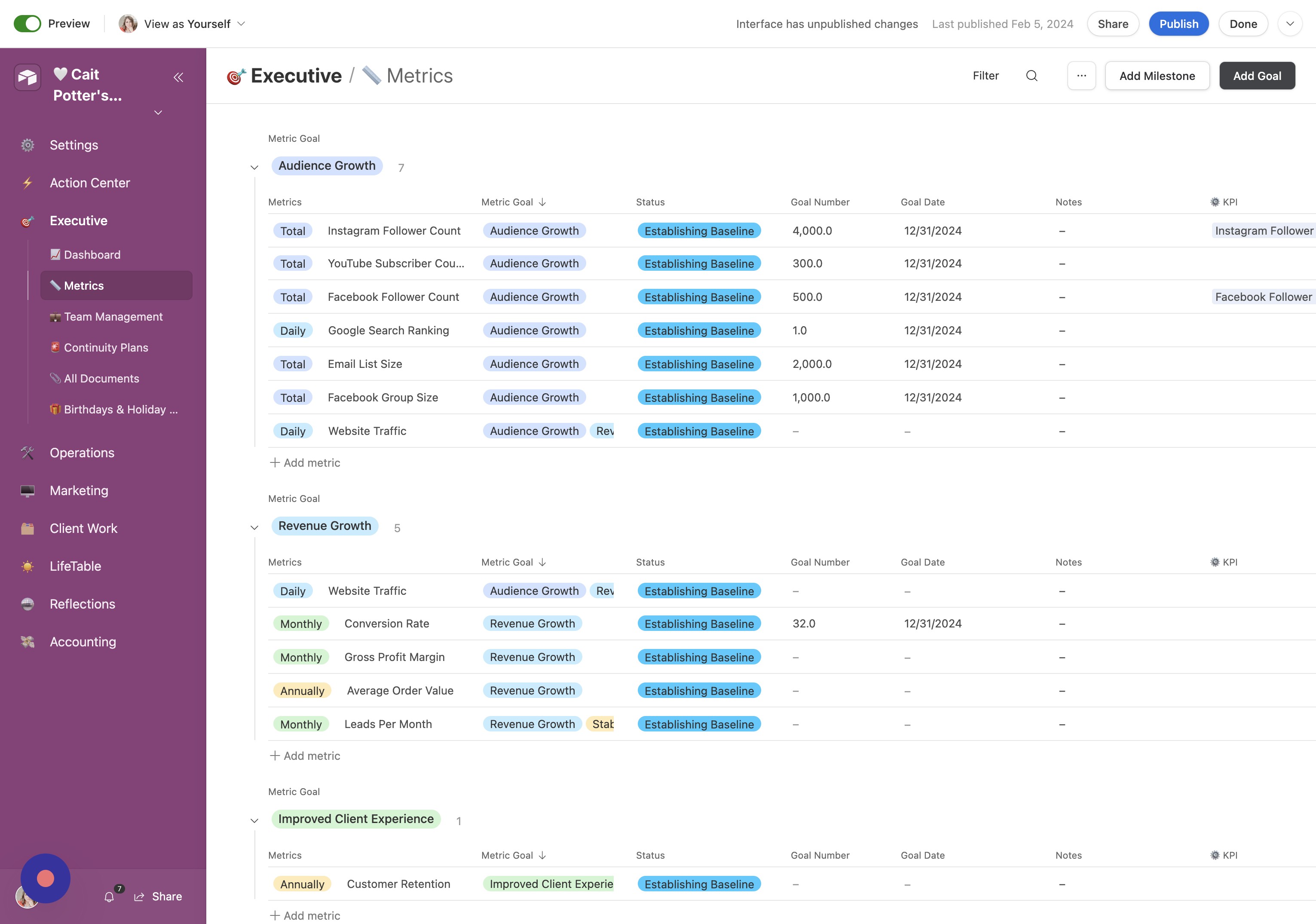
The Metrics tab is a place for you to intentionally set goals for your business and then to enter data that shows whether or not you are moving the needle on those goals.
How do I use it?
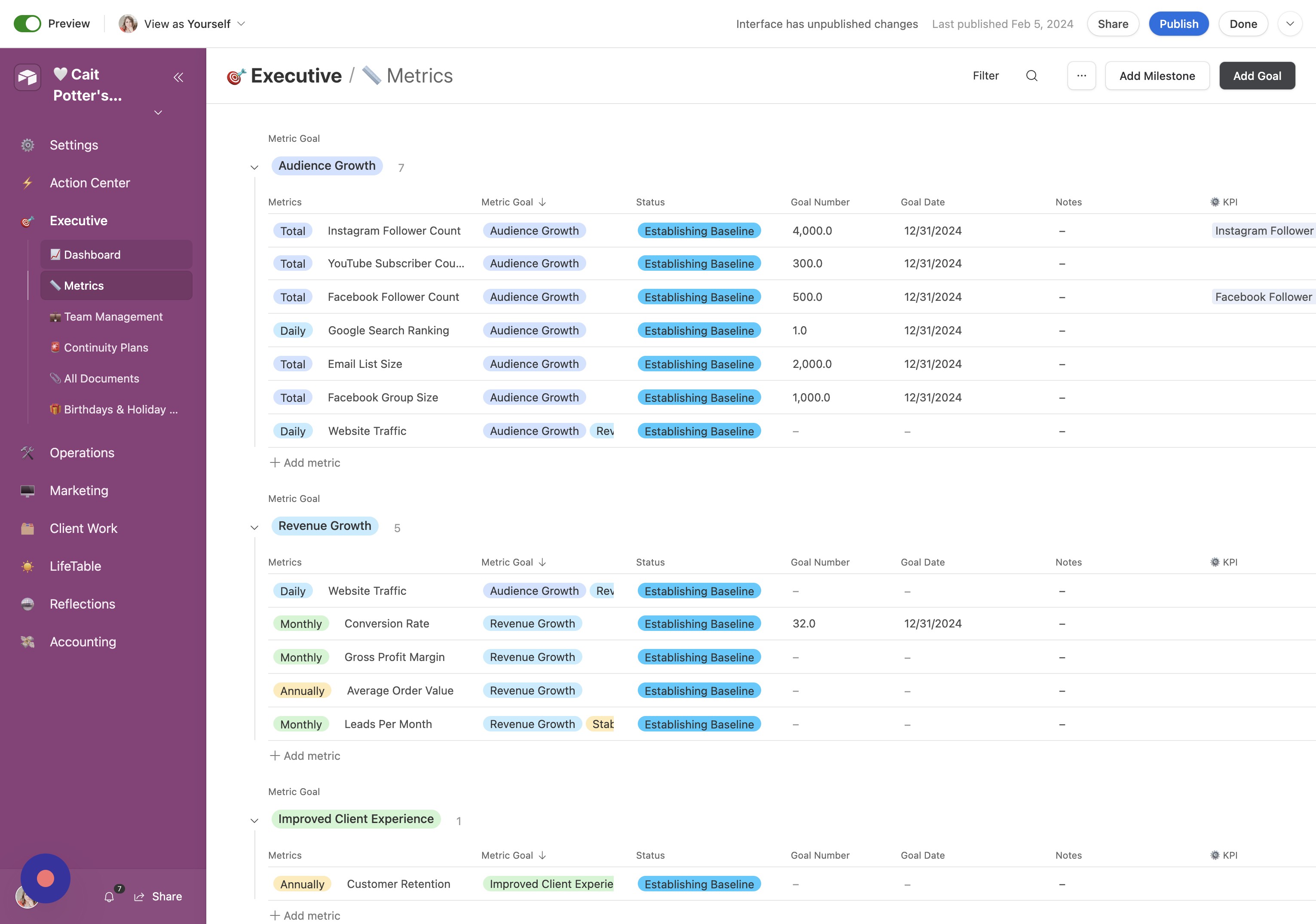
Decide on your goals and enter them. You'll see "goal" and "metric" used interchangeably throughout the base.
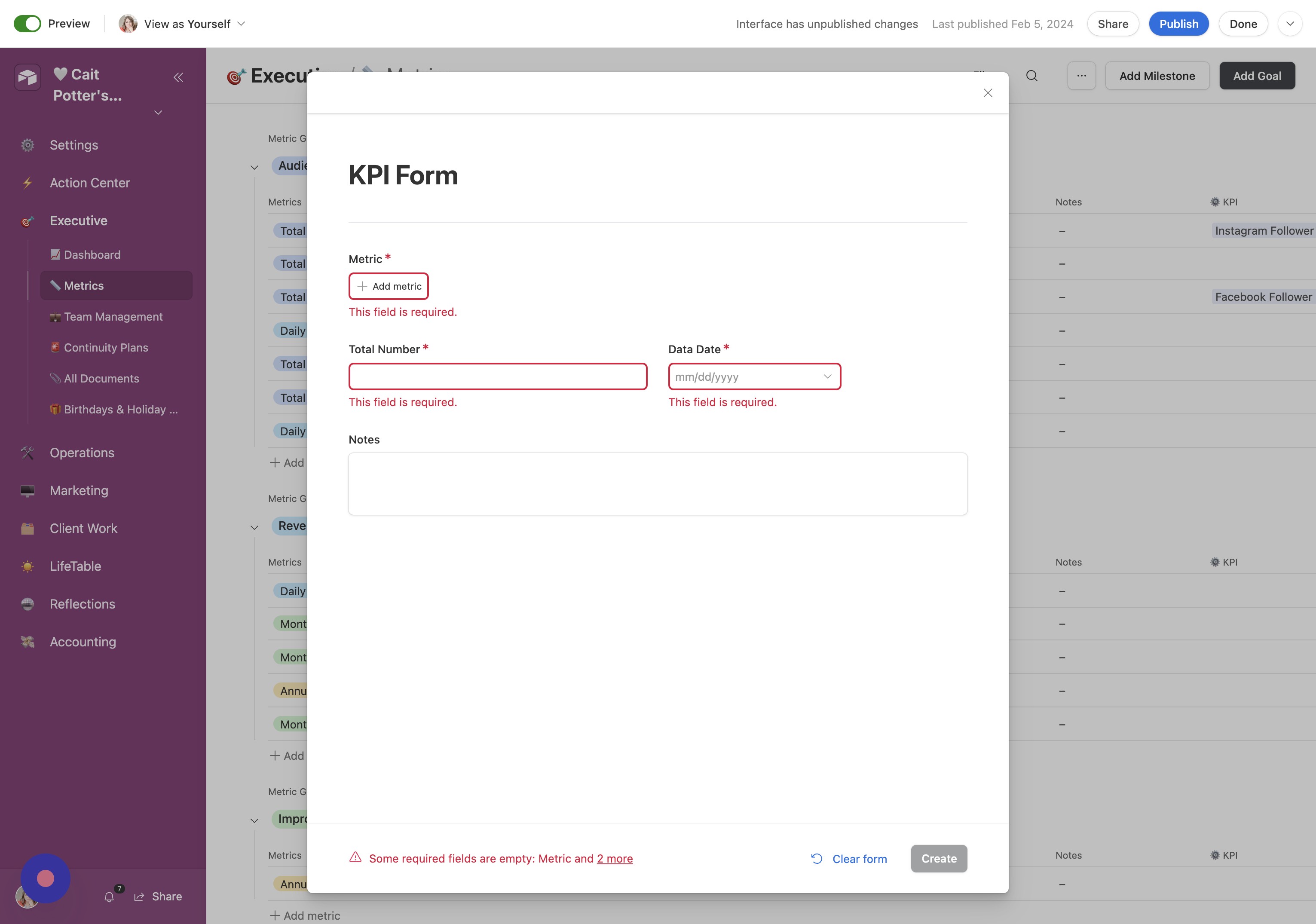
On a regular scheduler, enter "Milestones" or "KPI" (used interchangeably). These will show up on a chart on the Executive dashboard.
The KPI are only visible on the Dashboard
- Open Metrics Click "📏 Metrics"
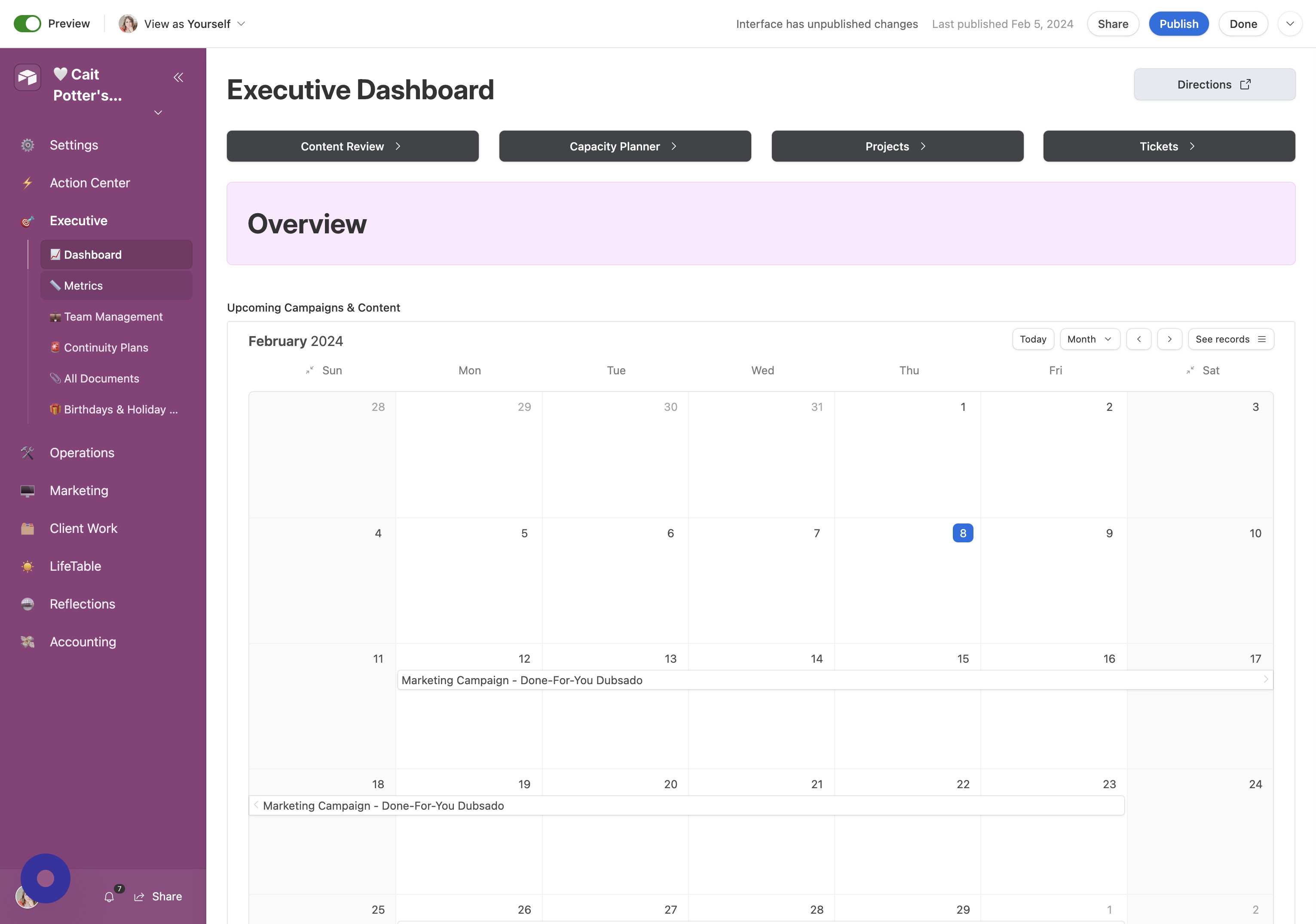
- Select Audience Growth Click "Audience Growth"
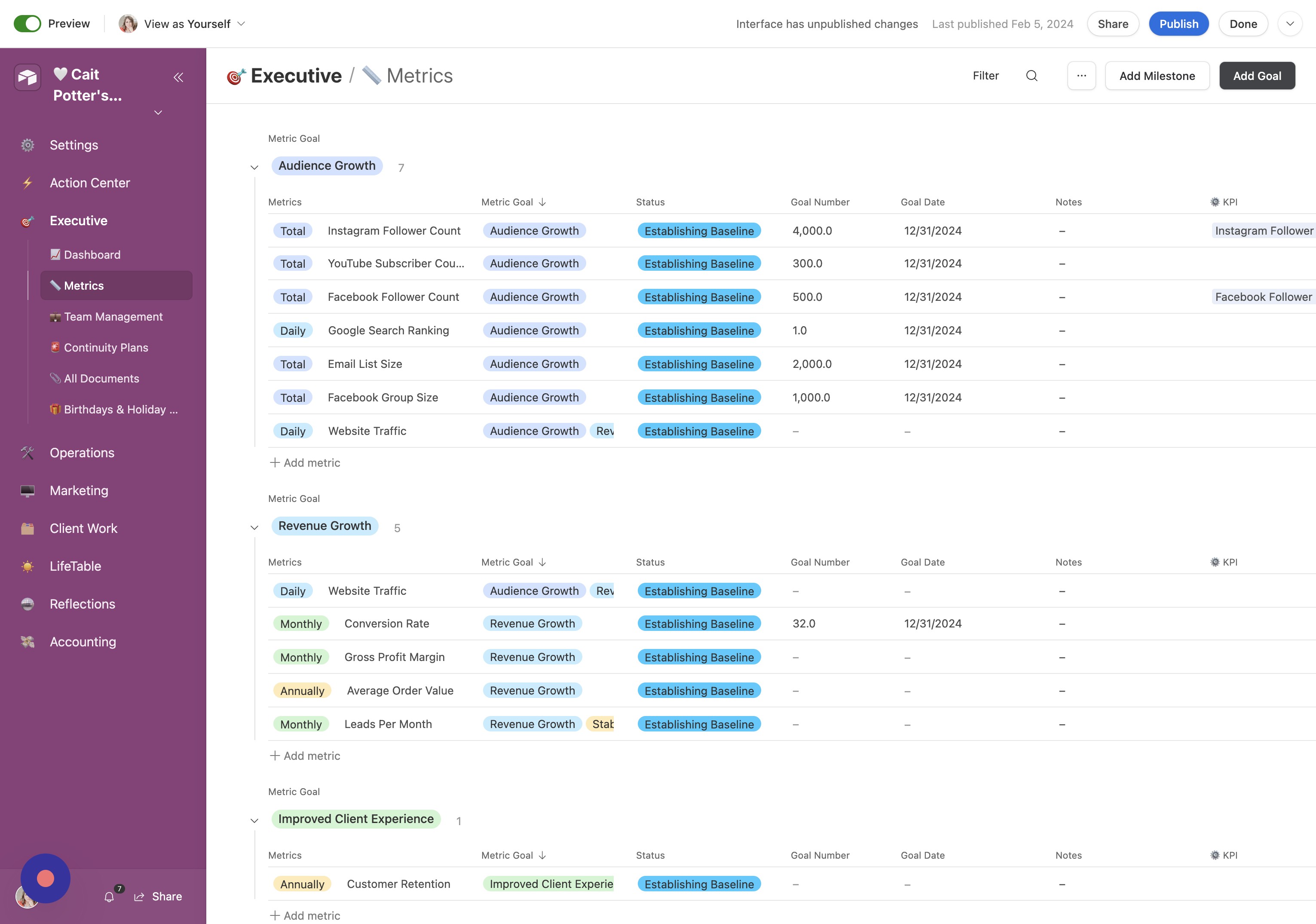
- Click Audience Growth Again Click "Audience Growth"
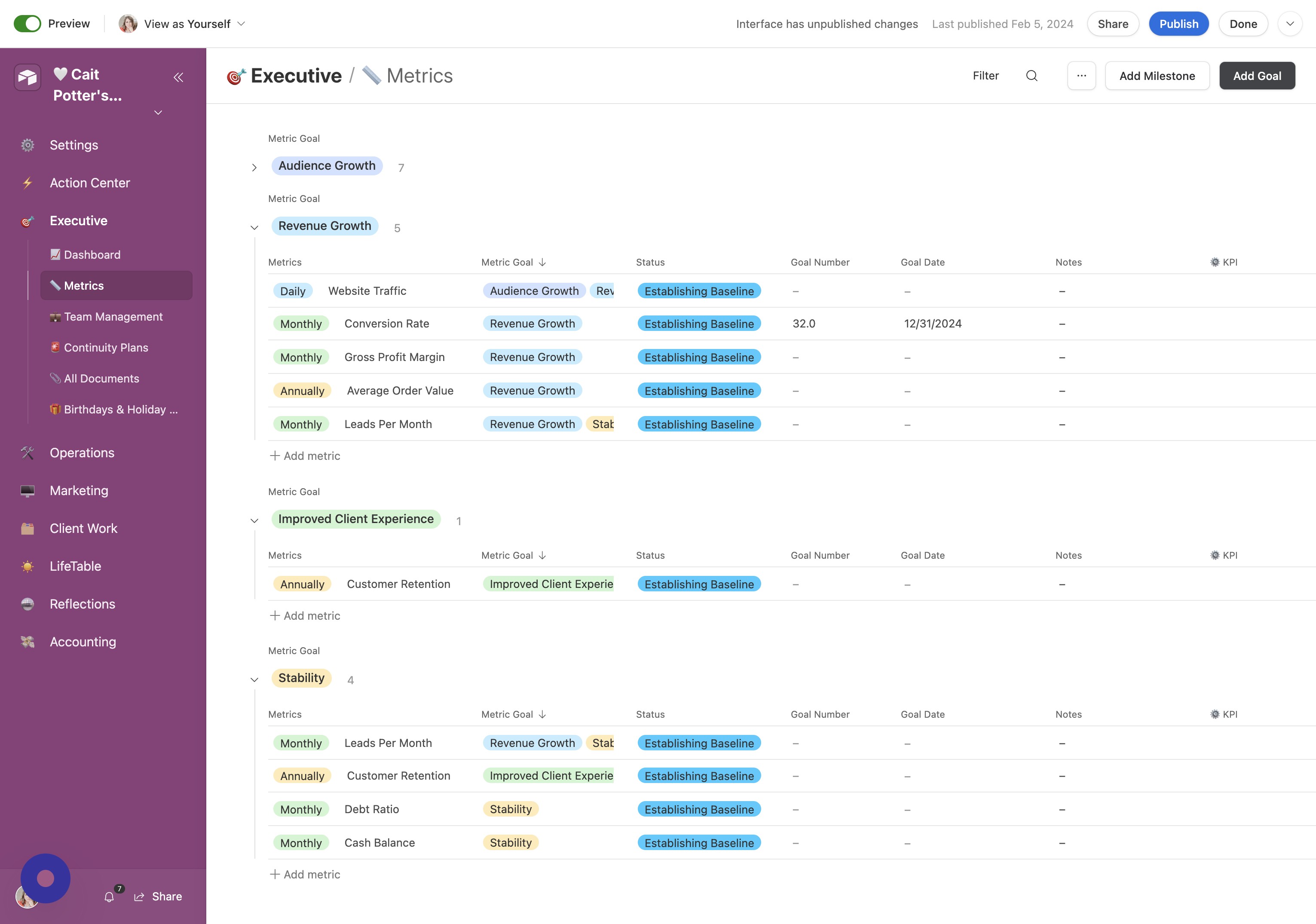
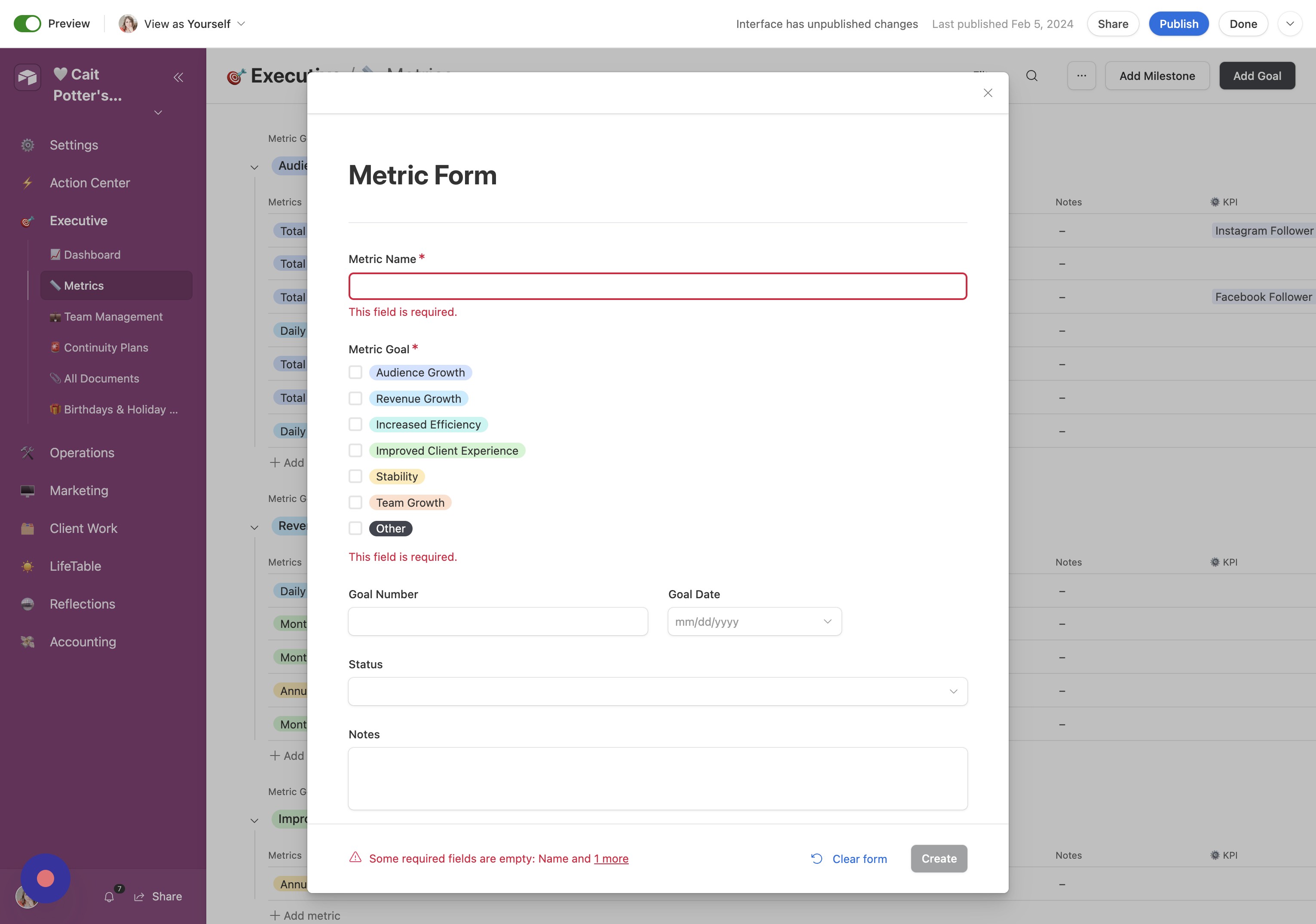
- Add a Goal Click "Add Goal"
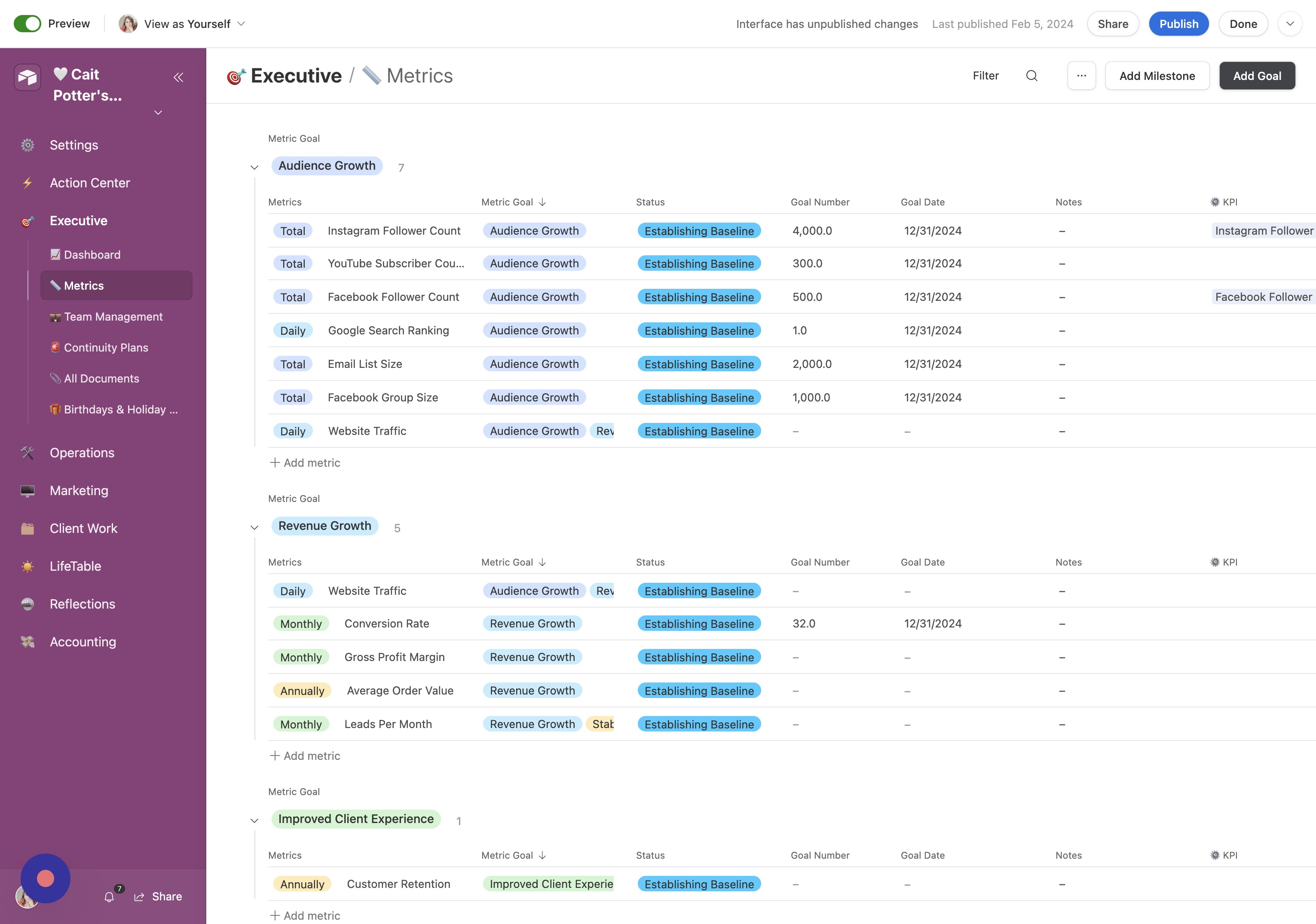
- Create the Goal Click "Create"
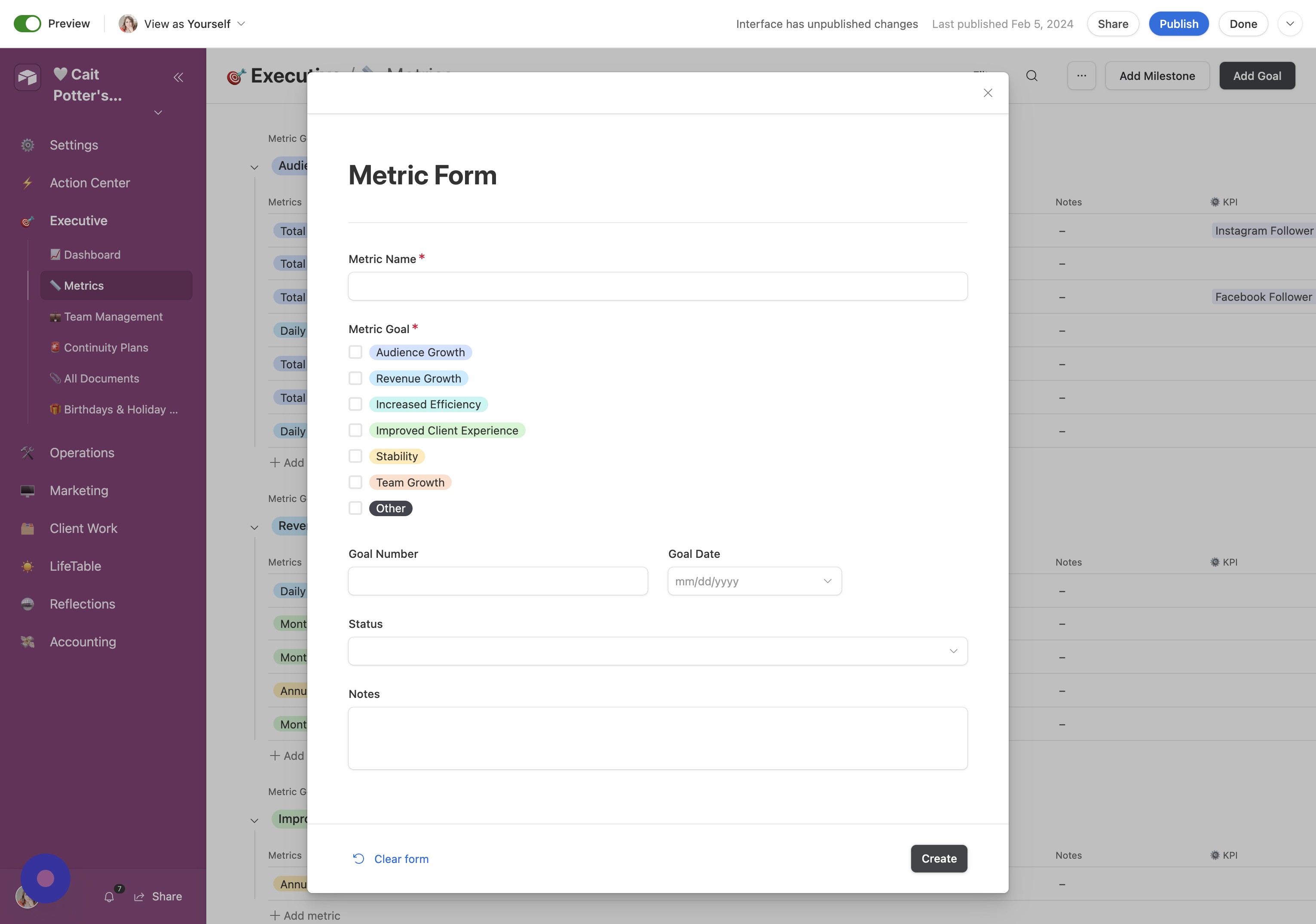
- Click here Click here.
- Add Milestone Click "Add Milestone"
- Create Milestone Click "Create"
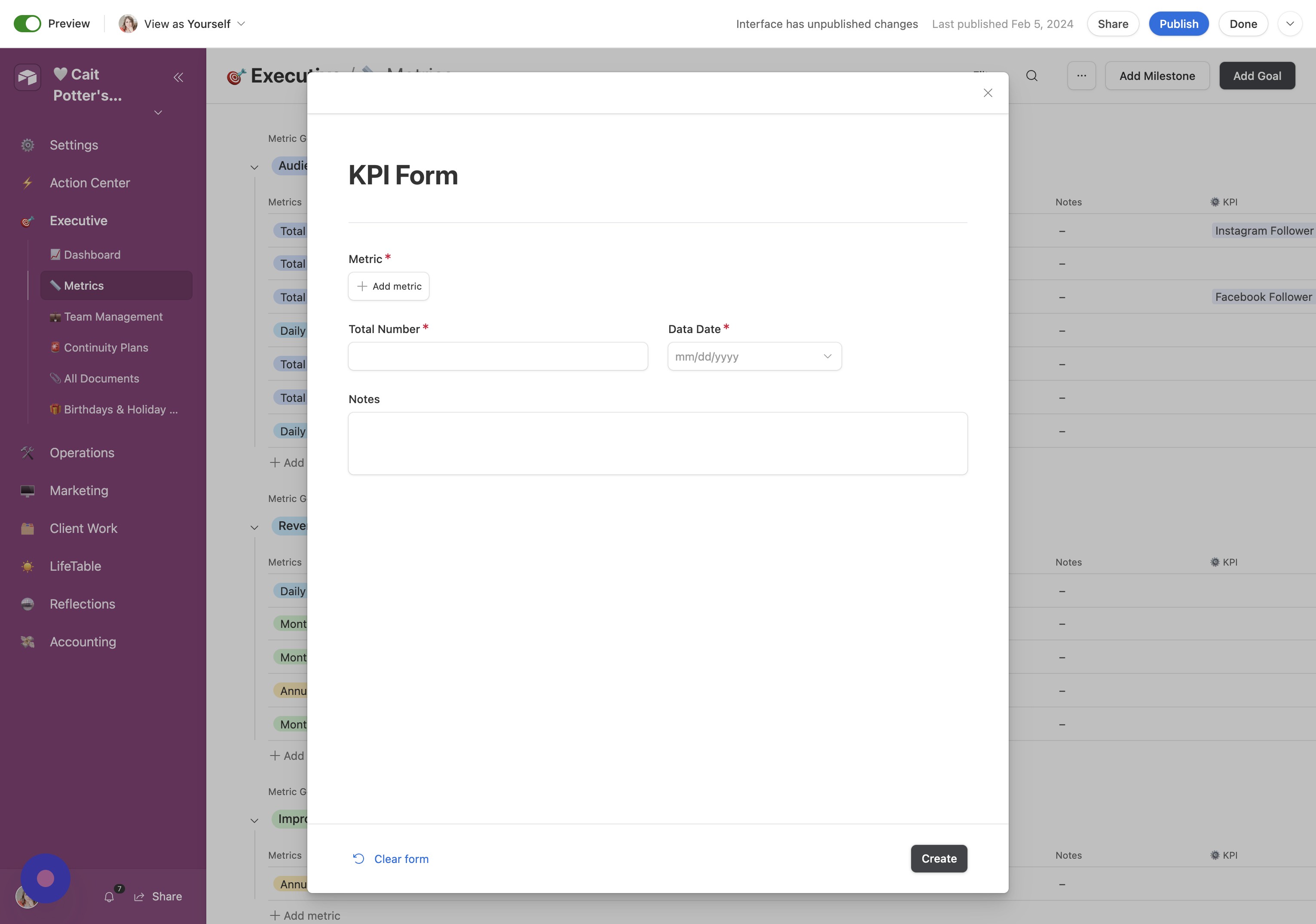
- Click here Click here.
- Open Dashboard Click "📈 Dashboard"
- Click here Click here.
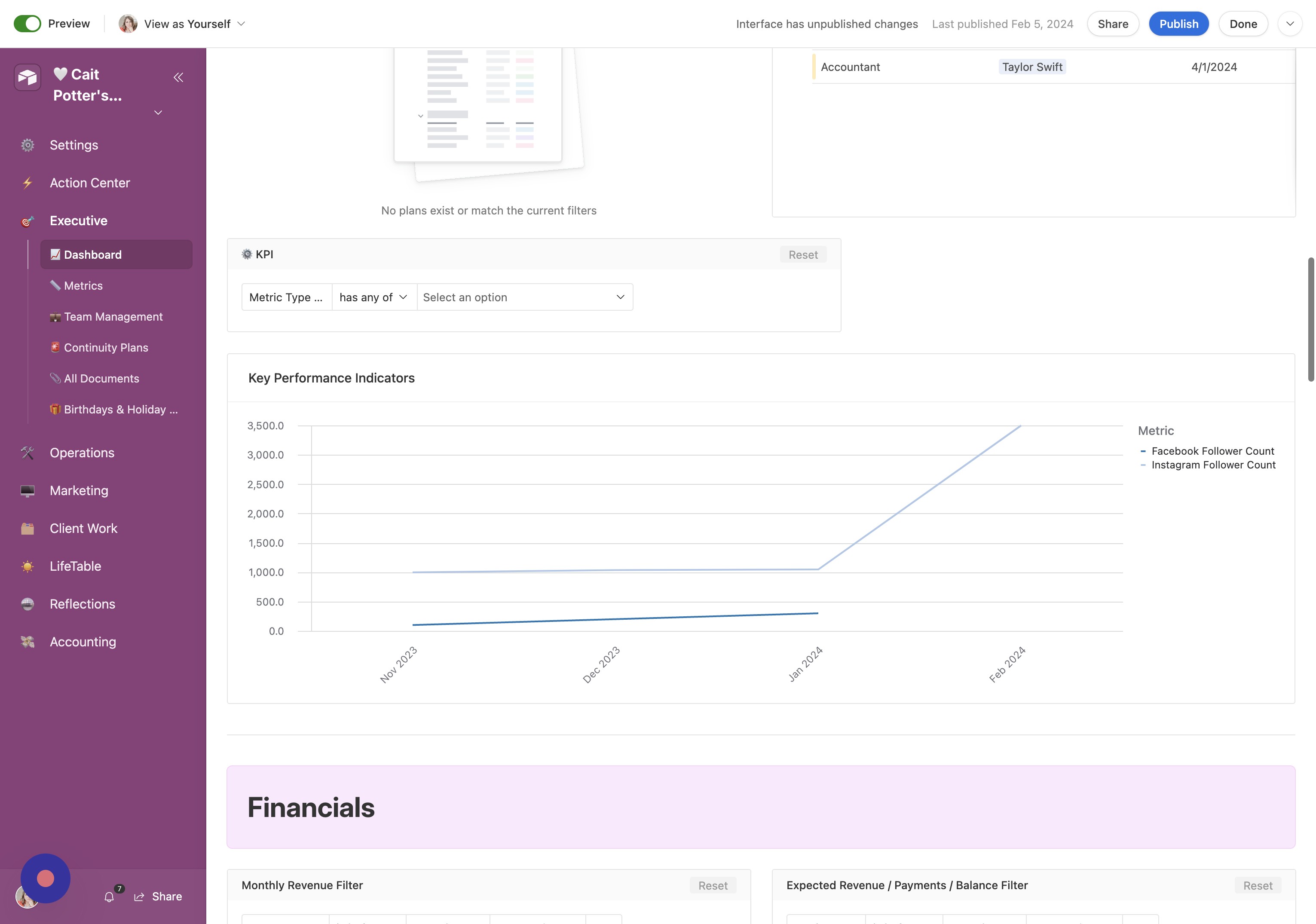
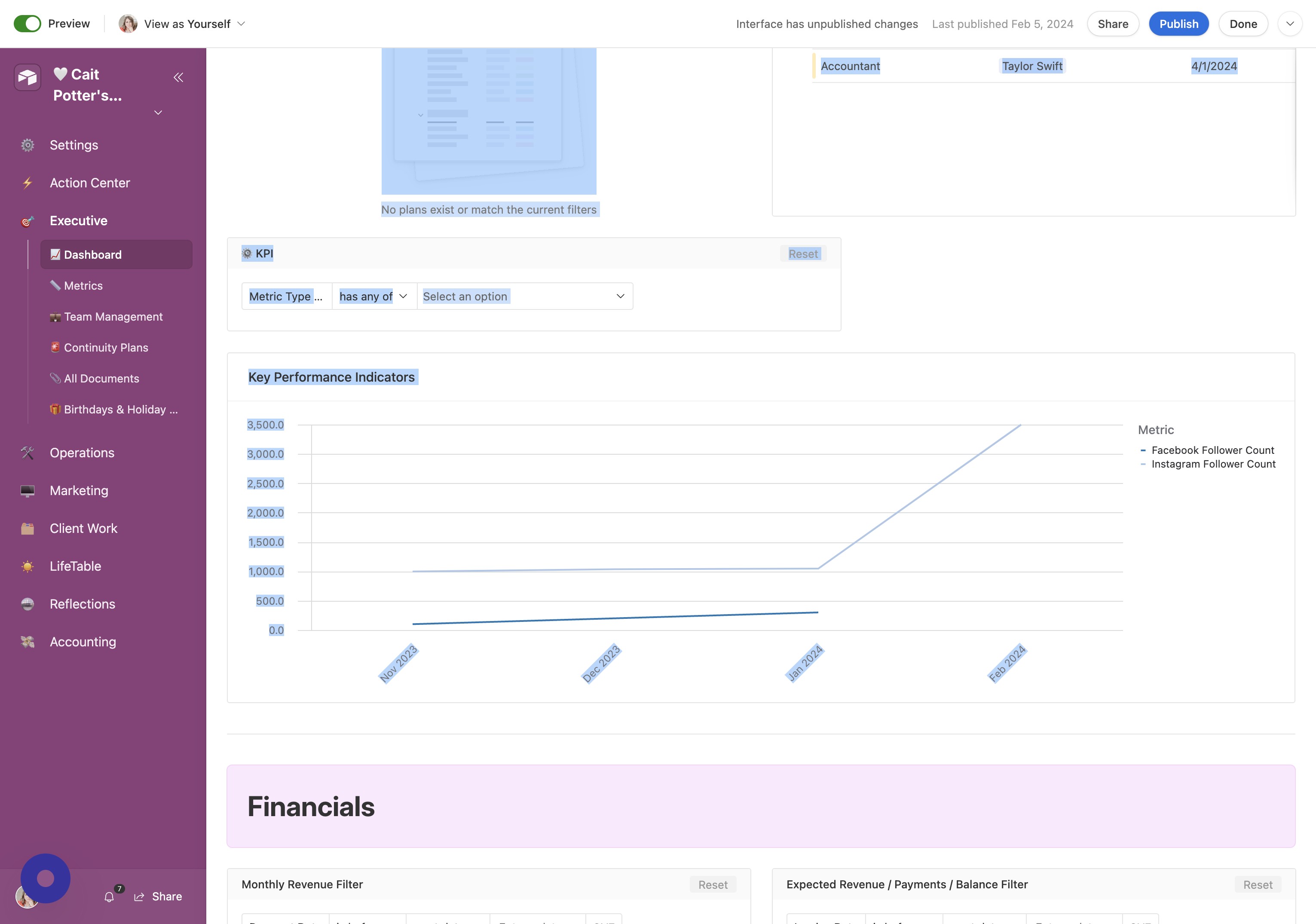
- Open KPI Settings Click "⚙️ KPI"
Usability Checklist
- Have you done all of this?
- Entered your Goals (Metrics)
- Entered your milestones (KPI)