
How to Use ⚡️ Action Center
What is it?
CommandCenter has A LOT of information in it. That gives it the potential to be an amazing resource, but could also make it easily overwhelming, or easy to lose information. The ⚡️ Action Center is here to make that better.
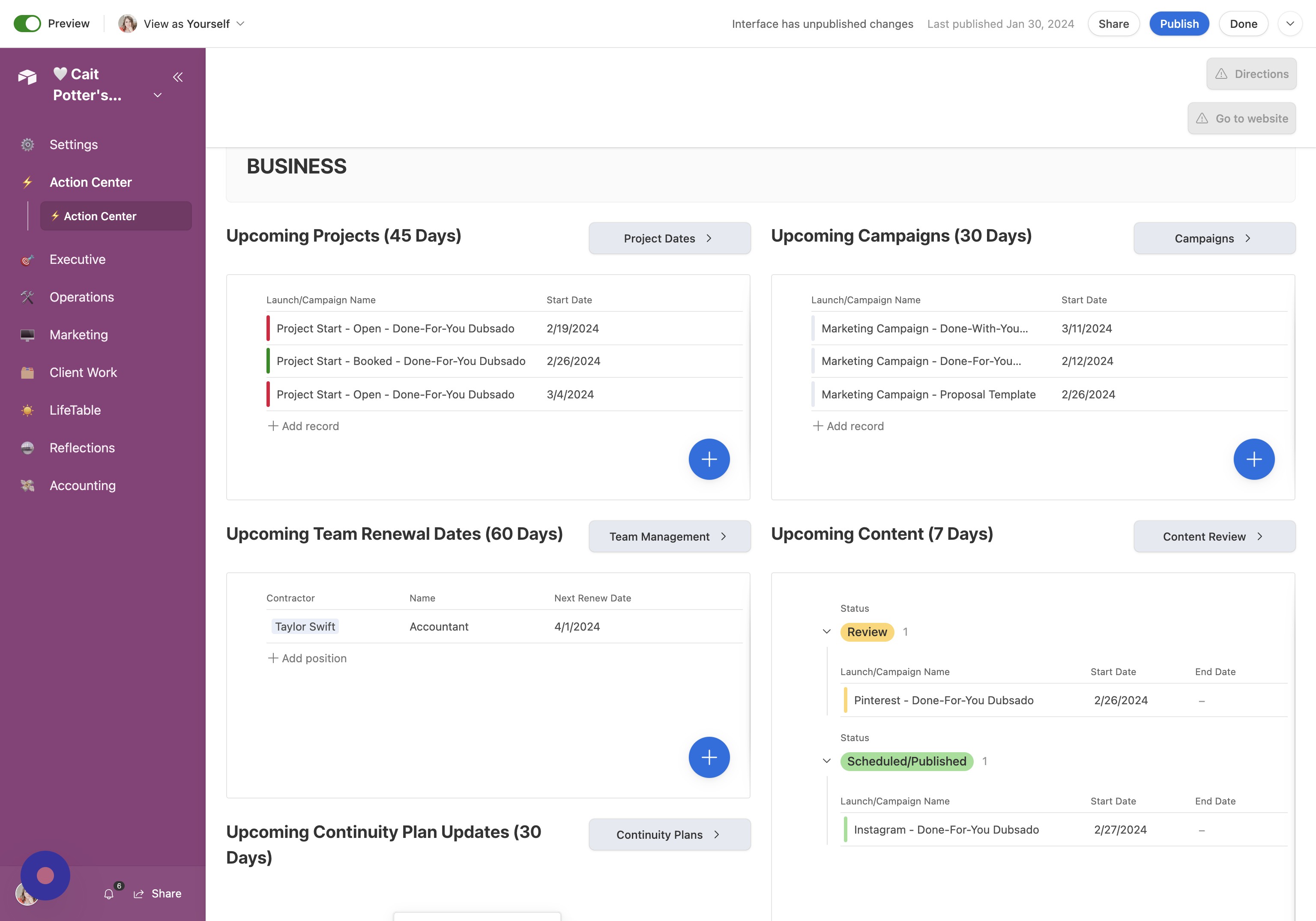
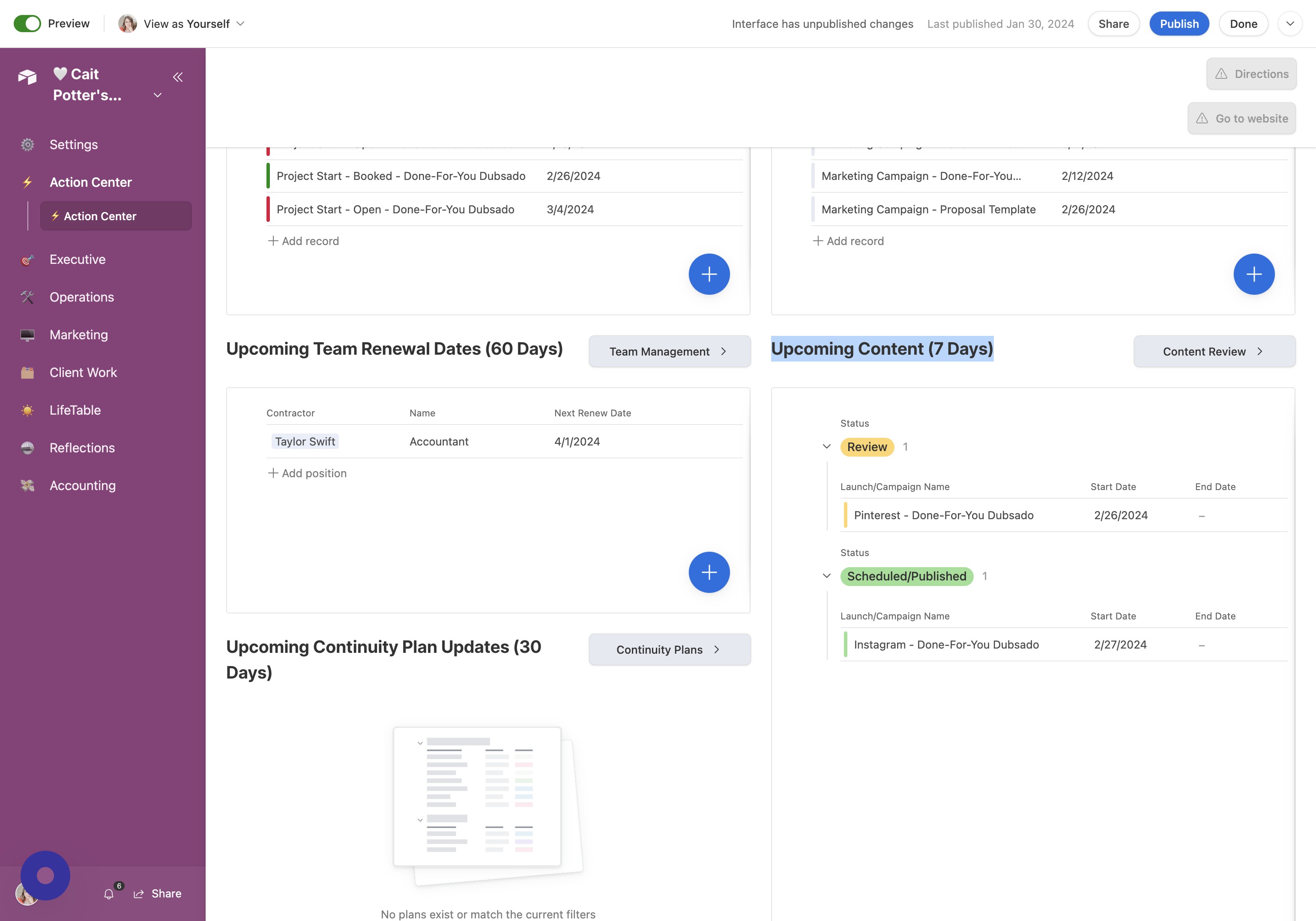
Action Center shows you all of the important ACTION ITEMS that you have coming up across both your business and personal life.
How do I use it?
You will use the Action Center for viewing information ONLY. That means you need to make sure you have some data loaded in.
- Open Action Center To navigate to the Action Center, click "⚡️ Action Center"
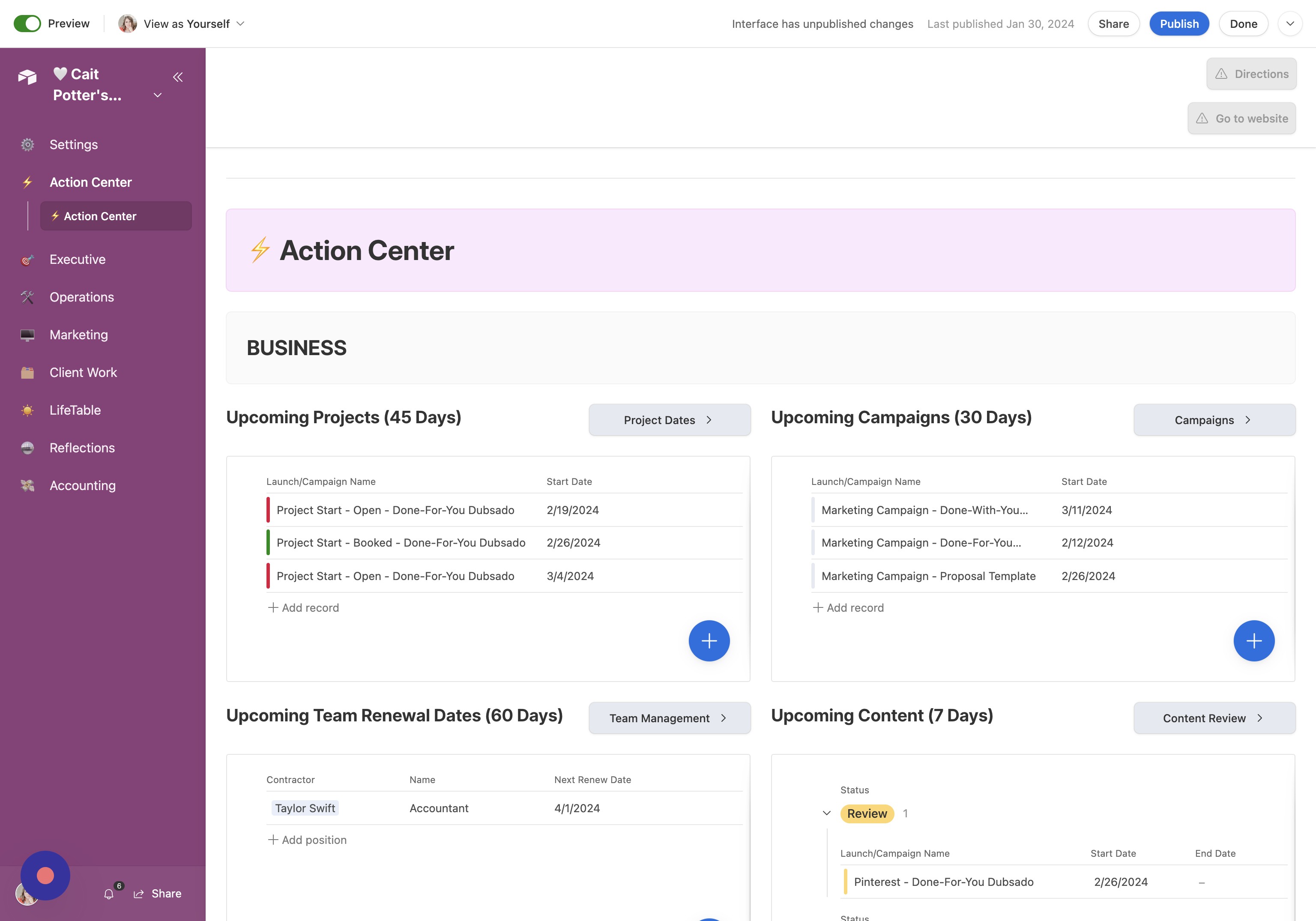
- Open Upcoming Projects (45 Days) Double-click "Upcoming Projects (45 Days)"
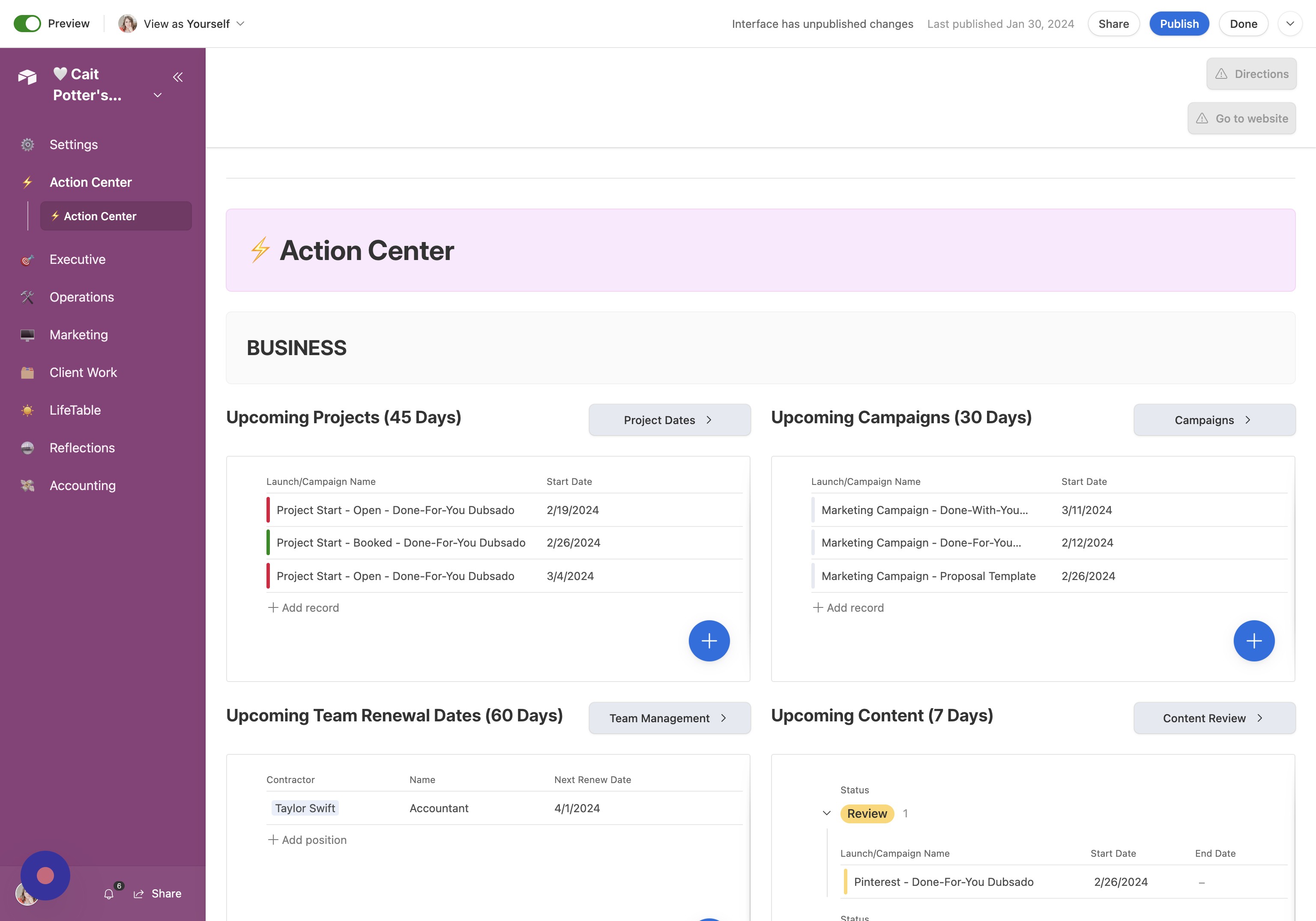
- Open Upcoming Campaigns (30 Days) Click "Upcoming Campaigns (30 Days)"
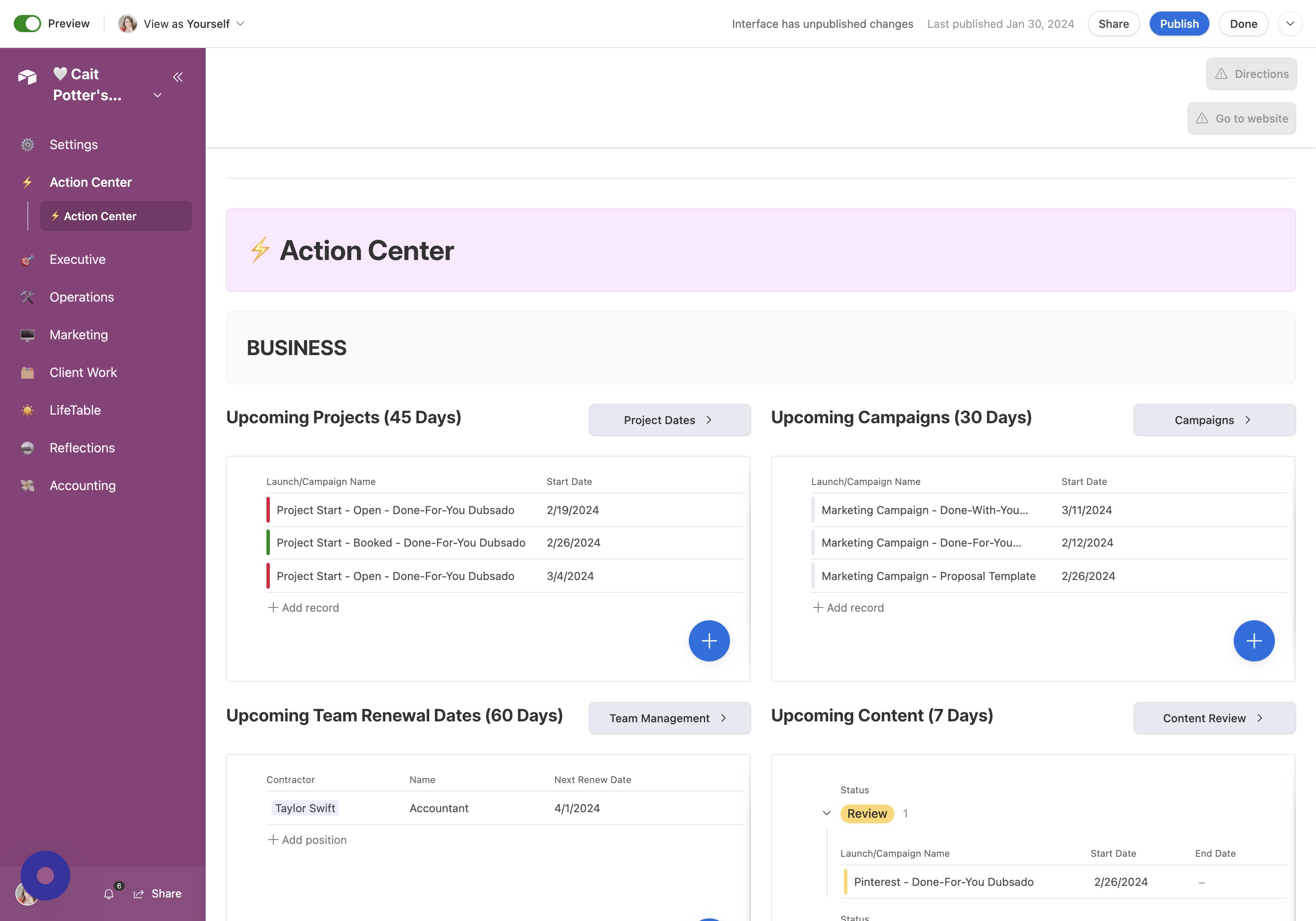
- Open Team Renewal Dates (60 Days) Click "Upcoming Team Renewal Dates (60 Days)"
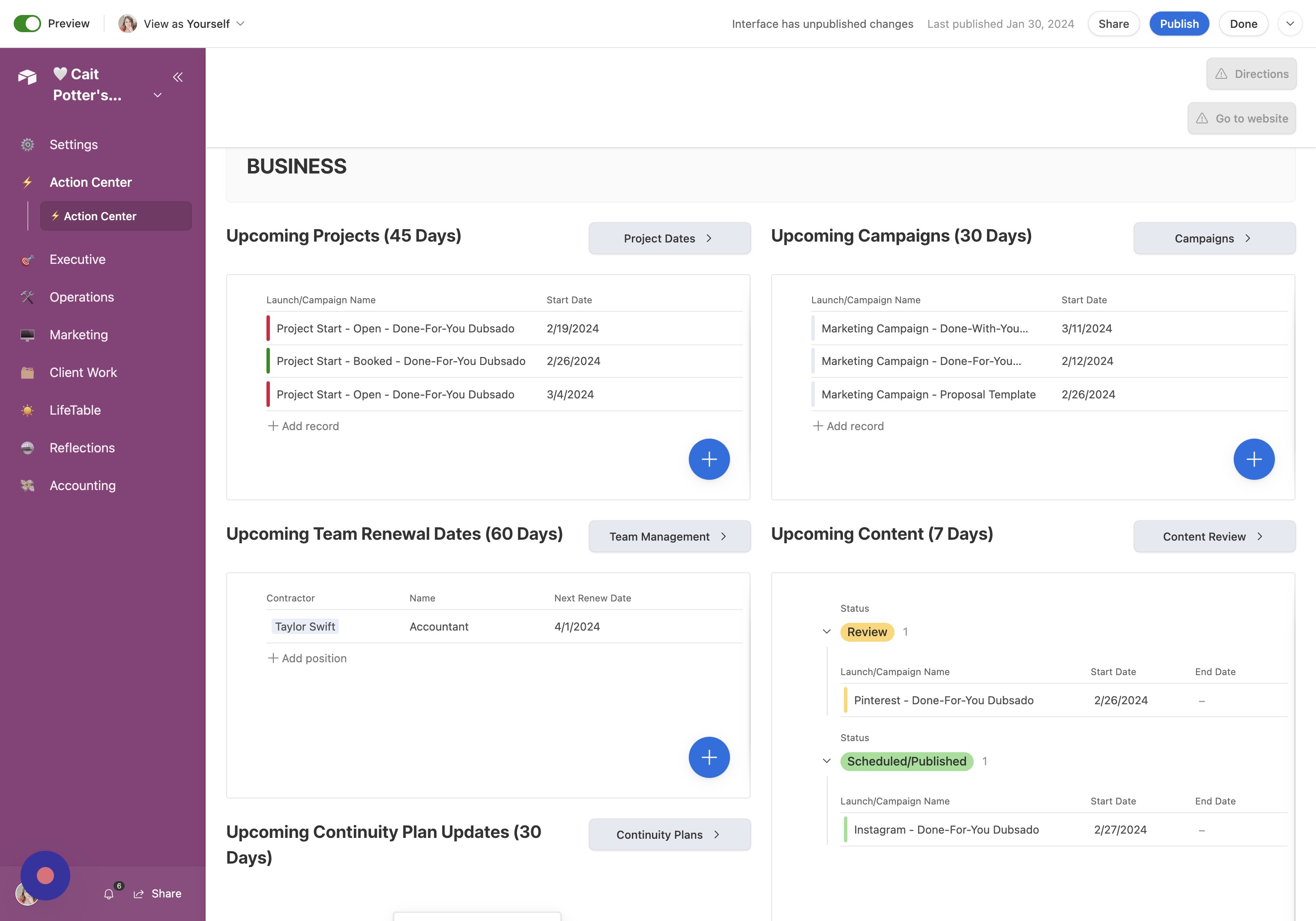
- Open Upcoming Content (7 Days) Click "Upcoming Content (7 Days)"
- Click Here Click here.
Usability Checklist
Have you done all of this?
- Loaded in all of your personal contacts & their birthdays
- LifeTable > Personal Contacts > Add Contacts
- Loaded in all of your business contacts
- Operations > Biz Contacts > Add contact for each contractor
- Loaded in all of the positions within your business, who fills them, and then their contract renews
- Executive > Team Management > Add the Position they fill
- Loaded in Project Start Dates for the next 45 days (according to whether they're open or booked)
- Marketing > Launch Calendar > Fill out Form with "Project Start" selected for Type.
- Planned the next 30 days of marketing campaigns
- Marketing > Launch Calendar > Fill out Form with "Marketing Campaign" selected for Type.
- Loaded in marketing content for the next 7 days according to status
- Marketing > Launch Calendar > Fill out Form withthe appropriate marketing channel selected for Type.
- Created / loaded in Continuity Plans
- Executive > Continuity Plans > Add Risks & Fill out Plans
- Loaded in your home cleaning schedule?
- LifeTable > Cleaning Schedule > Add Cleaning Tasks
- Loaded in your current and upcoming/planned home improvement projects
- LifeTable > Honey-Do List