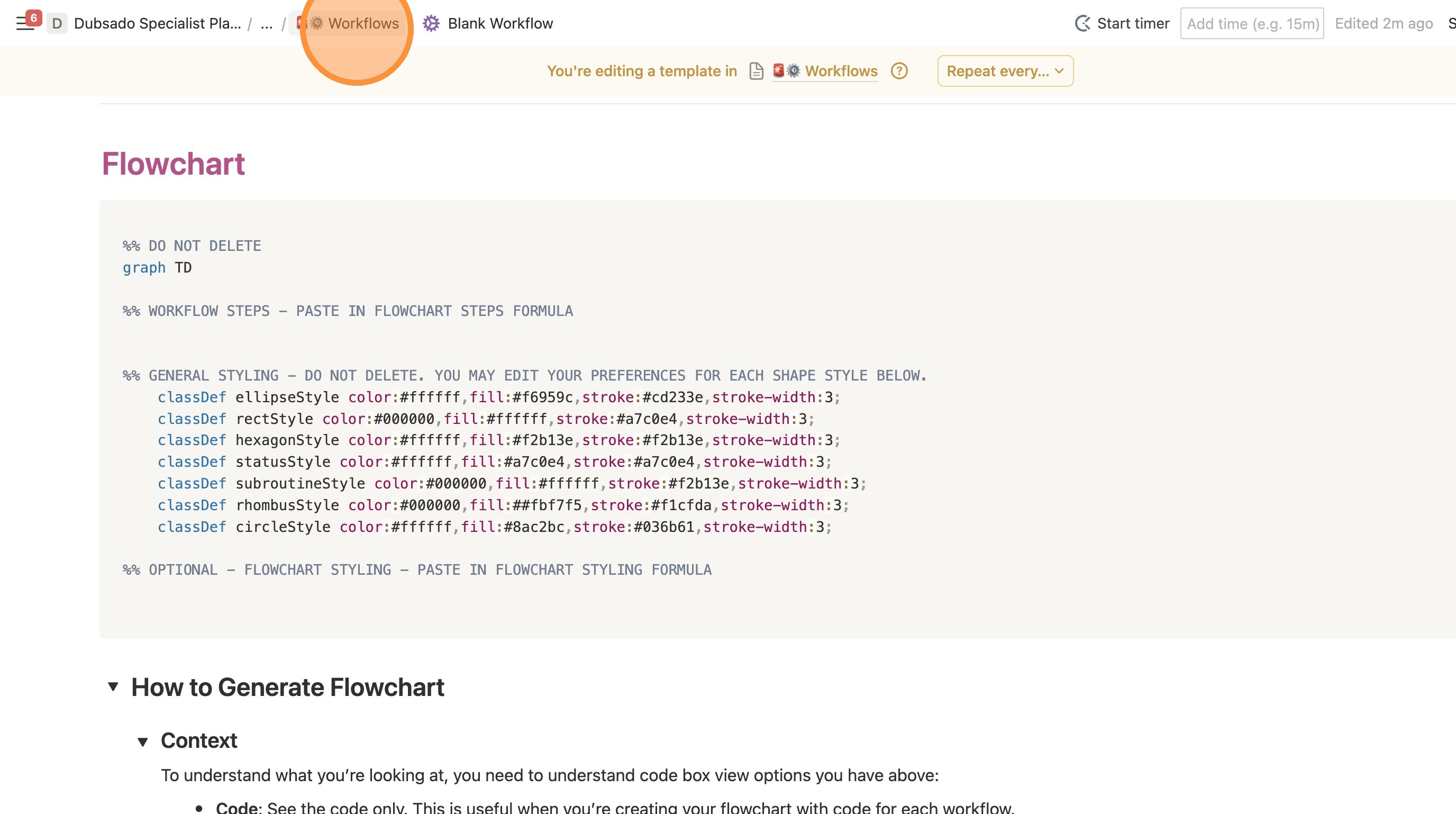
Editing Flowchart Template
1. Navigate to your master client template.
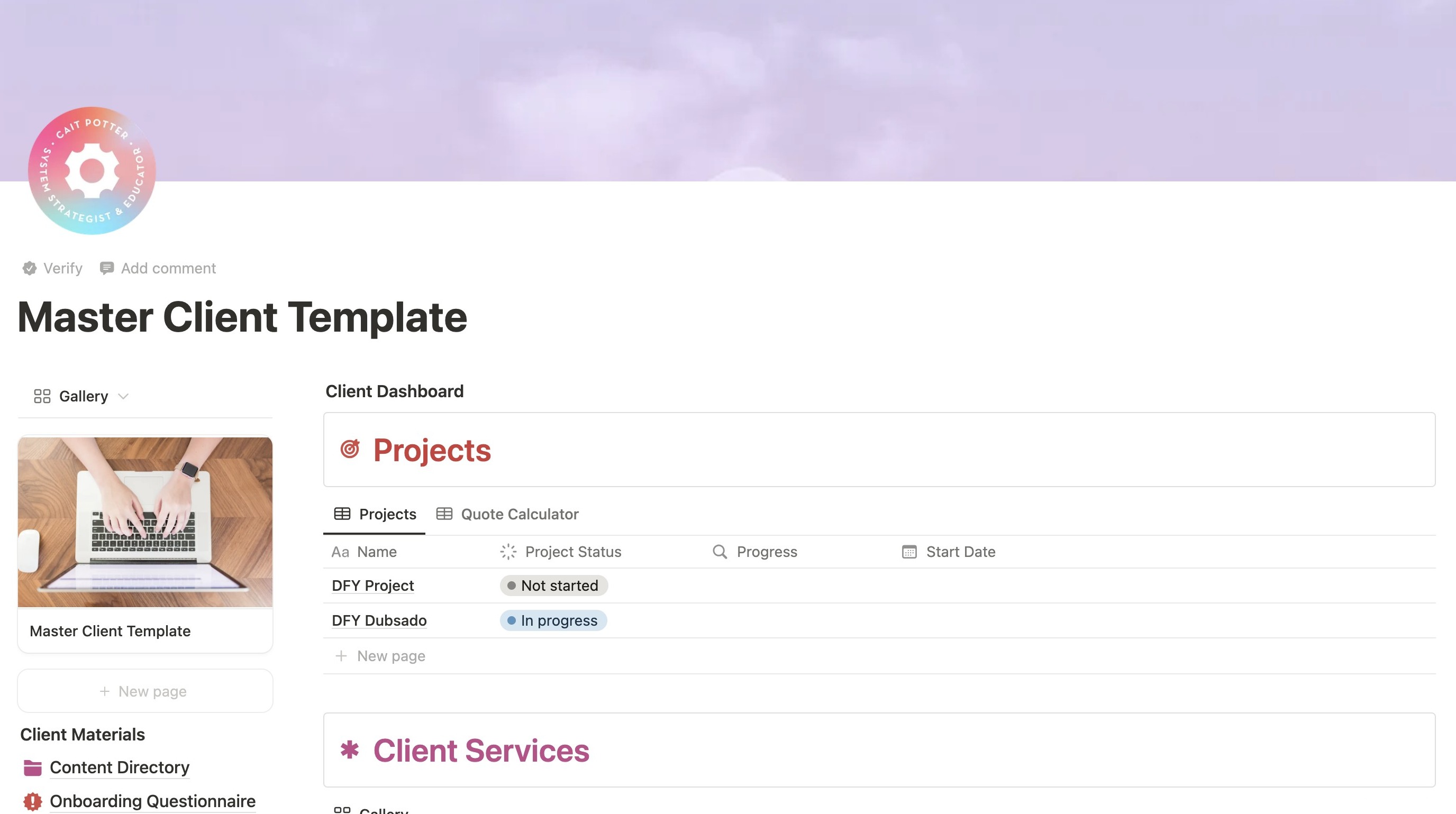
2. Scroll down to the "Workflows" section.
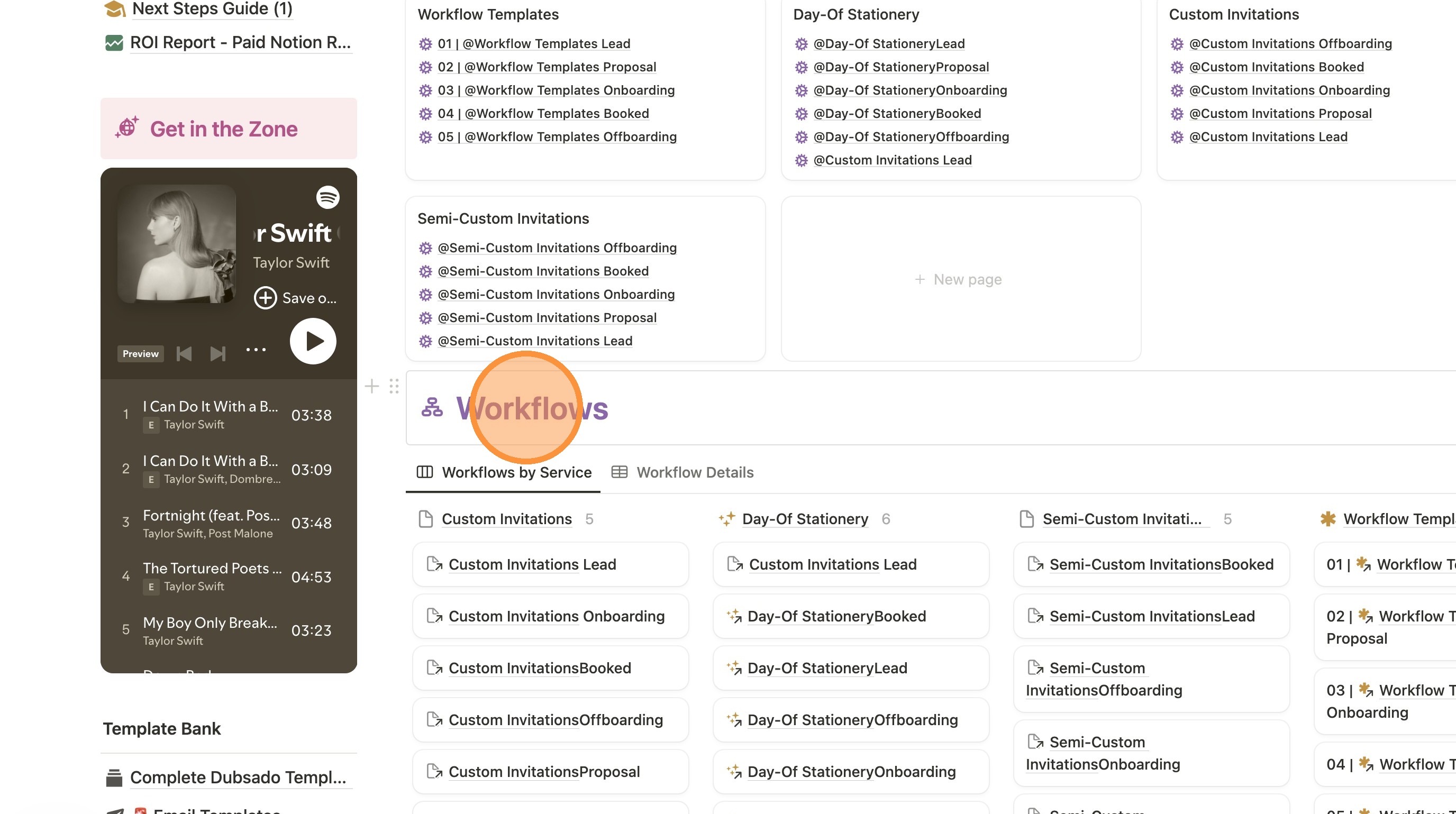
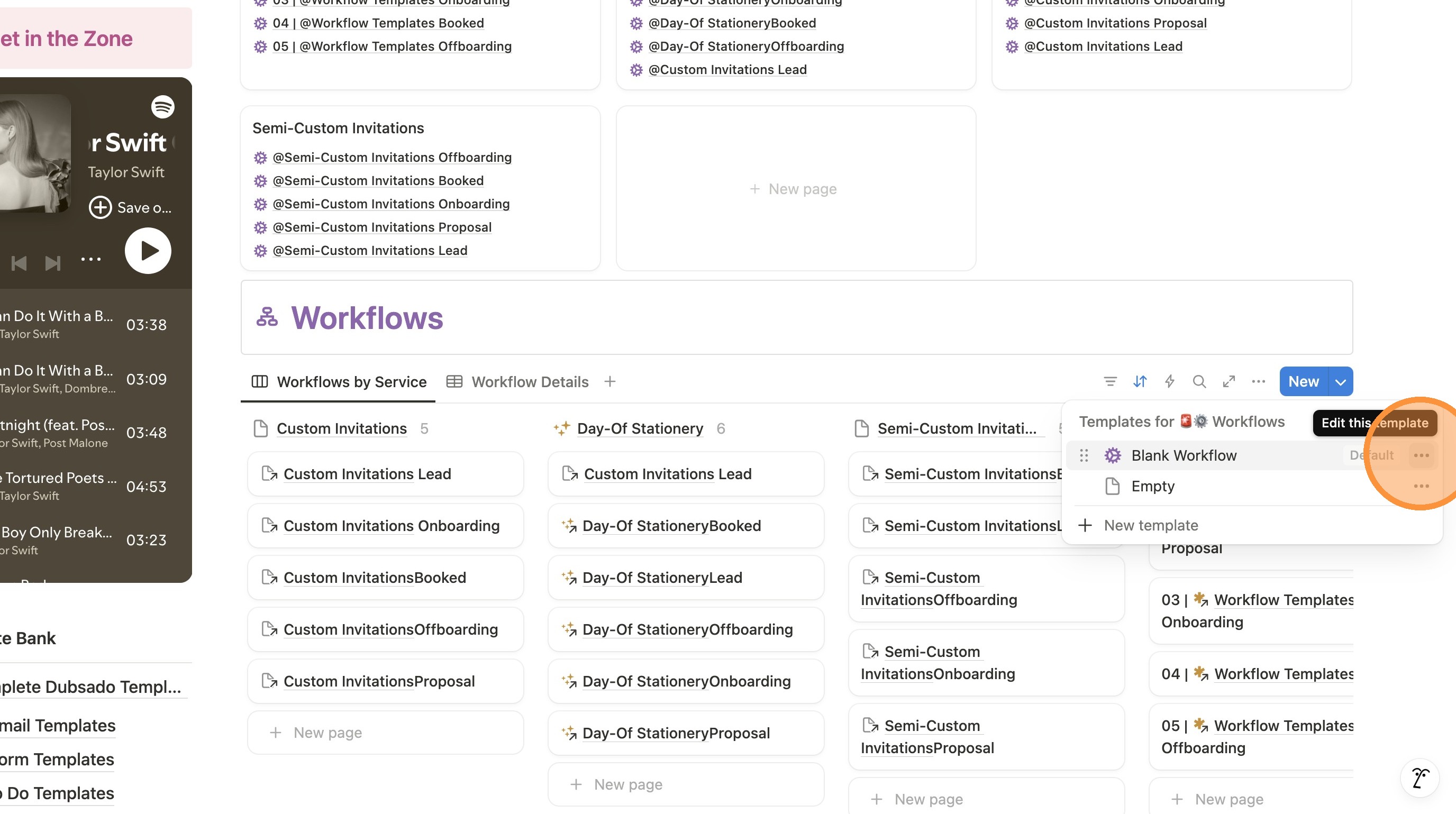
3. Click the dropdown arrow next to "New".
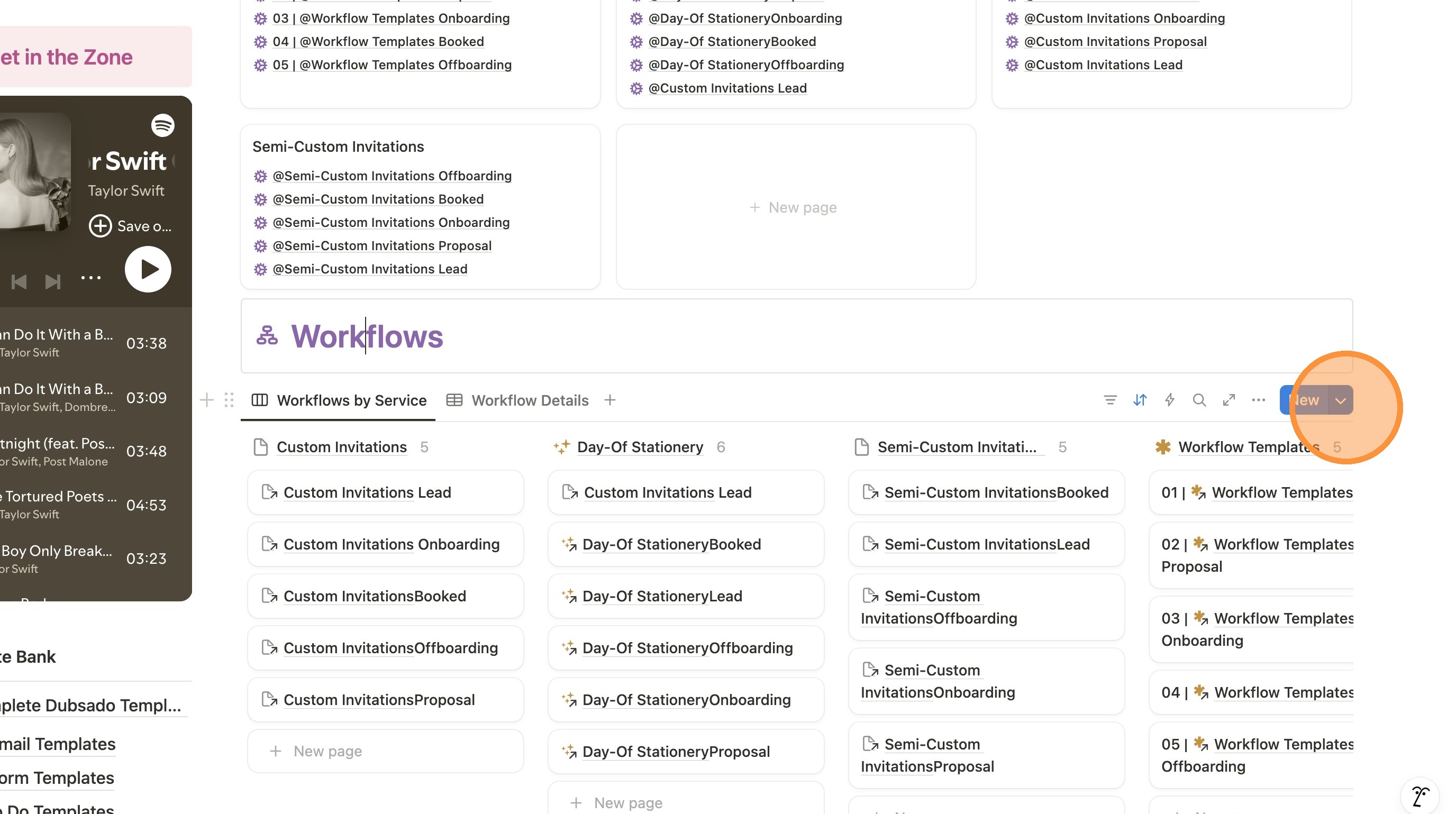
4. Click the three dots next to "Blank Workflow".
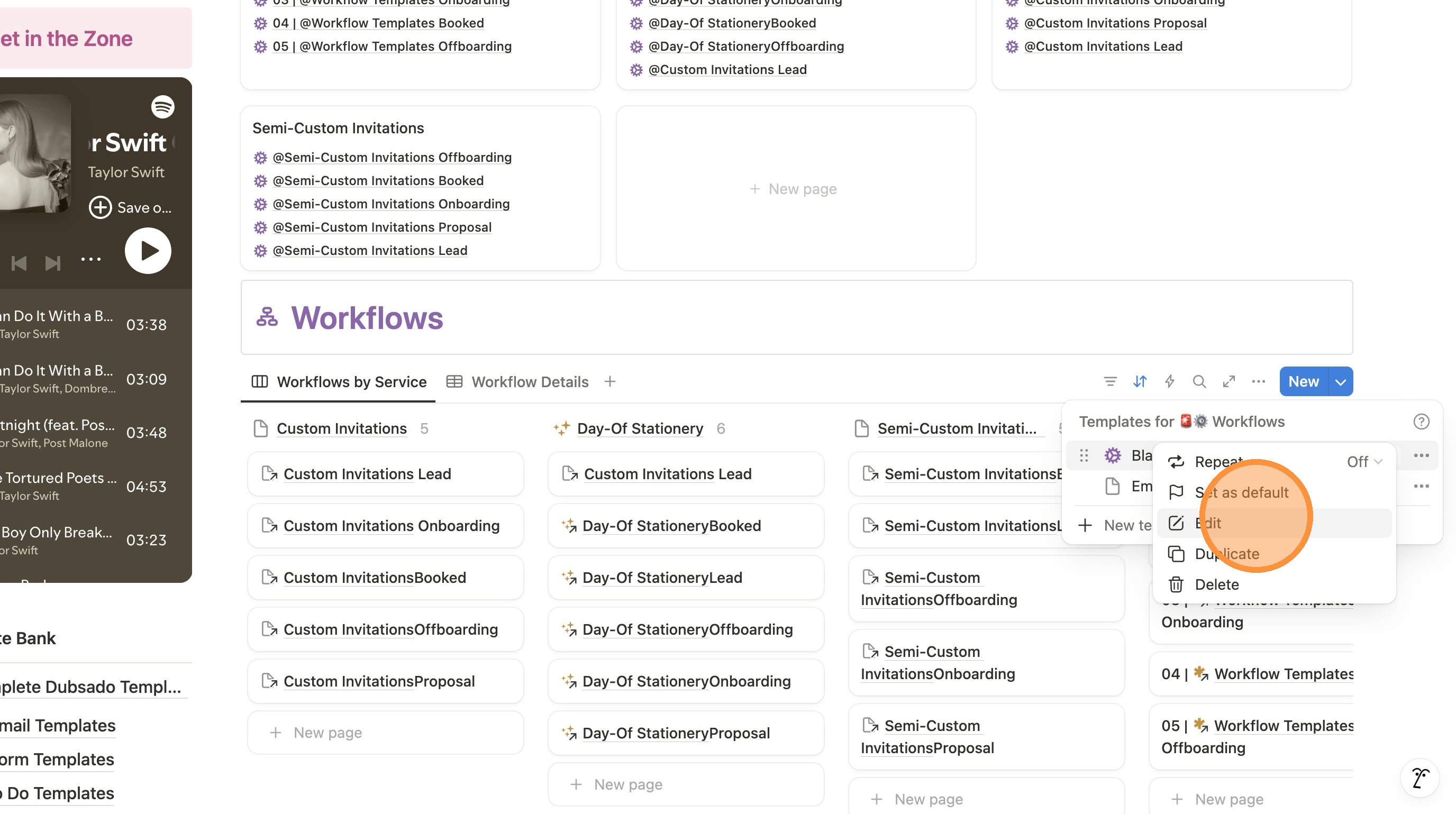
5. Click "Edit"
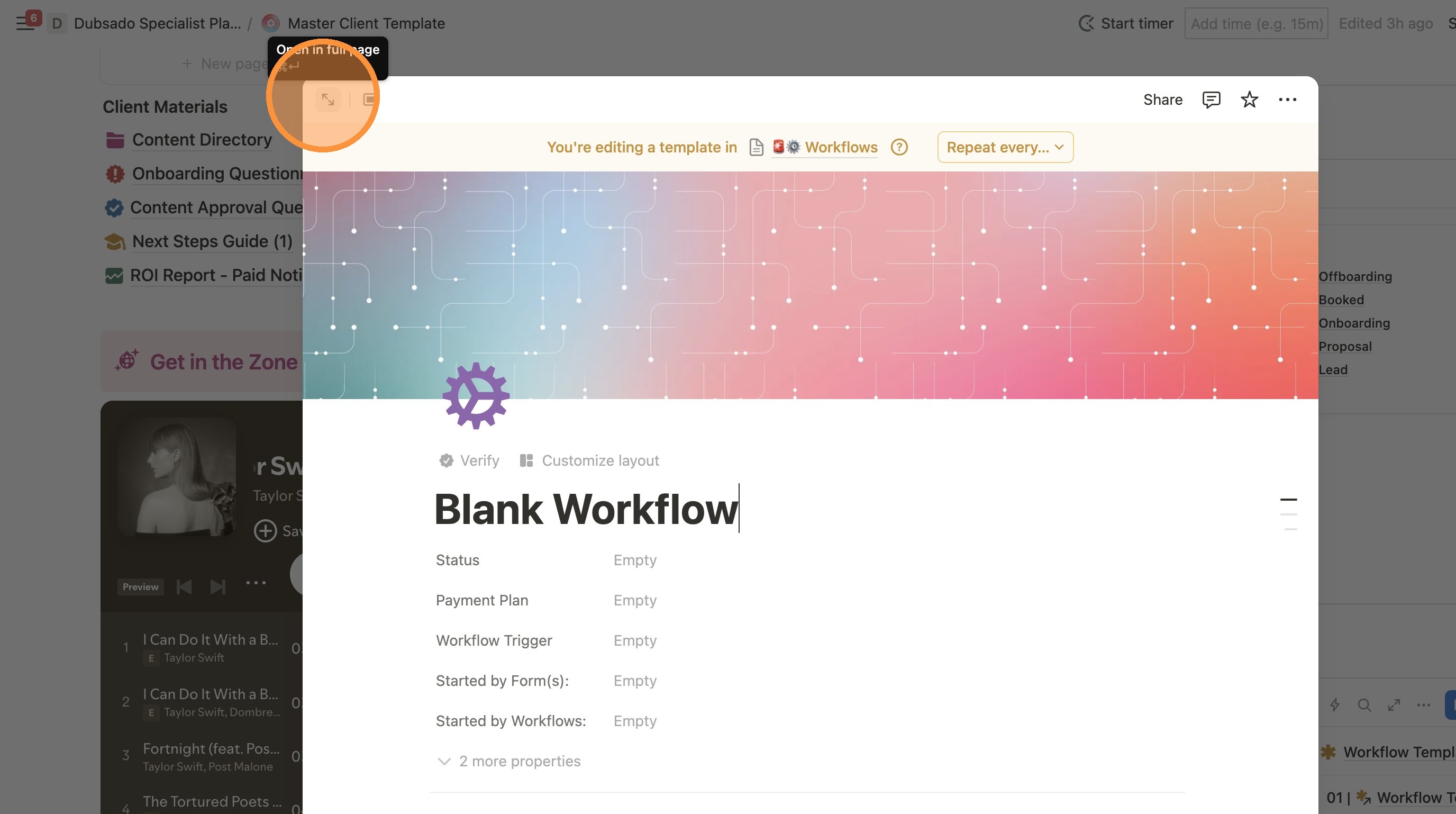
6. Click the arrows in the top of the window to expand it to full screen..
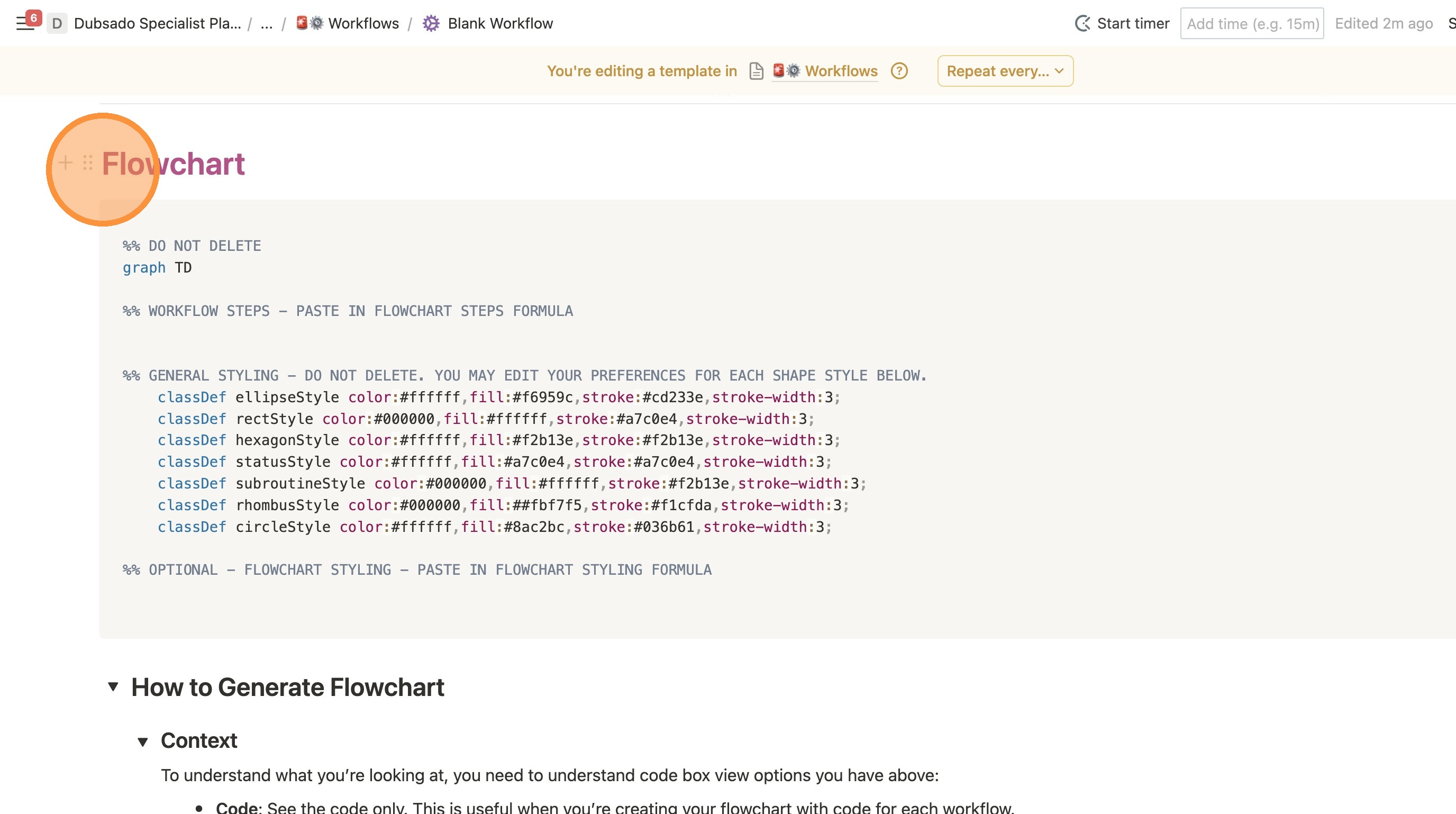
7. You'll now see that you're editing a template as shown by this banner at the top.
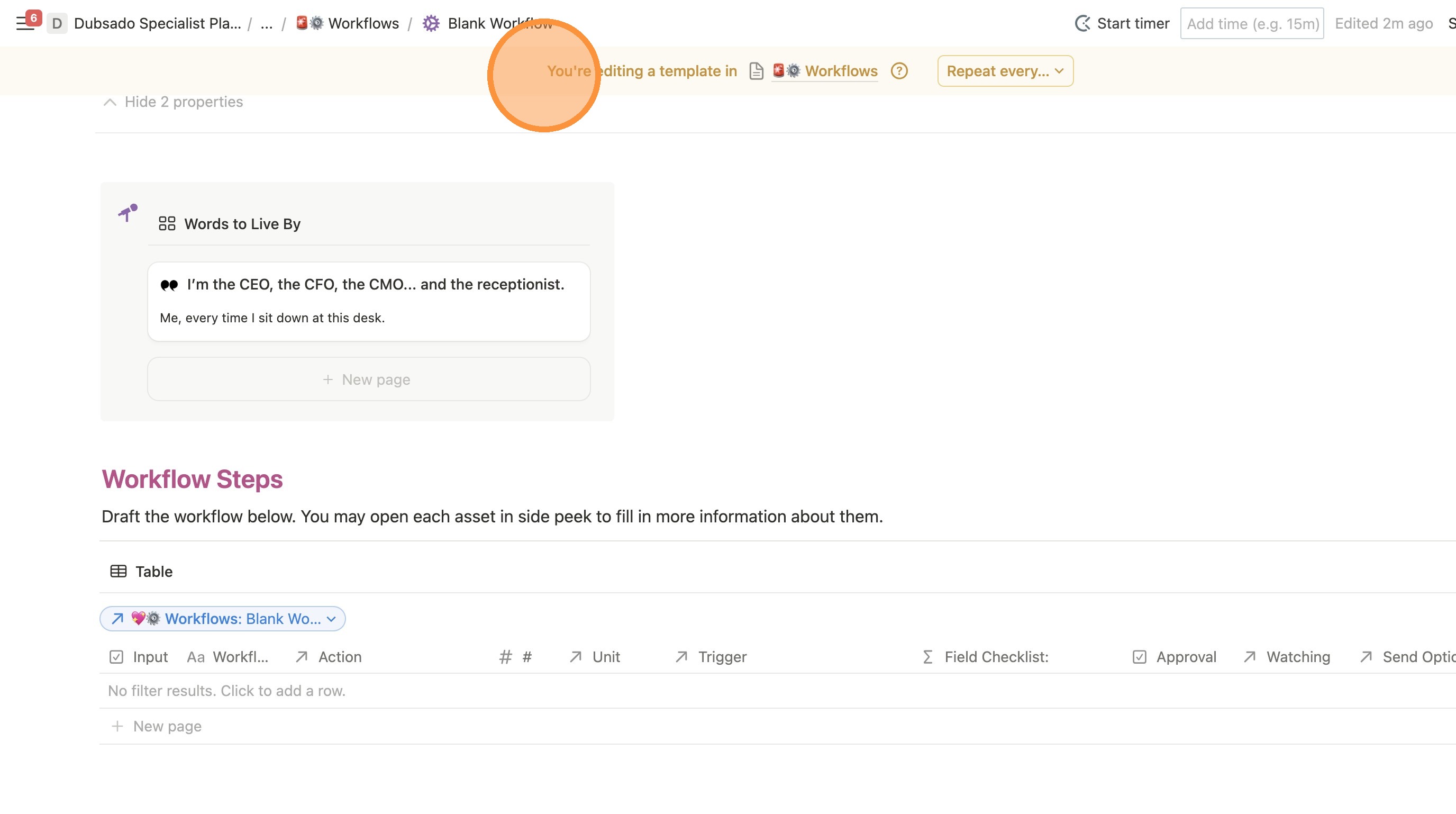
8. Scroll down to the "Flowchart" section.
Make all of your edits here.
9. To exit the template page, you can go backwards one page in your breadcrumbs bar.