
How to Access the OQ & CAQ
1. Navigate to the Home Page of The Setup OS.
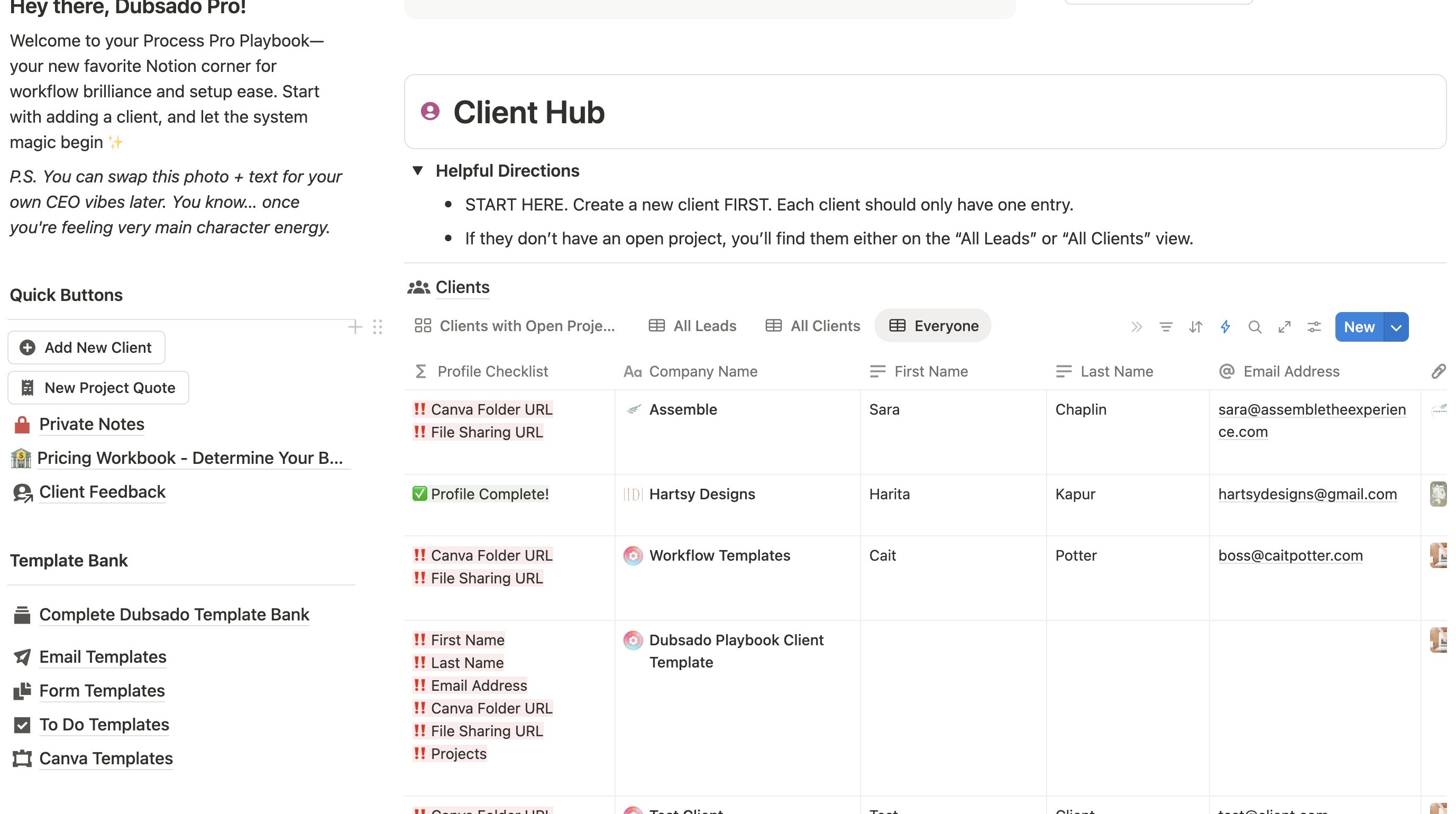
2. Click here.
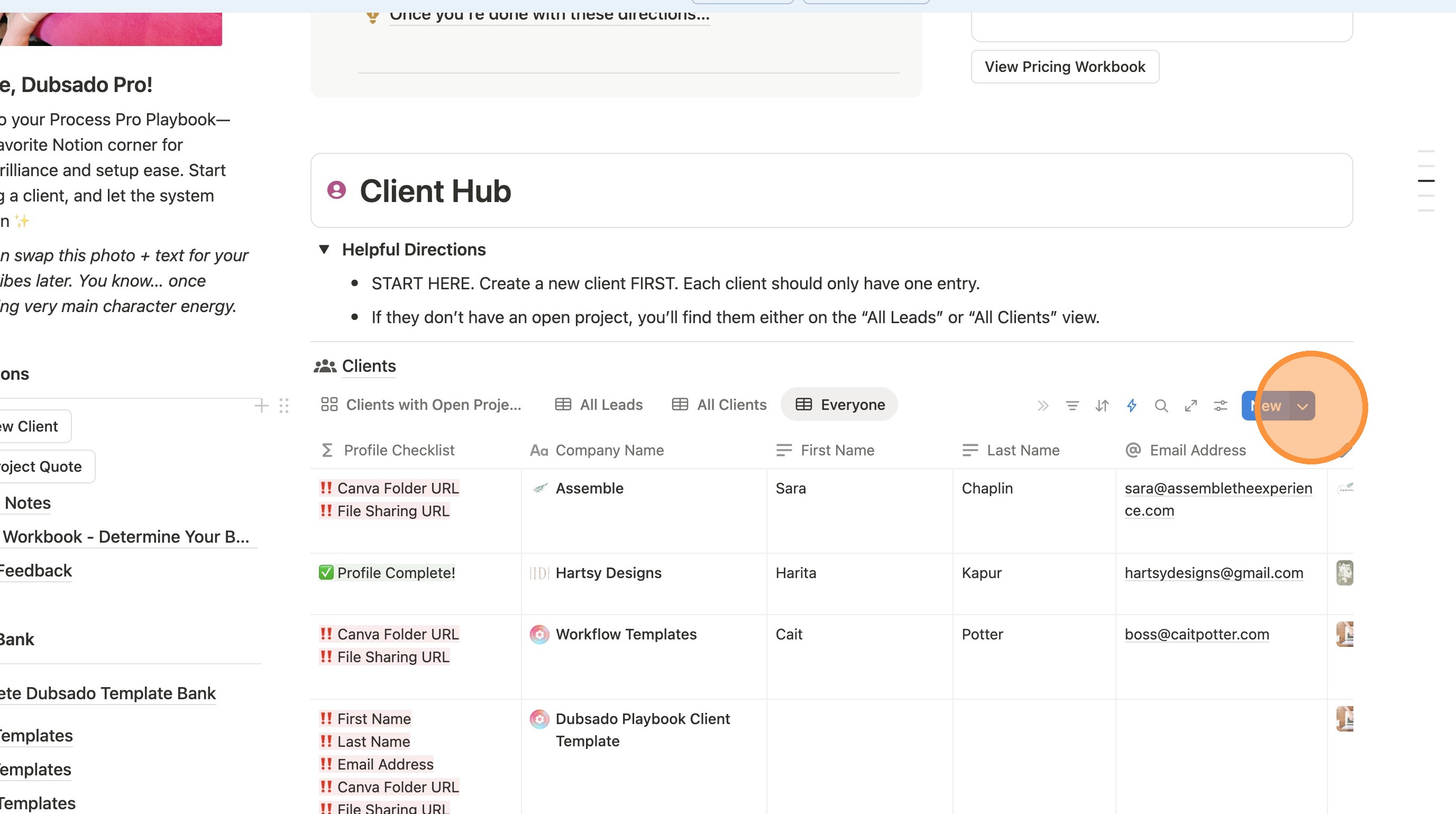
3. Click this icon.
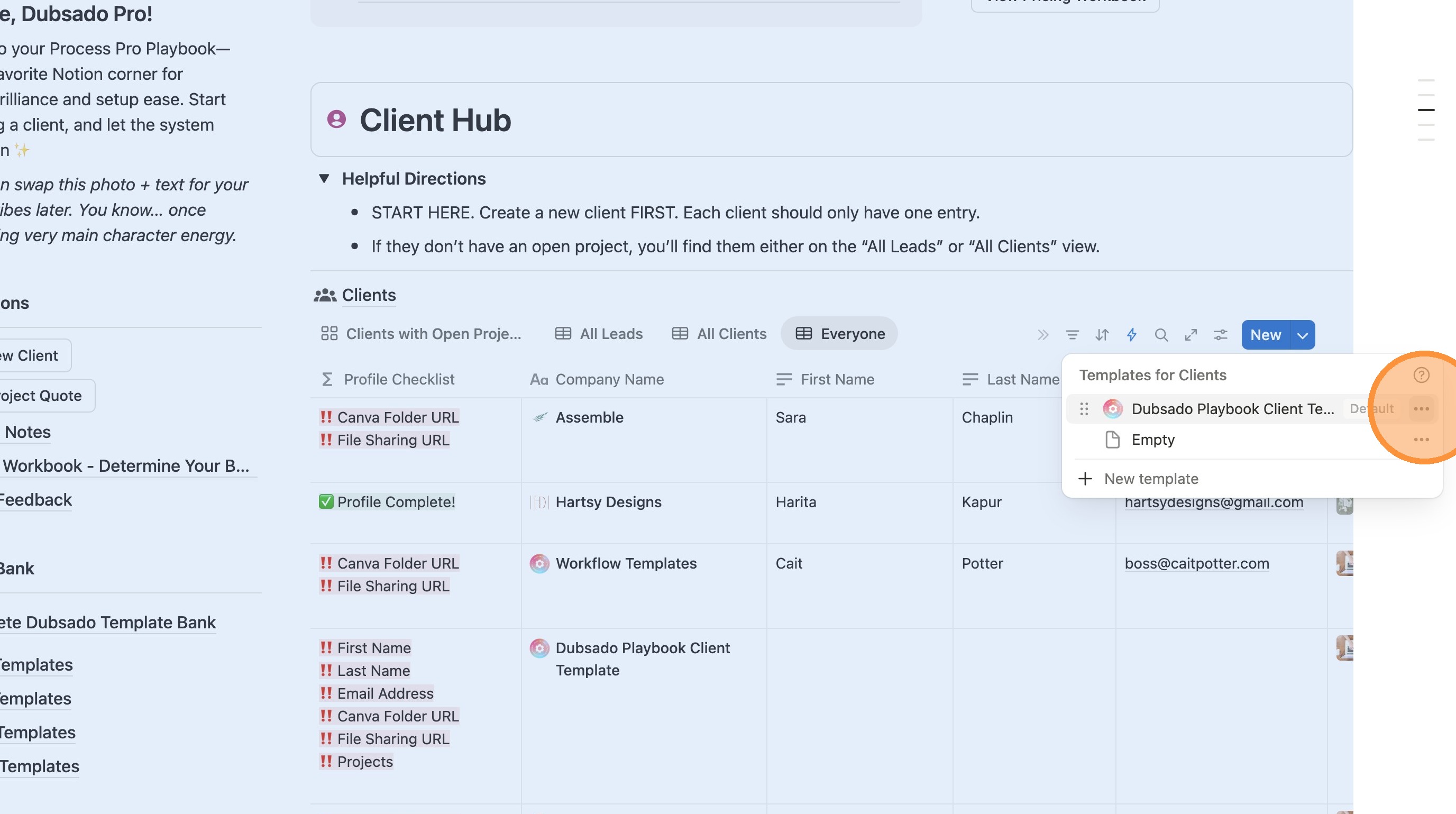
4. Click "Edit"
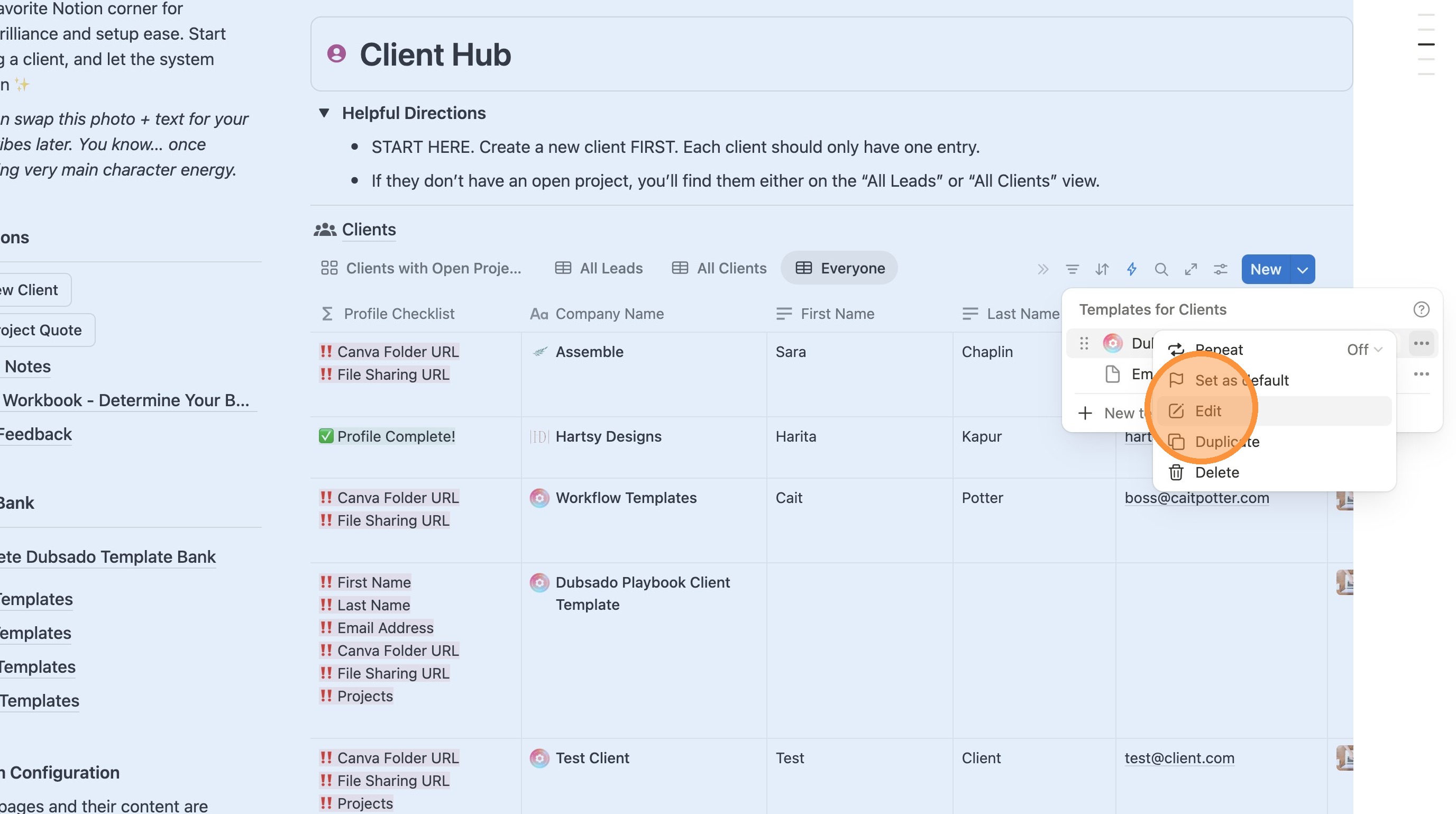
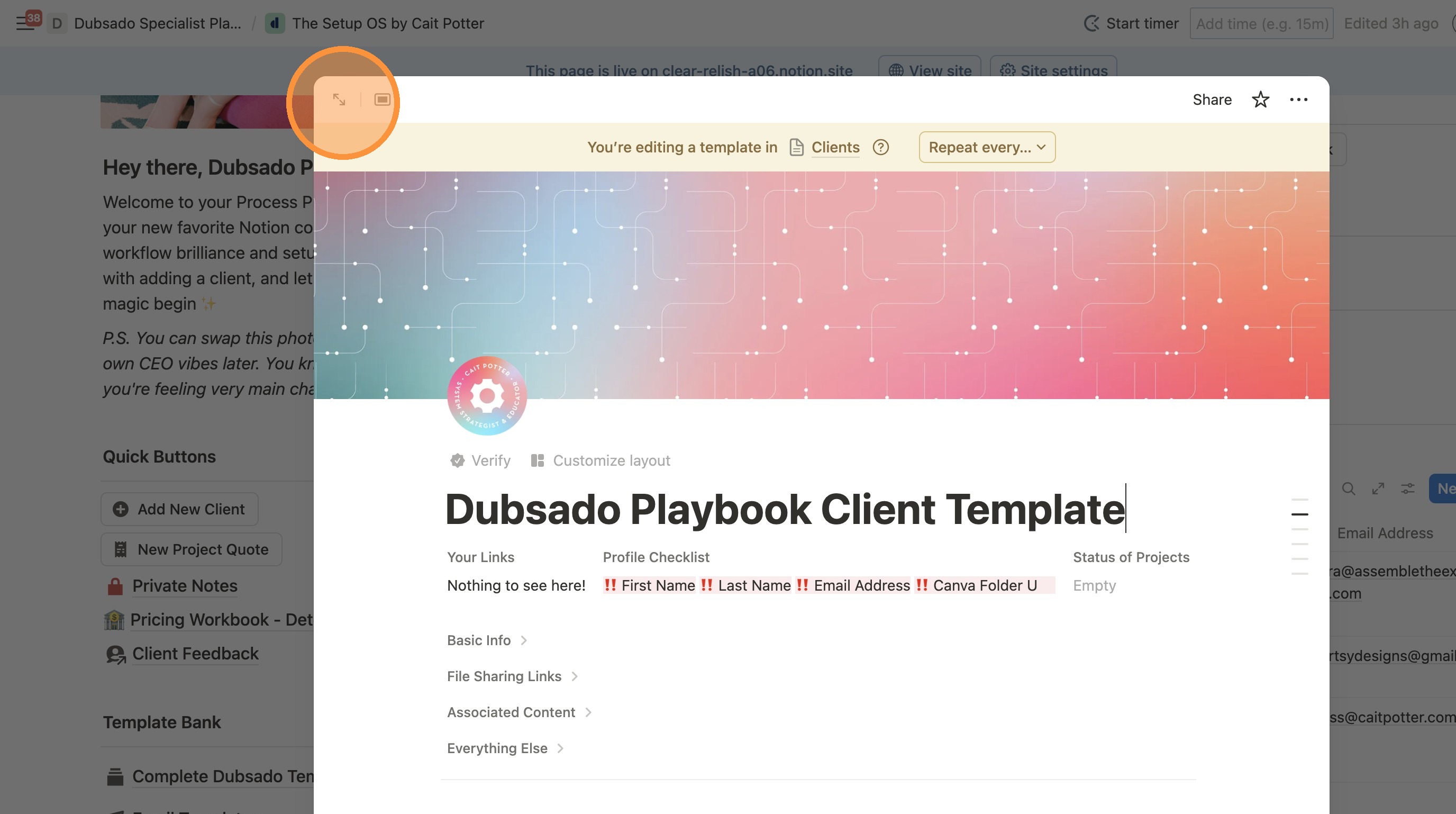
5. Click here to make it full screen.
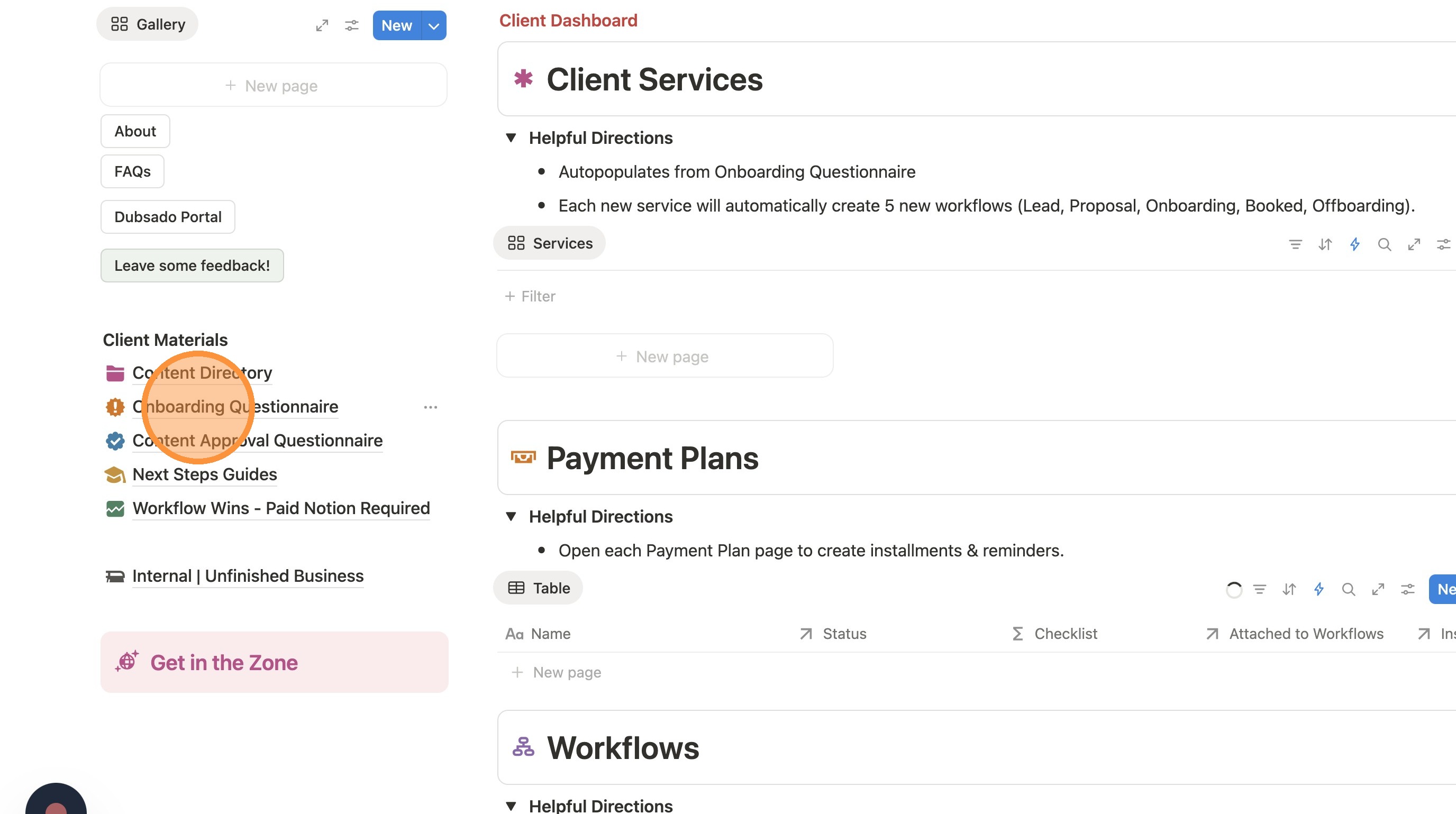
6. Click "Onboarding Questionnaire" or "Content Approval Questionnaire", whichever you are trying to edit.
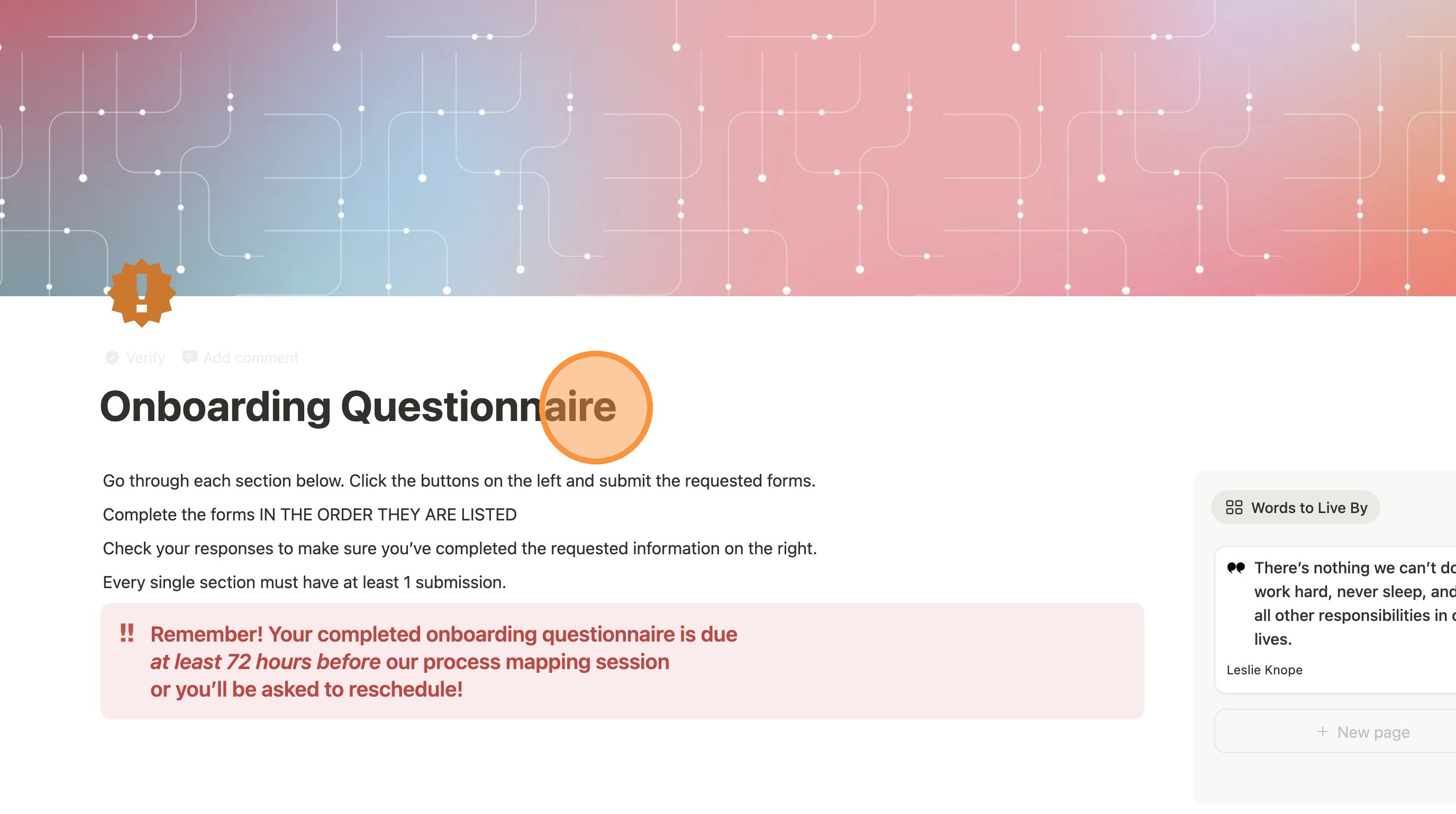
7. Once you've landed on the opened page, this is where you'll make the rest of the updates listed in this section.
Alert: When you're all done with the updates described in your course, make sure you exit the template!