How to Begin a Booked Project & Share with Client
Prepare the Project
1. Navigate to https://www.notion.so/The-Setup-OS-by-Cait-Potter-206dd7308353808987bff97cb6ffafb3?p=24cdd730835381b5aedfeddc50ead287&pm=s
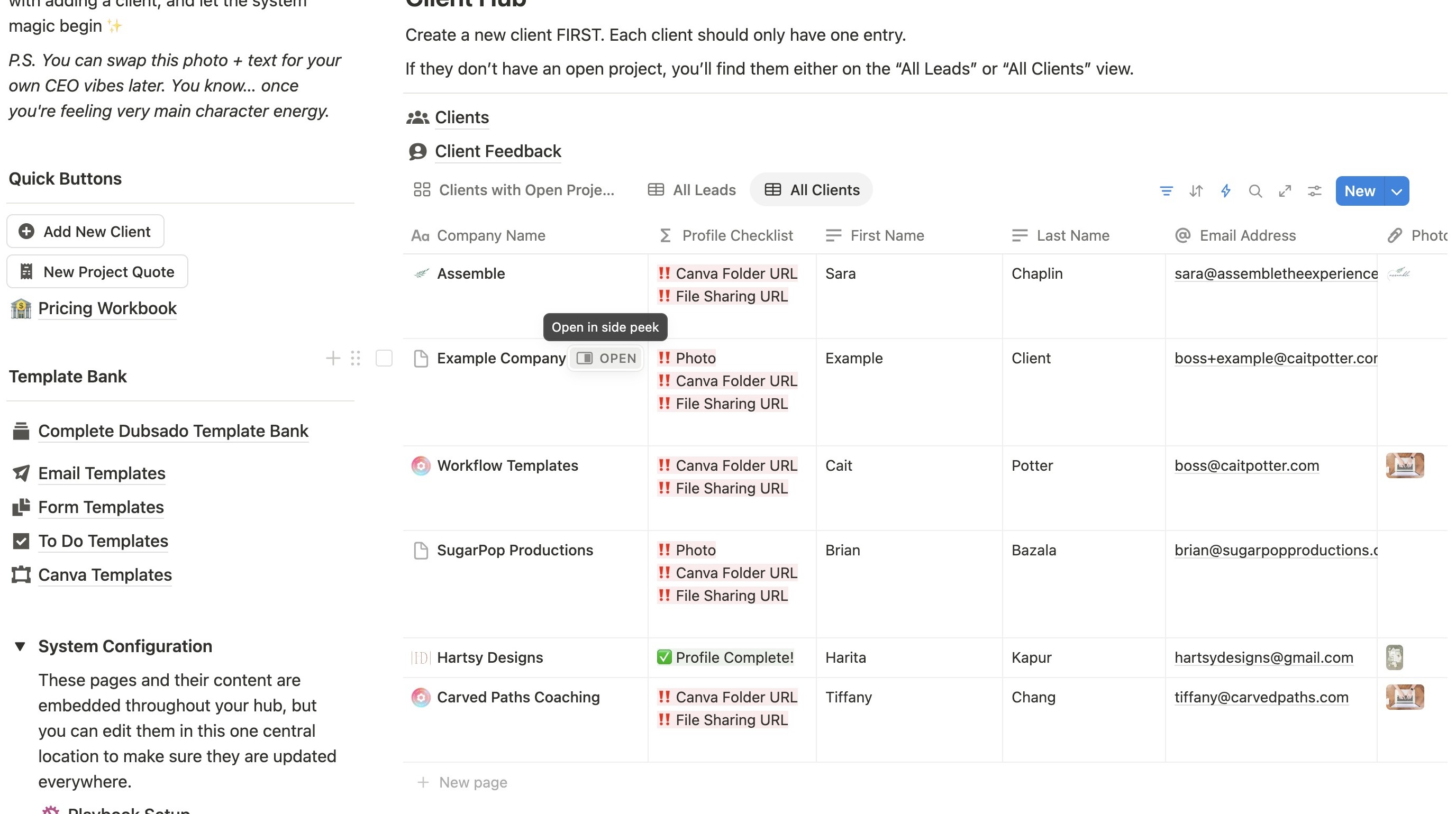
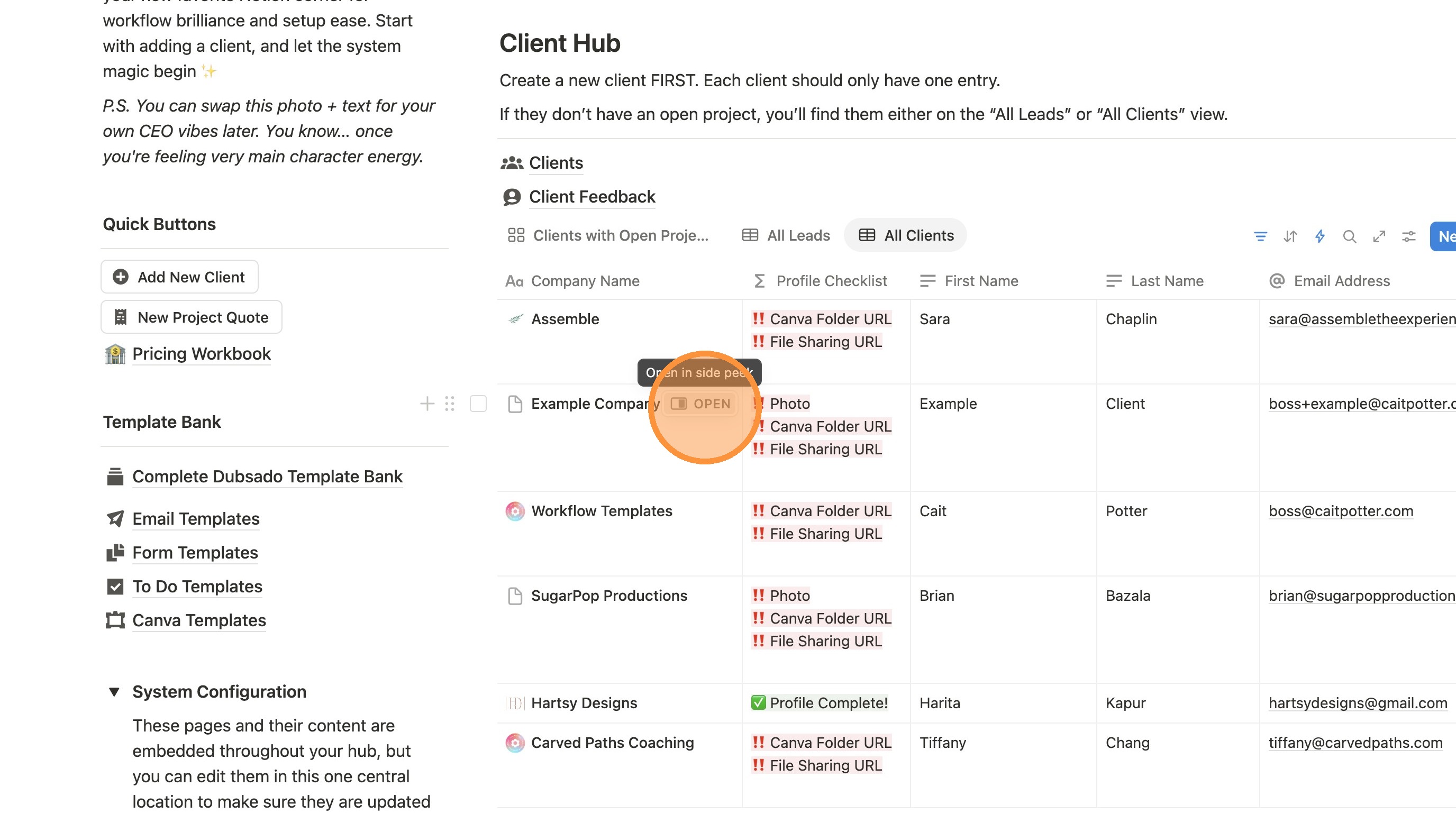
2. Locate the client and click "Open"
3. Click the arrows in the top left to make it full screen.
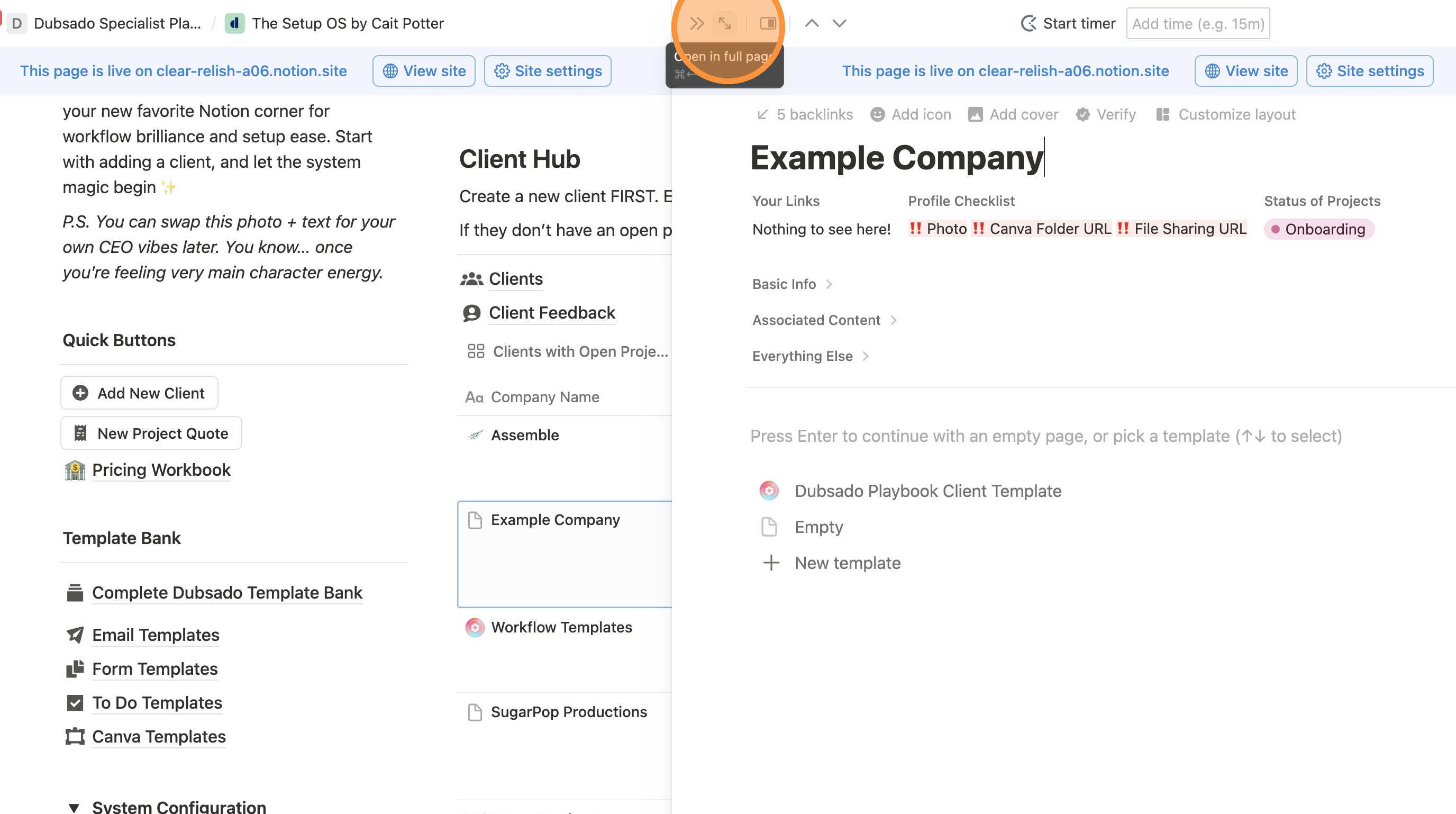
4. IF the page is blank, click "Dubsado Playbook Client Template" & wait for it to load. You may need to refresh your screen.
If it's not blank, skip to the next step.
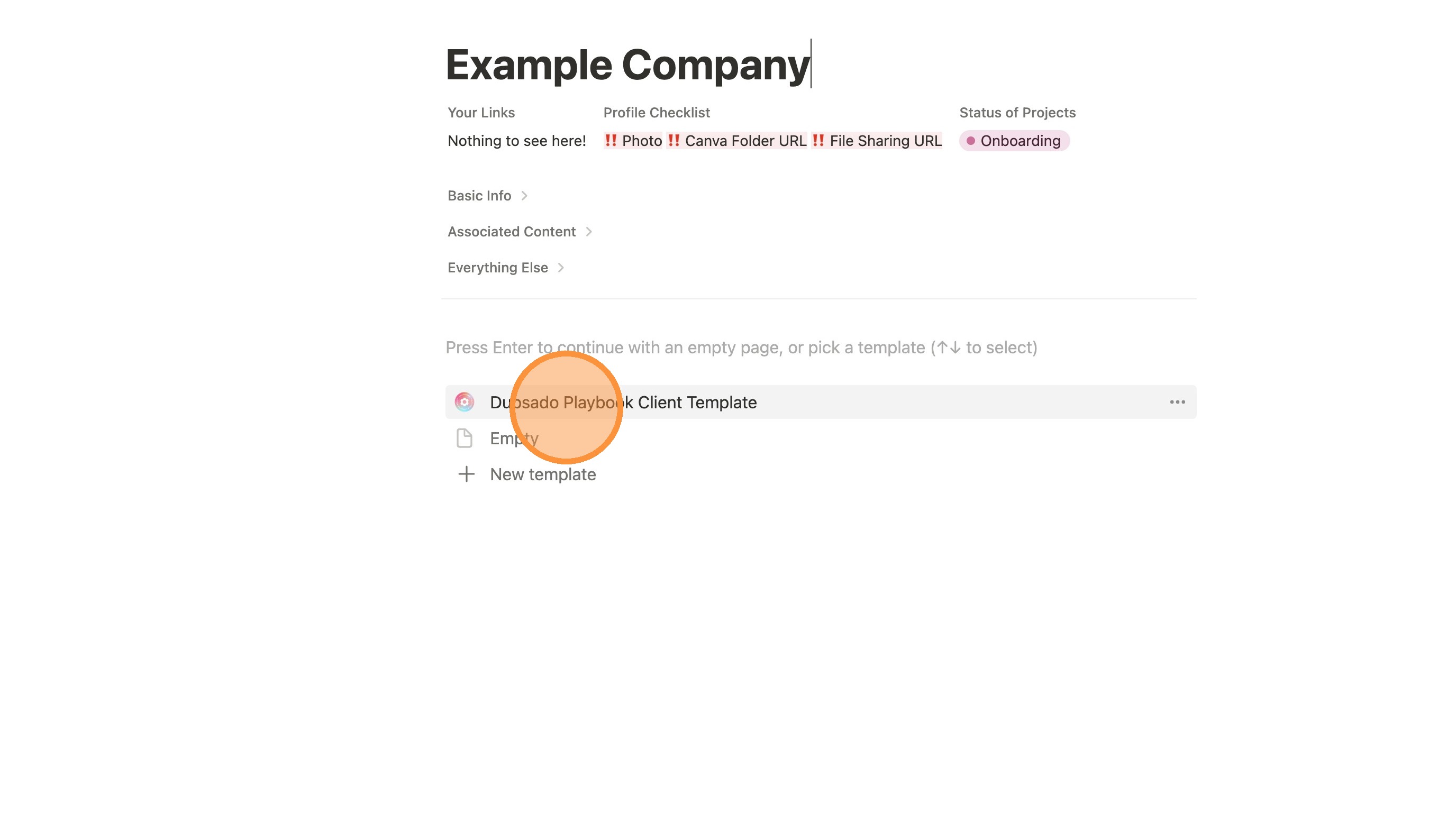
5. Click "Open"
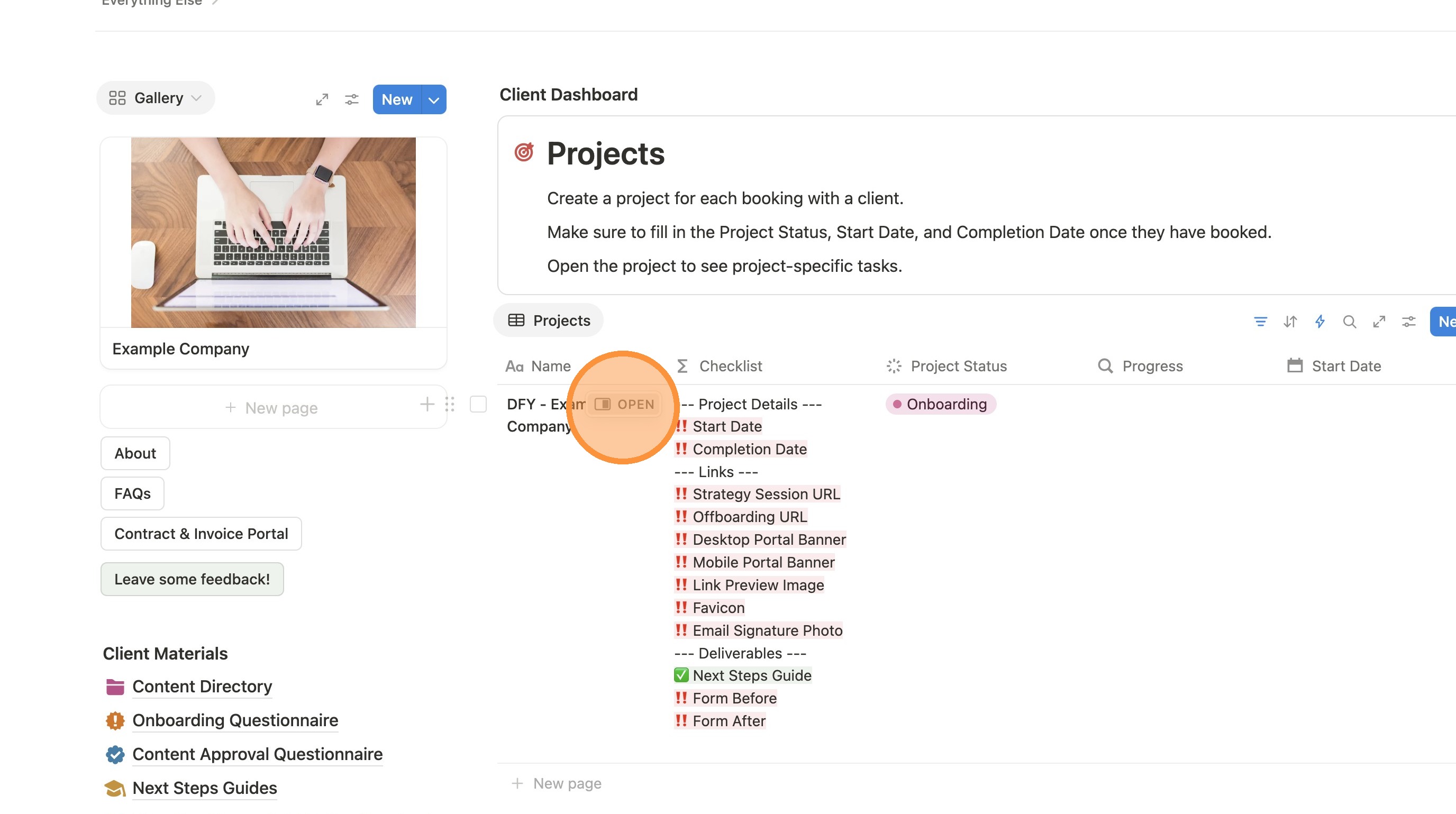
6. Note the project Checklist at the top of the page. It is telling you all the things on the page that need to be filled in. They will update automatically as they are filled (as you can see with the Next Steps Guide example below).
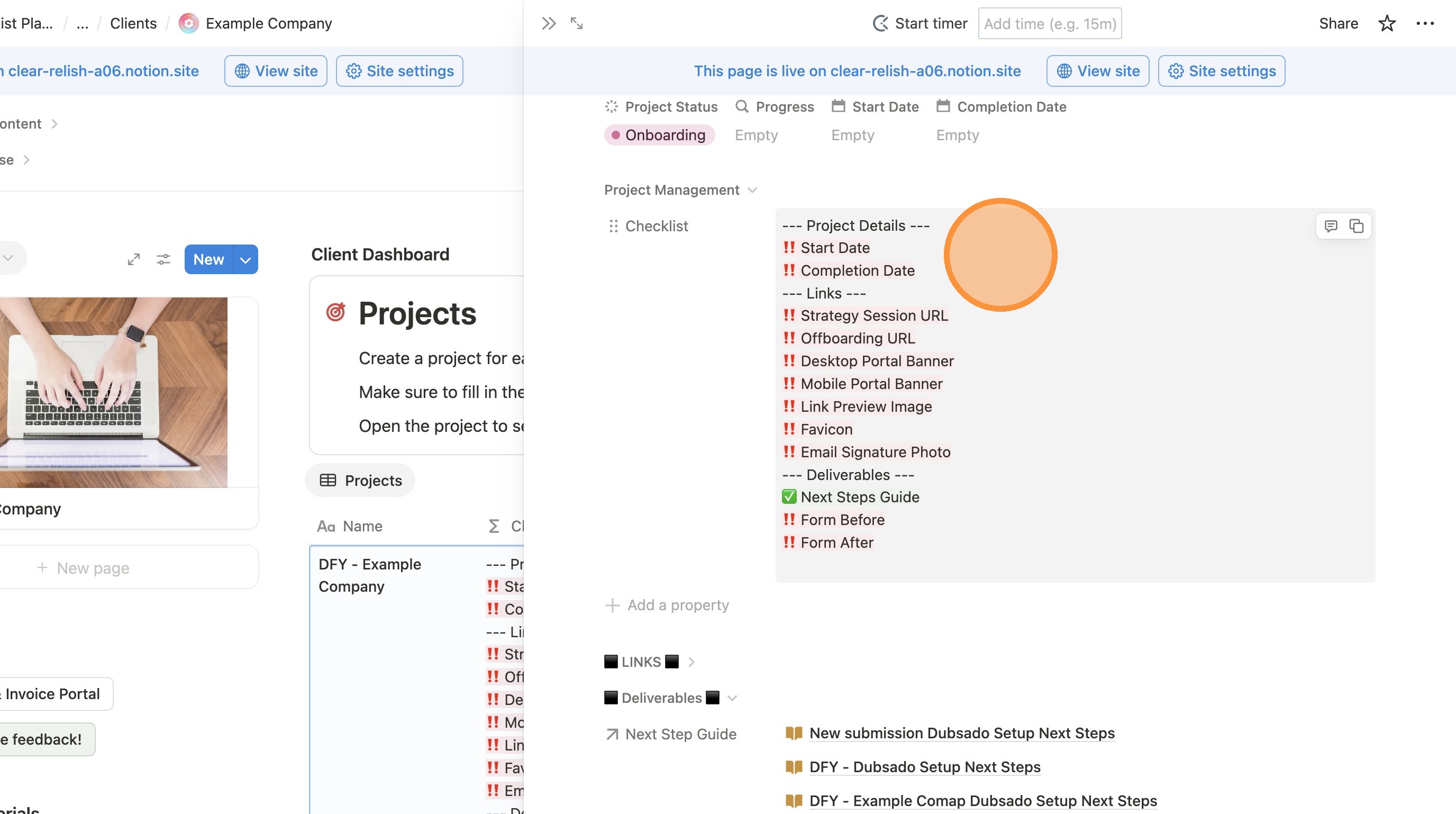
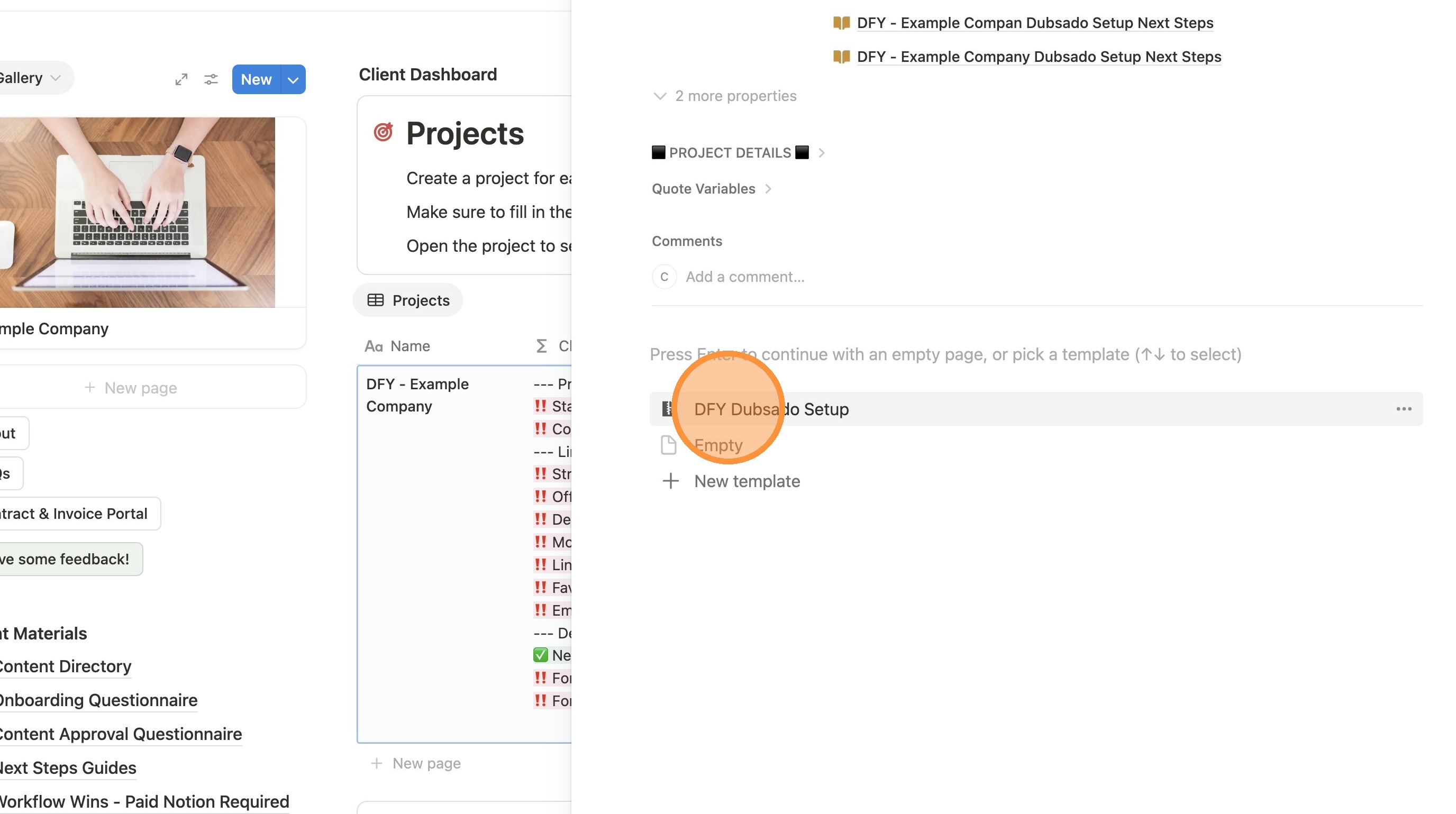
7. Scroll down past the checklist and field at the top of the page. IF the page is blank, click "DFY Dubsado Setup". If it's not blank, skip to the next step.
8. MAKE SURE TO FILL THE PROJECT START DATE BEFORE GOING ANY FURTHER! This will allow due dates to automatically calculate.
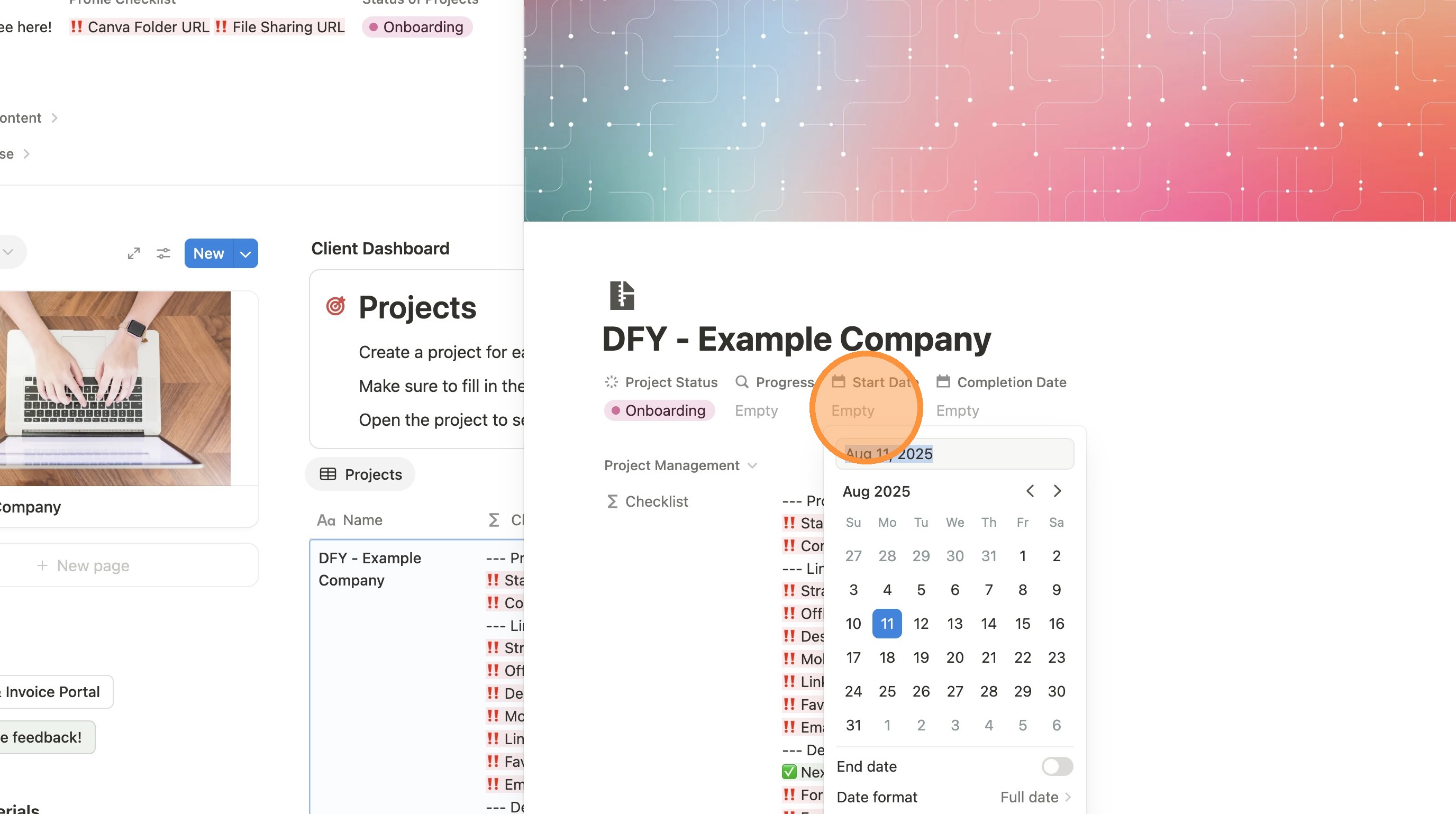
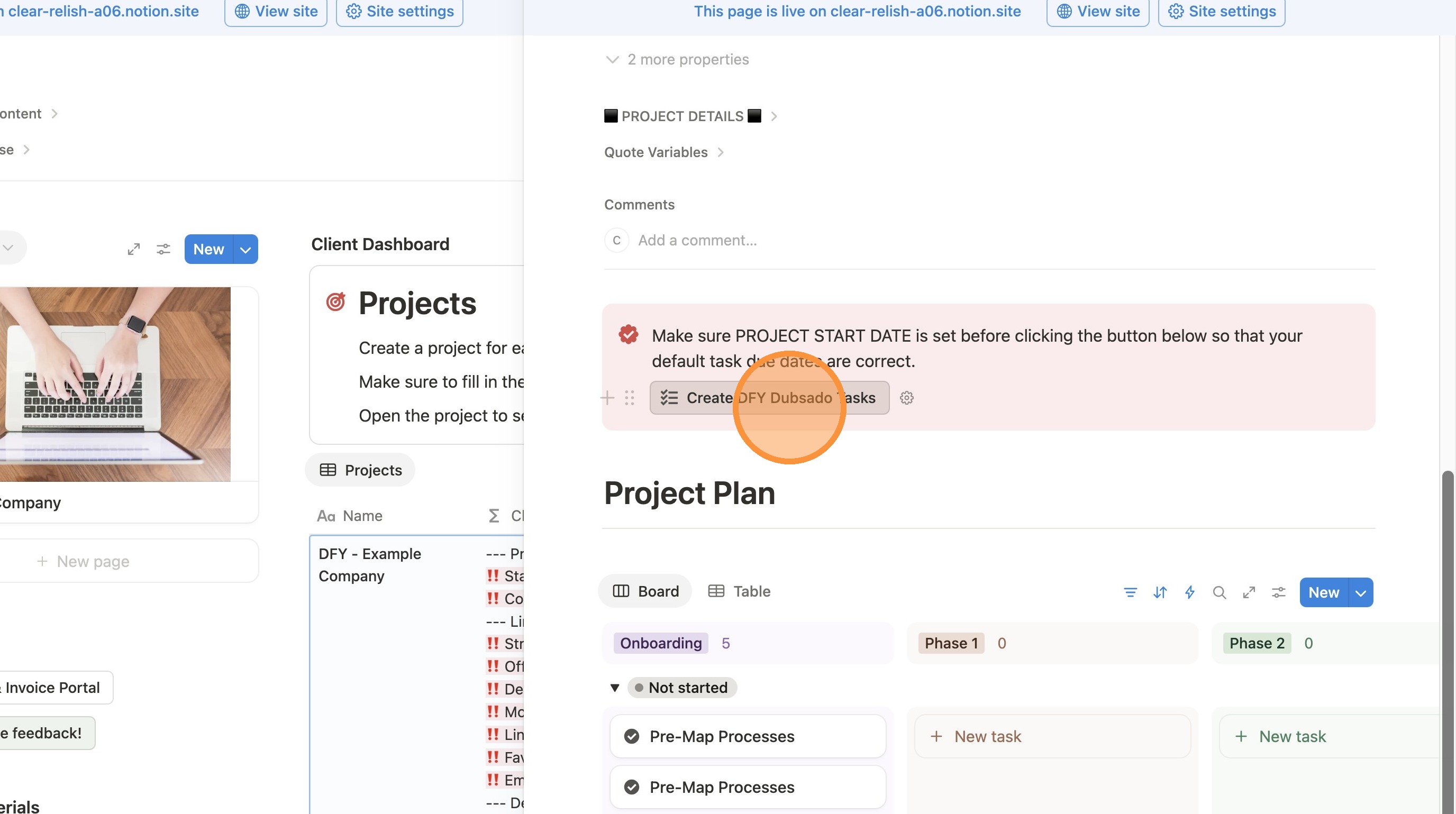
9. Click "Create DFY Dubsado Tasks". DO NOT CLICK THIS IF YOU HAVE NOT FILLED IN THE PROJECT START DATE.
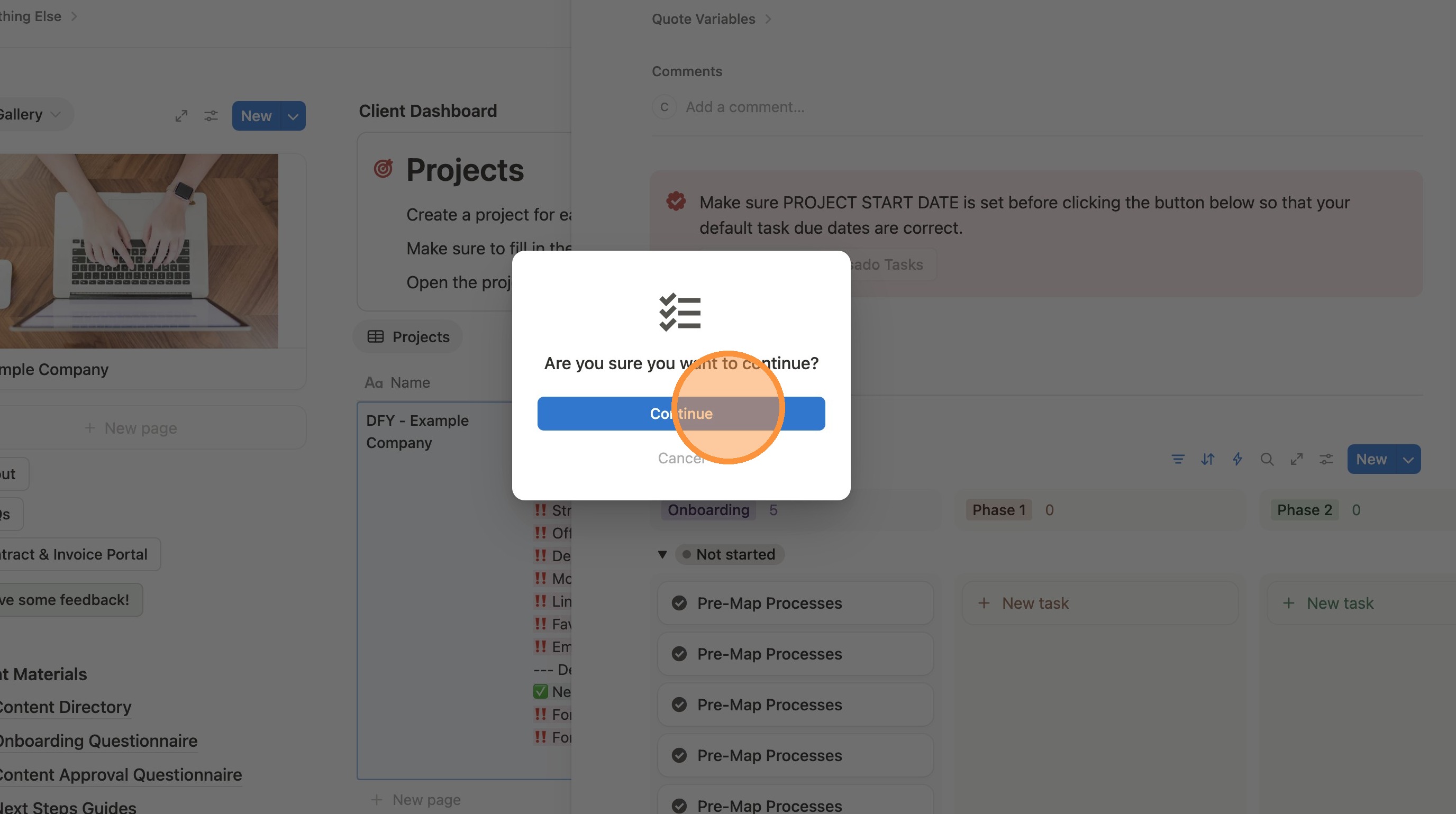
10. Click "Continue"
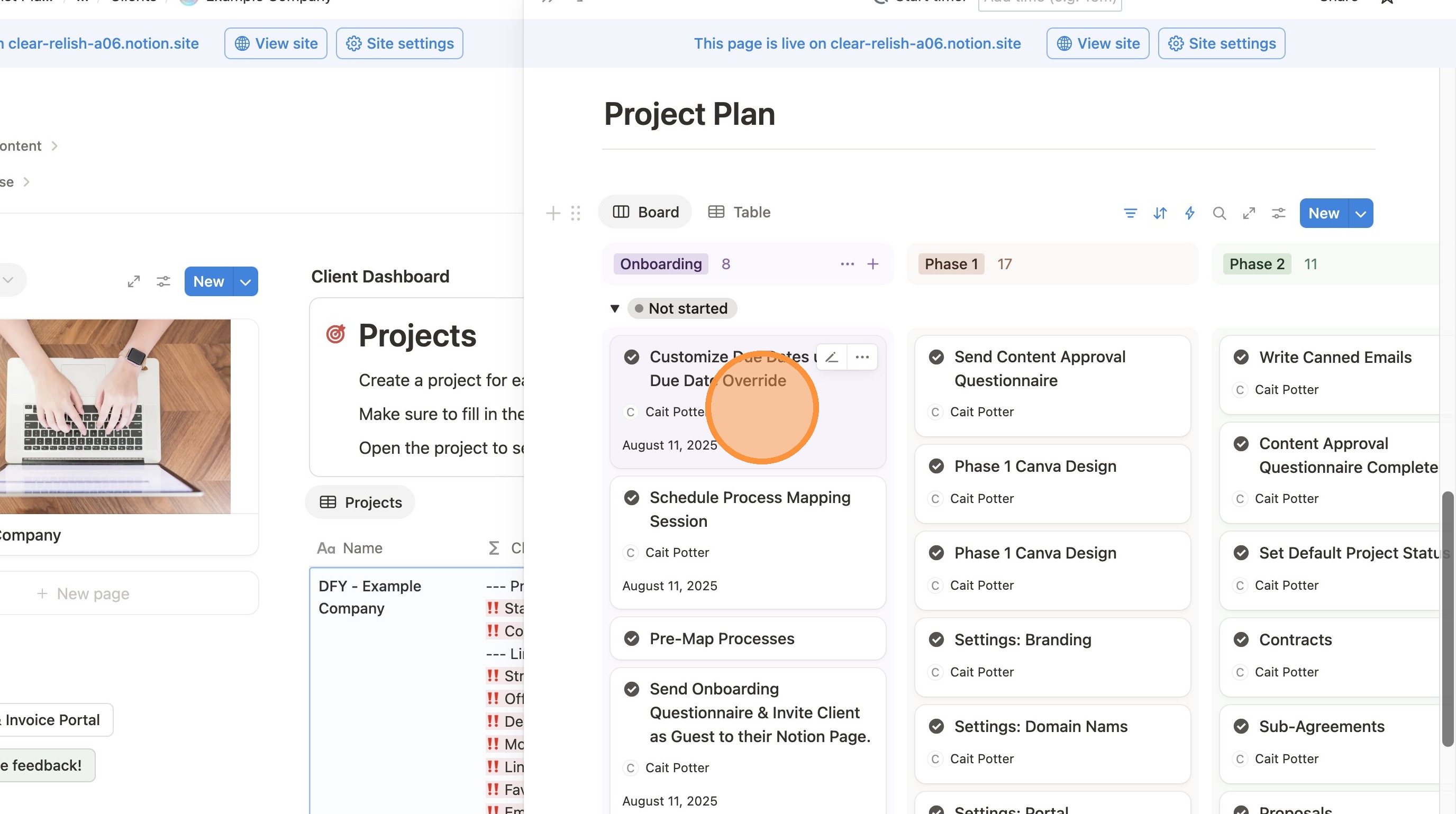
11. If there are any extra tasks you don't need, click the 3 dots next to the task and click "Delete"
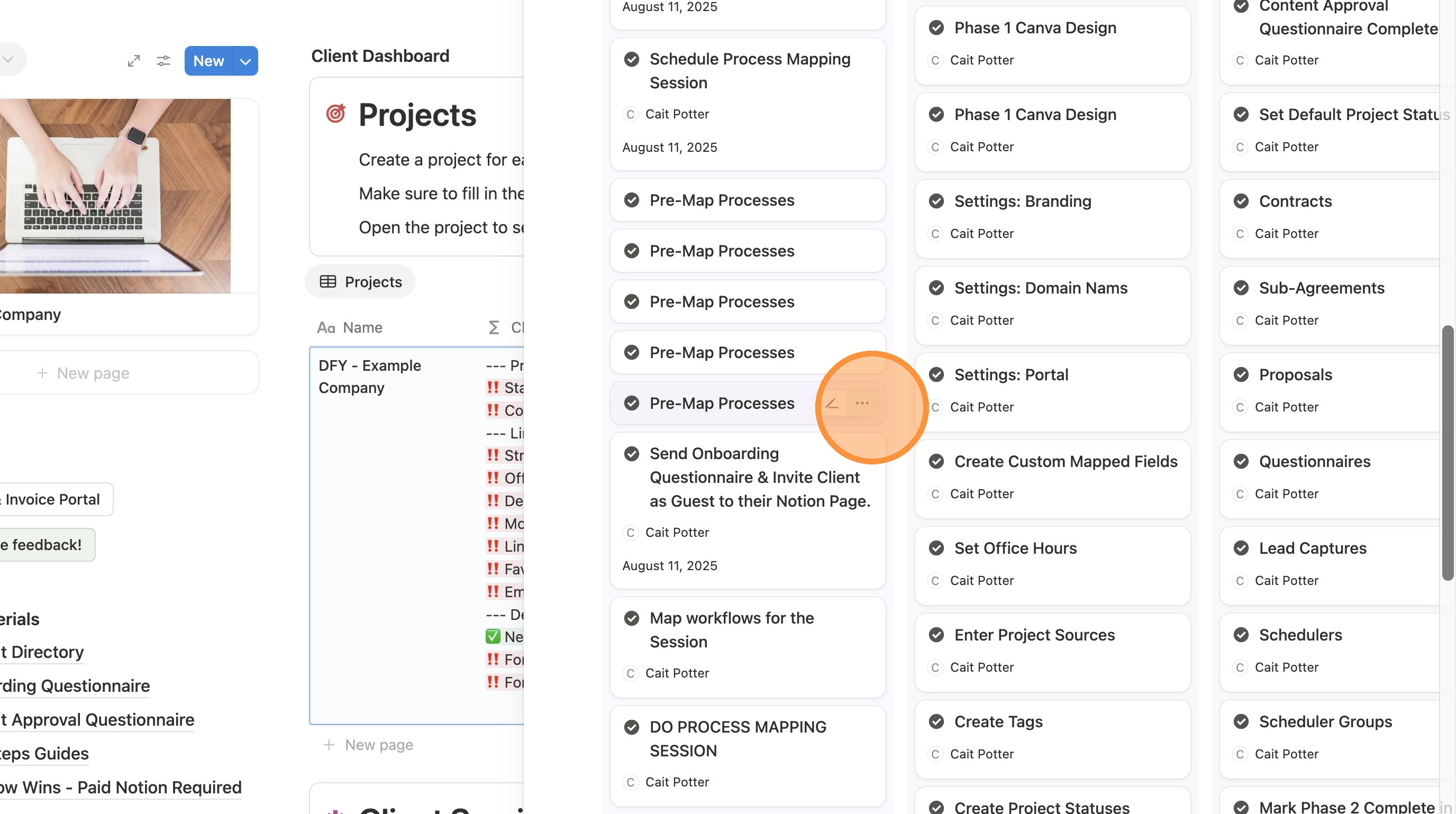
12. To see more details about any given task, click it to open up the details. That is also the screen where you can check things off.
Preparing the Onboarding Questionnaire
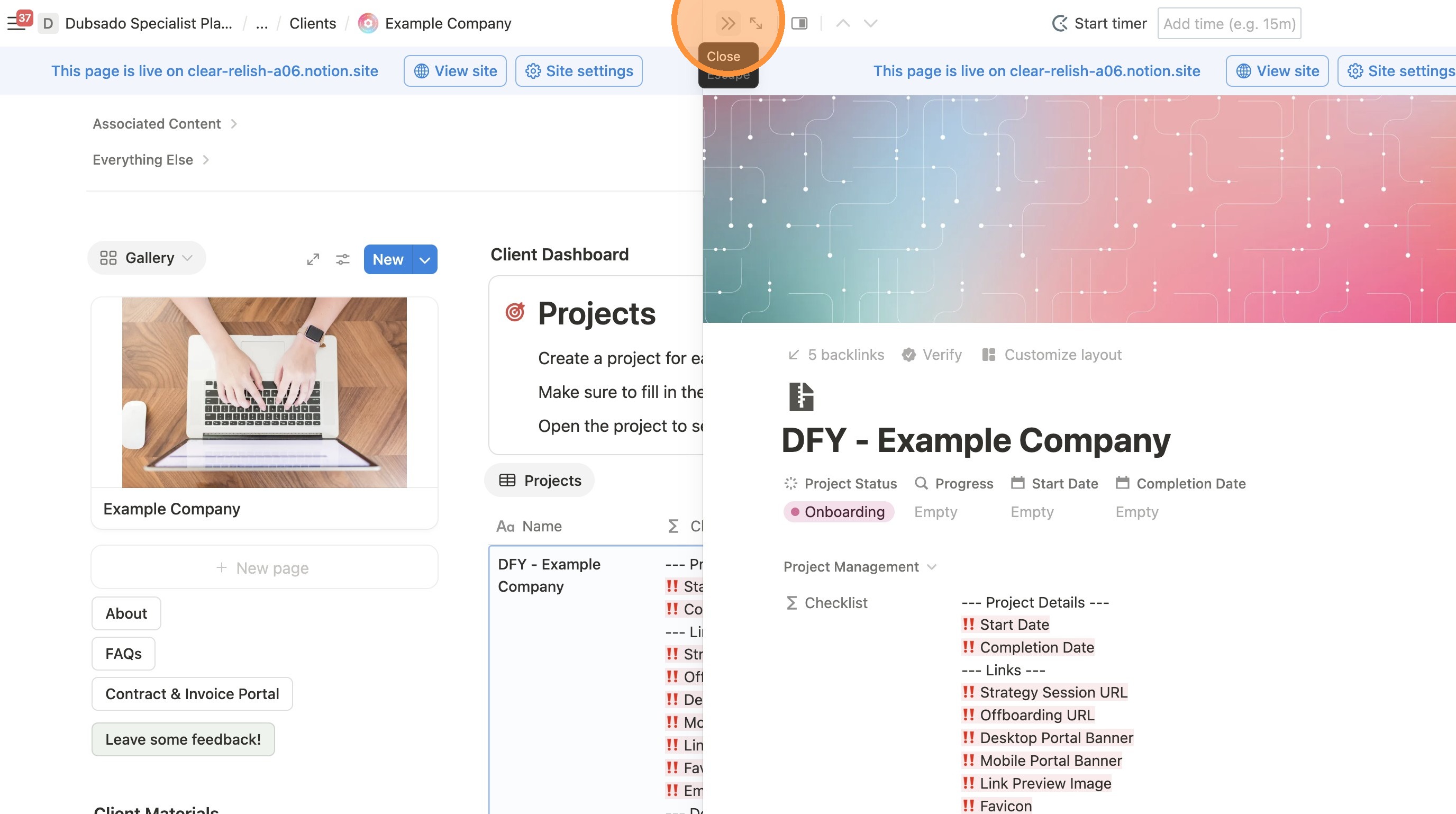
13. Click the ">>" arrows to close the project view.
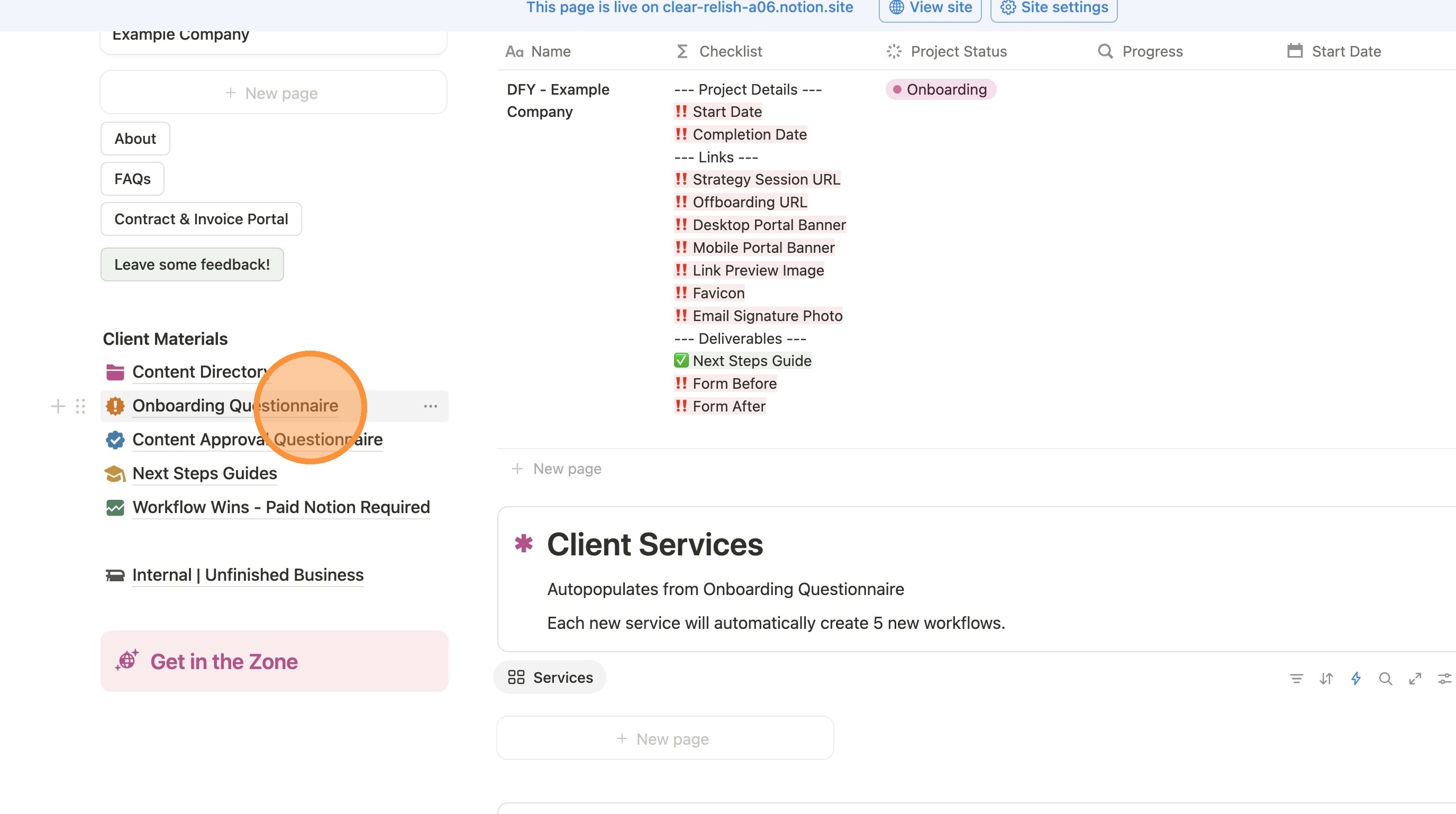
14. Click "Onboarding Questionnaire"
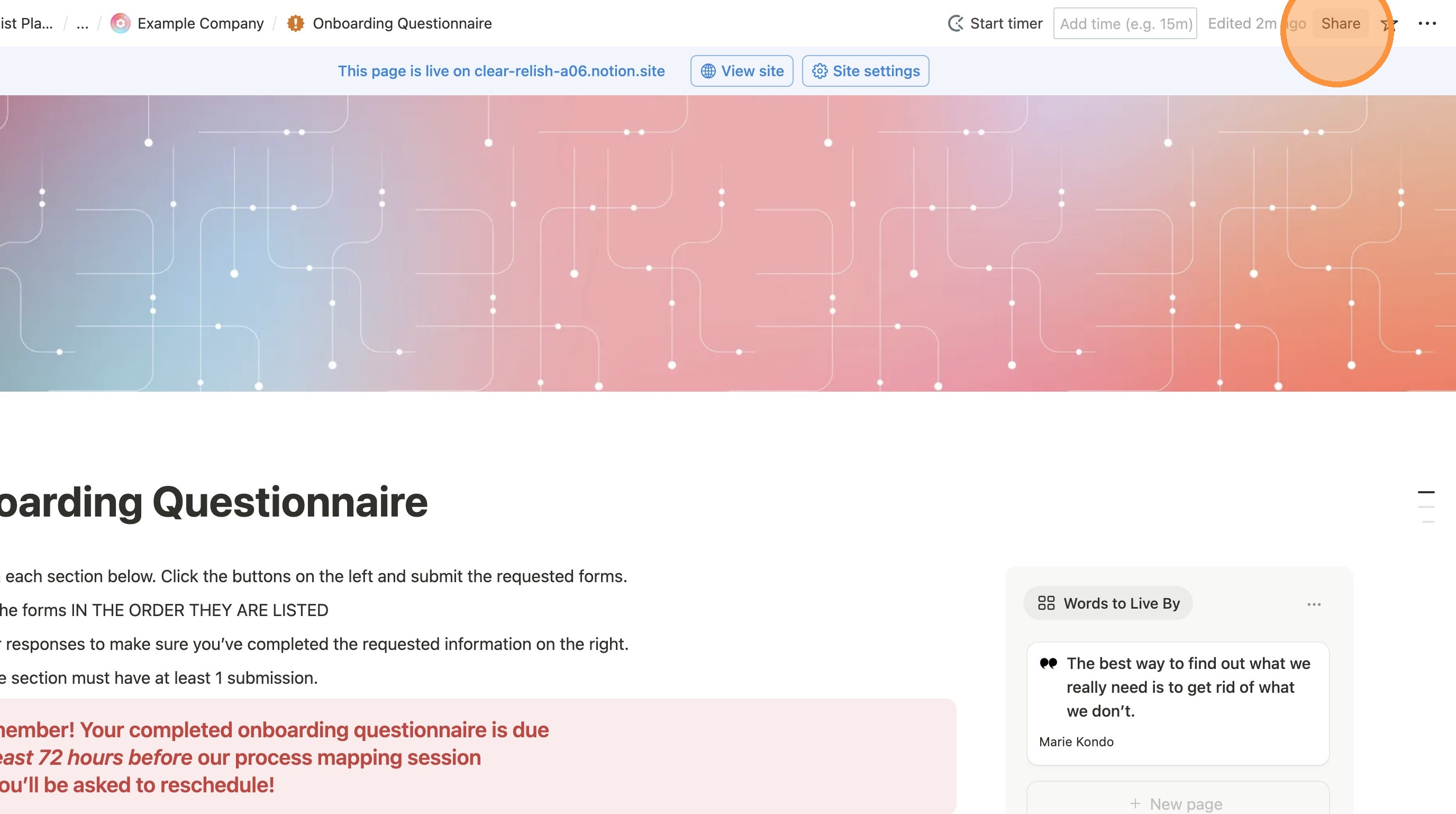
15. Click "Share"
Share with Specific Client
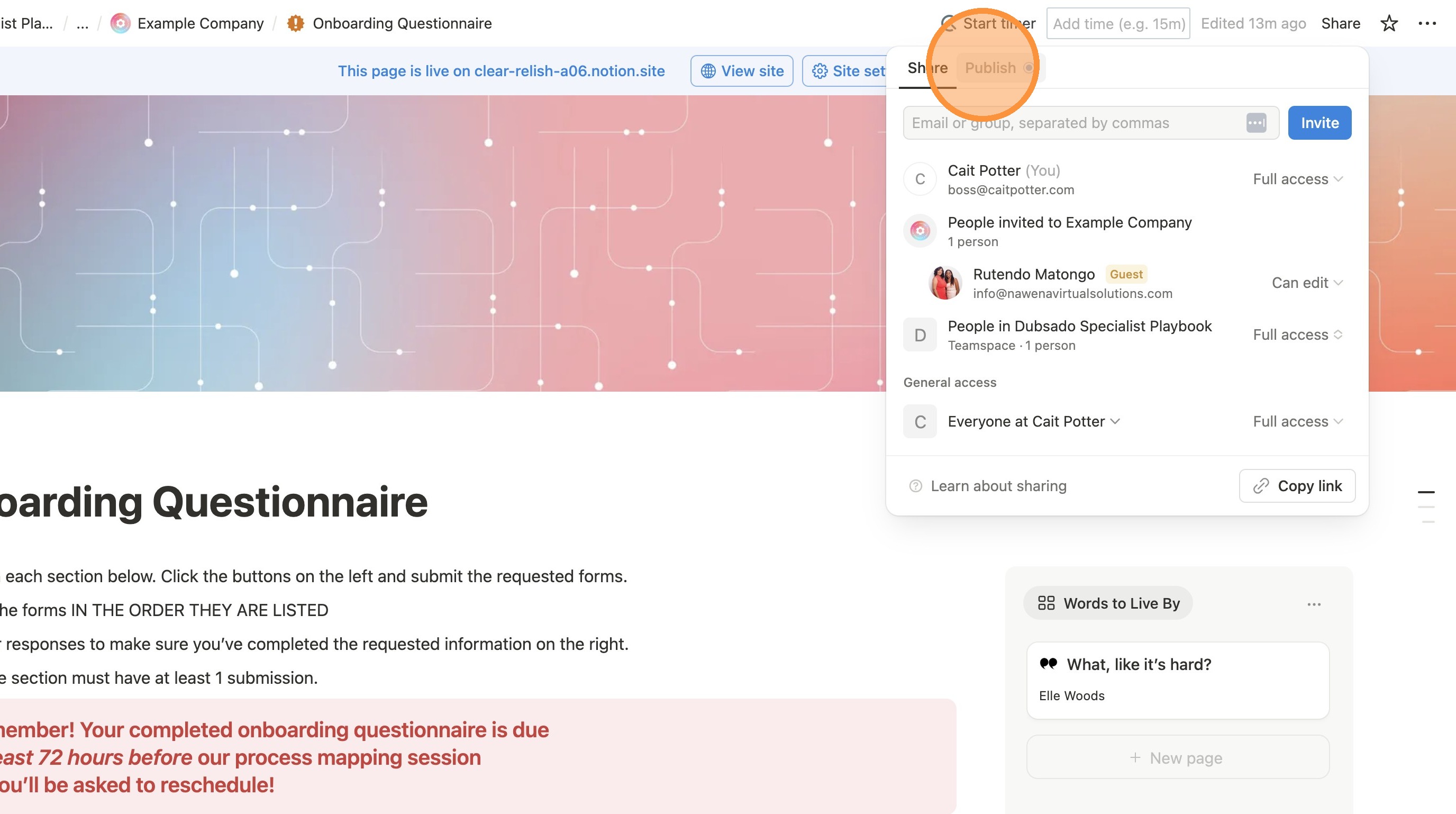
16. Click the "Share" tab if you're not already on it
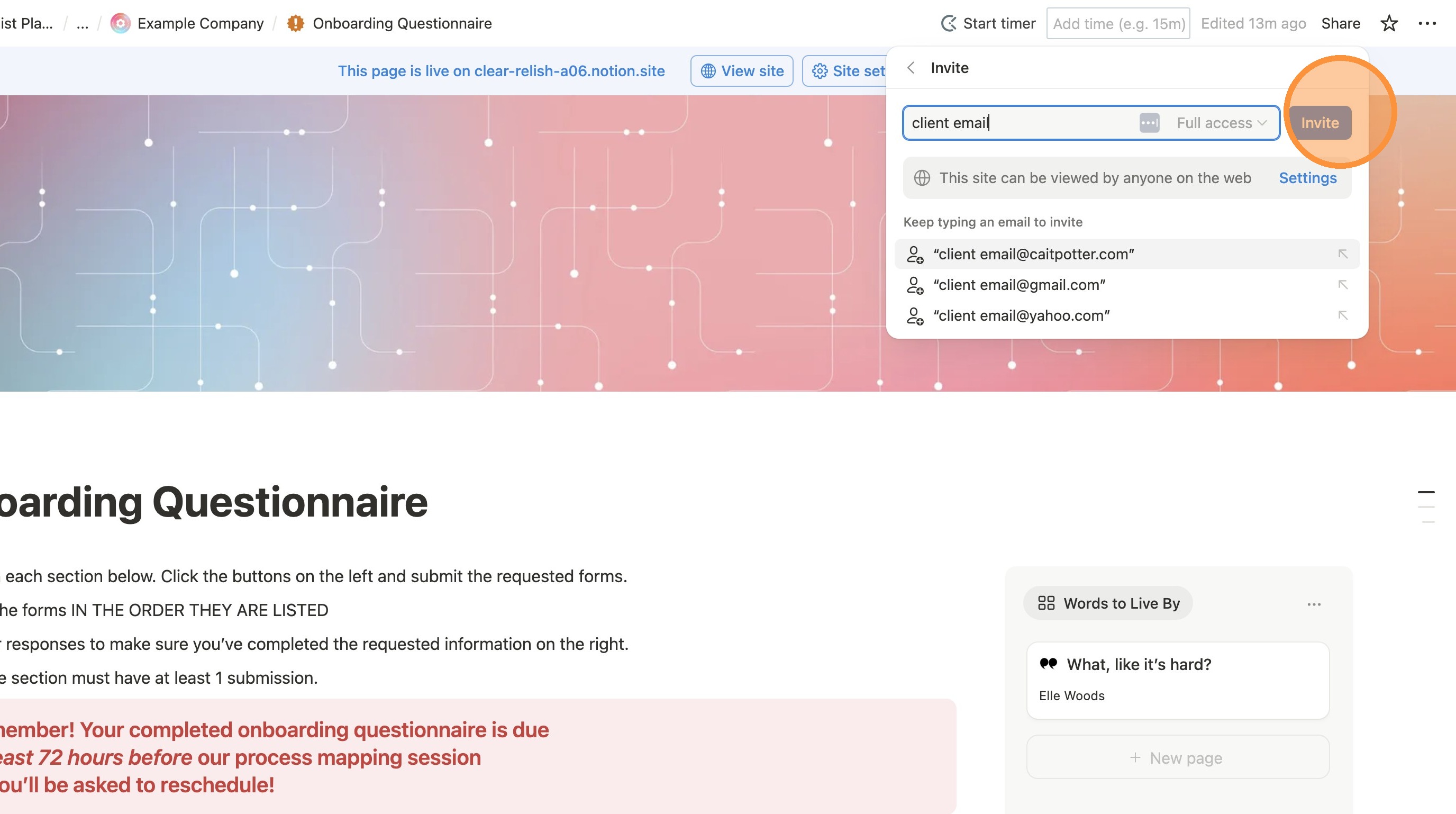
17. Enter your client's email and Click "Invite"
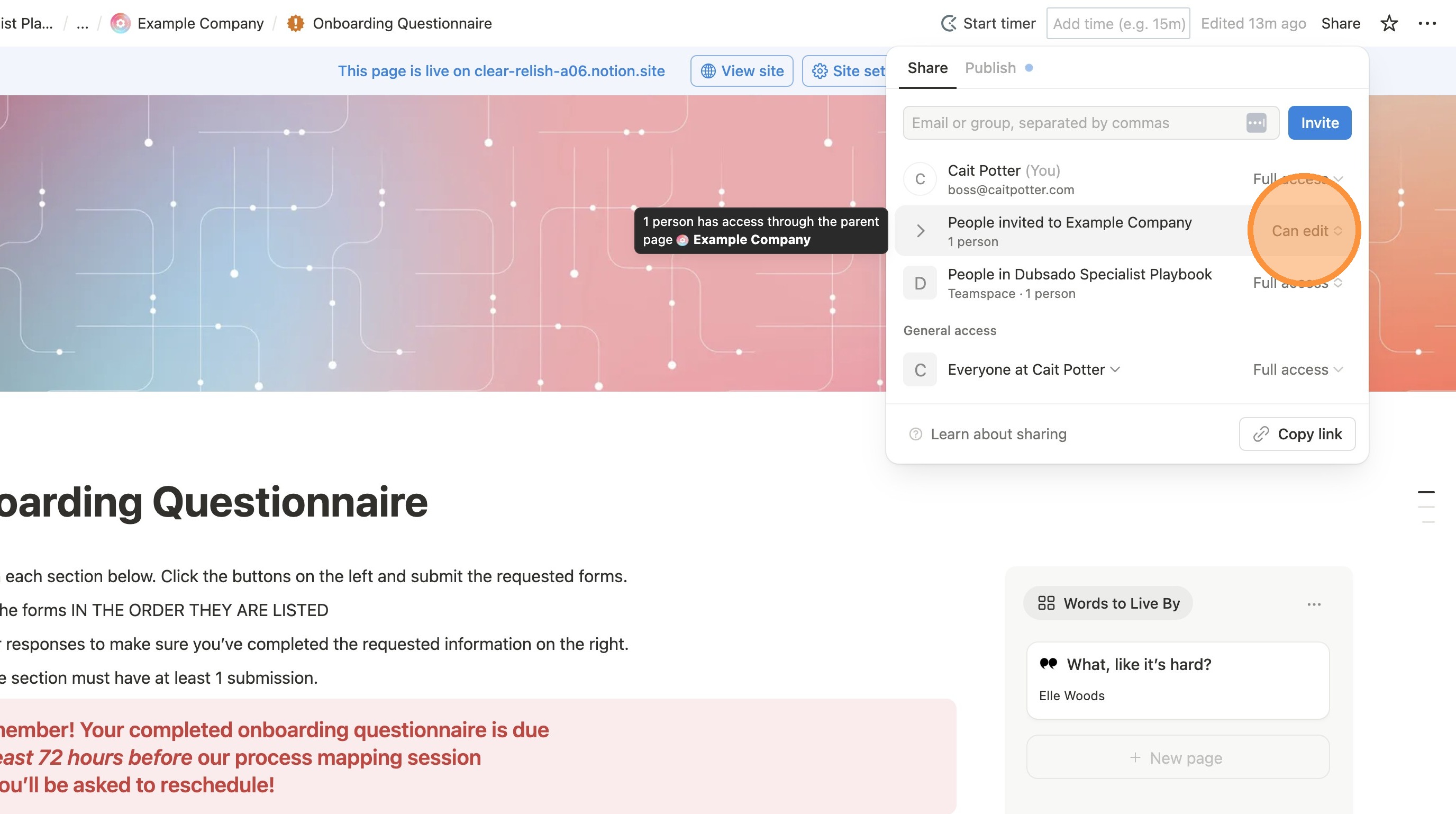
18. Edit their permissions here. Make sure to click "Can edit"
Publish for Good Measure
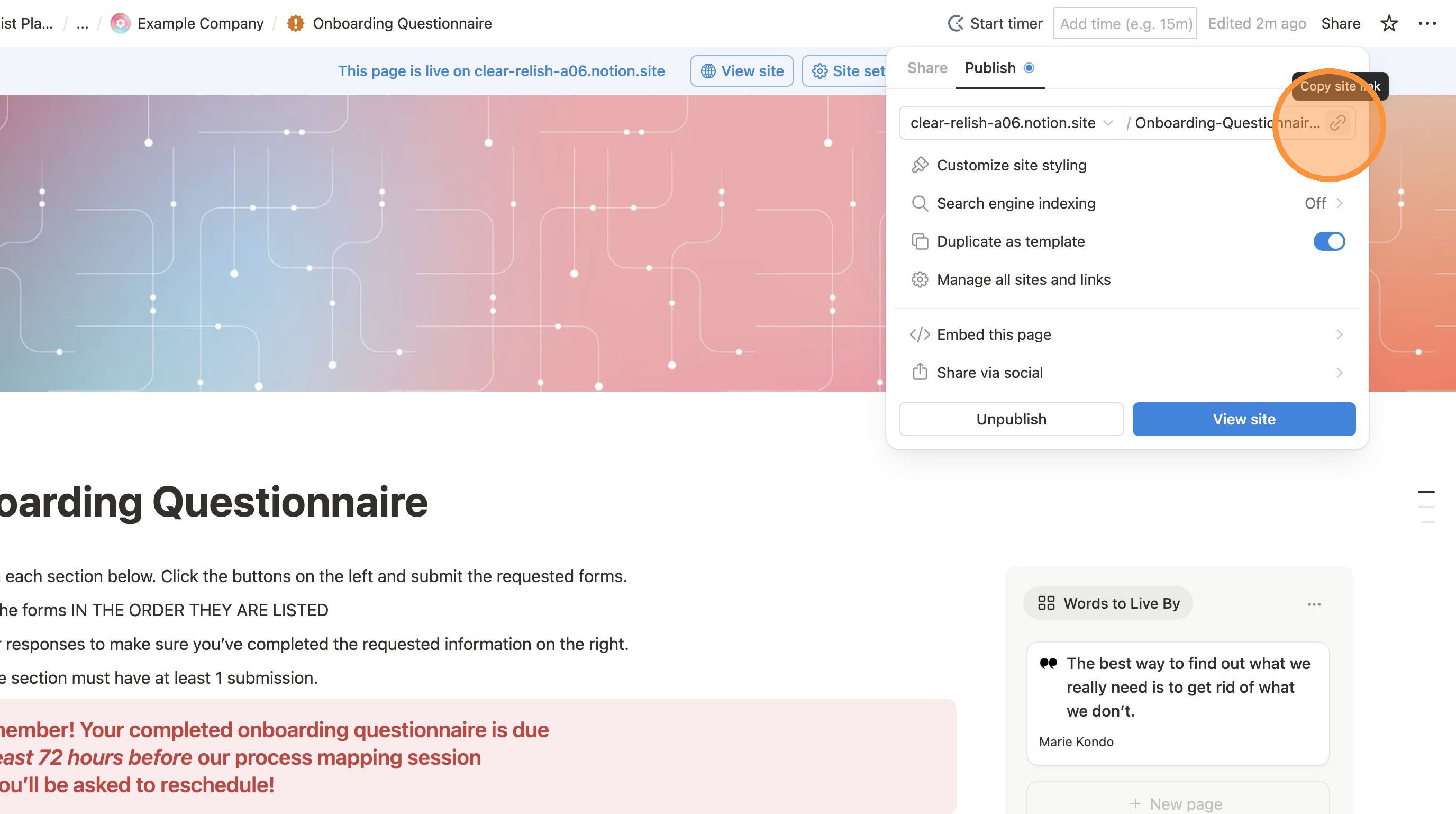
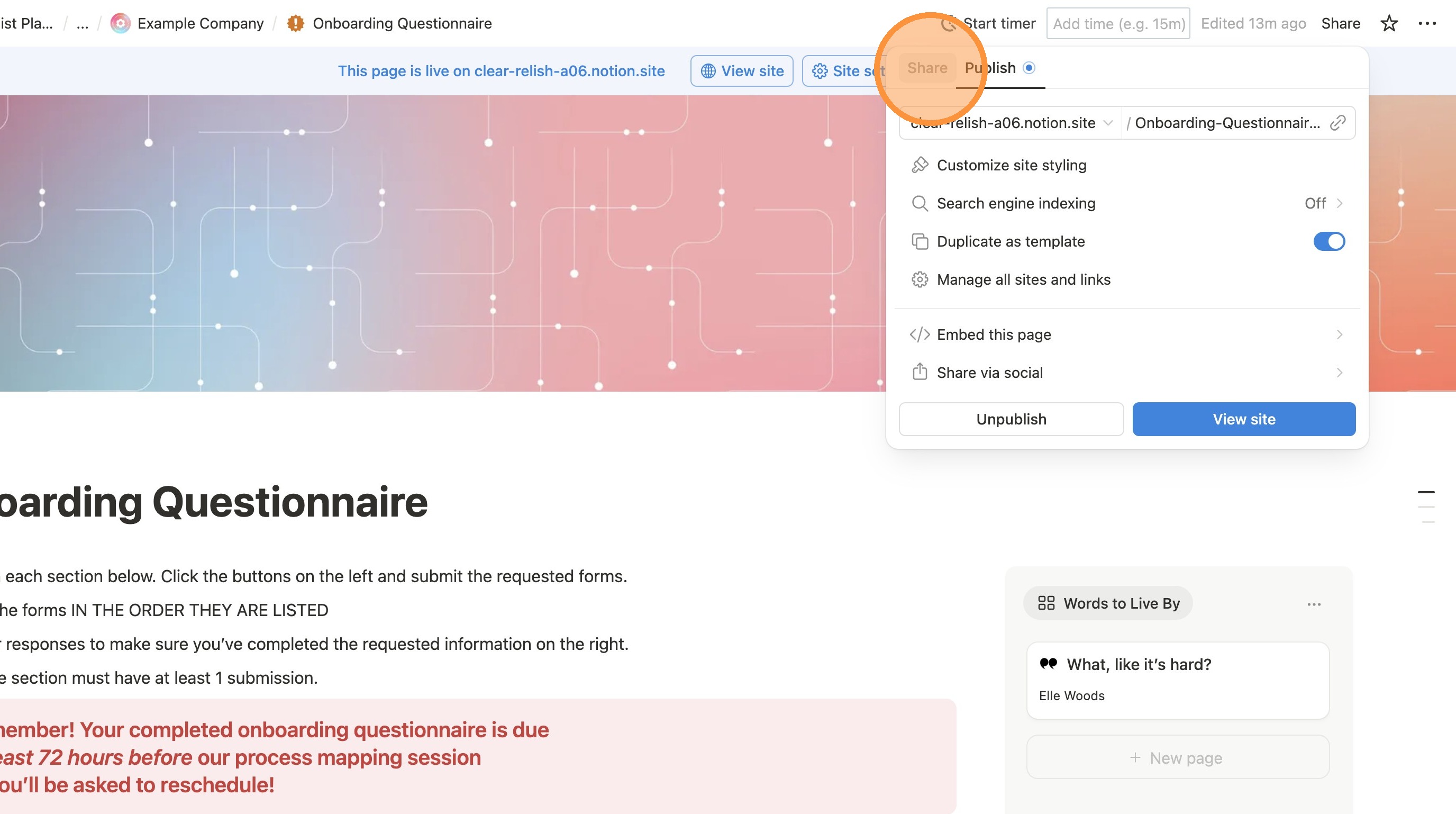
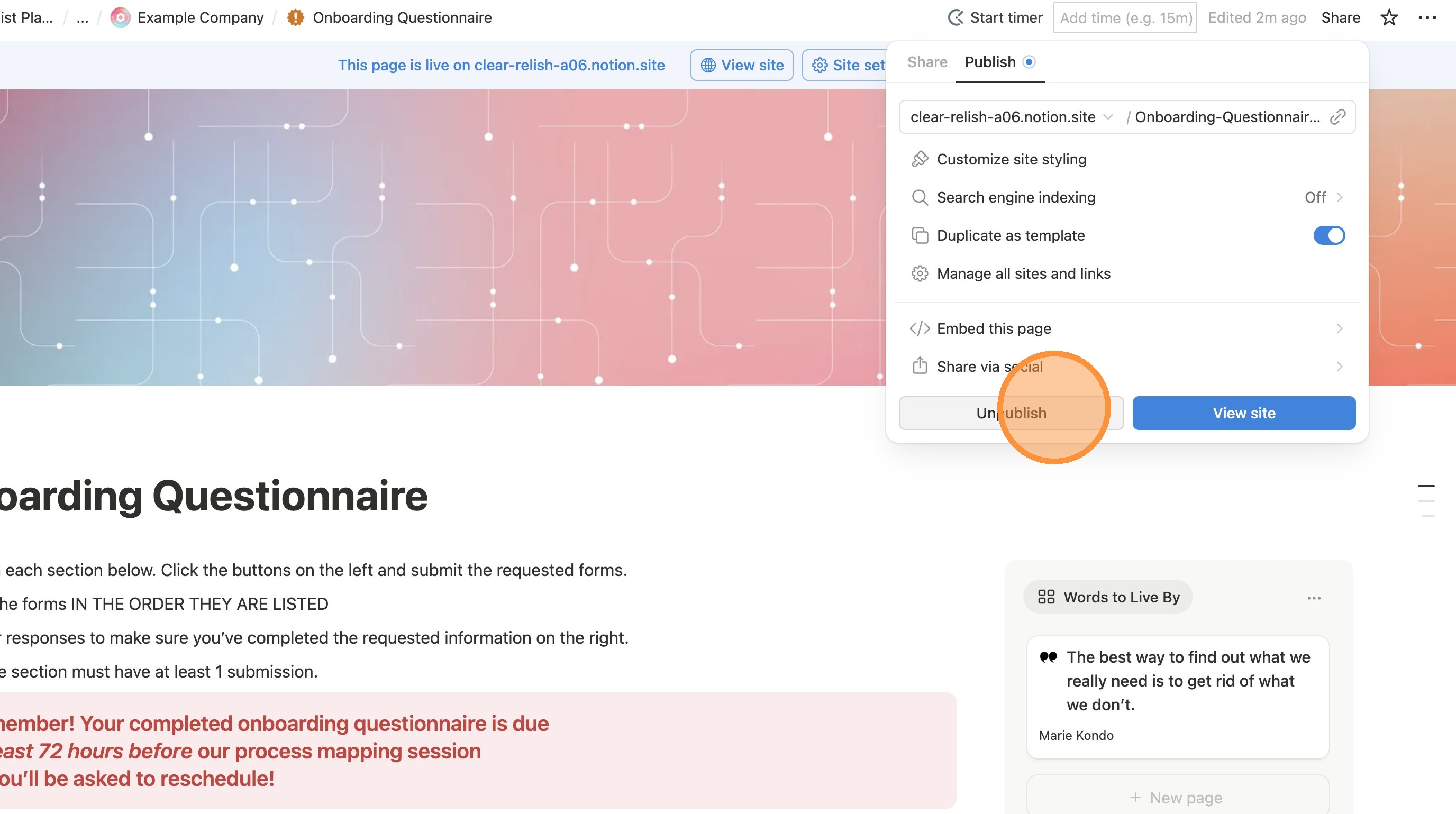
19. Click the "Publish" tab.
20. Click "Publish"\
(note in the screenshot below it says "Unpublish" - that's because my template is published. Yours will say "Publish")
21. Click this icon to get the link to share with your client.