Checking To-Do Connection
1. Navigate to https://www.notion.so/The-Setup-OS-by-Cait-Potter-1-261dd730835380268fecfc4f2509a5da
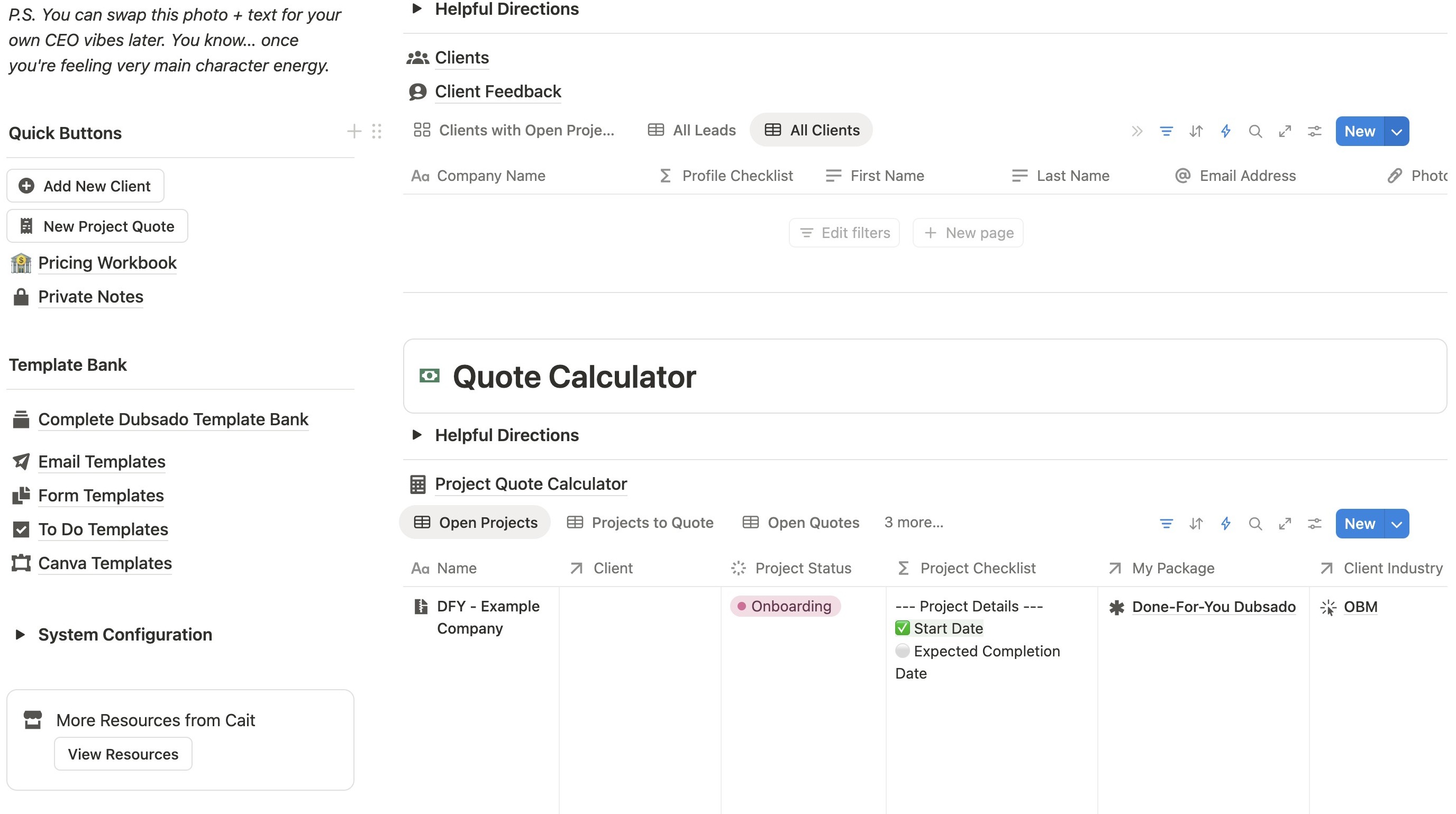
2. Click here.
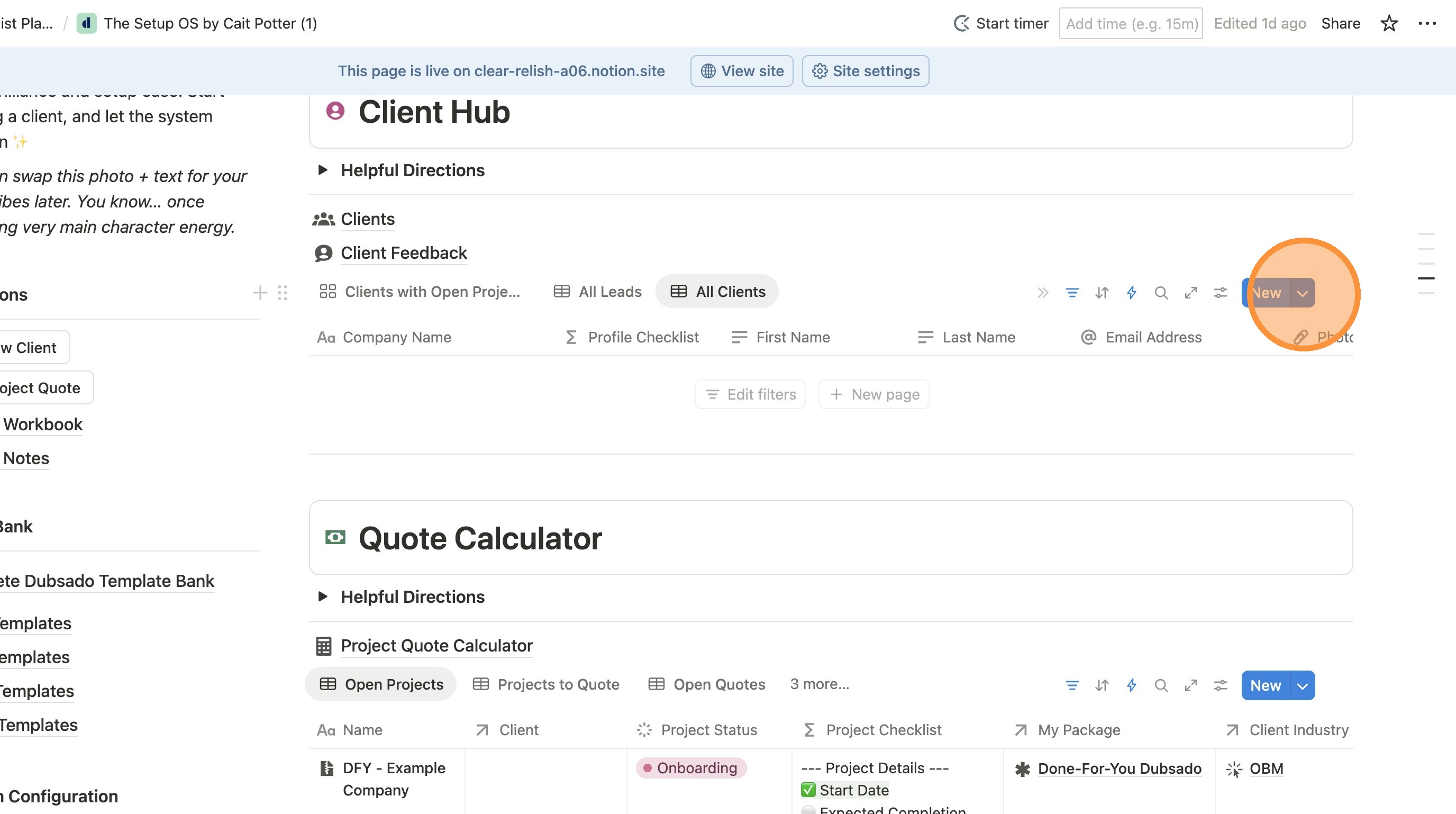
3. Click this icon.
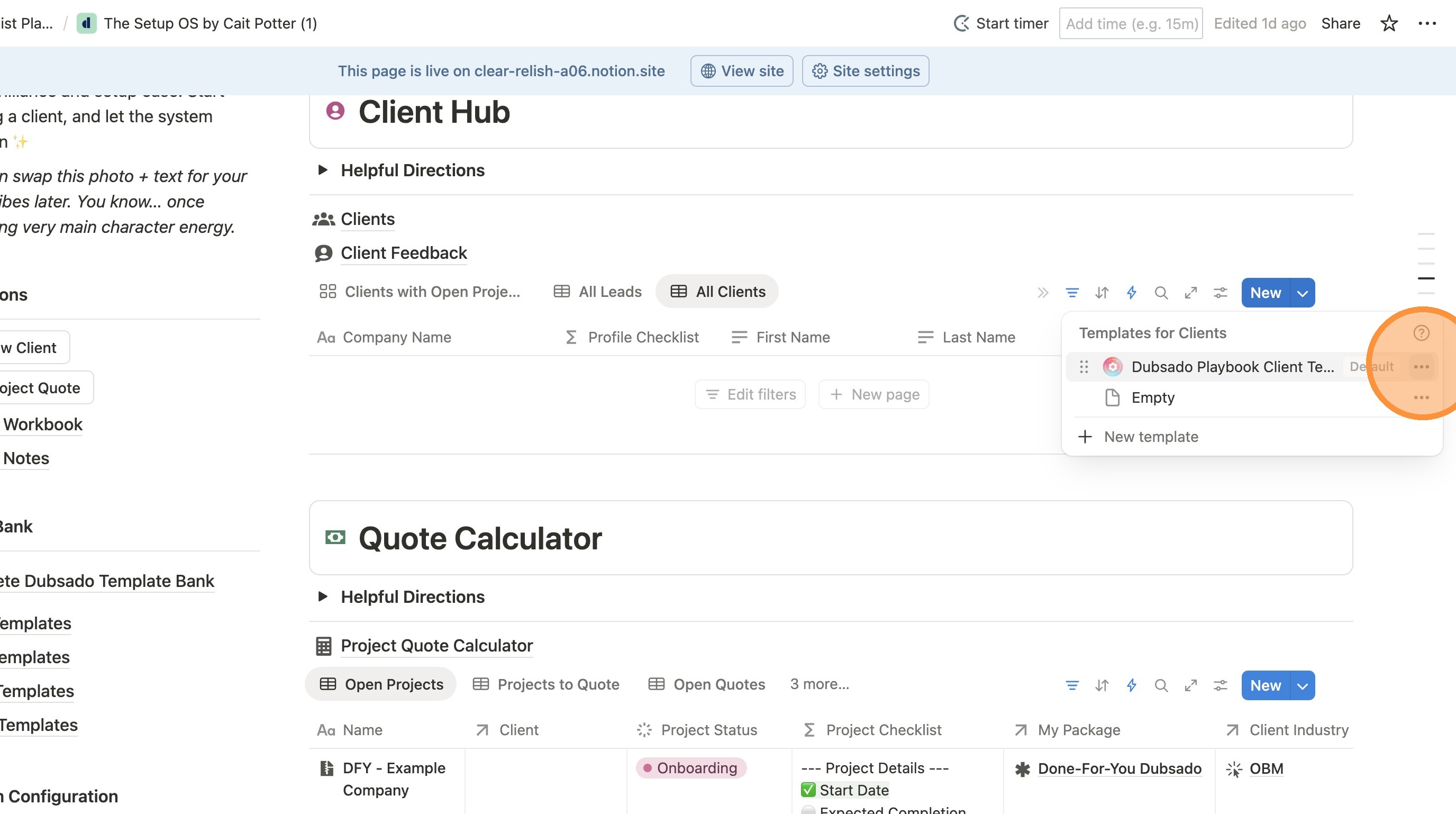
4. Click "Edit"
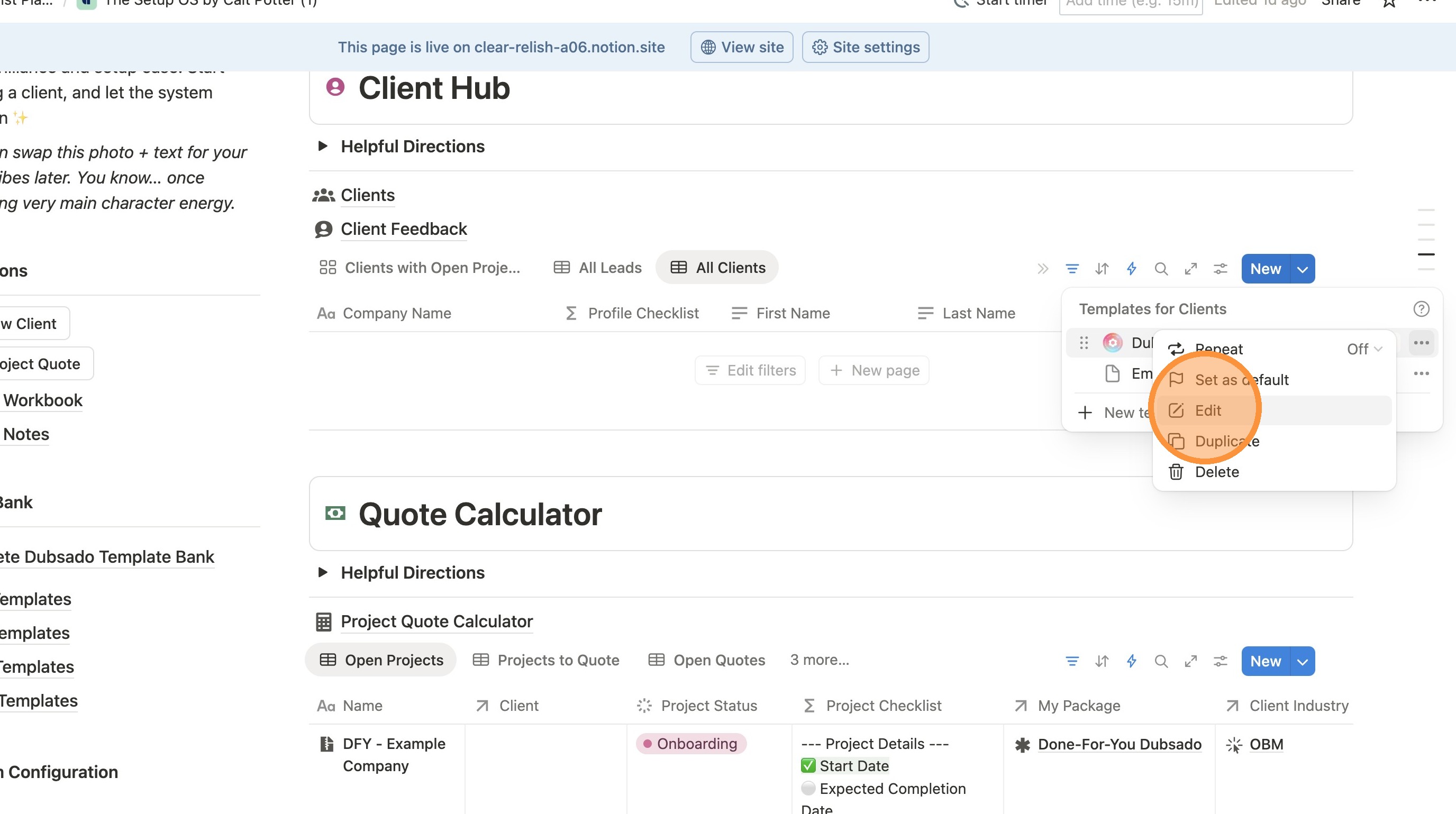
5. Click this icon.
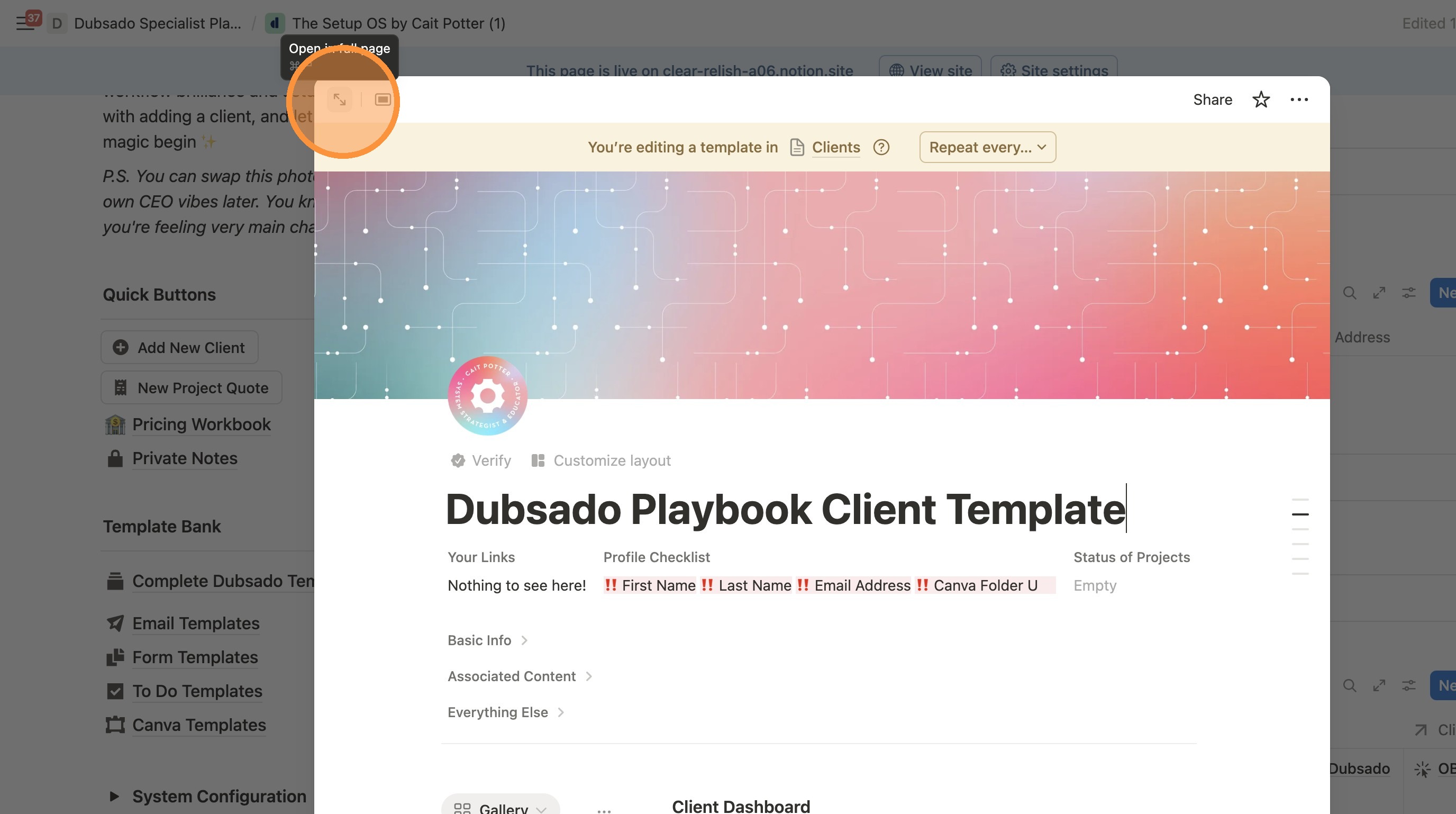
Change To Do Database Name for Easy Identification
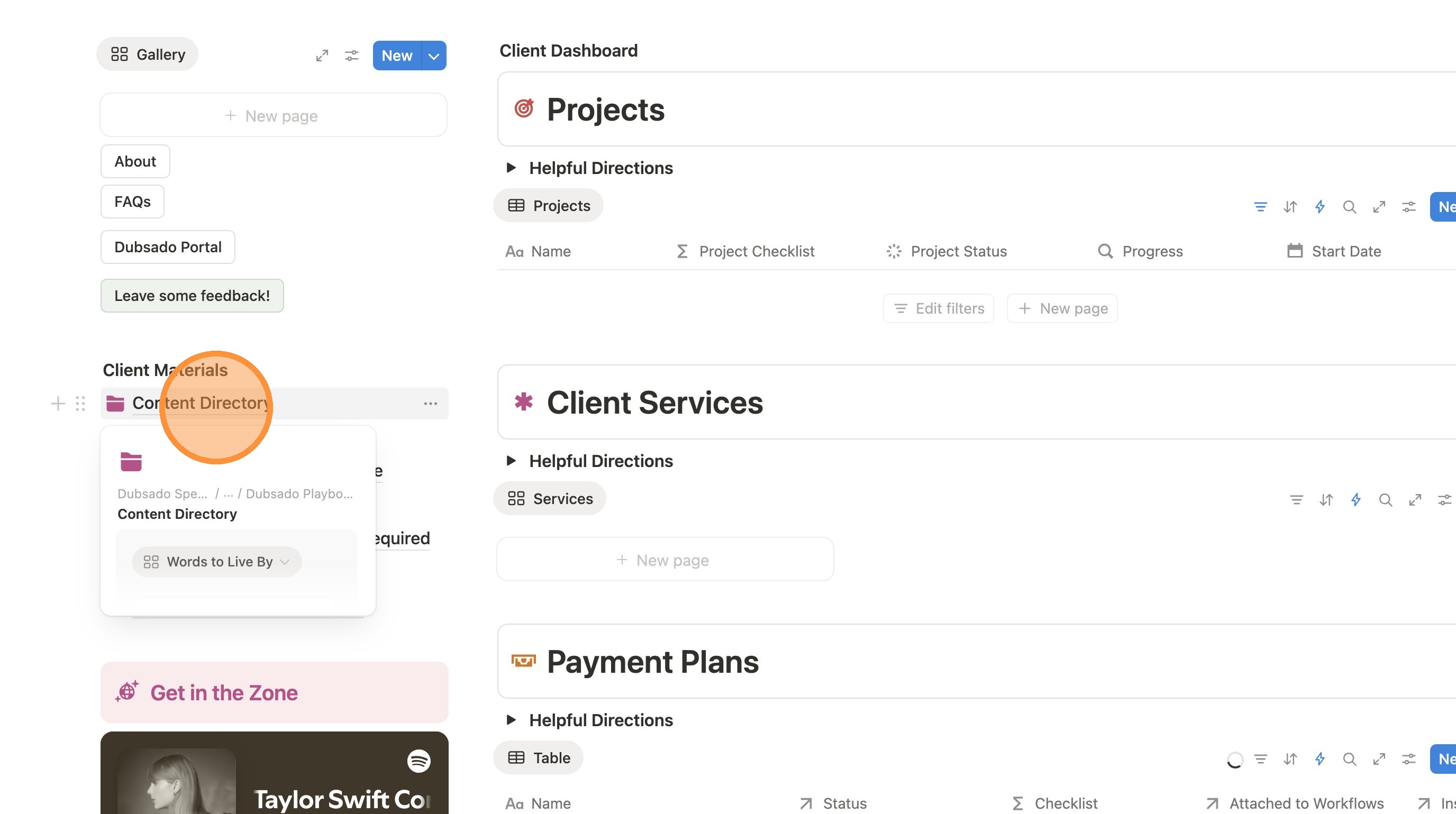
6. Click "Content Directory"
7. Click here.
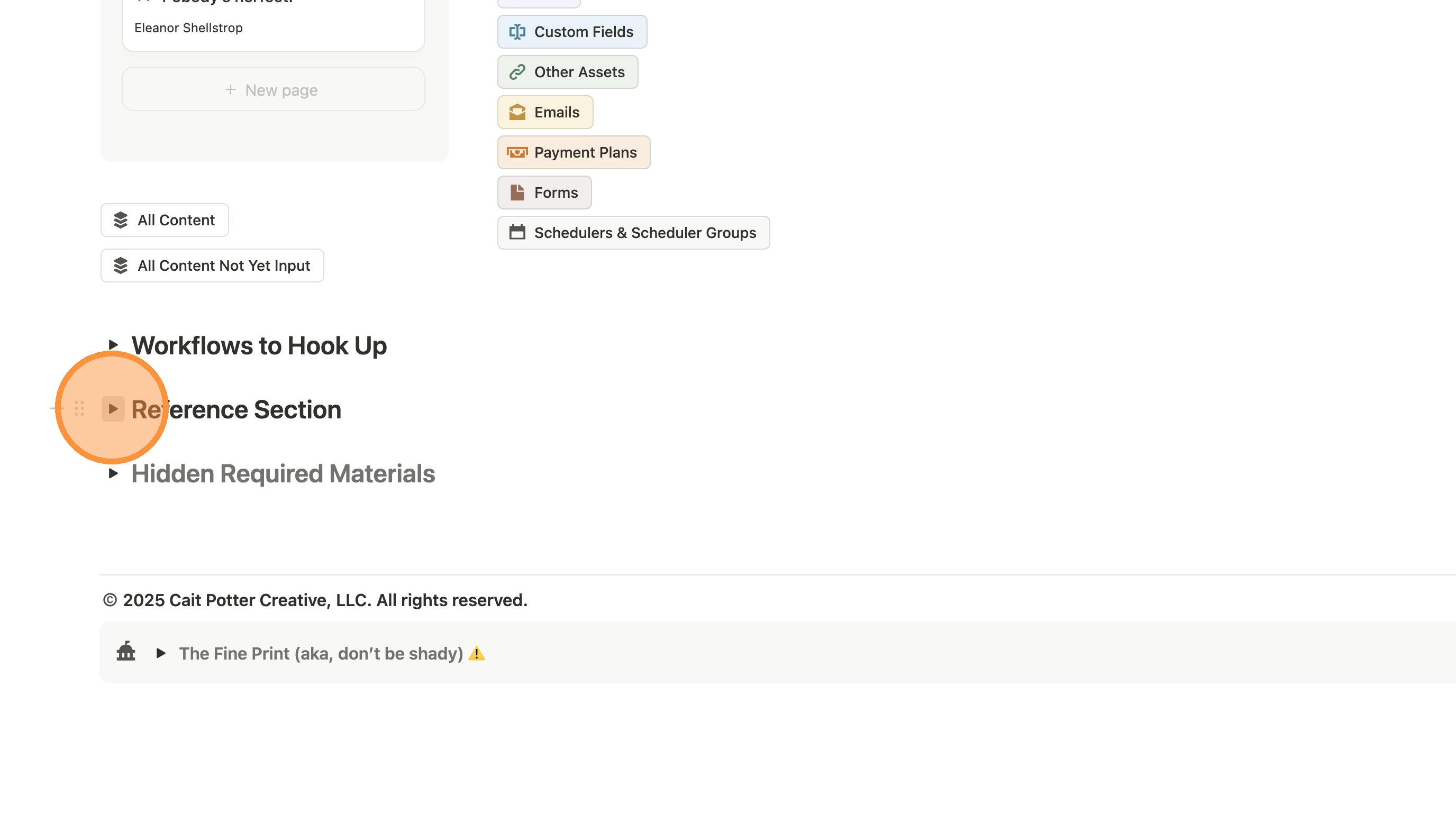
8. Click "Linked To Dos"
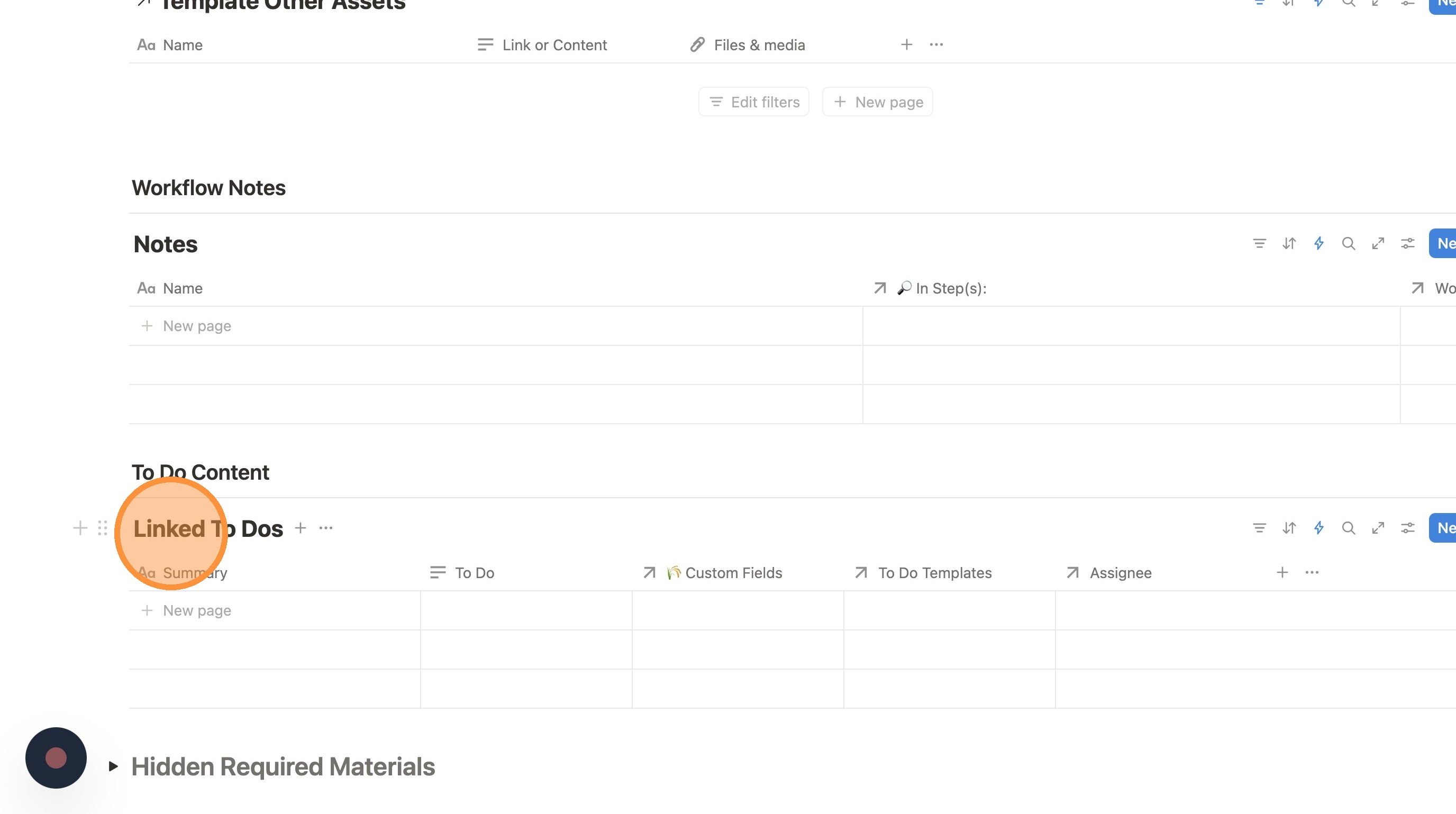
9. Double-click "Linked To Dos" - Change the title to "REAL To Dos" or something of your choosing. We just want it to be a unique custom name.
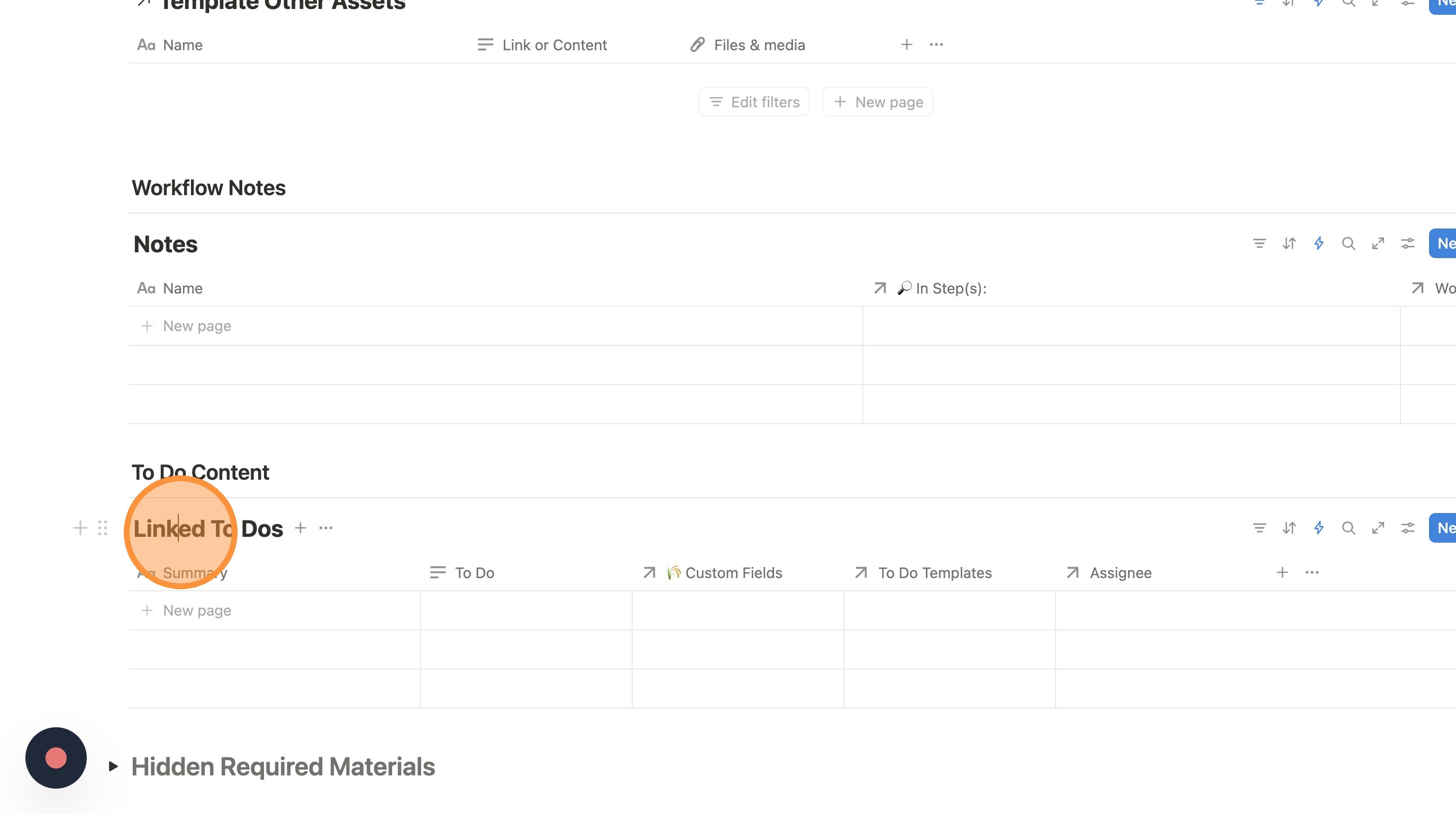
Go Confirm Right To Dos are Hooked Up
10. Click "Dubsado Playbook Client Template"
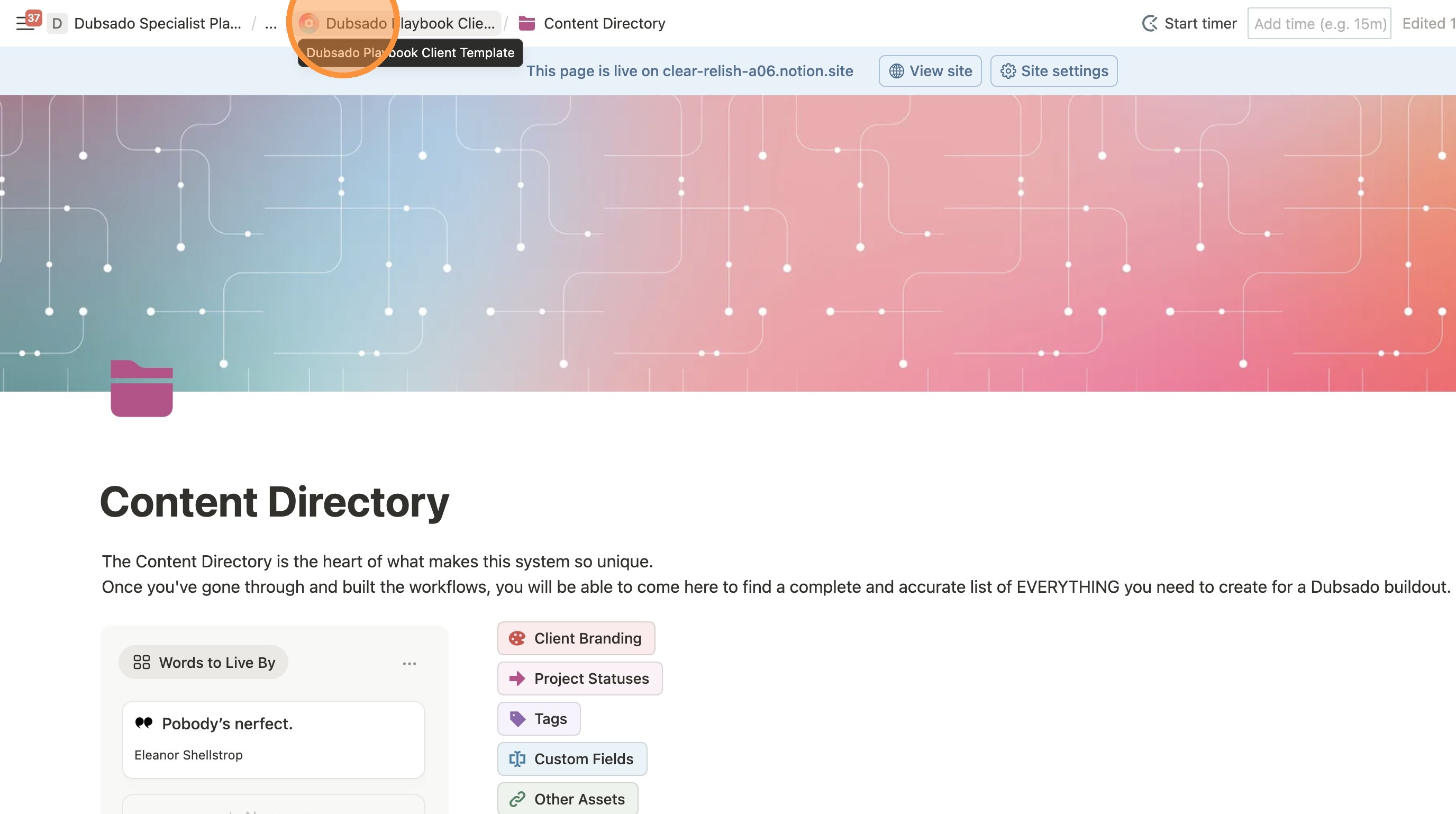
11. MAKE SURE YOU ARE STILL ON THE TEMPLATE AT THIS POINT. Click this icon.
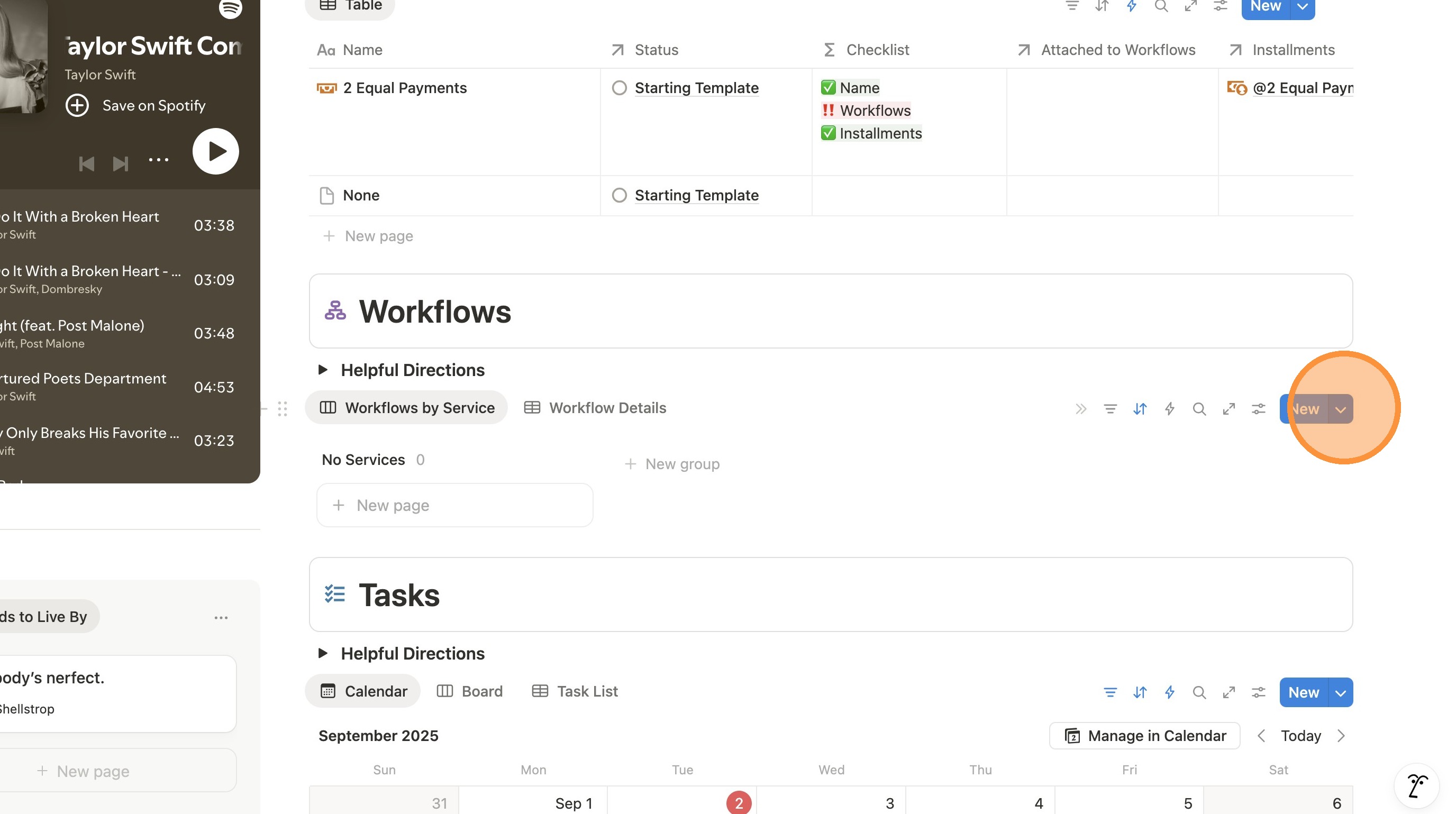
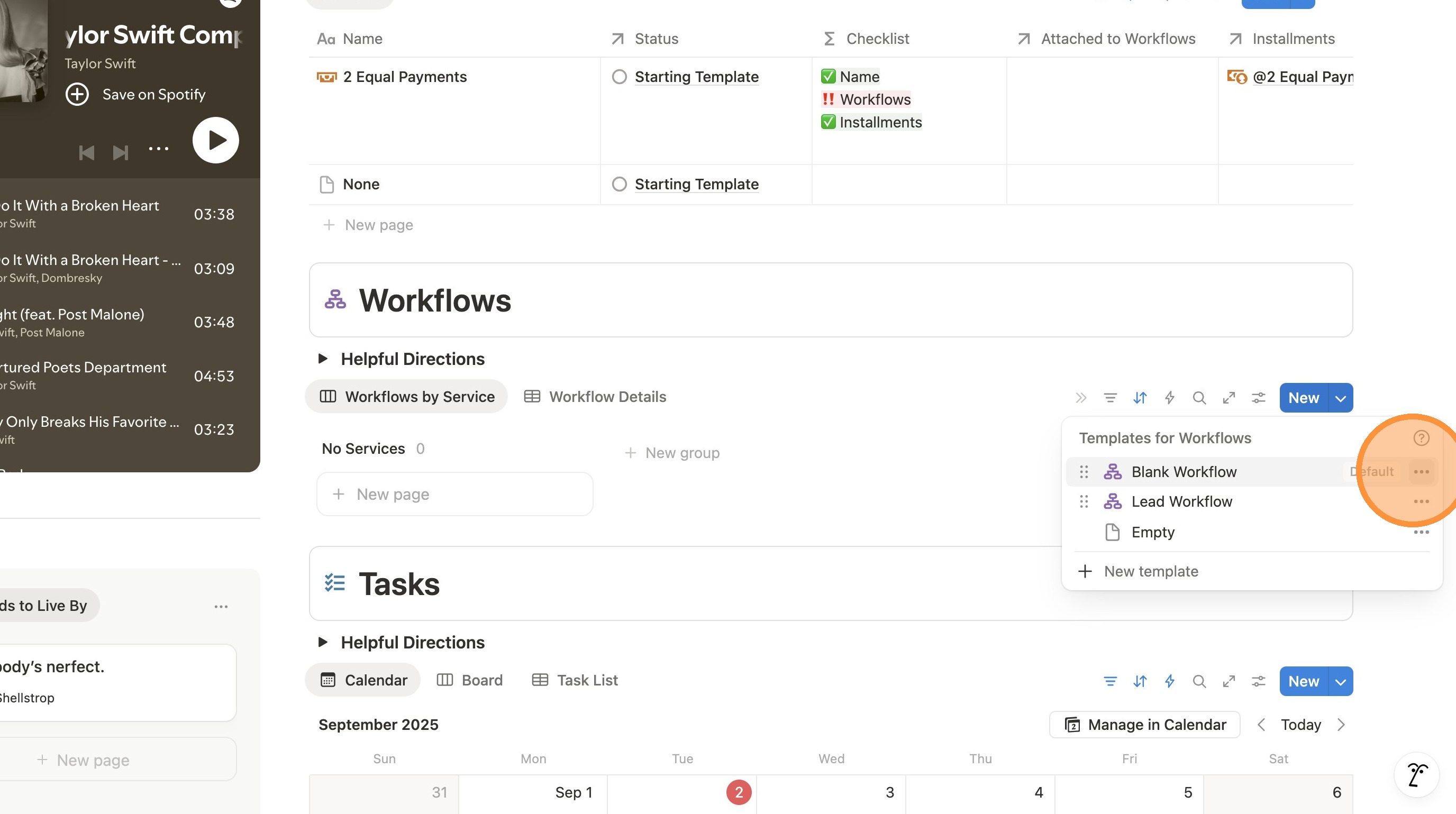
12. Click here. > Click Edit
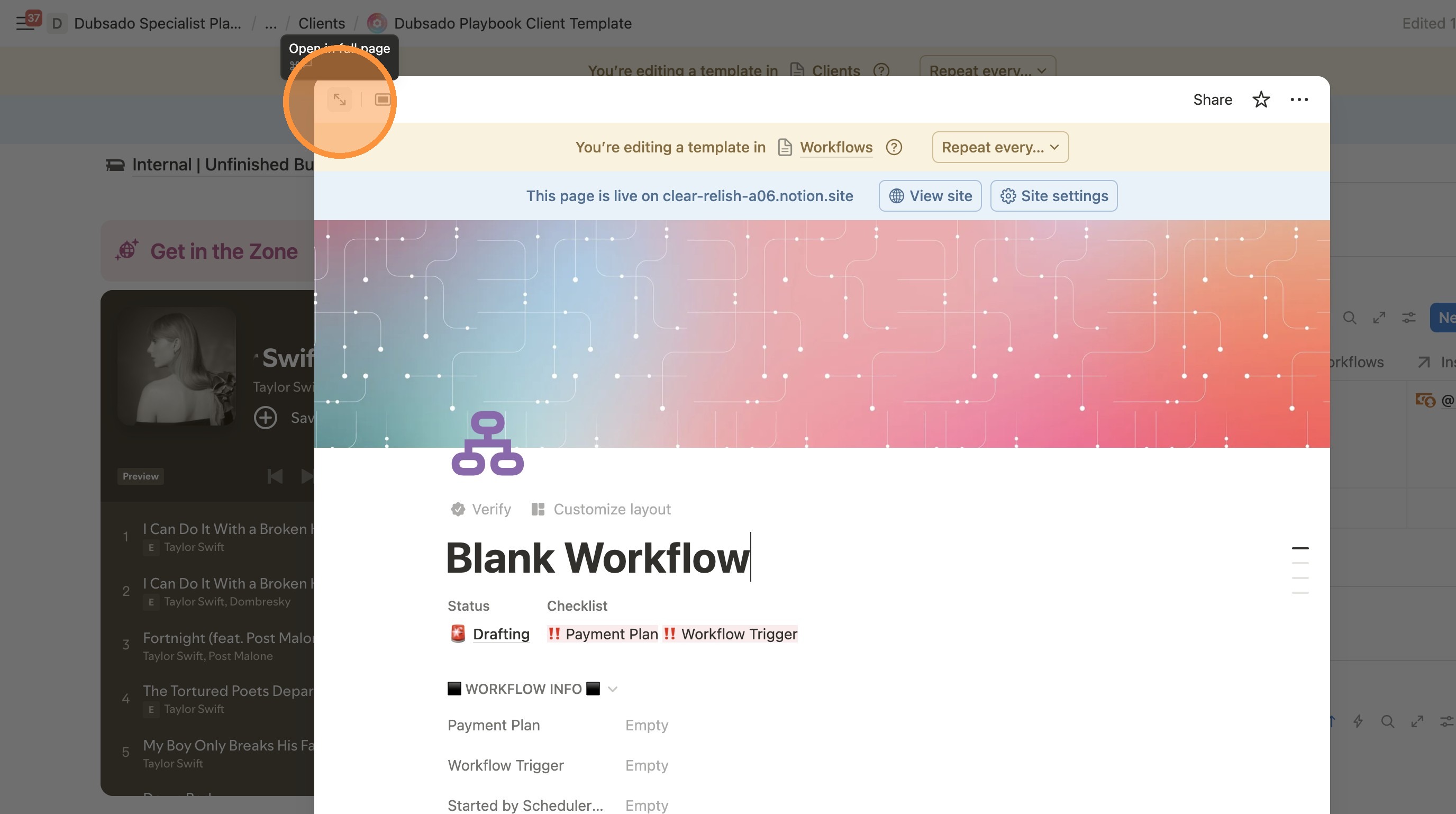
13. Click this icon to make full screen.
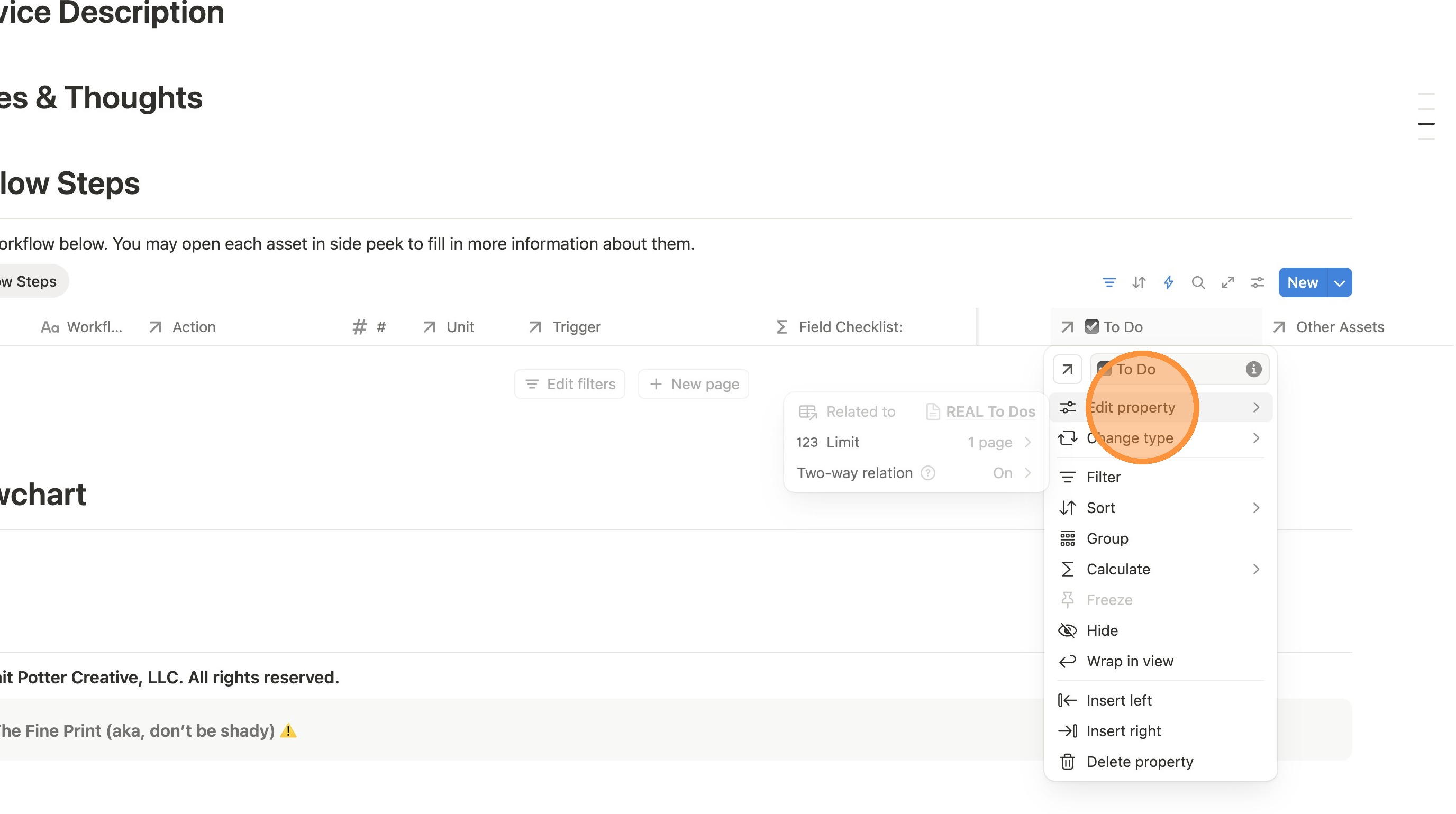
14. Click "☑️ To Do"
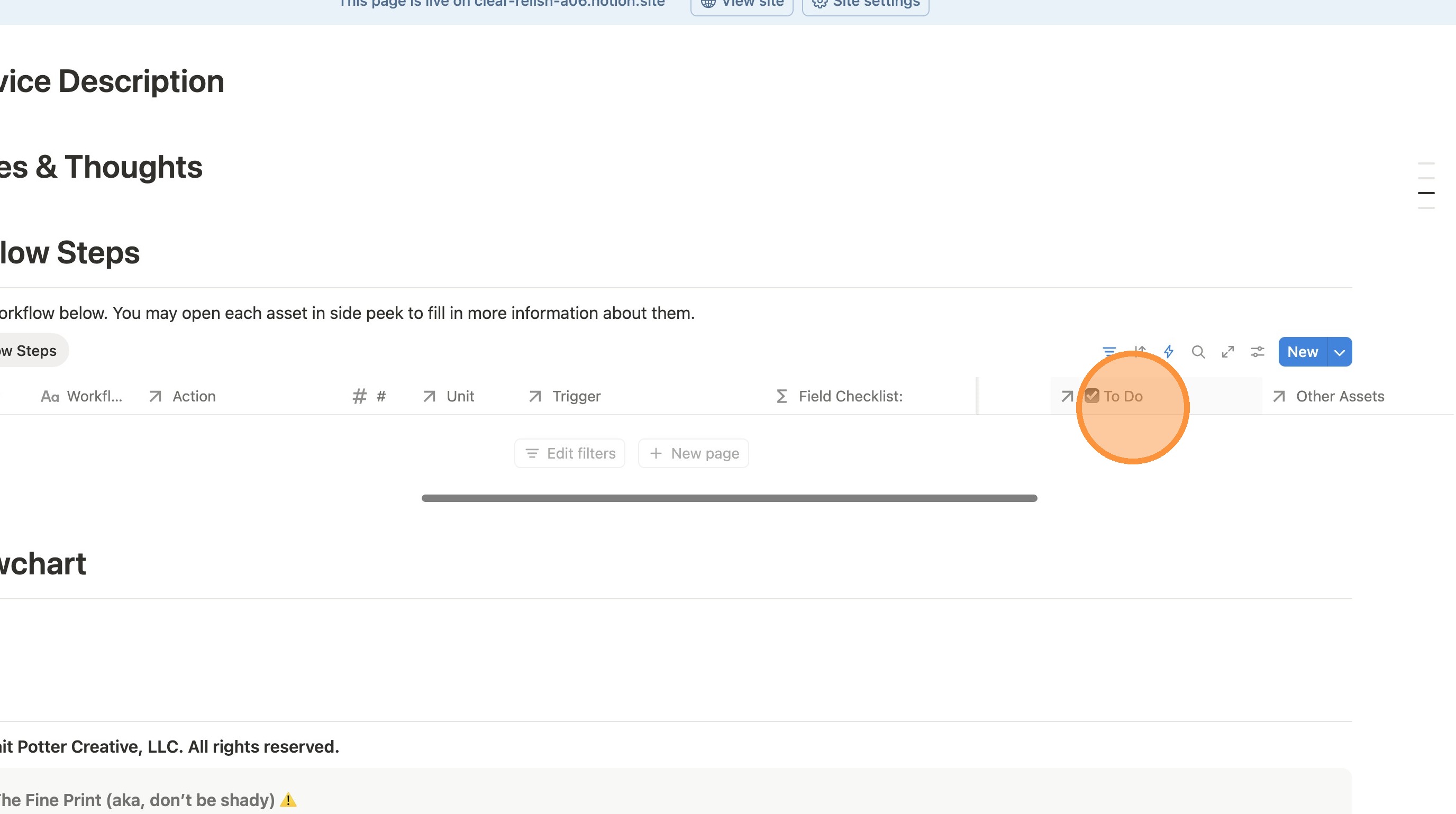
15. Click "Edit property" > Here you should see if it's hooked up to the unique to do field we made.