How to Access the Playbook Client Template
1. Navigate to the home page of the Setup OS.
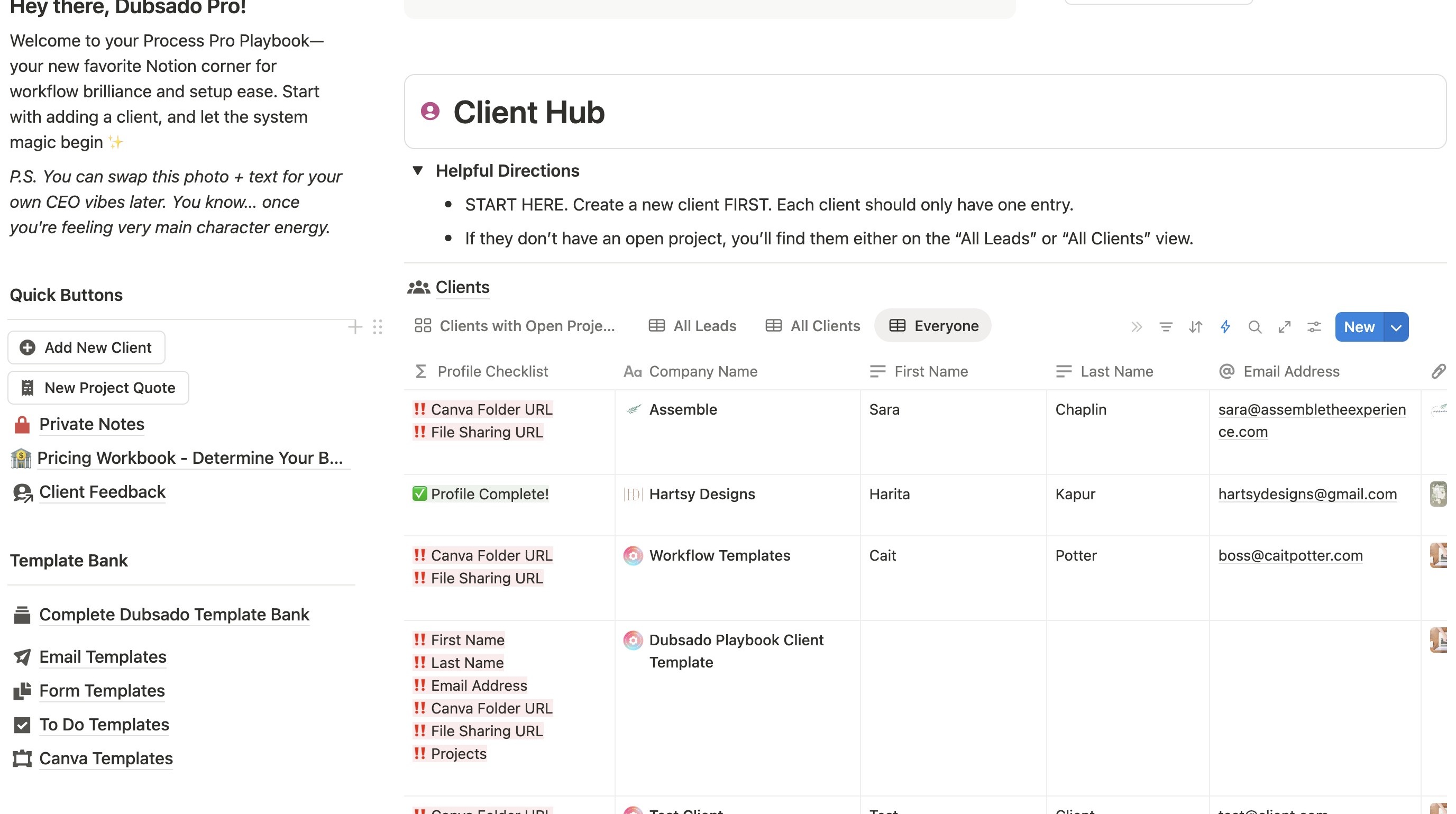
2. Scroll down to the Client Hub section and click here.
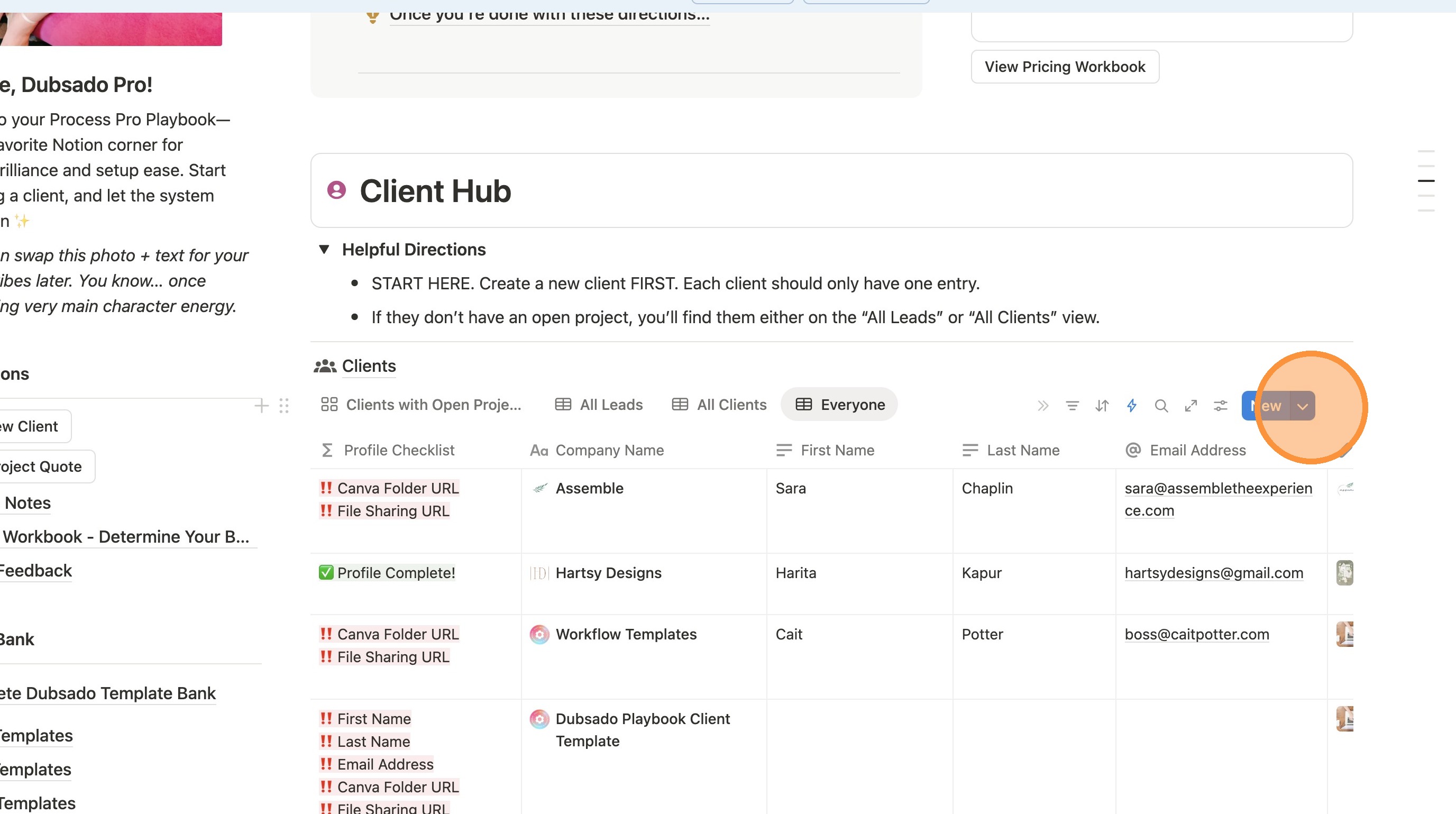
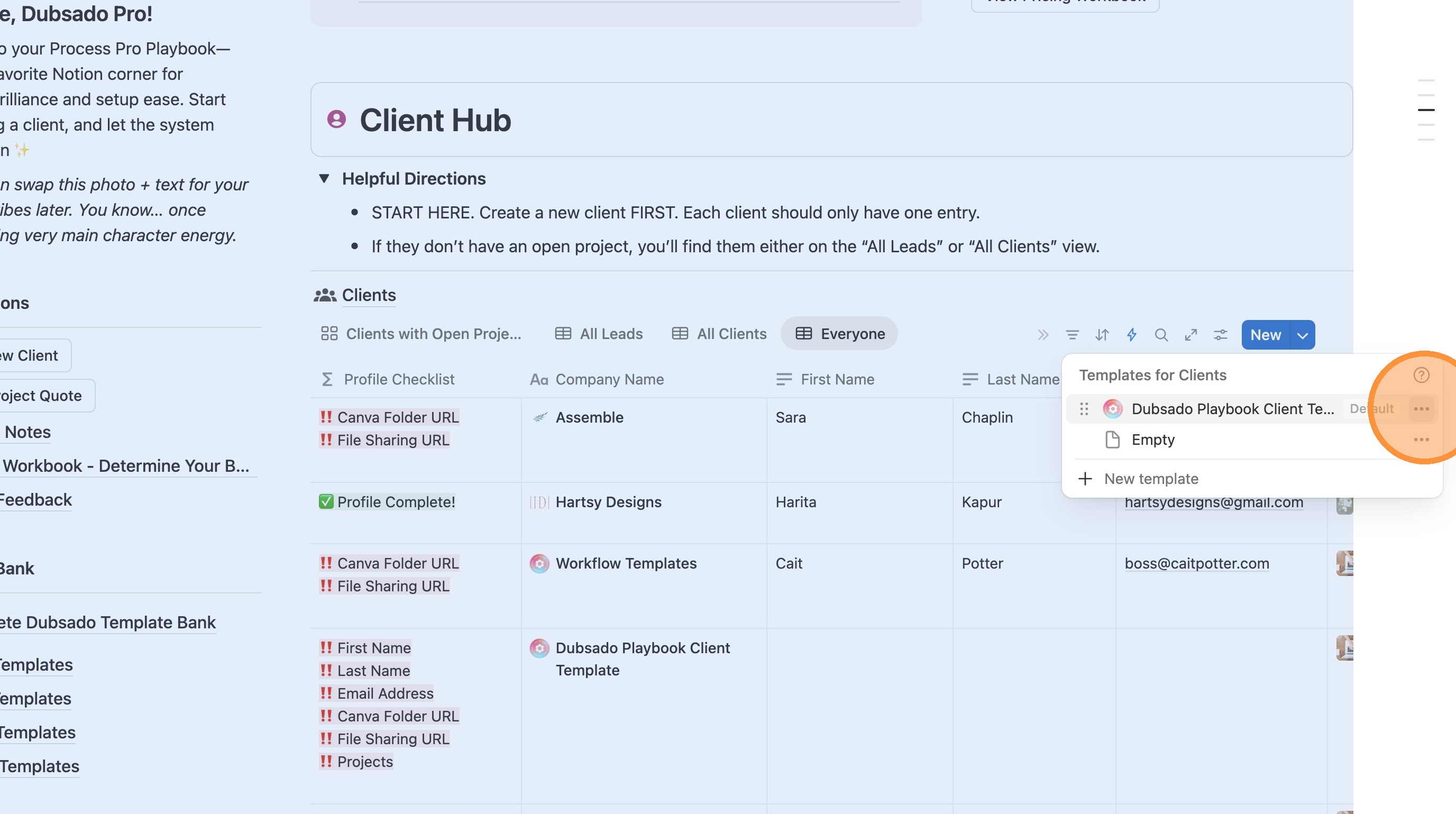
3. Click this icon.
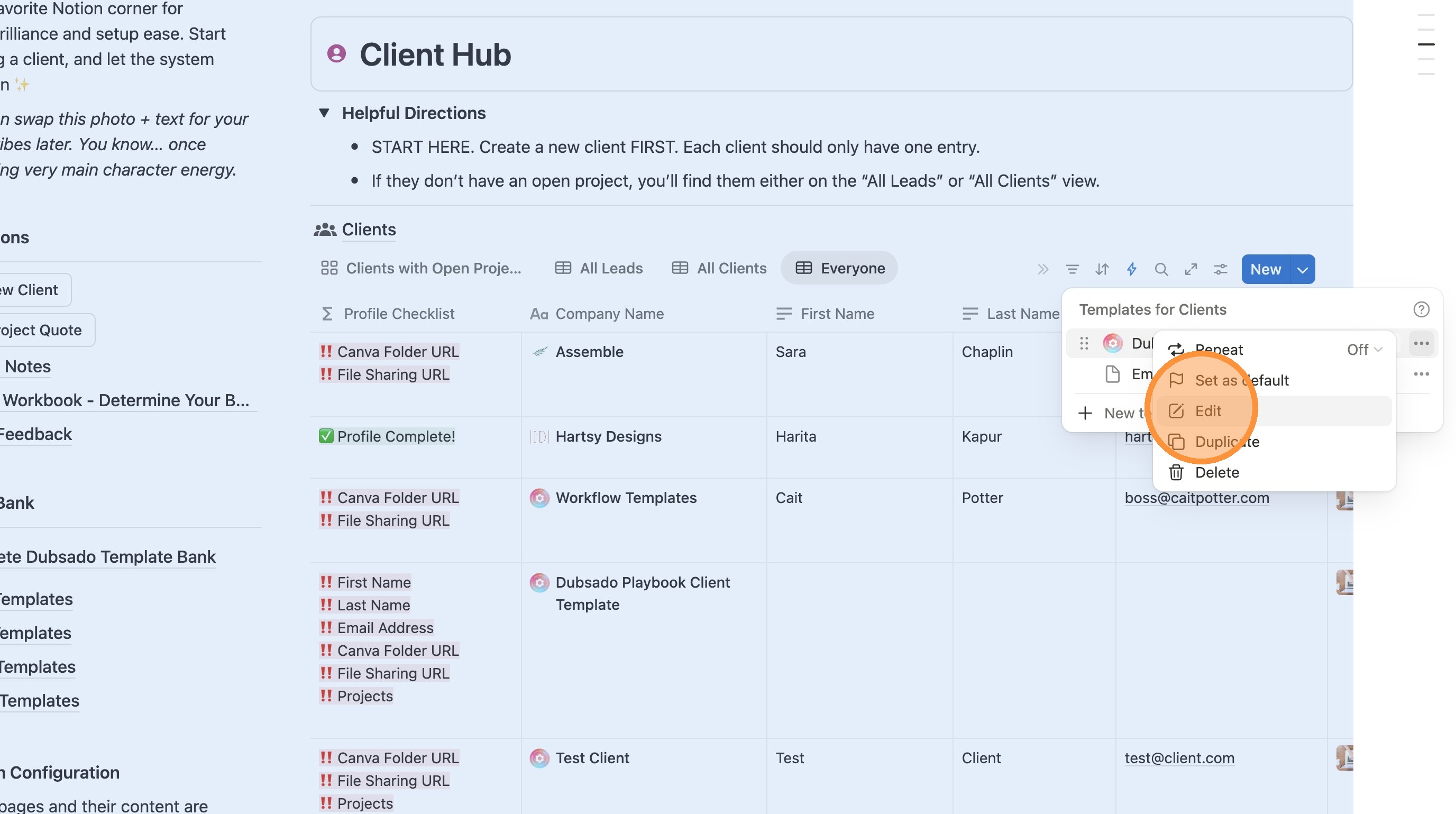
4. Click "Edit"
5. Click here to make it full screen.
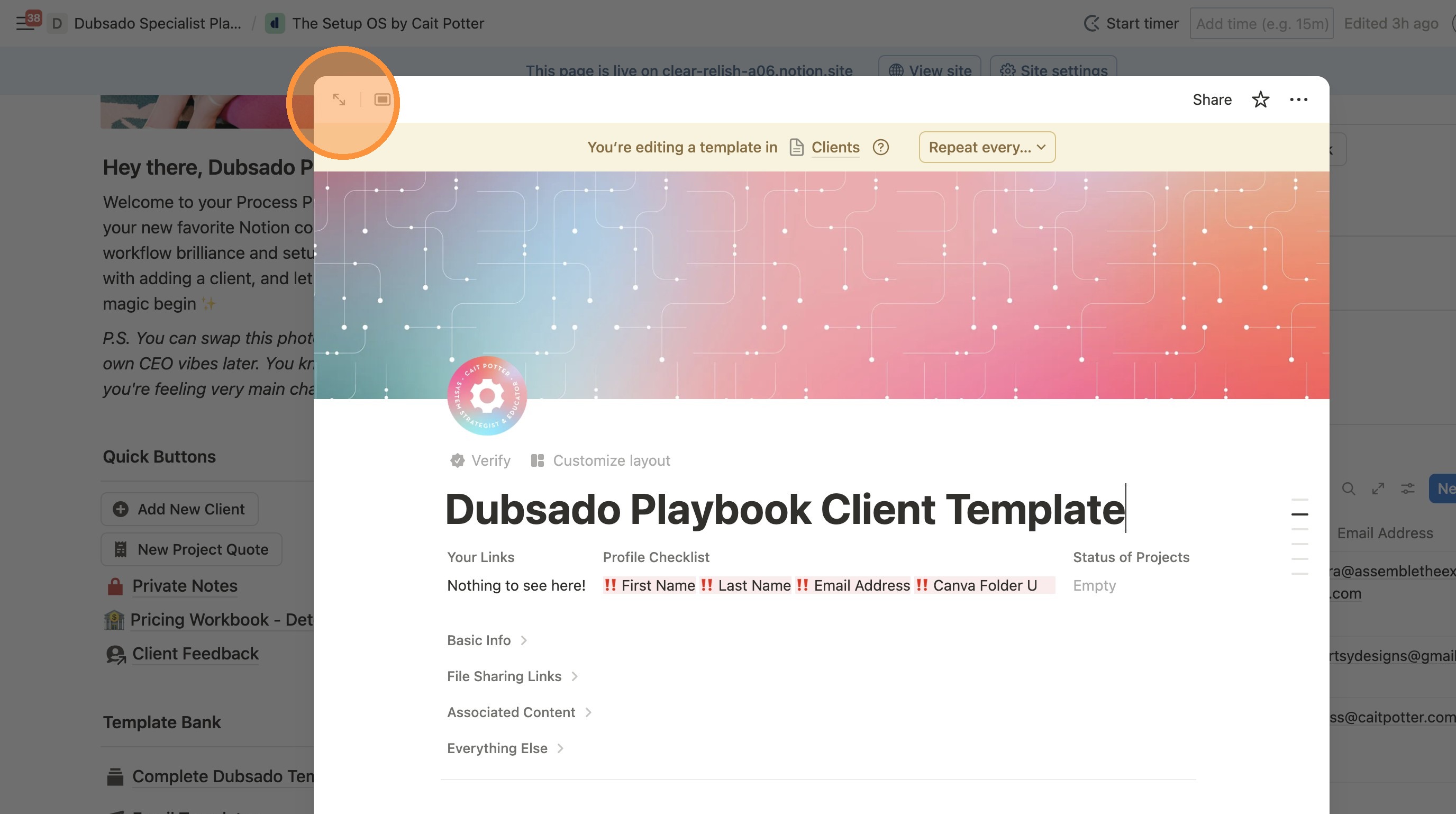
6. Now you can make changes to your client template. Be careful.
Note that messing something up here will mess it up for EVERY client moving forward.
It's possible if you make a mistake here that support can't be provided to fix it and you'll instead have to start over with a fresh copy.