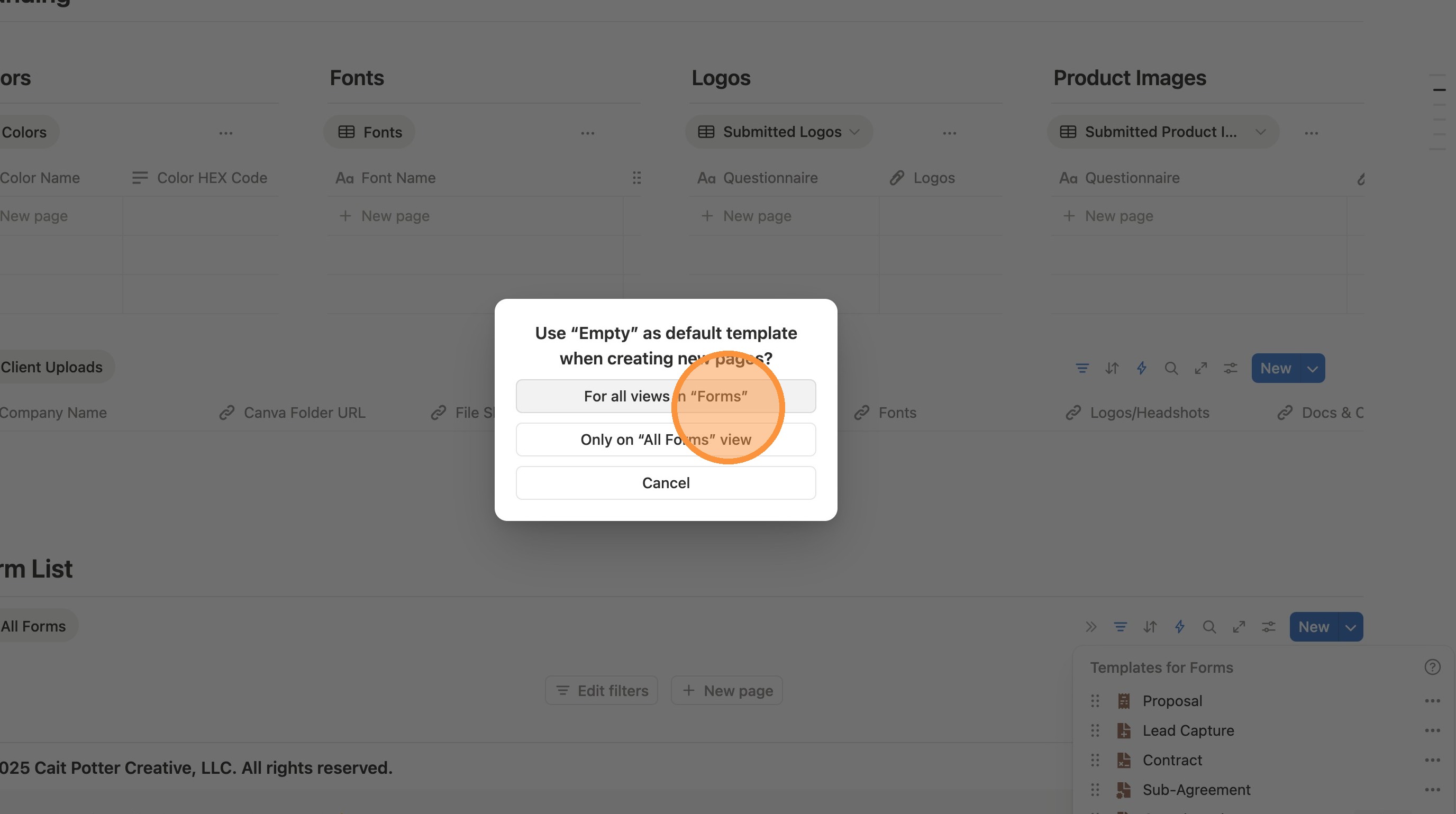
Remove Questionnaire as default form
1. Navigate to https://www.notion.so/The-Setup-OS-by-Cait-Potter-2026-206dd7308353808987bff97cb6ffafb3
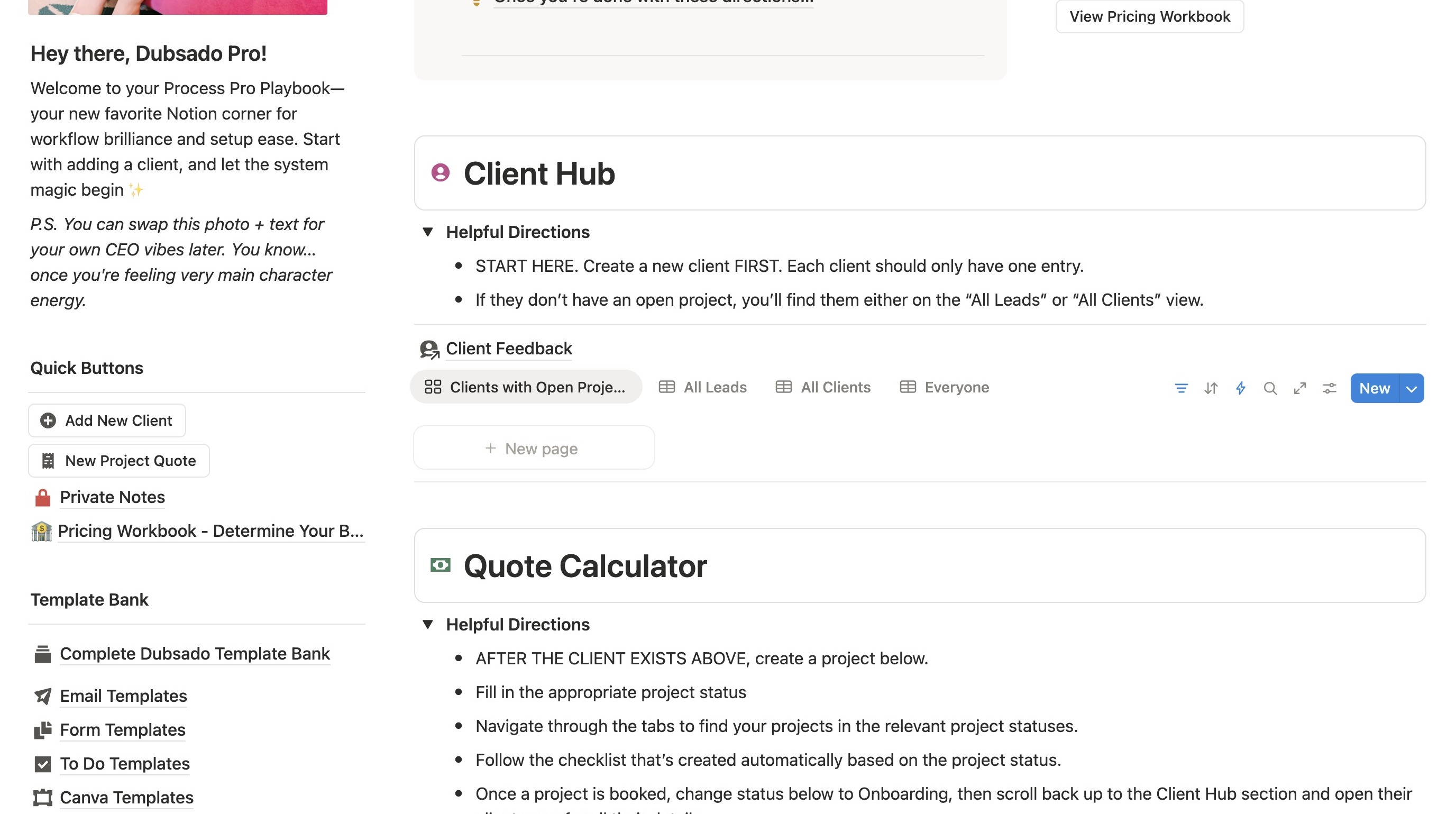
2. Under client hub, click the arrow next to "New"
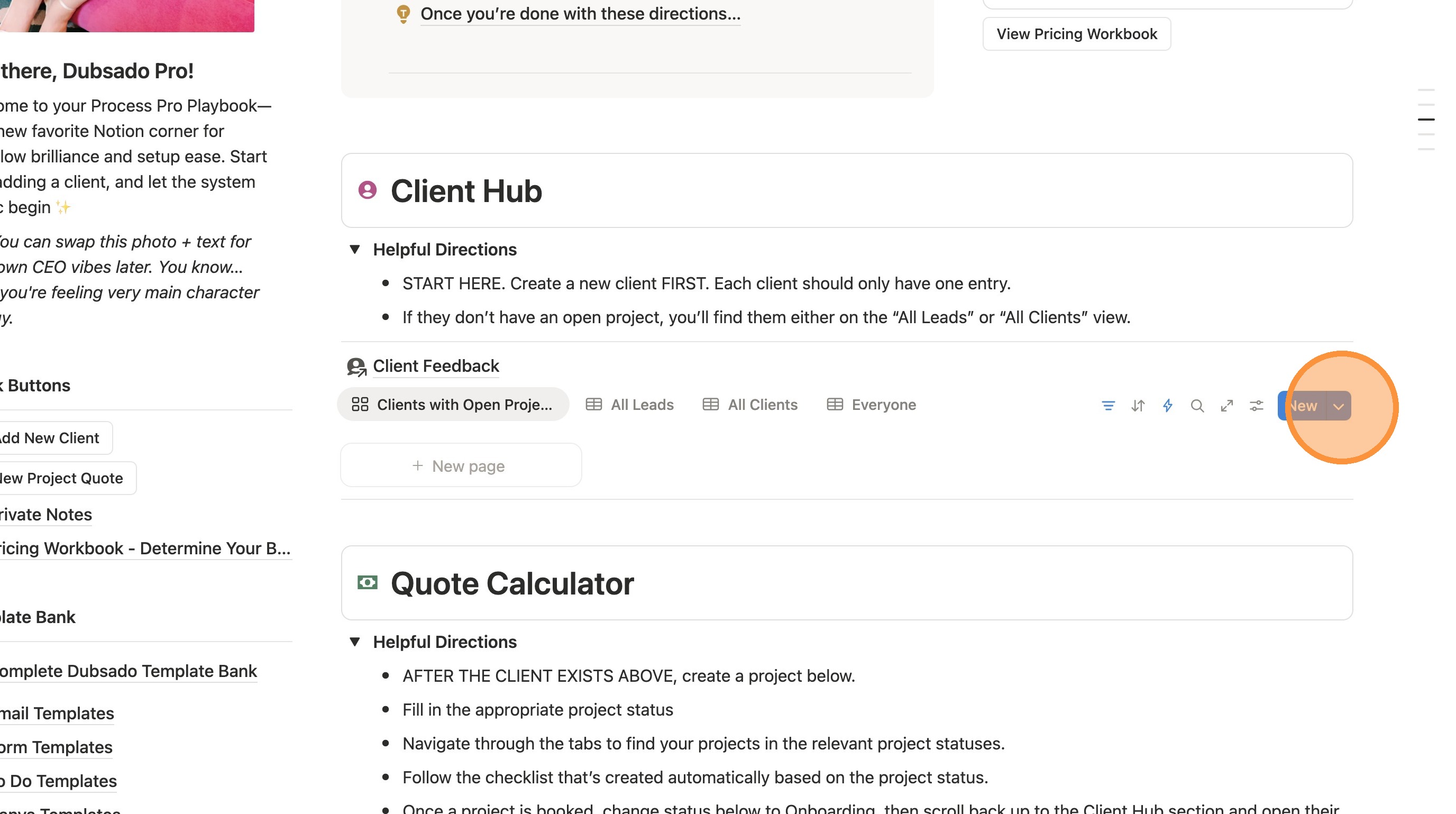
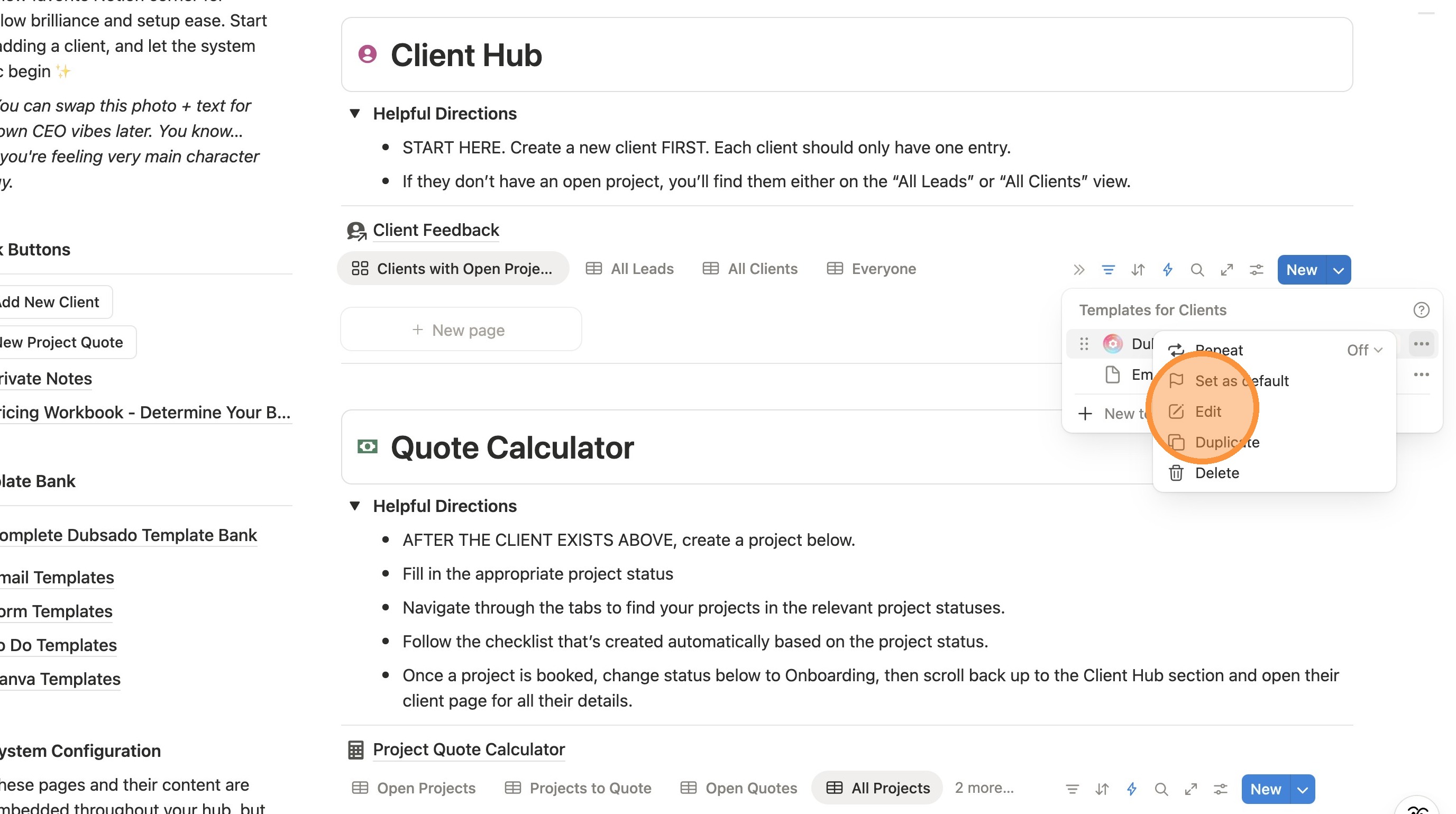
3. Click this icon.
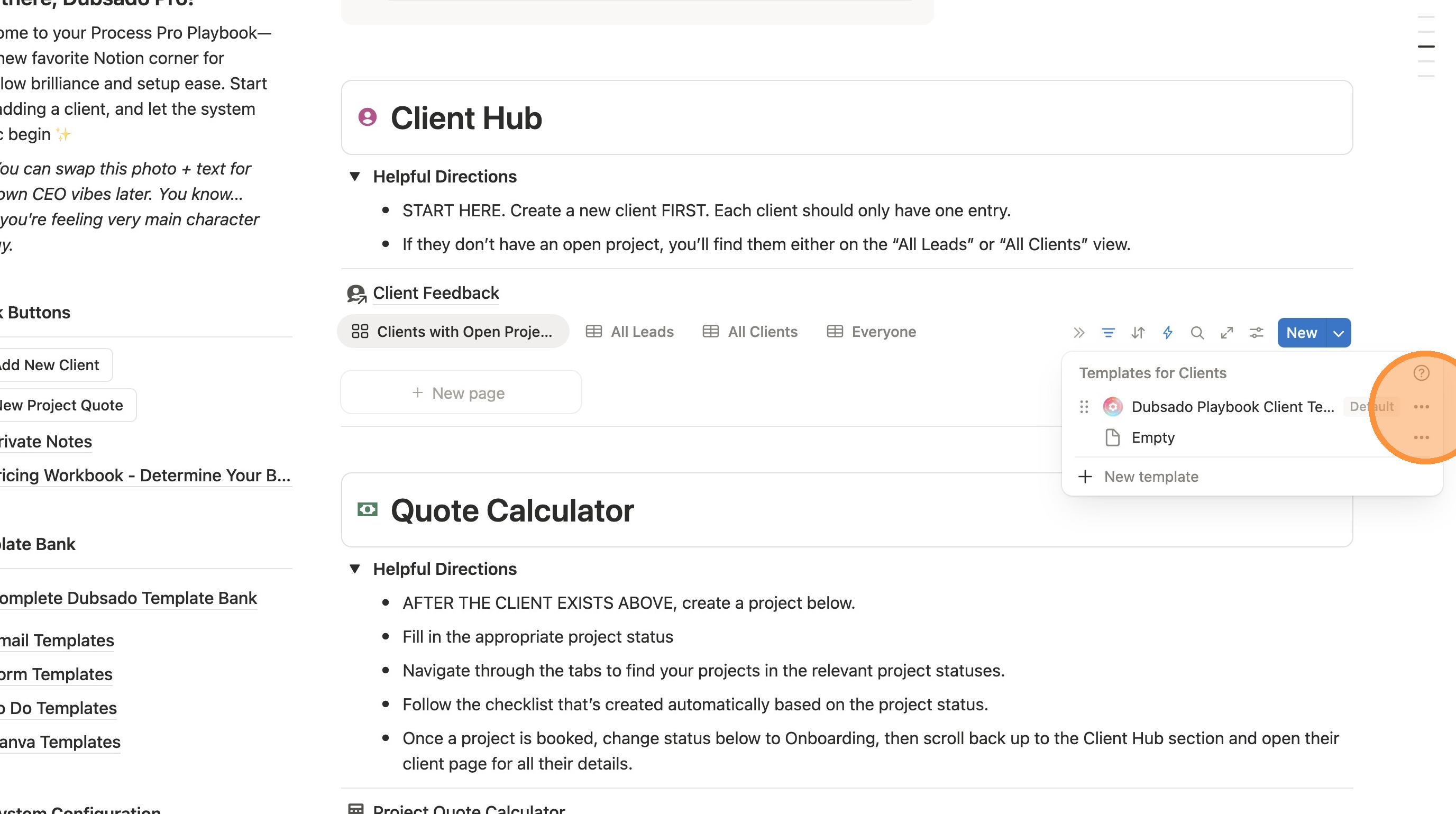
4. Click "Edit"
5. Click here.
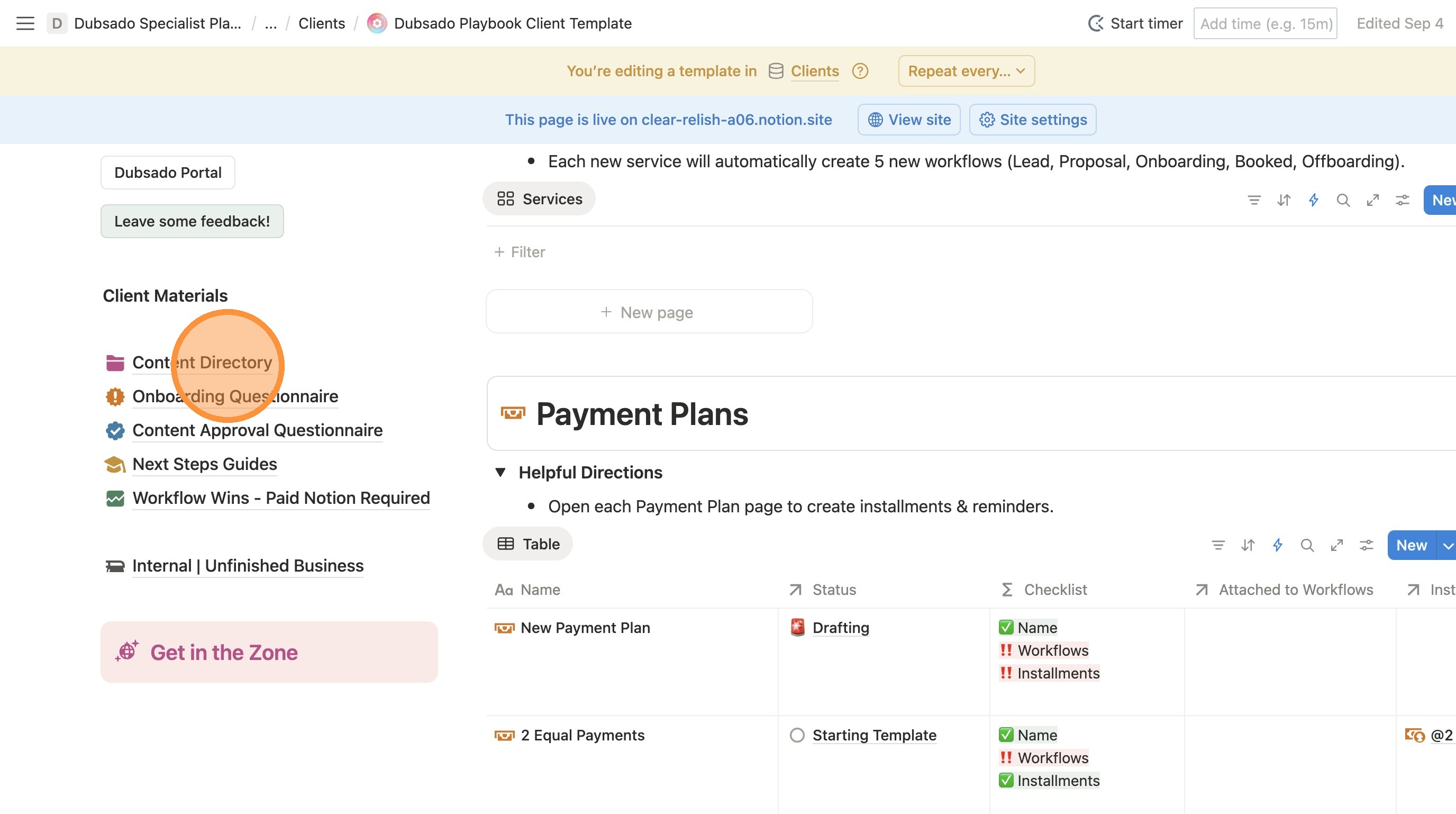
6. Click "Content Directory"
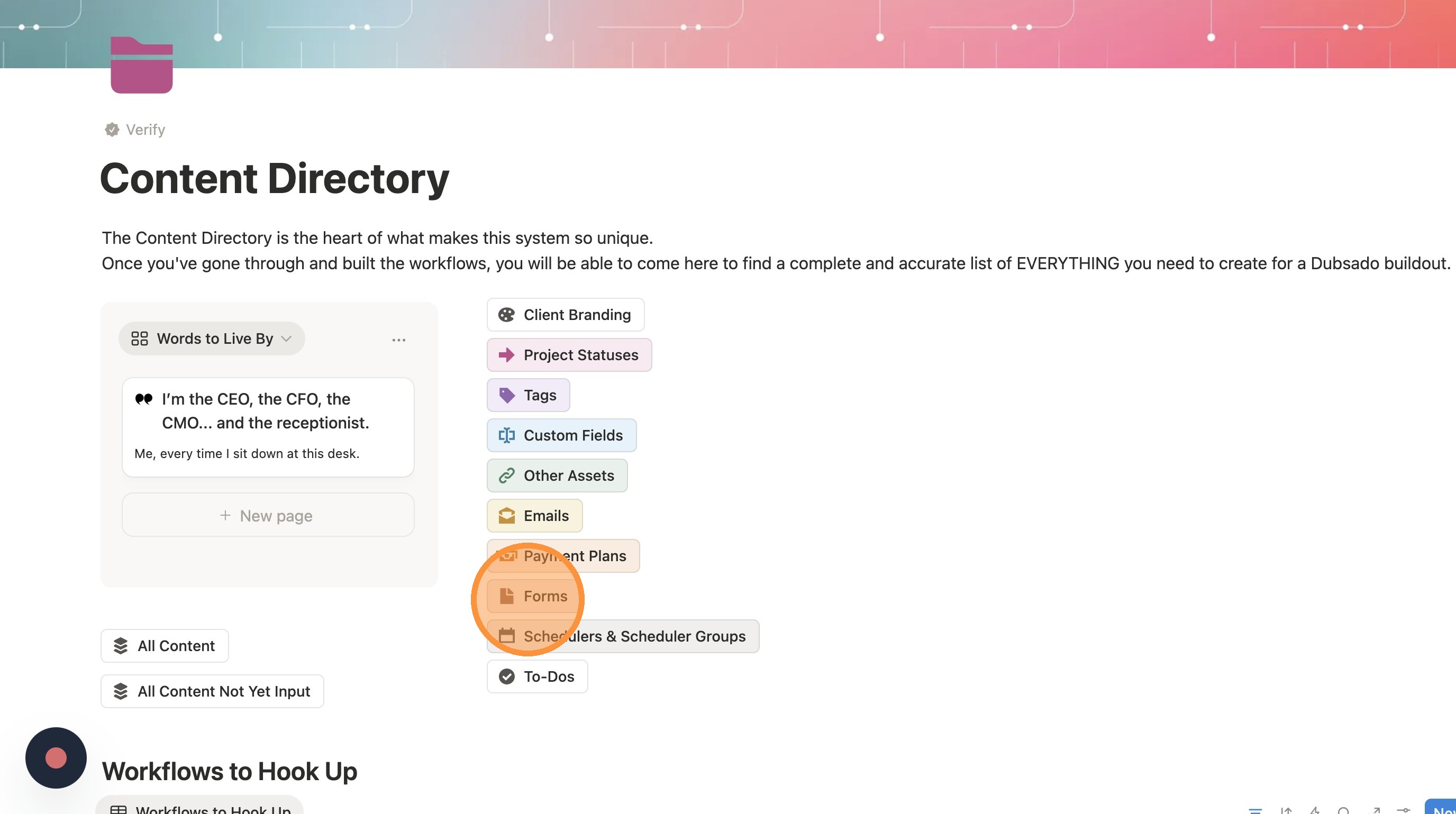
7. Click "Forms"
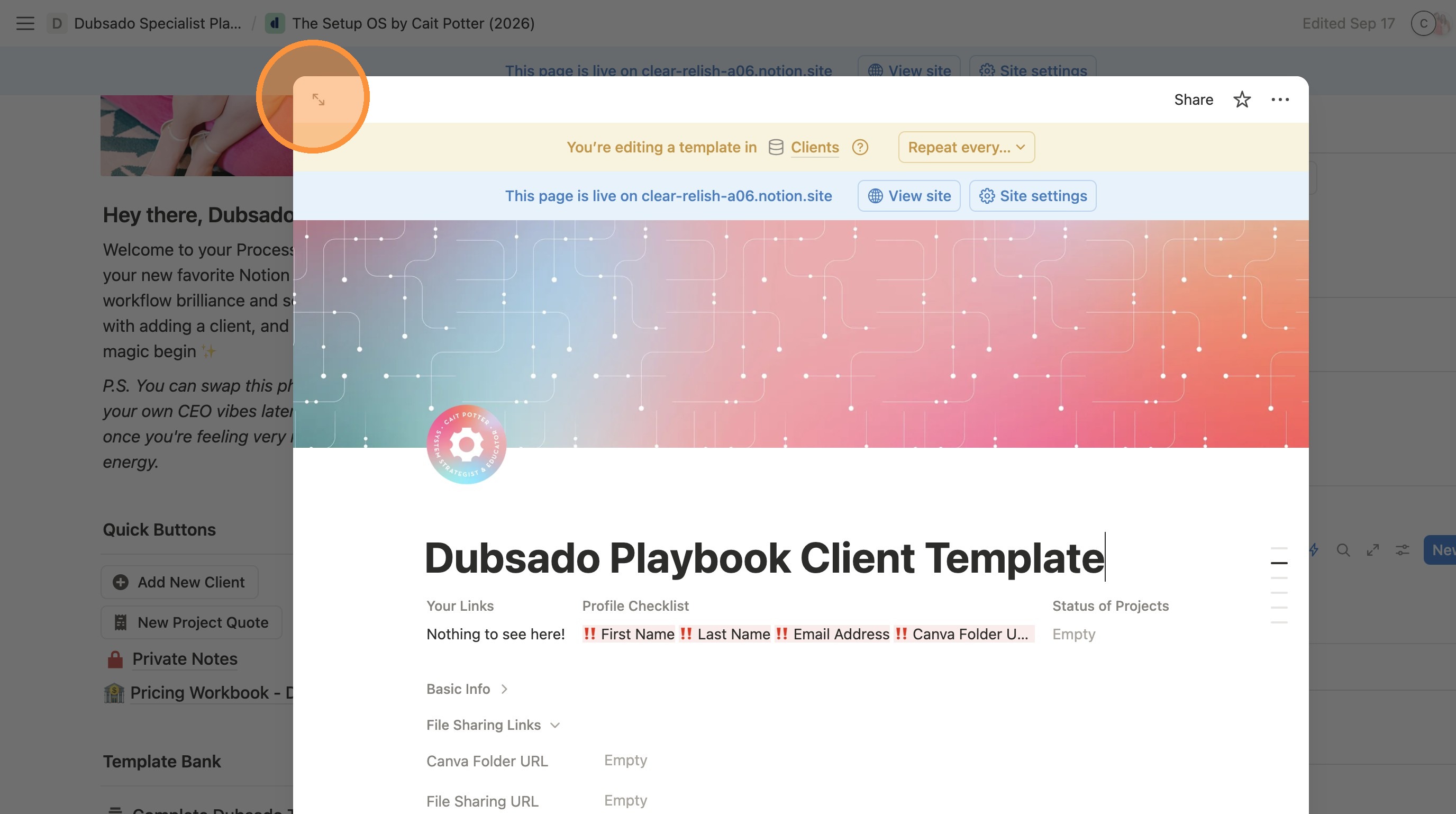
8. Click this icon to make it full screen.
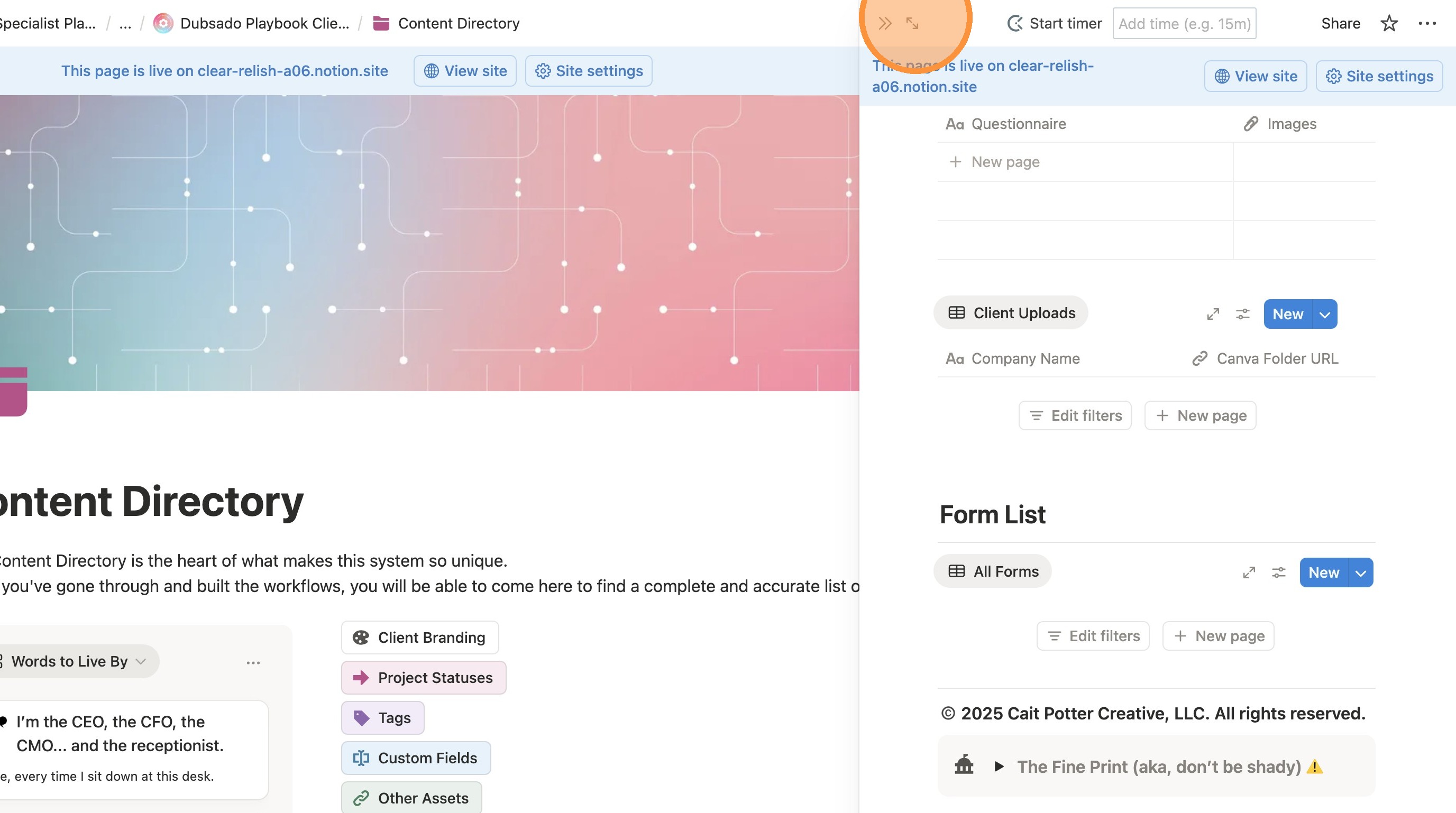
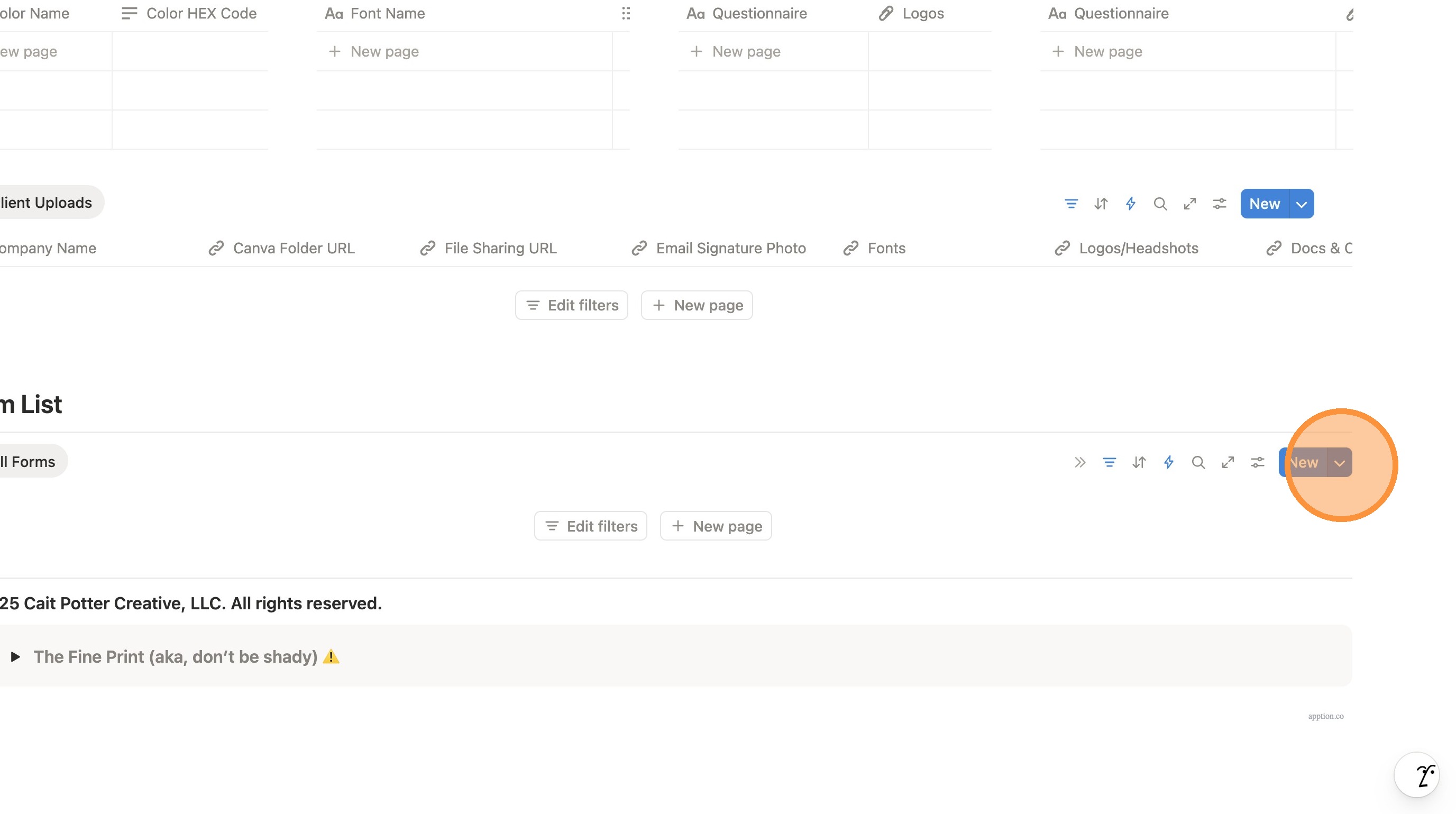
9. In the Form List section, click the arrow next to "New".
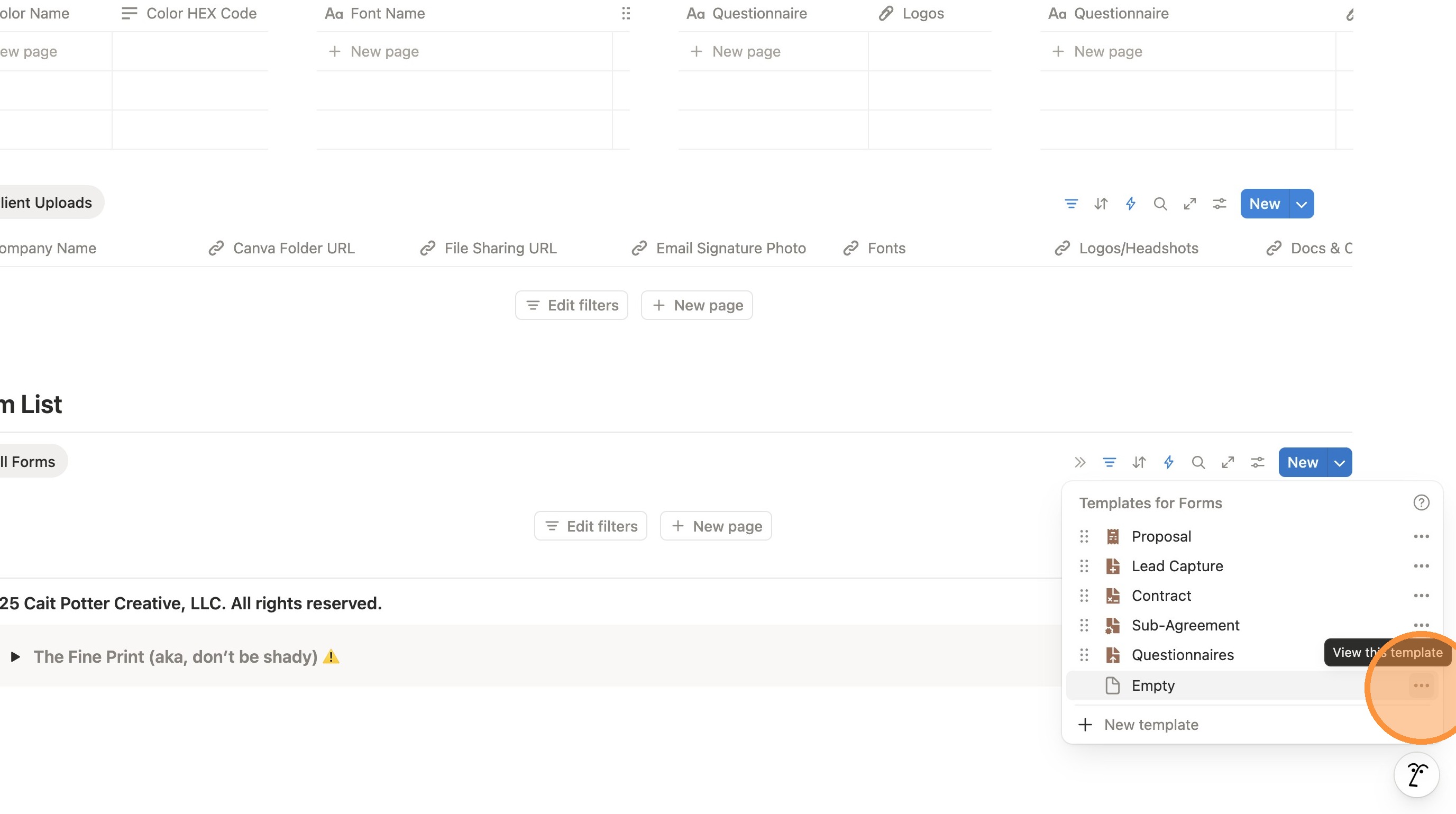
10. We need to change the default page. Click the three dots next to "Empty".
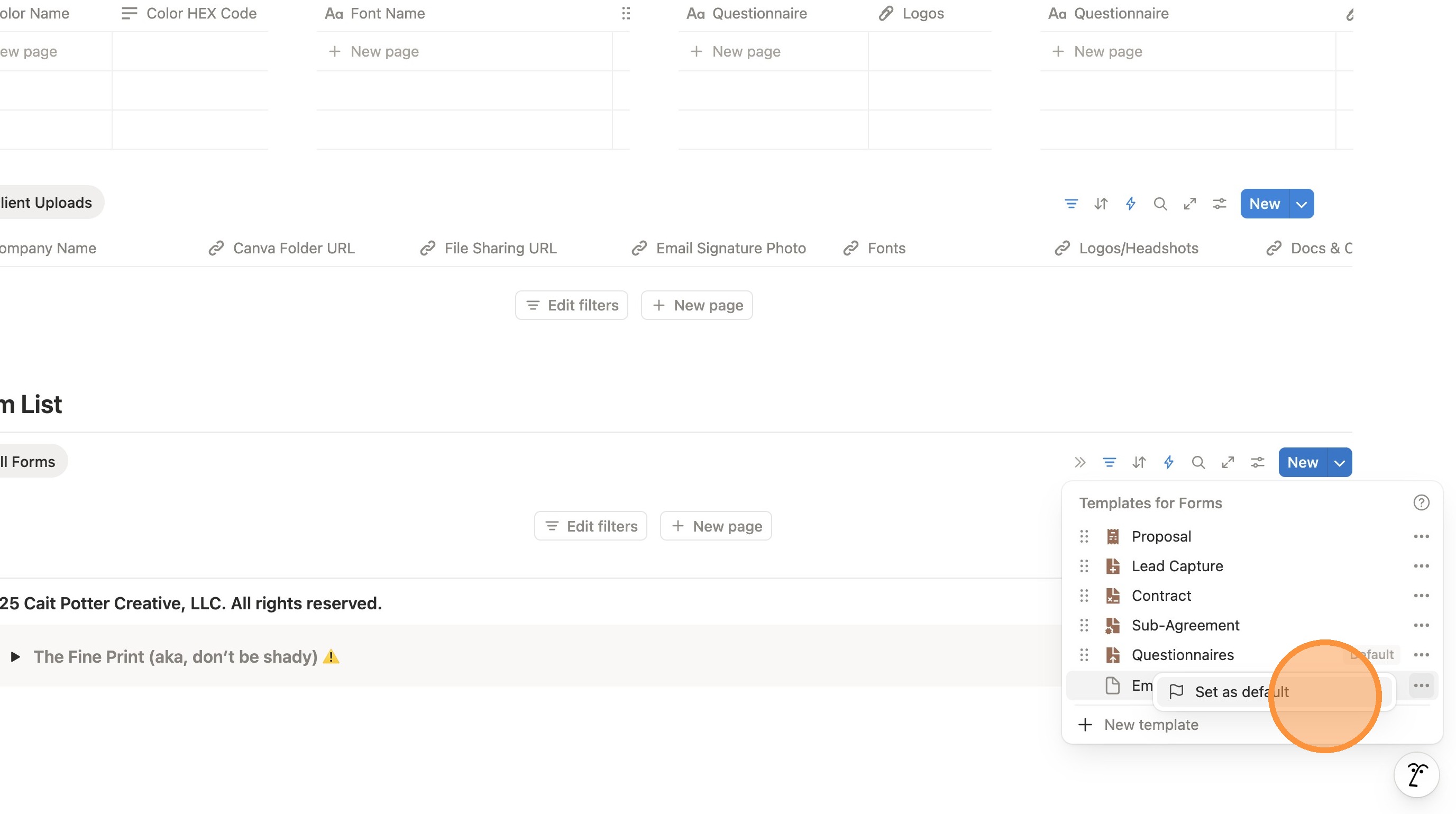
11. Click "Set as default"
12. Click "For all views in “Forms”"