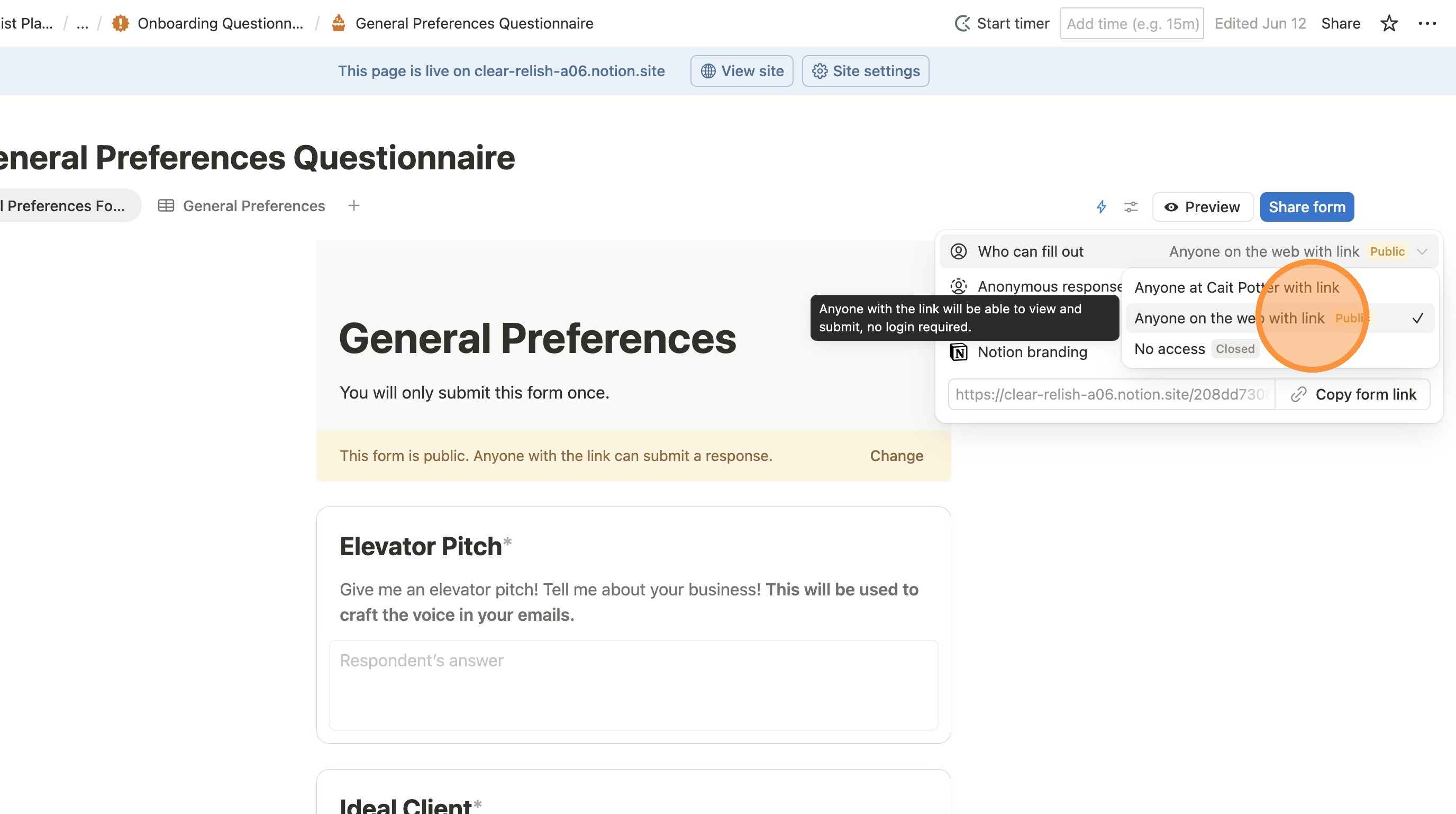
How to Make Your Notion Forms Publicly Accessible (from Template)
1. Navigate to your Notion
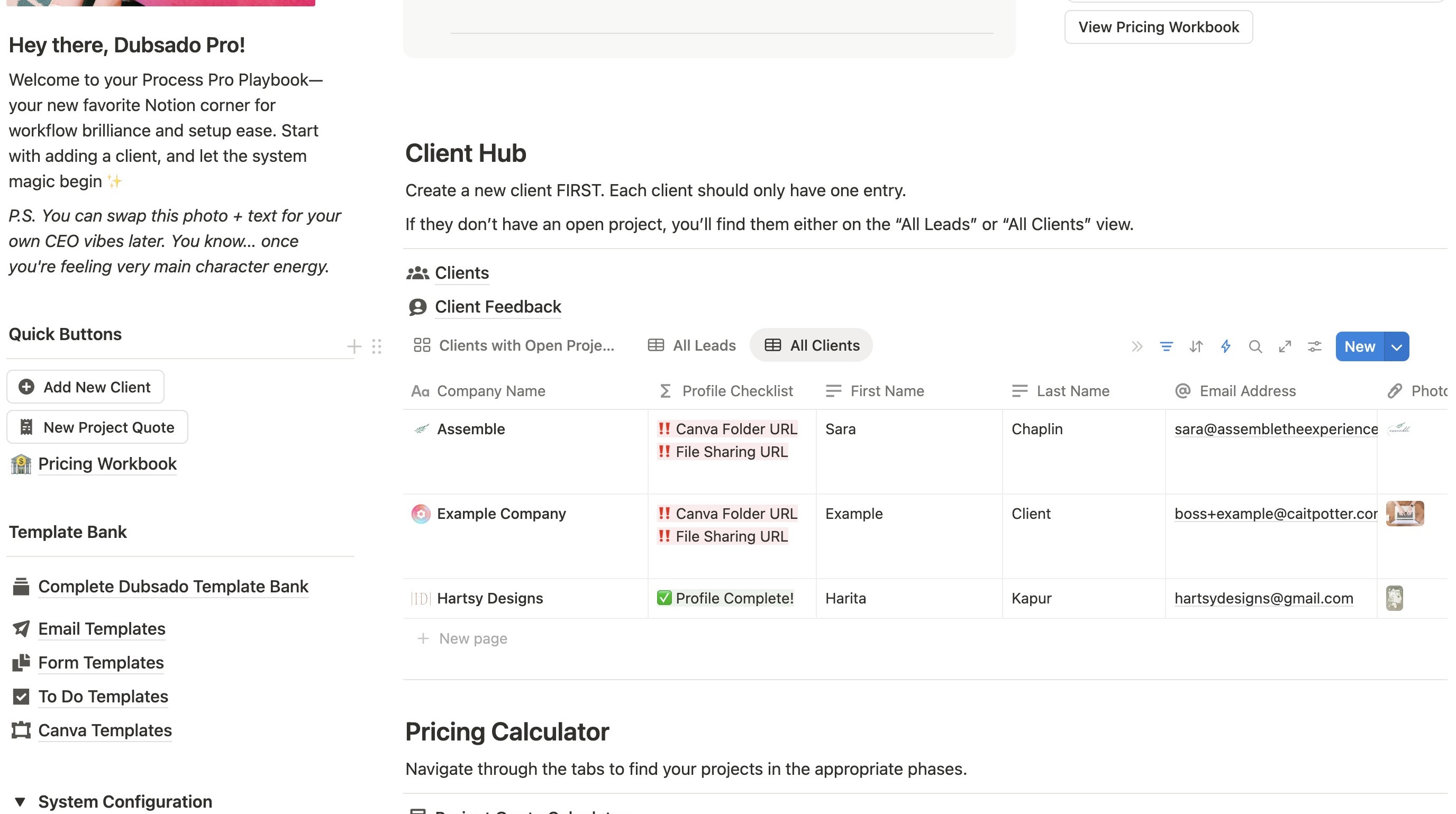
2. Click this icon.
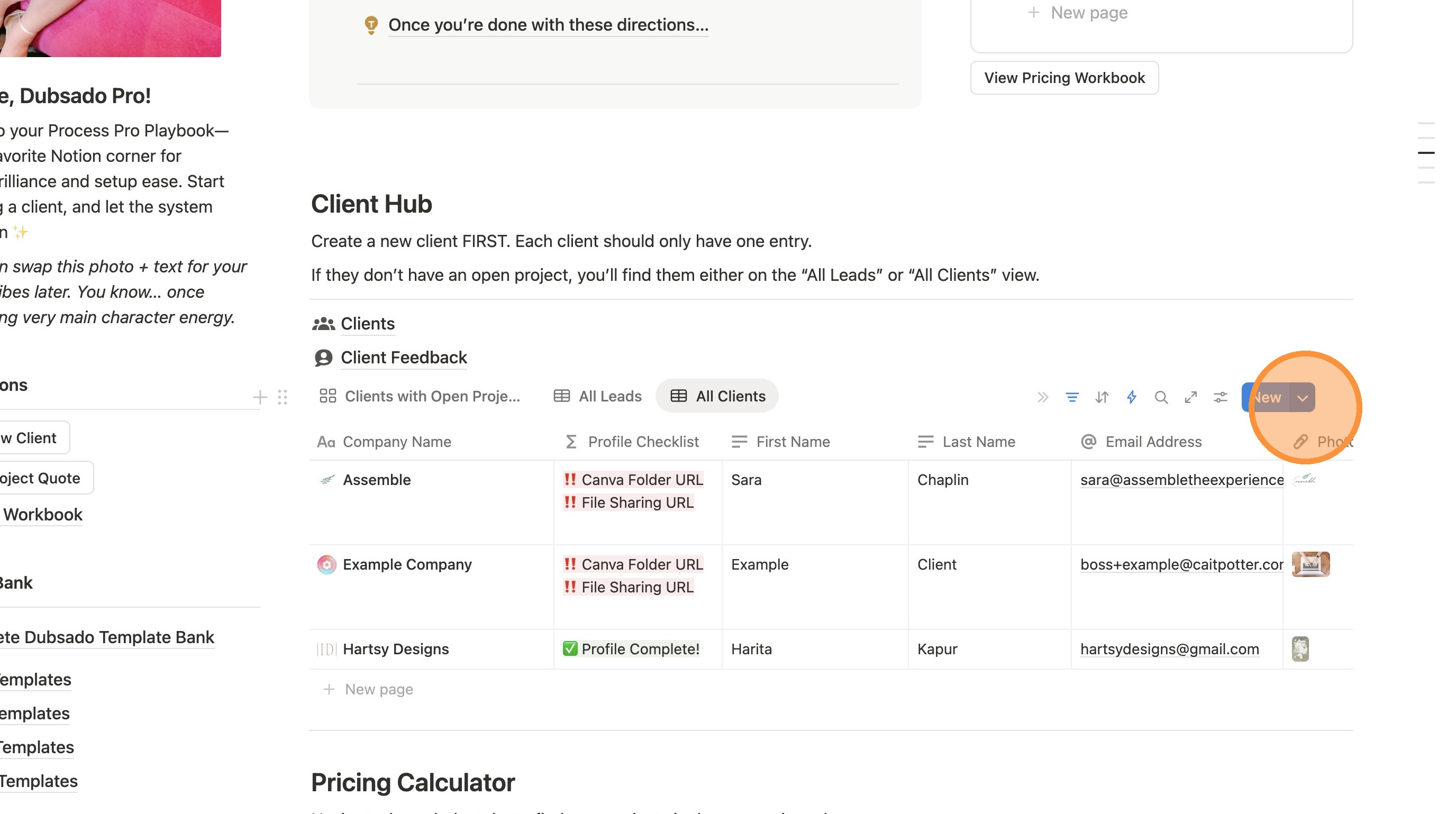
3. Click this icon.
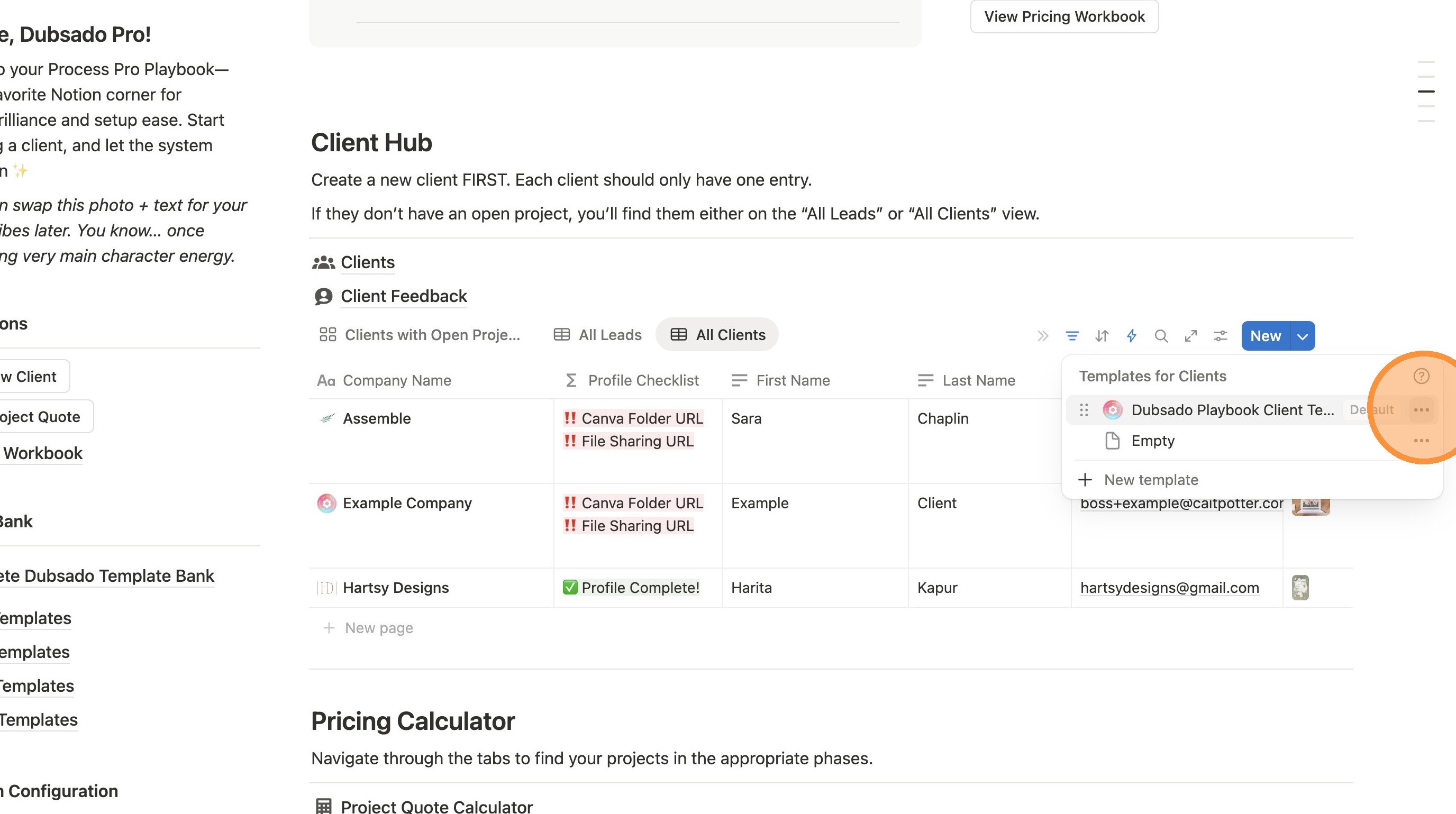
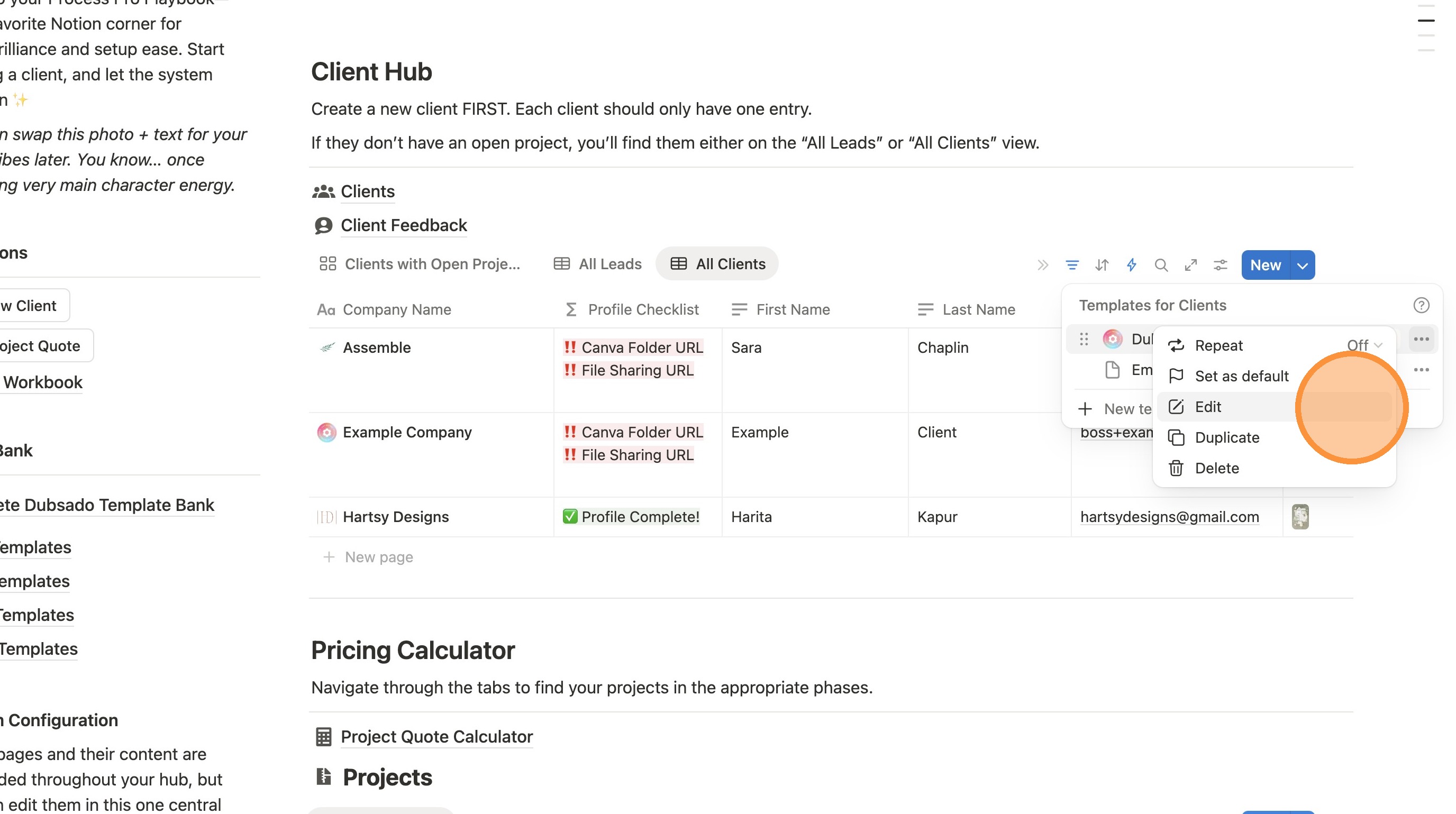
4. Click "Edit"
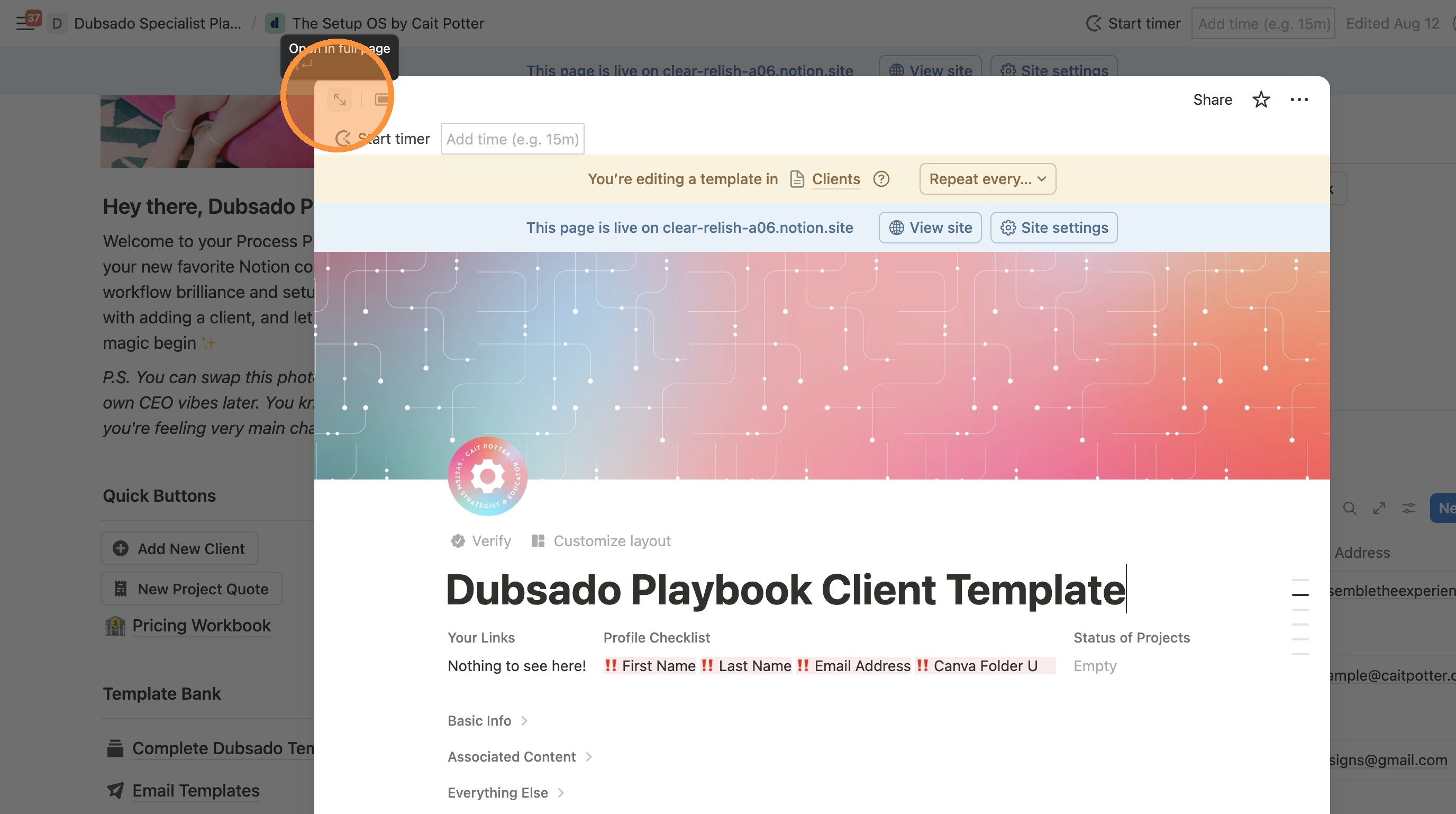
5. Click this icon.
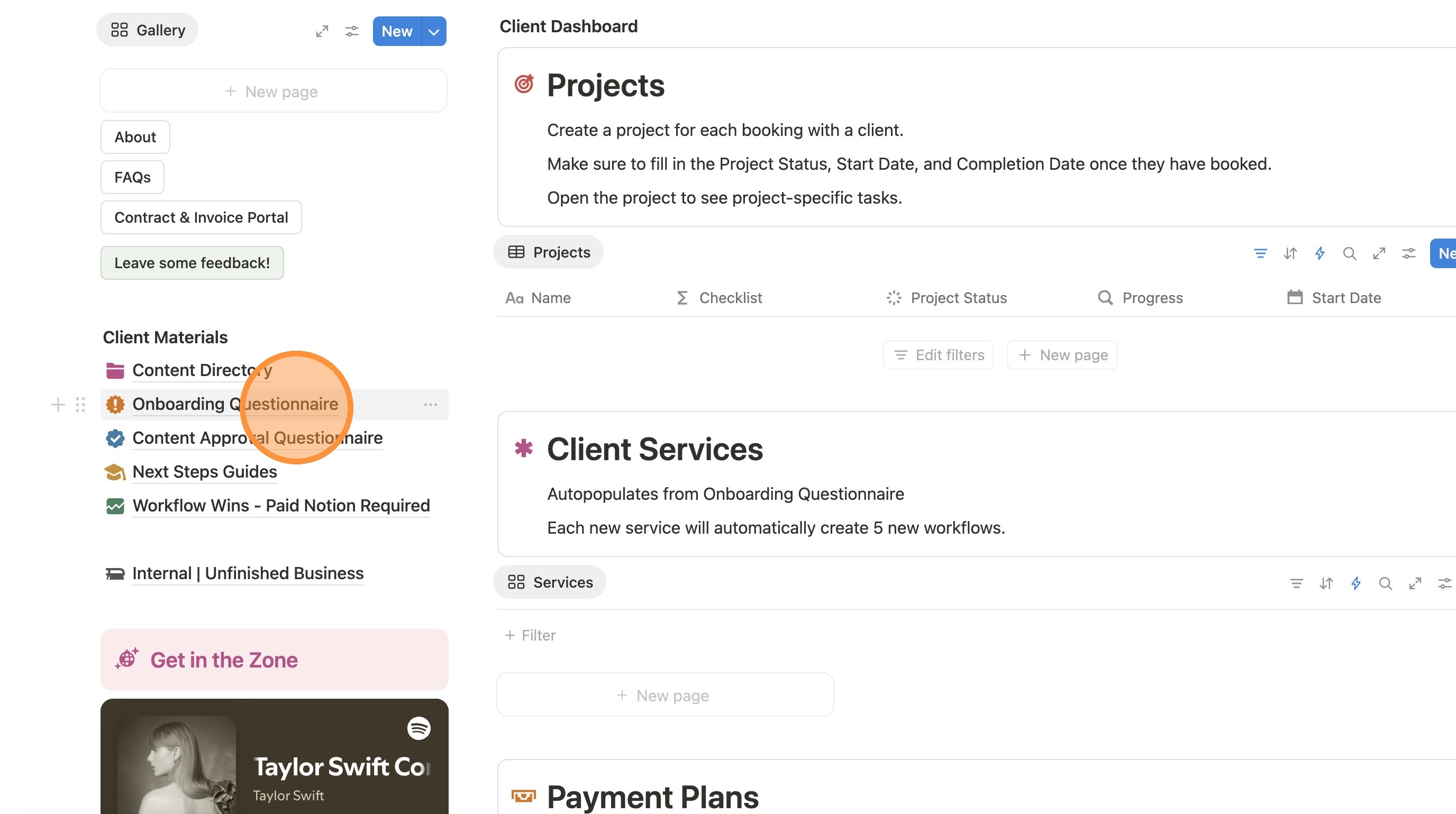
6. Click "Onboarding Questionnaire"
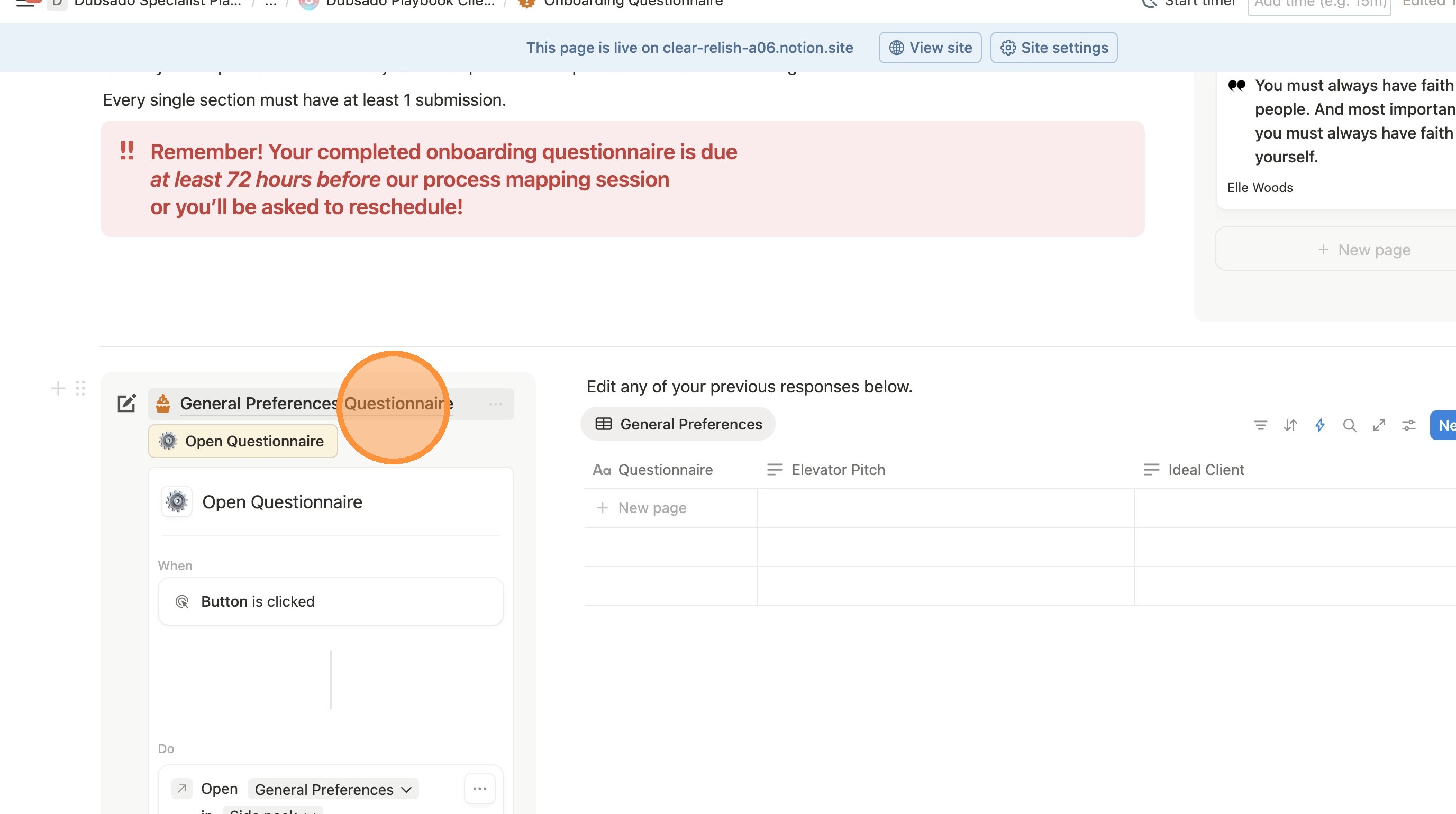
7. Click "General Preferences Questionnaire"
8. Click "General Preferences Form"
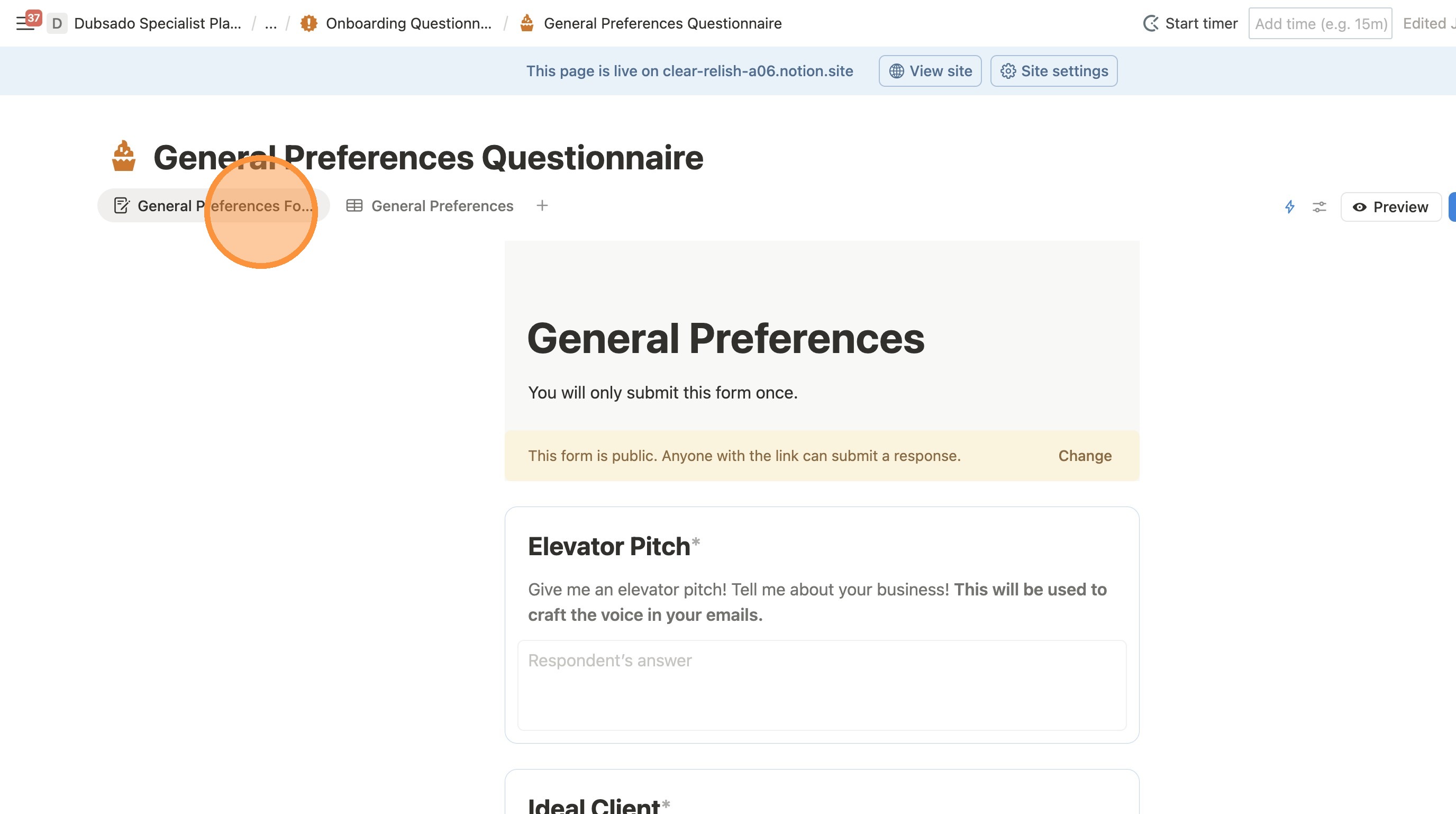
9. Click here.
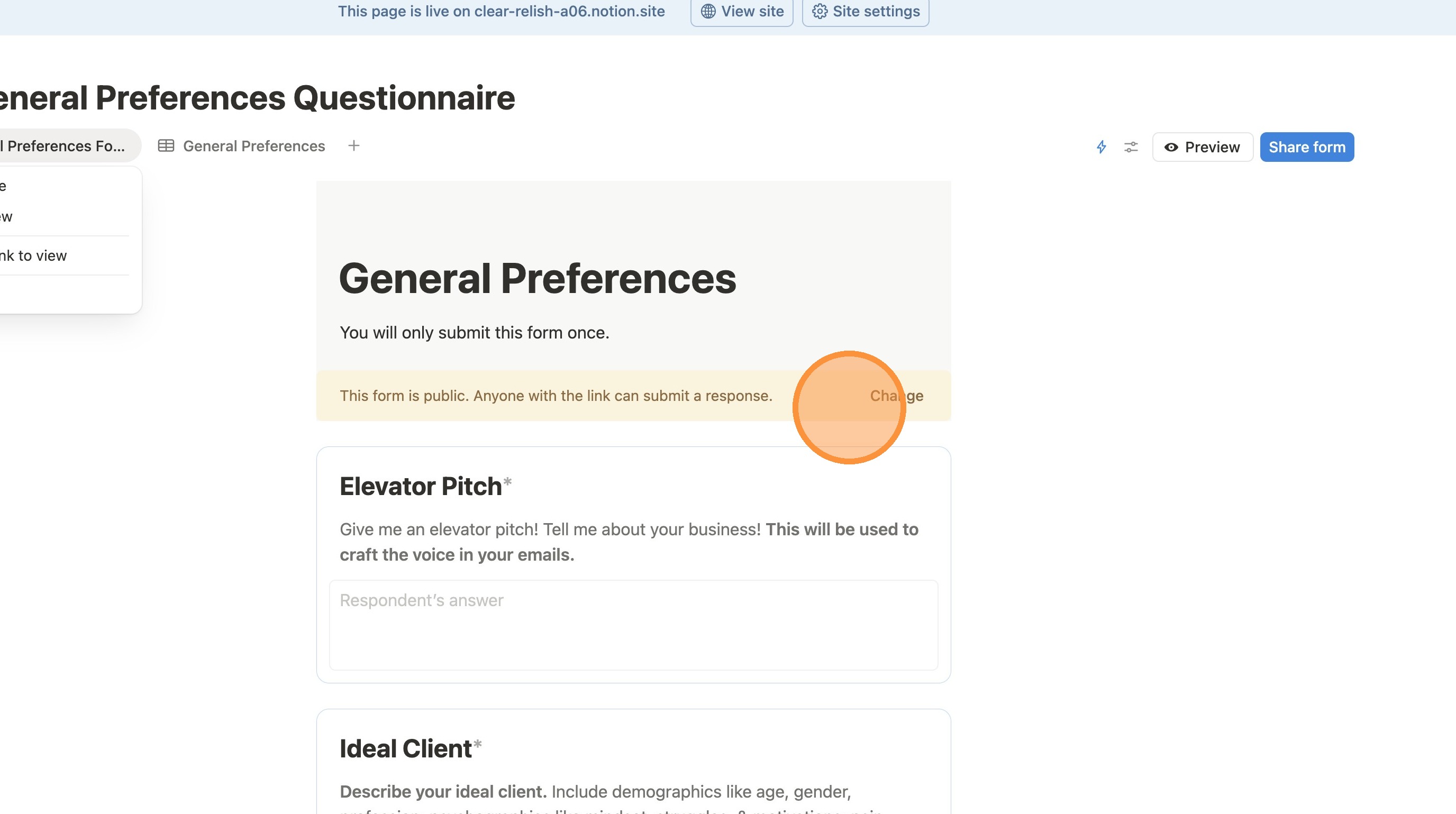
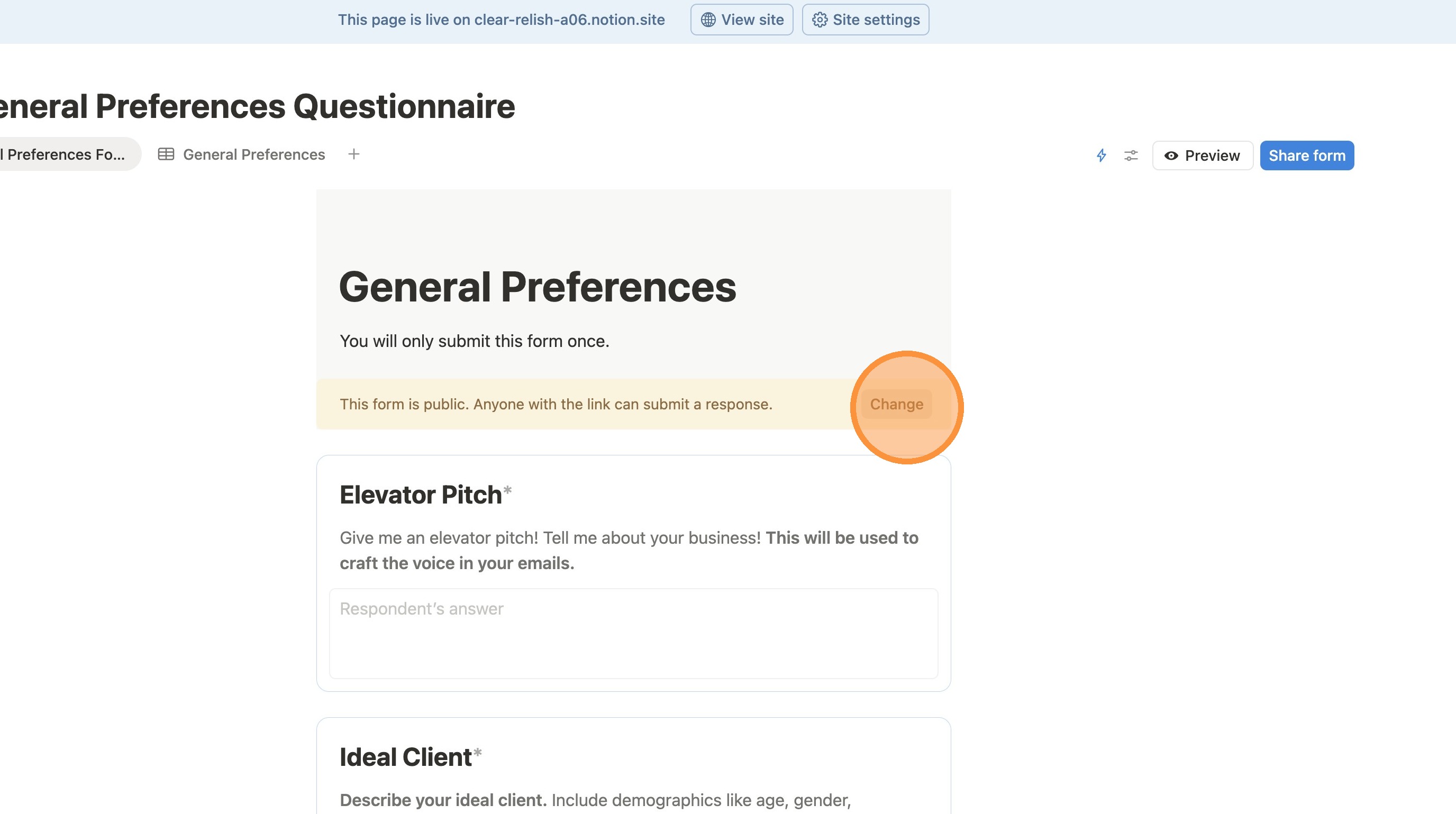
10. Click "Change"
11. Click "Anyone on the web with linkPublic"
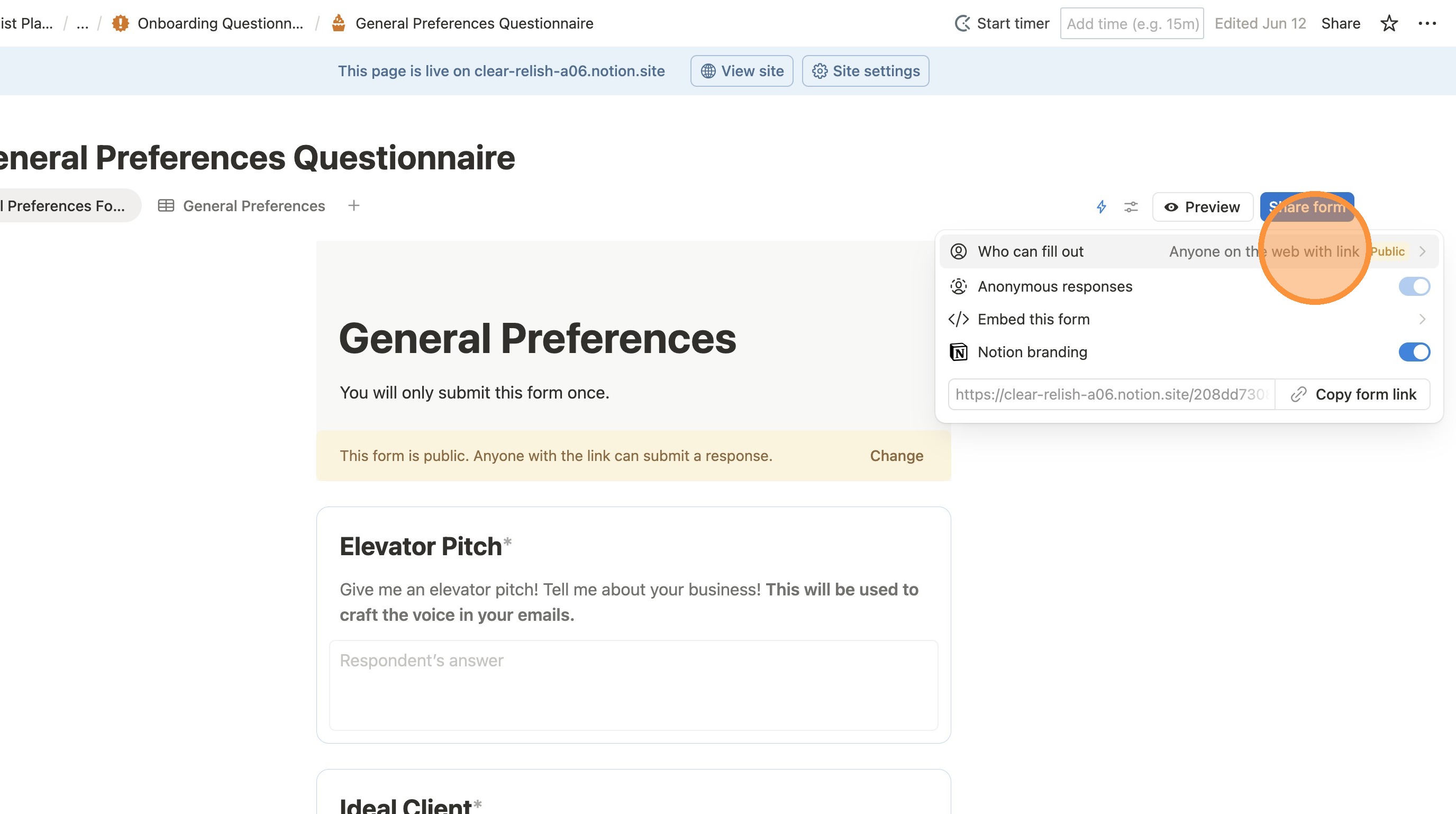
12. Click "Anyone on the web with linkPublic"