How to Hookup Public Proposal Workflow
1. Navigate to https://hello.dubsado.com/dashboard
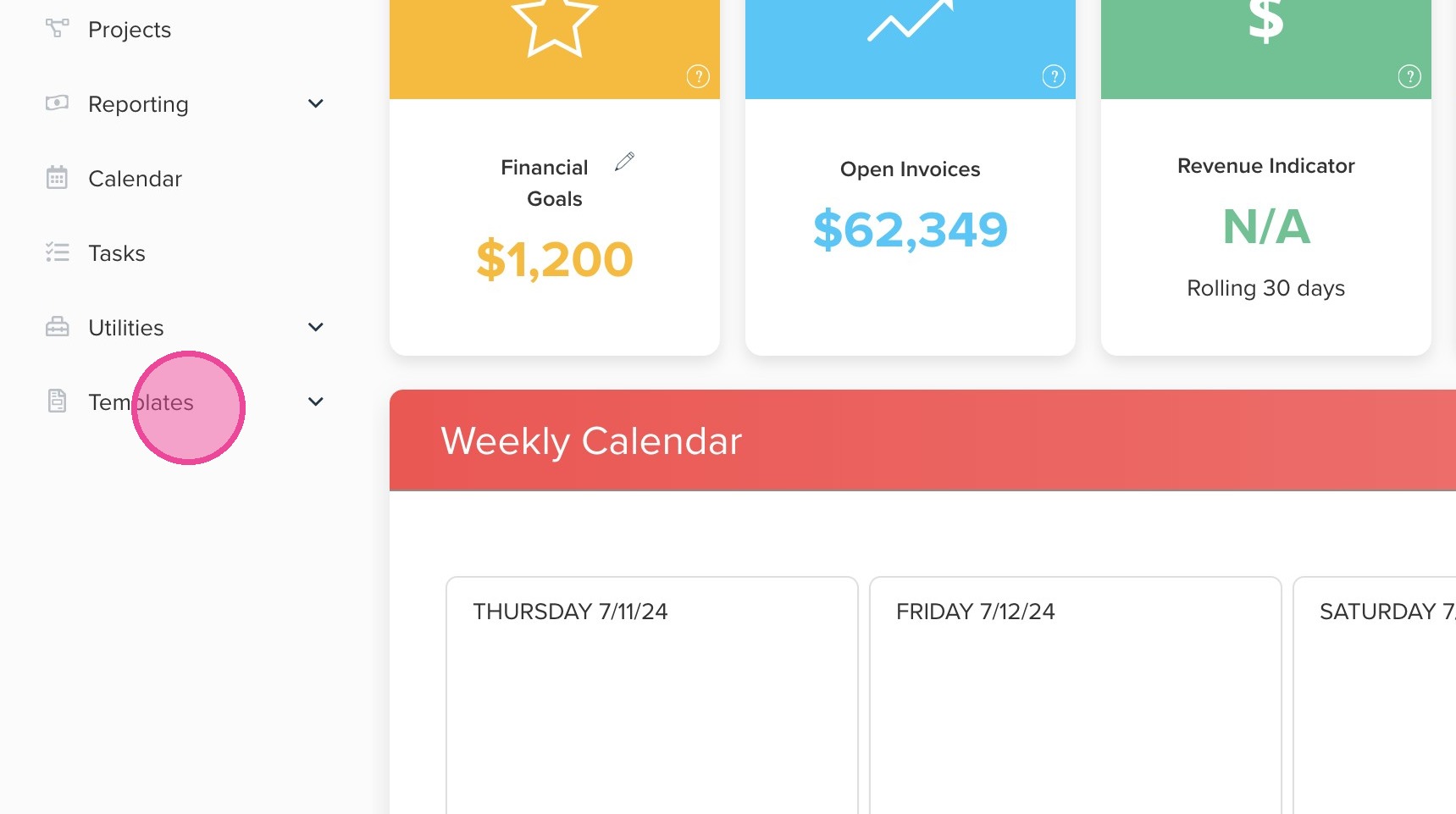
2. Click "Templates"
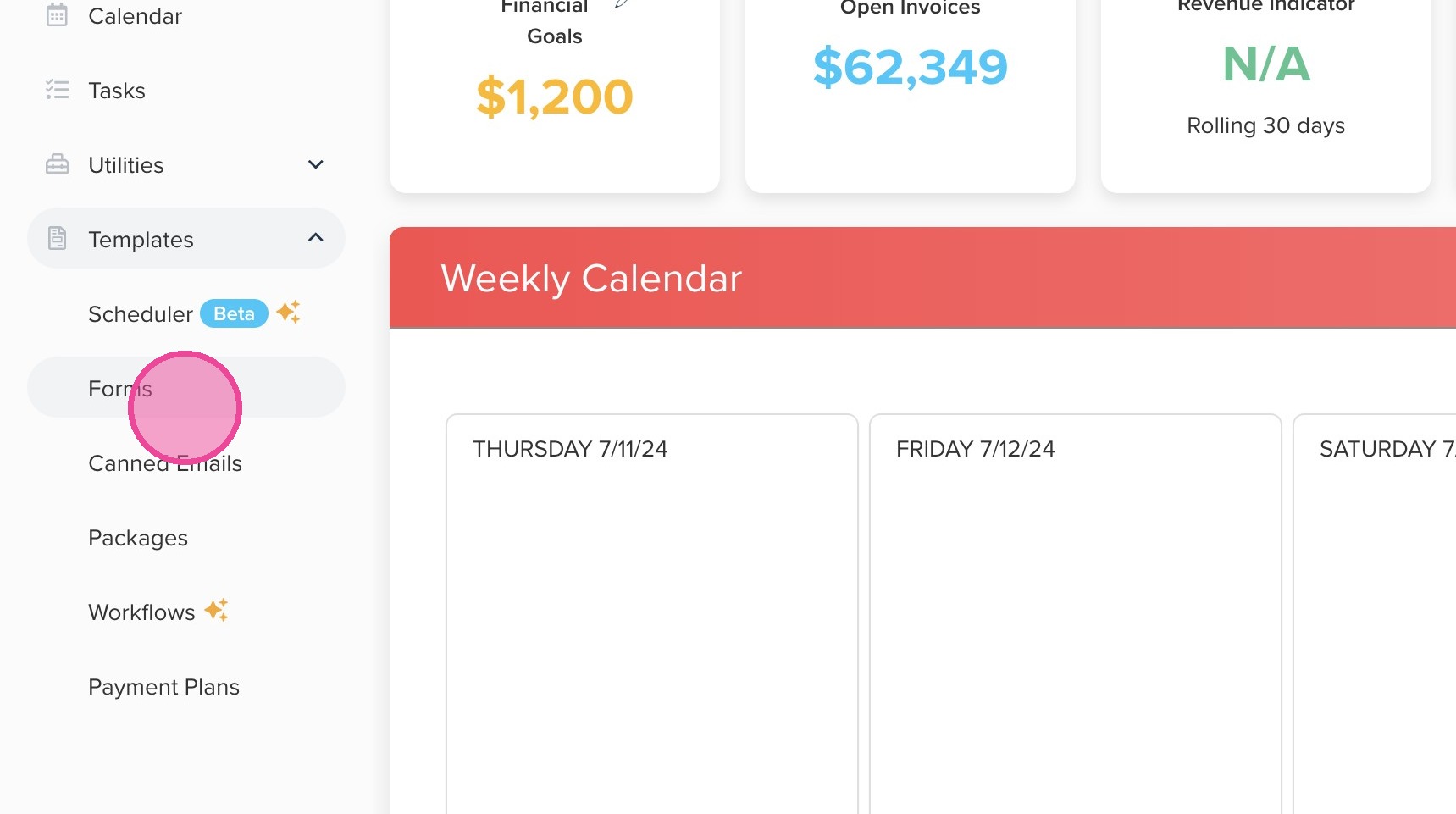
3. Click "Forms"
4. Locate the appropriate Public Proposal.
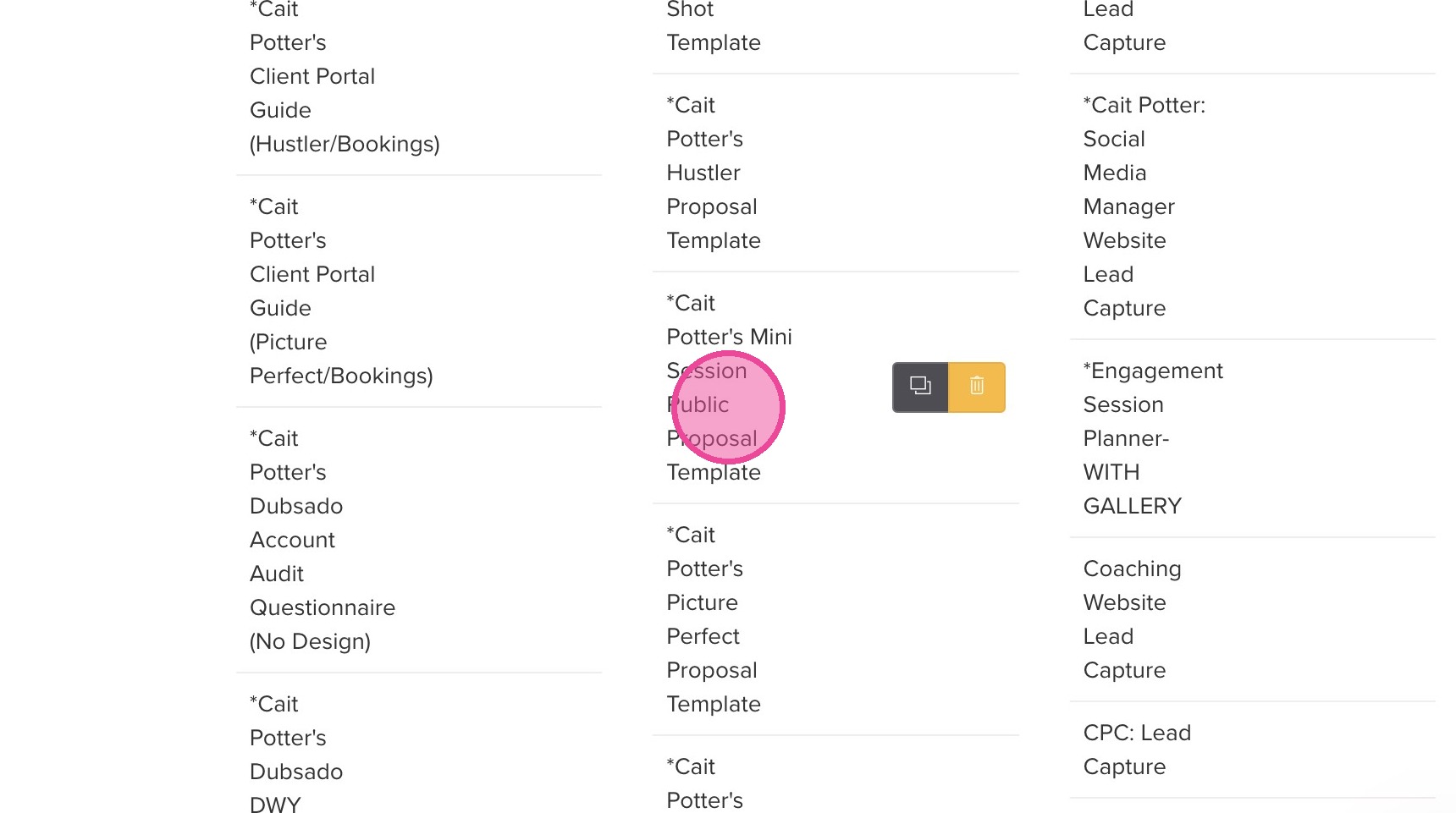
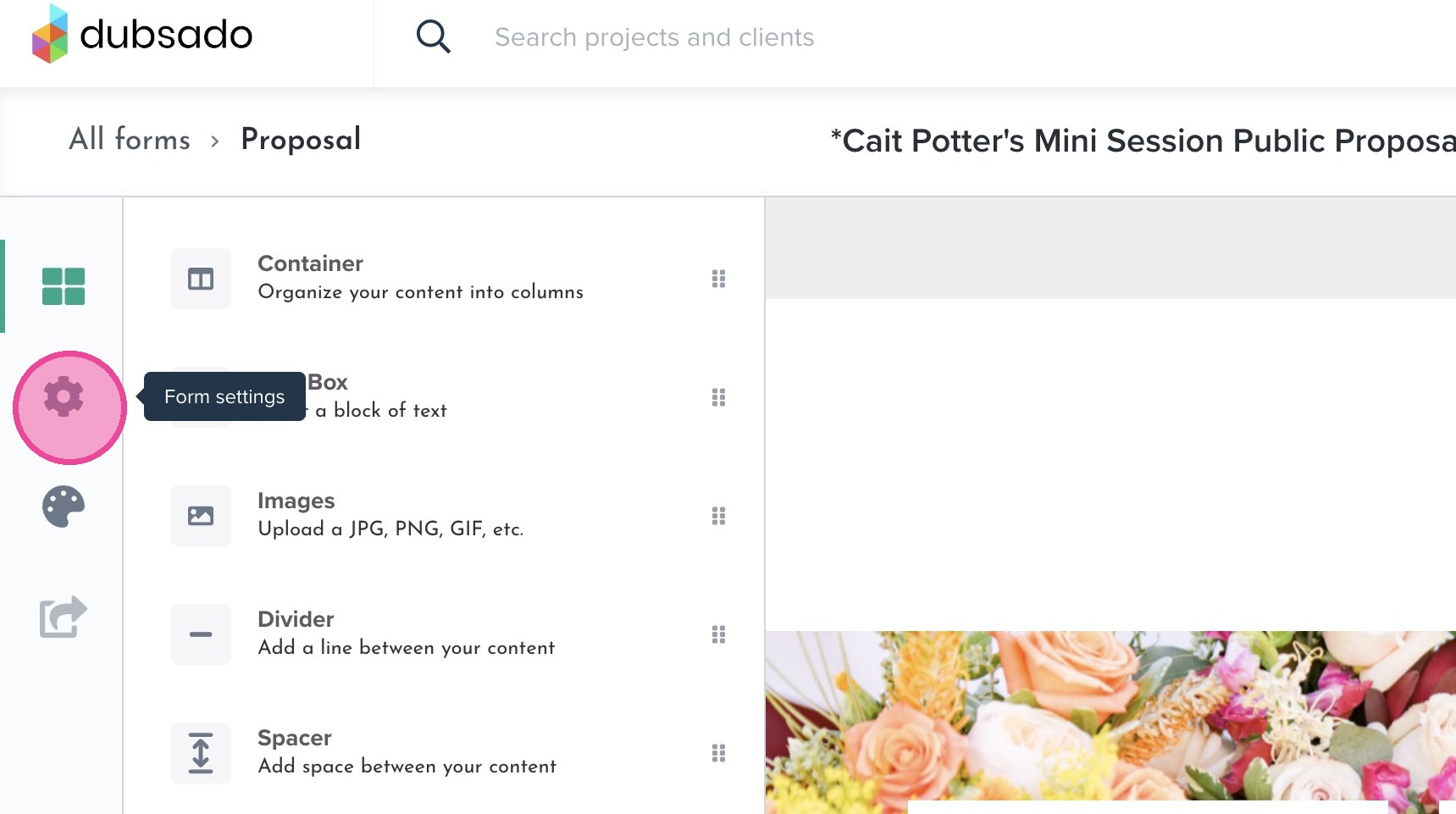
5. Click here.
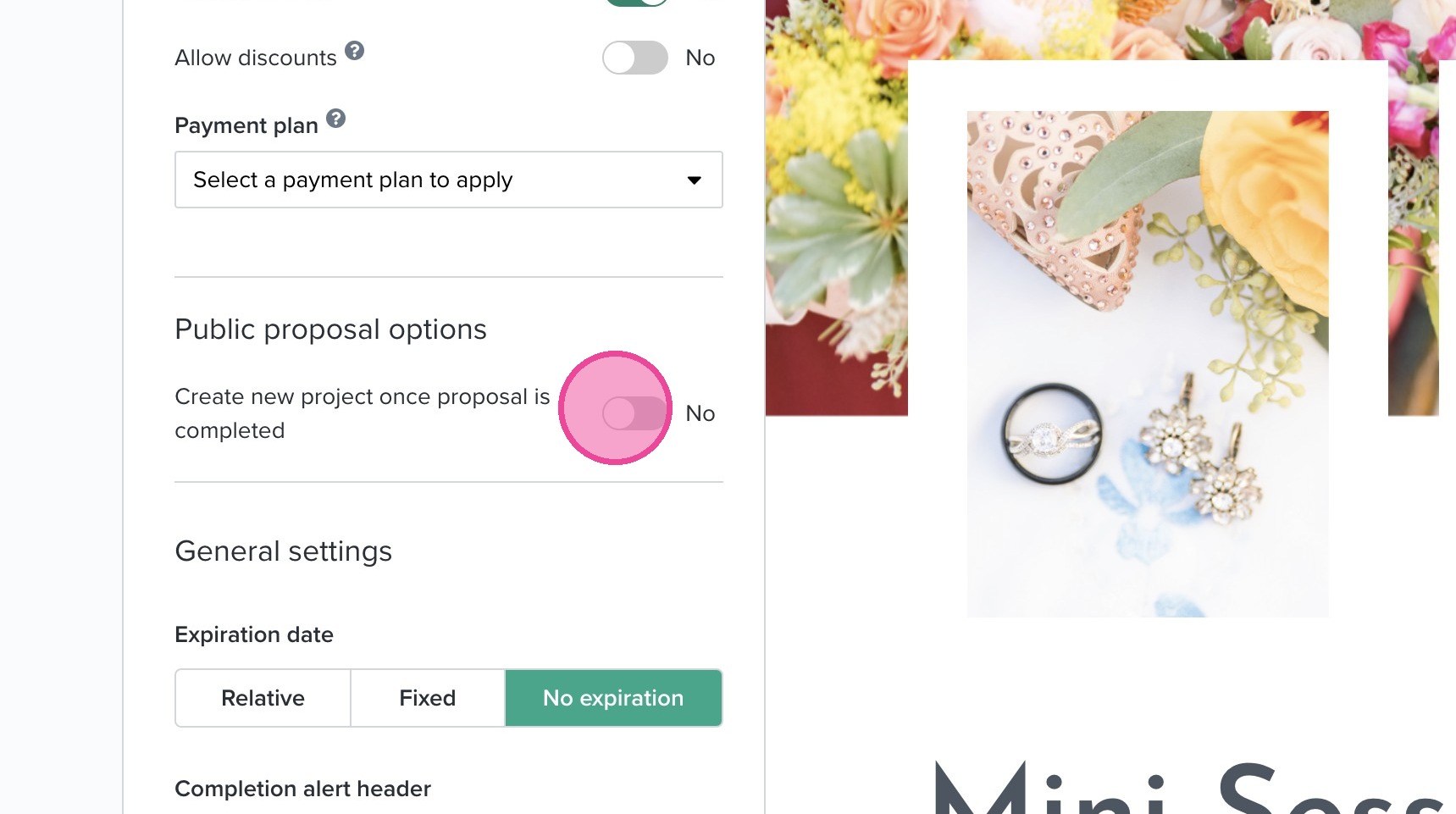
6. Make sure your Public Proposal Options are toggled on.
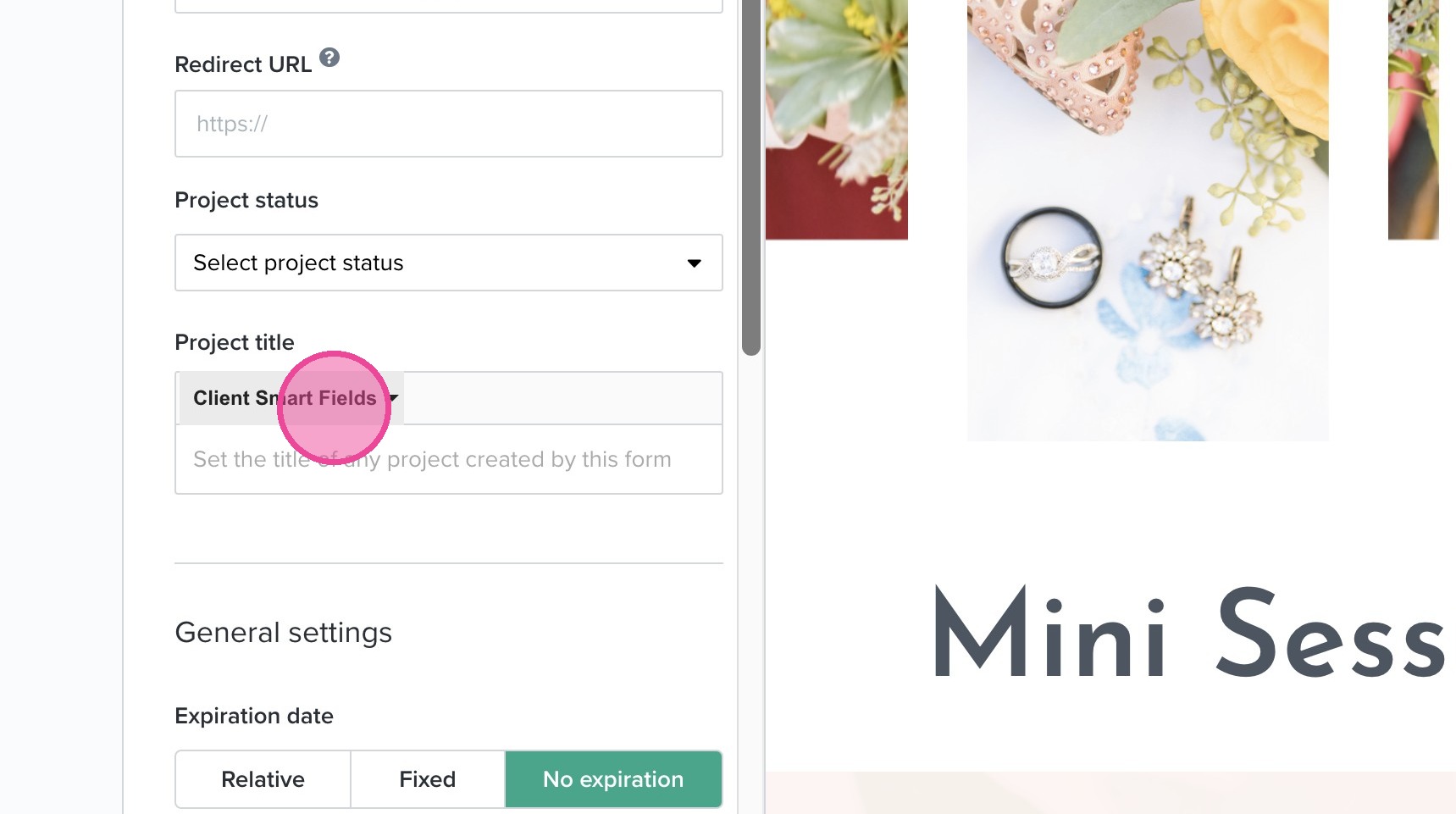
7. Make sure your project title is being customized appropriately with smart fields.
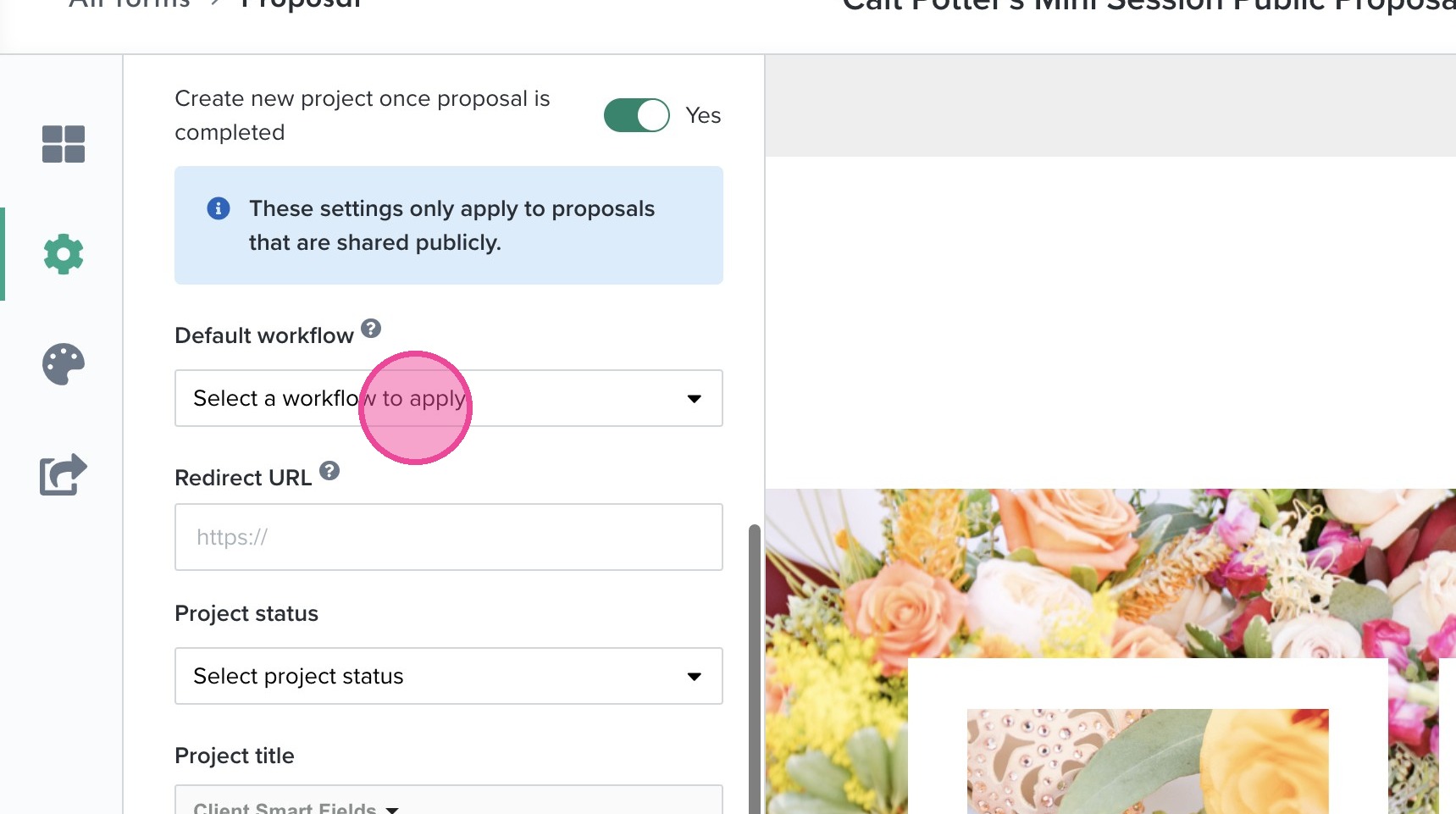
8. Scroll up and click "Select a workflow to apply" under "Default Workflow" and select the appropriate workflow.
9. Click this button.
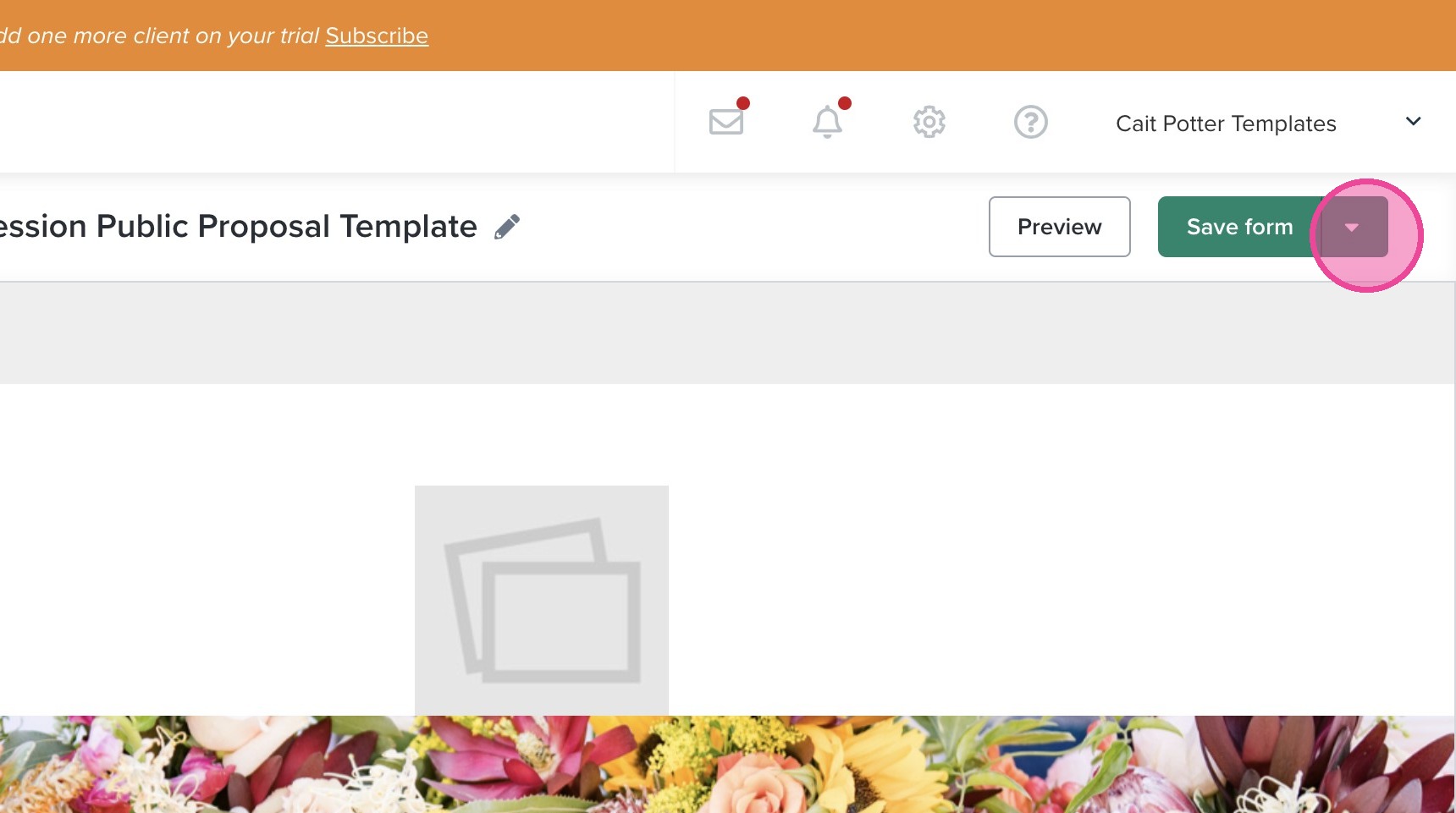
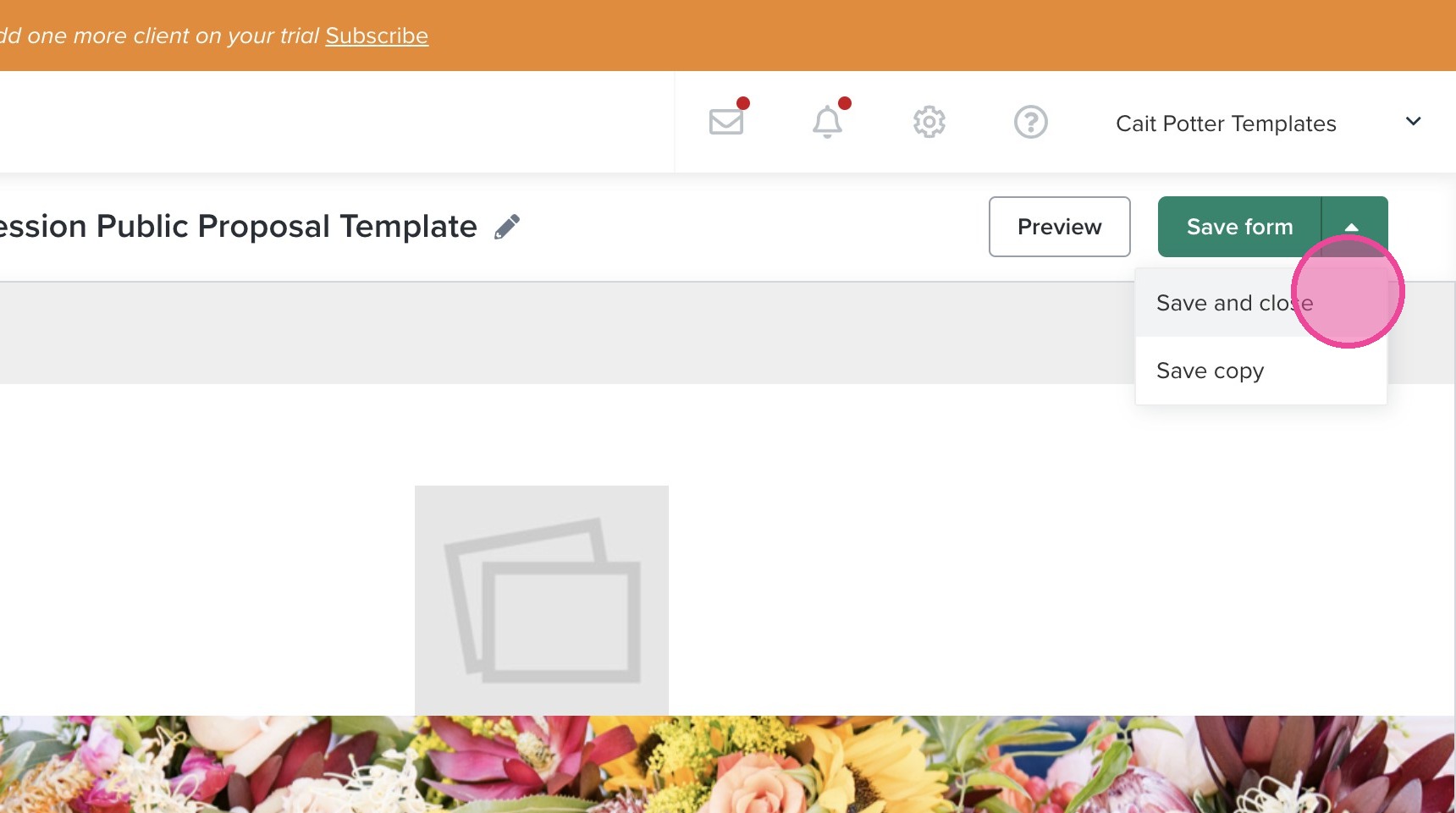
10. Click "Save and close".