Hook Up Lead Capture Workflow Options
1. Navigate to https://hello.dubsado.com/dashboard
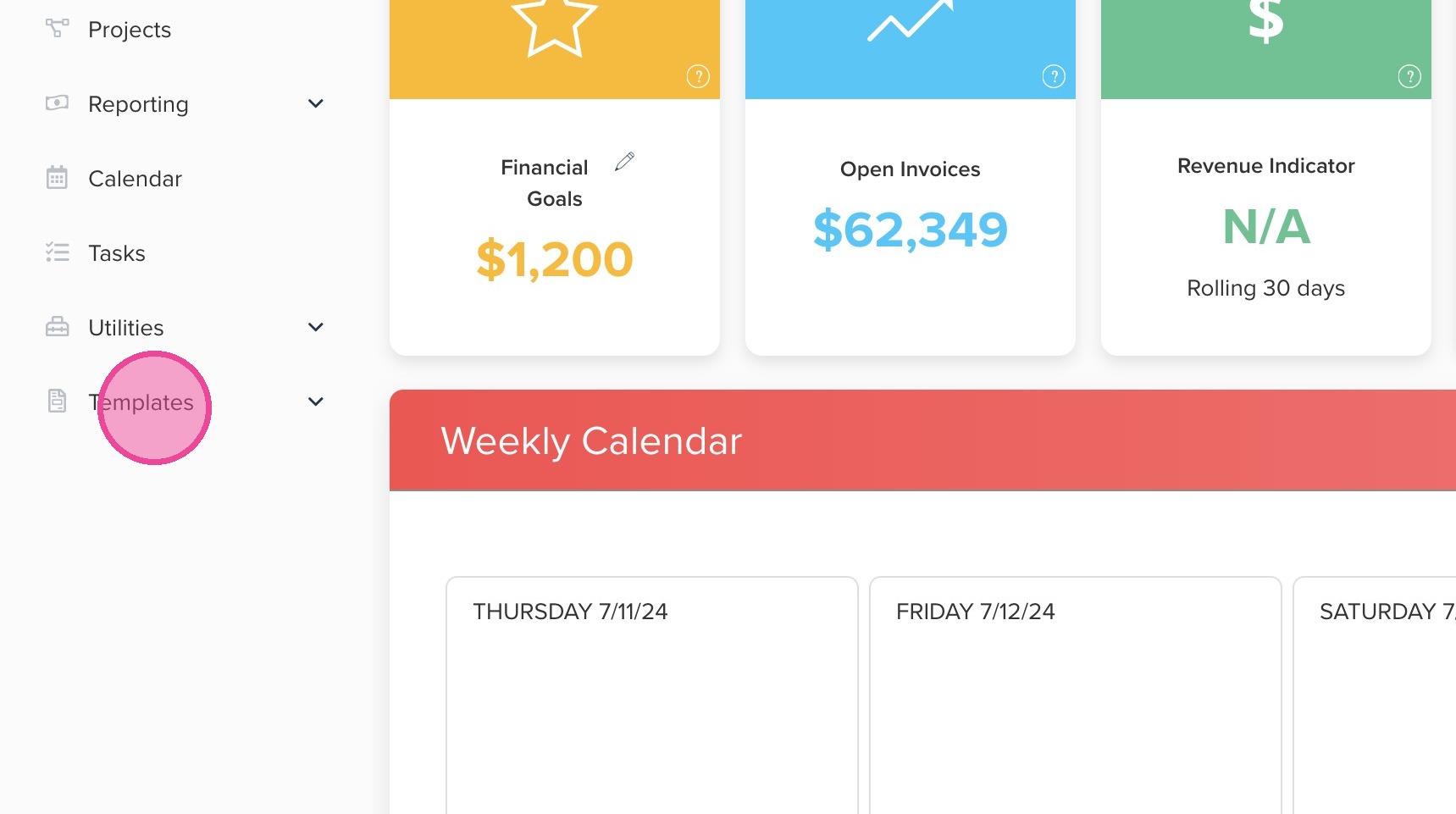
2. Click "Templates"
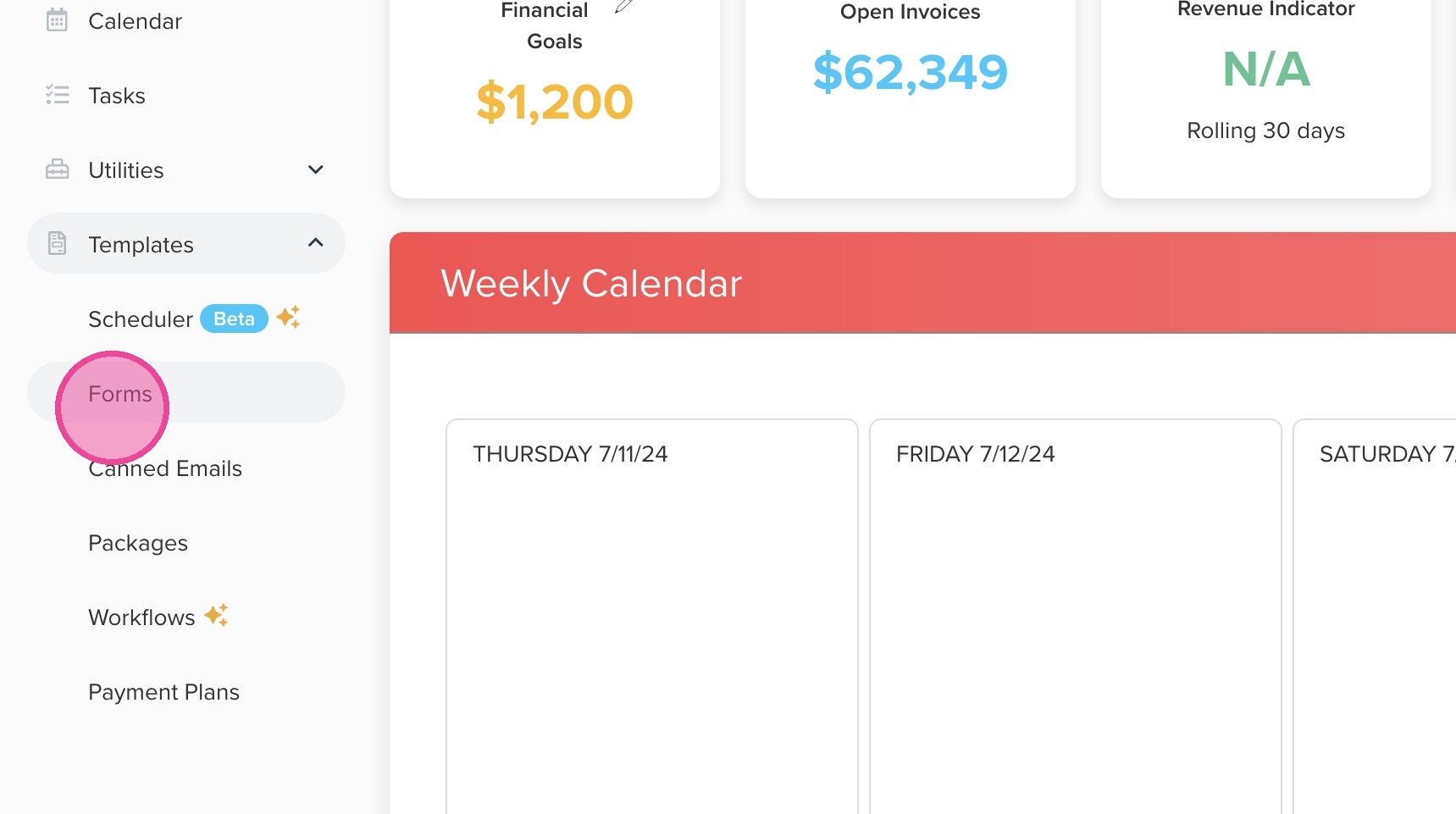
3. Click "Forms"
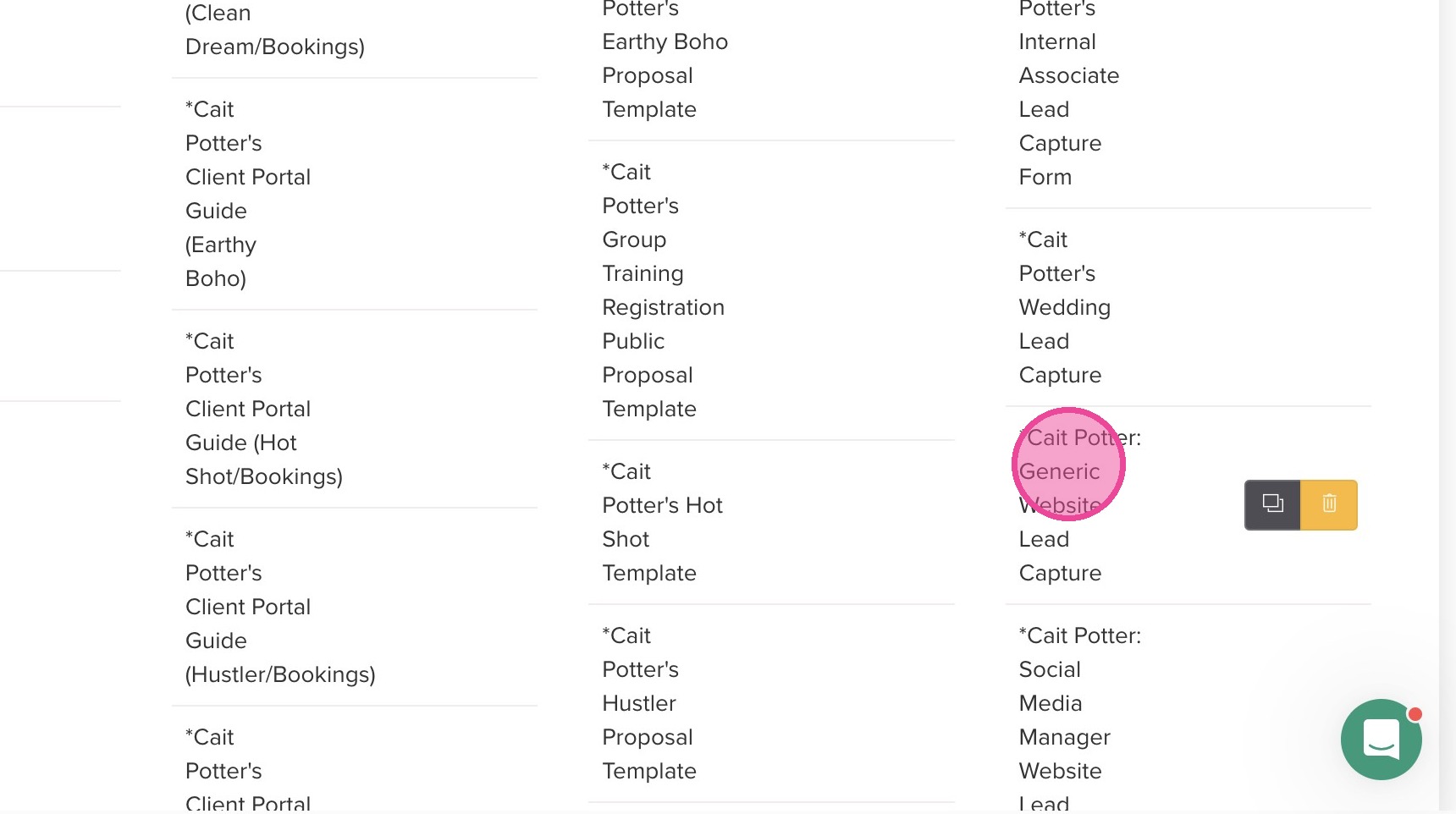
4. Locate the appropriate Lead Capture.
5. Locate your custom question that is something along the lines of "What service are you interested in?"
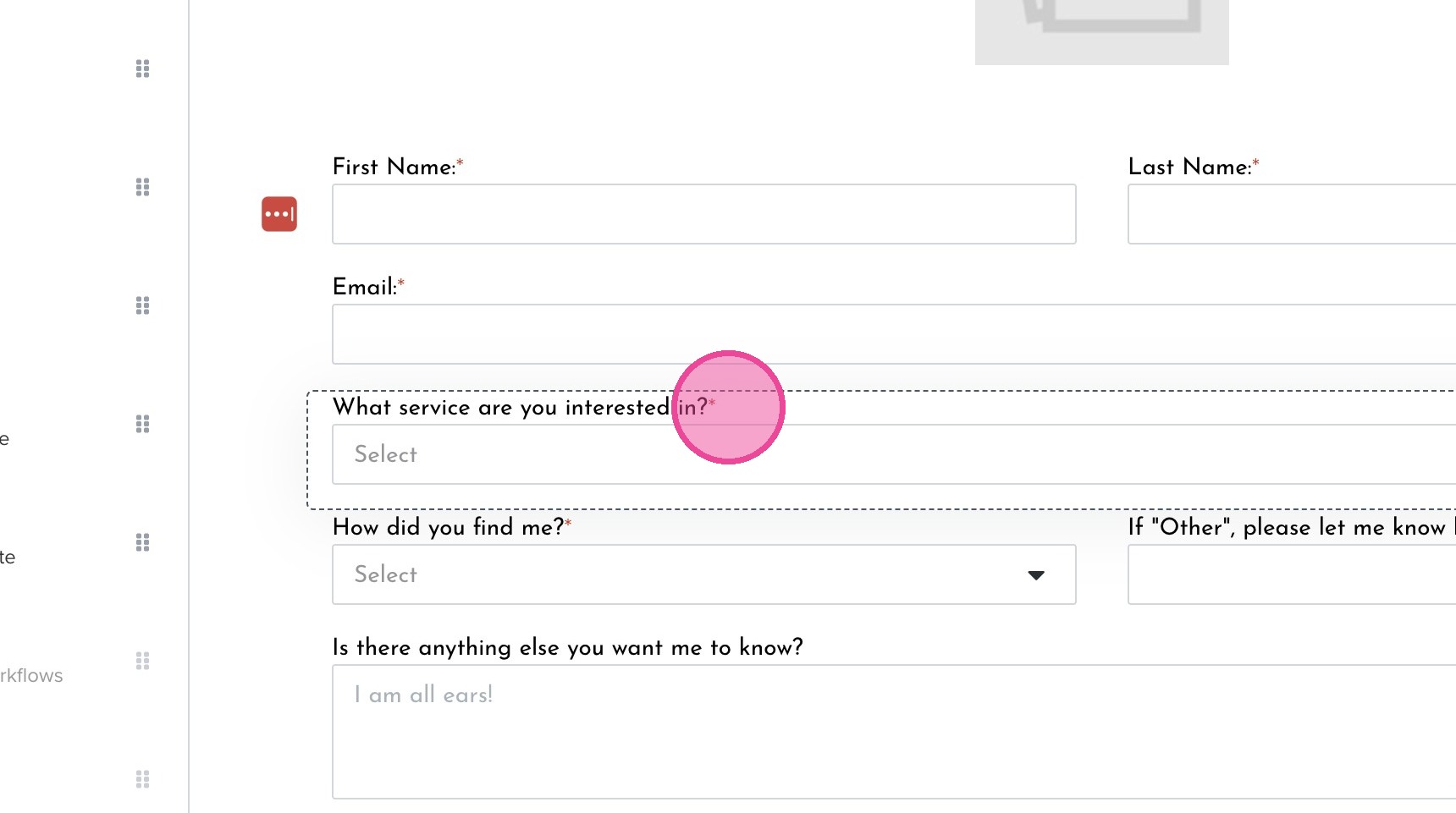
6. Under each service listed, click the "Select" button.
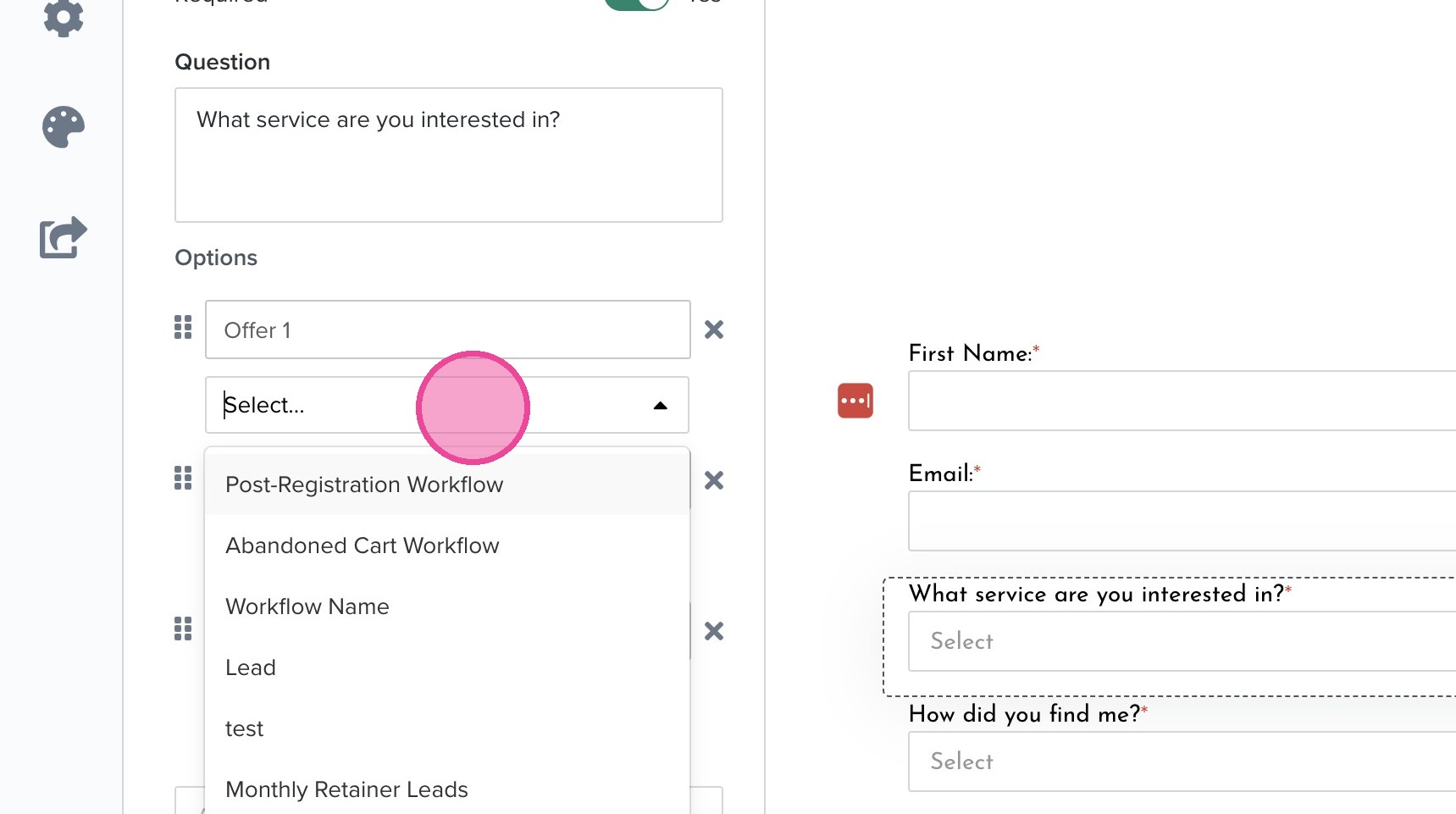
7. Select the appropriate workflow for each service option.
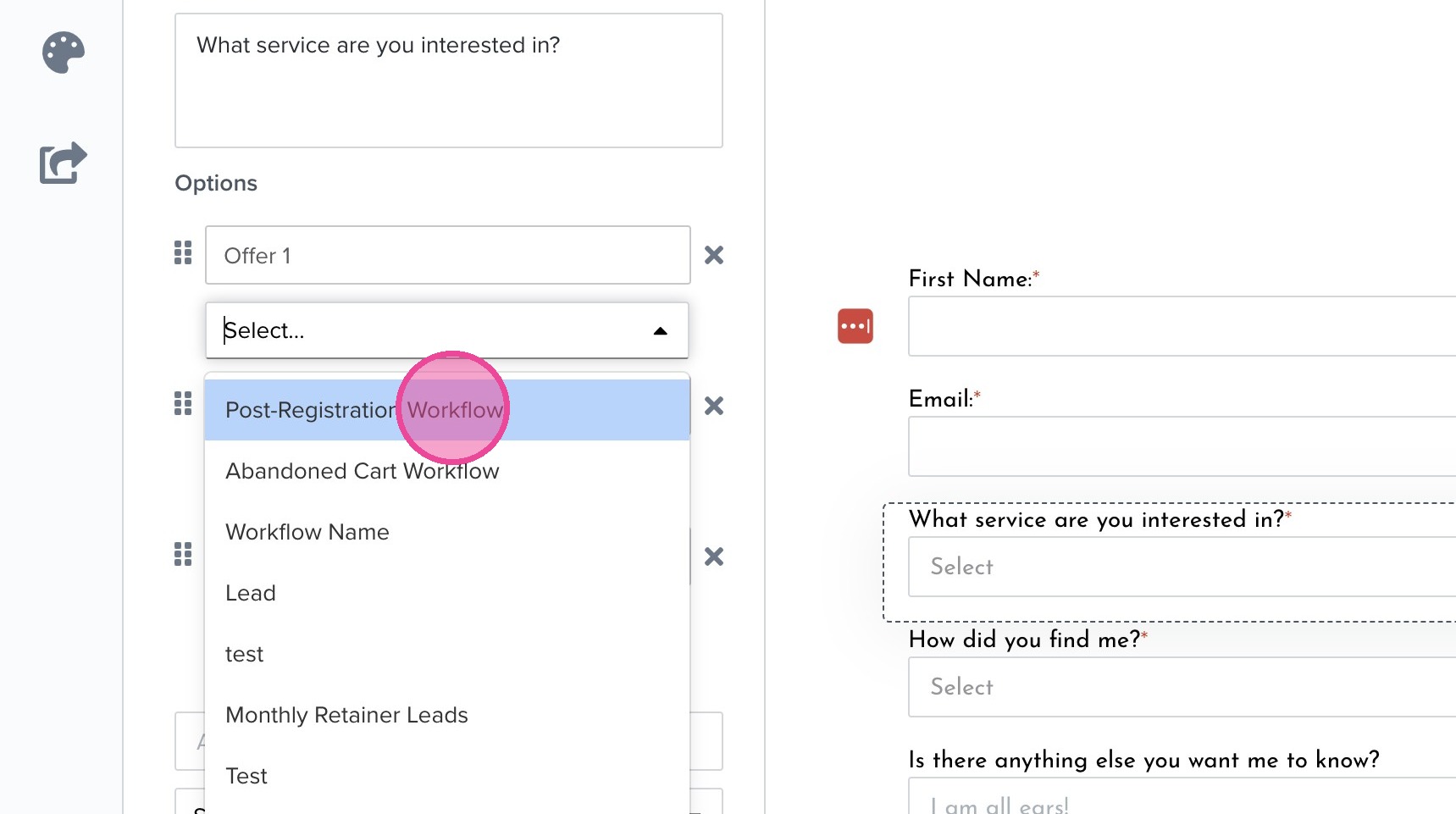
8. Click this button.
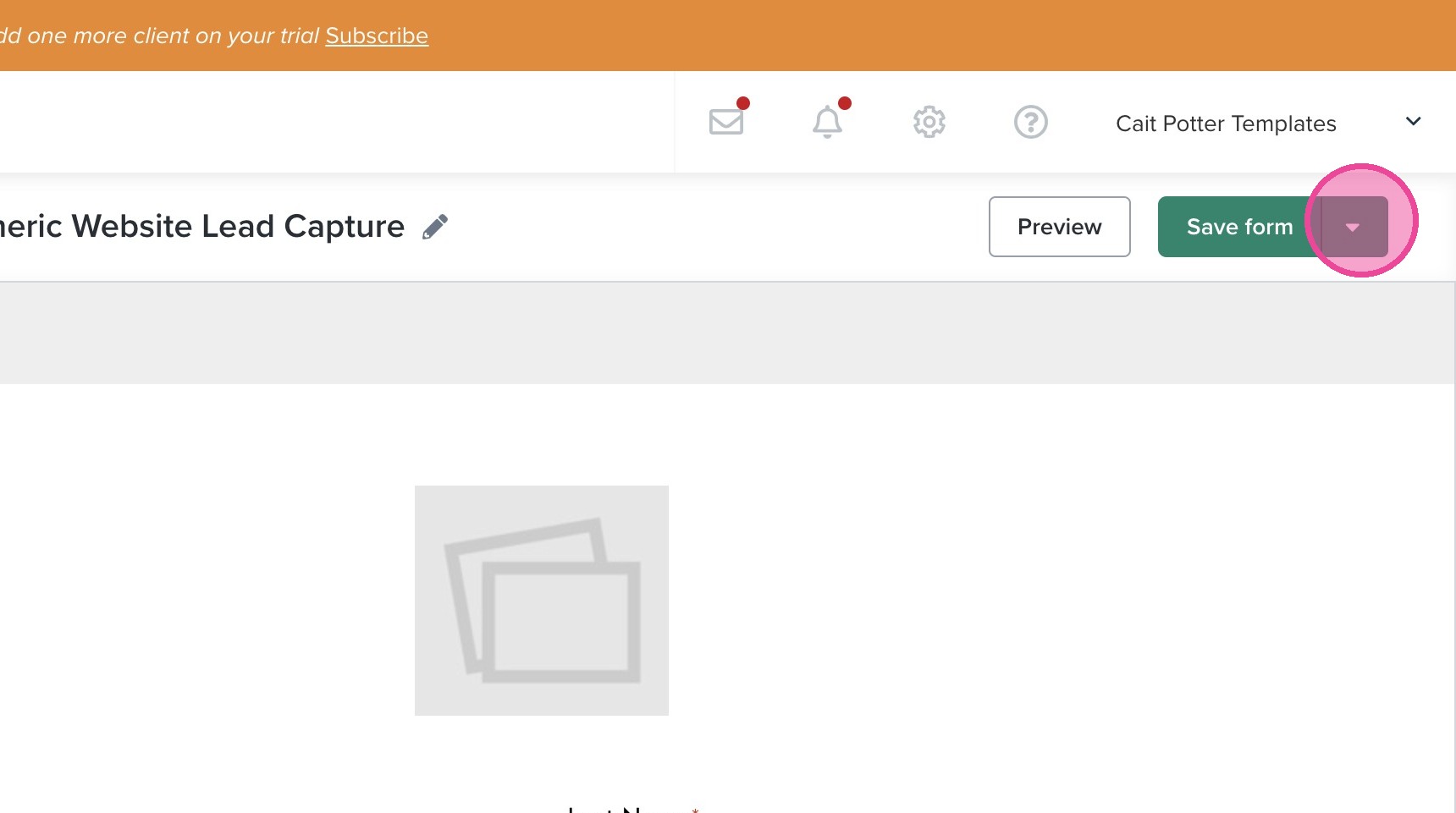
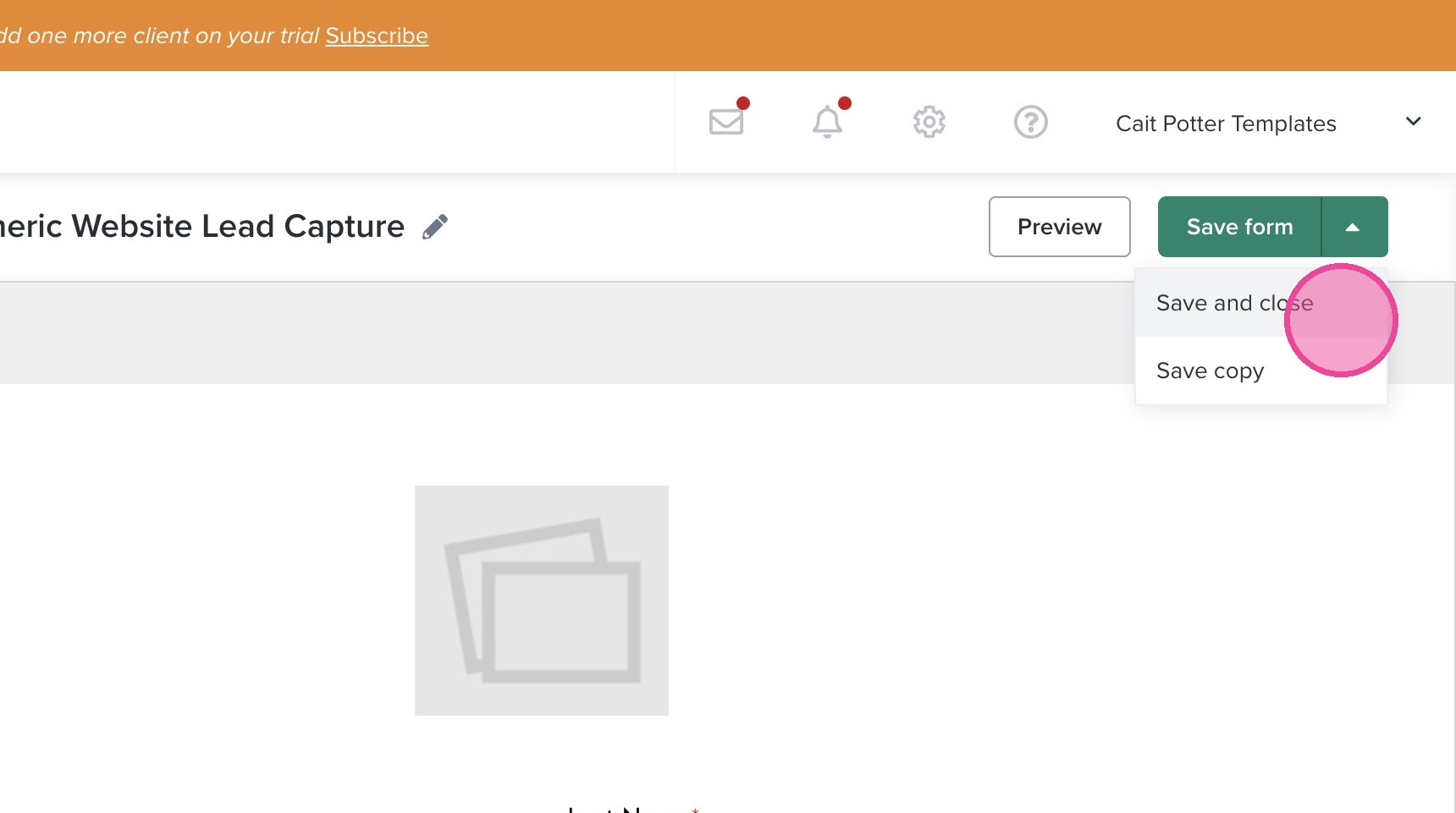
9. Click "Save and close".