How to Customize Menu Options in Command Center
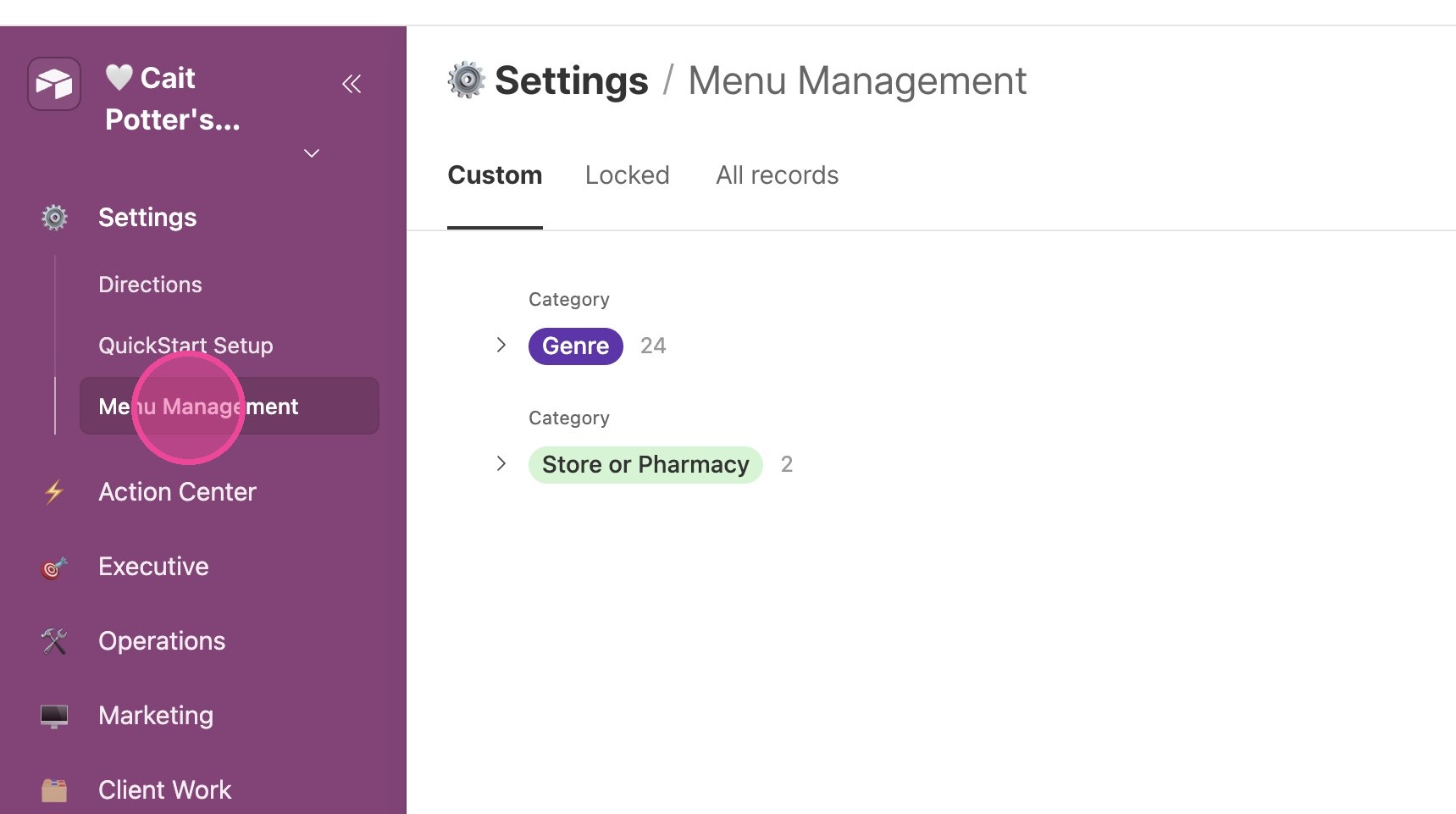
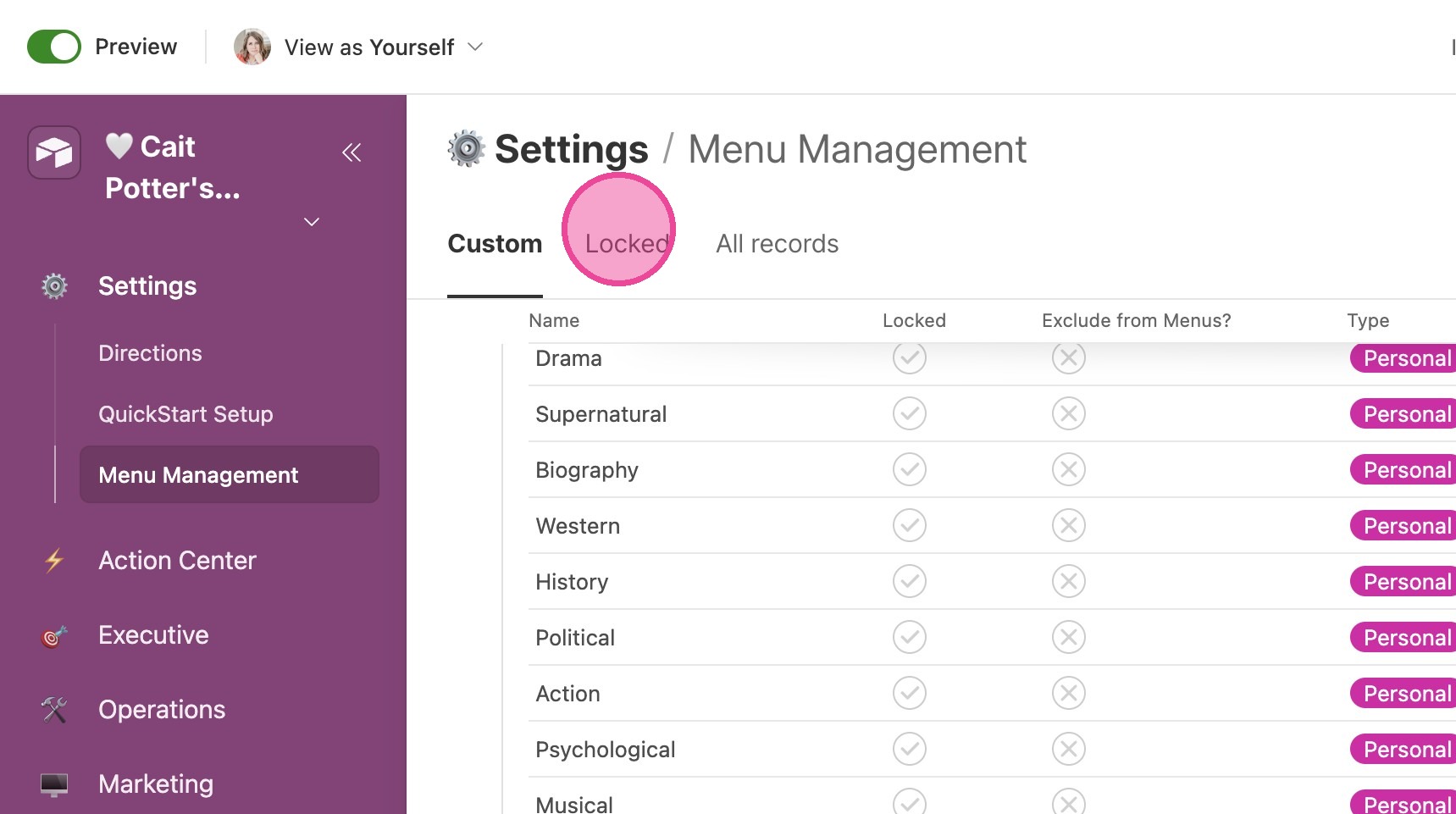
1. Click "Menu Management"
Adding Custom Items
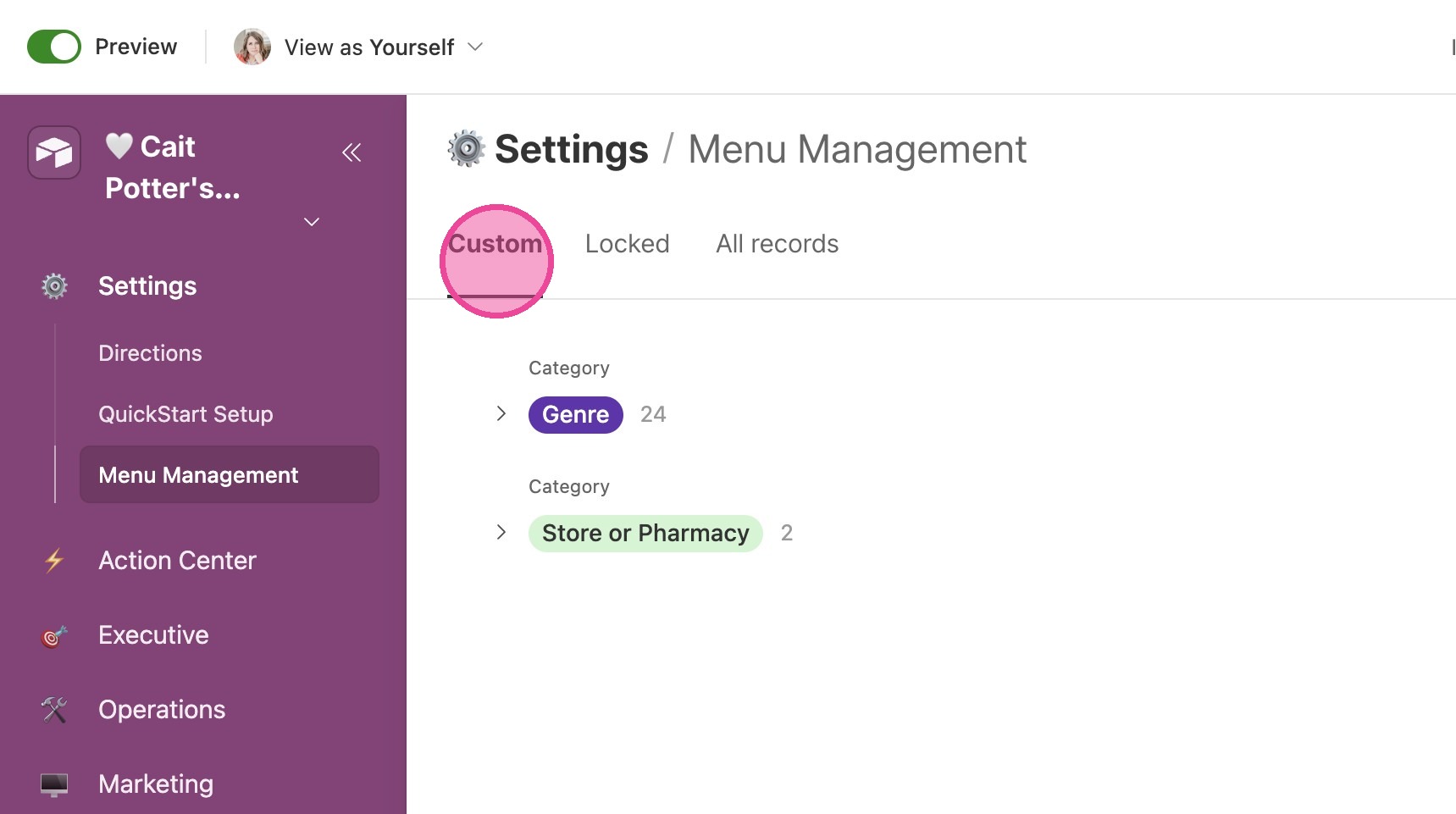
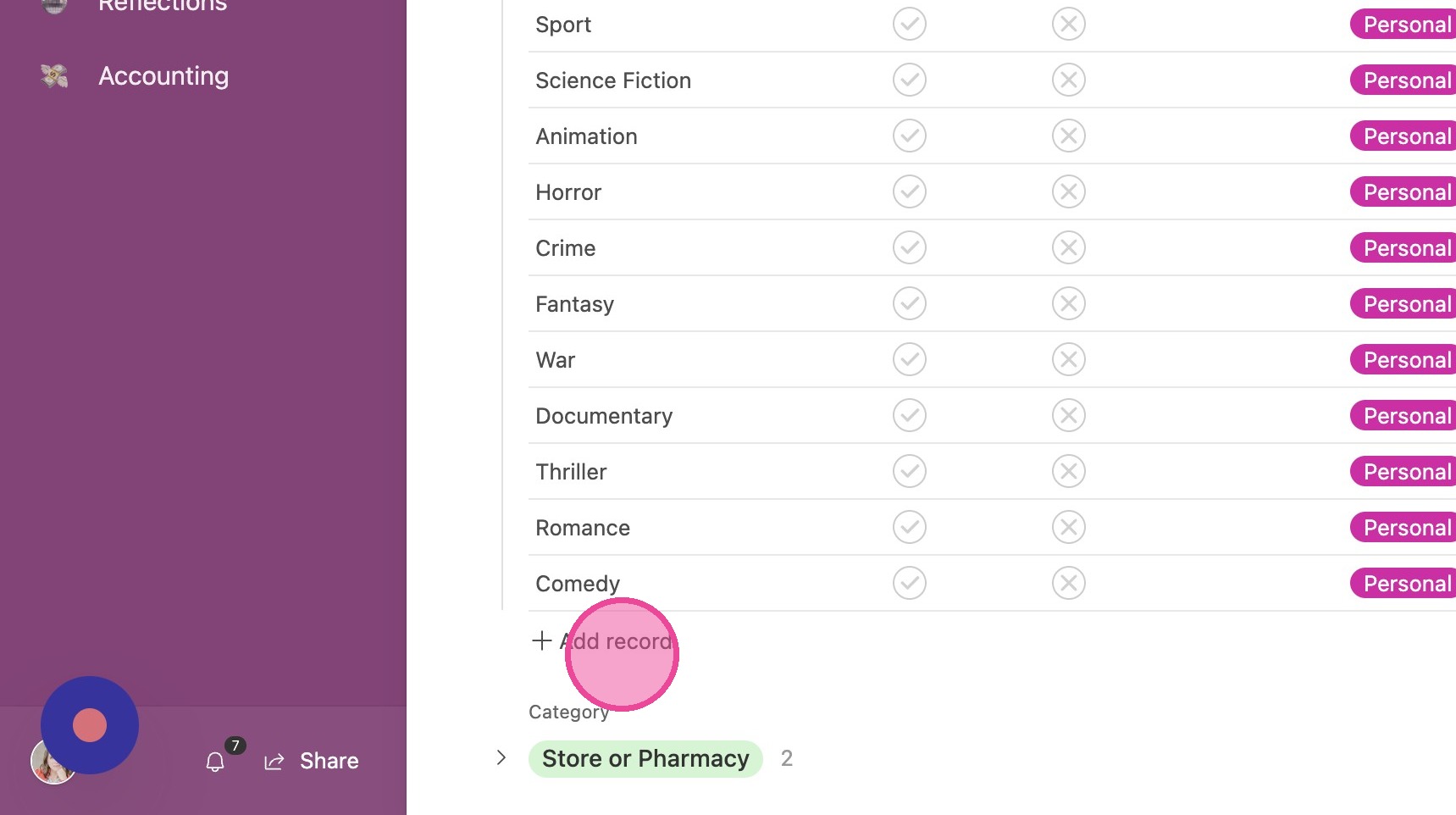
2. In the first tab, you'll see a list of your custom menu items. There is a selection already there for you. You can add and delete records from this tab as you wish.
3. Click this icon.
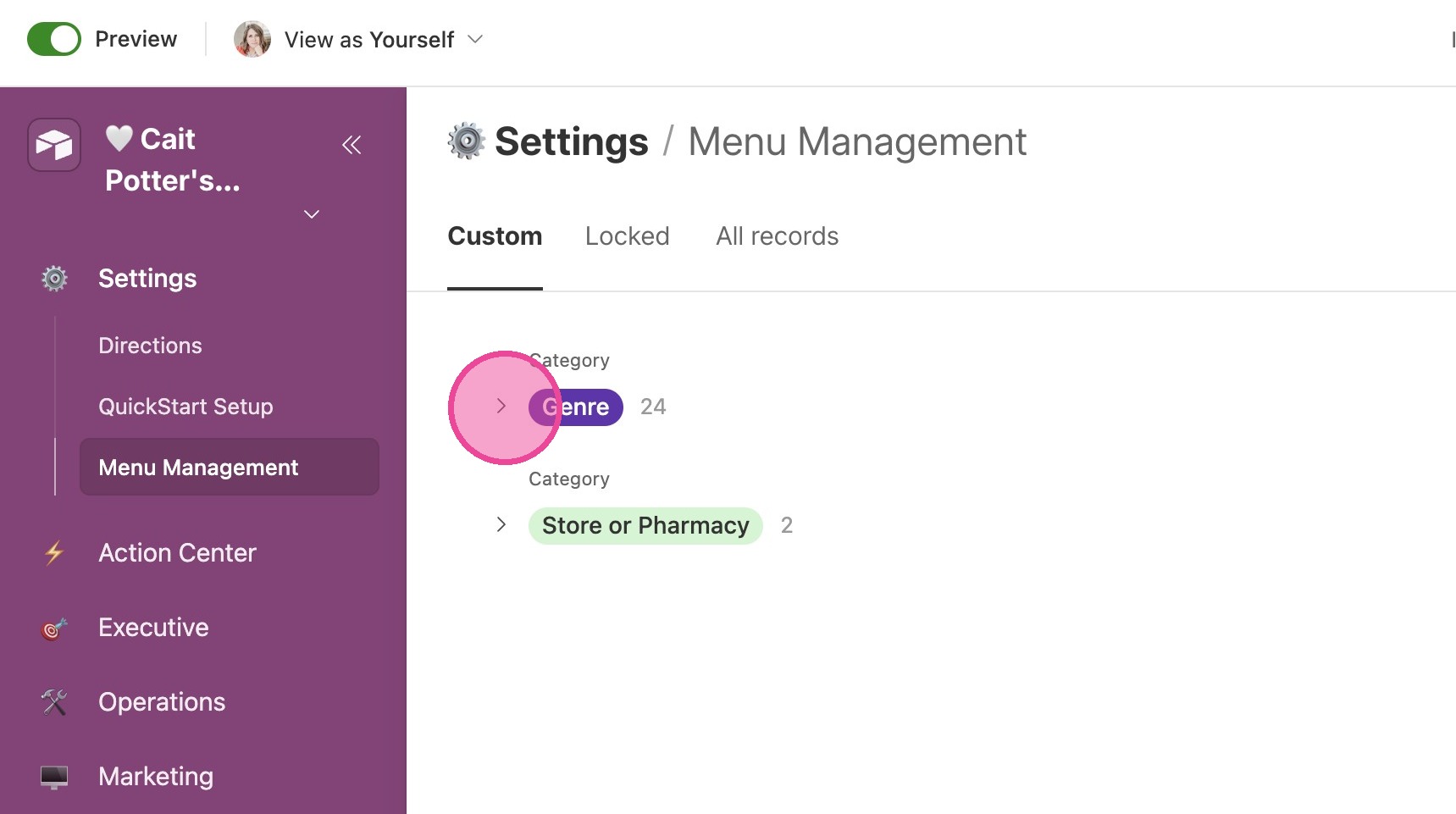
4. Click here.
Locked Items
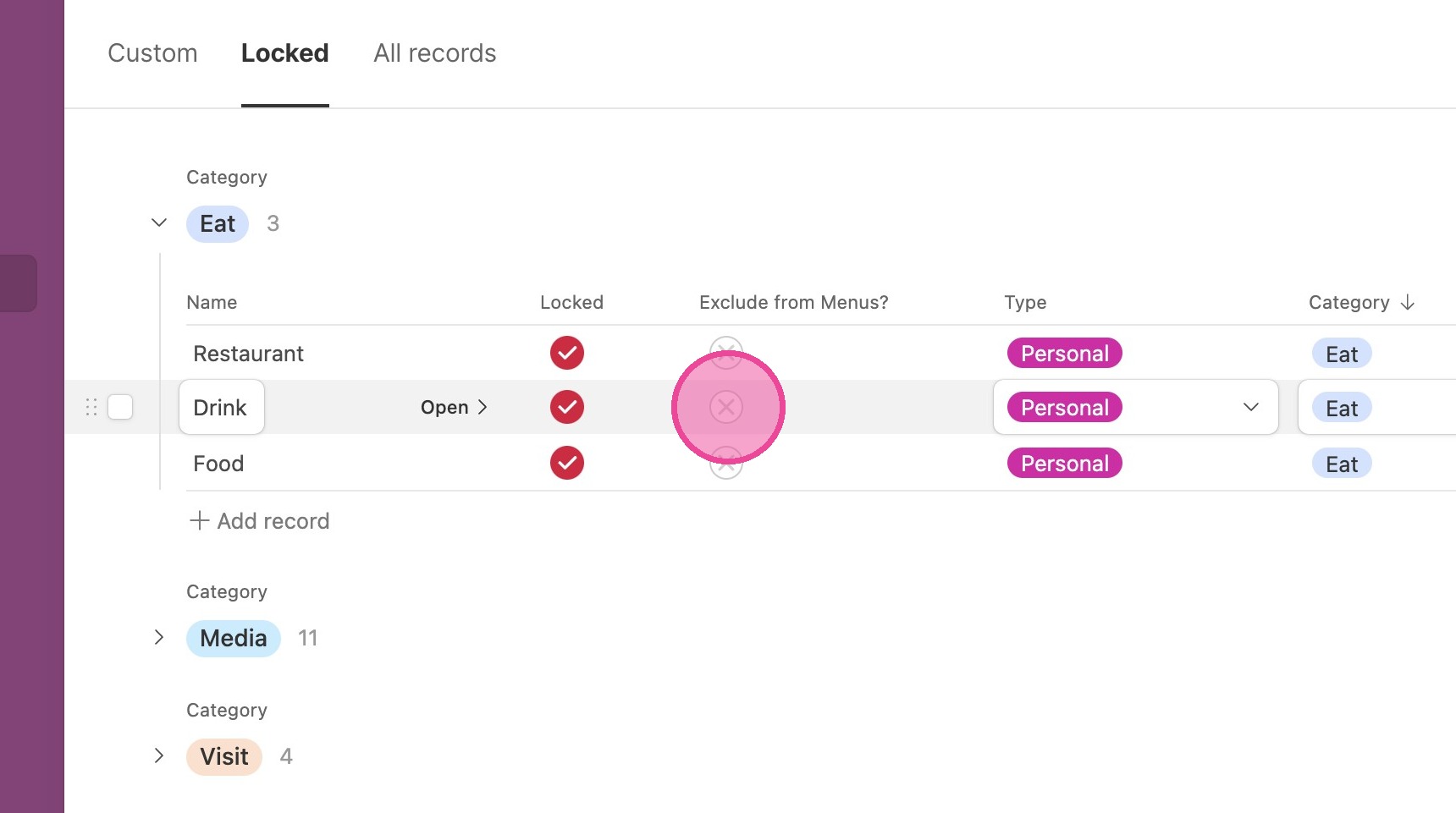
5. On the "Locked" tab, you'll find items that you can NOT delete. This could be for a number of reasons, but most likely you'll find that if you delete one of these, there will be an error somewhere in your CommandCenter.
Exclude From Menus
6. If there is an item that you don't want to see in your CommandCenter, you can choose to "Exclude from Menus" so that it's not a selectable option!