🍽️ YUM!
How to Use It
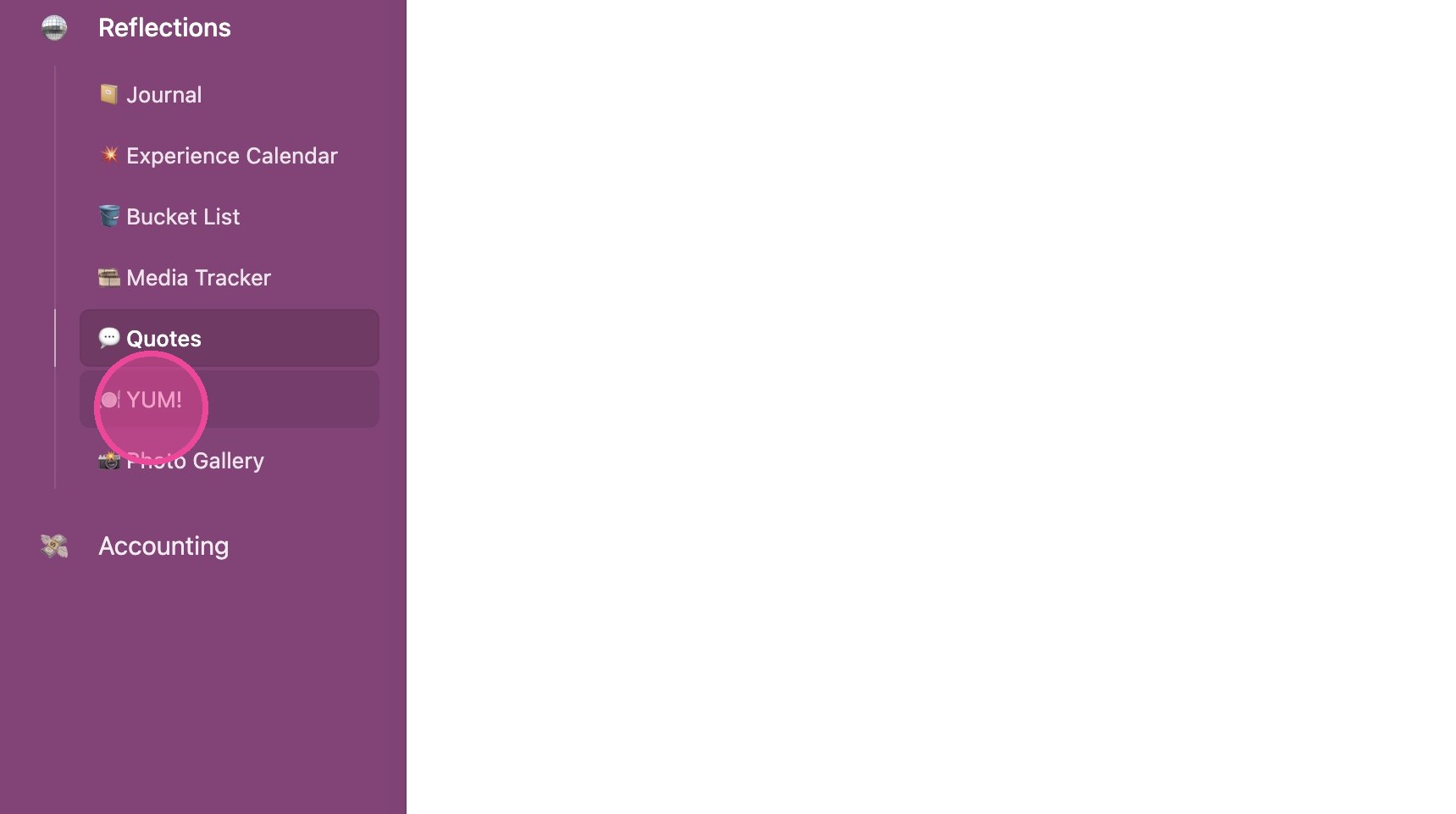
1. Click "🍽️ YUM!"
View Details
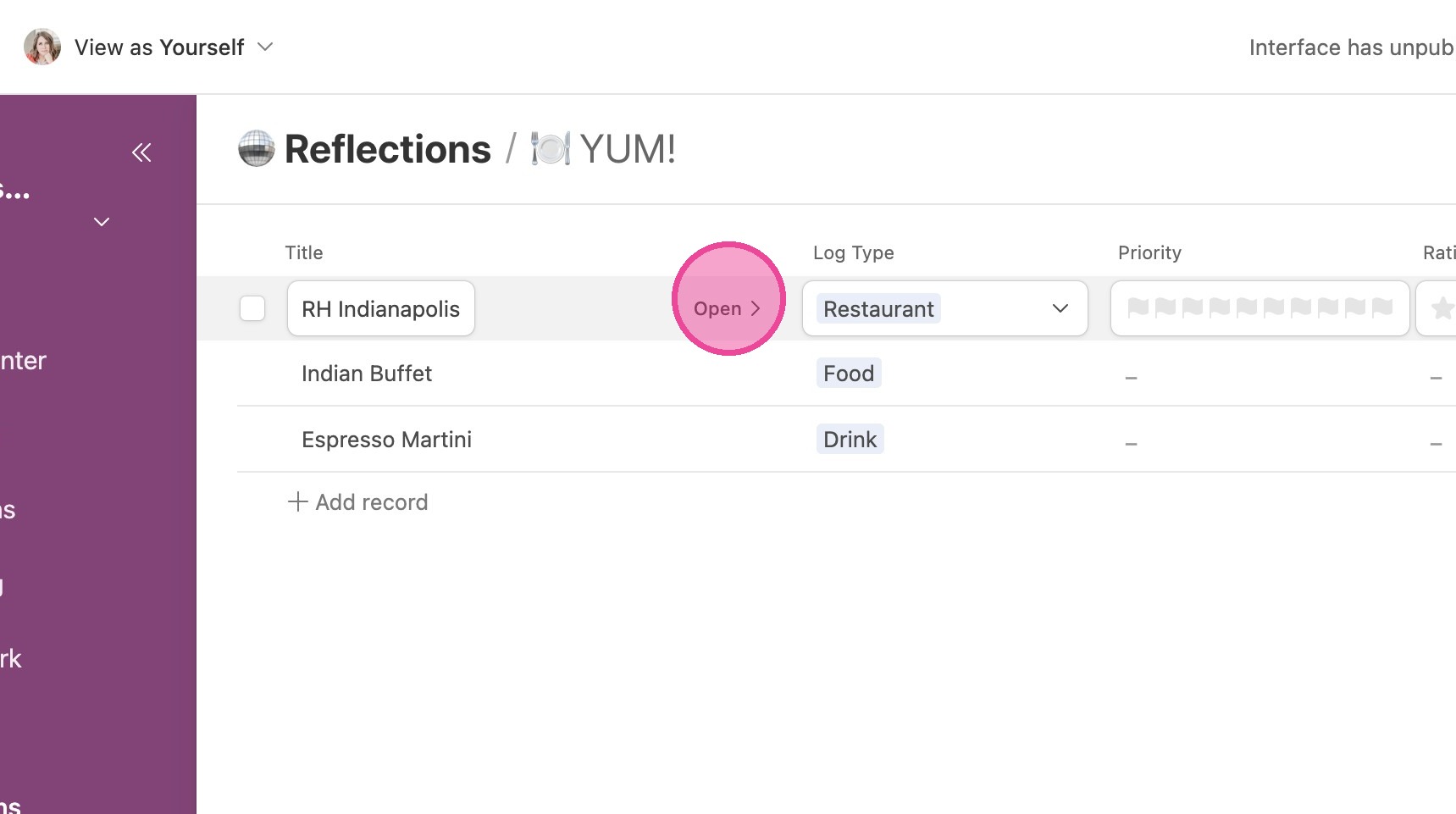
2. Locate the item you're interested in and click "Open"
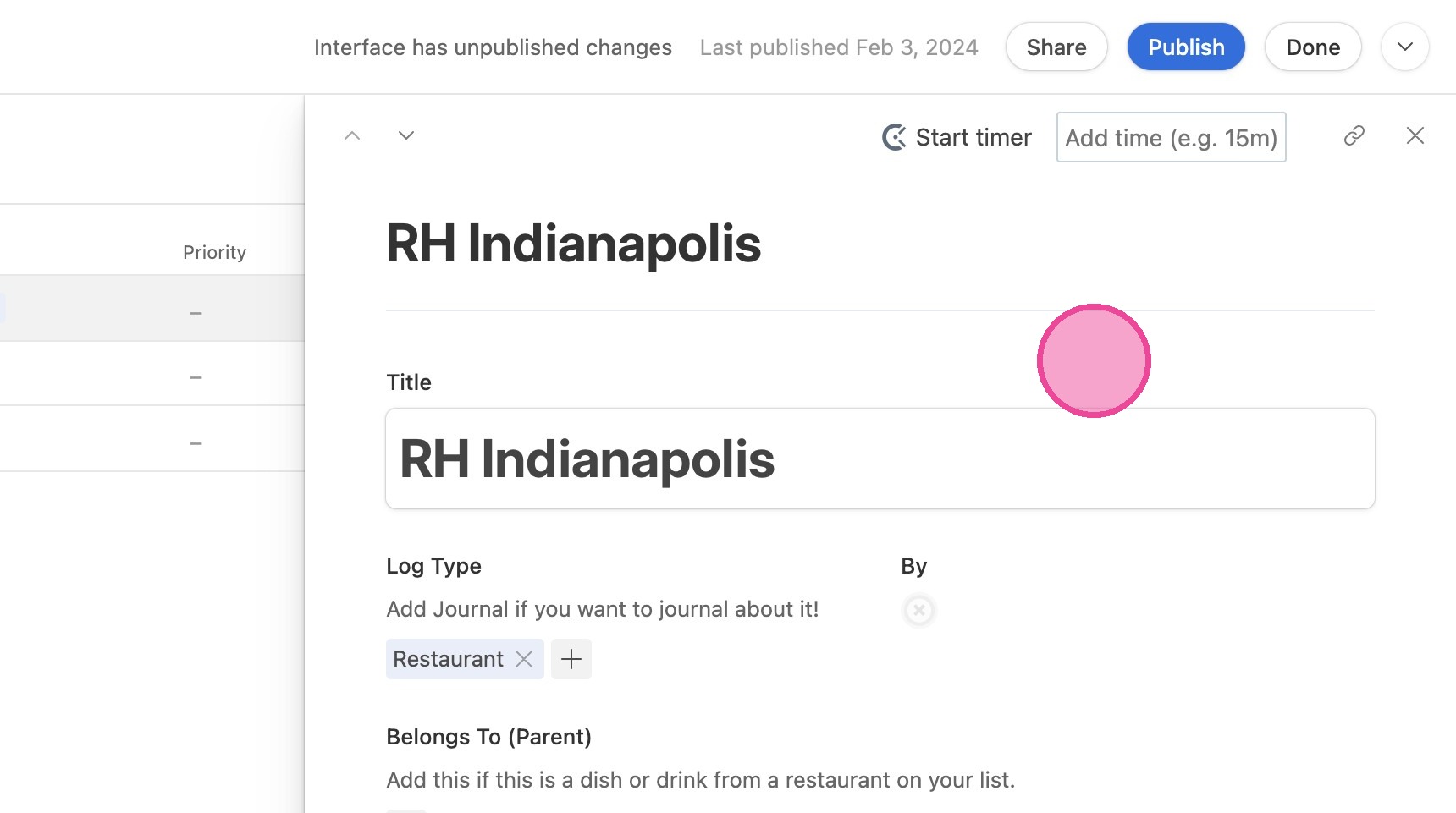
3. Here you can view all information about the restaurant/food/drink.
Add New Food Item
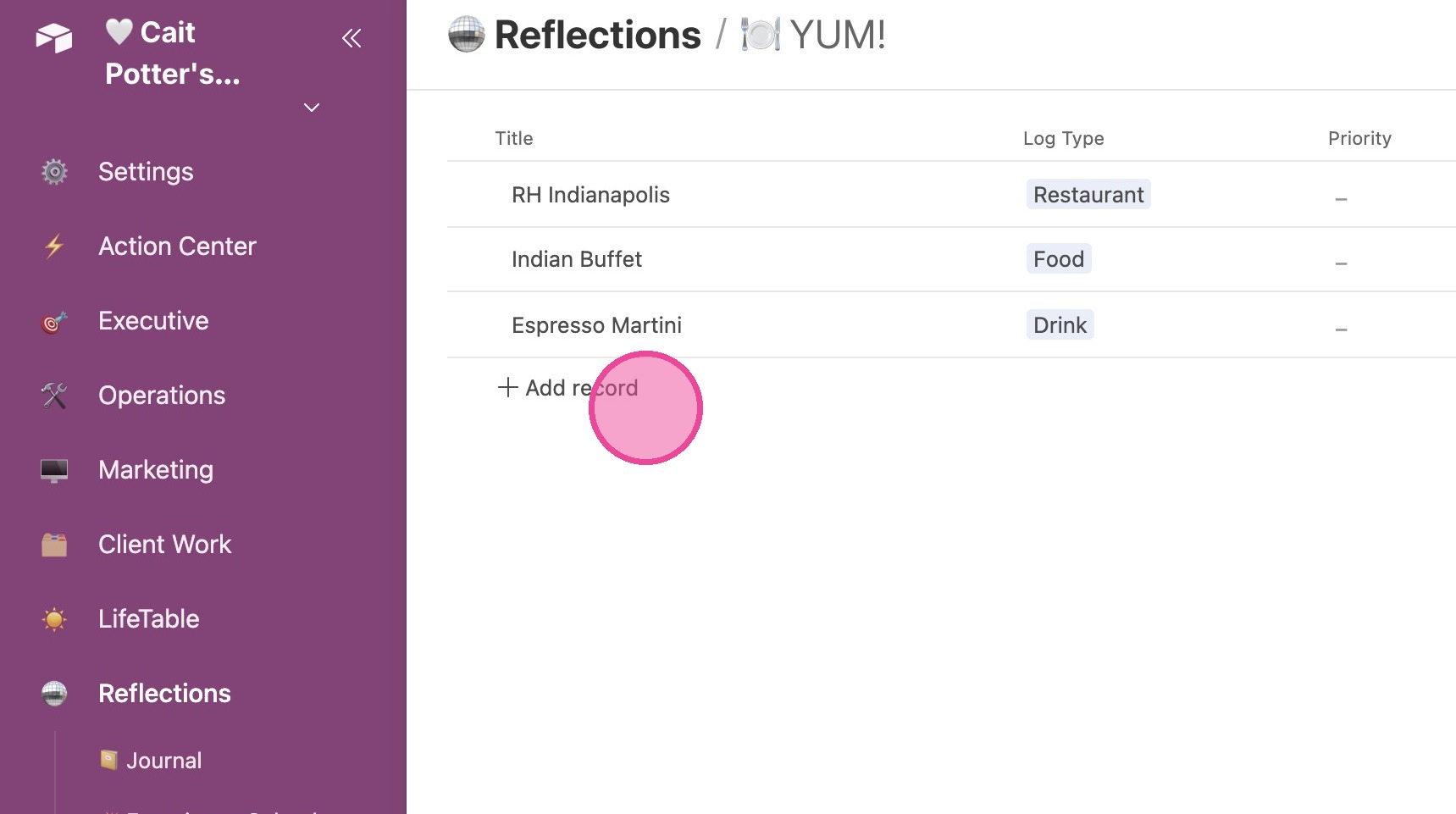
4. Option 1 - Click "Add Record" inline.
5. Option 2 - Click "Add 🍽️"
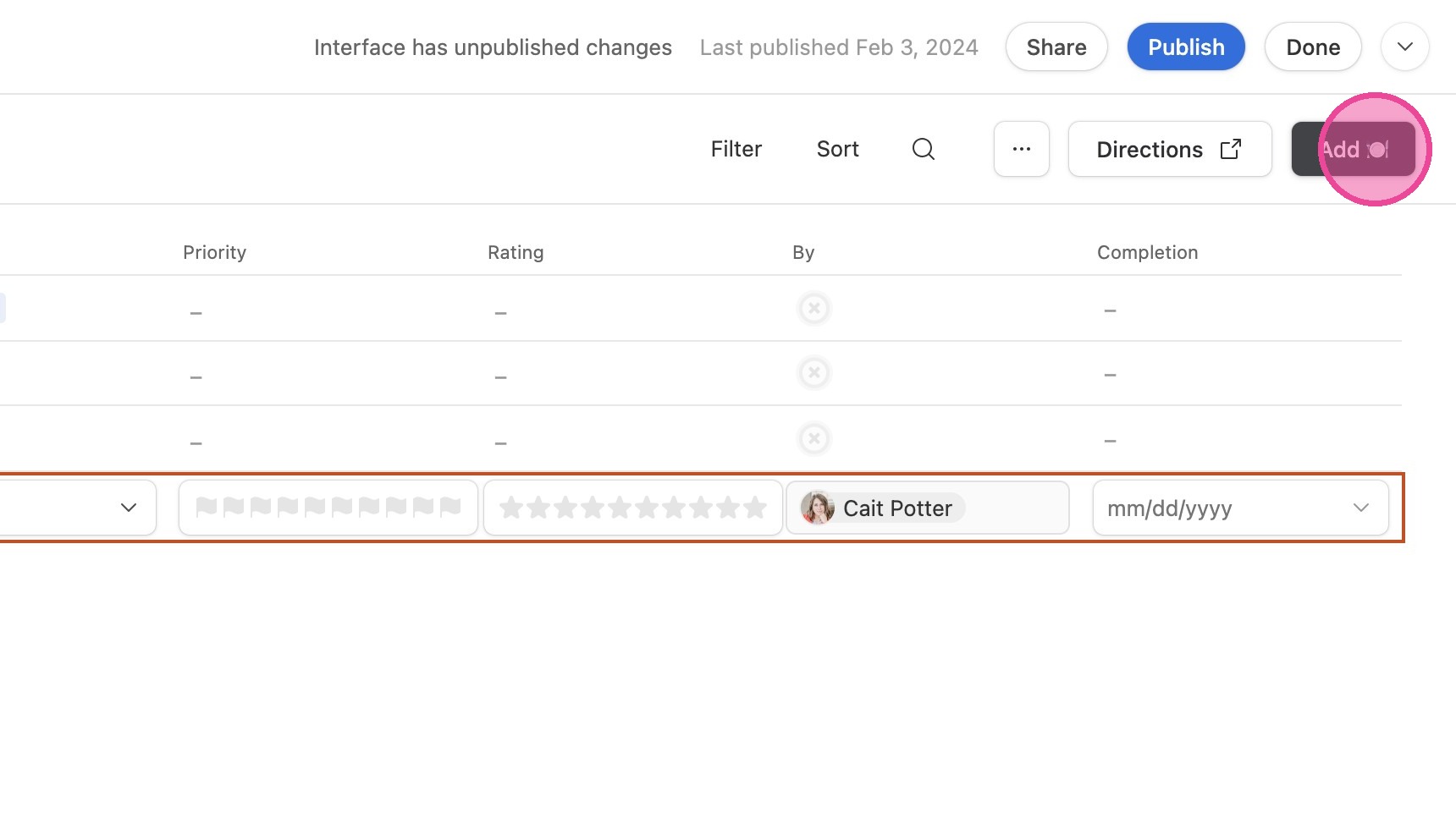
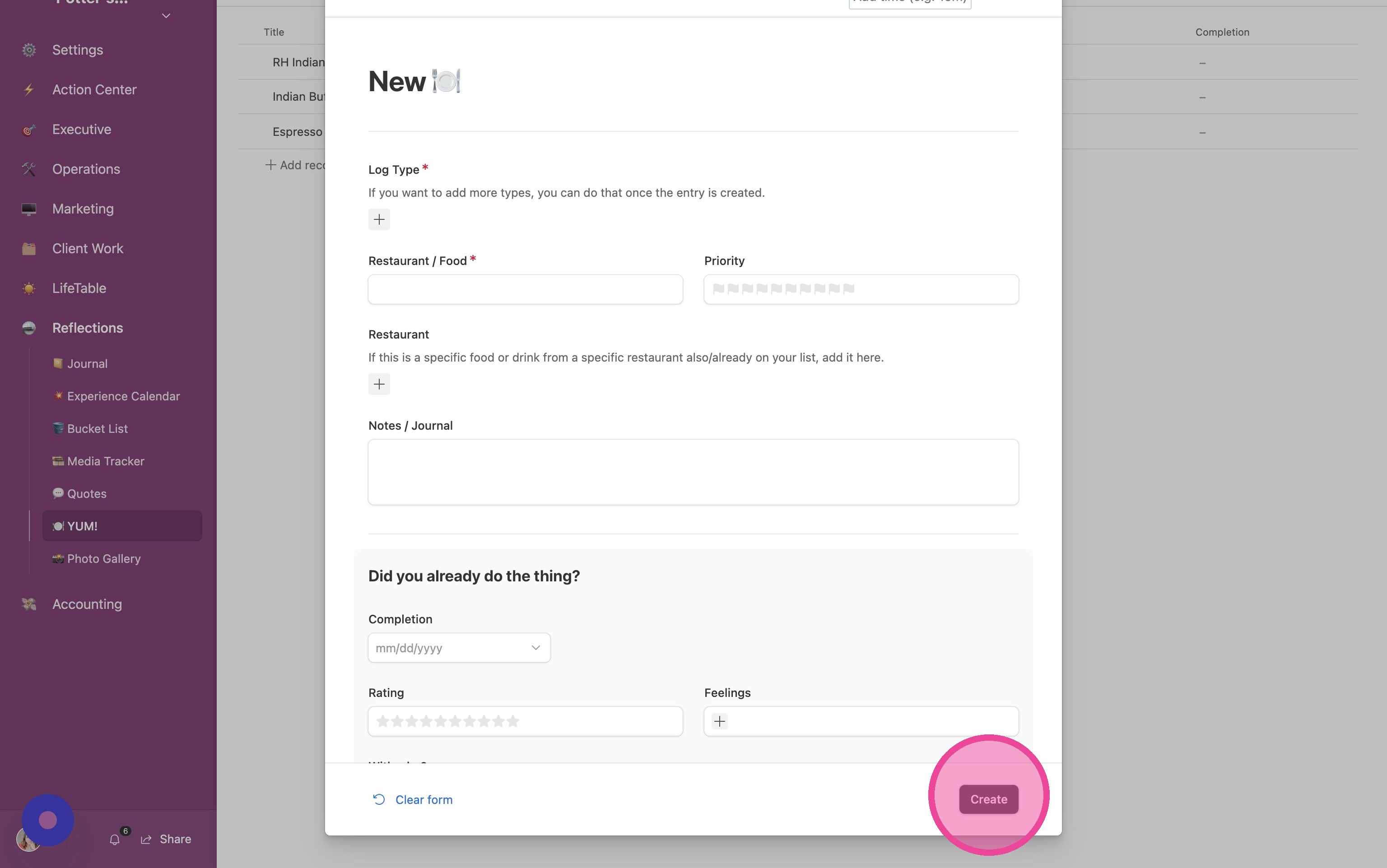
6. Fill out the form and click "Create"