💬 Quotes
How to Use It
1. Click "💬 Quotes"
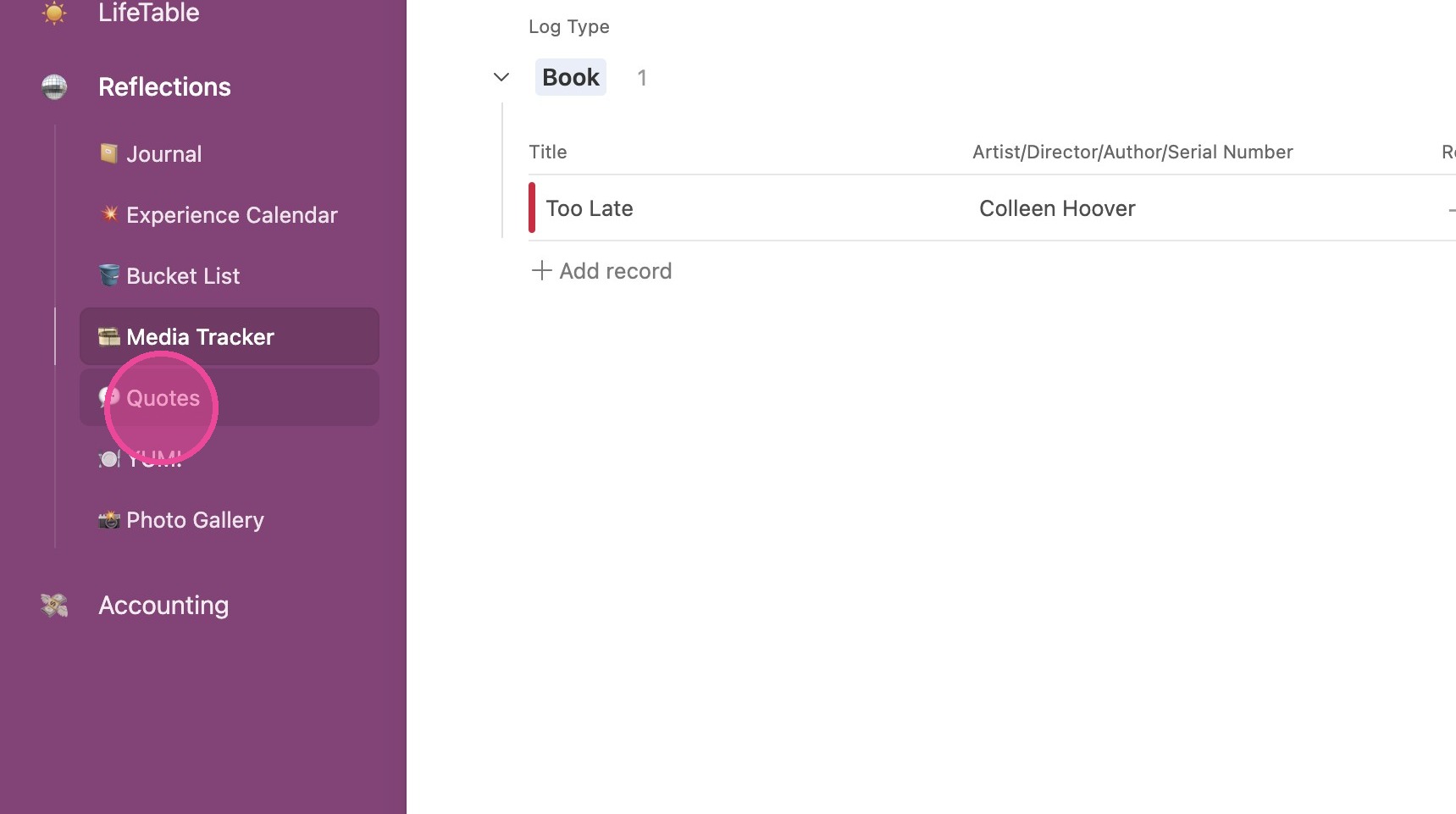
View Details
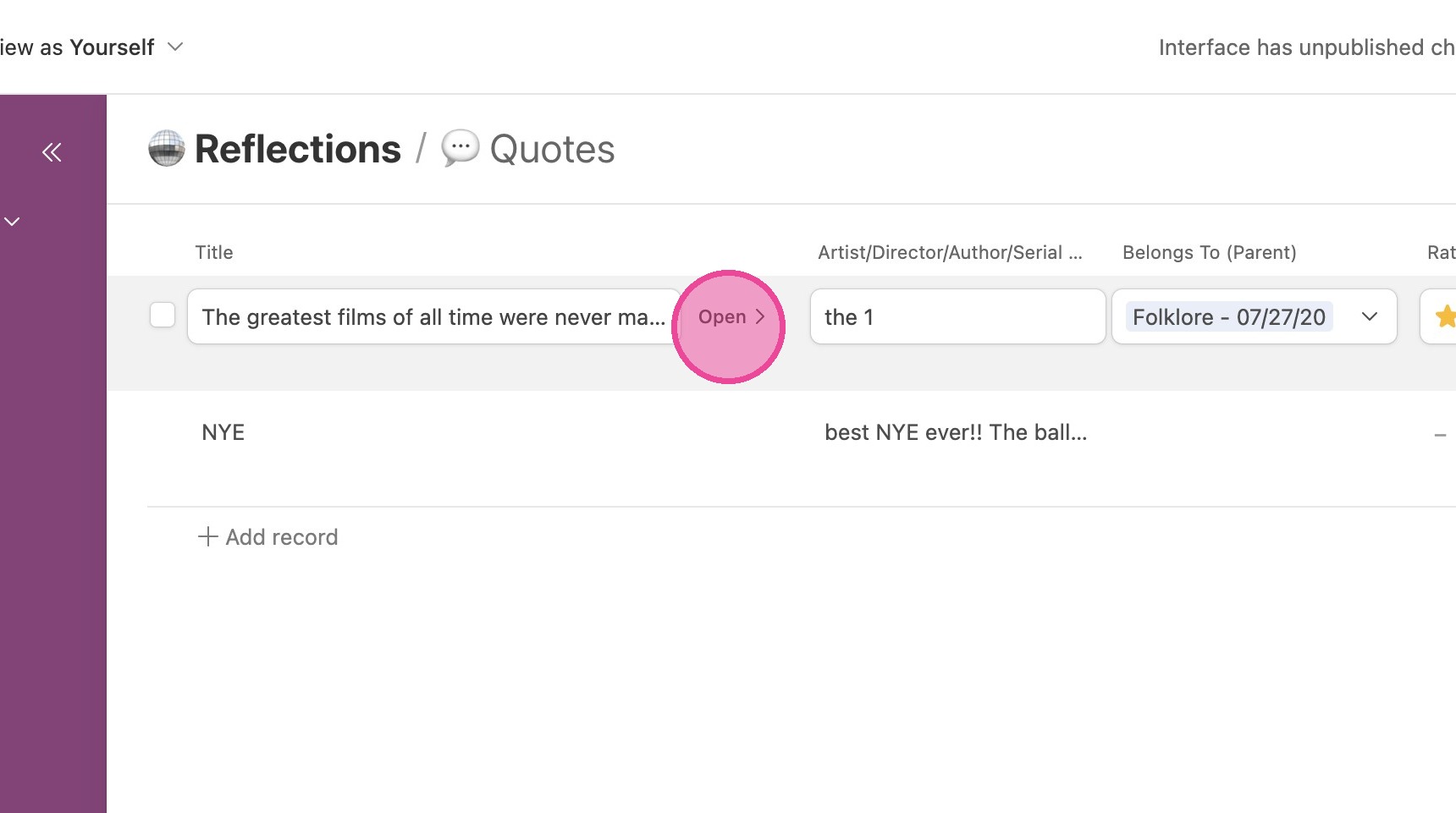
2. Locate the quote you're interested in and click "Open"
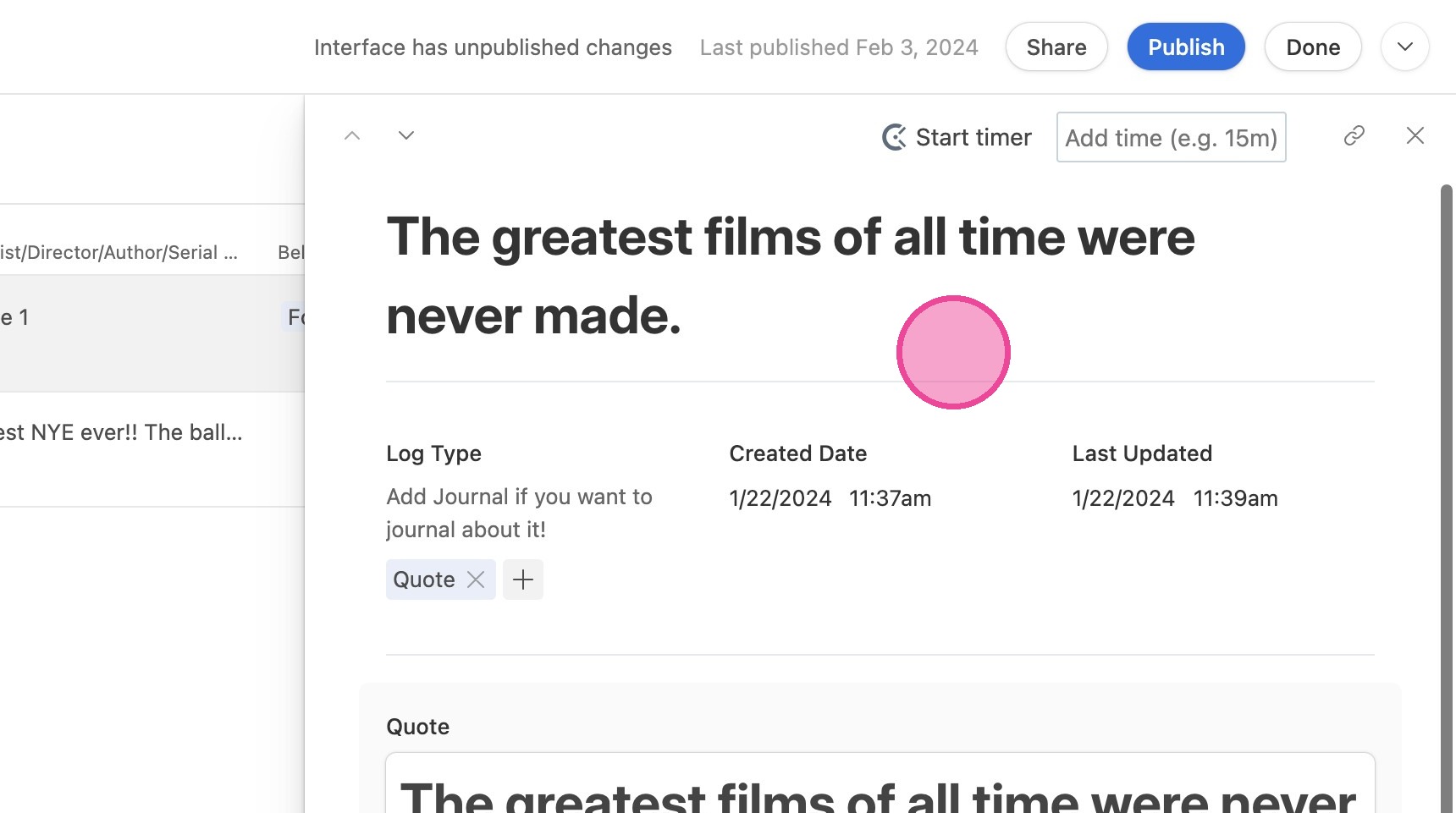
3. Here you can view all information about the quote.
Add New Quote
4. Click "Add Quote"
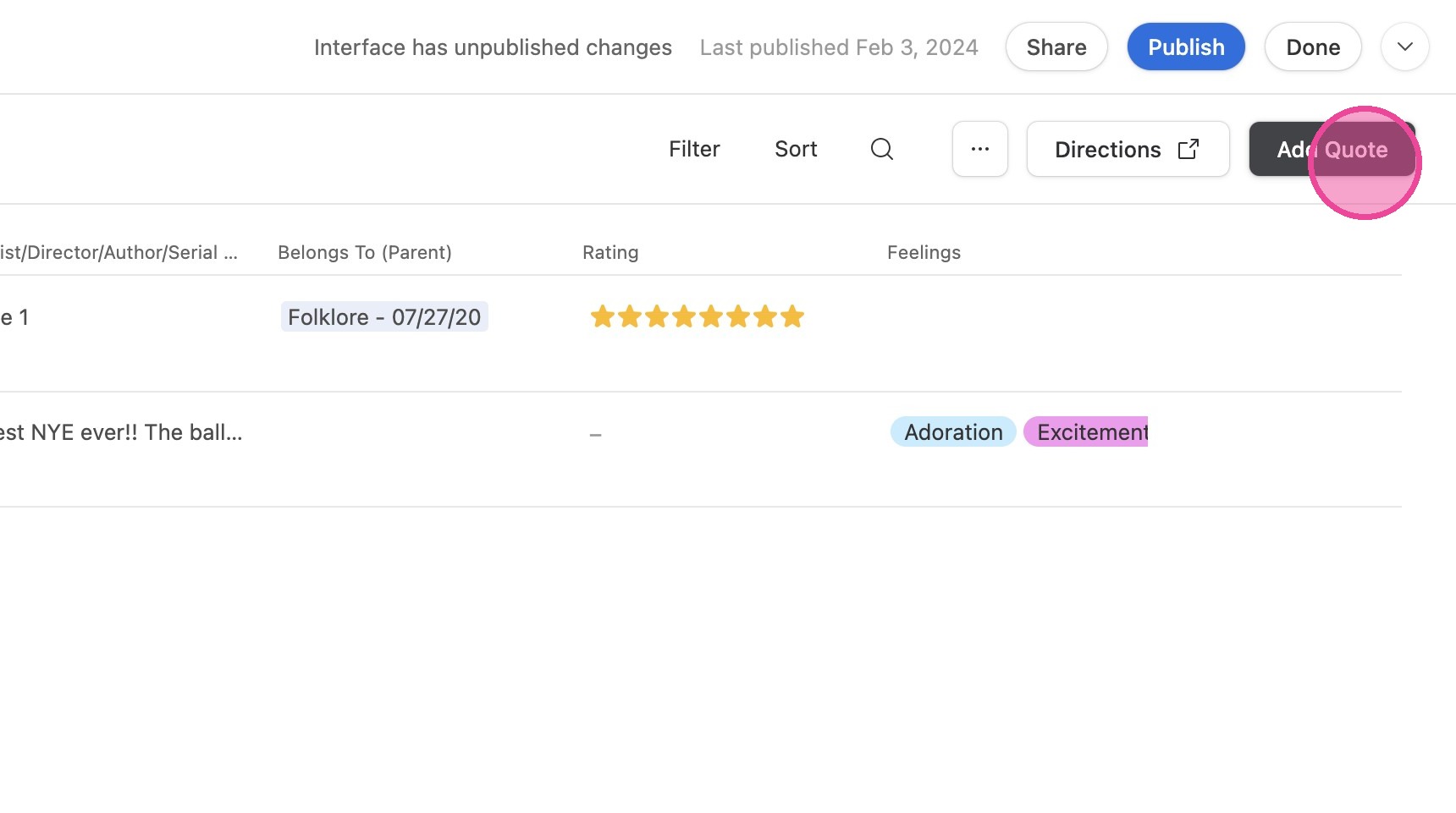
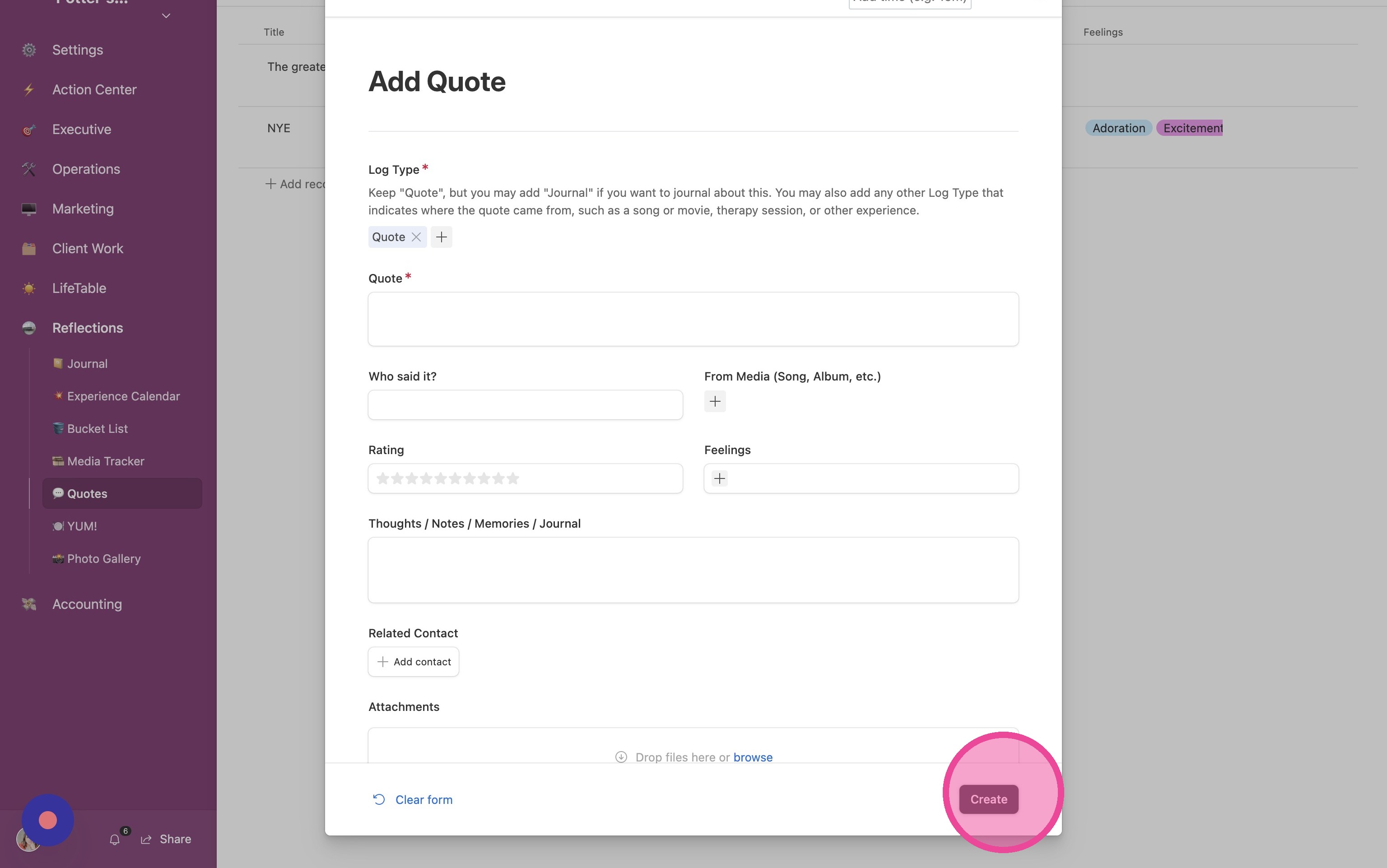
5. Fill out the form and click "Create"

1. Click "💬 Quotes"
2. Locate the quote you're interested in and click "Open"
3. Here you can view all information about the quote.
4. Click "Add Quote"
5. Fill out the form and click "Create"