🎞️ Media Tracker
How to Use It
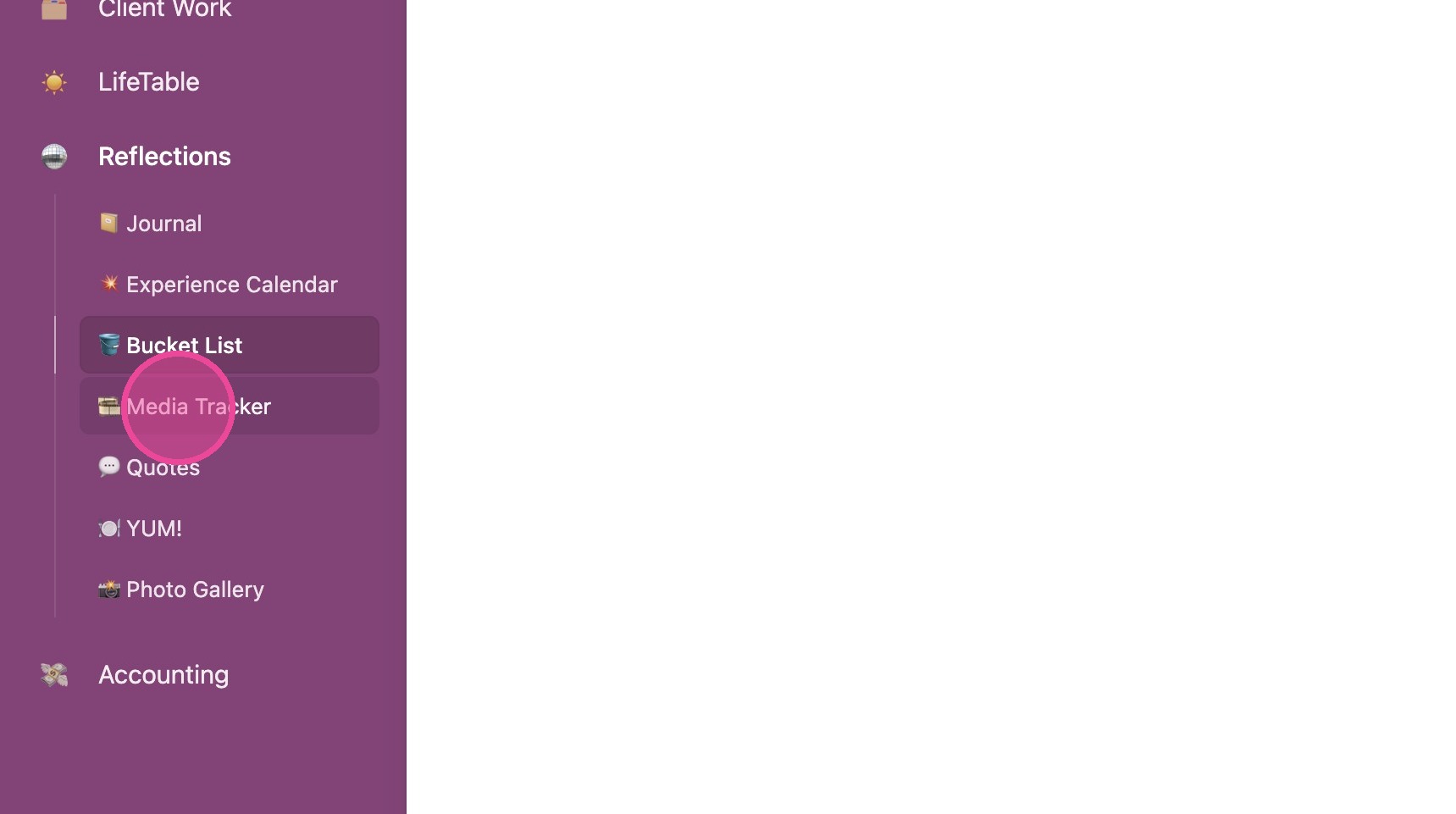
1. Click "🎞️ Media Tracker"
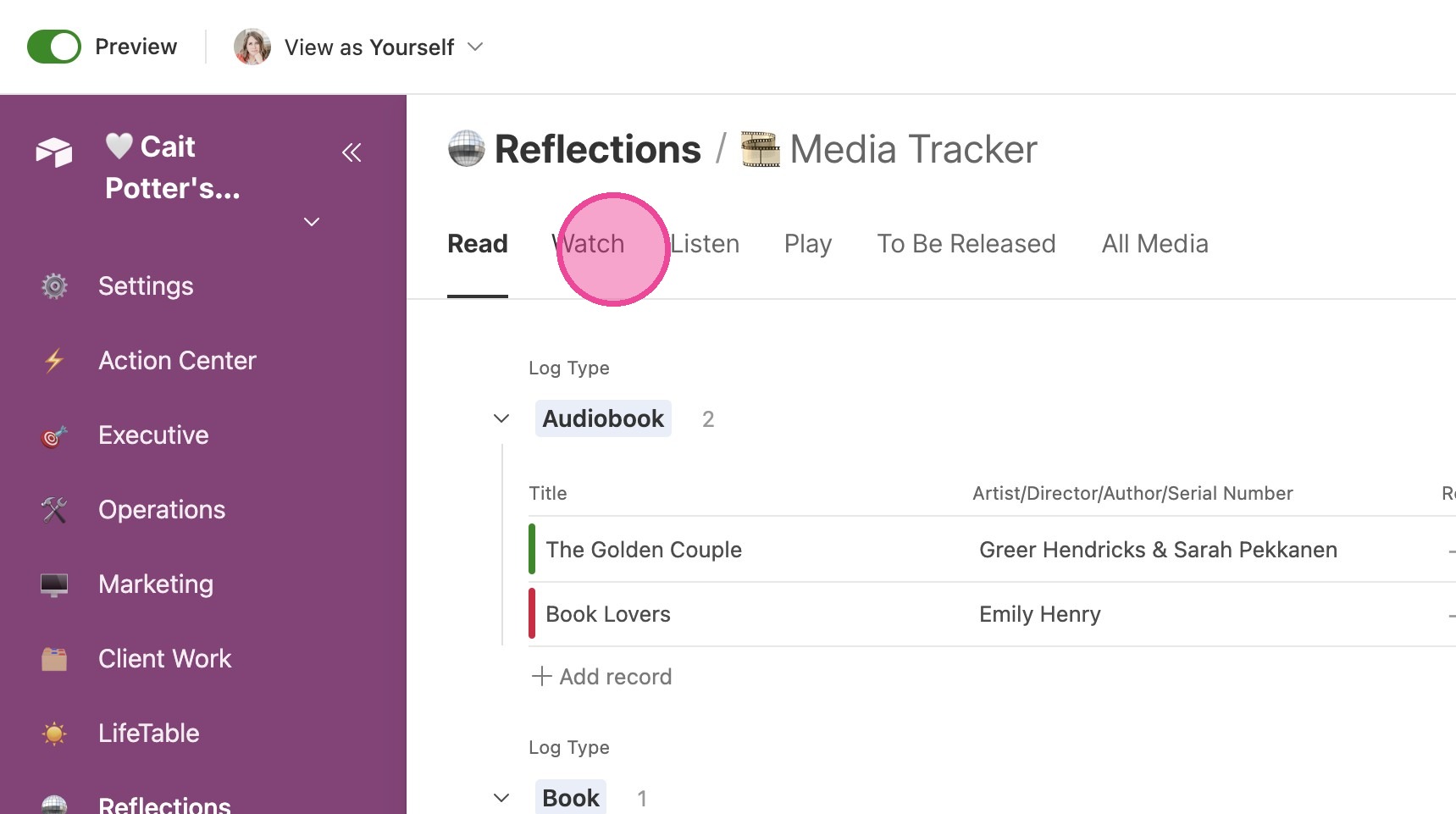
2. The media you're tracking is split into tabs at the top of the page.
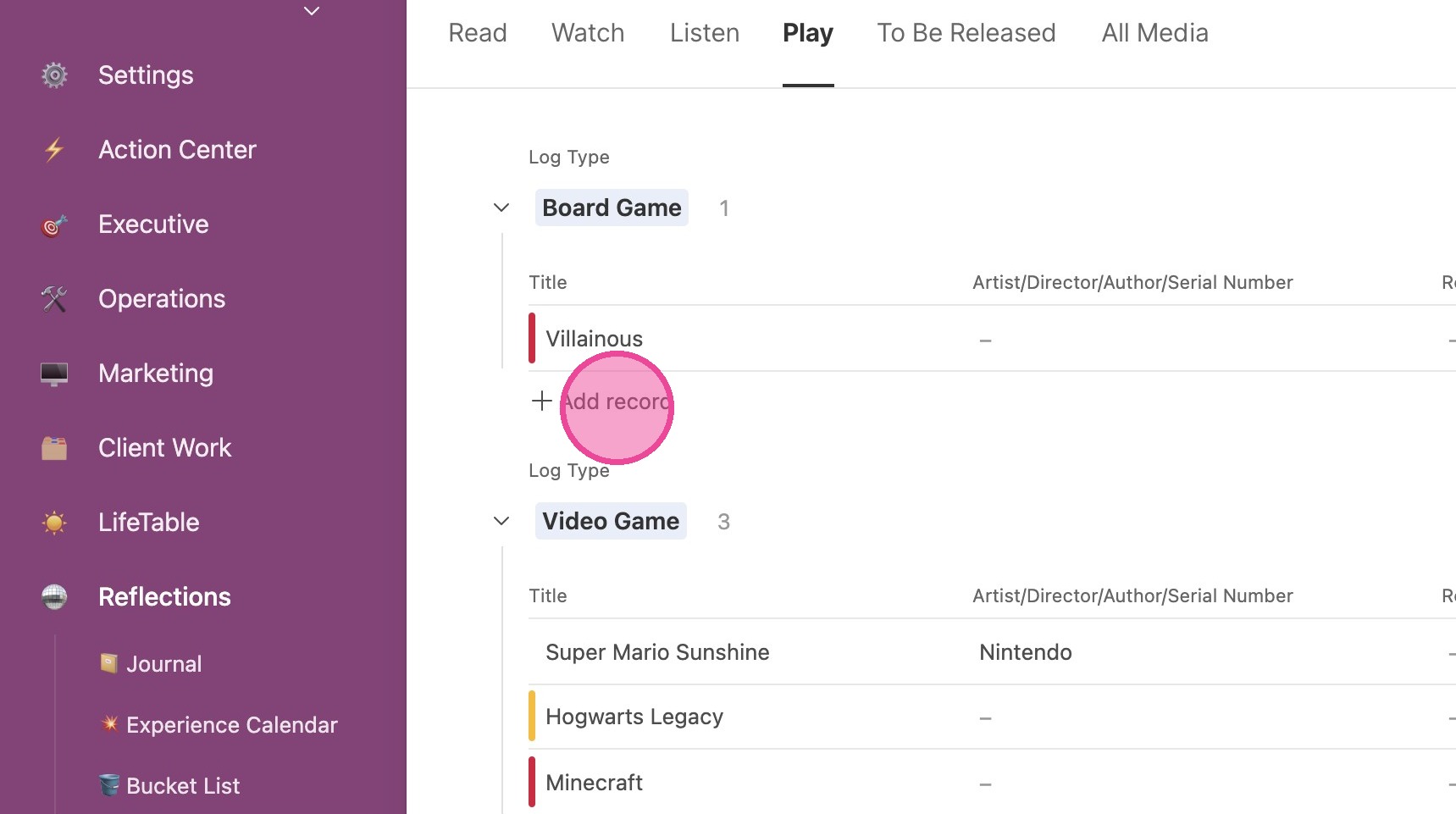
Add New Media
3. Option 1 - click "Add record" inline
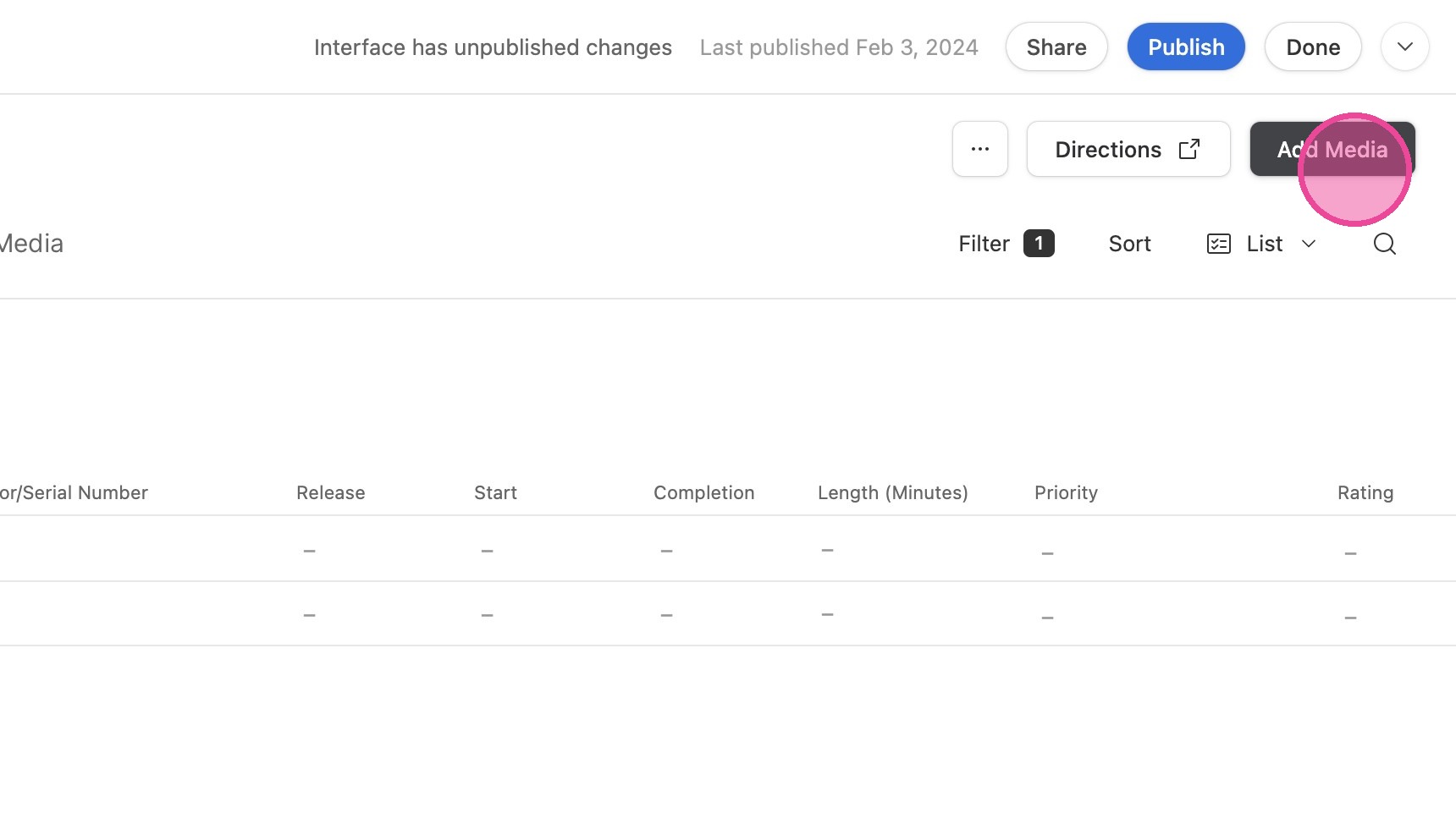
4. Click "Add Media"
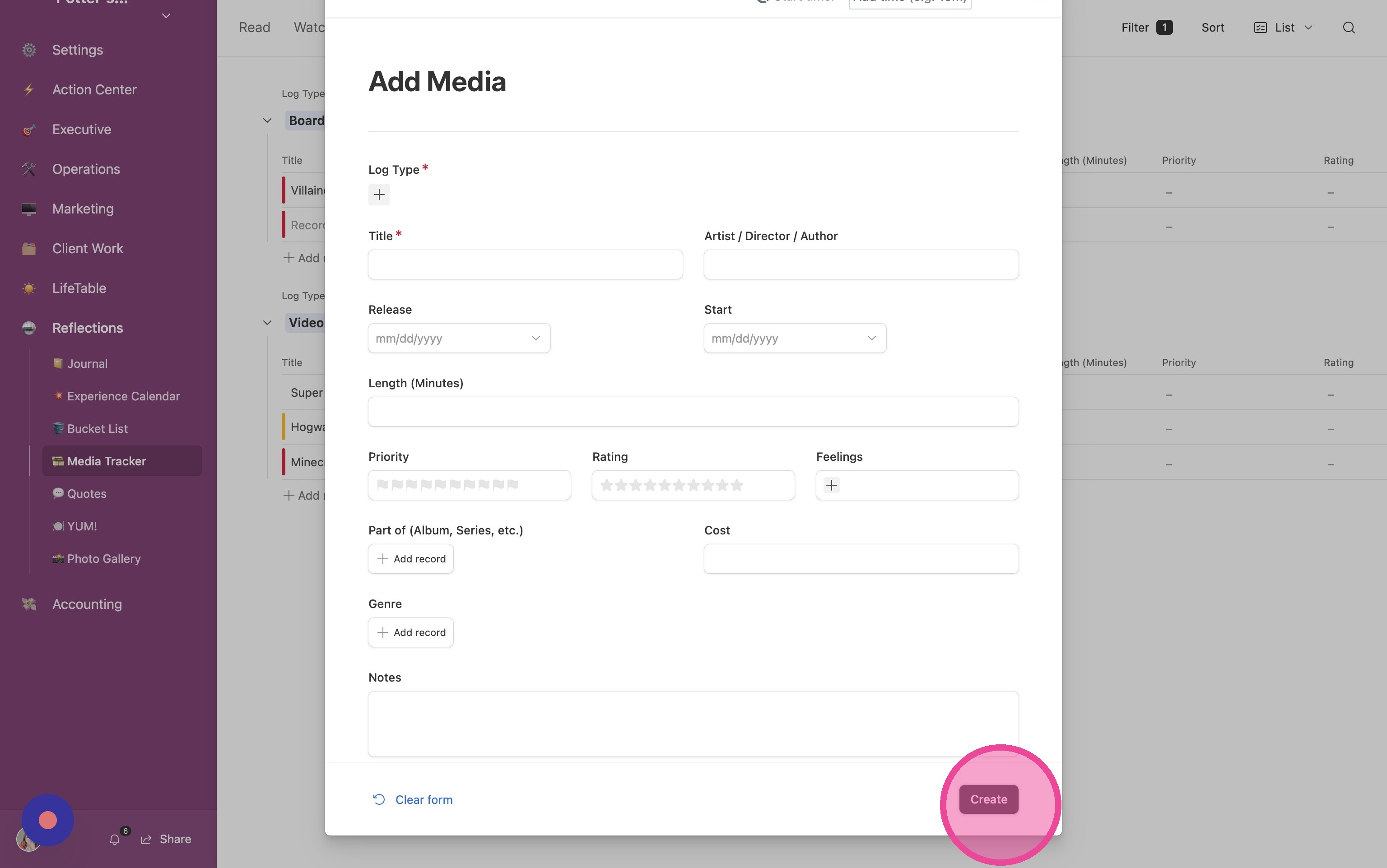
5. Fill out the form and click "Create"
View Details
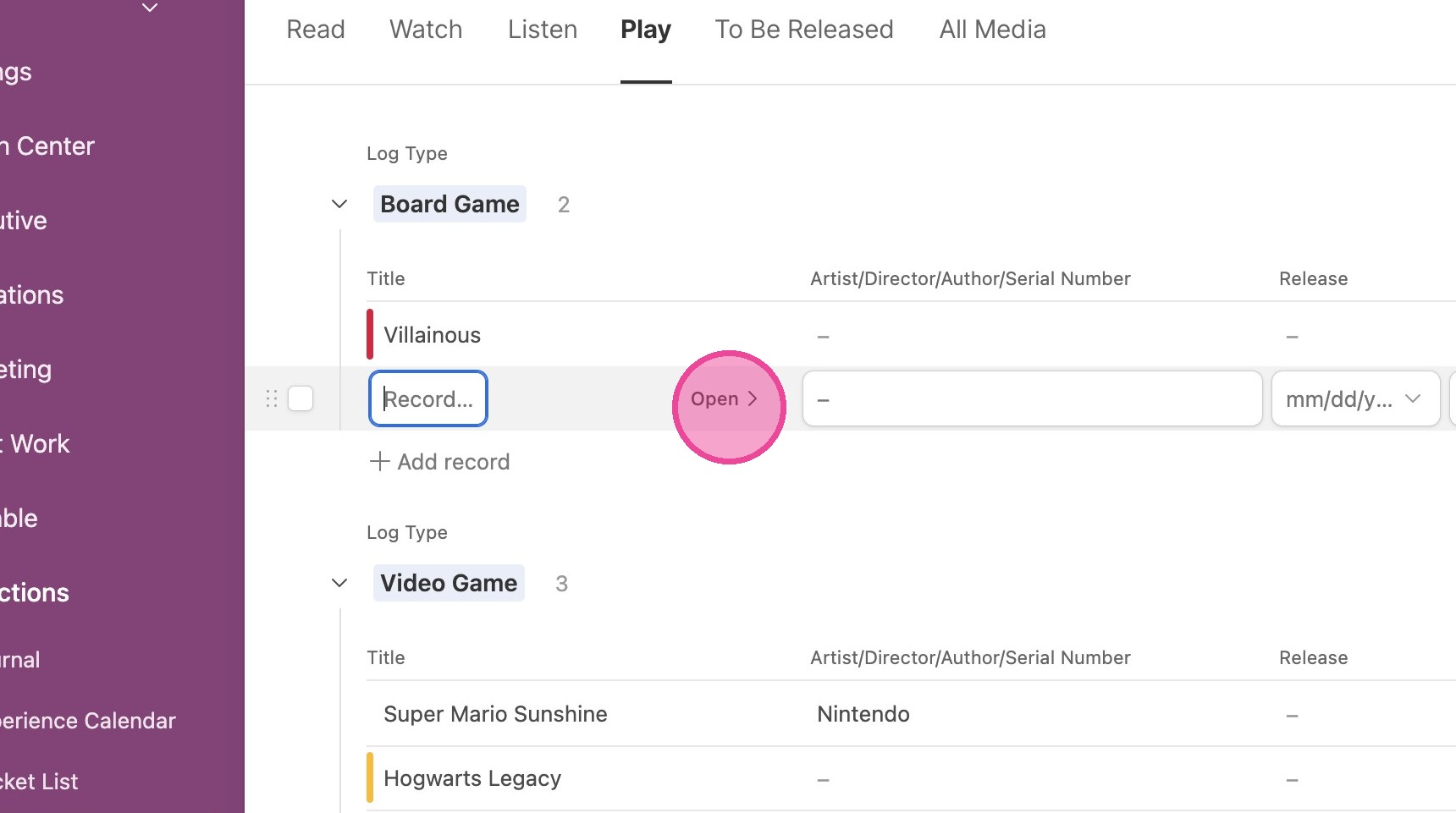
6. Locate the item you want to view and click "Open"
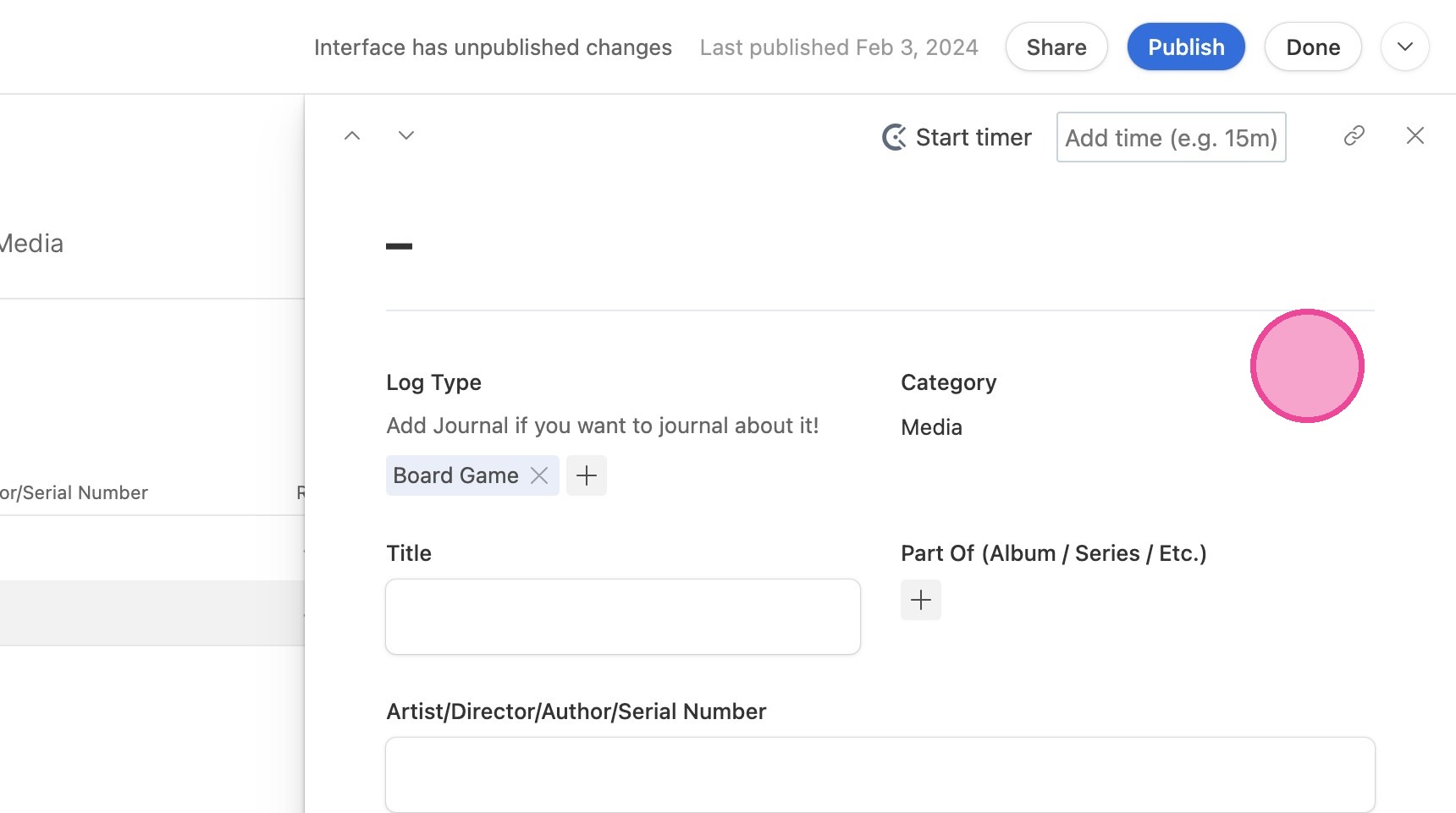
7. Here you can view and edit all related information to this media entry.
Change Views
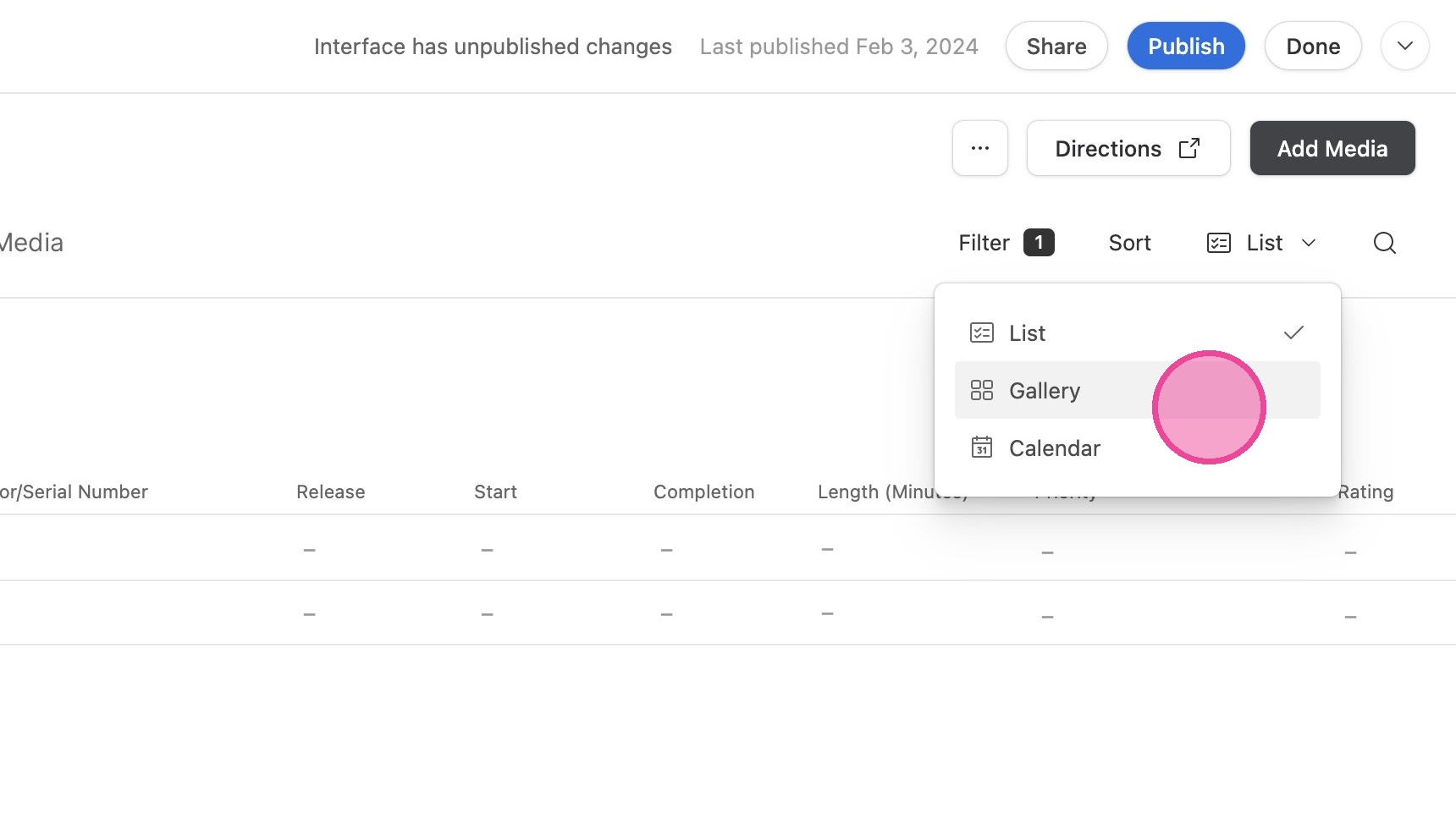
8. You can toggle between List, Gallery, and Calendar views.