🪣 Bucket List
How to Use It
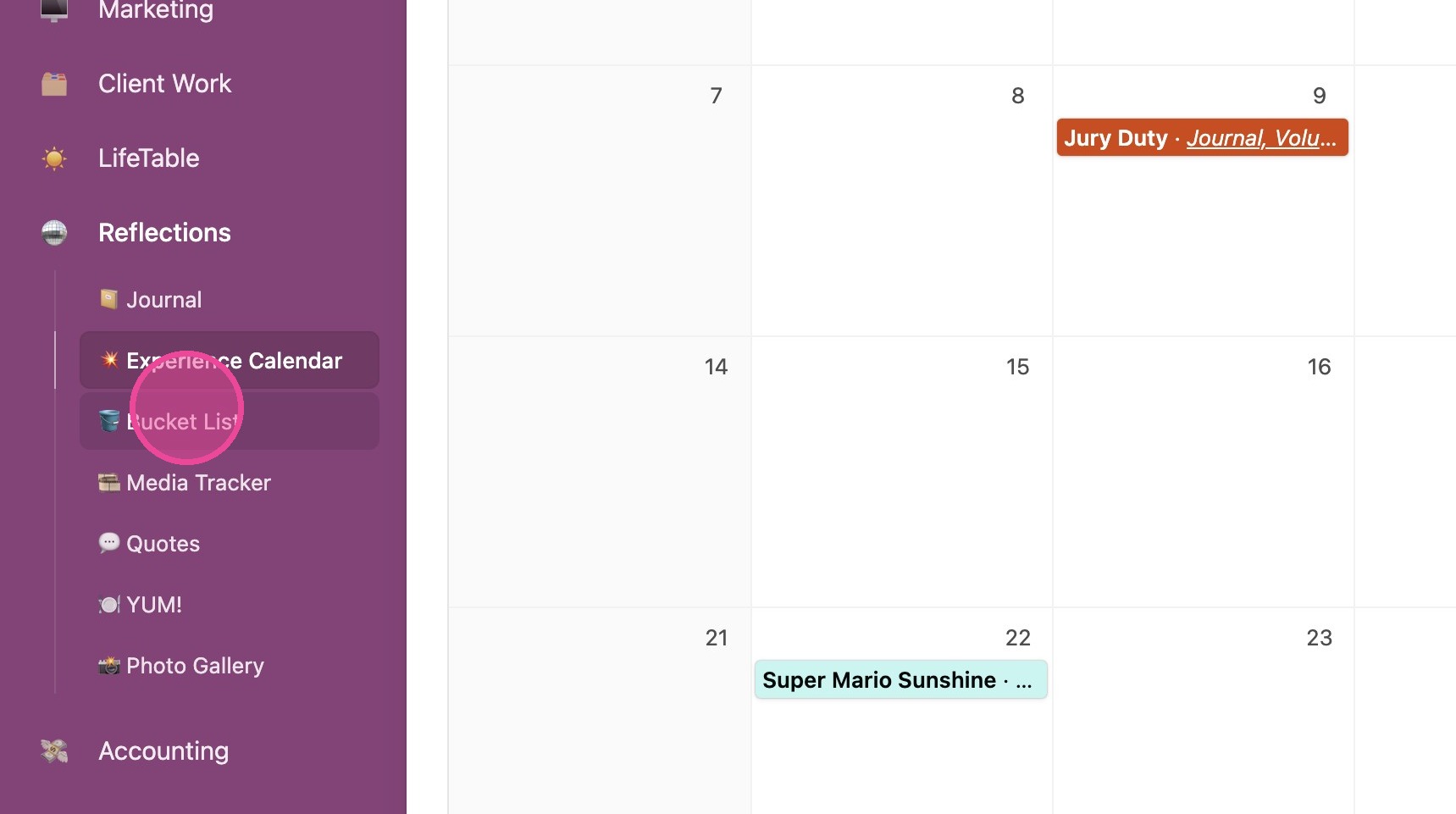
1. Click "🪣 Bucket List"
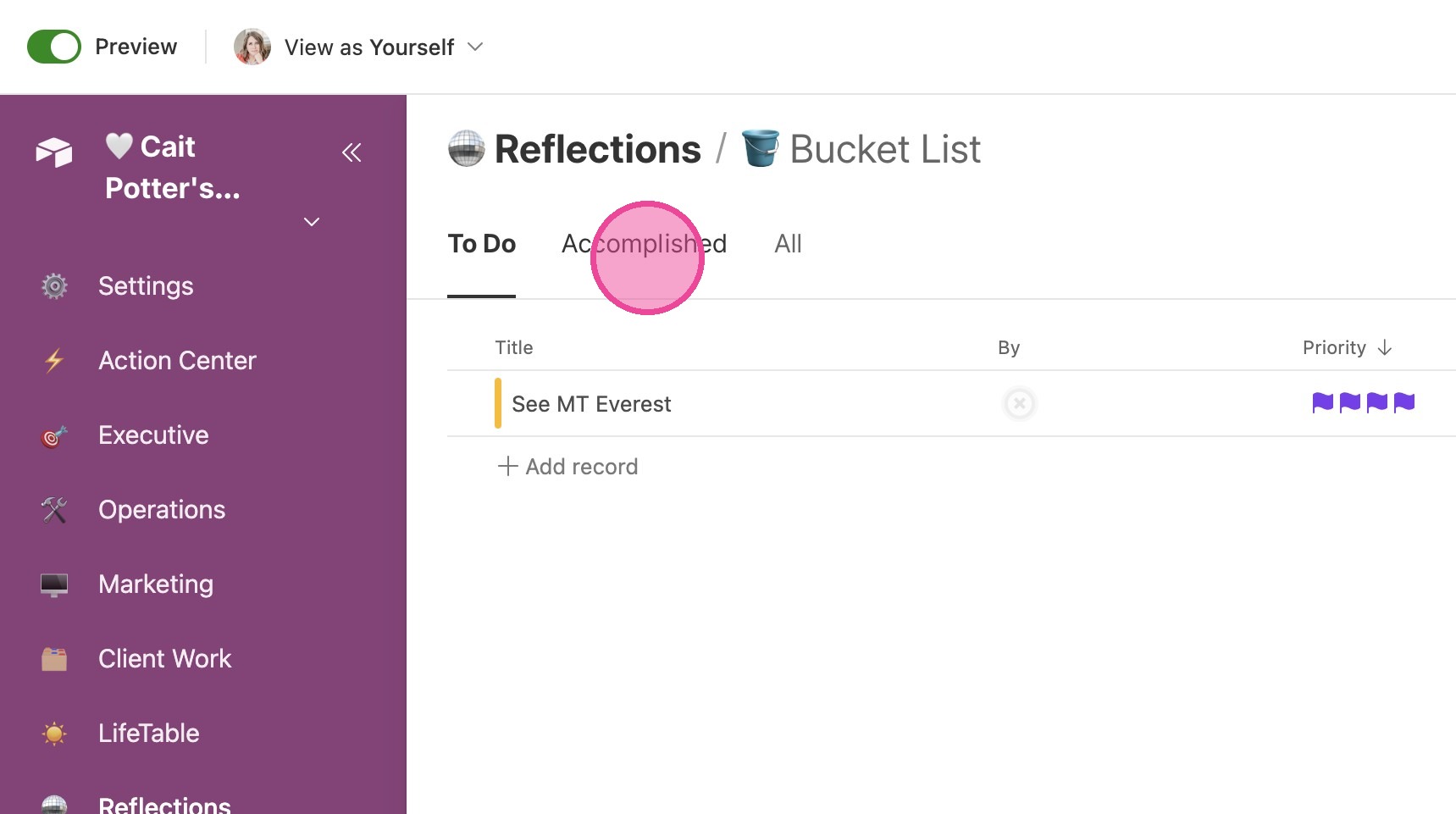
2. Your bucket list items are split into tabs at the top based on whether or not you've done them. They sort automatically based on whether or not you've entered a COMPLETION date.
View Details
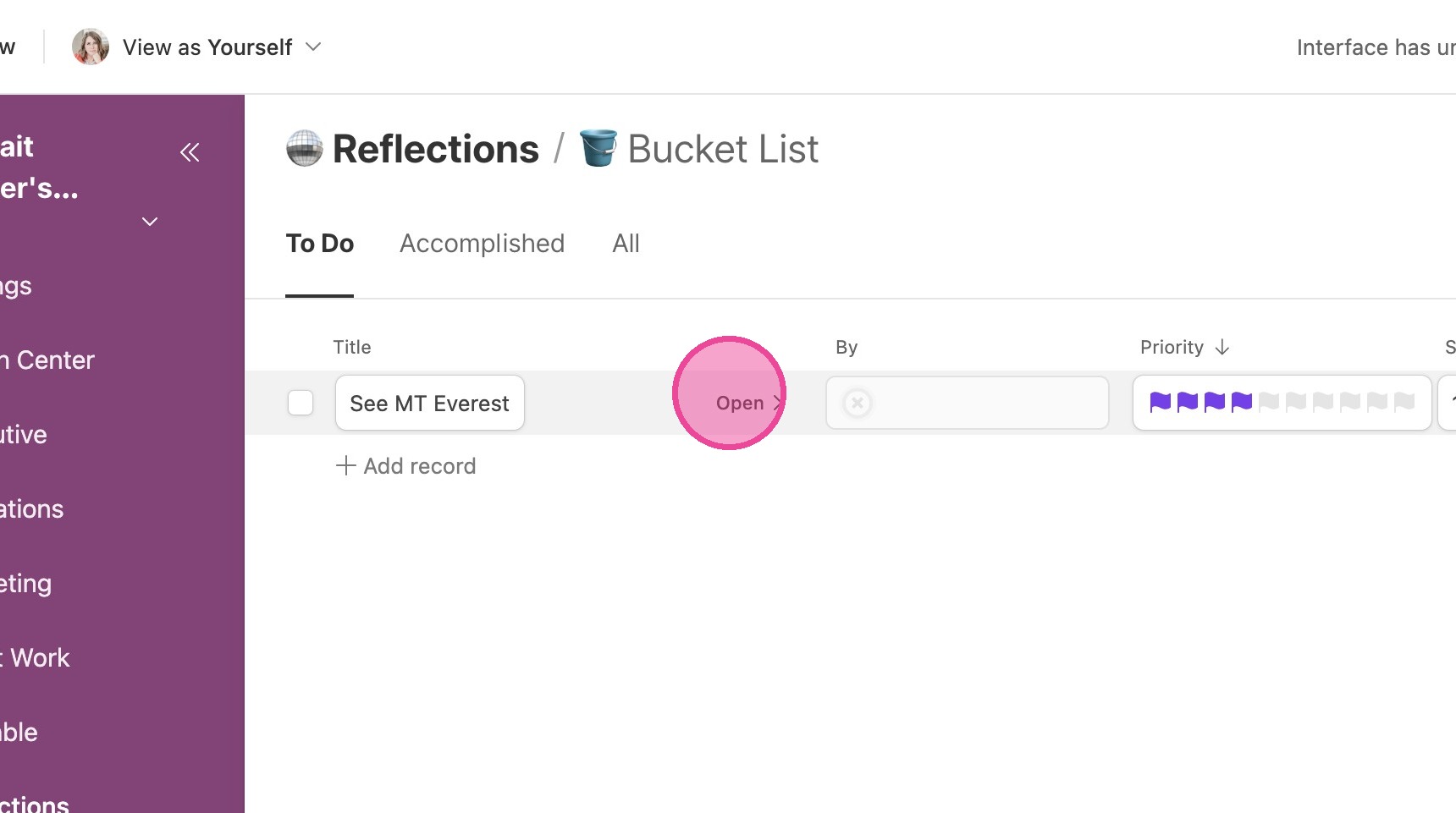
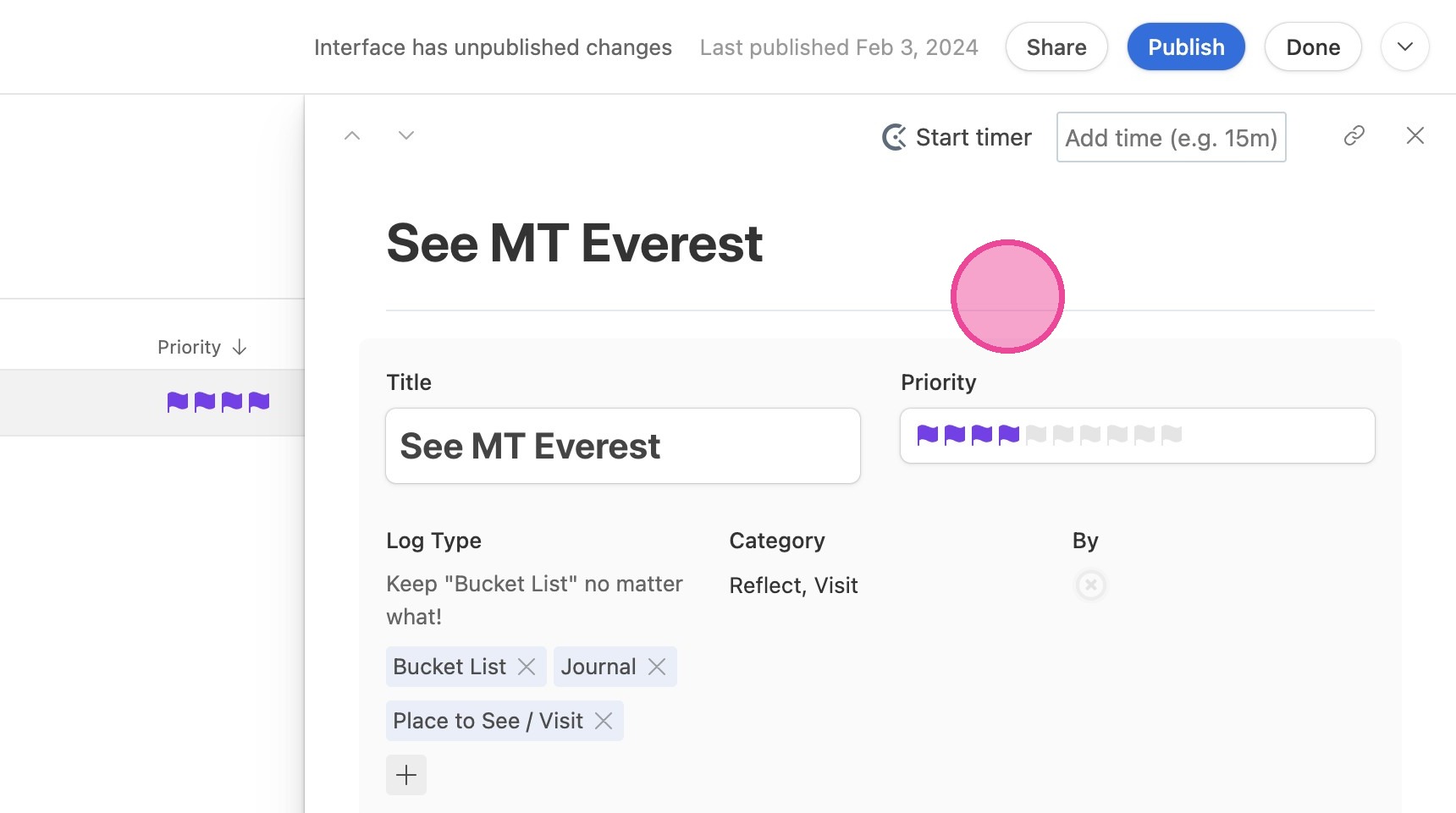
3. Select an item and click "Open"
4. Here you can view and change all relevant information.
When you Complete an Item
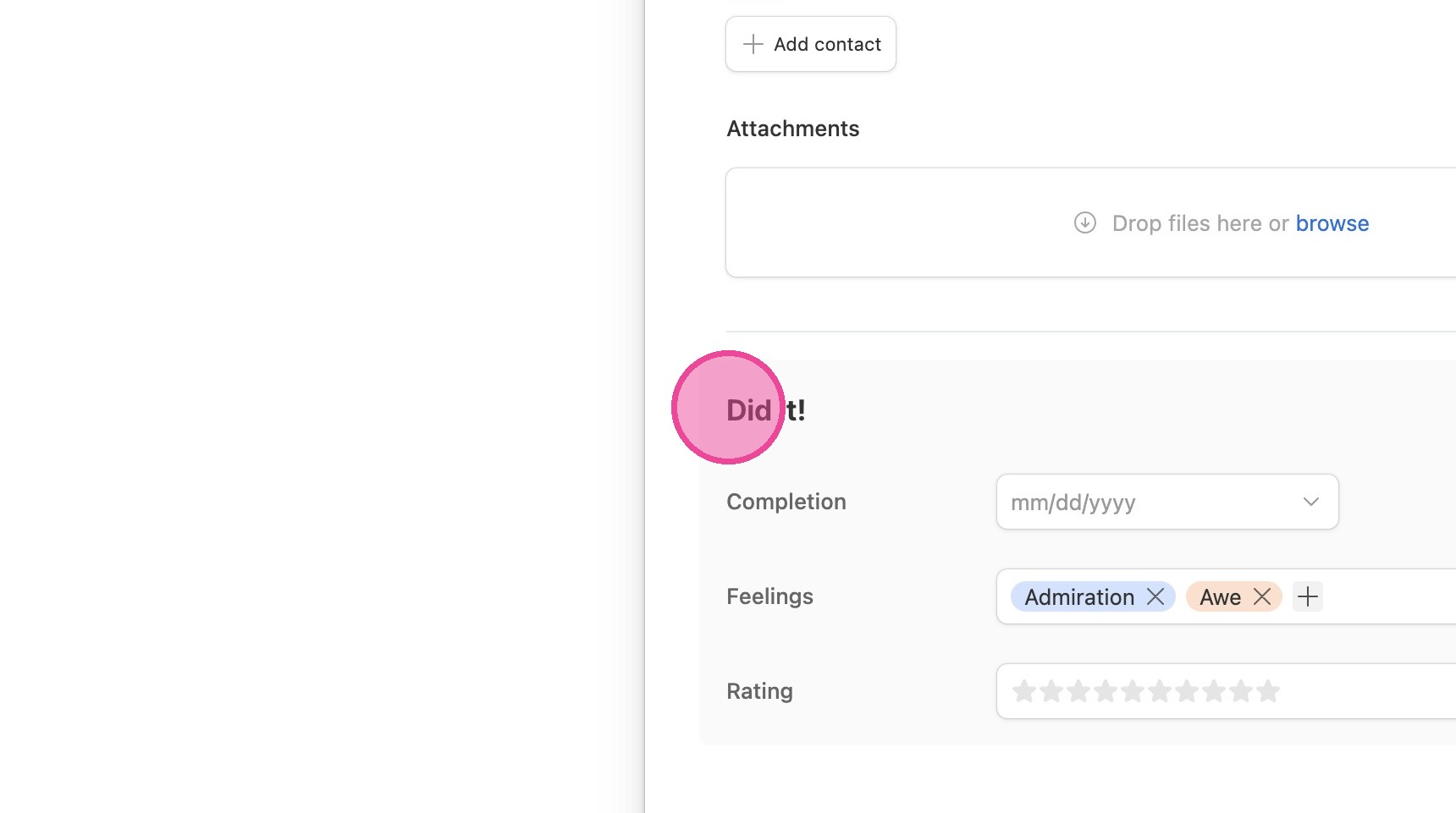
5. Follow steps 1-4 to open the details of the item, then make sure you fill out the "Did it!" section!
Add New Bucket List Item
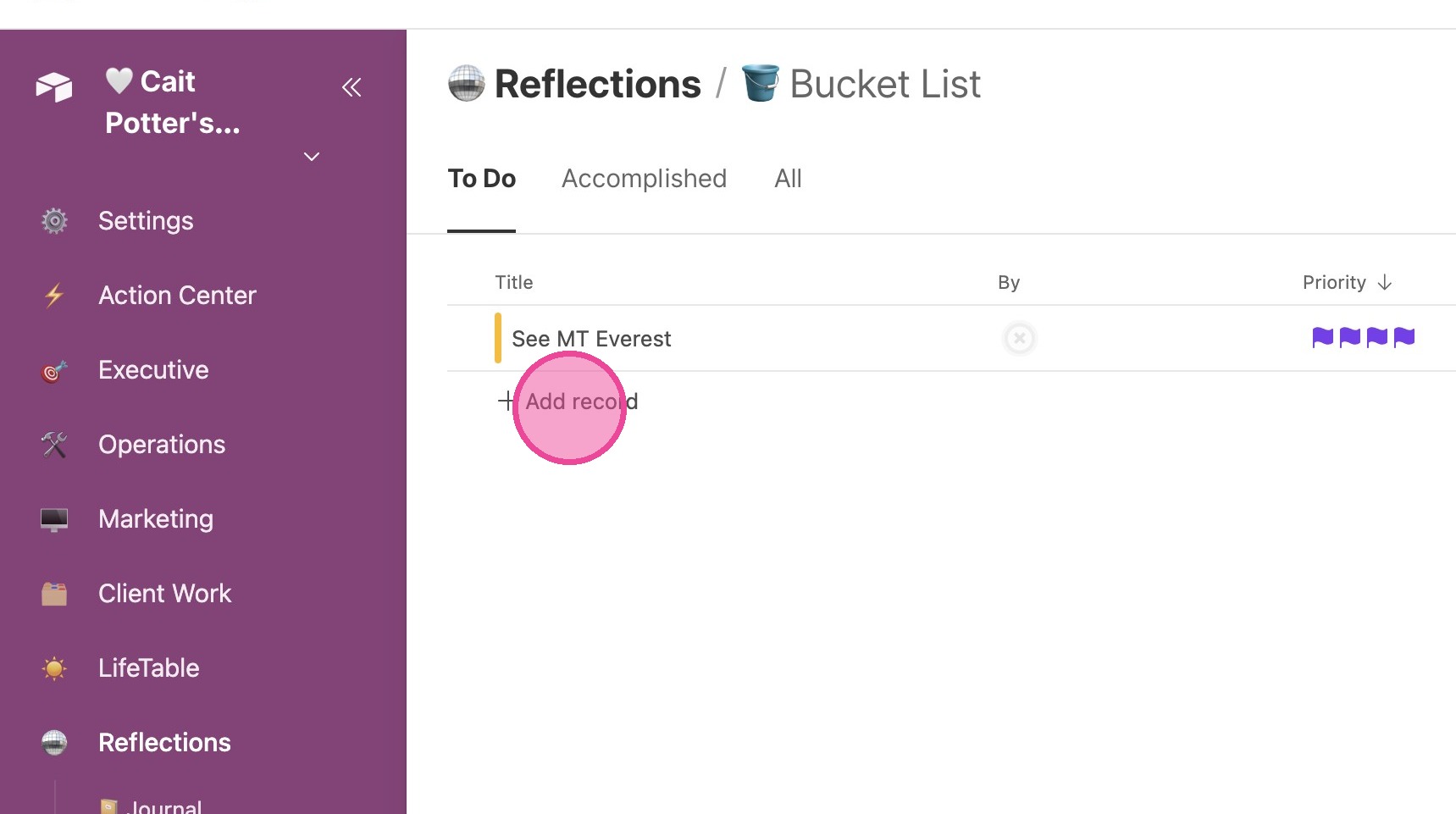
6. Option 1 is to simply click "Add Record" inline.
7. Option 2 is to click "Add Item"
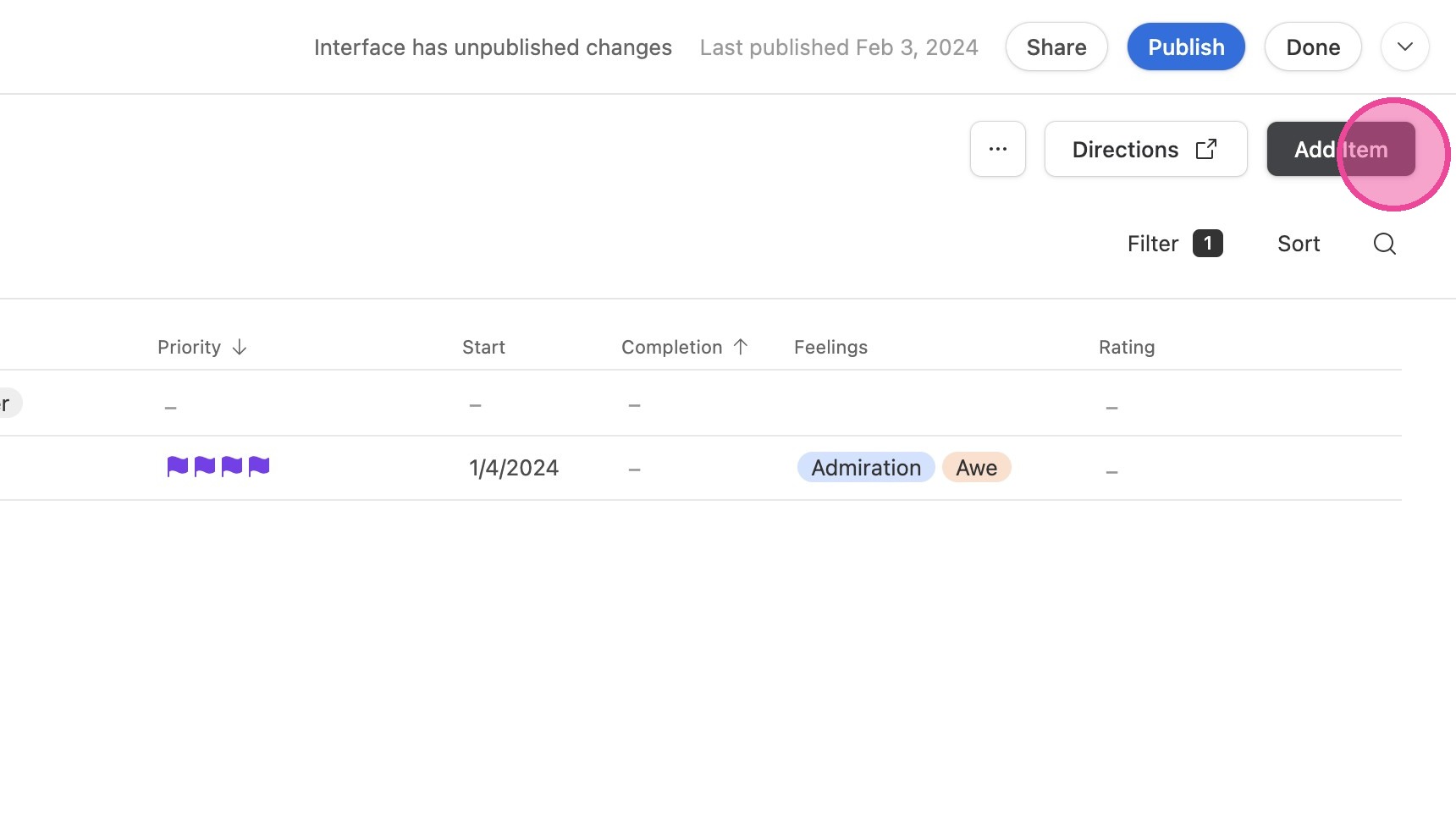
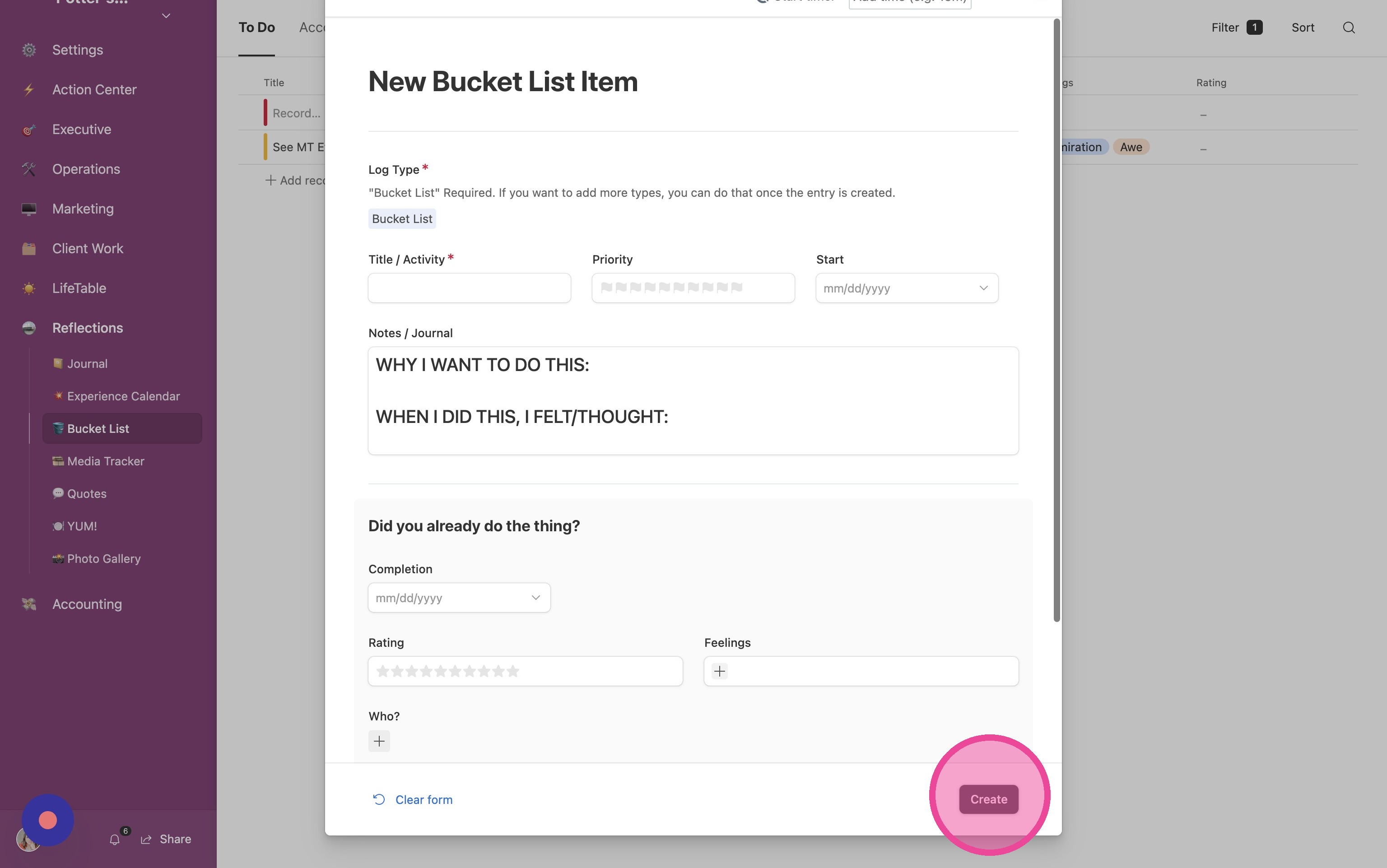
8. Fill out the form and click "Create"