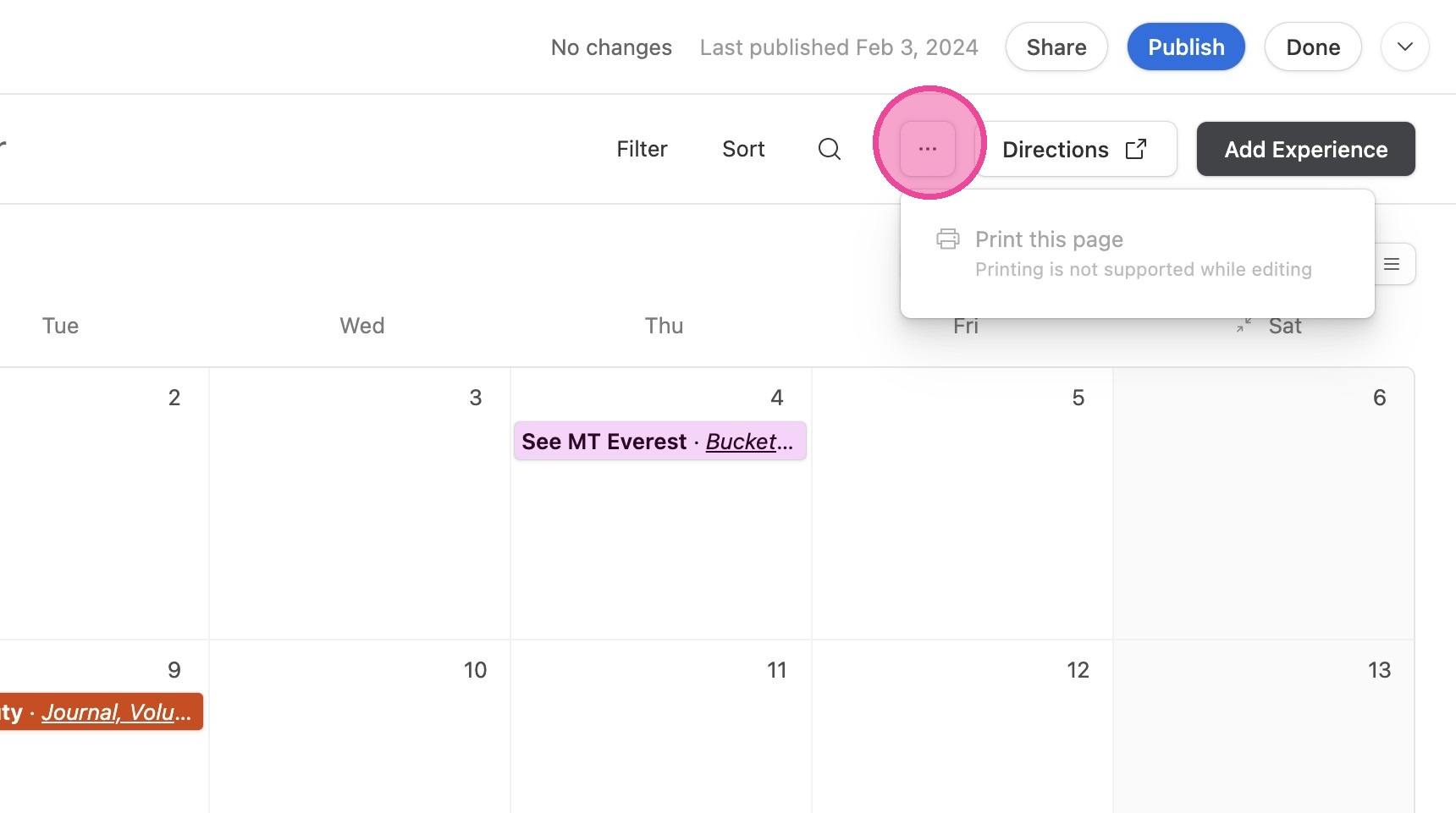
💥 Experience Calendar
How to Use It
1. Click "💥 Experience Calendar"
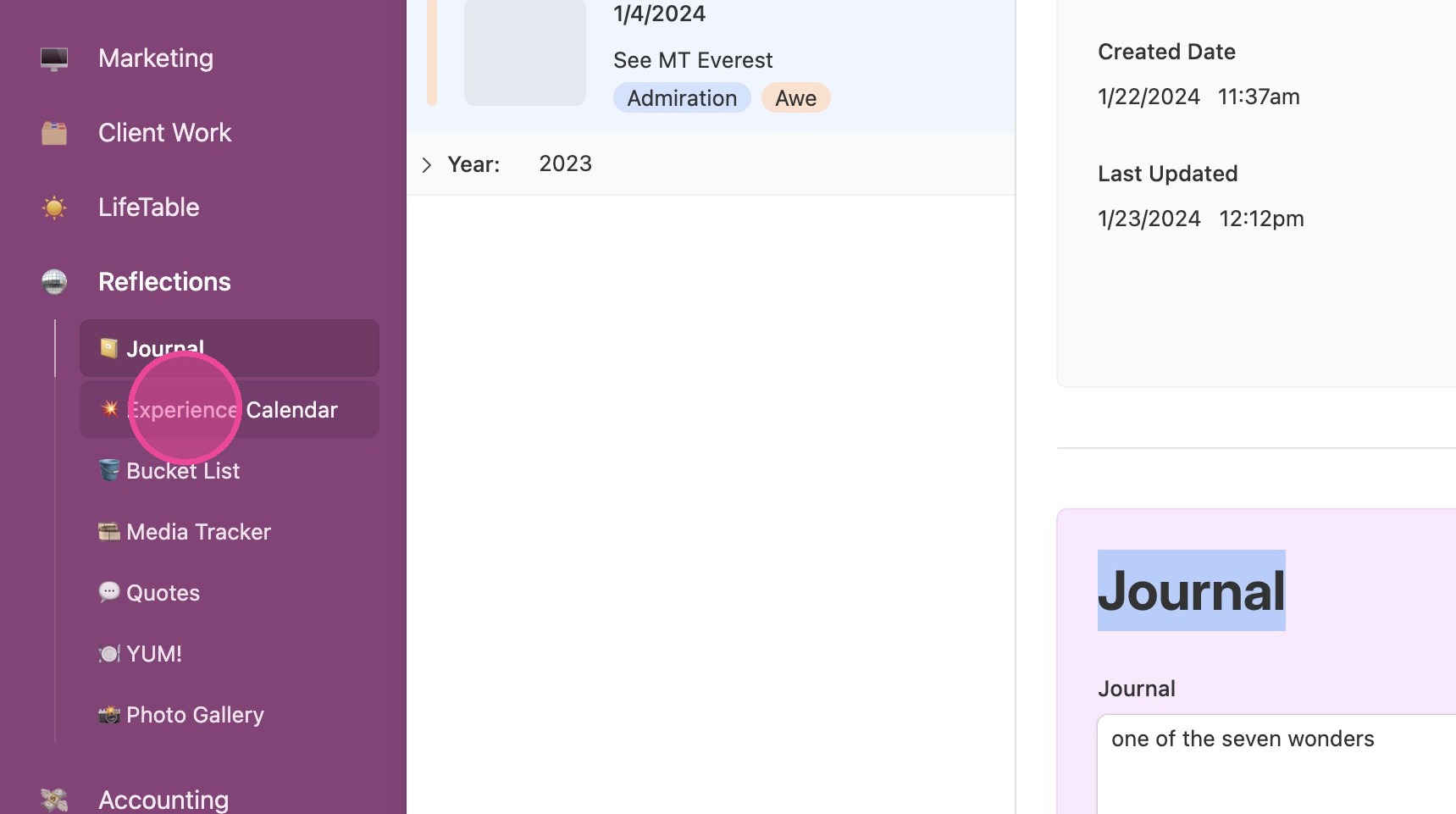
View Details
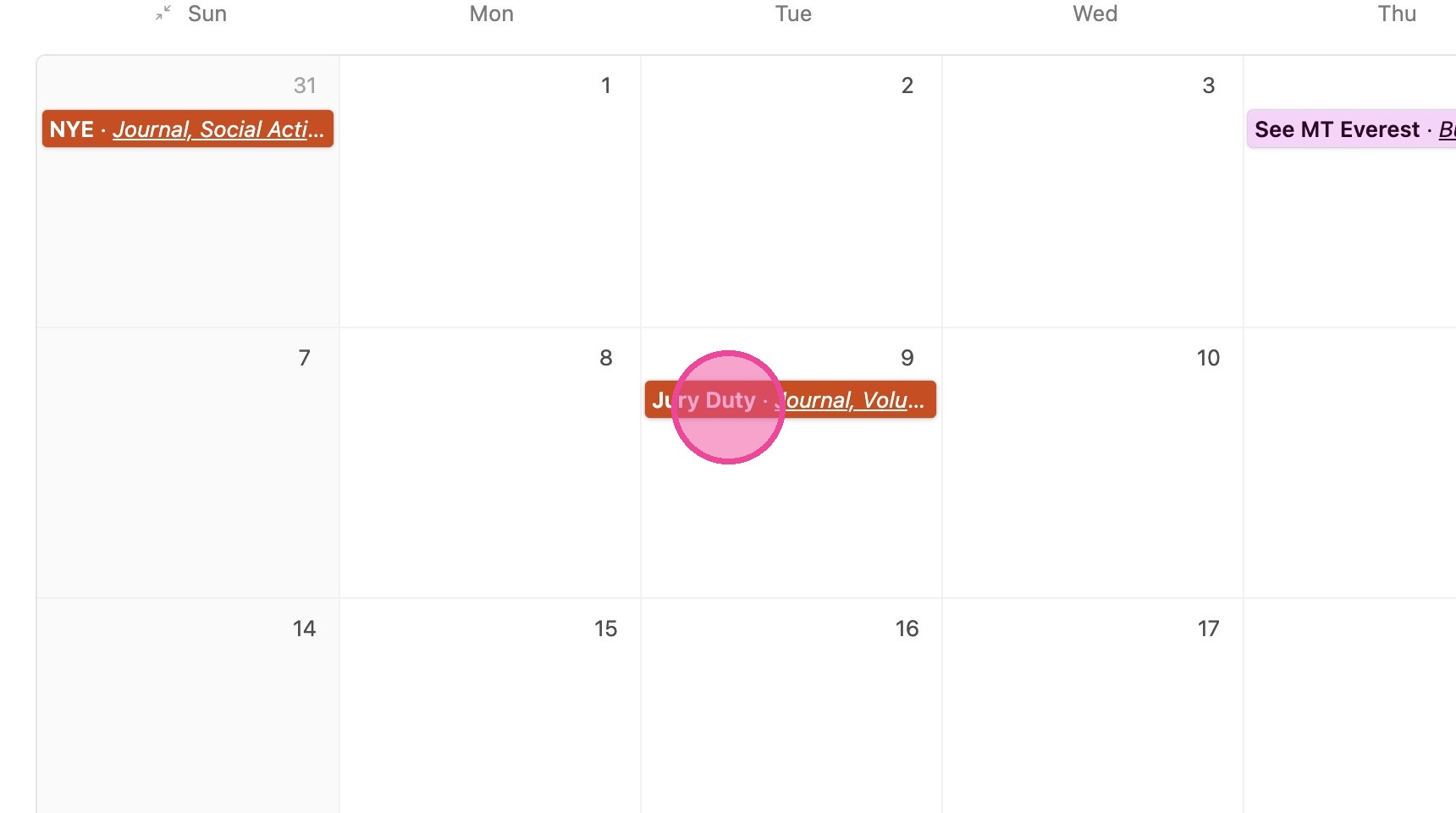
2. Click any entry to open up details.
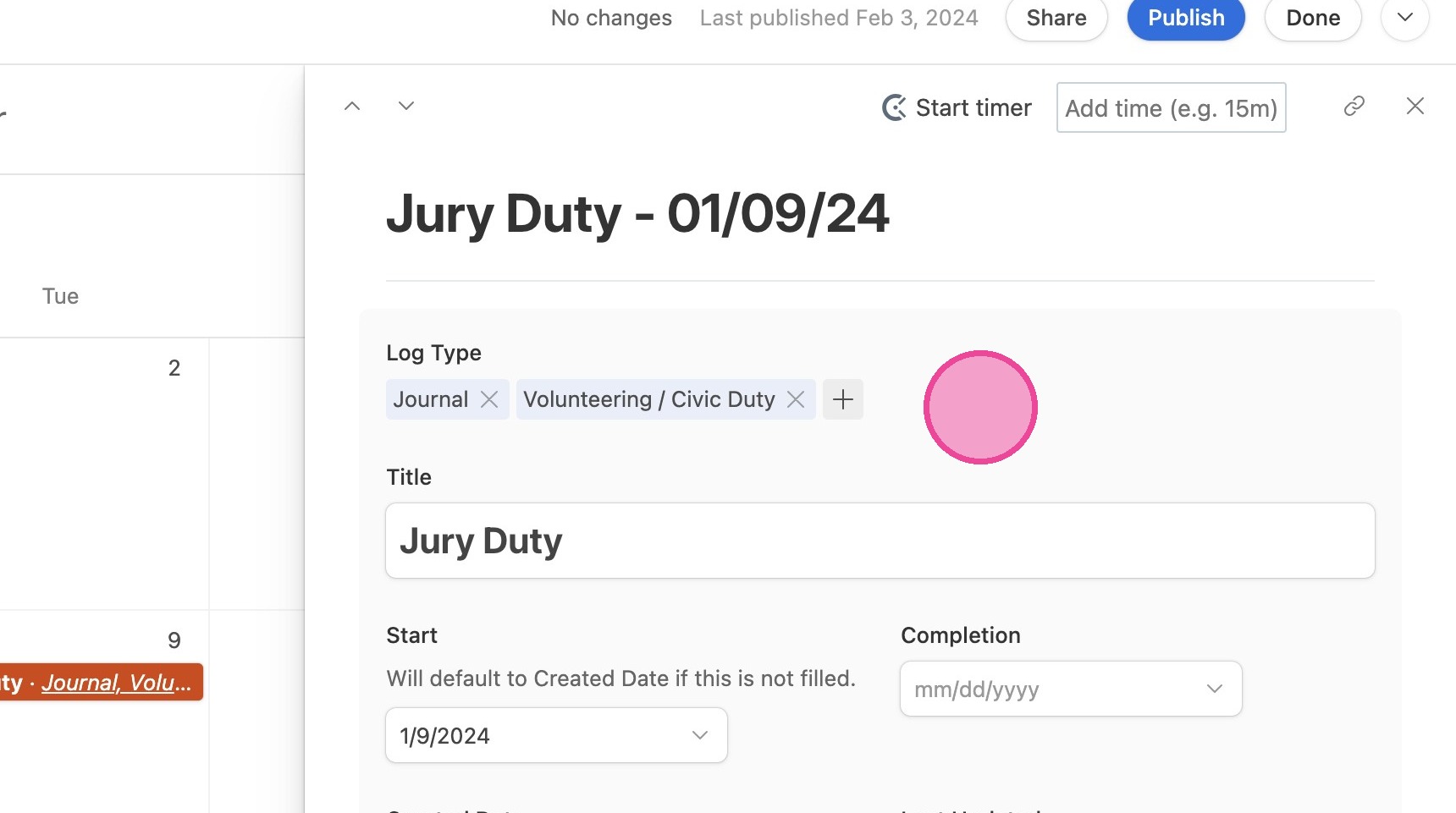
3. You can update all details related to the experience here.
Add New Experience
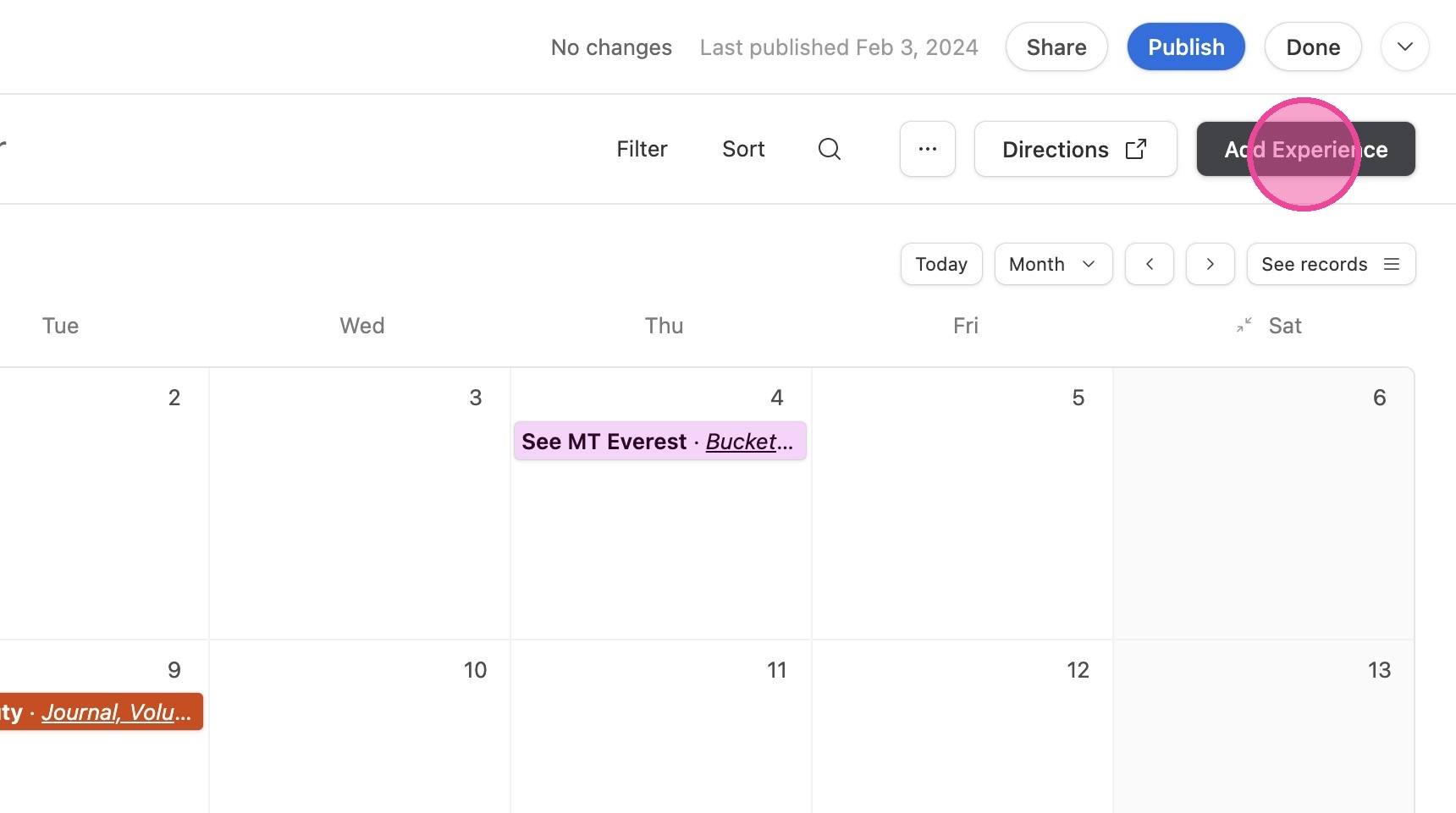
4. Click "Add Experience"
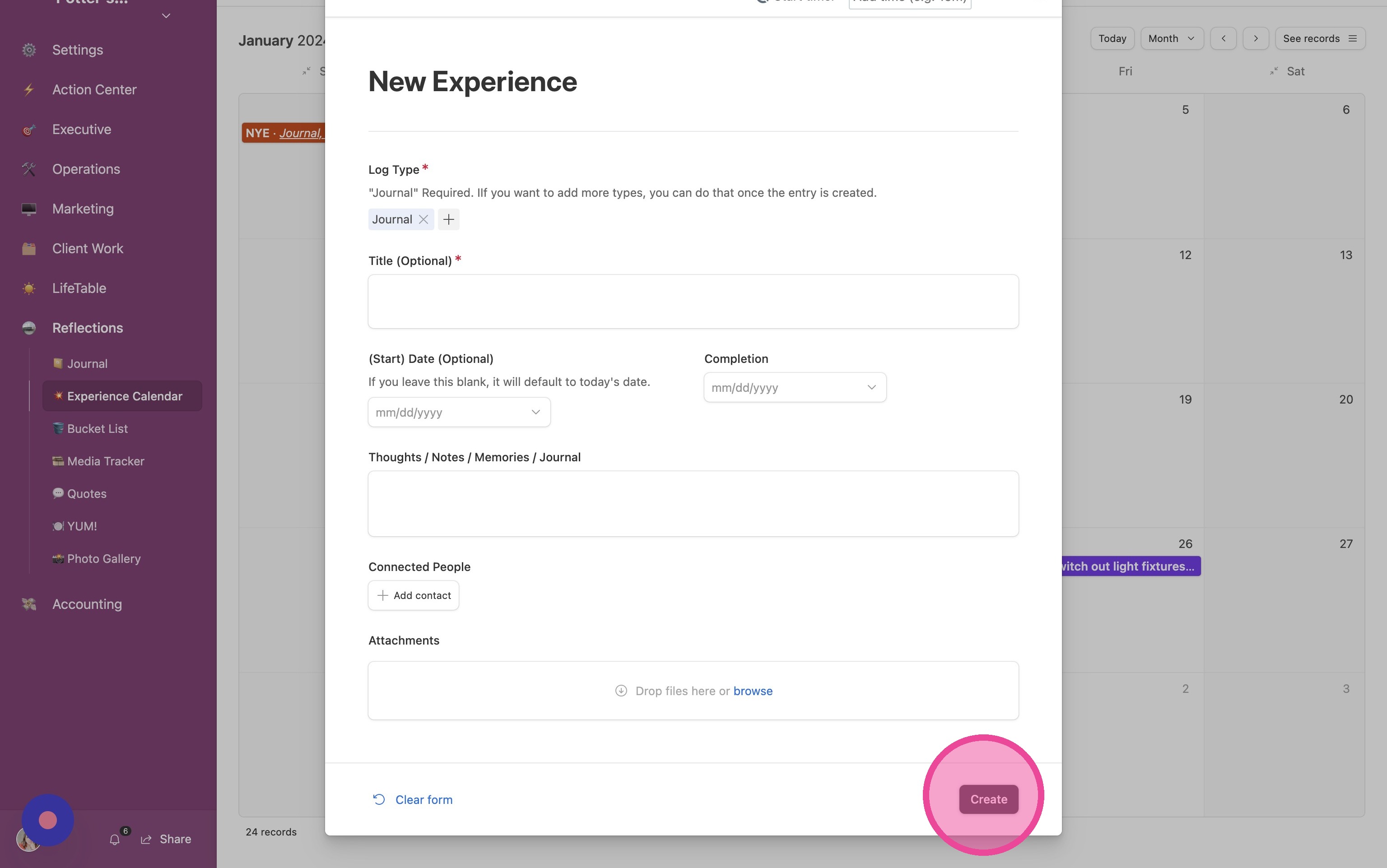
5. Fill out the form and click "Create"
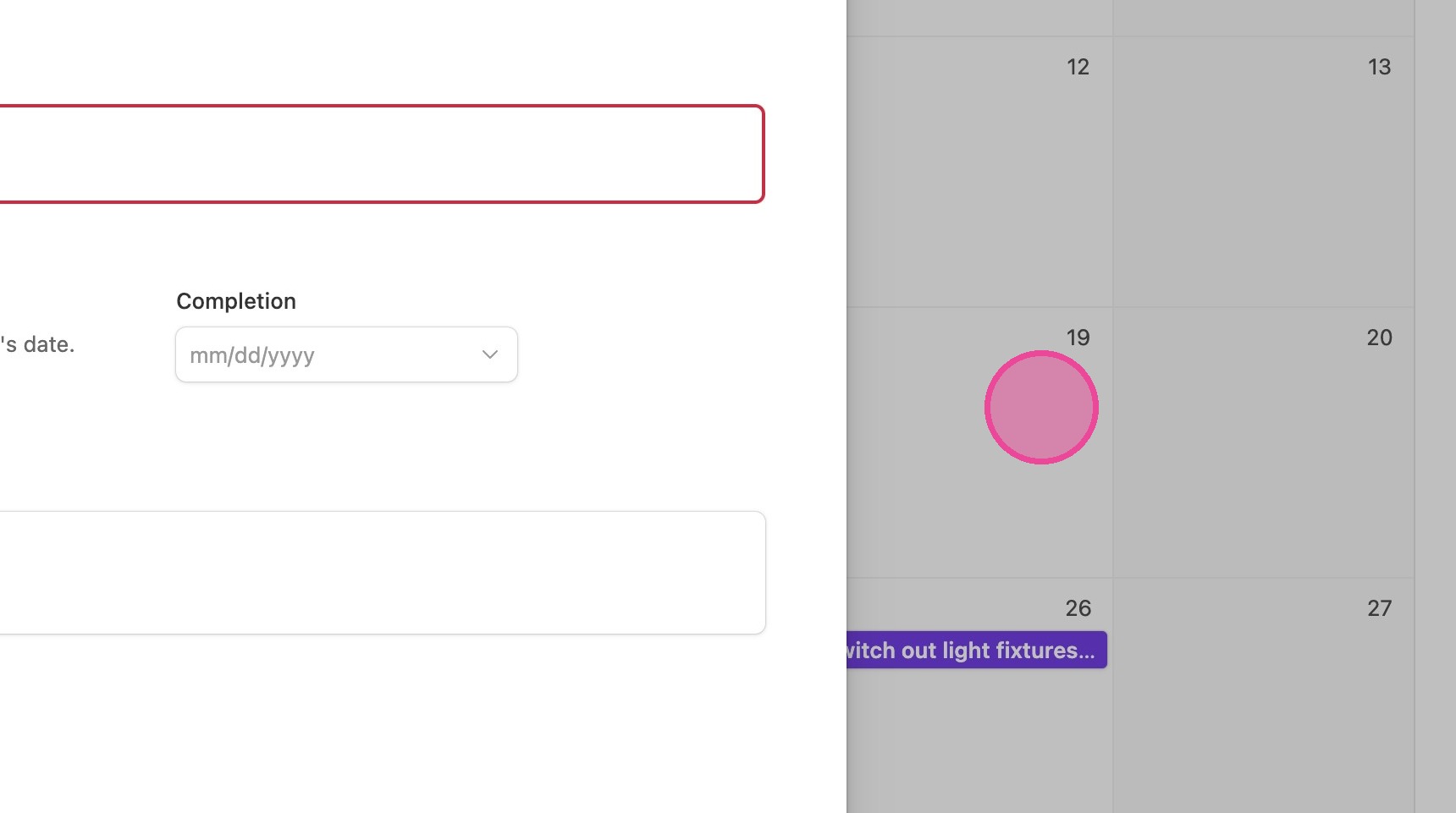
6. Click here.
7. Click this icon.
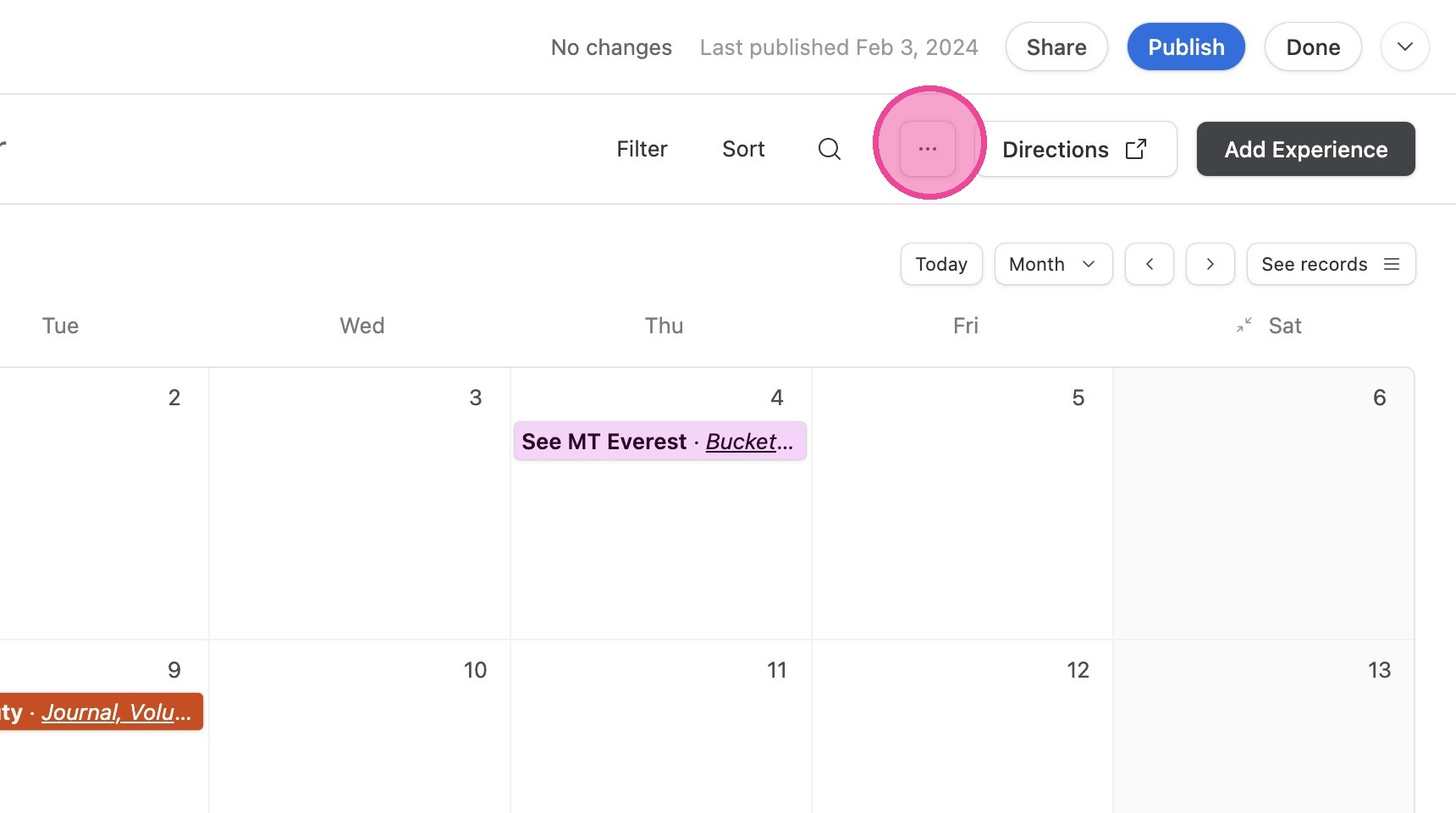
8. Click this icon.