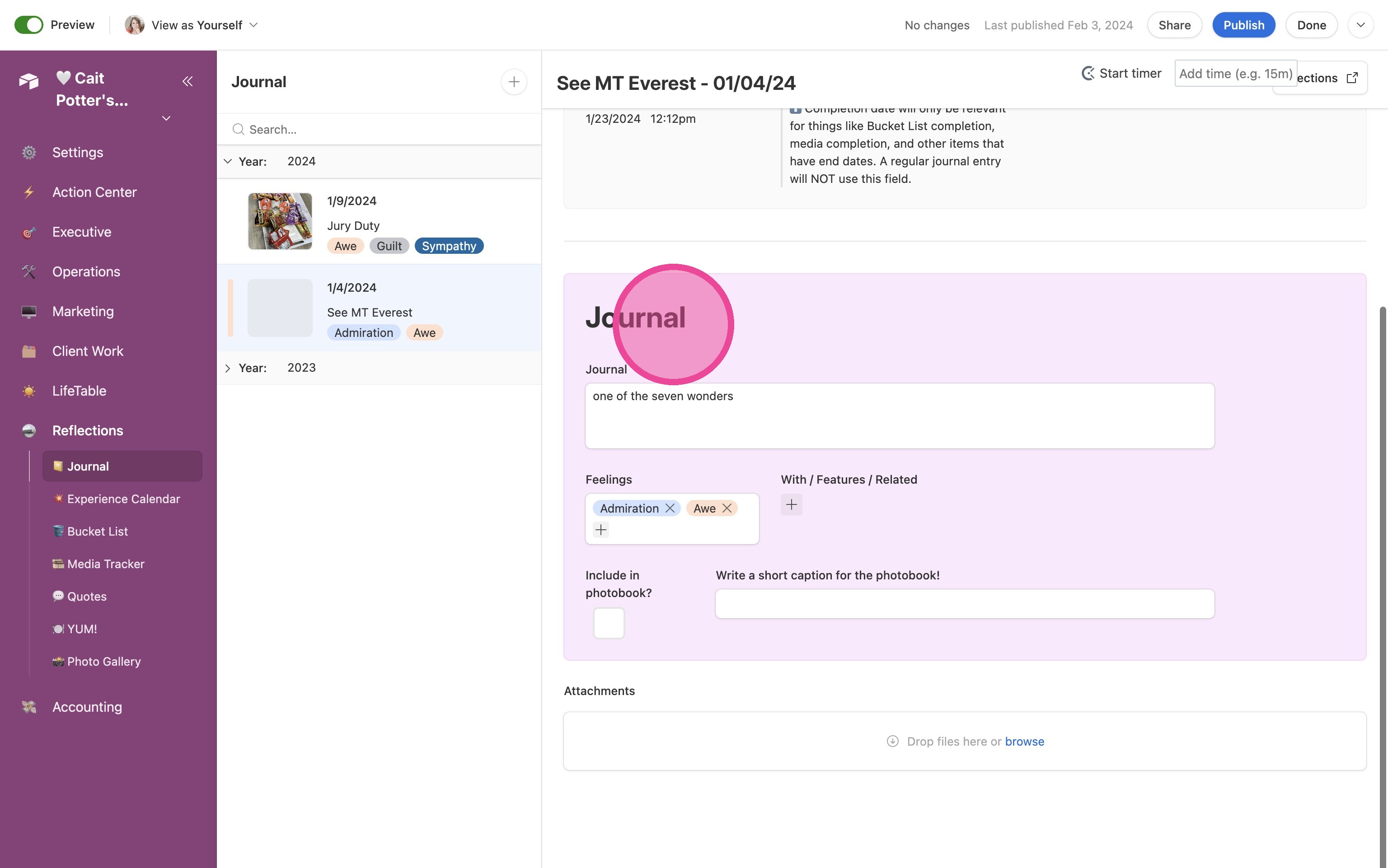
📔 Journal
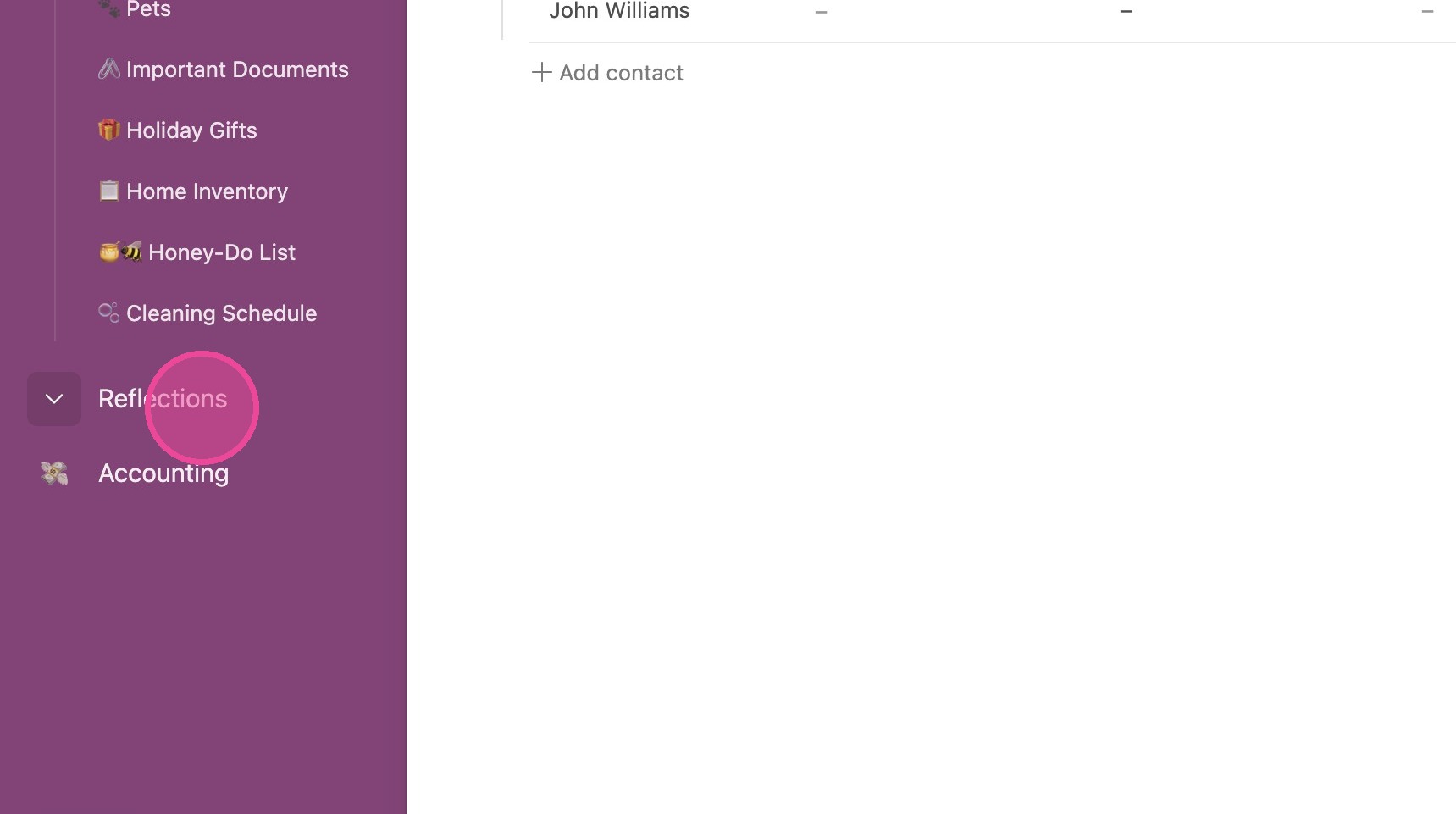
1. Click "Reflections"
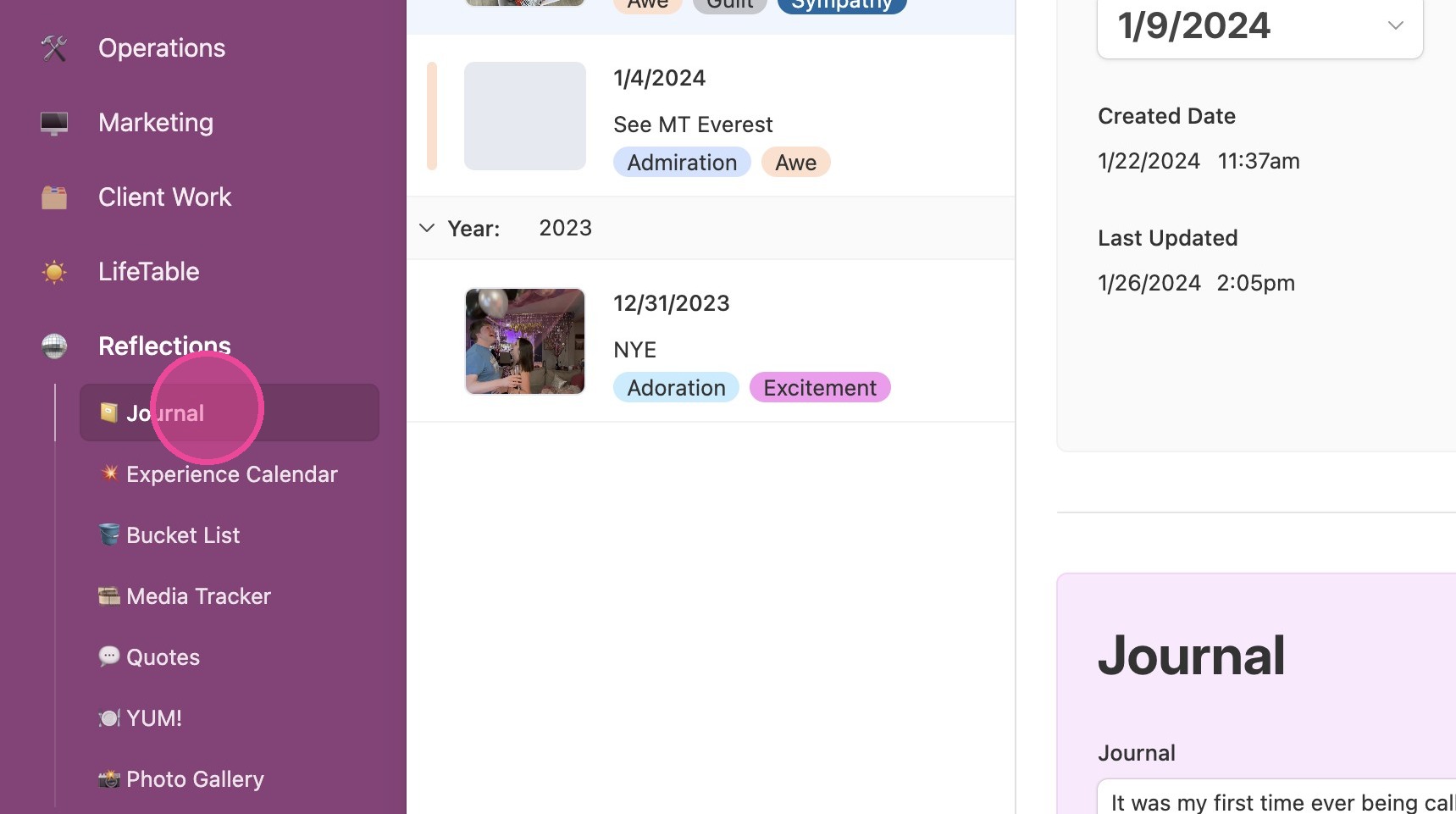
2. Click "Journal".
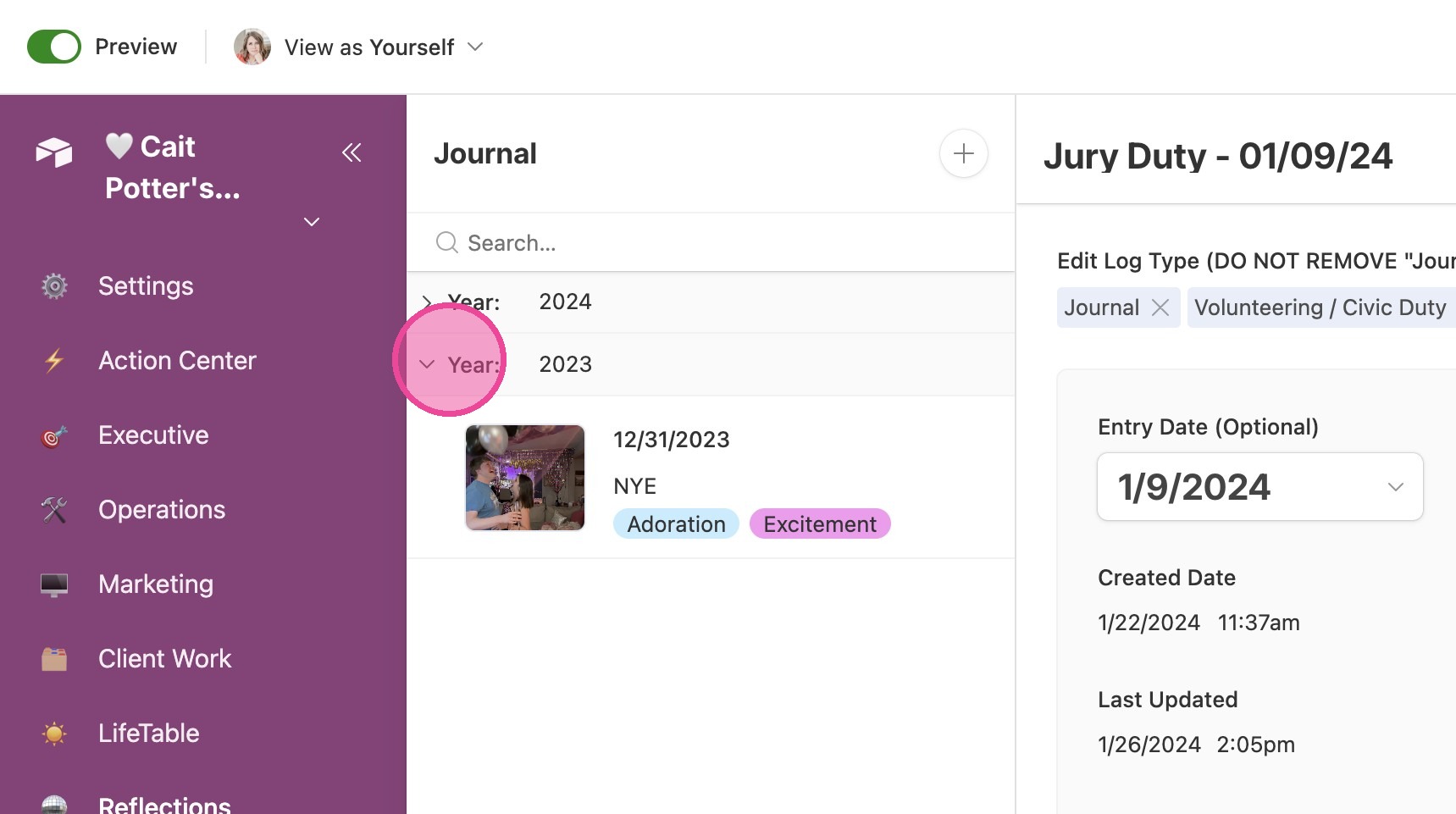
3. Your Journal entries are grouped by year and sorted by date with the most recent entry being first.
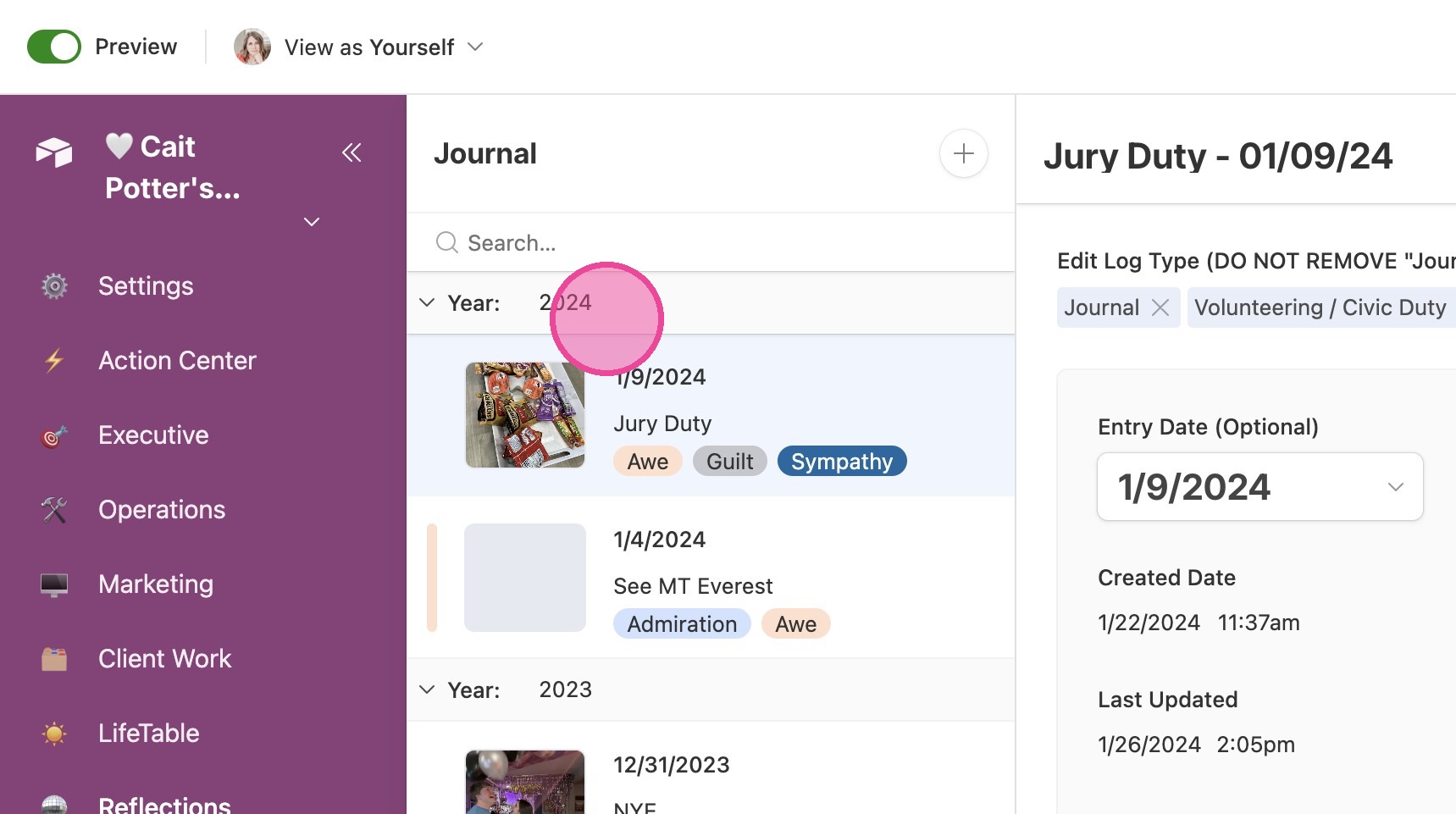
4. You can collapse a year by clicking the arrow next to it.
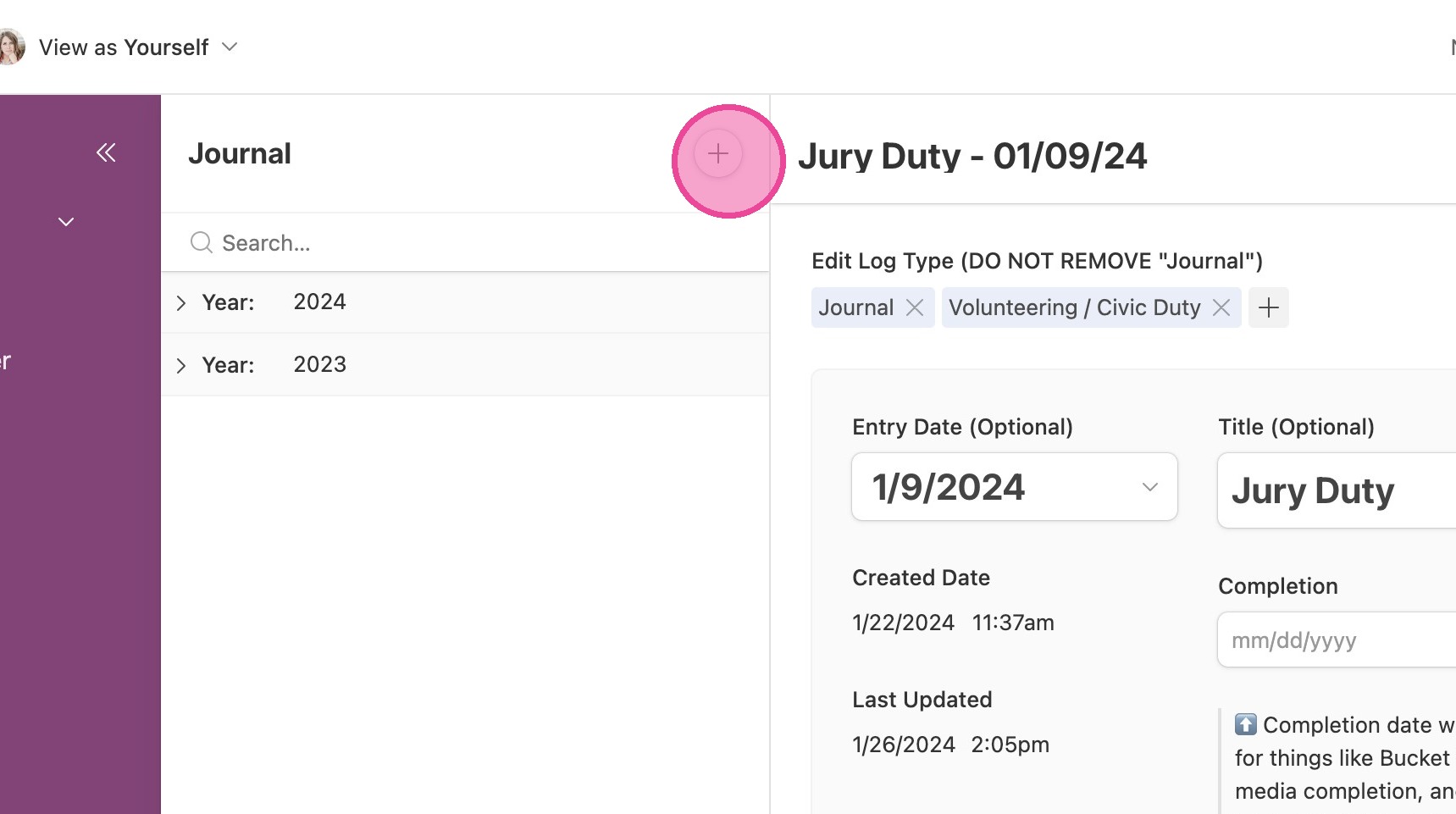
Create New Journal Entry
5. Click this icon to create a new journal entry.
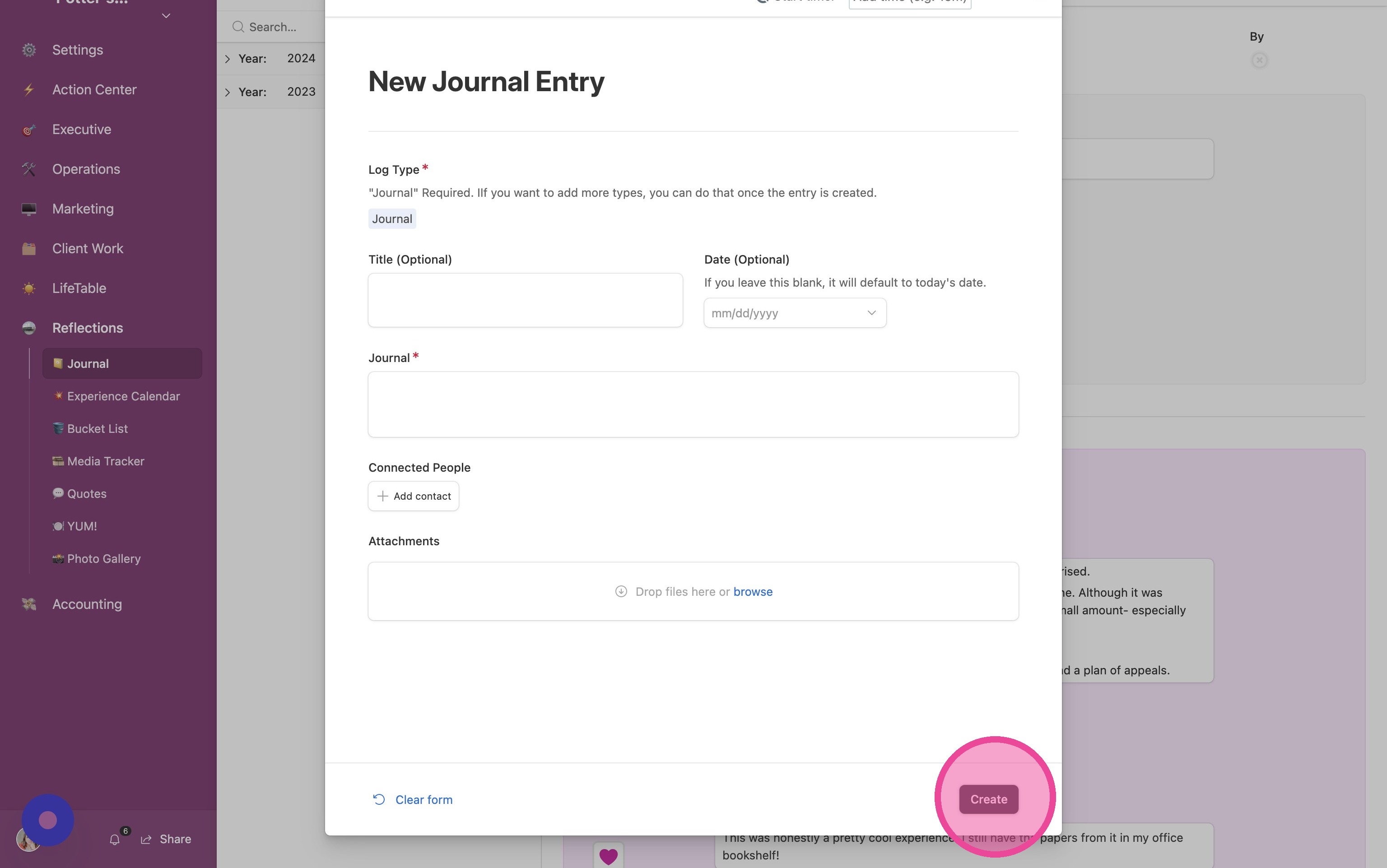
6. Write your journal entry and click "Create"
Review Past Journals
7. To review and edit past journals, select it from the list and scroll through the page.
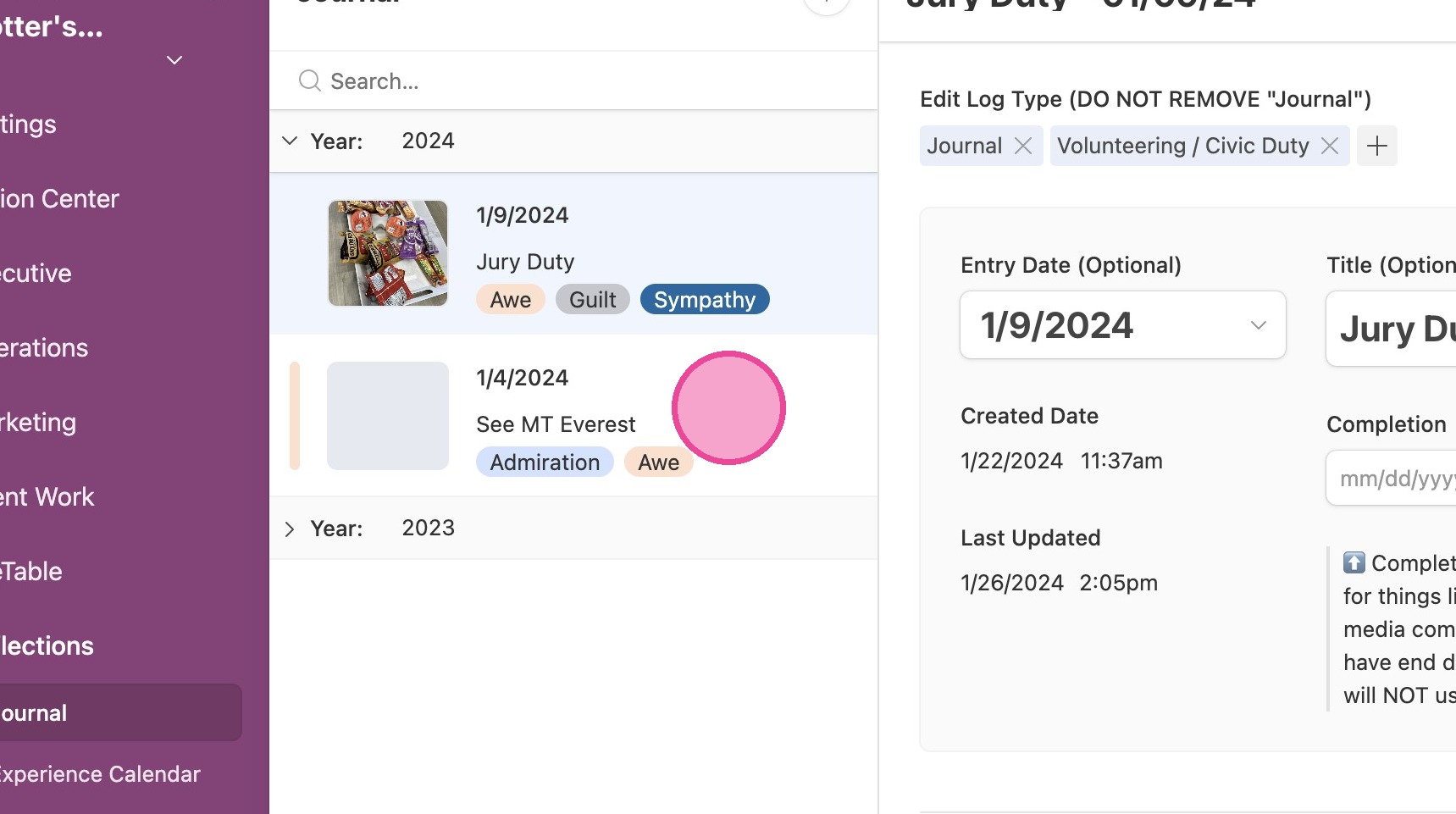
8. It's highly encouraged to fill everything out in the Journal section. This will connect to other areas of your Reflections interface!