
🎤 Feedback
What is it?
The Feedback tab is designed for you to COLLECT and REVIEW client feedback. Now if you use Dubsado or another CRM, you may be wondering why you would use CommandCenter to collect this information. I've got a detailed answer for you!
The long and the short of it is that your CommandCenter is a GREAT place to collect feedback from your clients.
Usability Checklist
Have you done all of this?
- Decided what you want to ask on your feedback form
- Customized your form & published it
- Began sharing your feedback form to your clients / worked it in to your client experience
How do I use it?
Review responses as they come in! This information will also be available on your Executive Dashboard AND on your products briefs for the marketing team!
🎤 Feedback
Made by Cait Potter with Scribe
How to Use
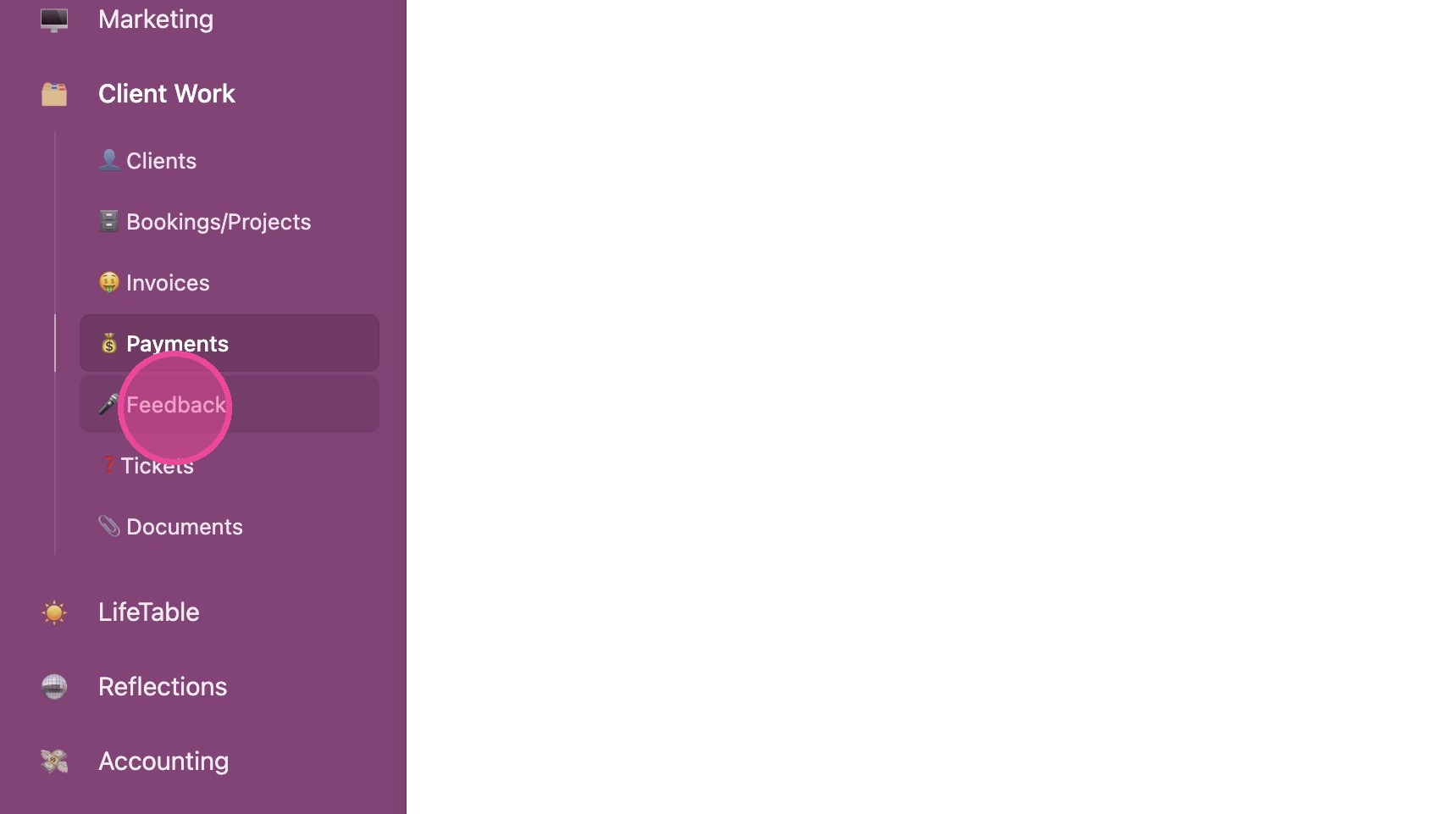
1. Click "🎤 Feedback"
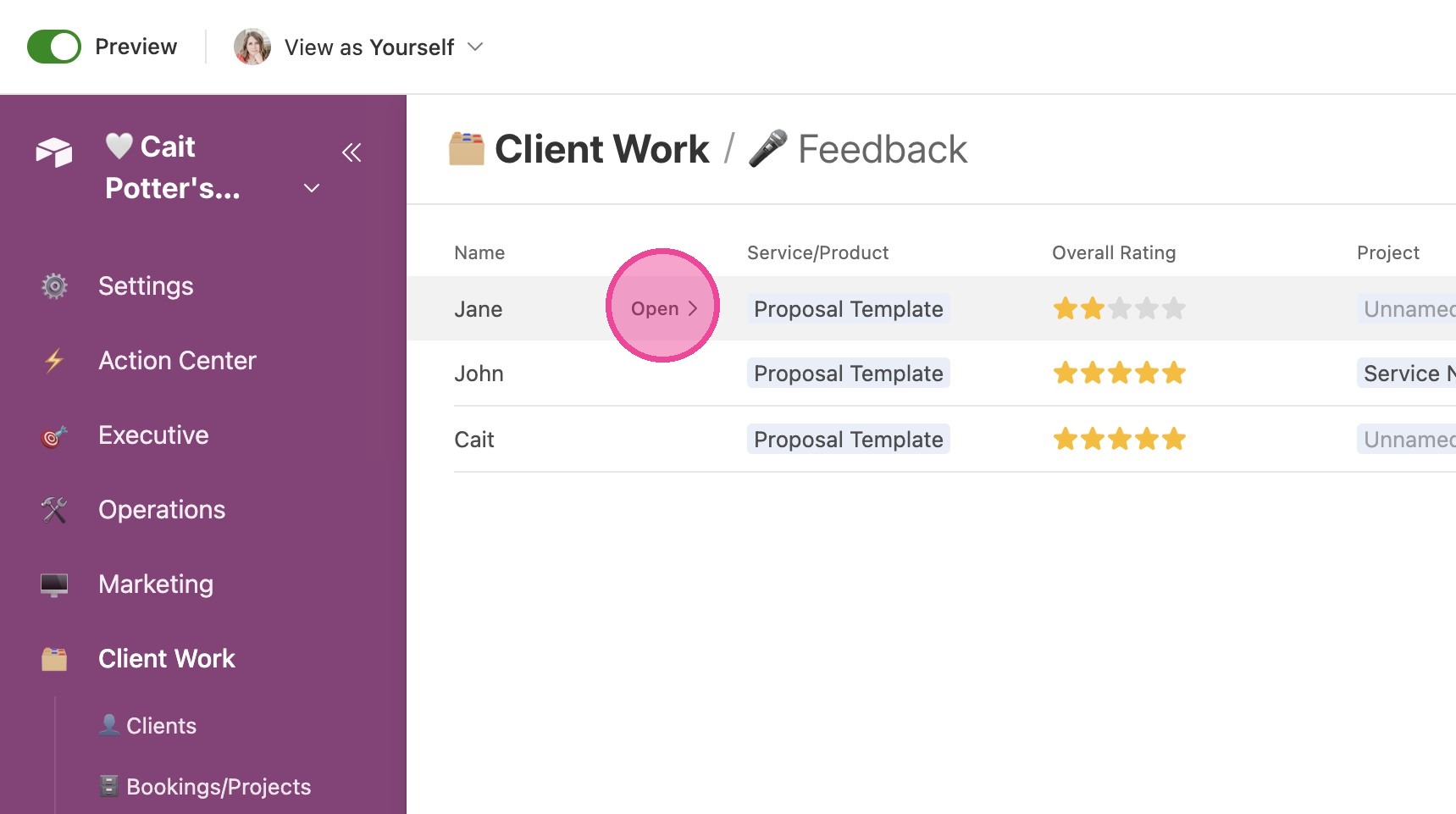
2. Click "Open" to view details of the review.
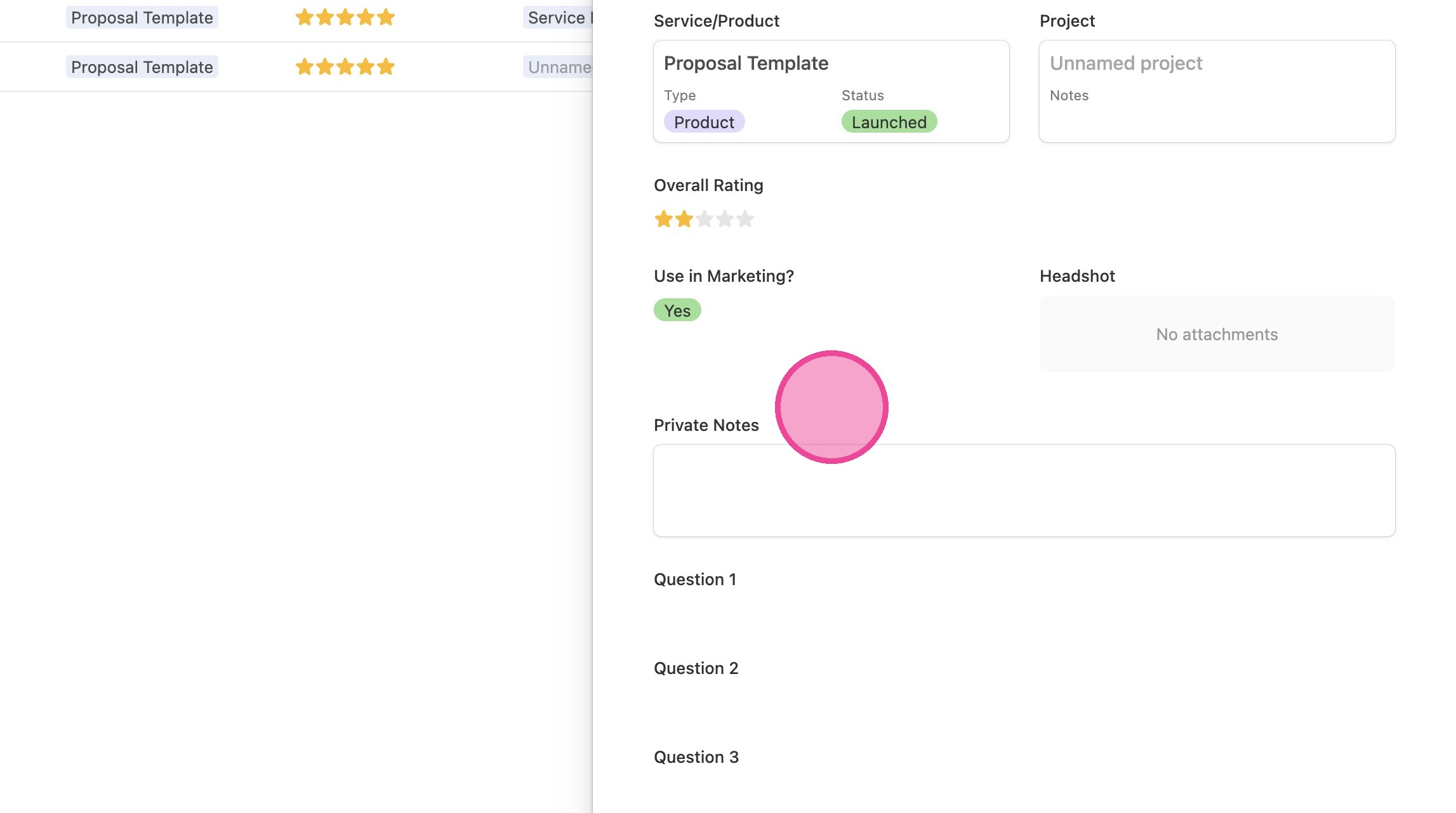
3. In this pane, you can see all details and keep your own private notes. You cannot edit anything else since this is intended to be client submitted.
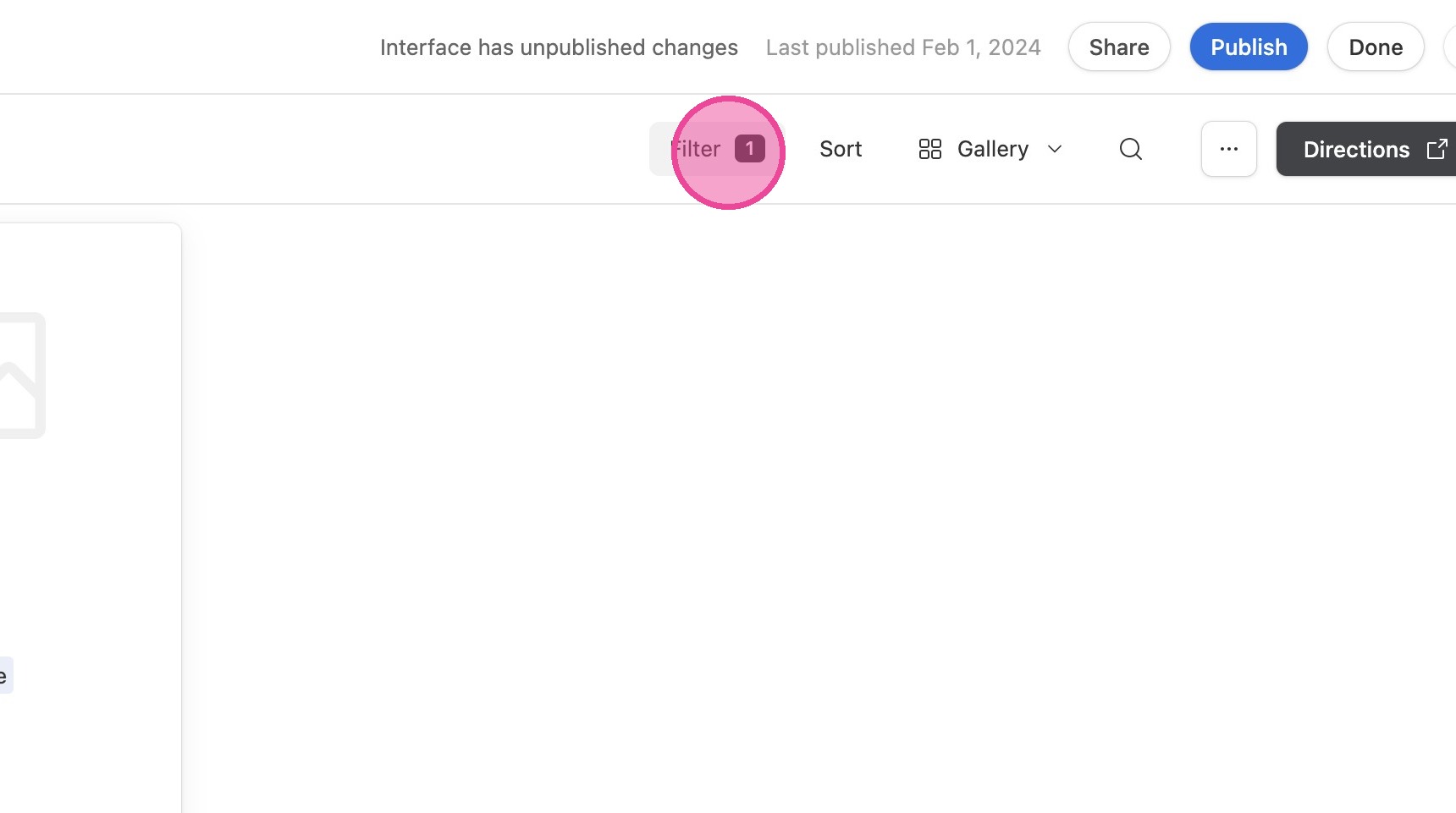
4. To see only certain responses, click "Filter"
Change Views
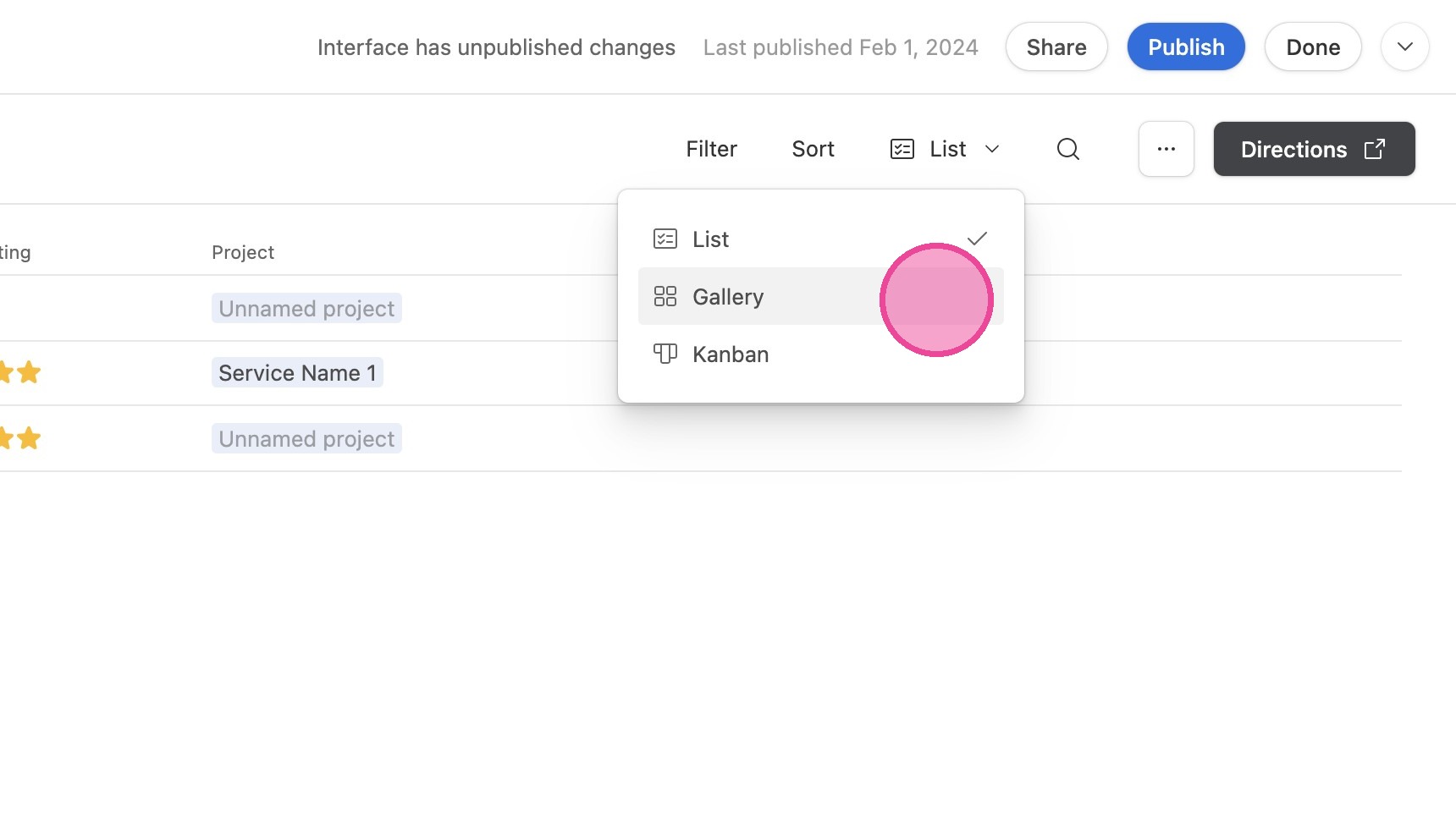
5. You can toggle between List, Gallery, and Kanban views.
See below for directions on how to customize and publish your feedback form