💡 Idea Bank
What is it?
All those random ideas that pop in your head that you don't have time or capacity to implement right now? DON'T LOSE THEM! Jot them down in the idea bank (instead of those post-its on your desk). This allows you to sort them by how long an idea will take, so that when things are slow in the business, you can refer to this list to pick something amazing to work on next.
Usability Checklist
Have you done all of this?
- Enter all your un-implemented ideas
How do I use it?
Enter all your un-implemented ideas!
1. Click "💡 Idea Bank"
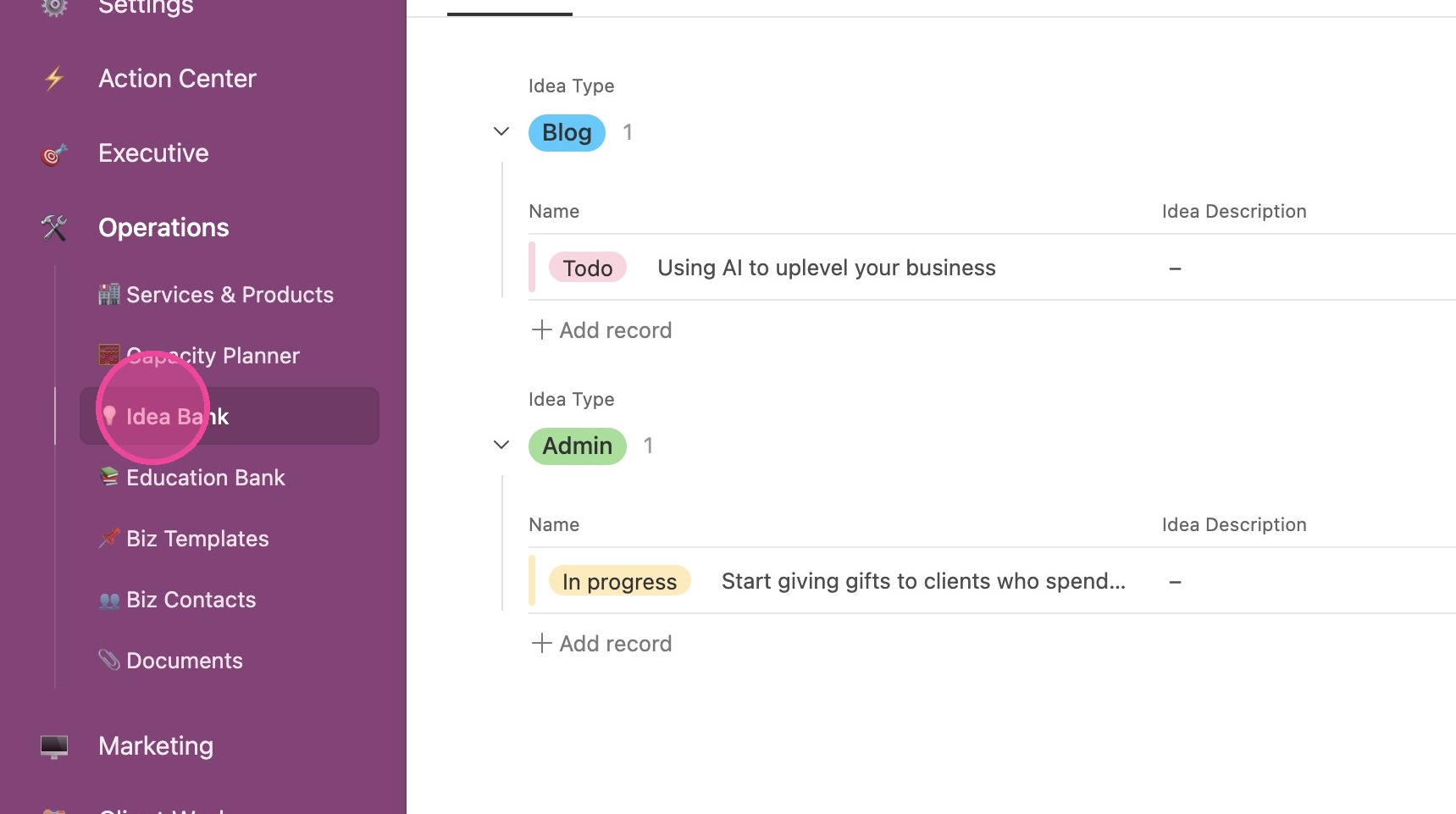
2. You'll be able to view your ideas grouped by Idea Type.
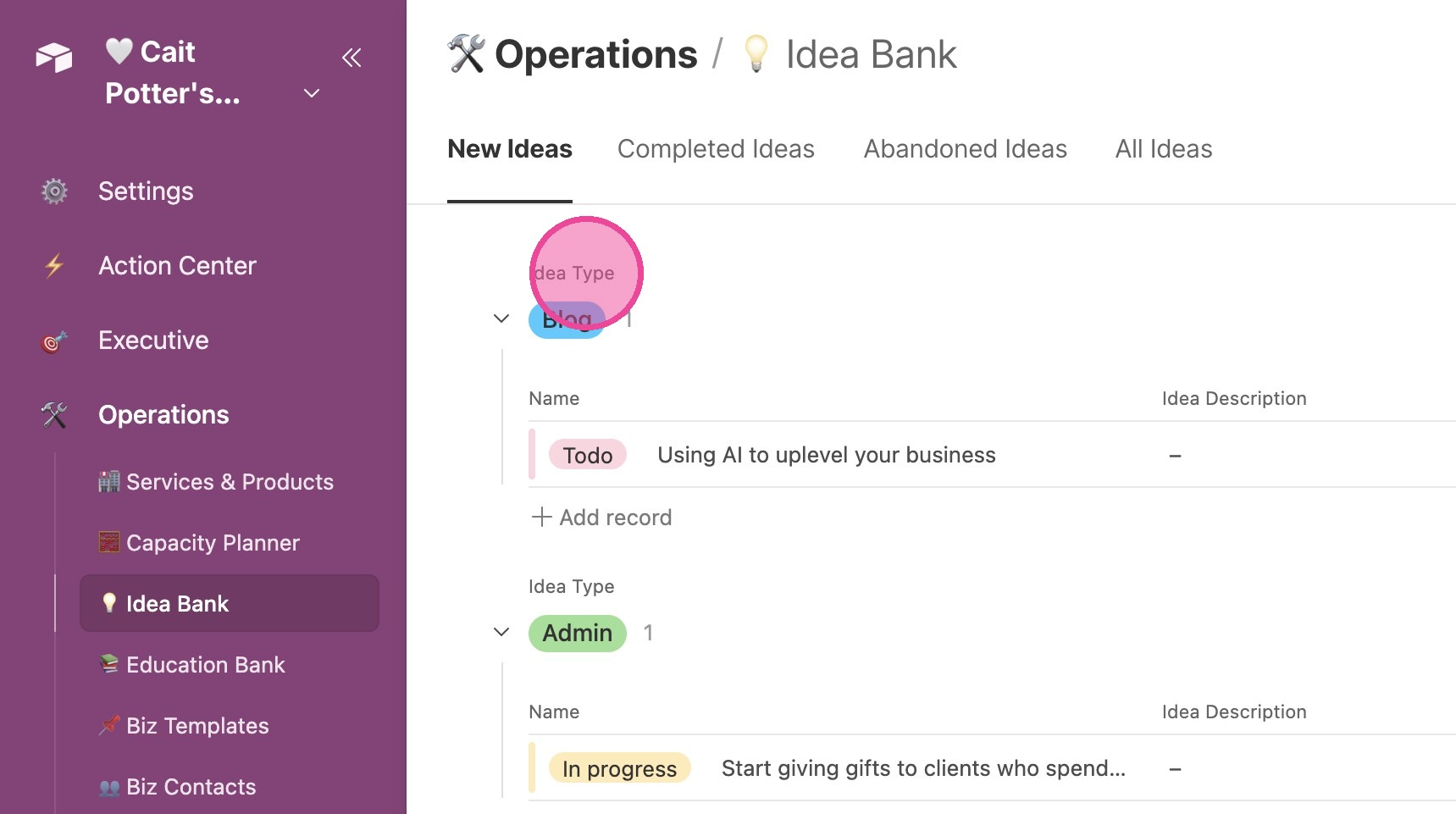
3. Across the top, you'll see a list of tabs that sort your ideas by their status (whether they've been implemented or not.
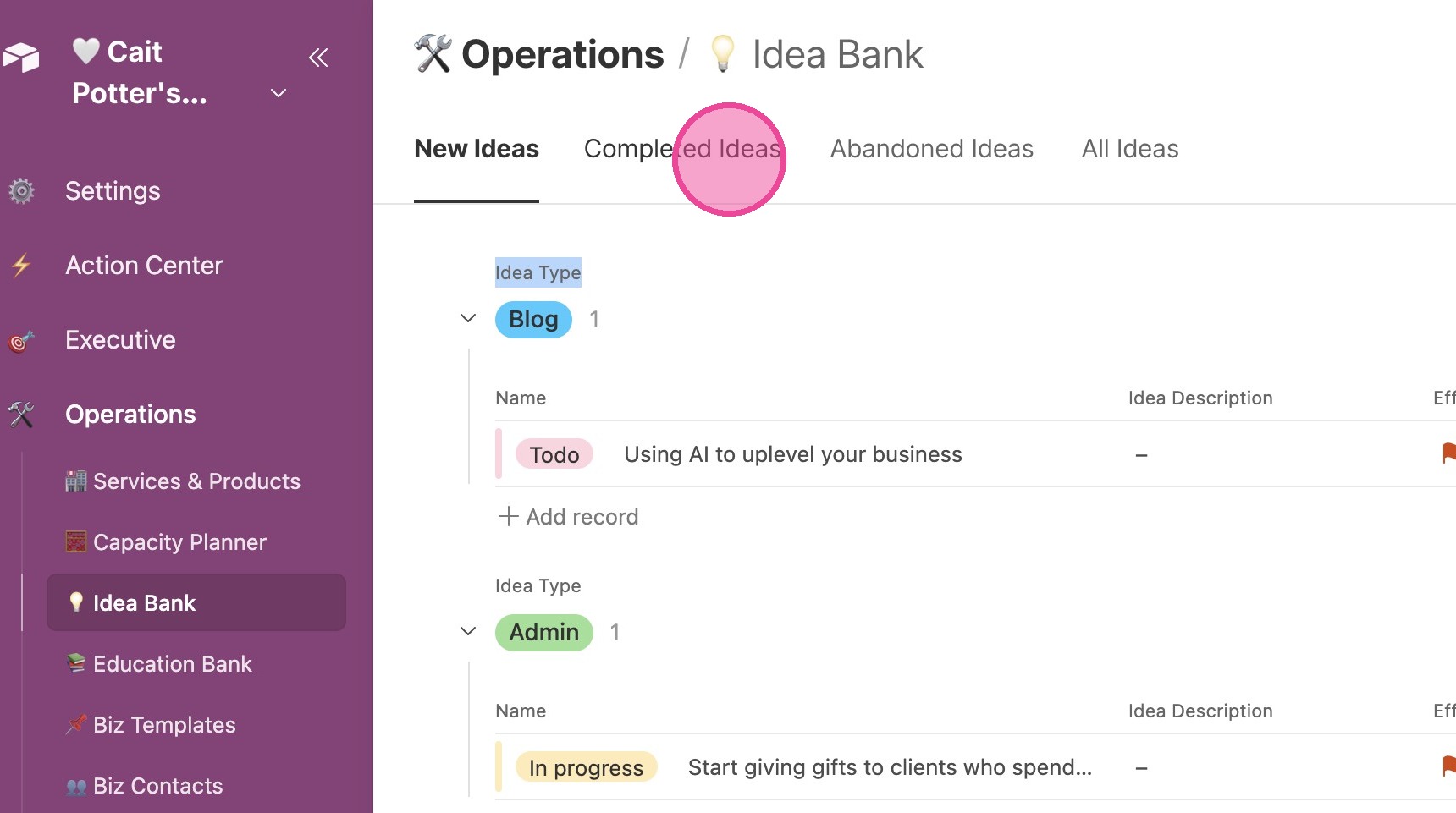
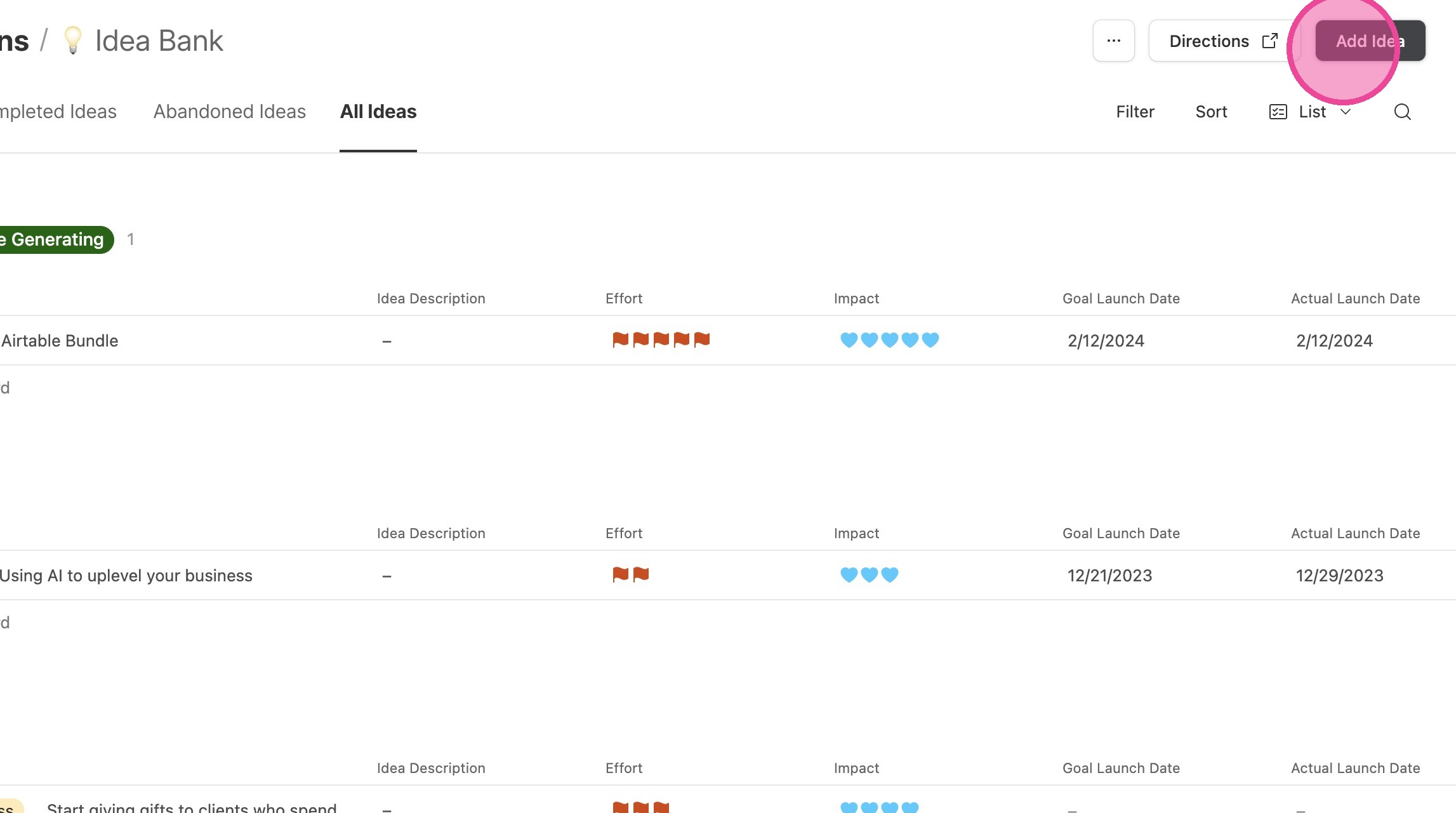
4. To add a new idea, click "Add Idea"
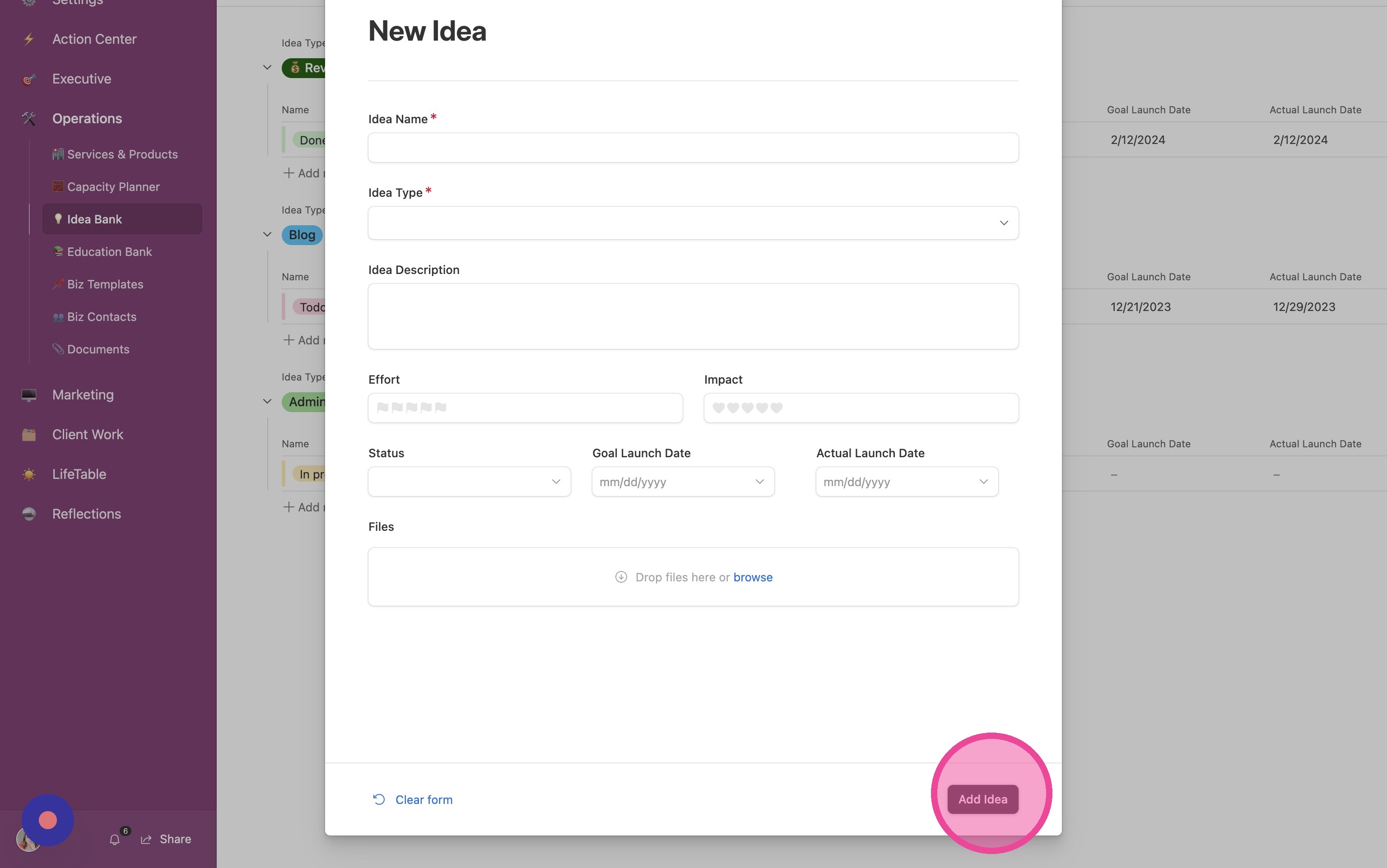
5. Fill out the form and click "Add Idea"
Different Views
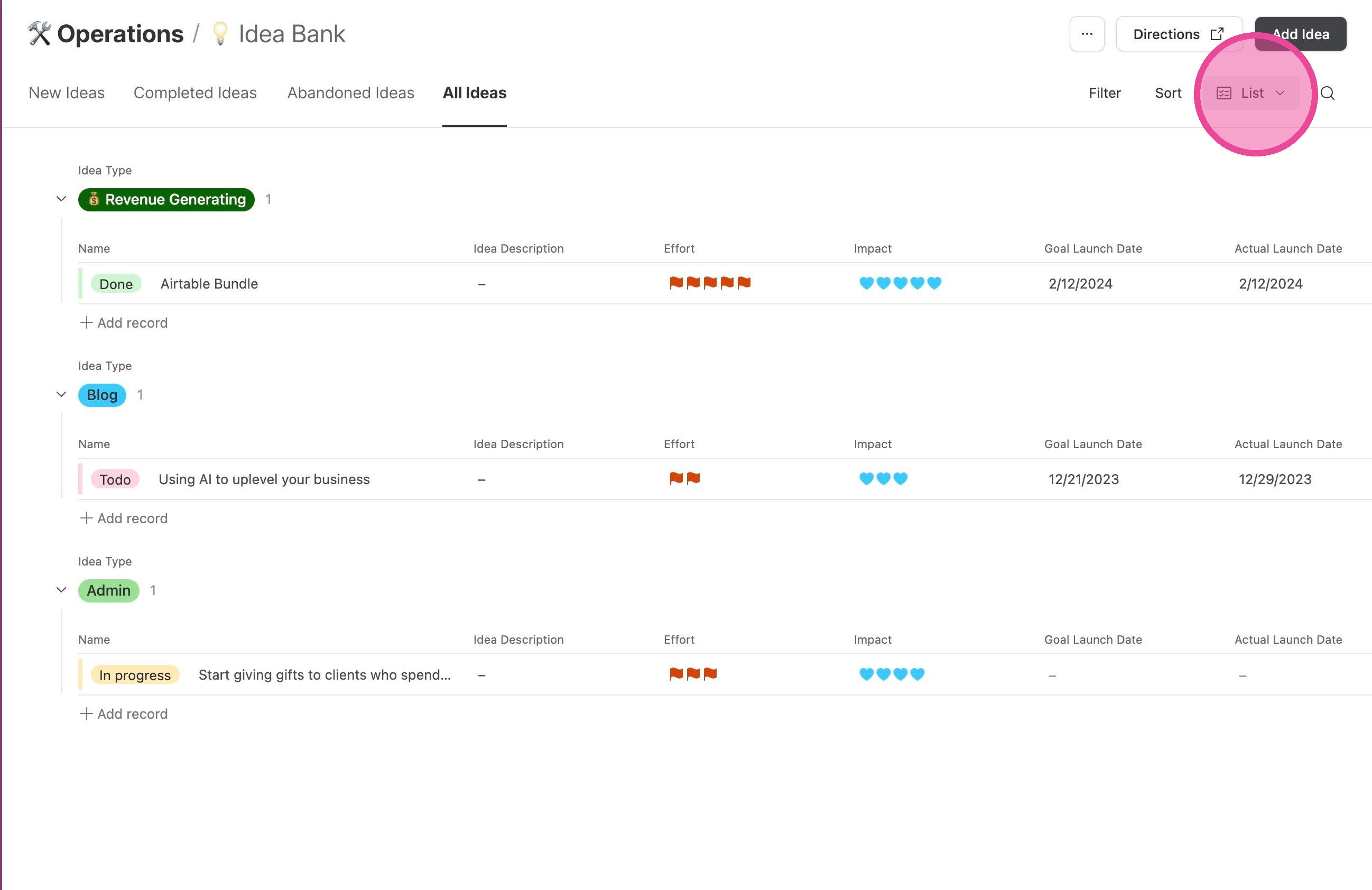
6. There are different ways for you to view this information, according to what you most prefer. To change views, click "List"
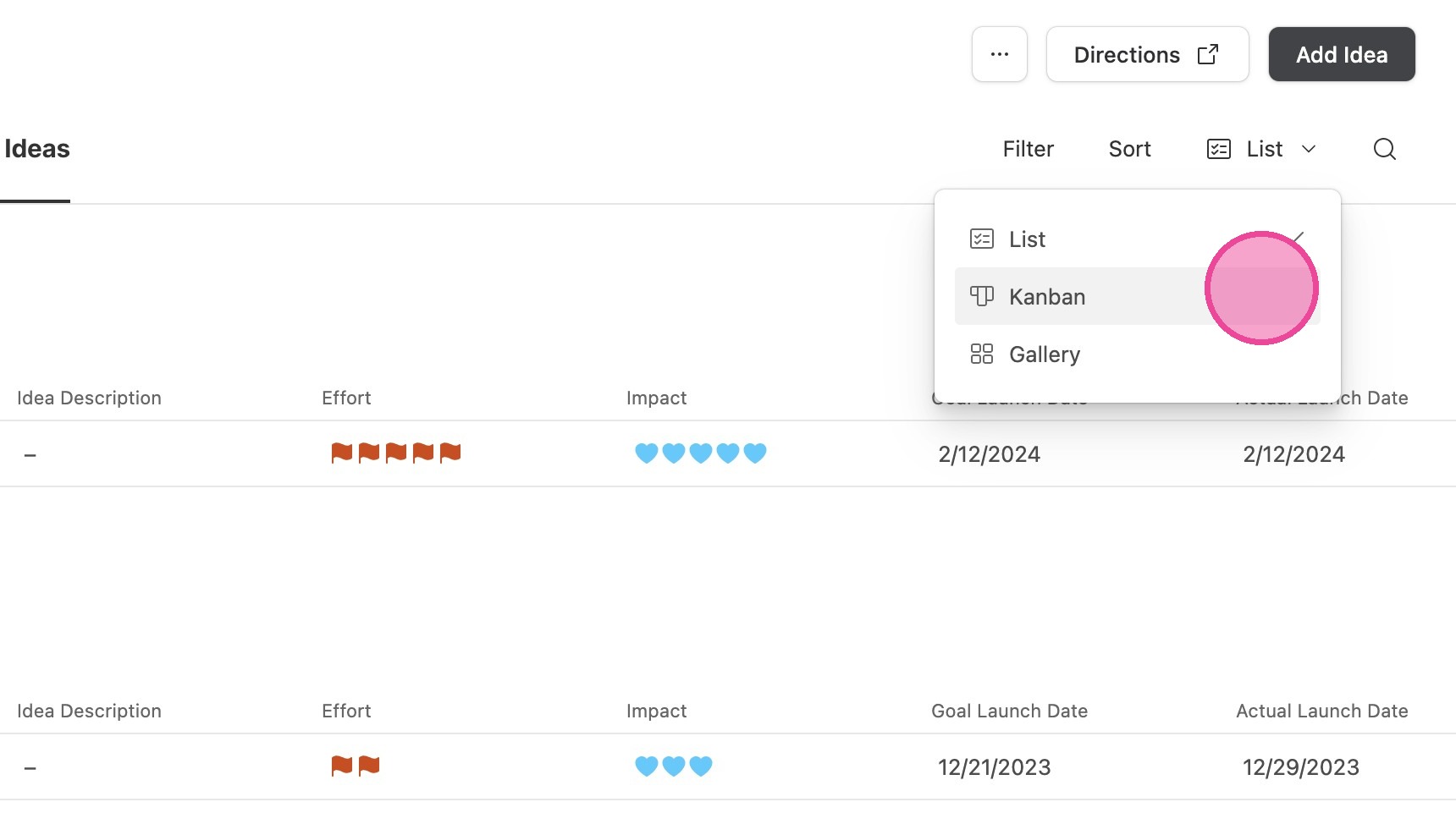
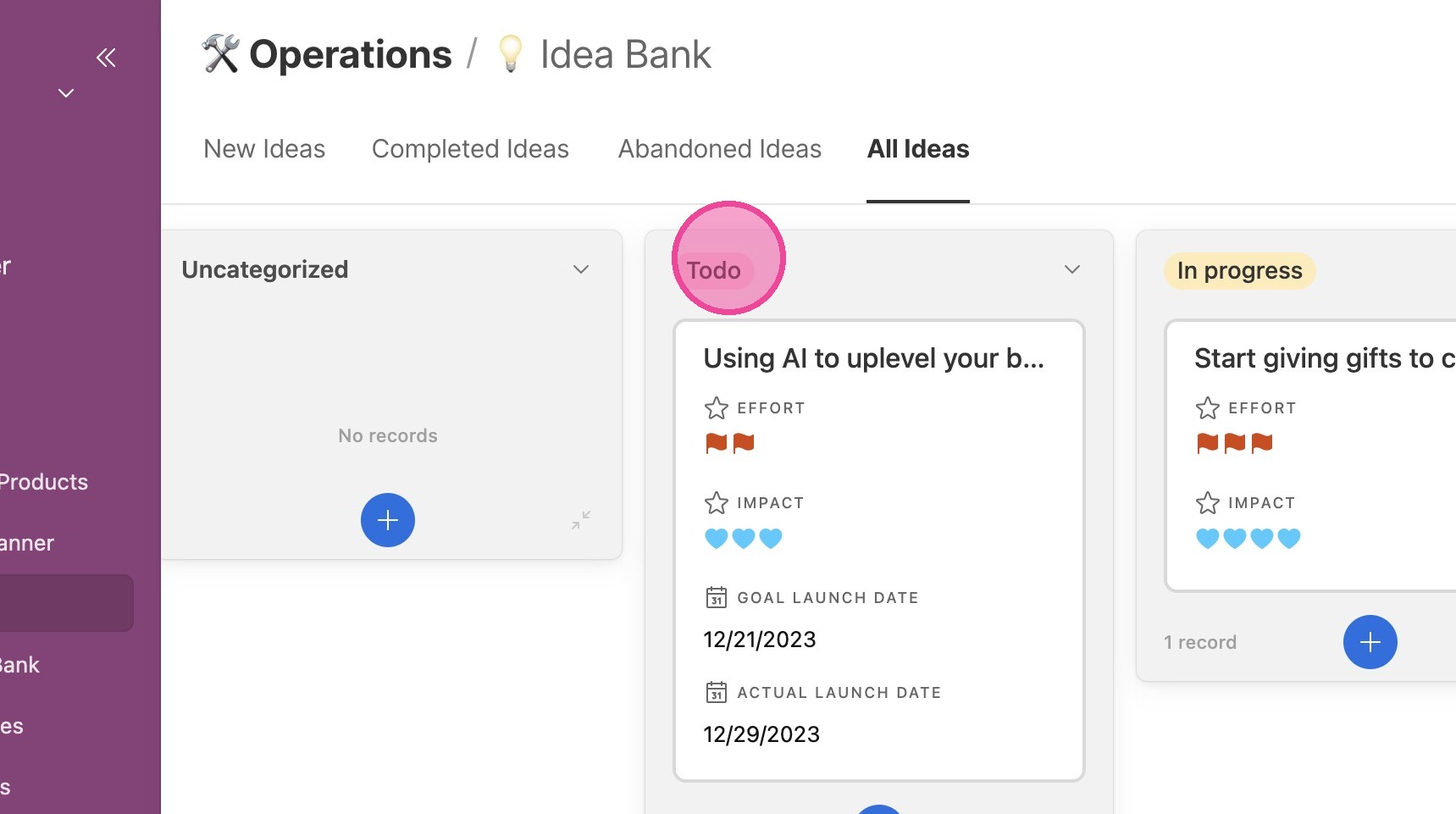
7. If you want to see them laid out by status like a Trello board, click "Kanban"
8. You'll see a view that looks like this.
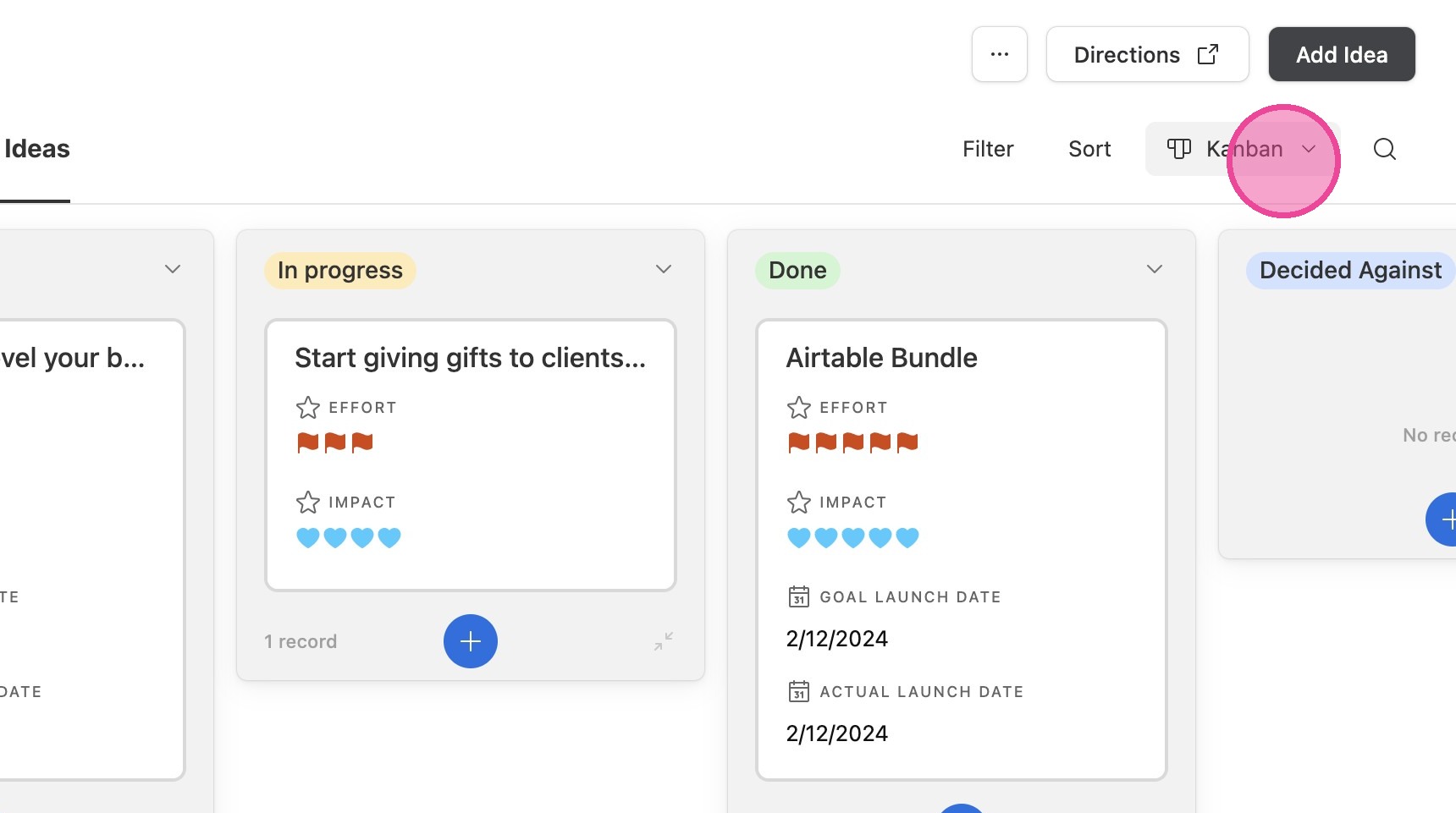
9. To change to another view, click "Kanban".
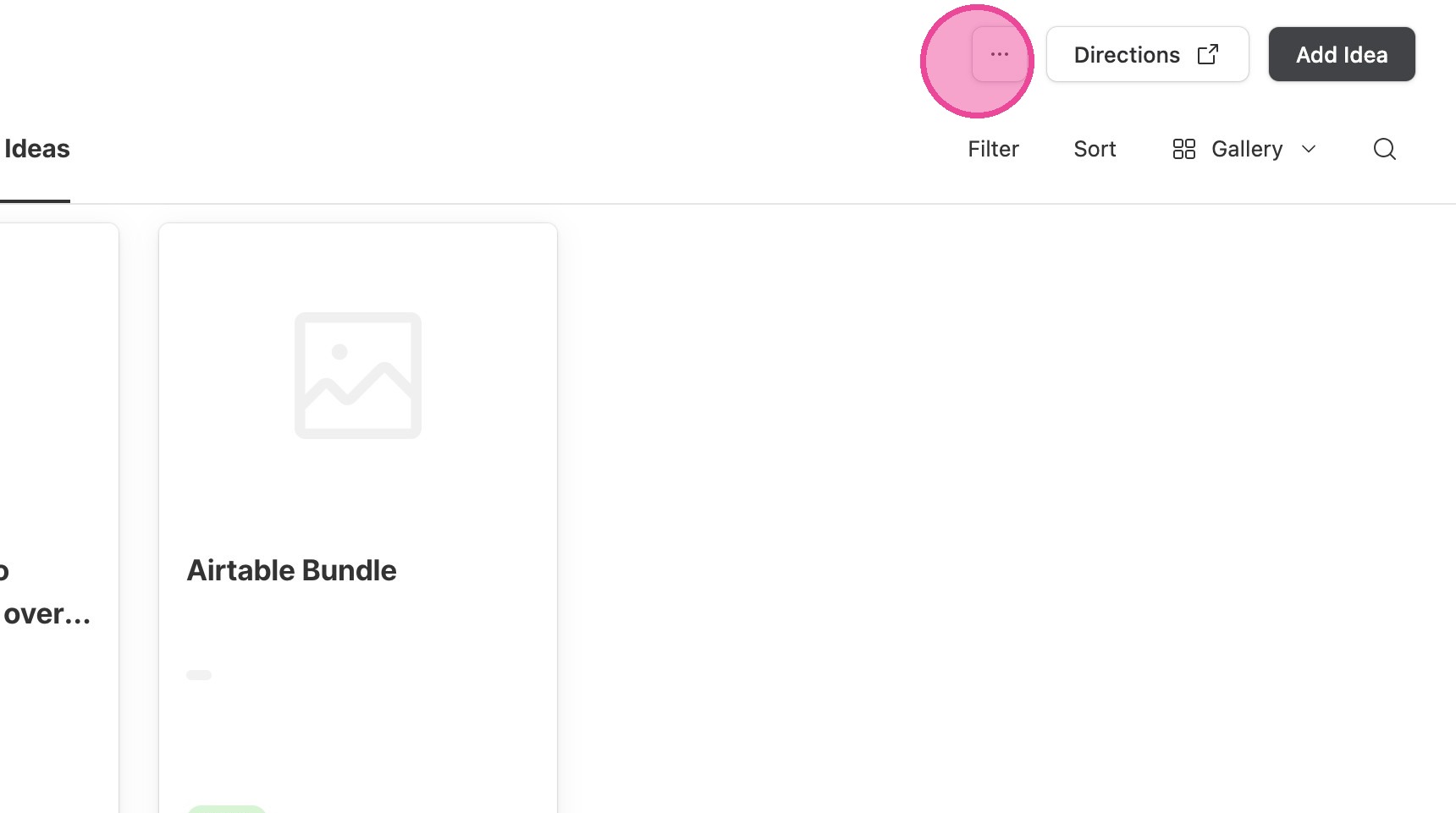
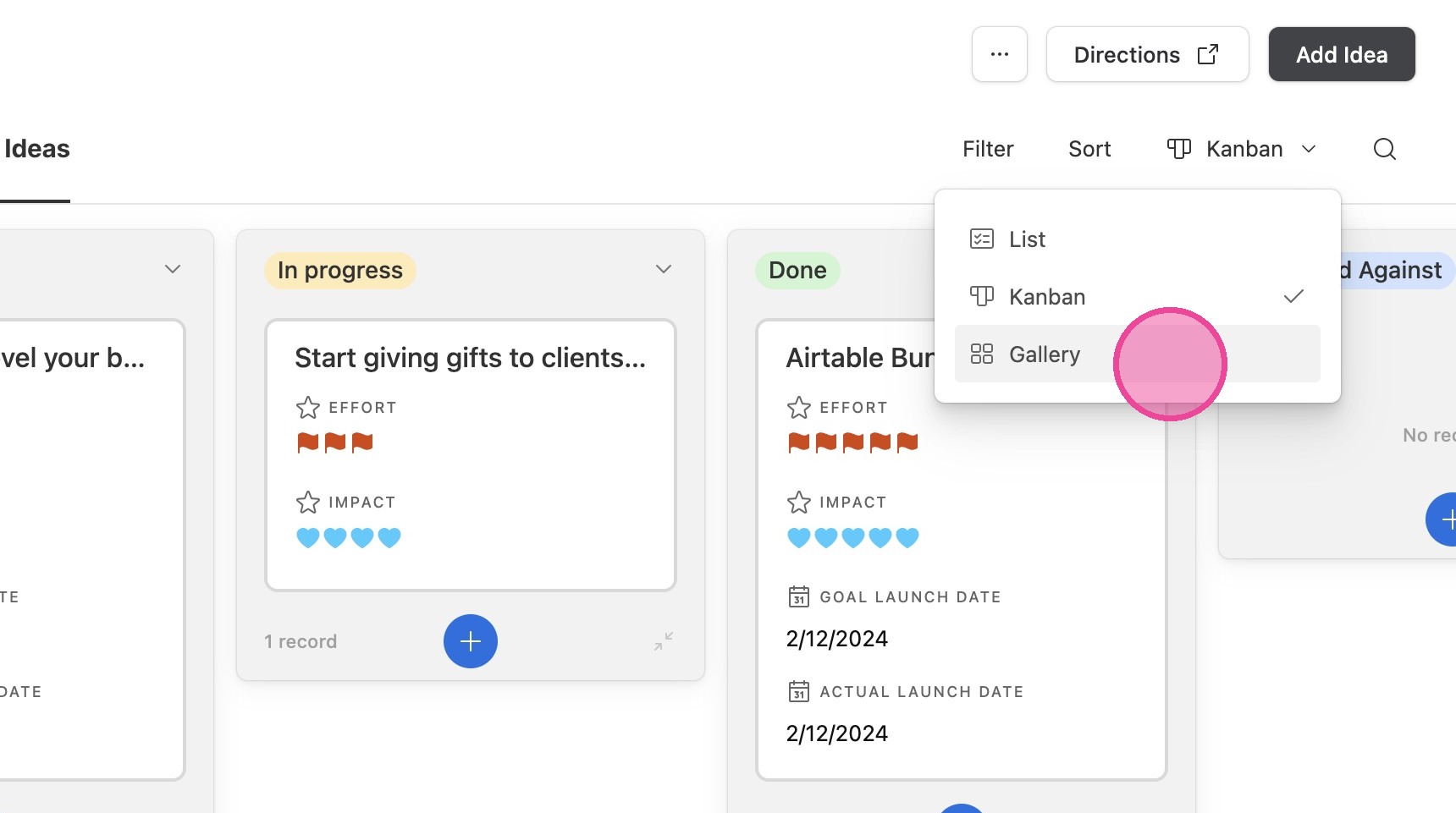
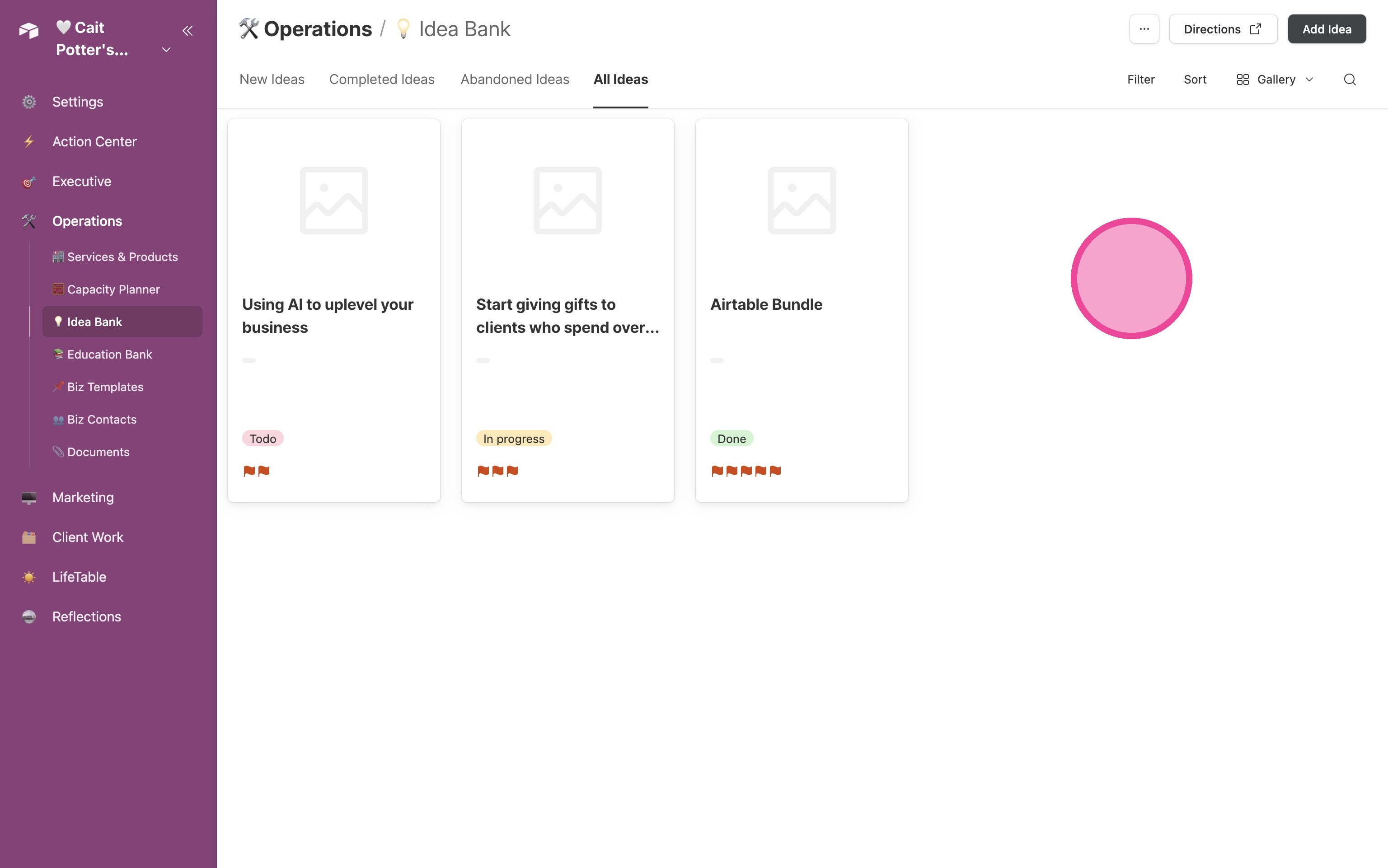
10. The last way to view this information is by Gallery- this will mostly be helpful if your ideas are image-heavy. Click "Gallery"
11. Then you can review your ideas in an image-forward format.
12. To print, click here.