🧮 Capacity Planner
- Open Operations Click "Operations"
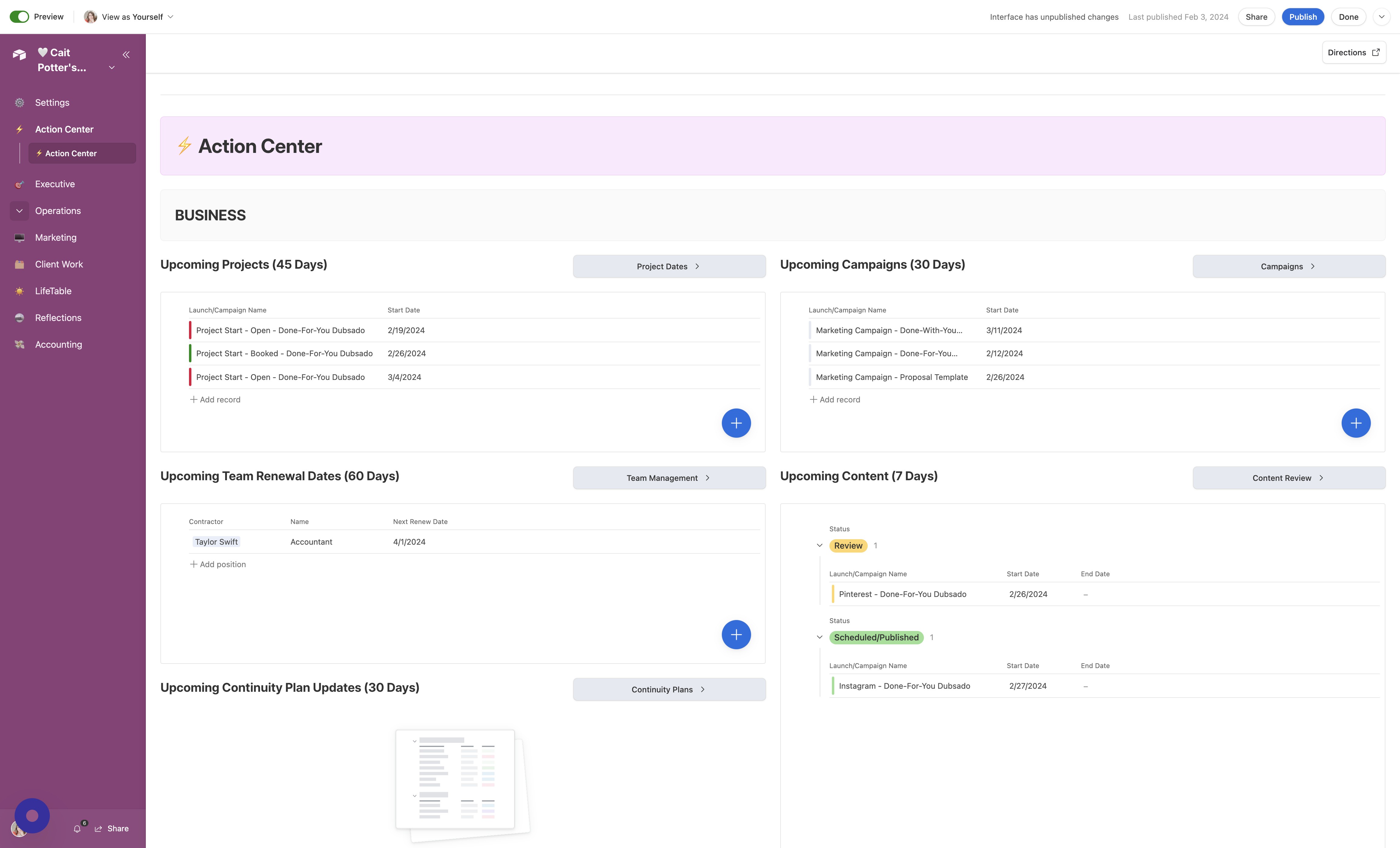
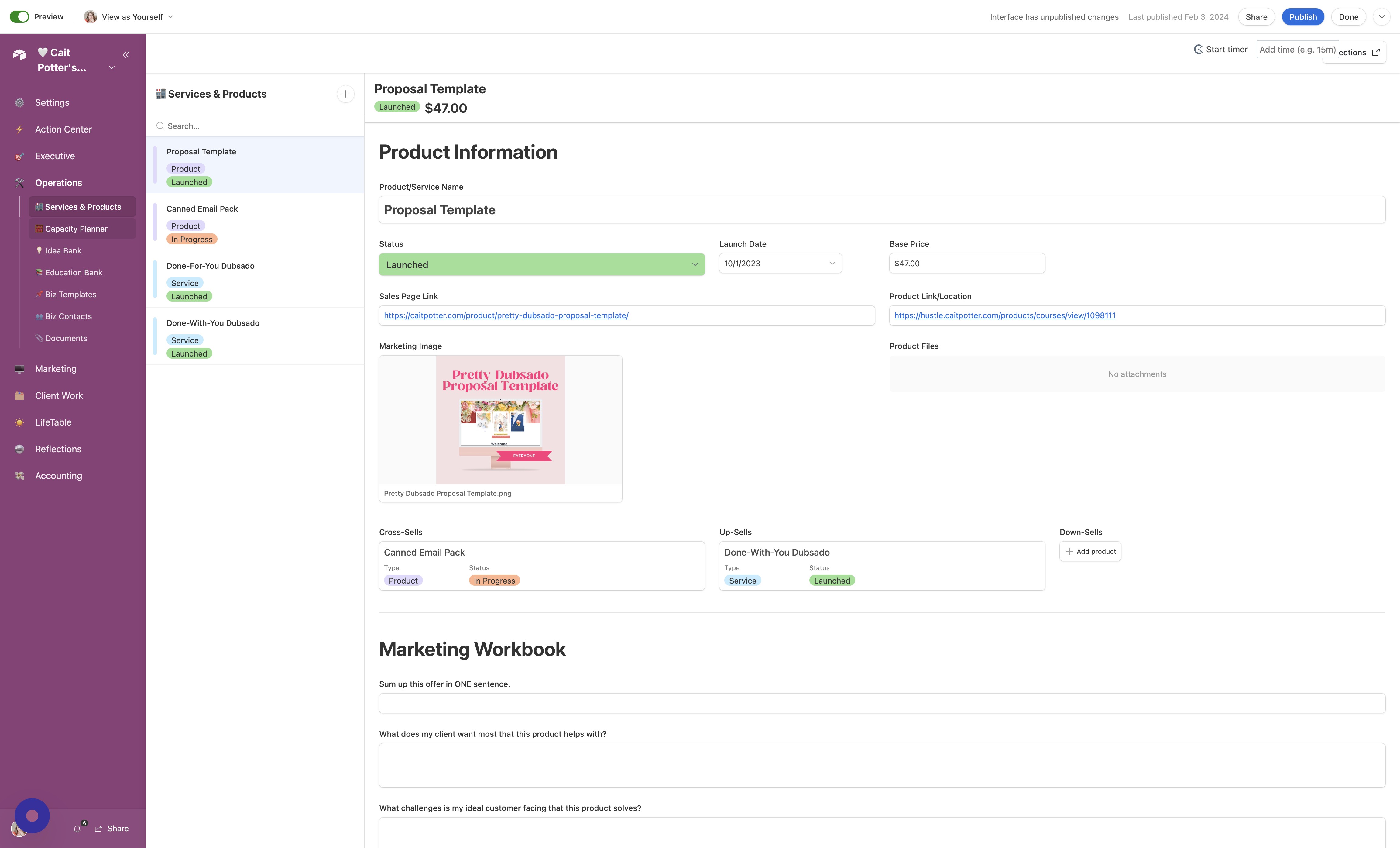
- Open Capacity Planner Click "🧮 Capacity Planner"
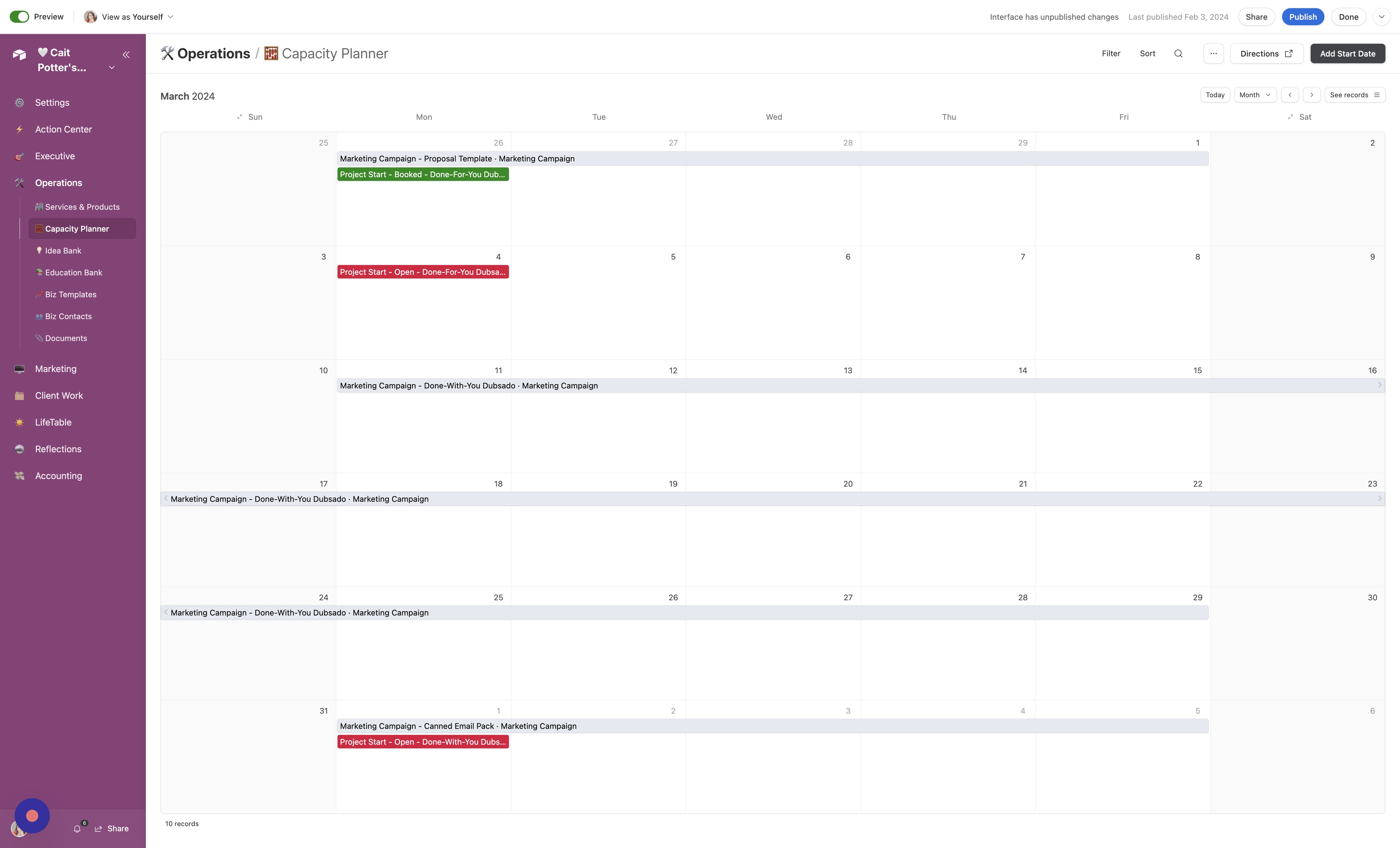
- Add Start Date To add start dates, whether booked already or open, click "Add Start Date"
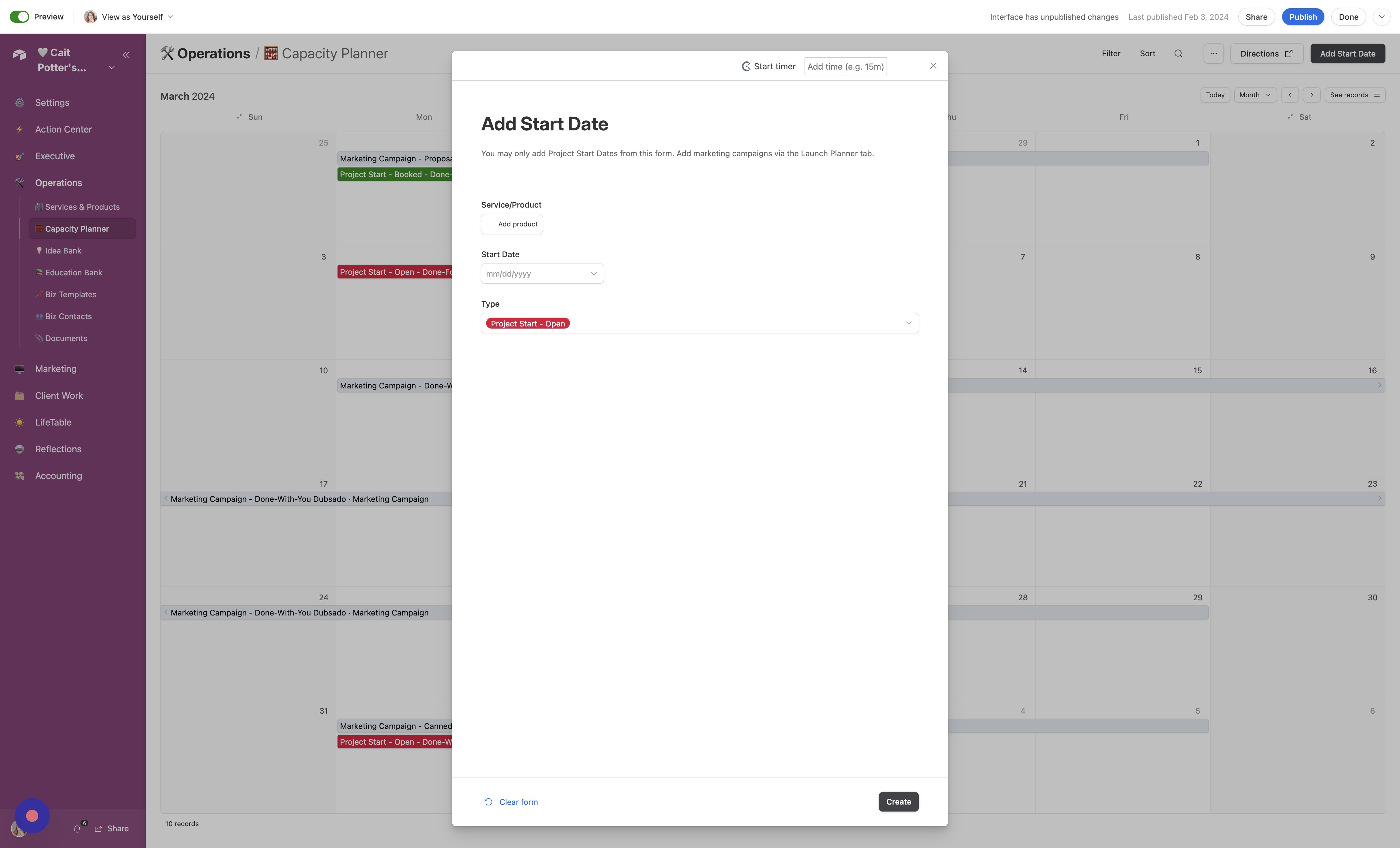
- Create Entry Fill out the form and click "Create"
- Open Start Date Details To open the status or information of a start date, simply click it to open a sidebar of information.
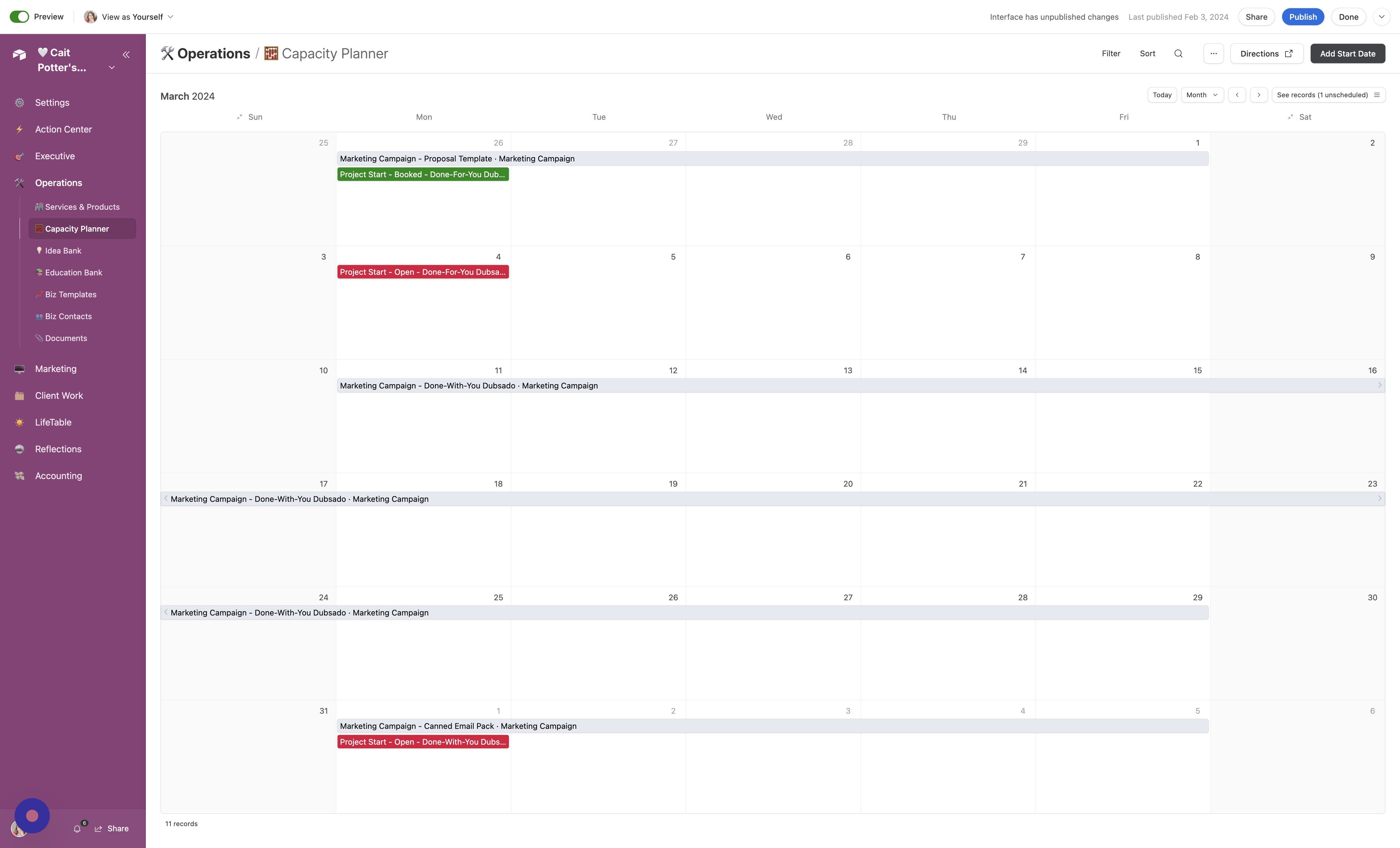
- Make Updates Make any updates needed on this screen.
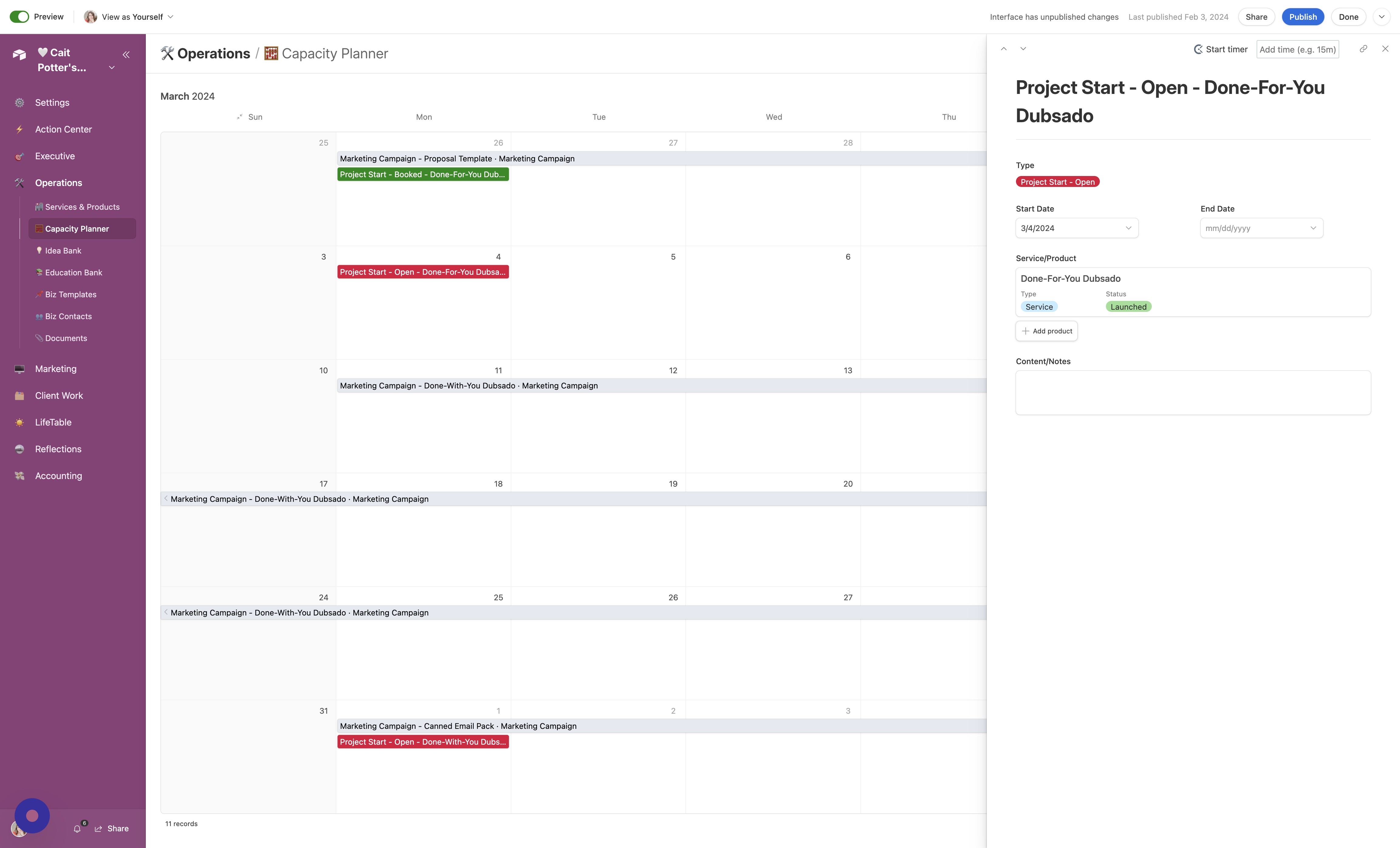
Print
- Print To print, click this button.
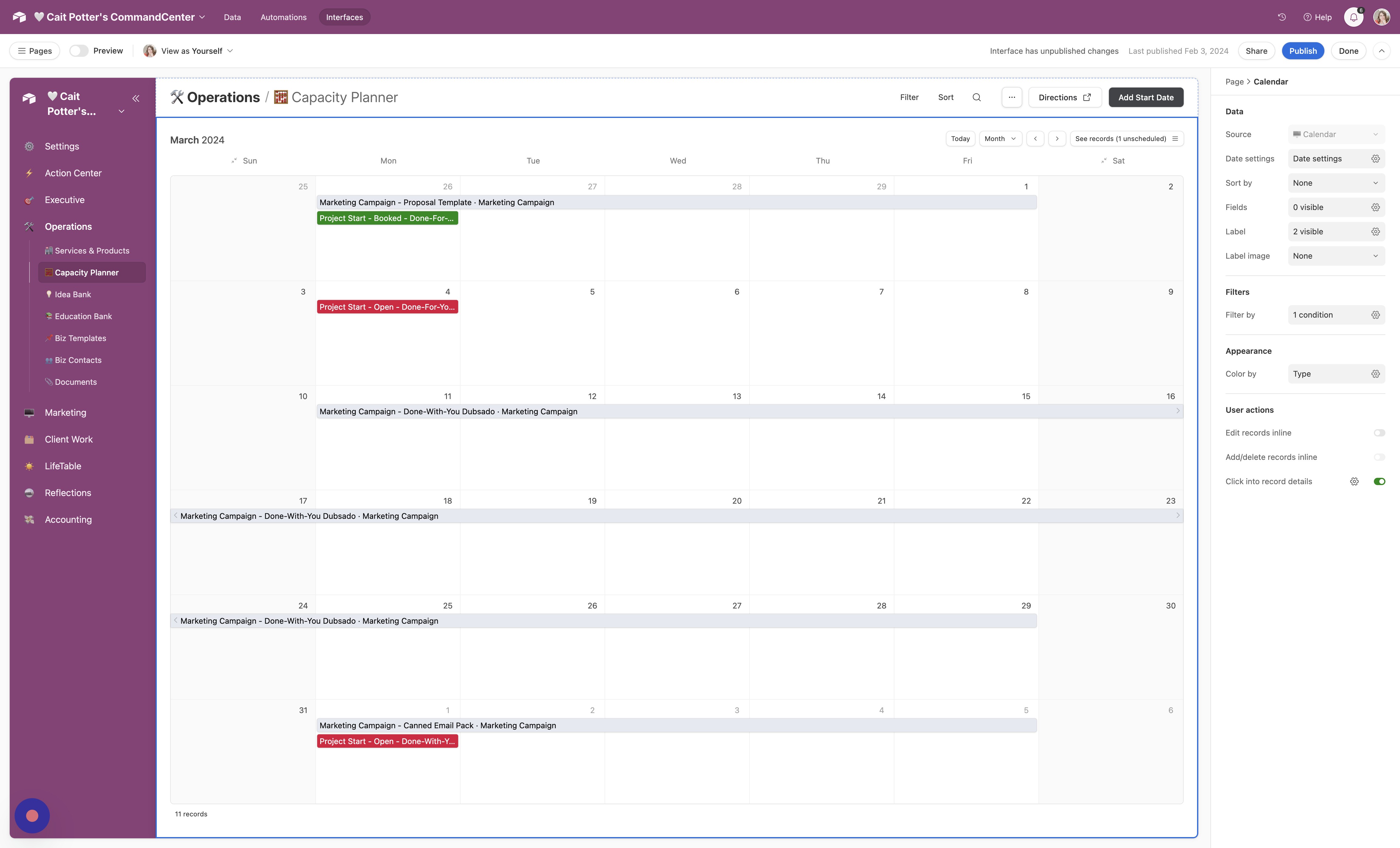
Change Views
- Filter Dates To see only certain types of project dates, click "Filter"
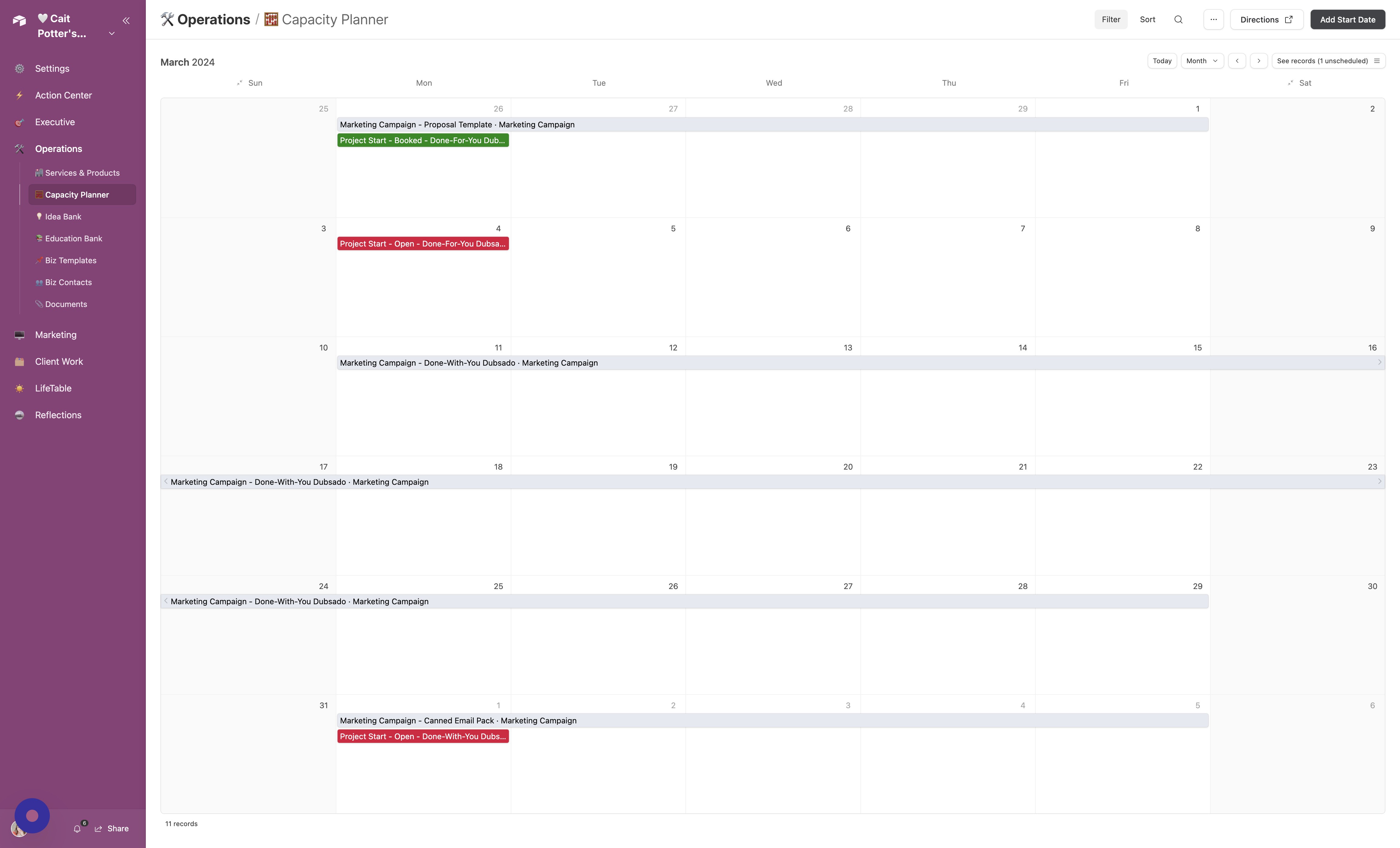
- Switch to Calendar View Click "Calendar"
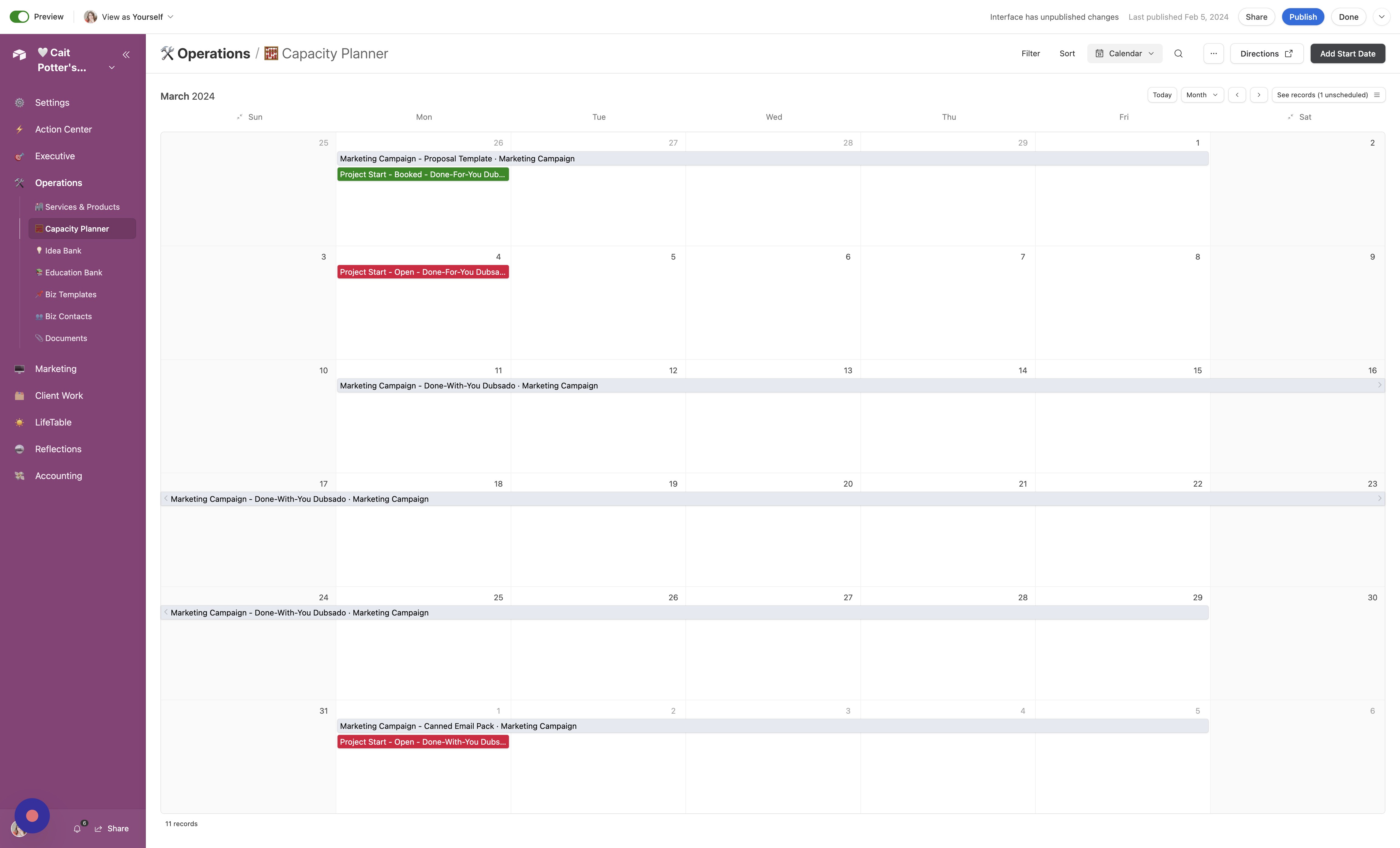
- Switch to List View Click "List"
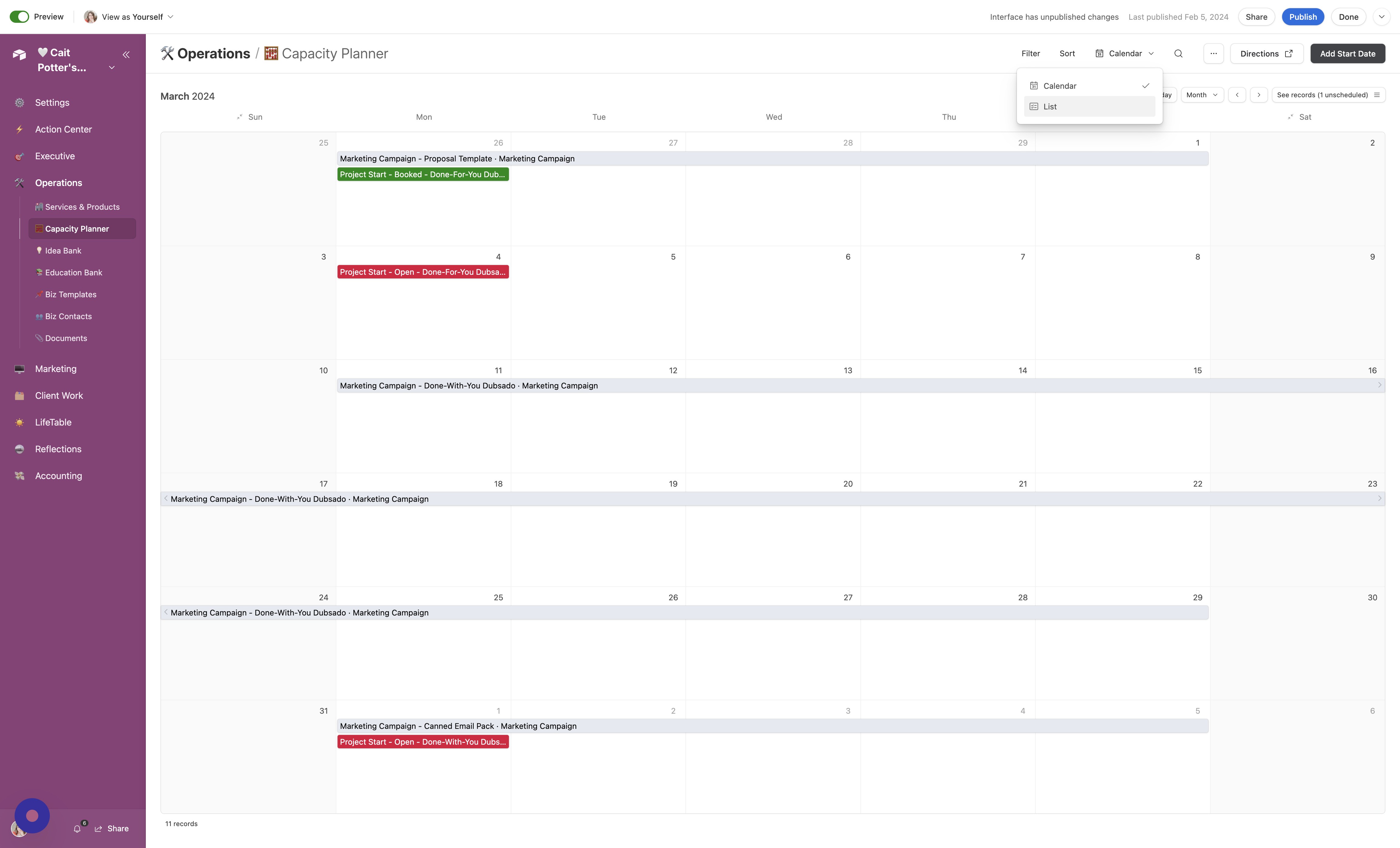
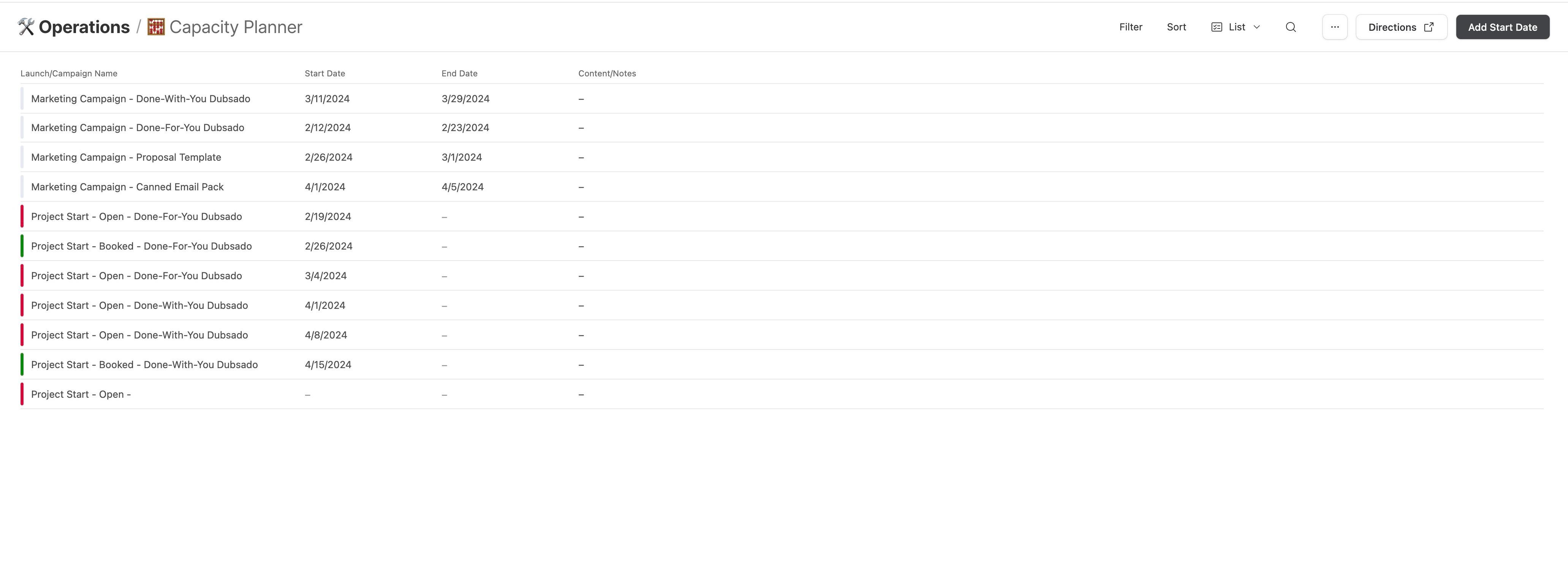
- Review Your Data Review your data in list form!
Did this answer your question?
Thanks for the feedback
There was a problem submitting your feedback. Please try again later.
No results found
