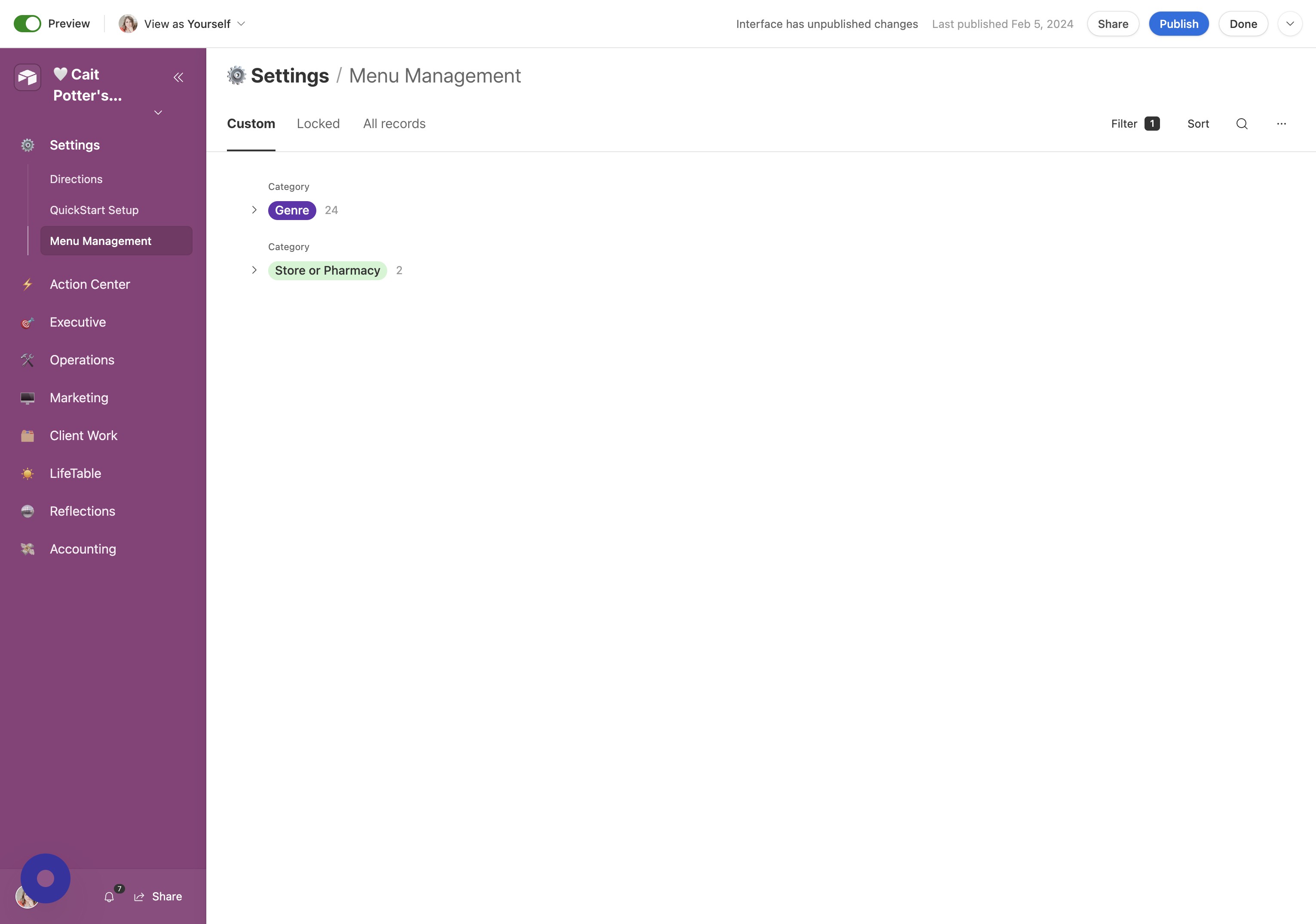
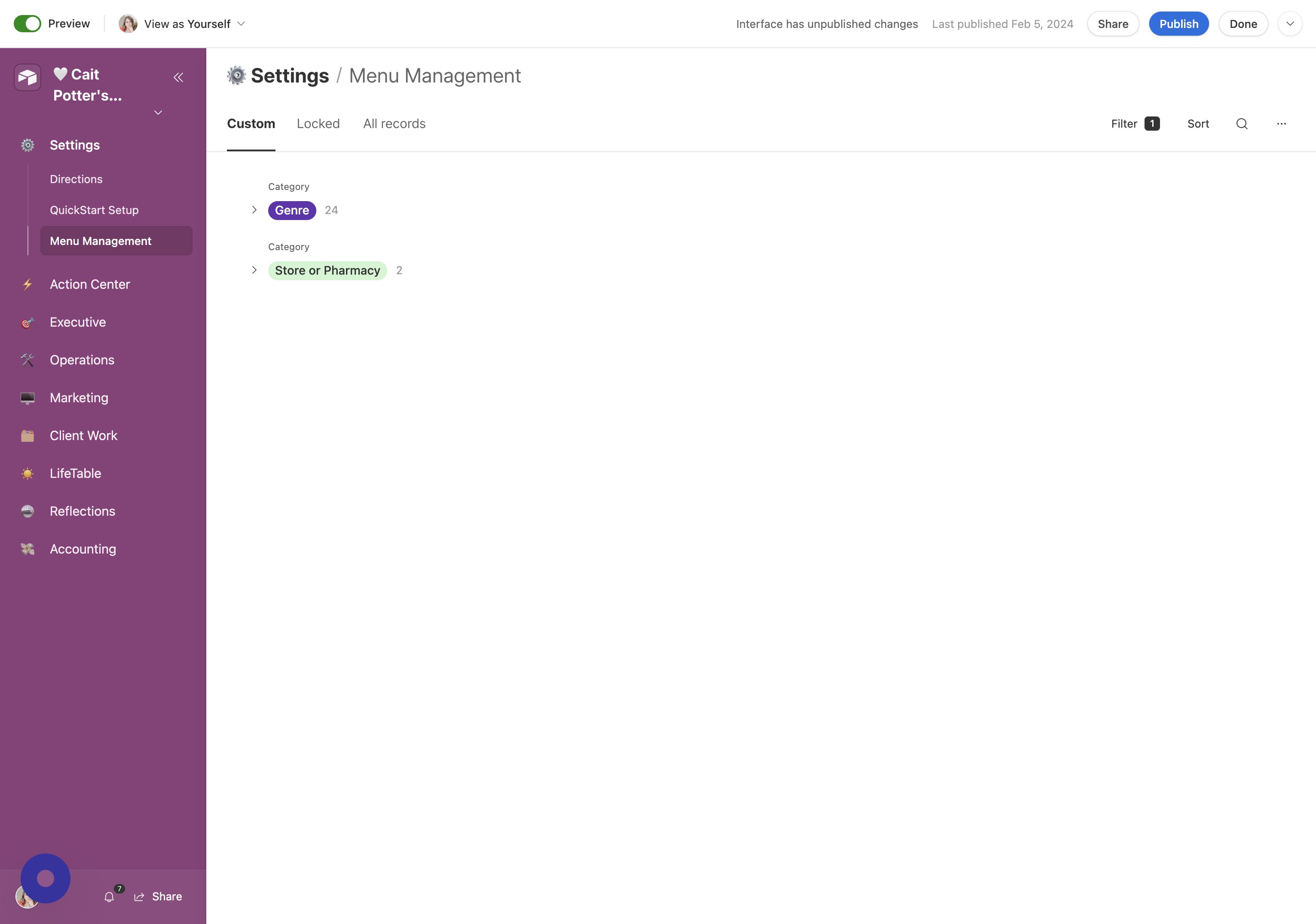
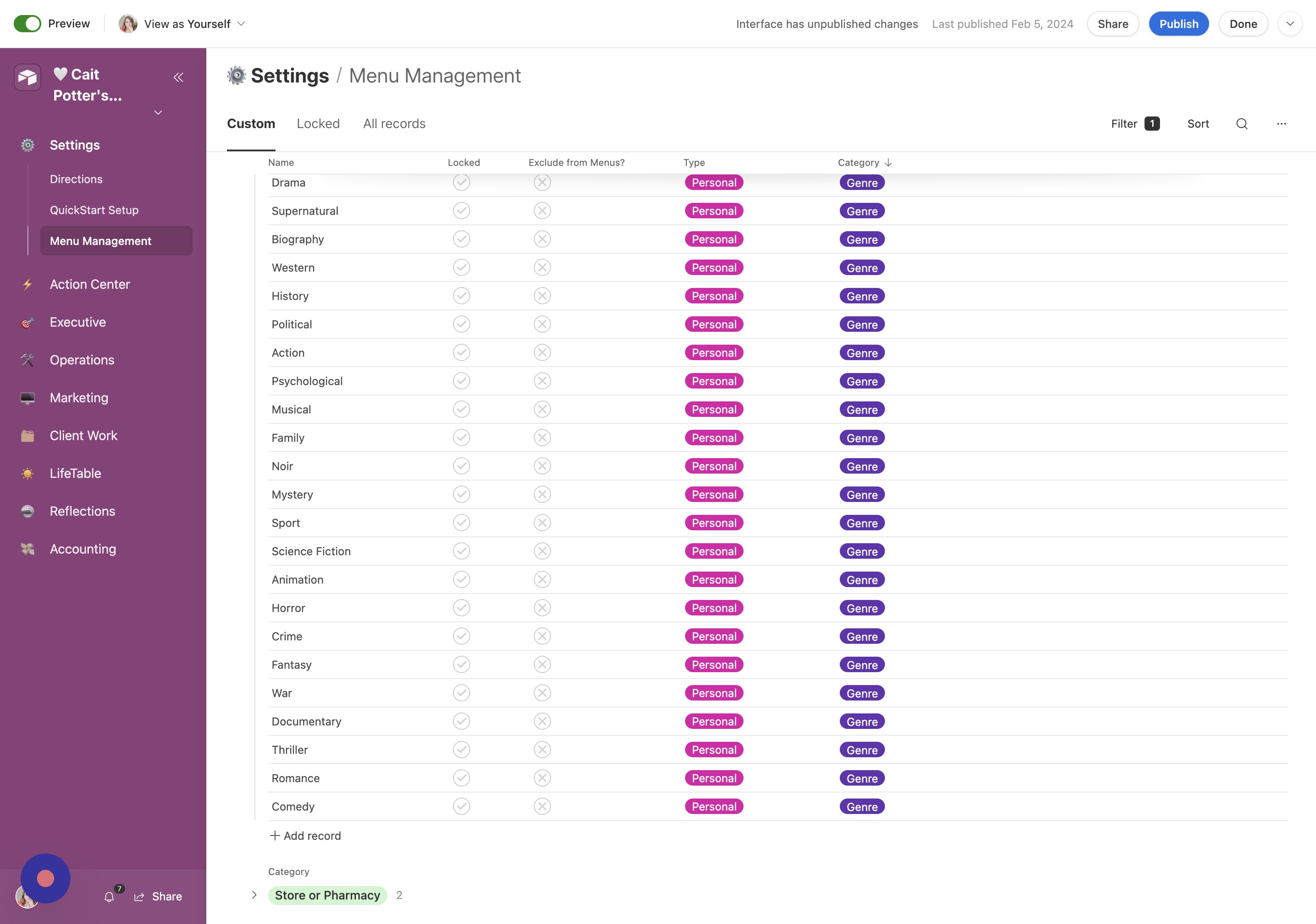
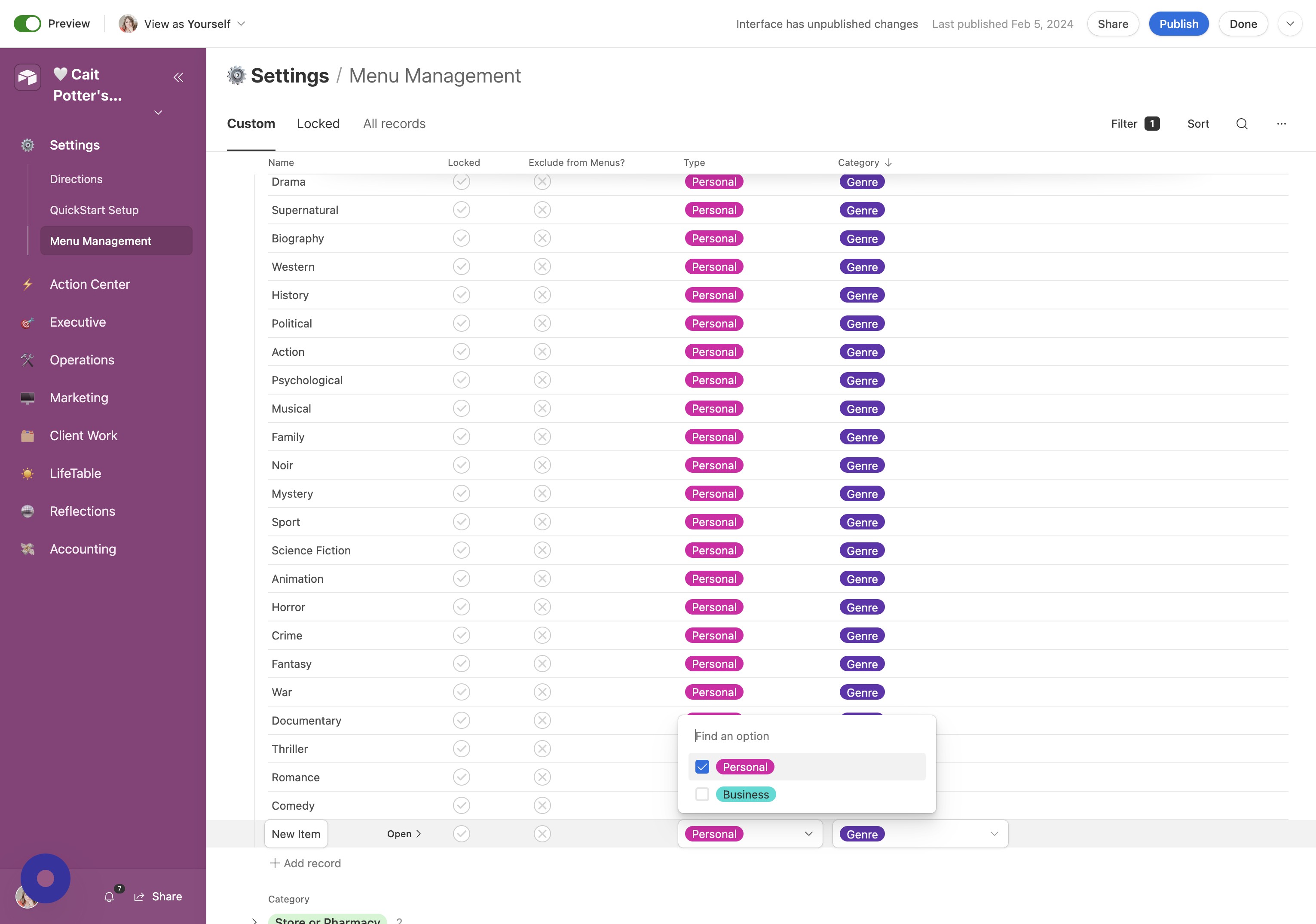
View Custom Items List In the first tab, you'll see a list of your custom menu items. There is a selection already there for you. You can add and delete records from this tab as you wish.
Click Icon Click this icon.
Click Here Click here.
Adding Custom Items
Locked Items
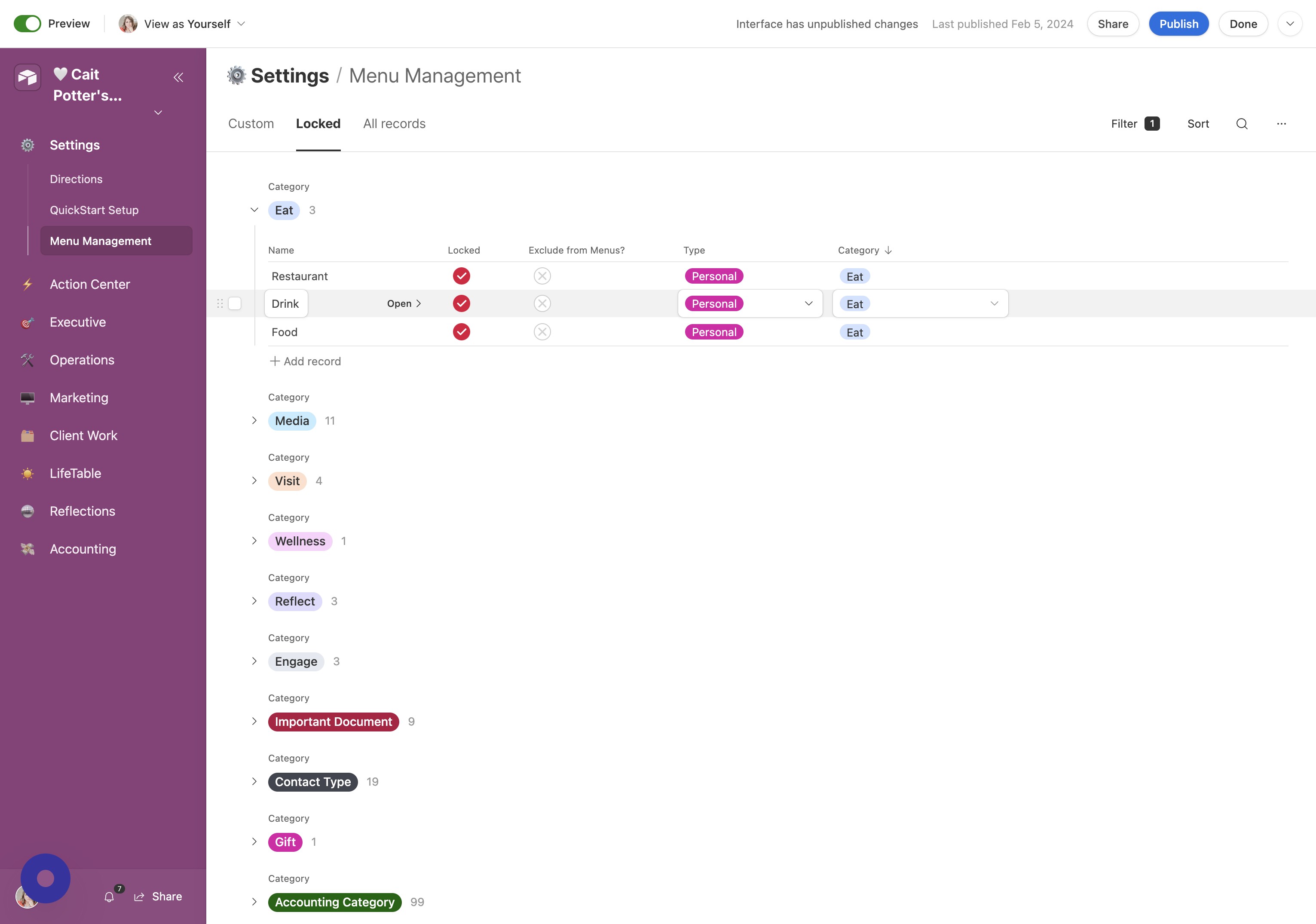
View Locked Items On the "Locked" tab, you'll find items that you can NOT delete. This could be for a number of reasons, but most likely you'll find that if you delete one of these, there will be an error somewhere in your CommandCenter.
Exclude From Menus
Exclude Items from Menus If there is an item that you don't want to see in your CommandCenter, you can choose to "Exclude from Menus" so that it's not a selectable option!
Did this answer your question?Thanks for the feedbackThere was a problem submitting your feedback. Please try again later.