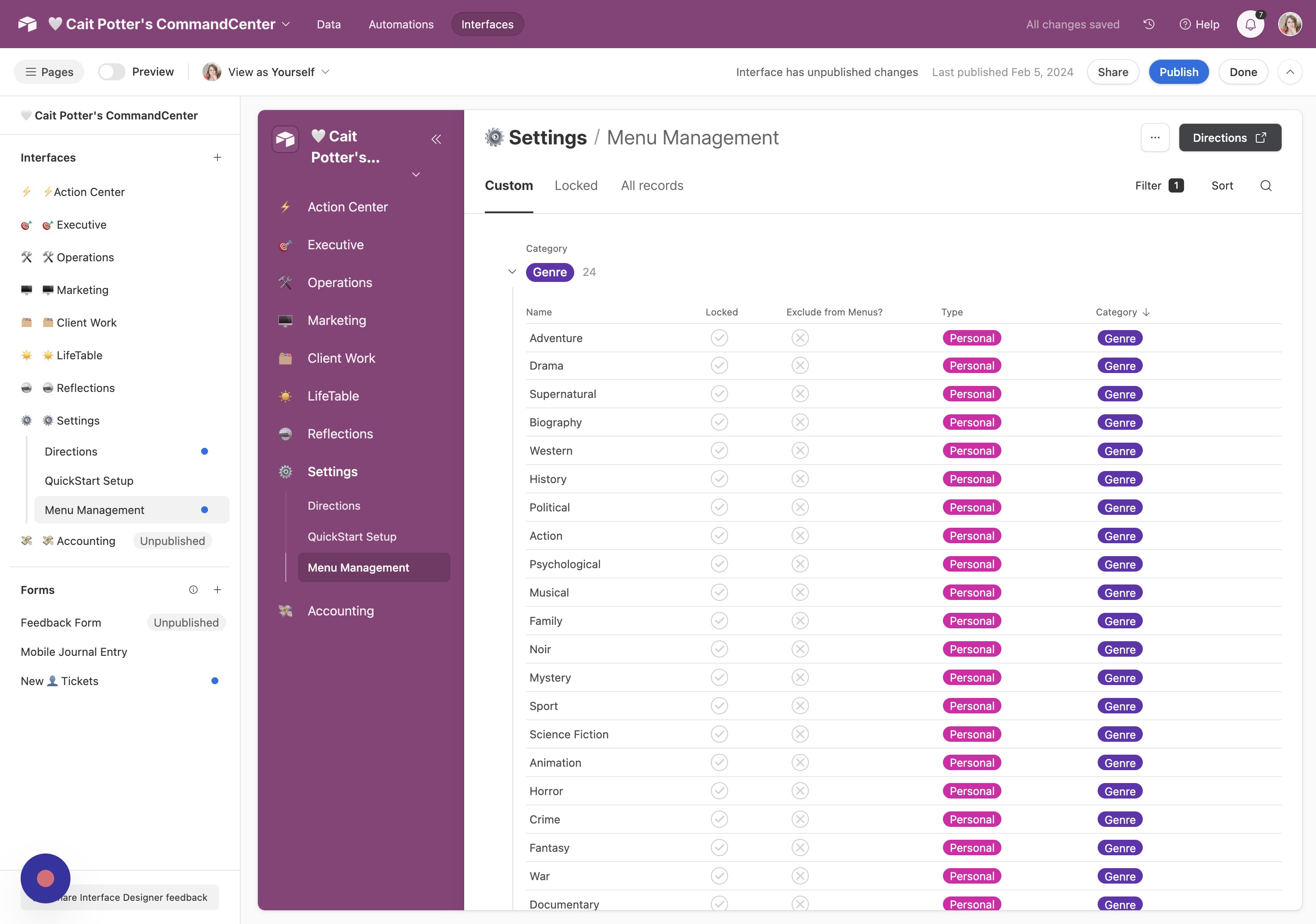
Rearrange Interfaces
- Open Command Center Menu Click the arrow next to the title of your CommandCenter.
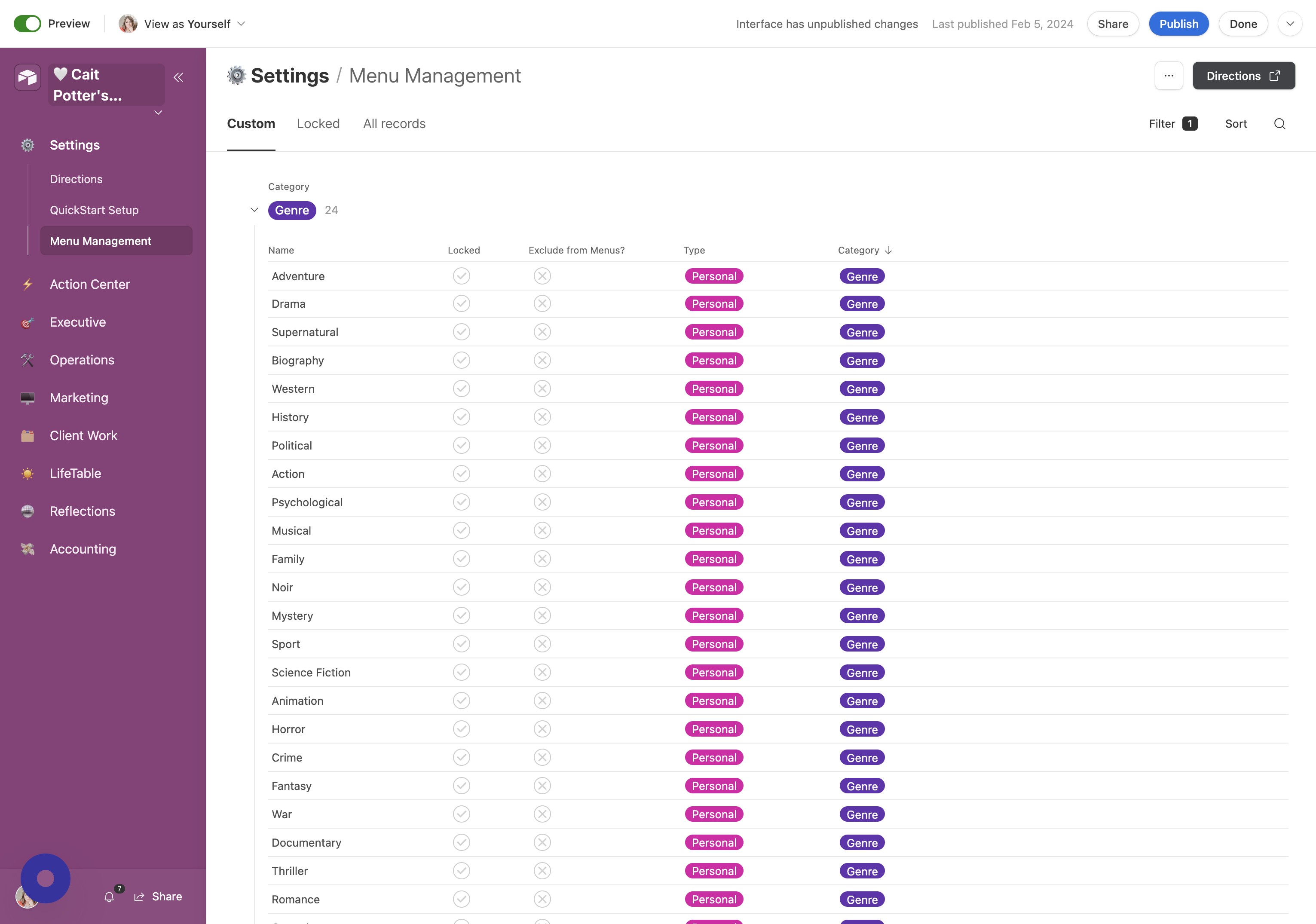
- Click Edit Click "Edit".
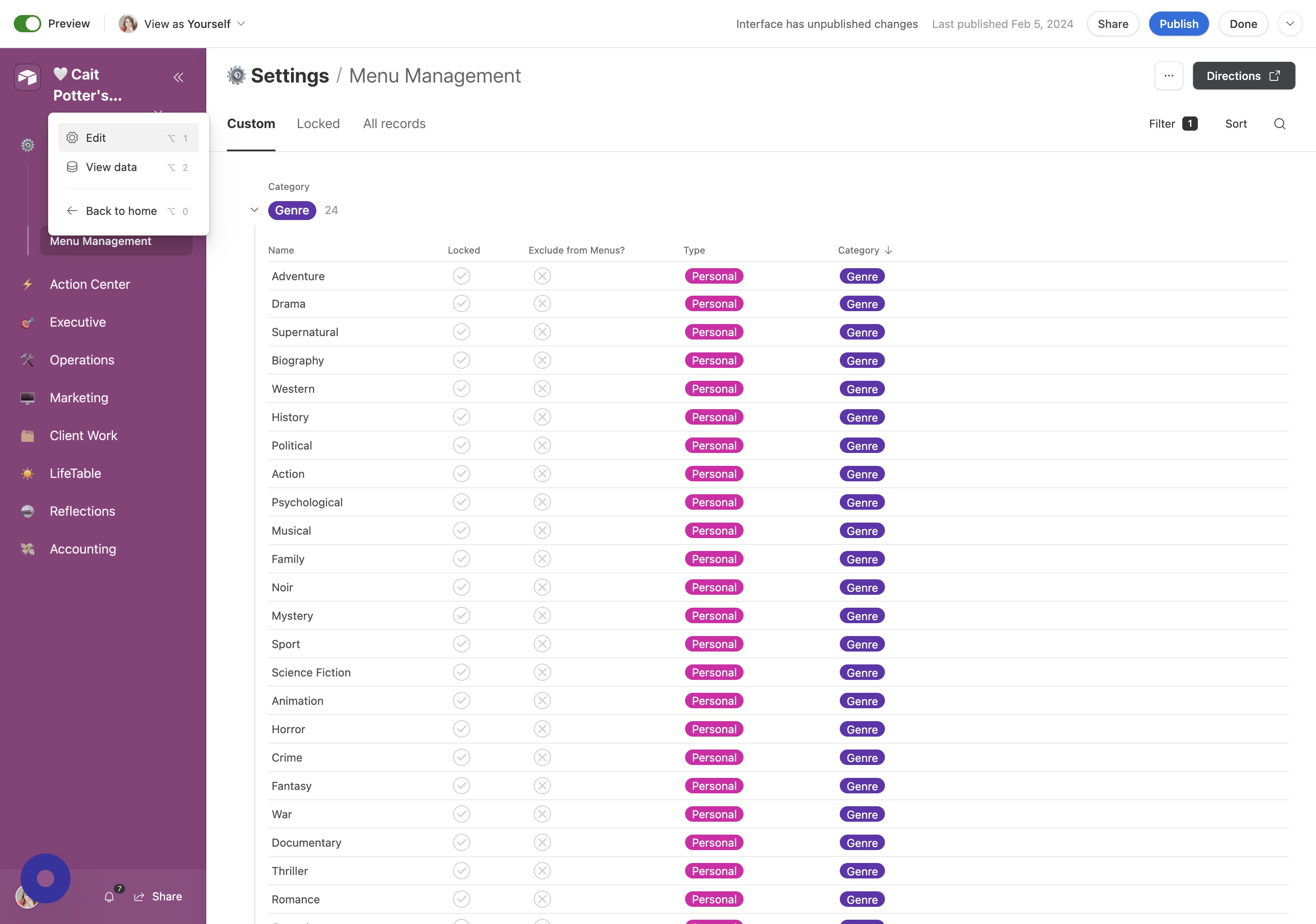
- Go to Pages Click "Pages".
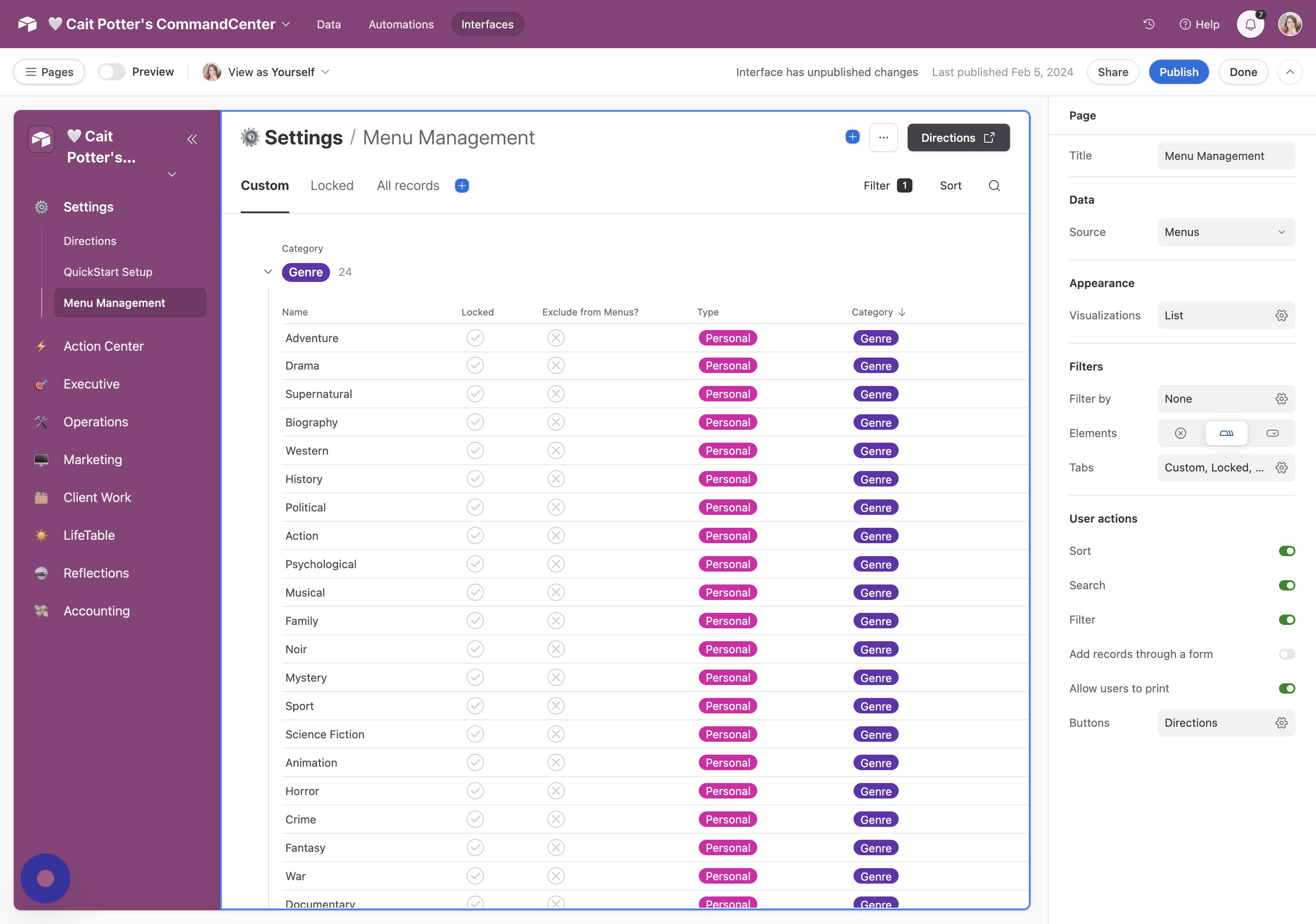
- Reorder Settings Page Click and drag the ⚙️ Settings page to your desired location (typically toward the bottom).
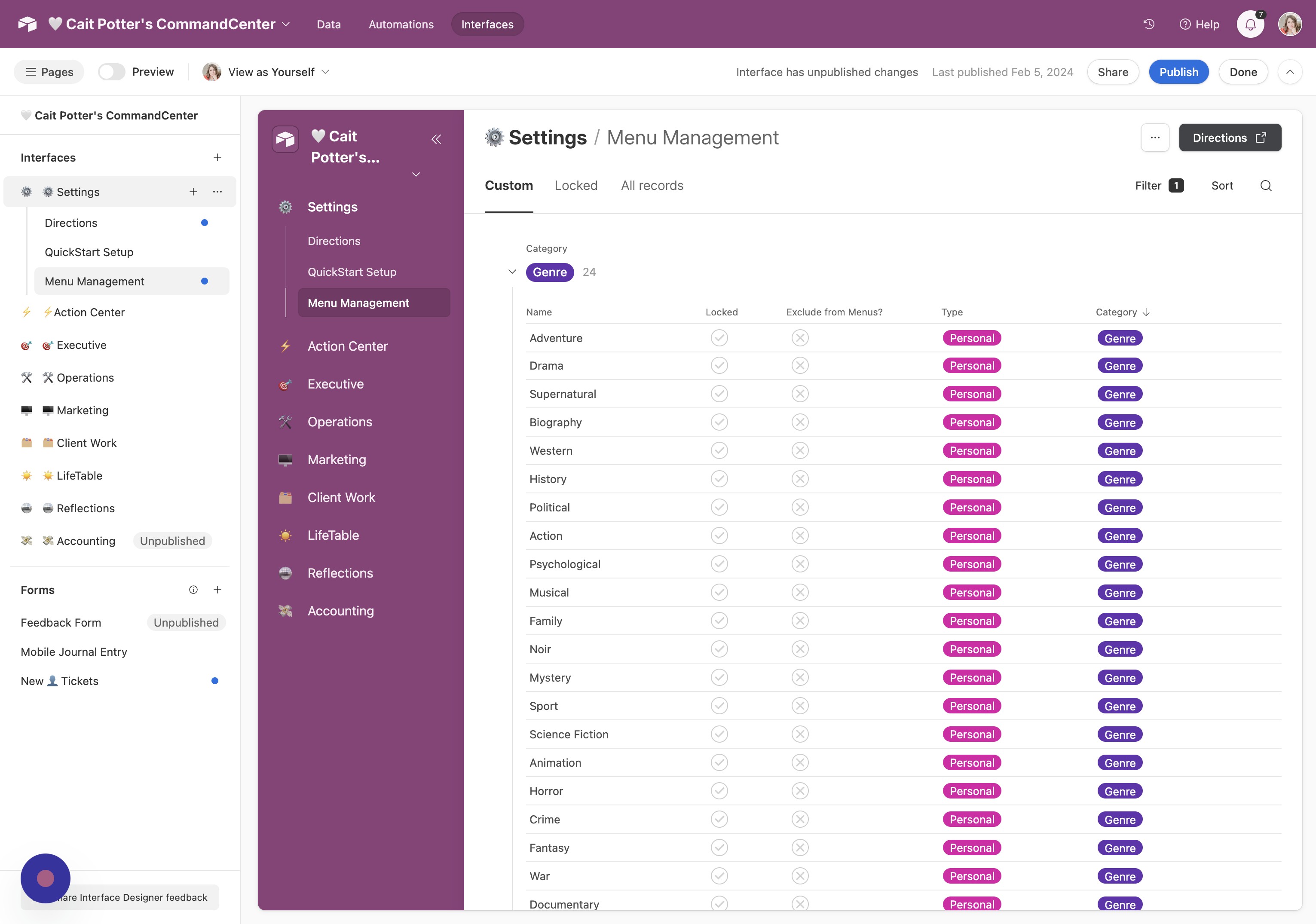
- Publish Changes Click "Publish" to save your updates.