Change your Base Appearance
How to Change the Appearance of CommandCenter on Airtable
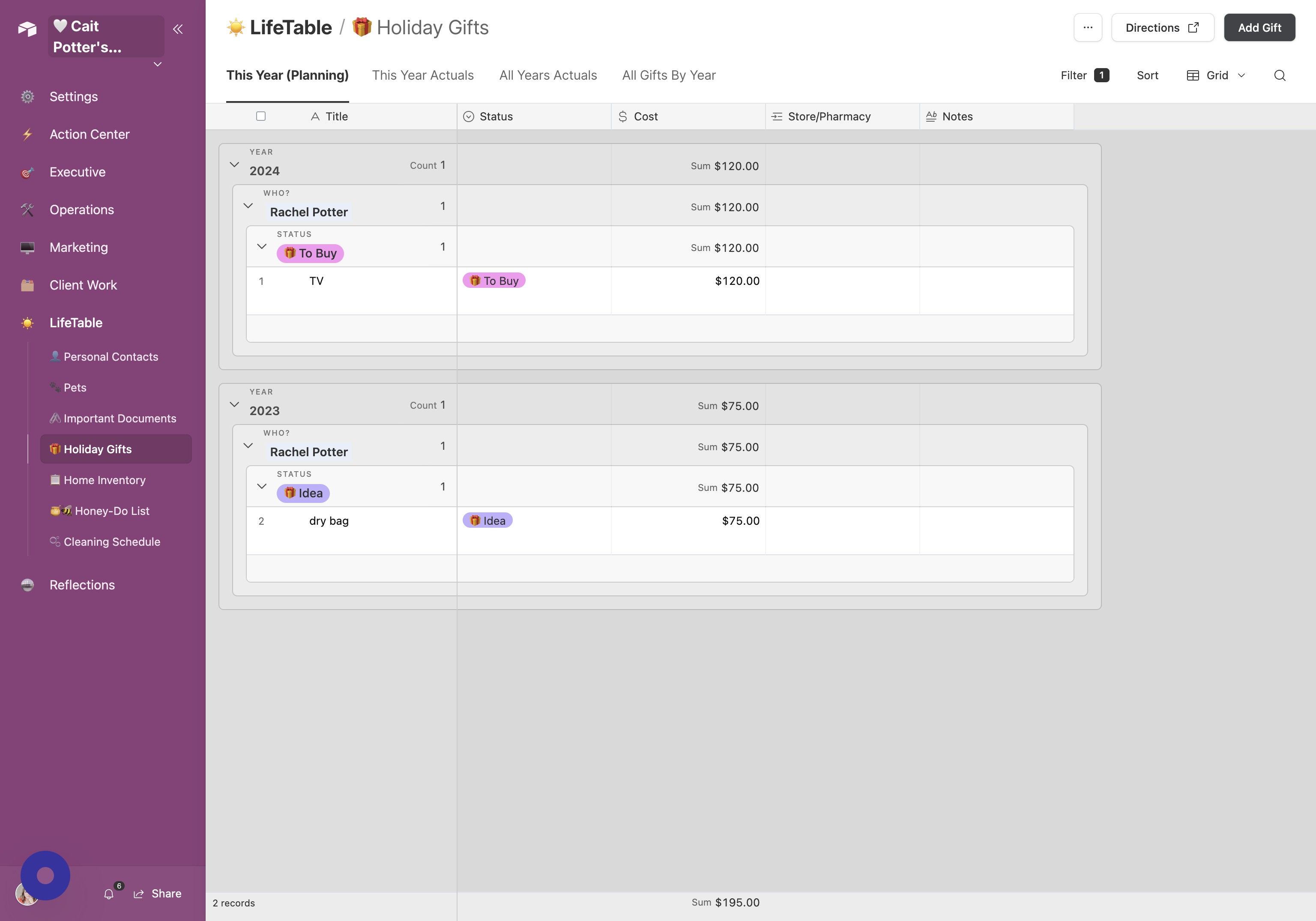
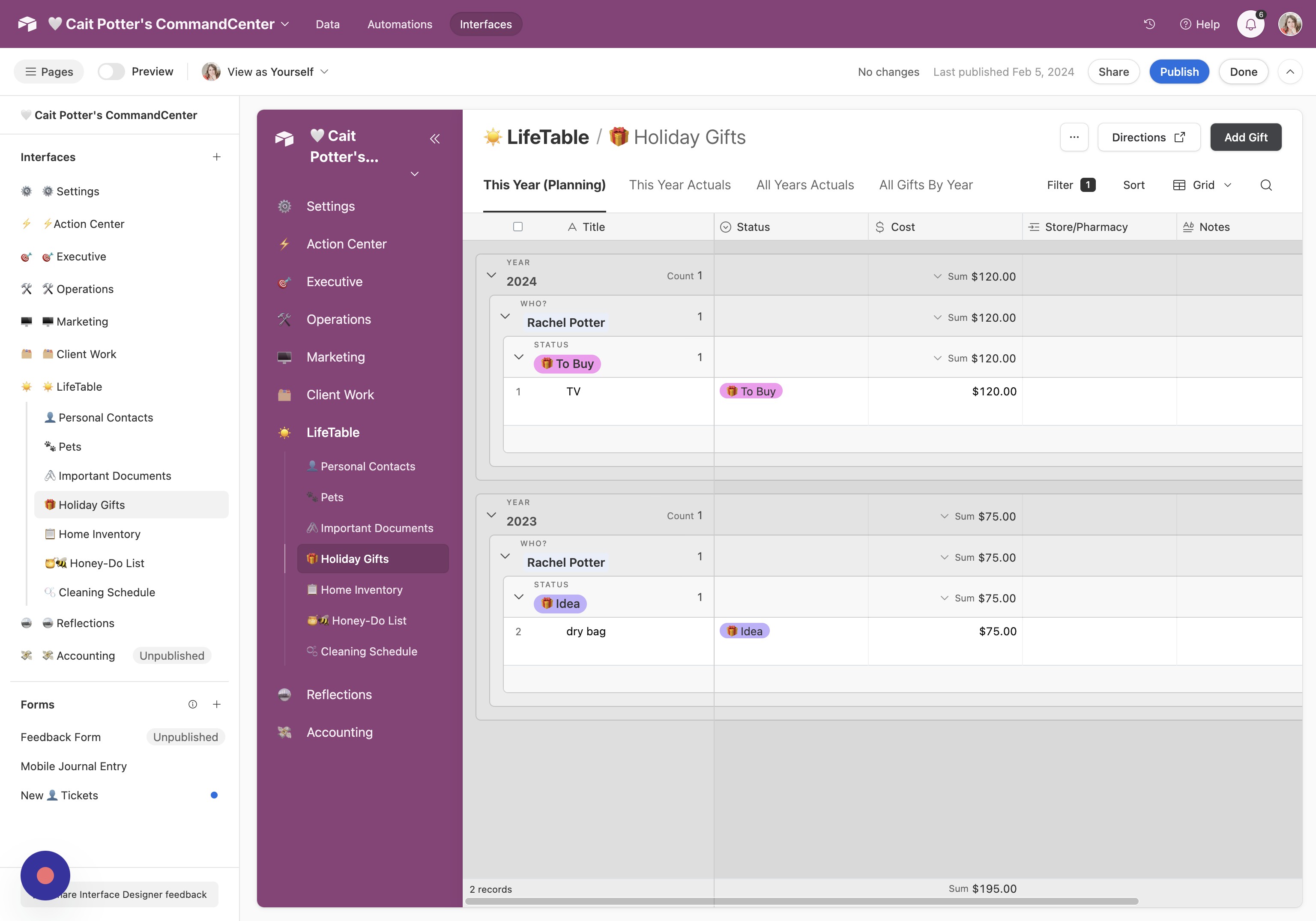
- Open settings Click the icon next to the title of CommandCenter
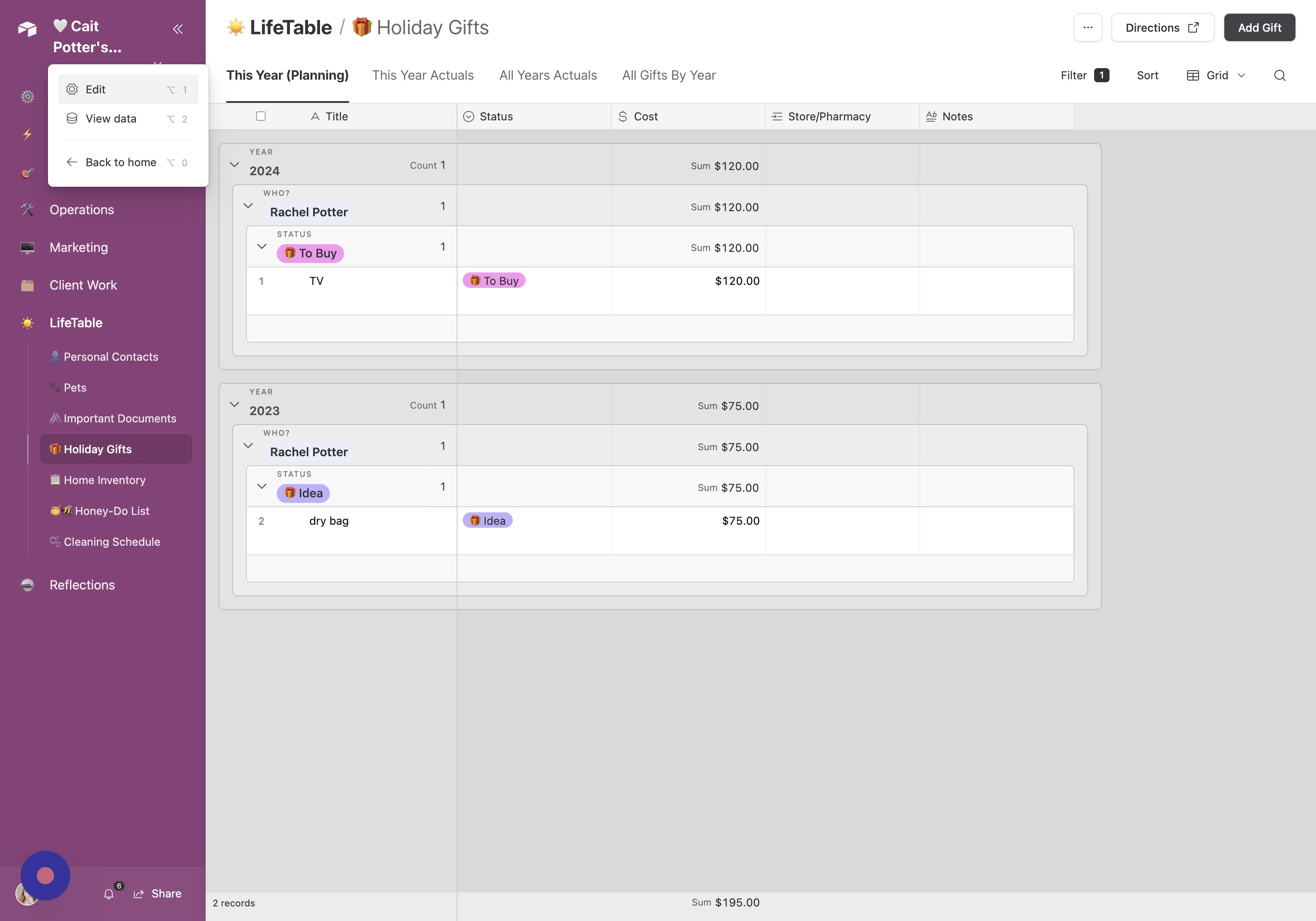
- Edit the interface Click "Edit"
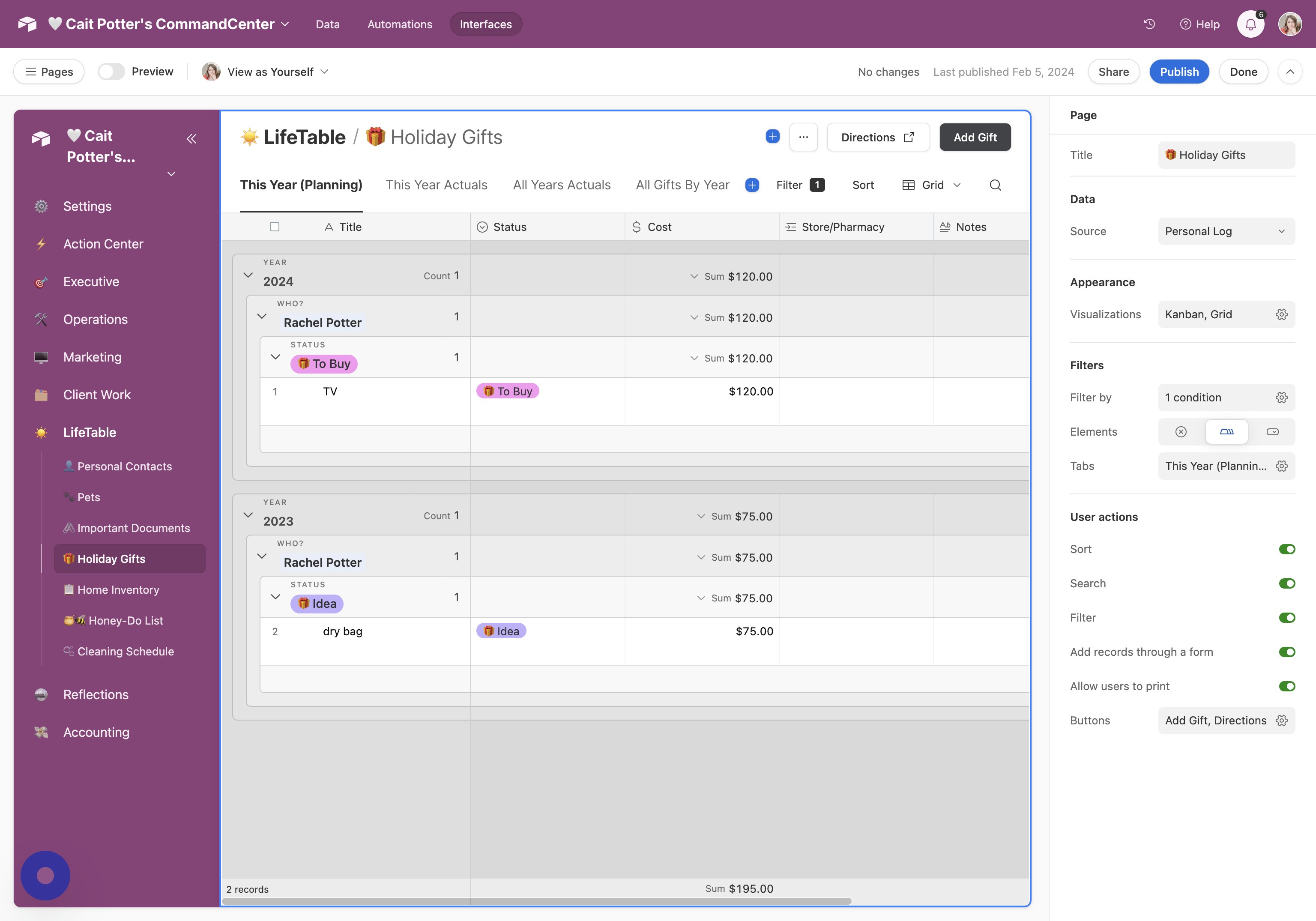
- Select your interface Click "🤍 Cait Potter's CommandCenter"
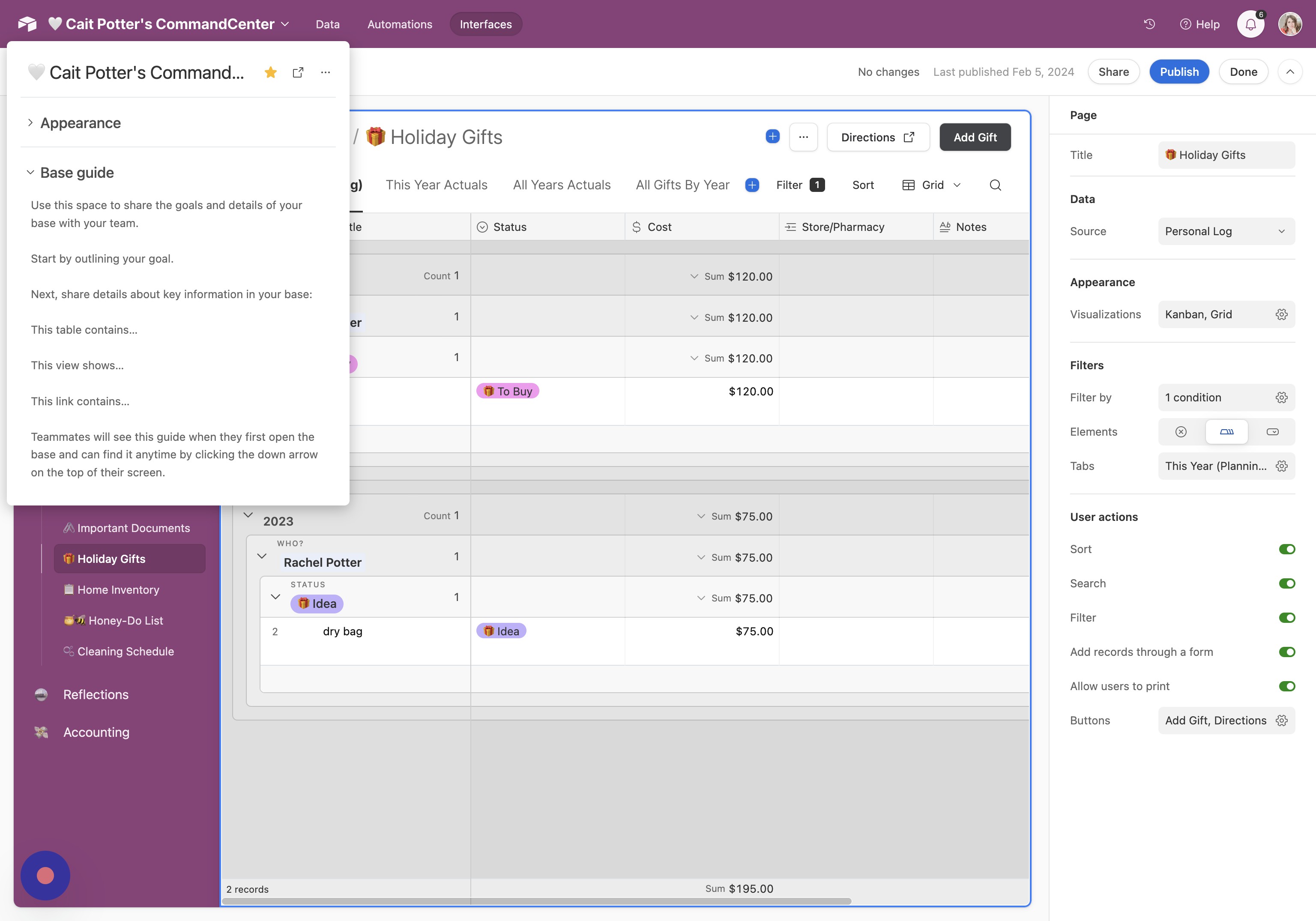
- Open appearance settings Click "Appearance"
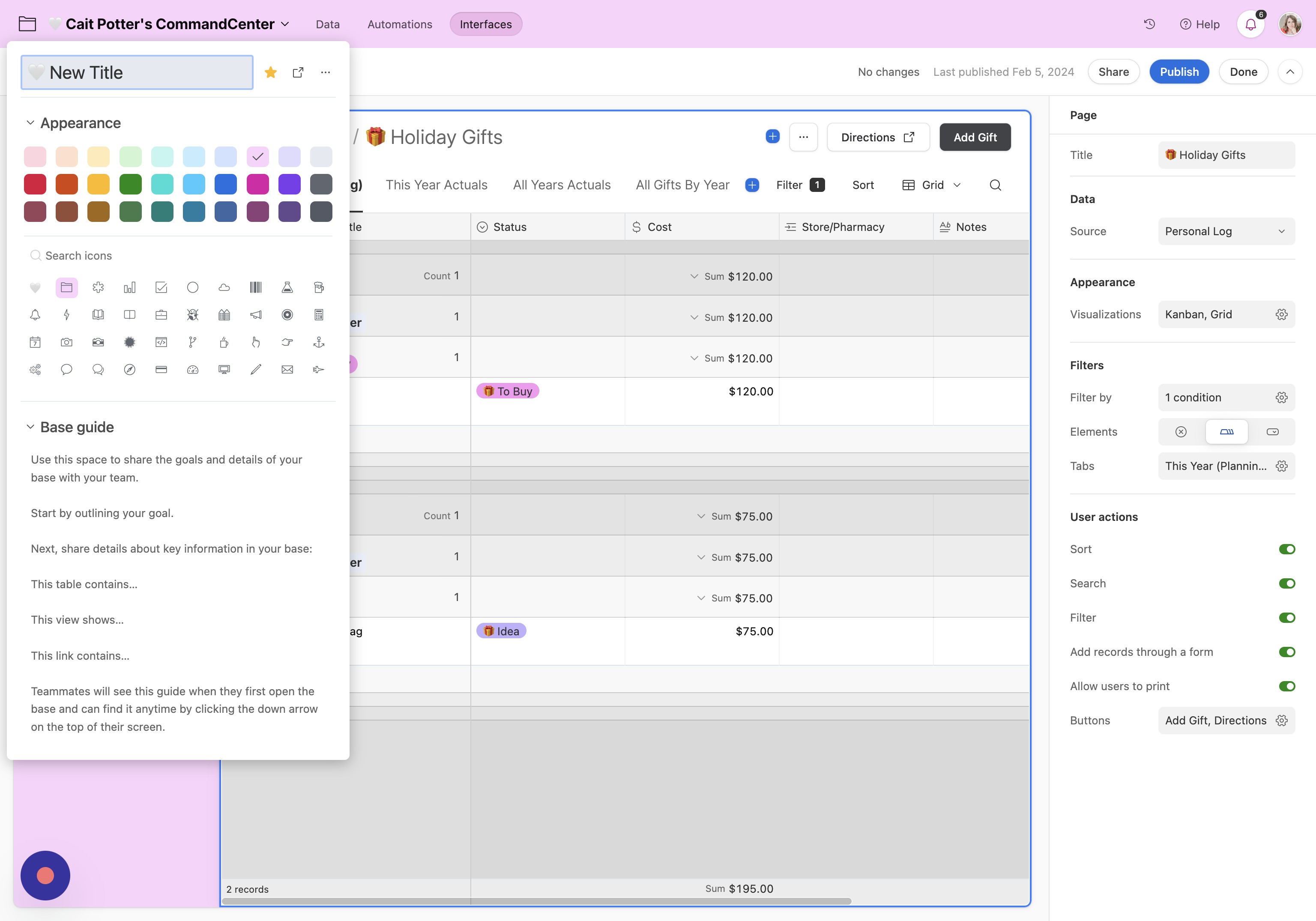
- Update the title Click and type your new title
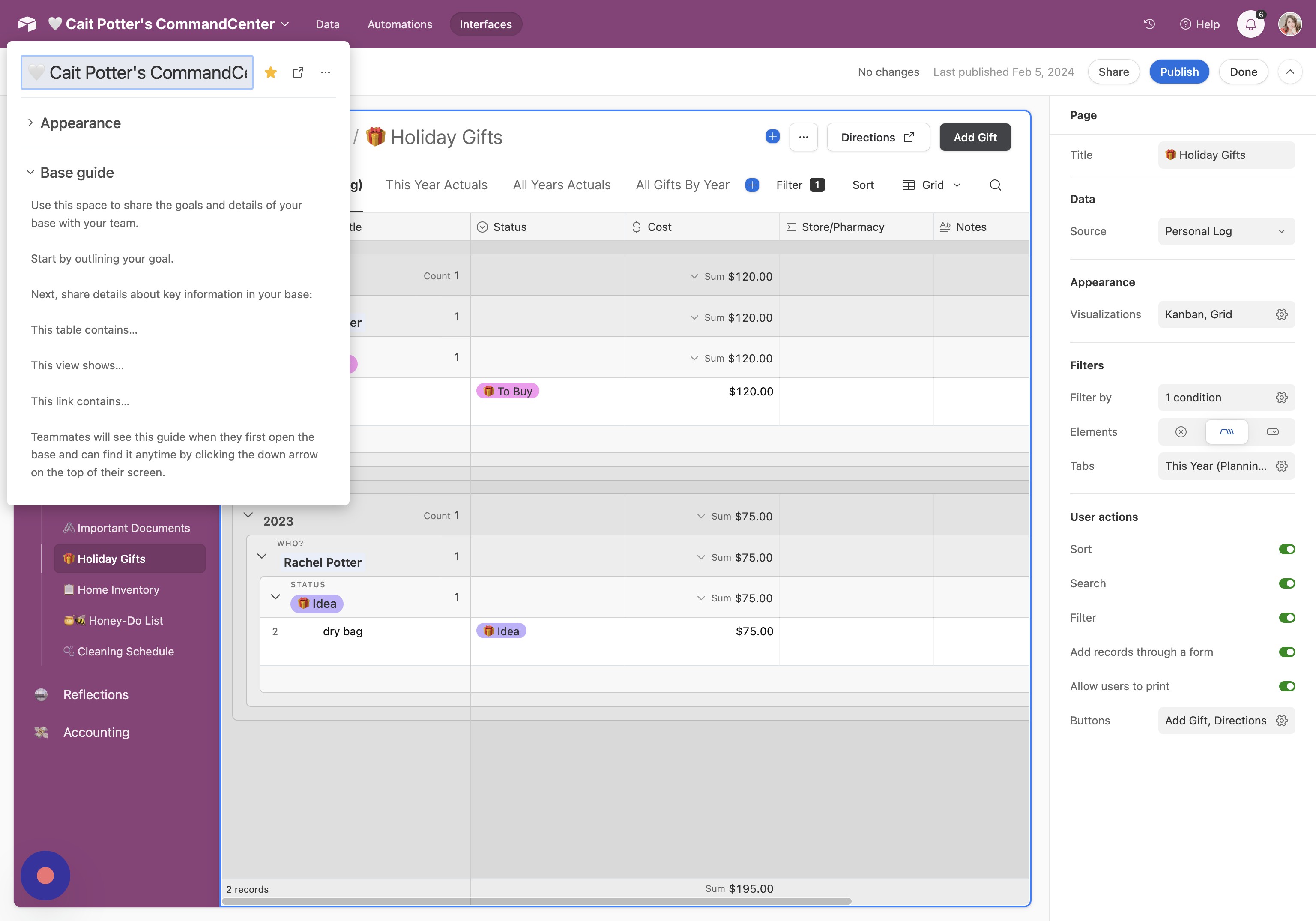
- Choose a color Select your preferred color (free plans have limited options)
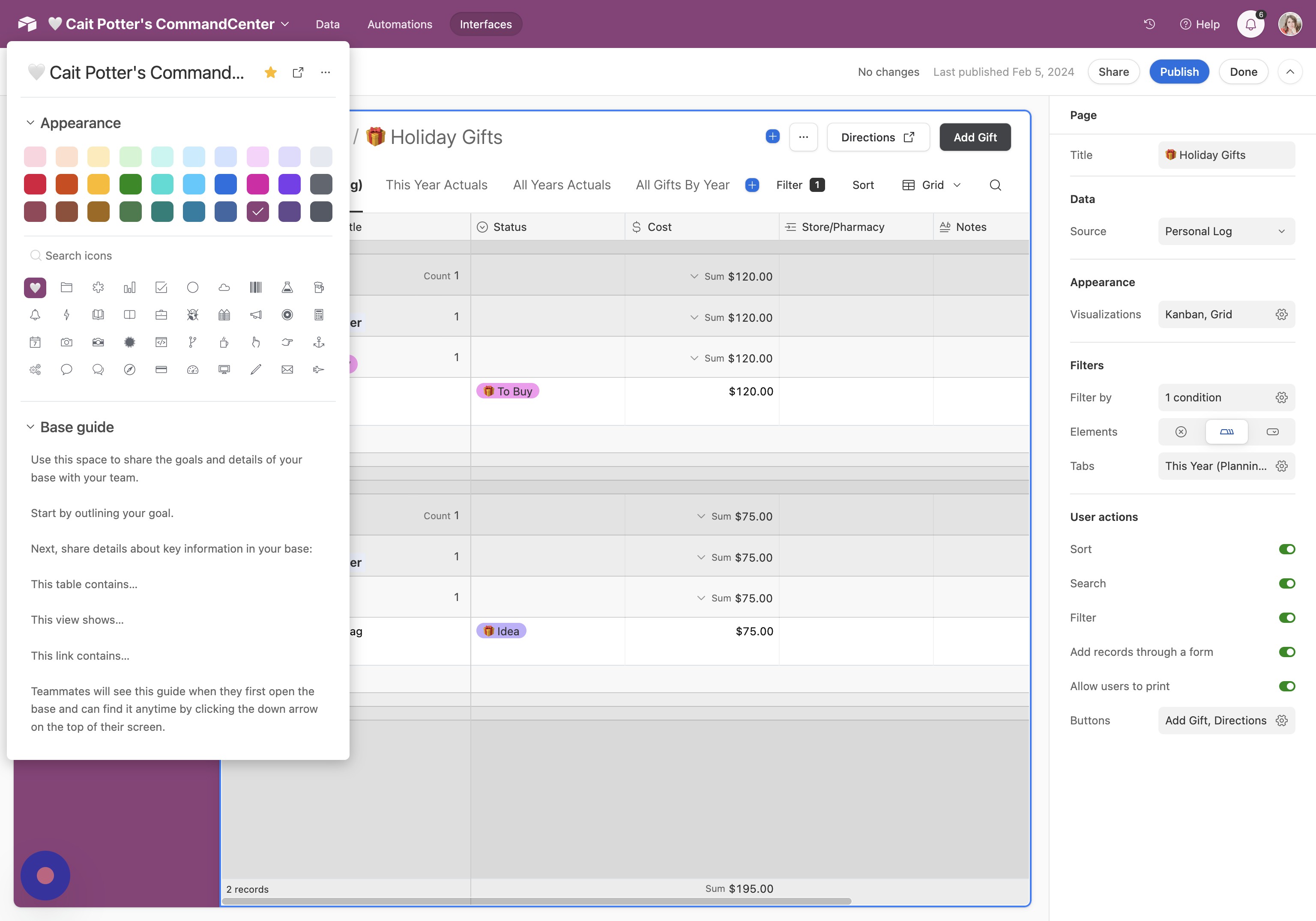
- Choose an icon Select the icon you'd like to use
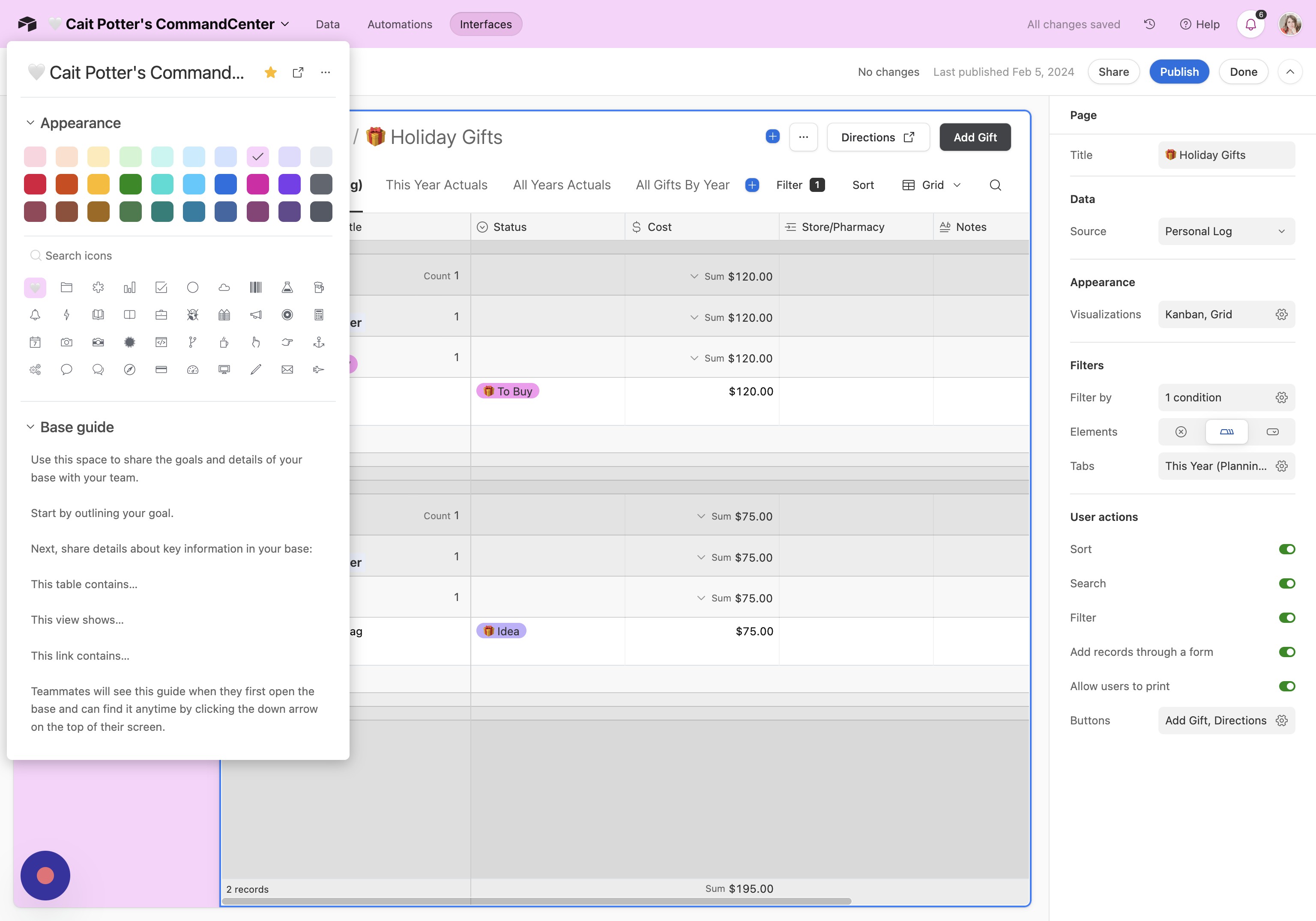
- Save your changes Click off the panel to save
- Finish Click "Done" to return to your interface
Did this answer your question?
Thanks for the feedback
There was a problem submitting your feedback. Please try again later.
No results found
