
Add Signature to Subagreement on Project
- Start at https://hello.dubsado.com/dashboard
- Click on the link "Projects"

- Locate the relevant project and click to open it.

- Inside the project, click on "Forms"

- Locate the appropriate subagreement. Click on the link "Edit"

-
Click on "Signature field Collect your client's e-signature or your own" and drag it onto your form in the location you want it.
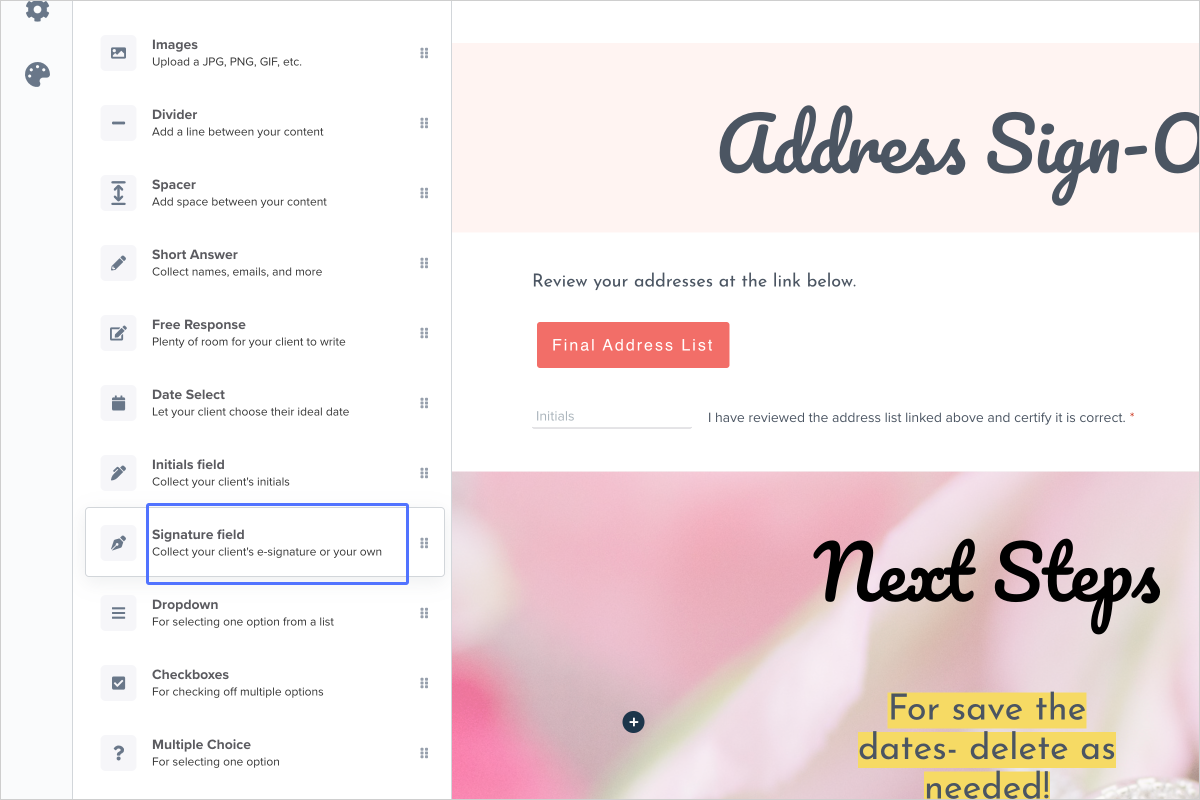
- In the menu on the left, you can determine if the signature field is for the client to sign or if it's for you as the business owner to sign.

- Click on this button

- Click on "Save and close"
