
Add Signature Field to Form Template
- Start at https://hello.dubsado.com/dashboard
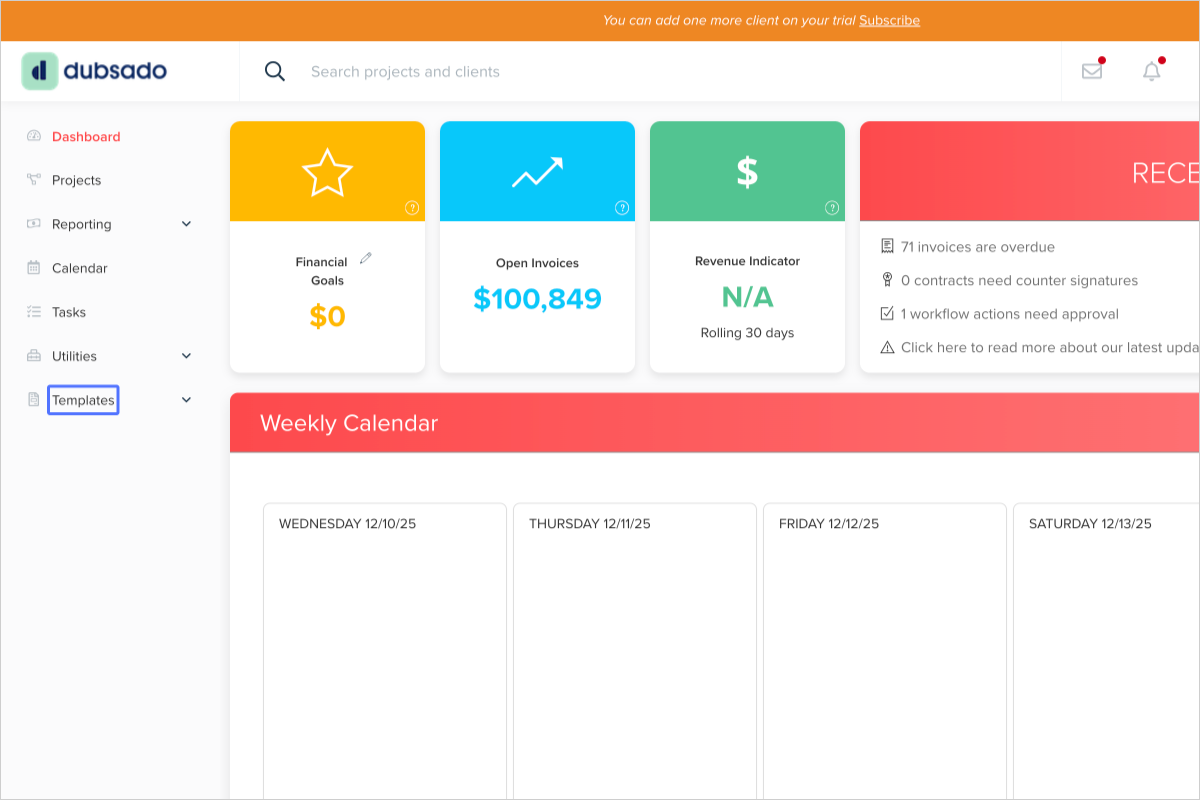
- Click on "Templates"
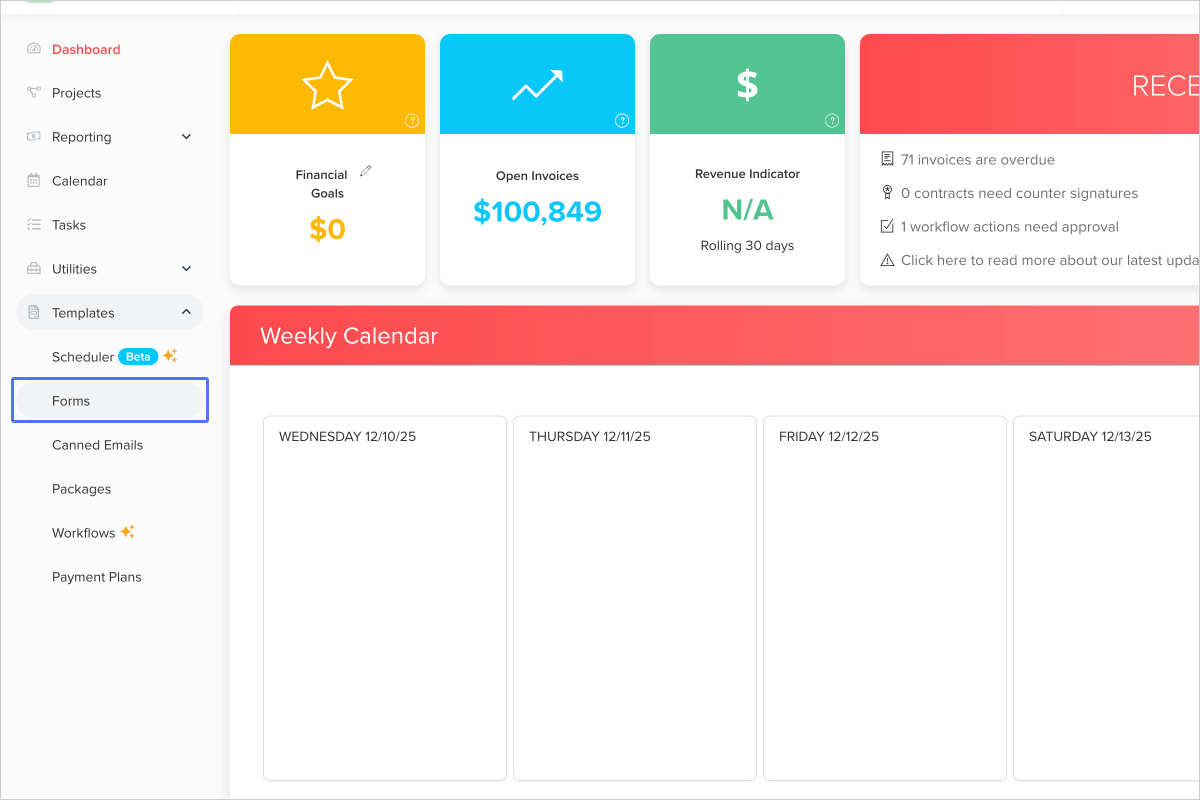
- Click on the link "Forms"
- Locate the contract or subagreement template you want to edit.

- Click on "Signature field Collect your client's e-signature or your own" and drag it onto your form in the location you want it.
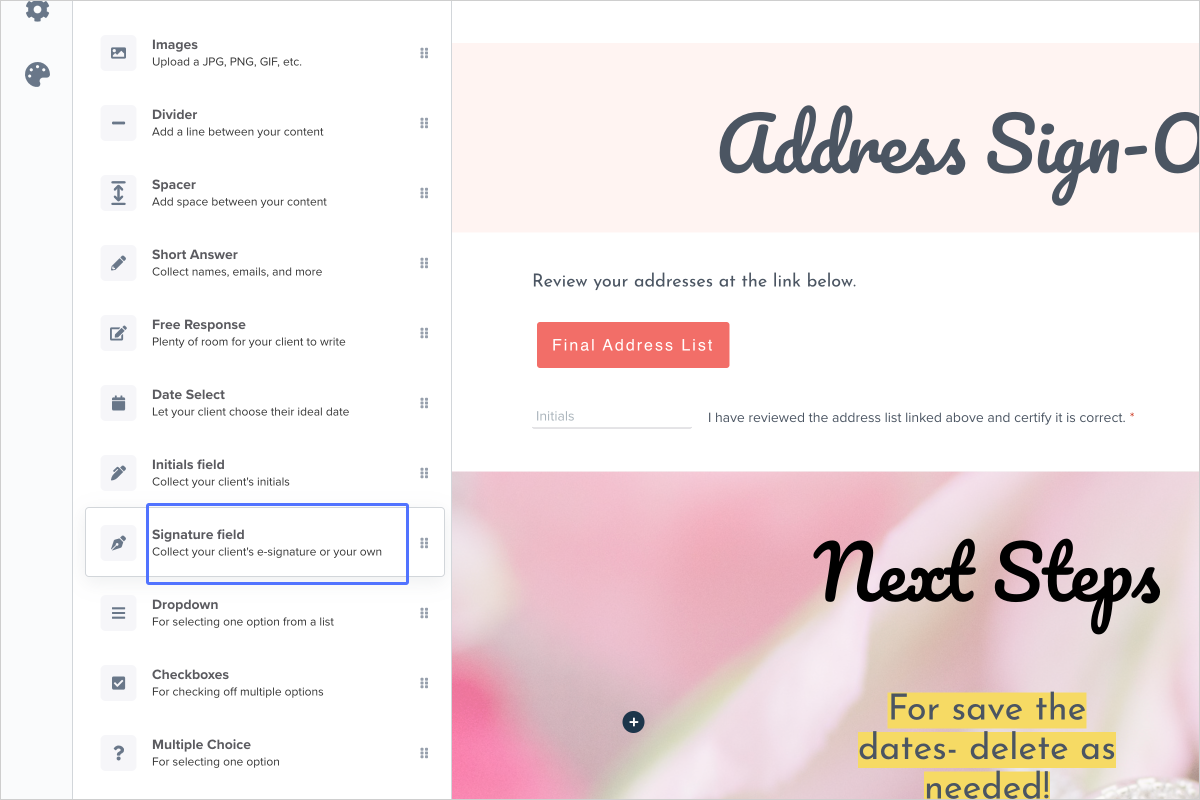
- In the menu on the left, you can determine if the signature field is for the client to sign or if it's for you as the business owner to sign.

- Click on this button

-
Click on "Save and close"
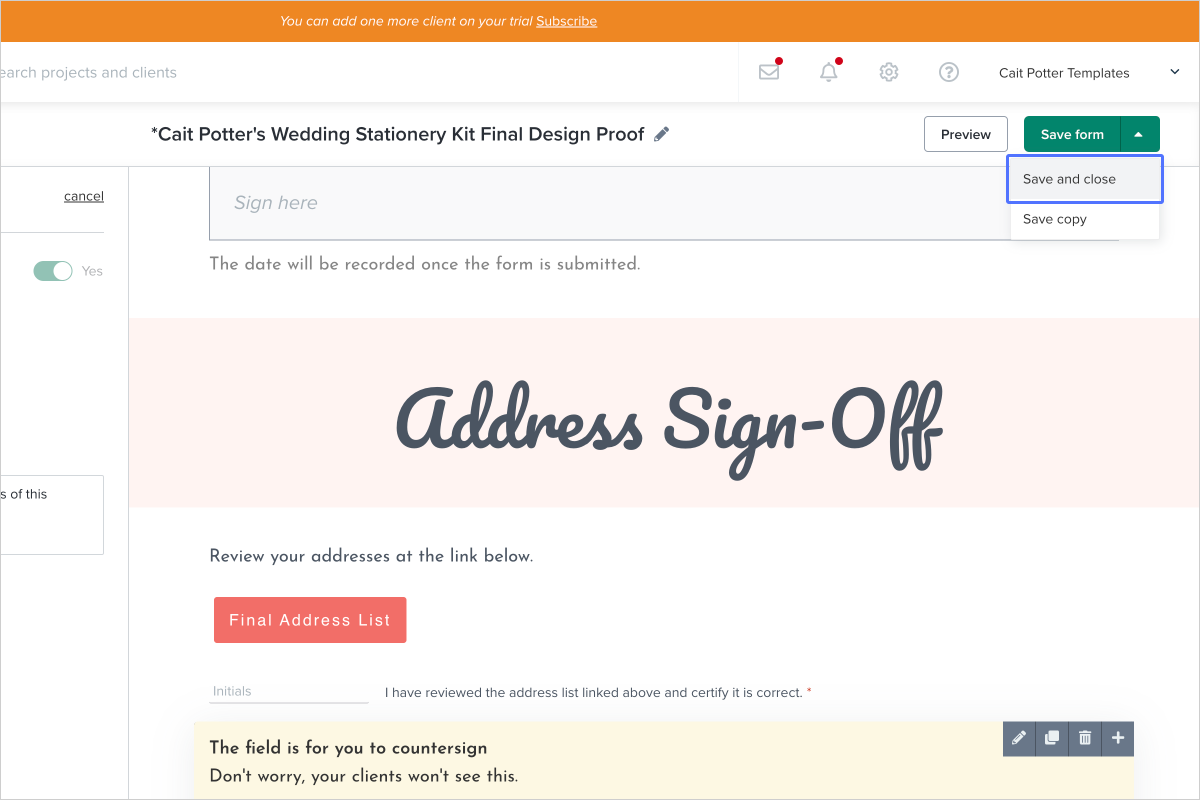
- Done! Now in any TEMPLATE that this form was used (in workflows and attached to schedulers) will be updated automatically.
Note! updating your template will NOT update any projects where the form was previously applied. It will only apply your updates moving FORWARD. That means if you've already applied the template to a project, you'll have to go manually update the form.