Reminders for Project Tasks in The Setup OS
1. Navigate to https://www.notion.so/69cc10bd98a643888b73ab55323a1eb3
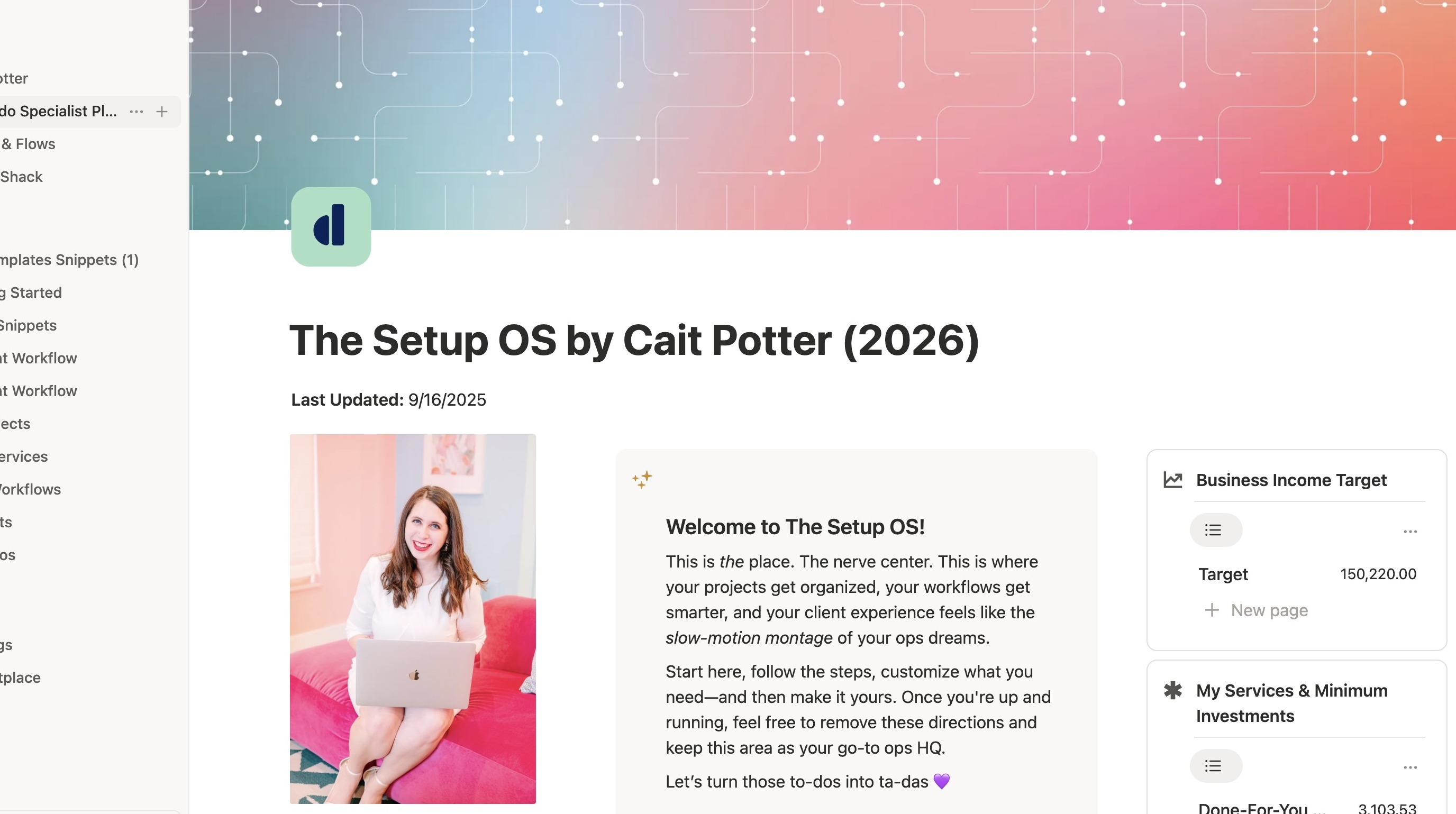
View on Home Page
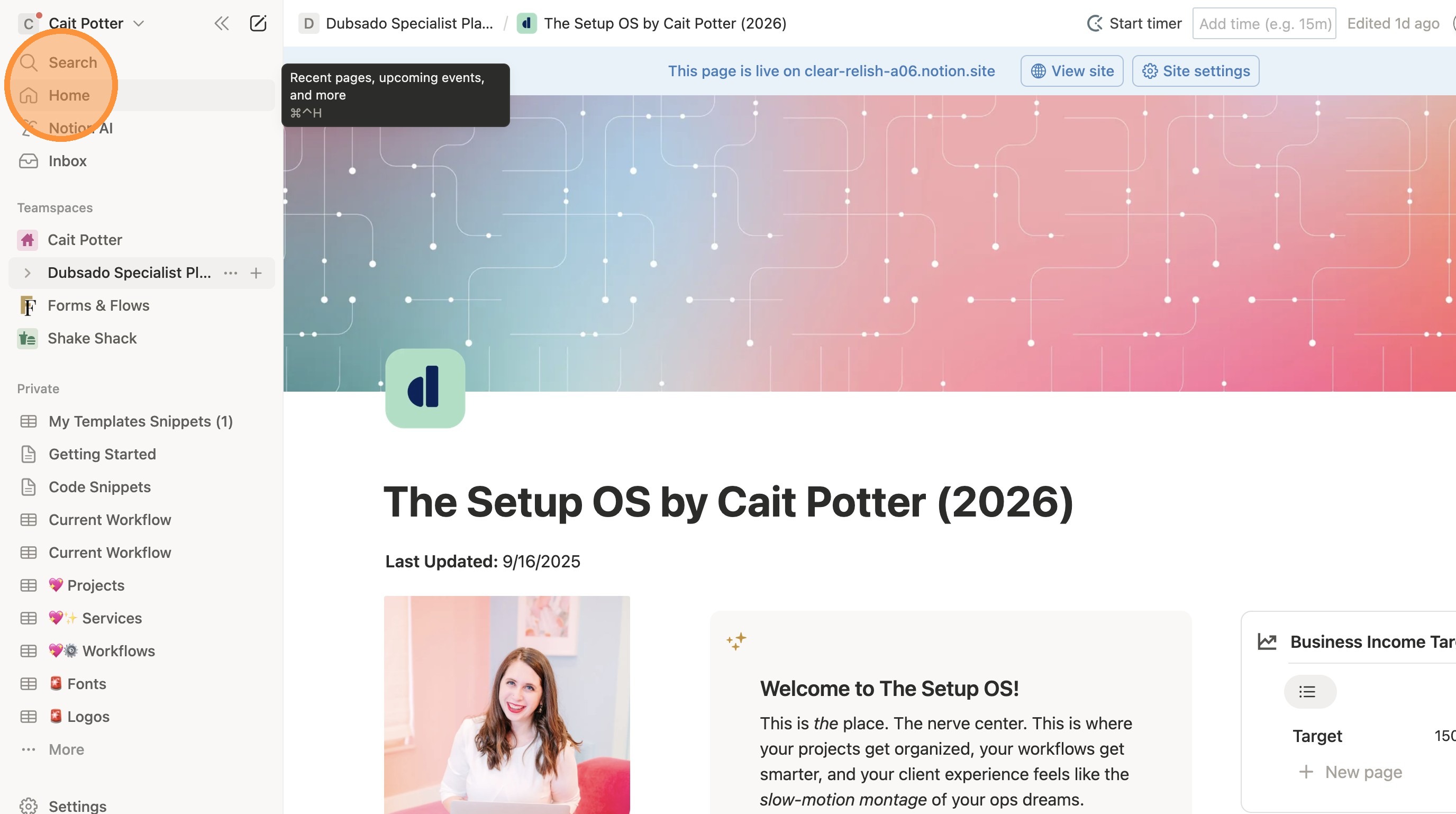
2. Click "Home"
3. Click this icon.
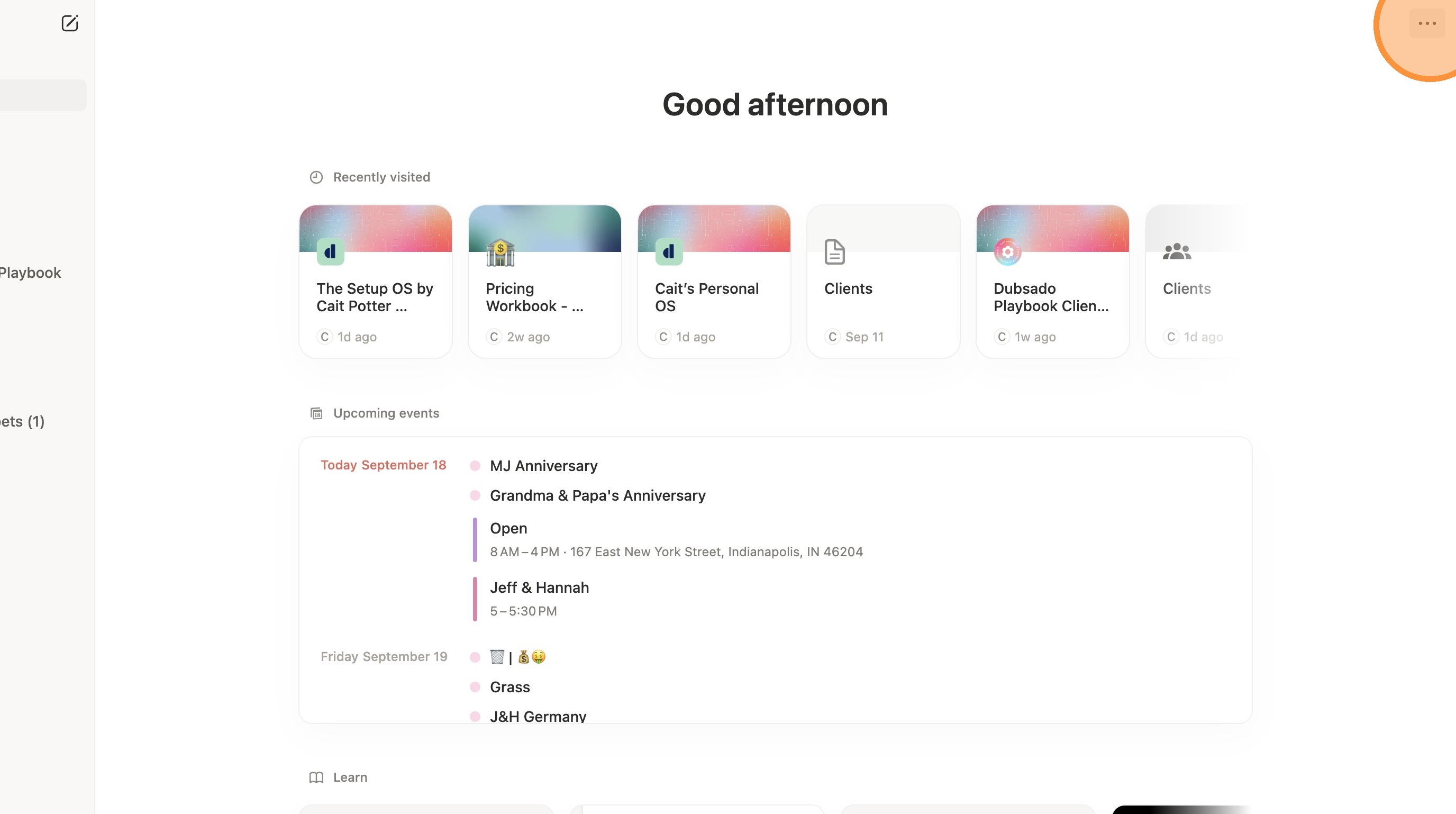
4. Click "Show/hide widgets"
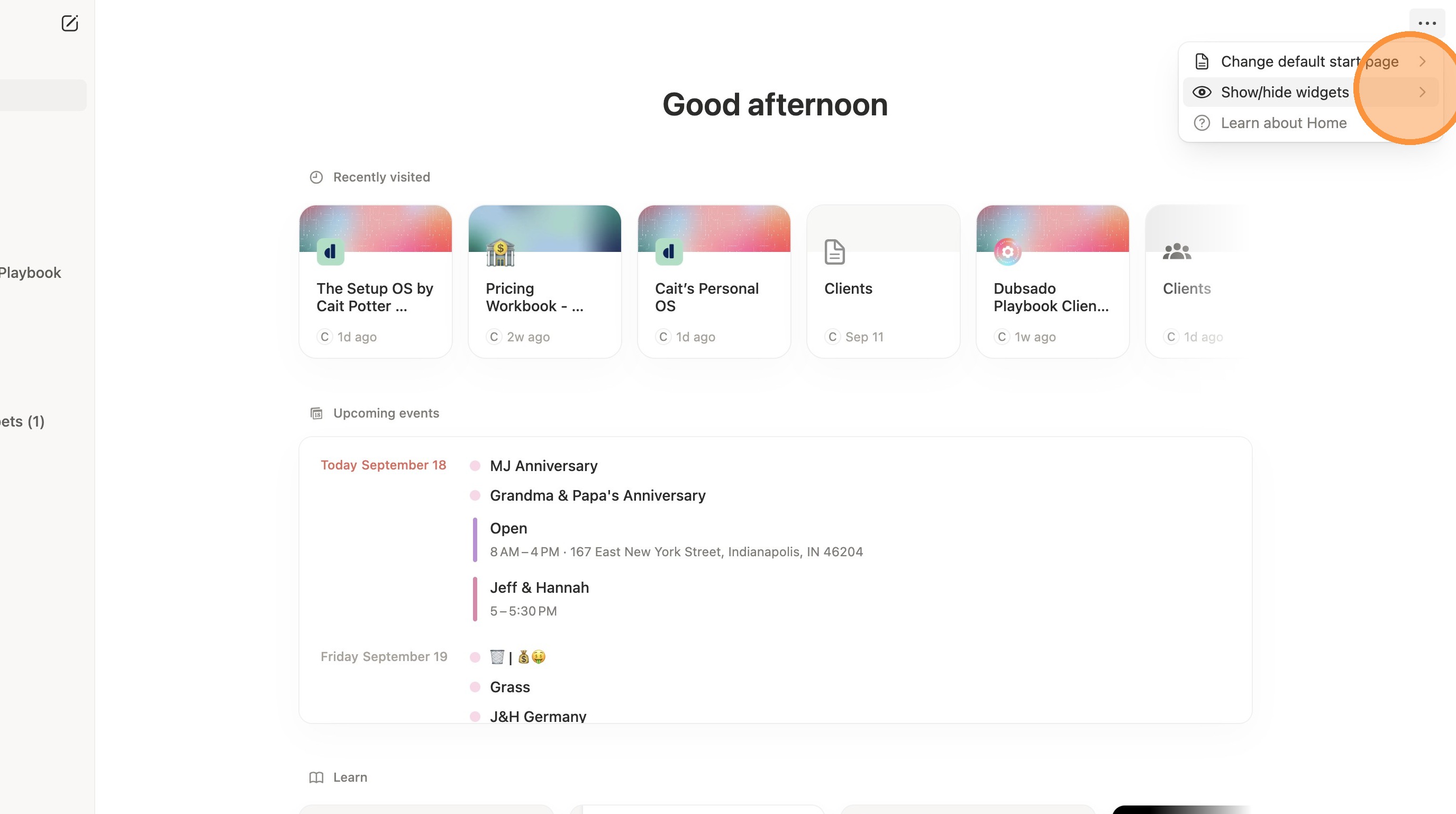
5. Click "My Tasks"
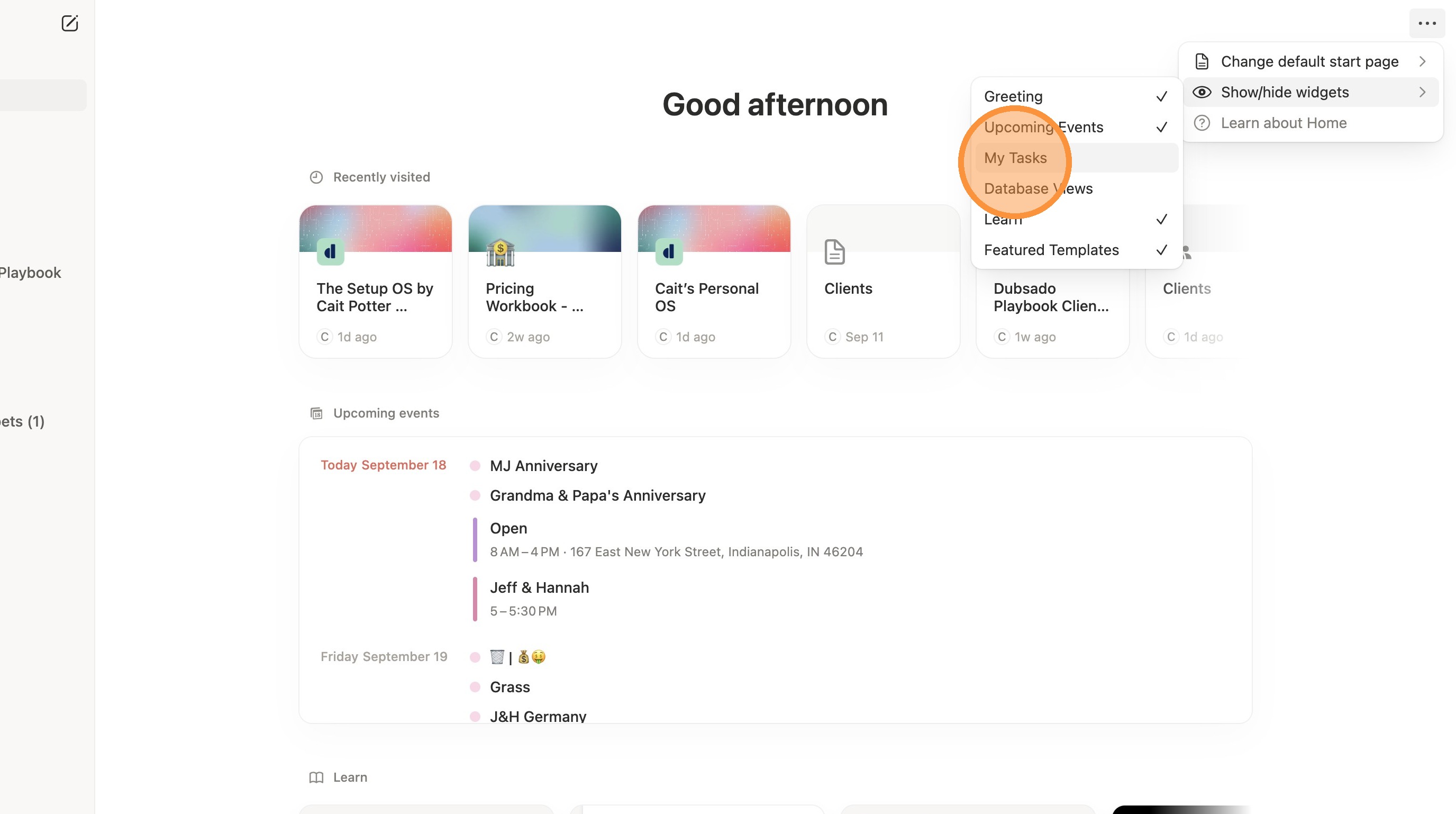
Get Notifications
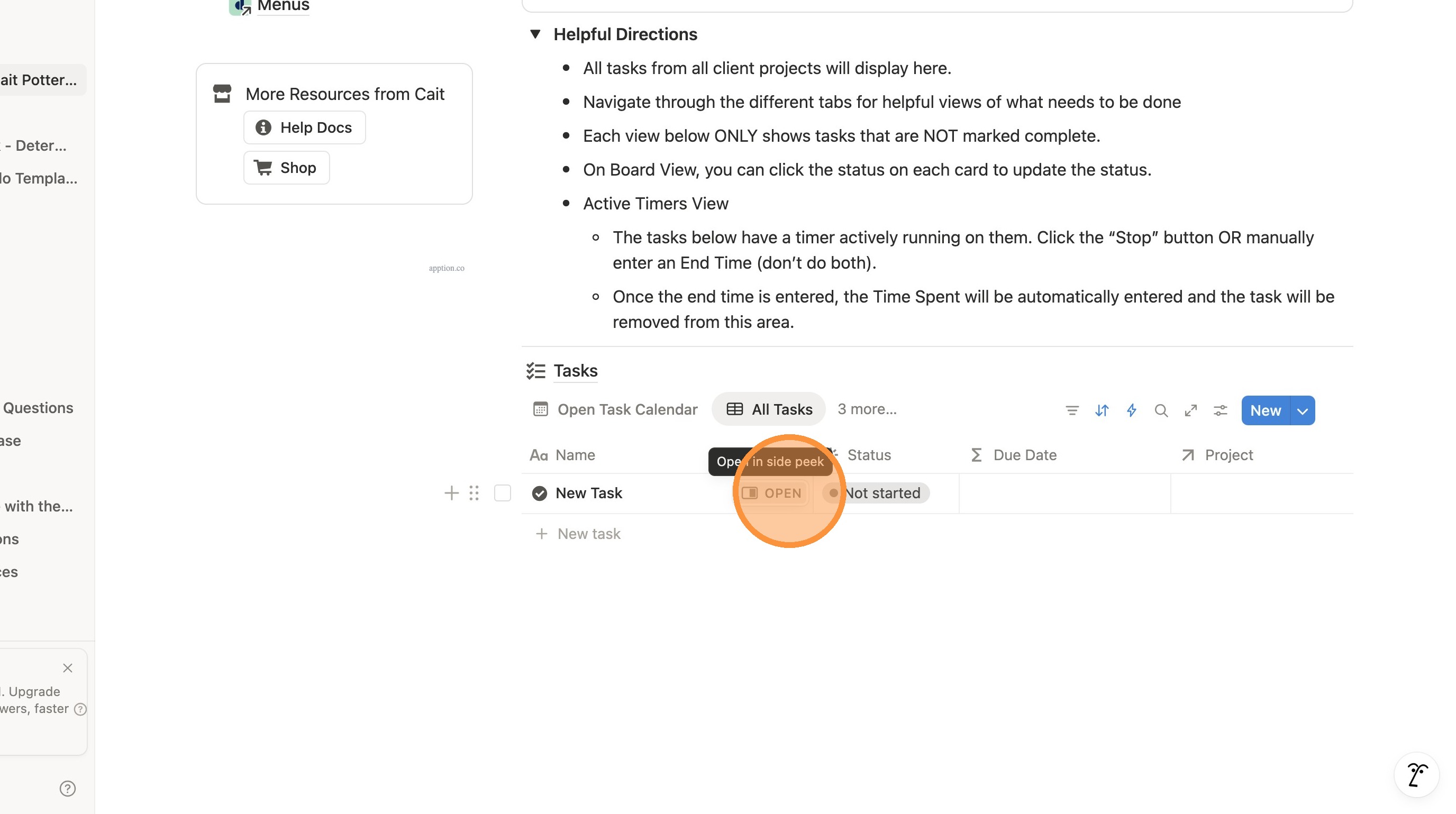
6. Locate the task you want to be reminded of from anywhere (Notion Home, Setup OS Home, Client-Specific project - anywhere). Click "Open"
7. Scroll down to the page area of the task and click "Start typing to edit text"
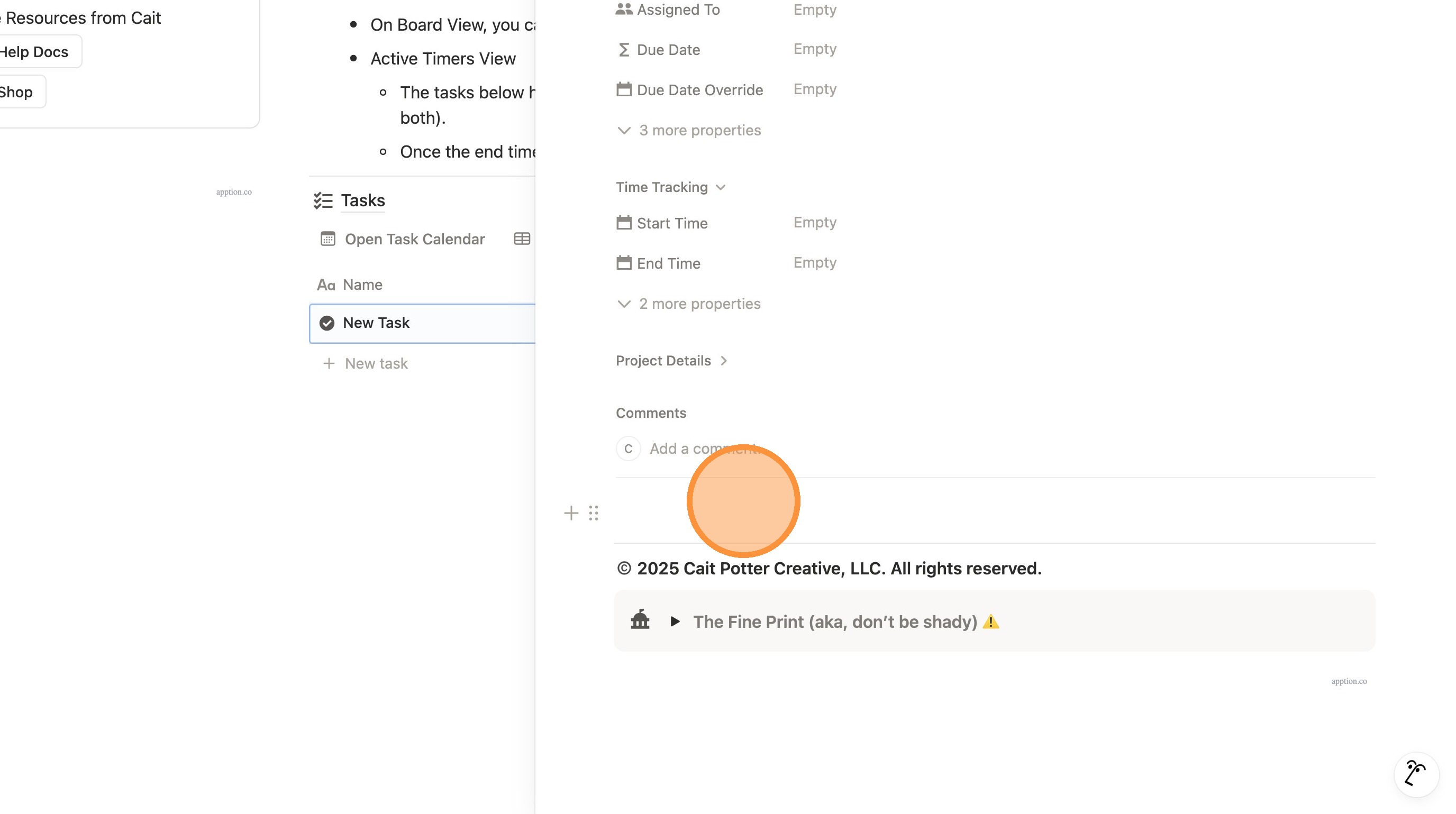
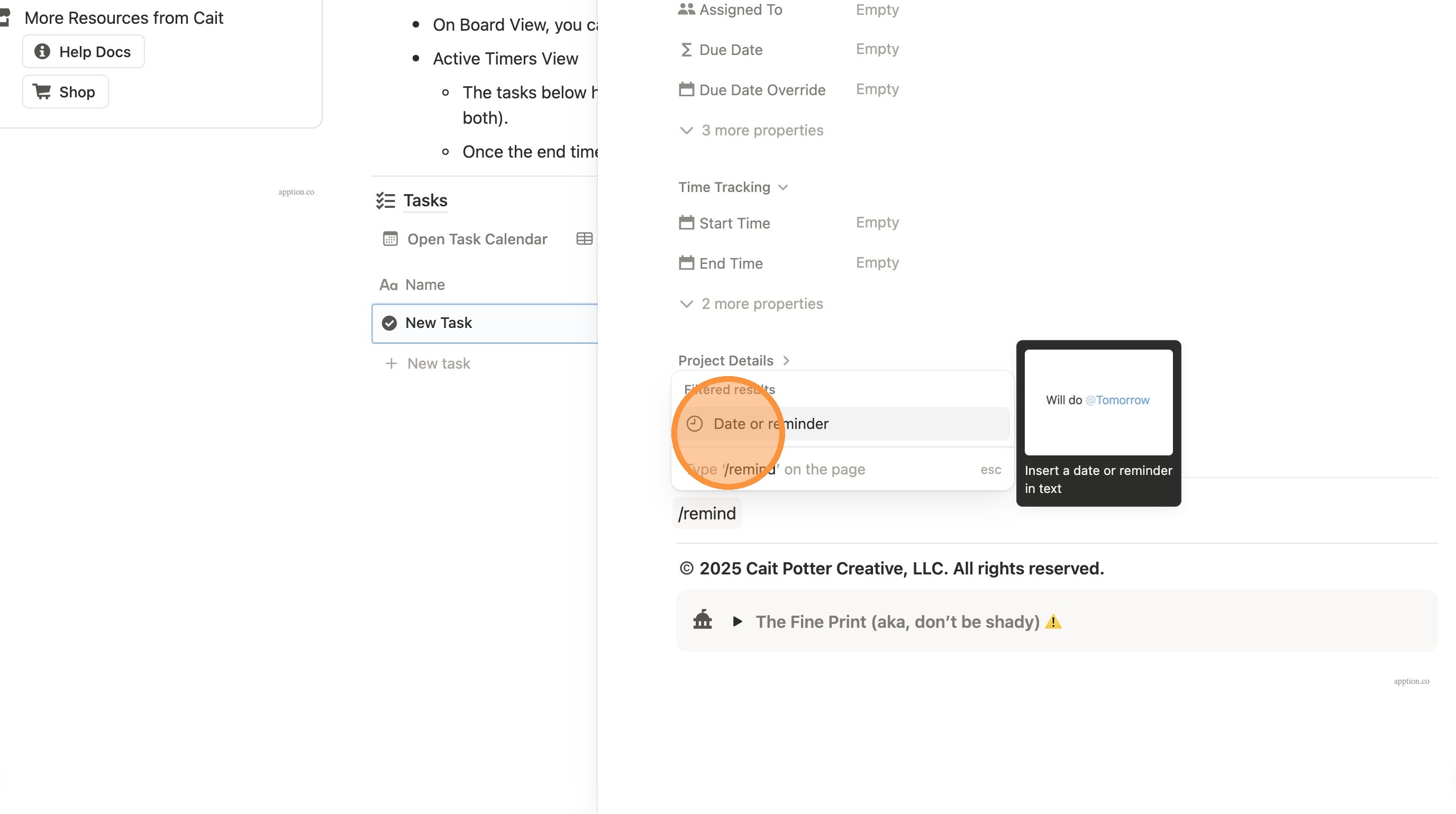
8. Type "/remind" on the page
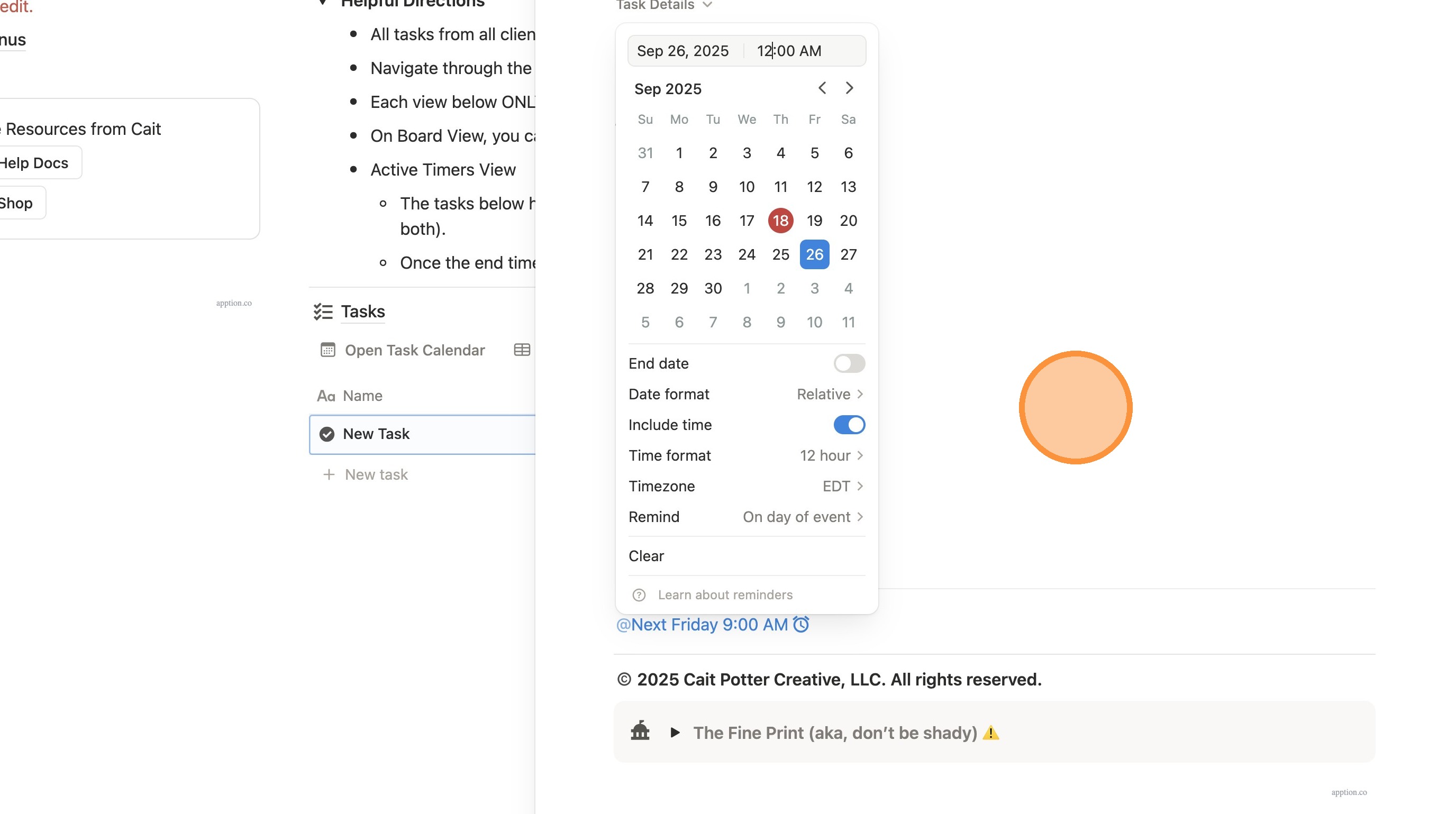
9. Click "Date or reminder"
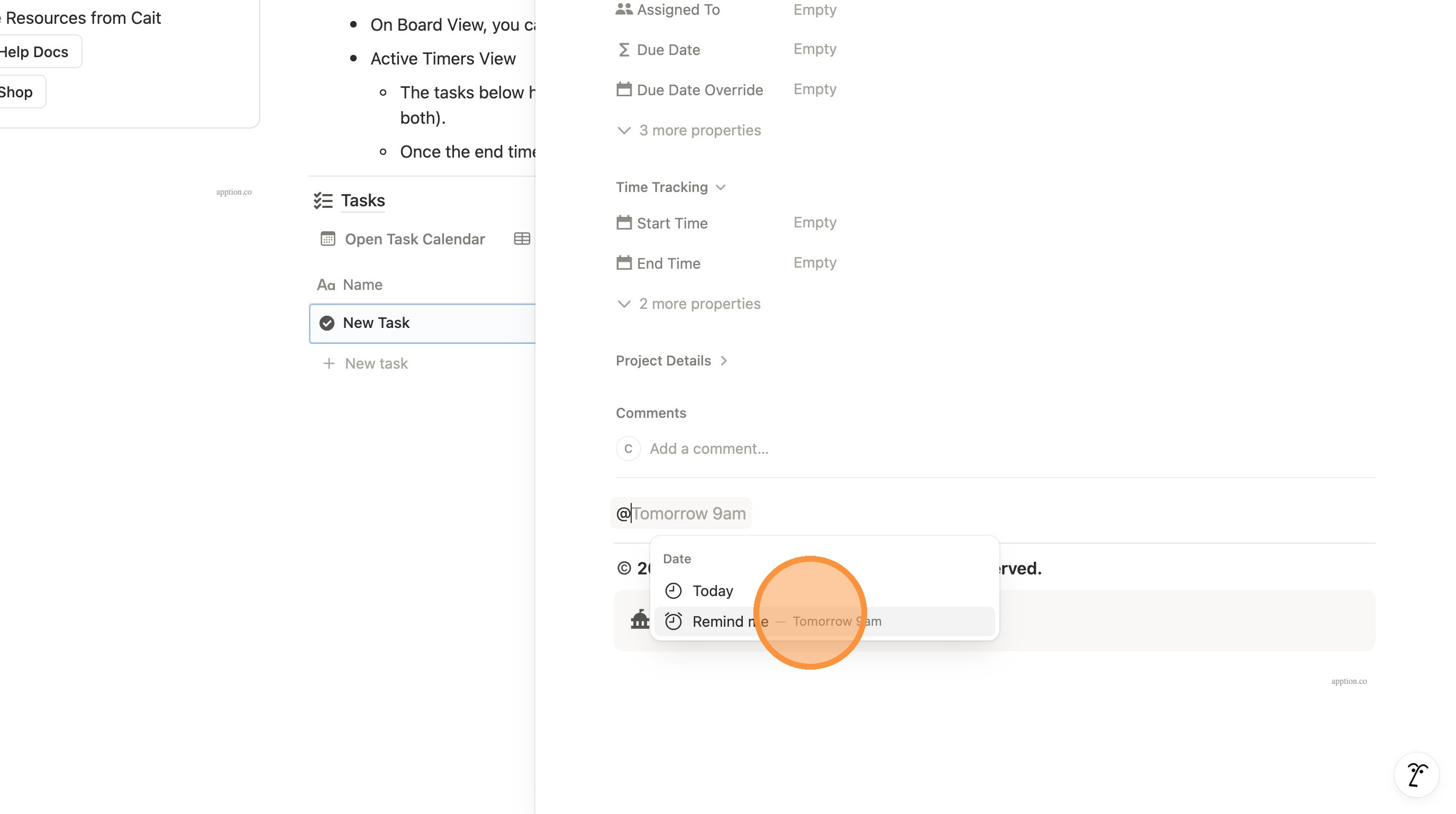
10. Click "—Tomorrow 9am"
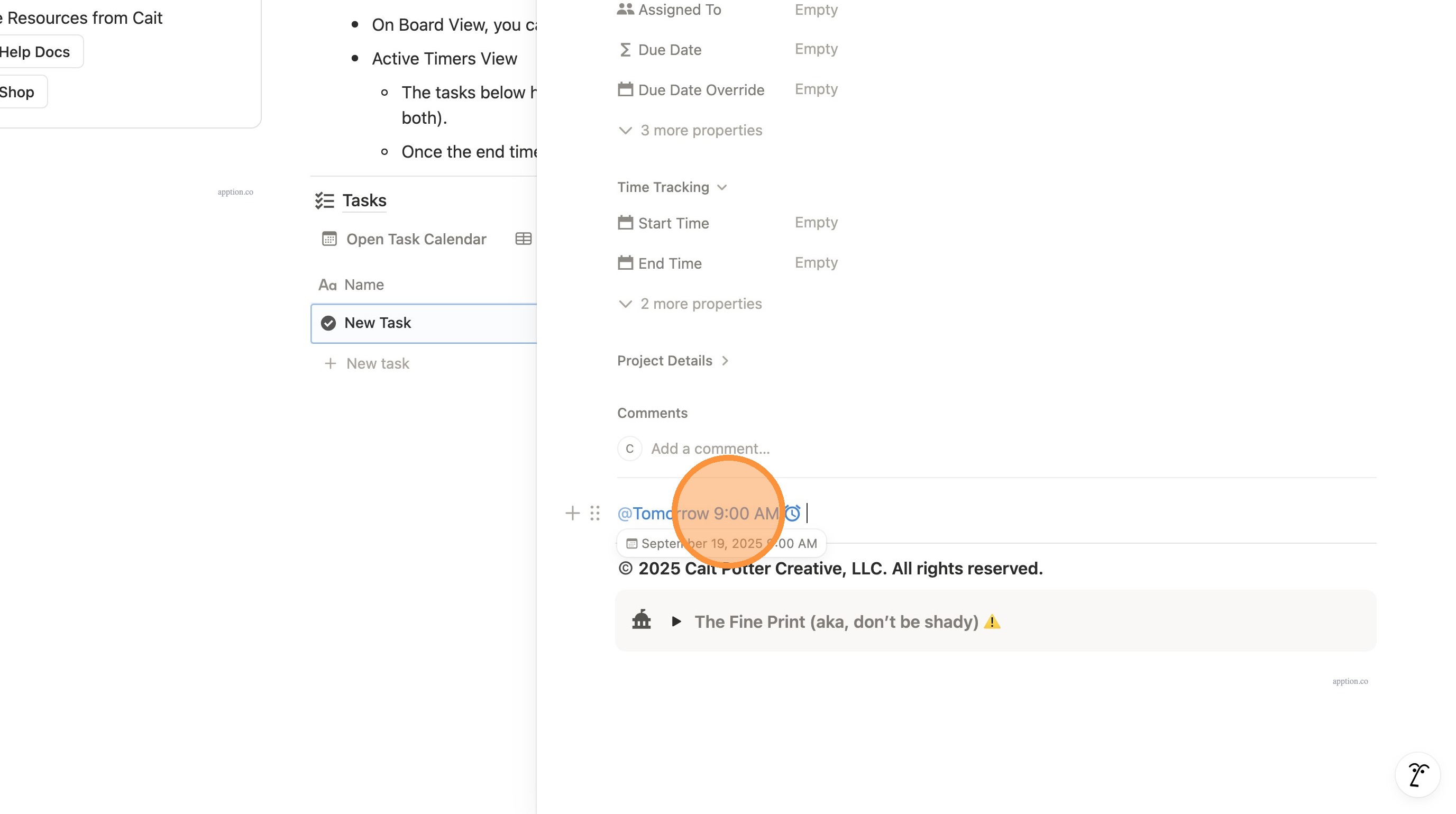
11. You can customize/edit the time by clicking "Tomorrow 9:00 AM"
12. Select your new date.
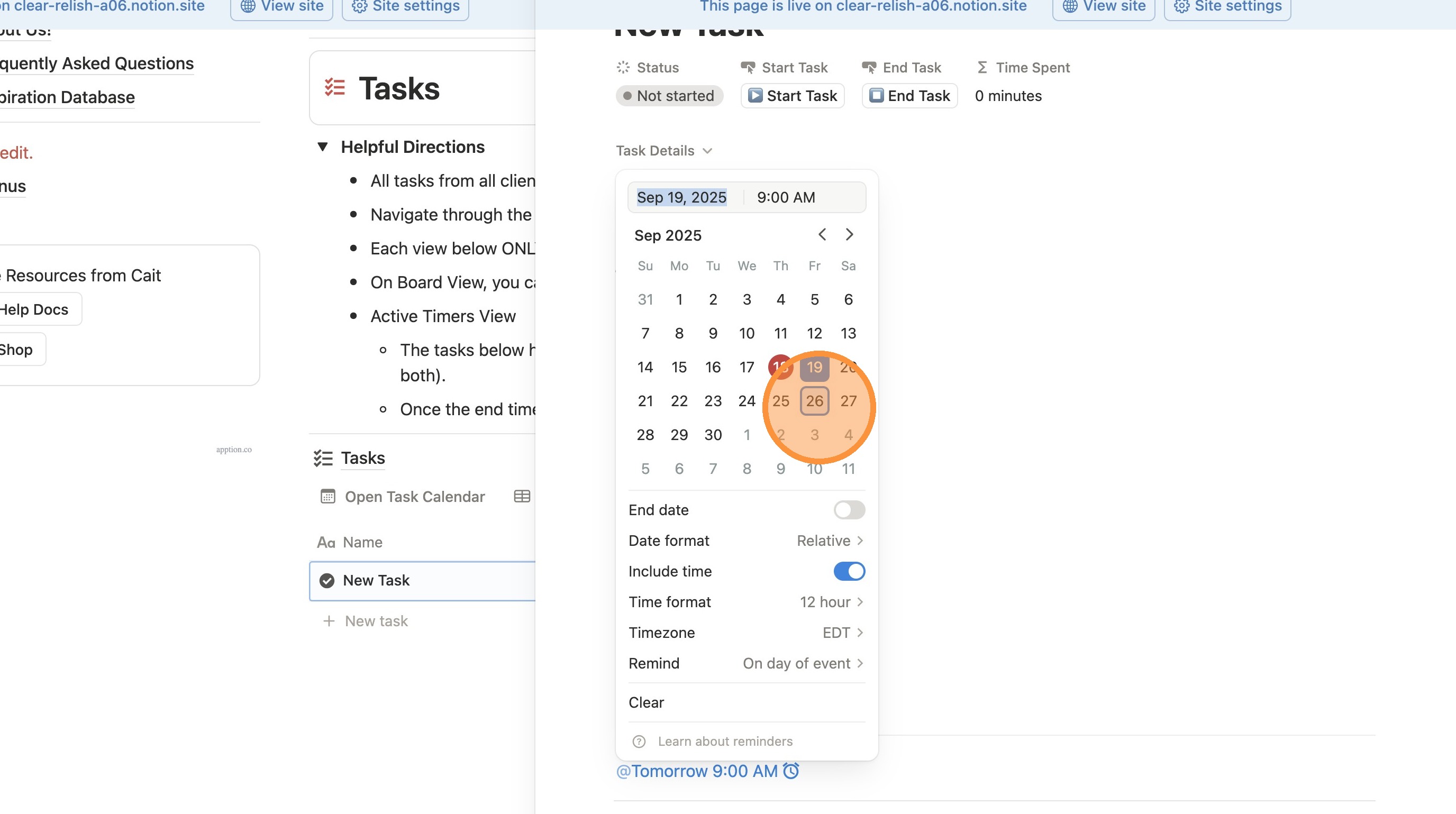
13. Change the time if desired.
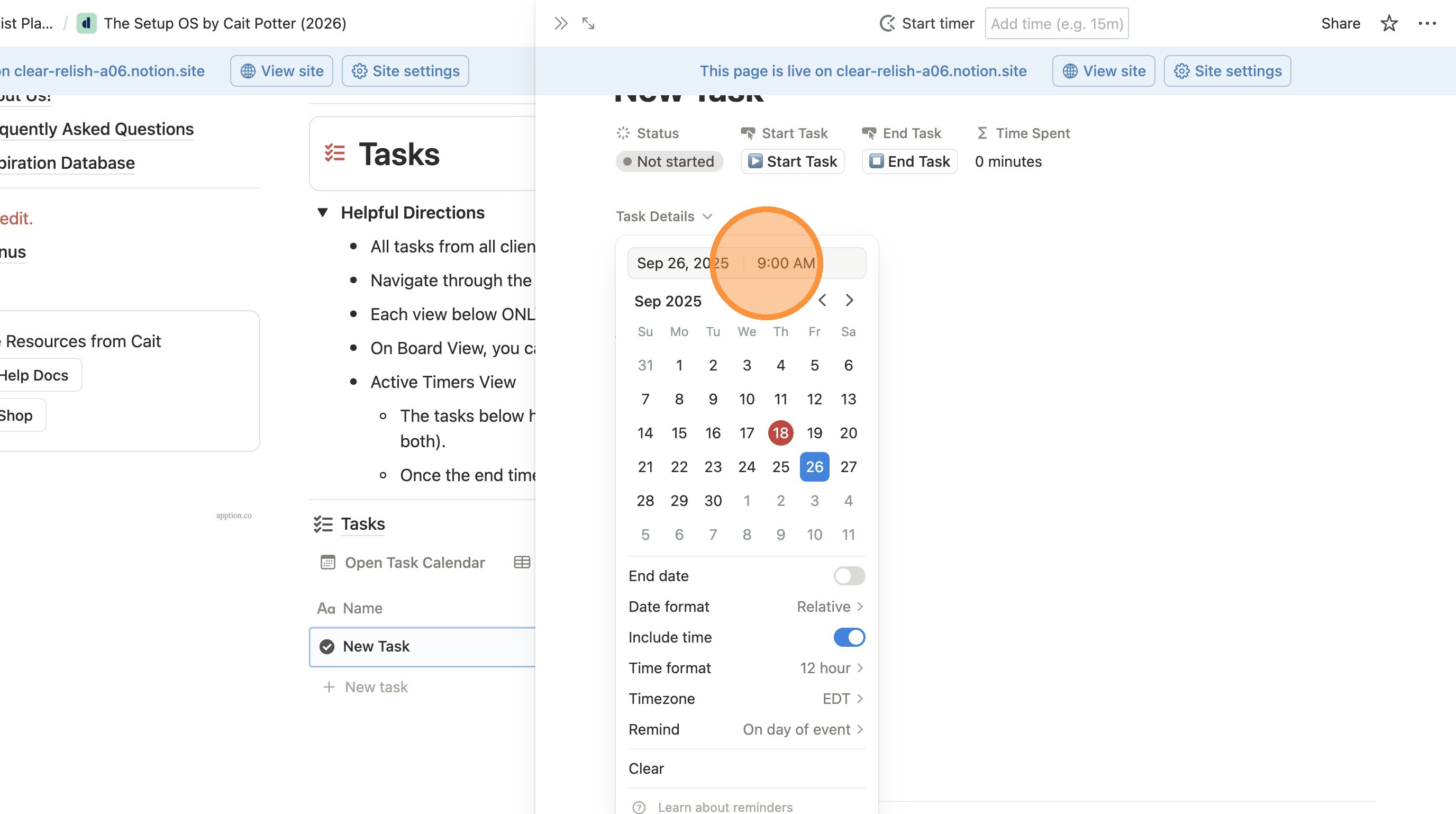
14. Click off of the calendar to close/save the reminder.