Manually Send Email in Moxie
1. Navigate to https://create.withmoxie.com/home
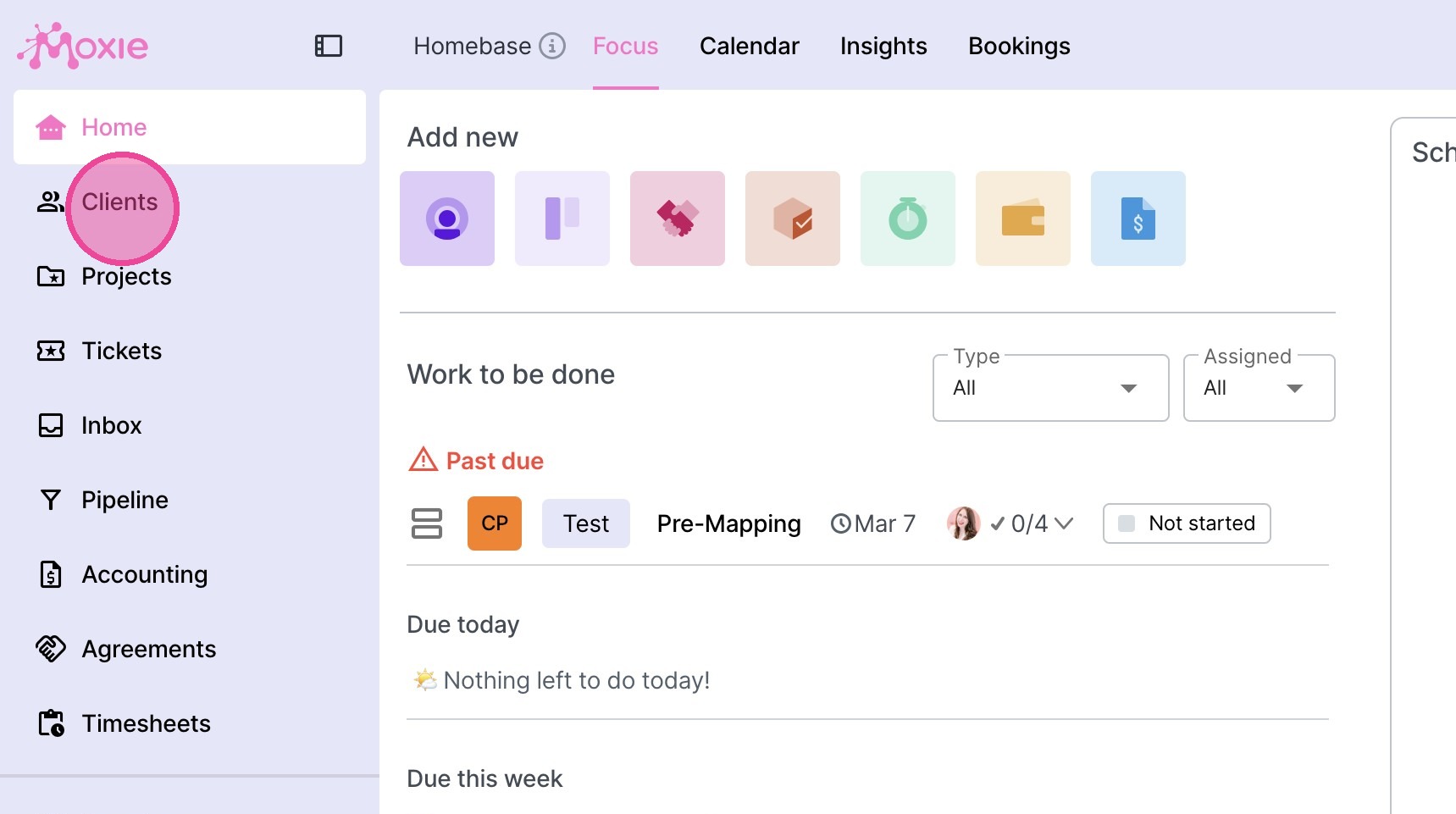
2. Click "Clients"
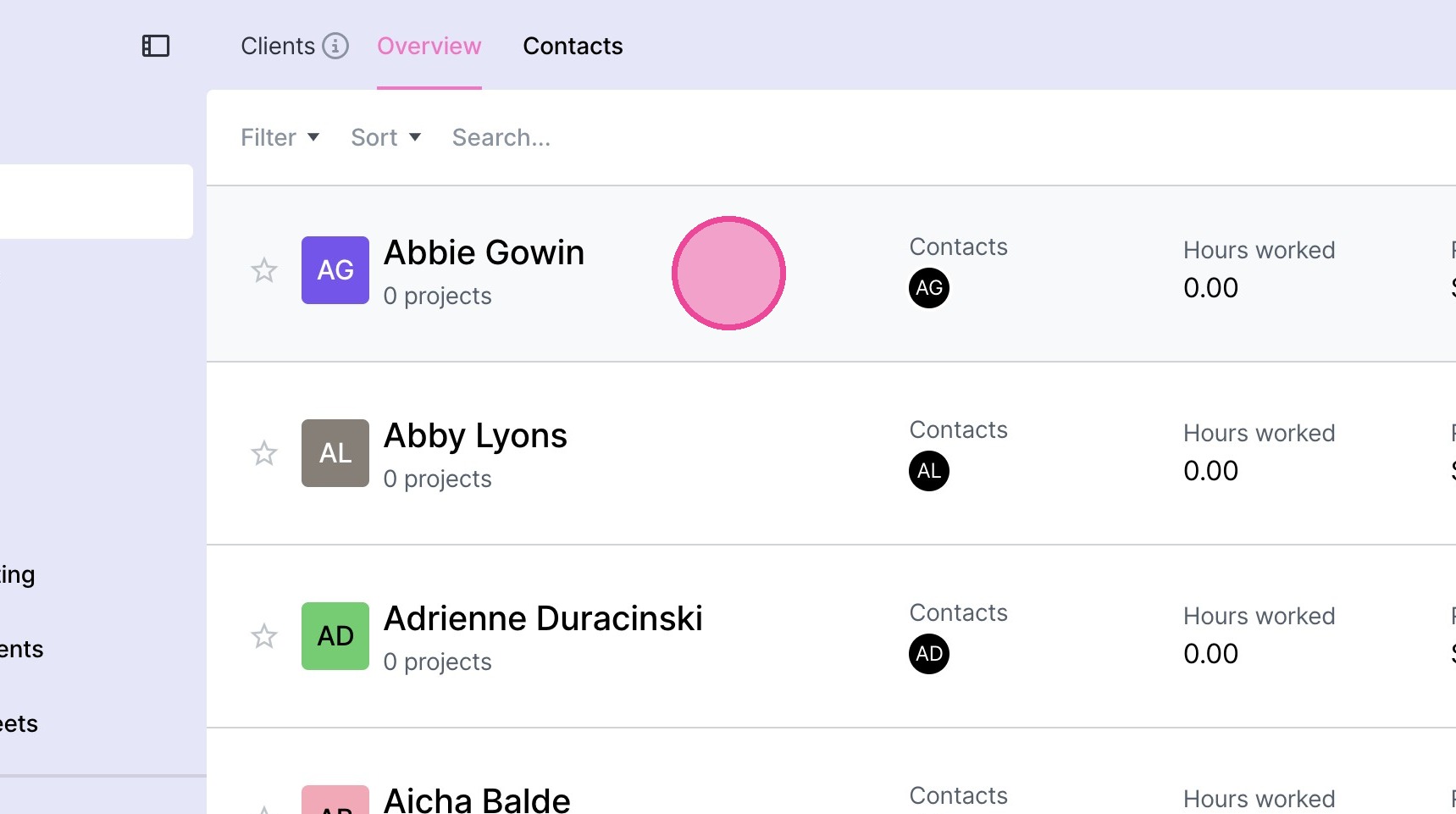
3. Select the relevant client.
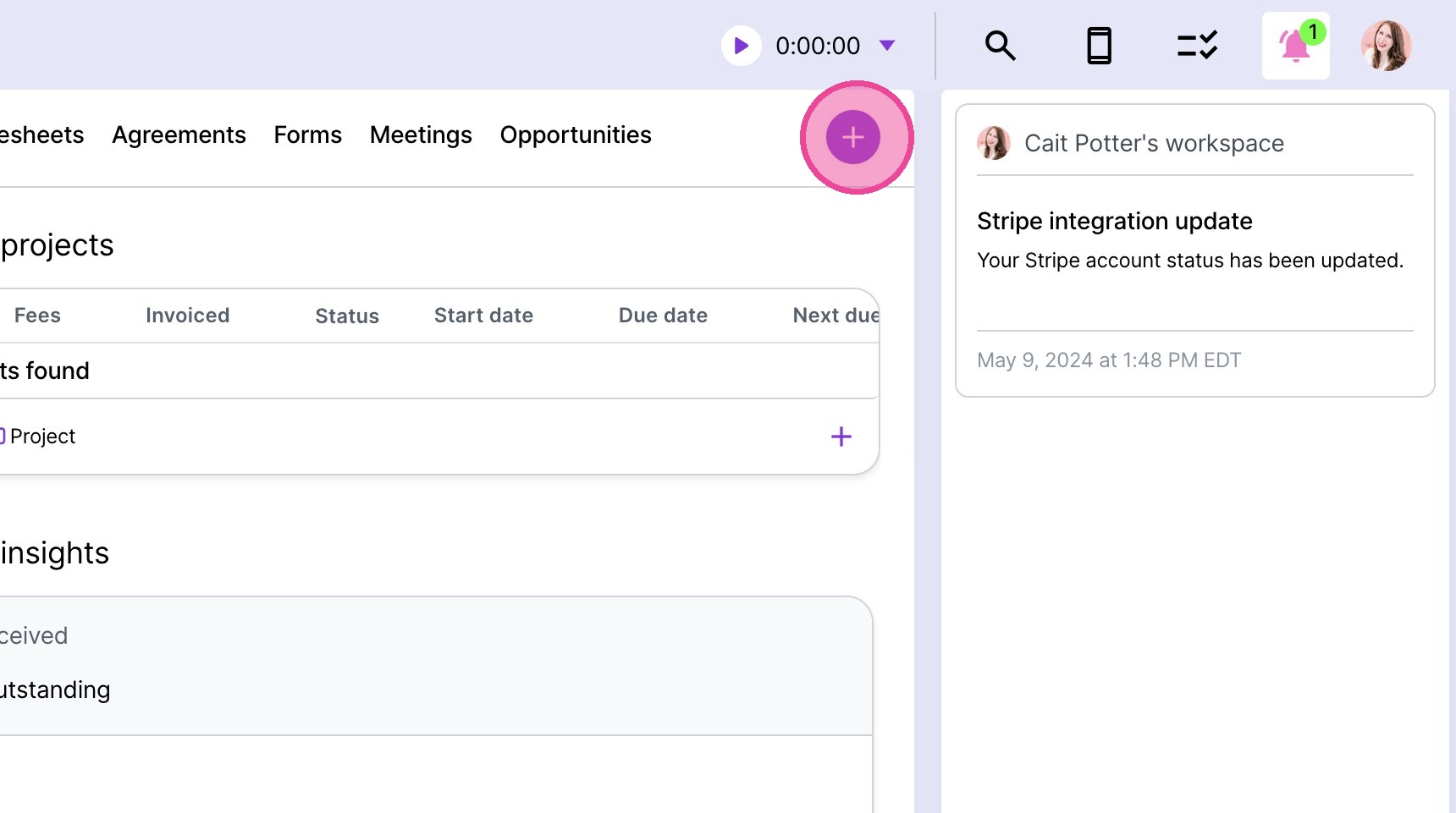
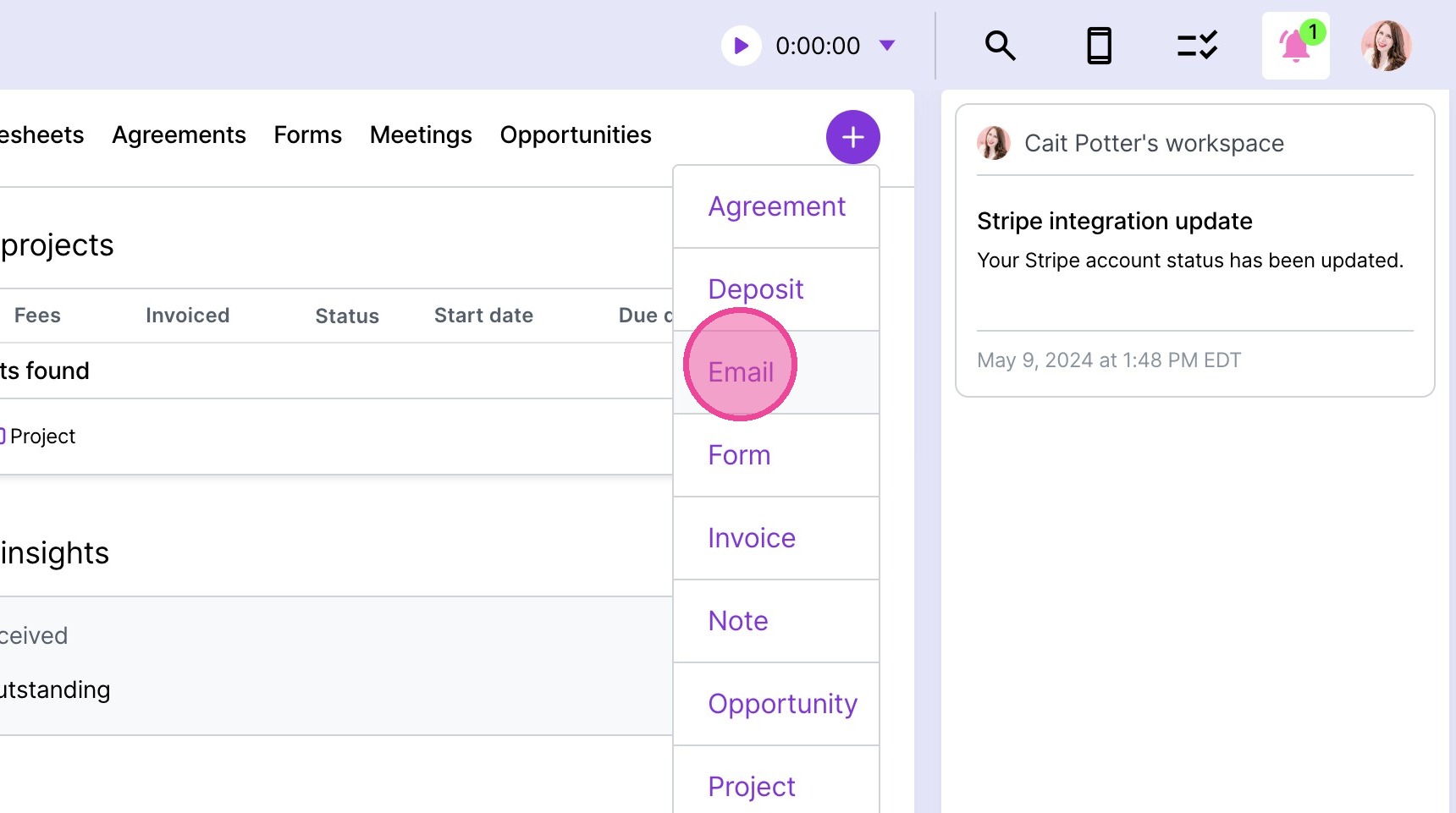
4. Click the plus button.
5. Click "Email"
6. From here, you can either manually type your message or click "Insert template"
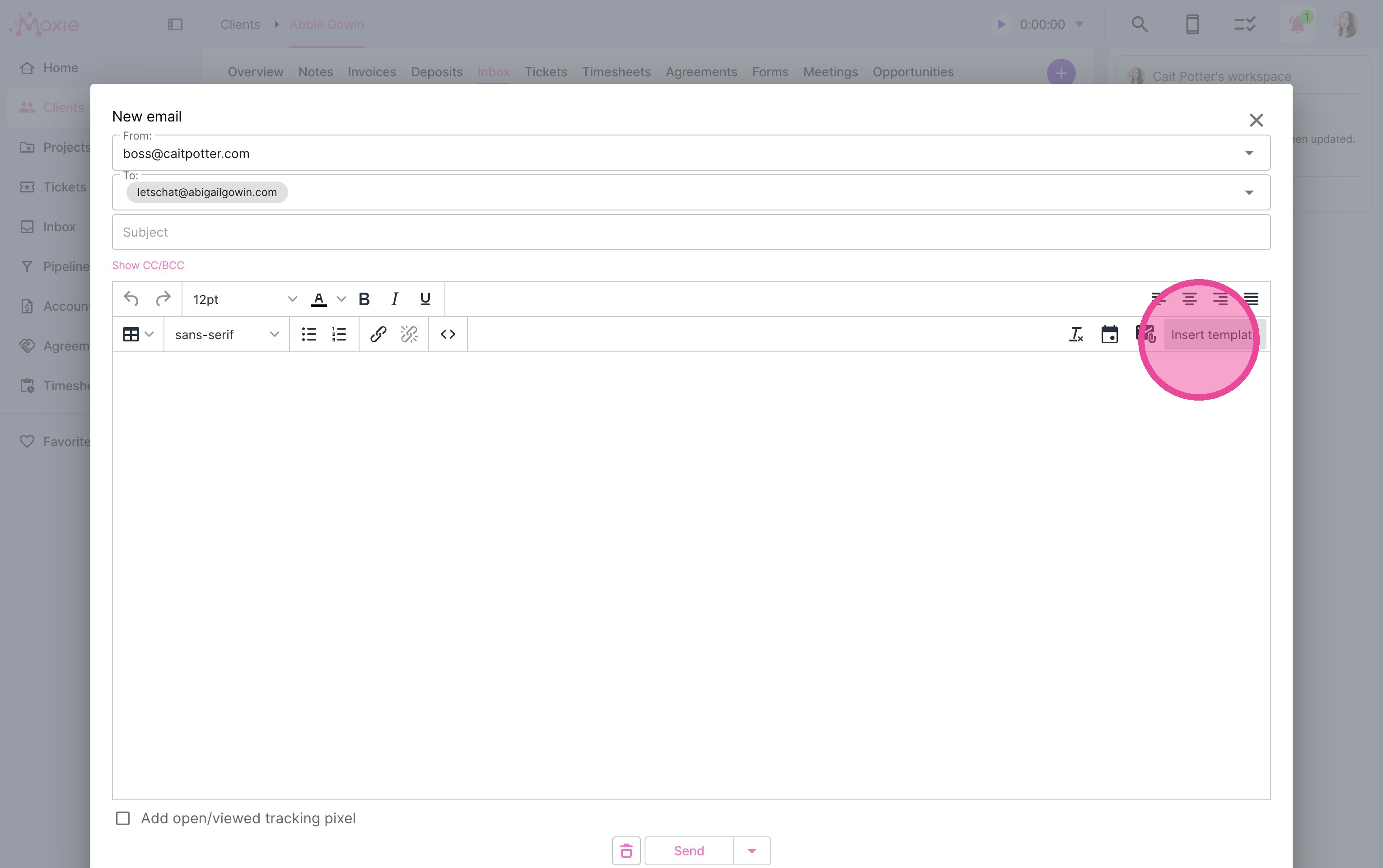
Using a Template
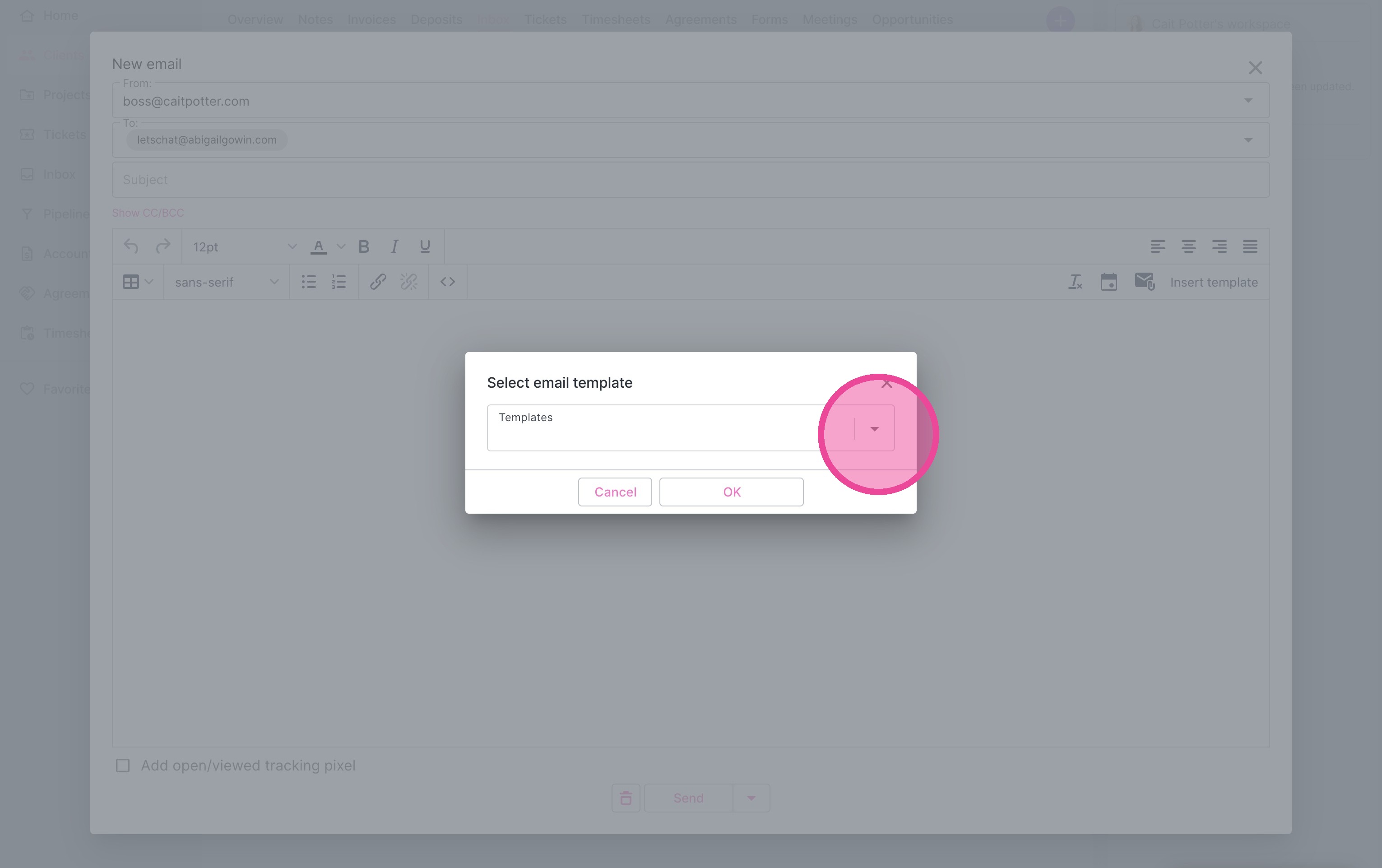
7. Select your template, if applicable.
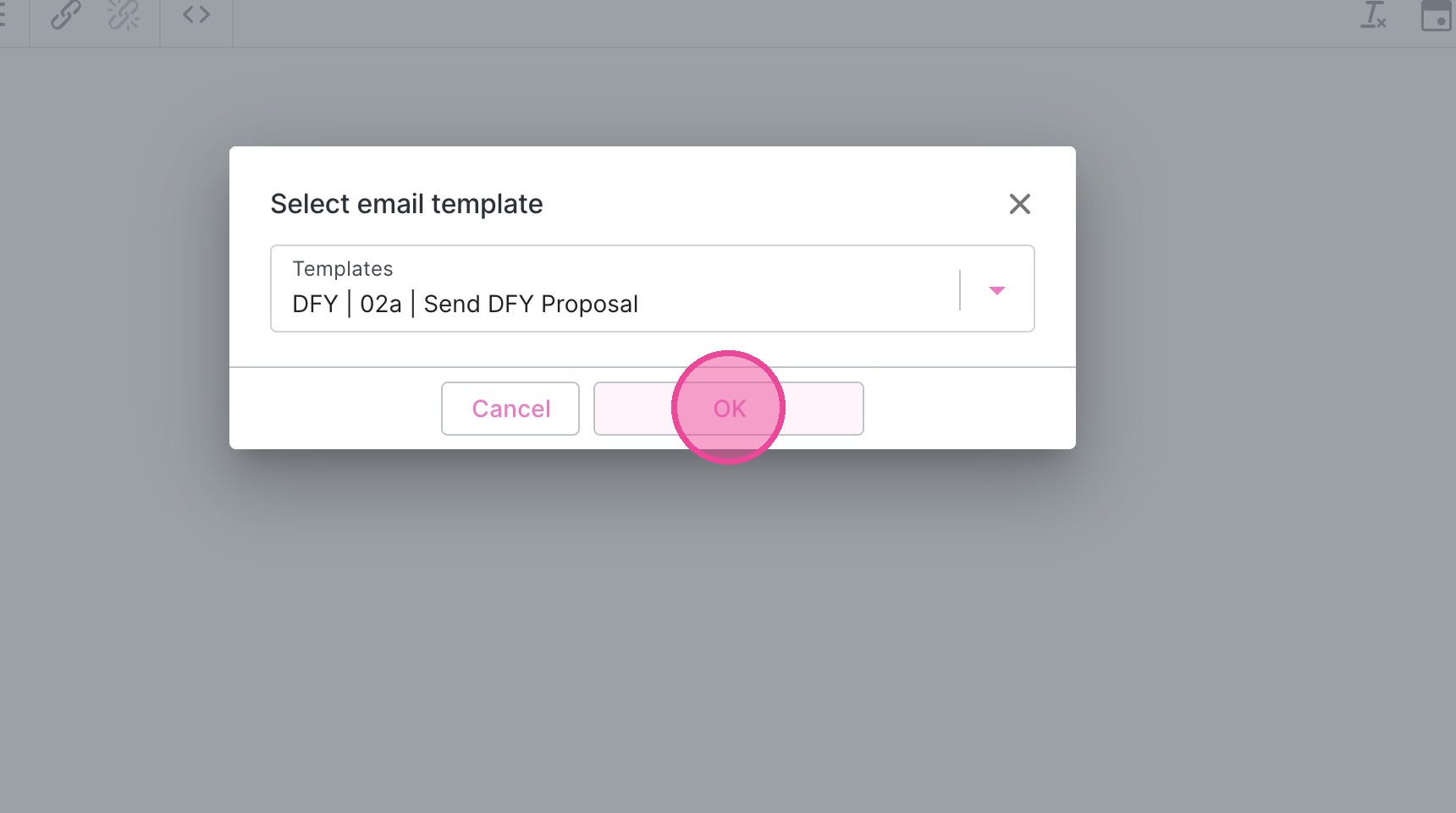
8. Click "OK"
Tracking
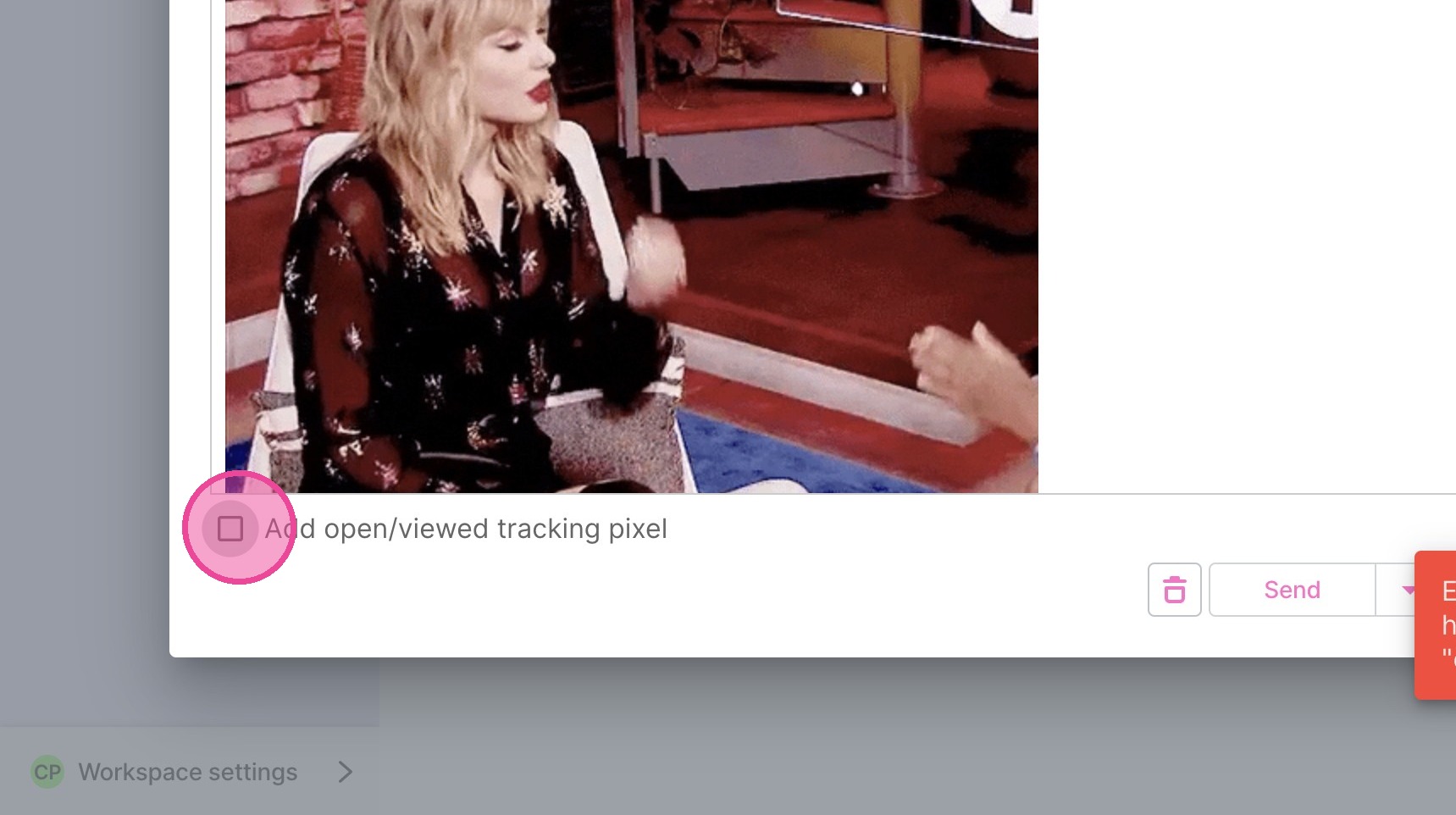
9. If you want to know whether your client has viewed the email, make sure to click this box.
Send
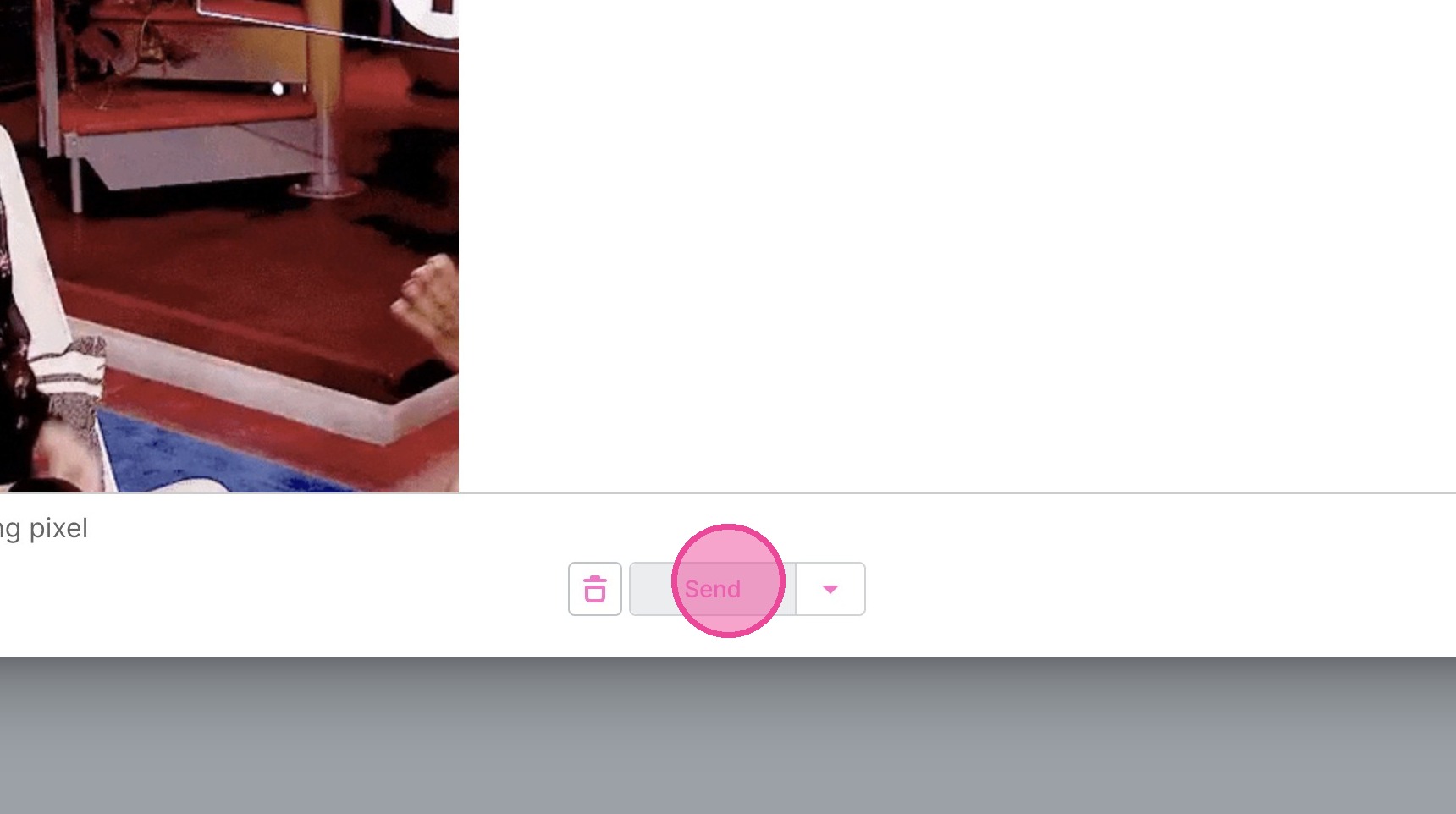
10. Click "Send"
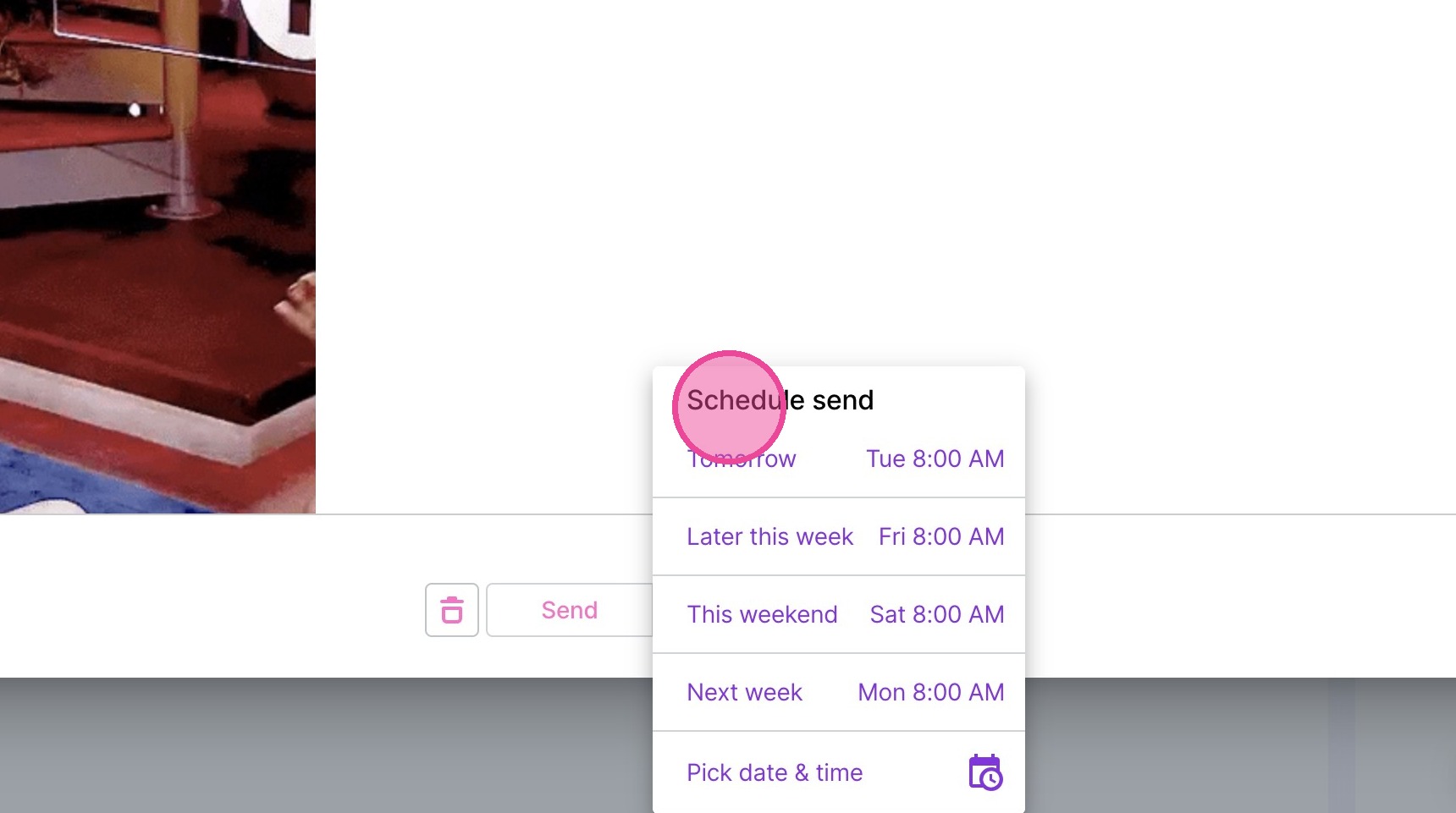
Schedule Send
11. Click the arrow next to send.
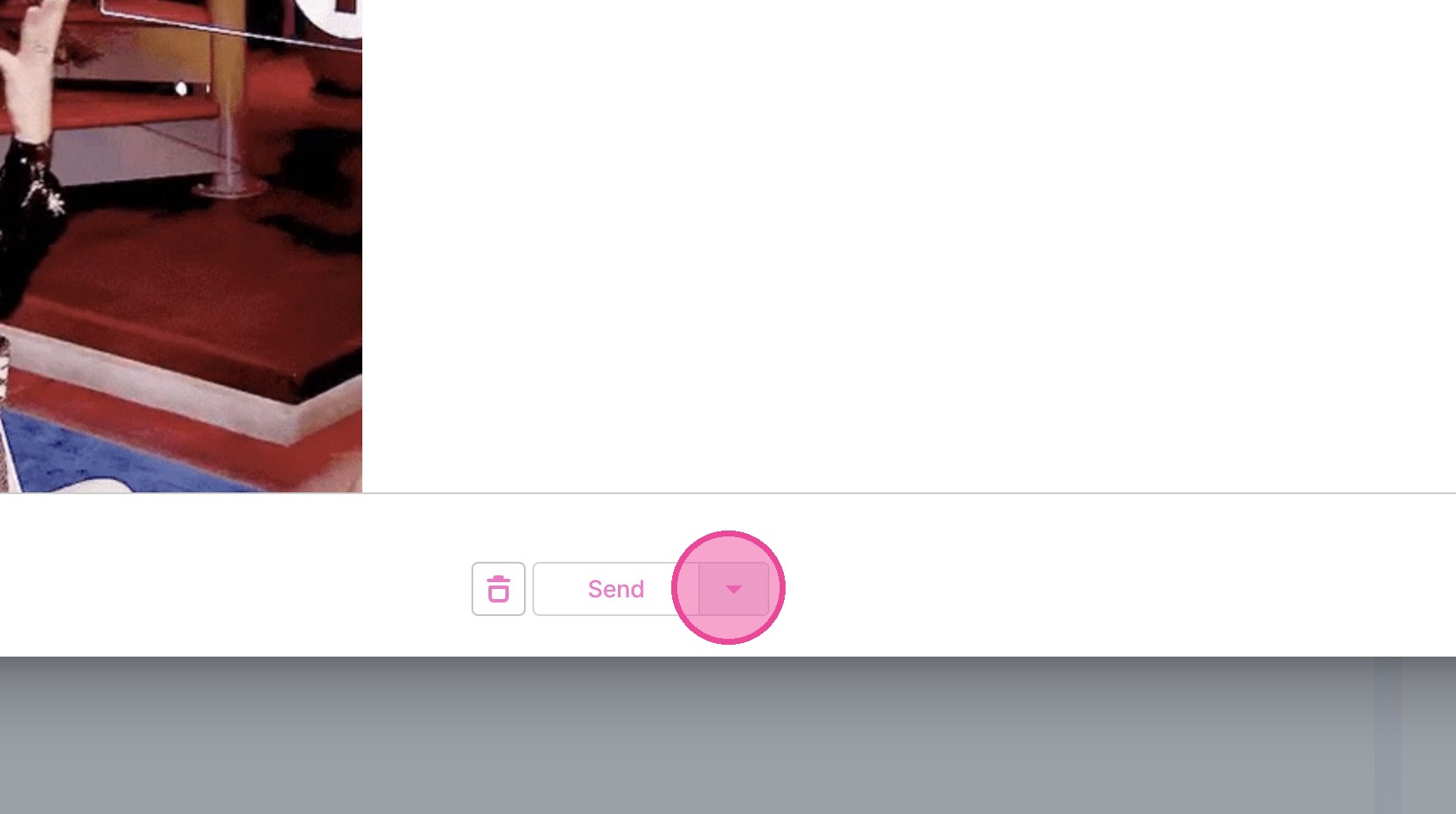
12. Click "Schedule send" & select when you want it to go.