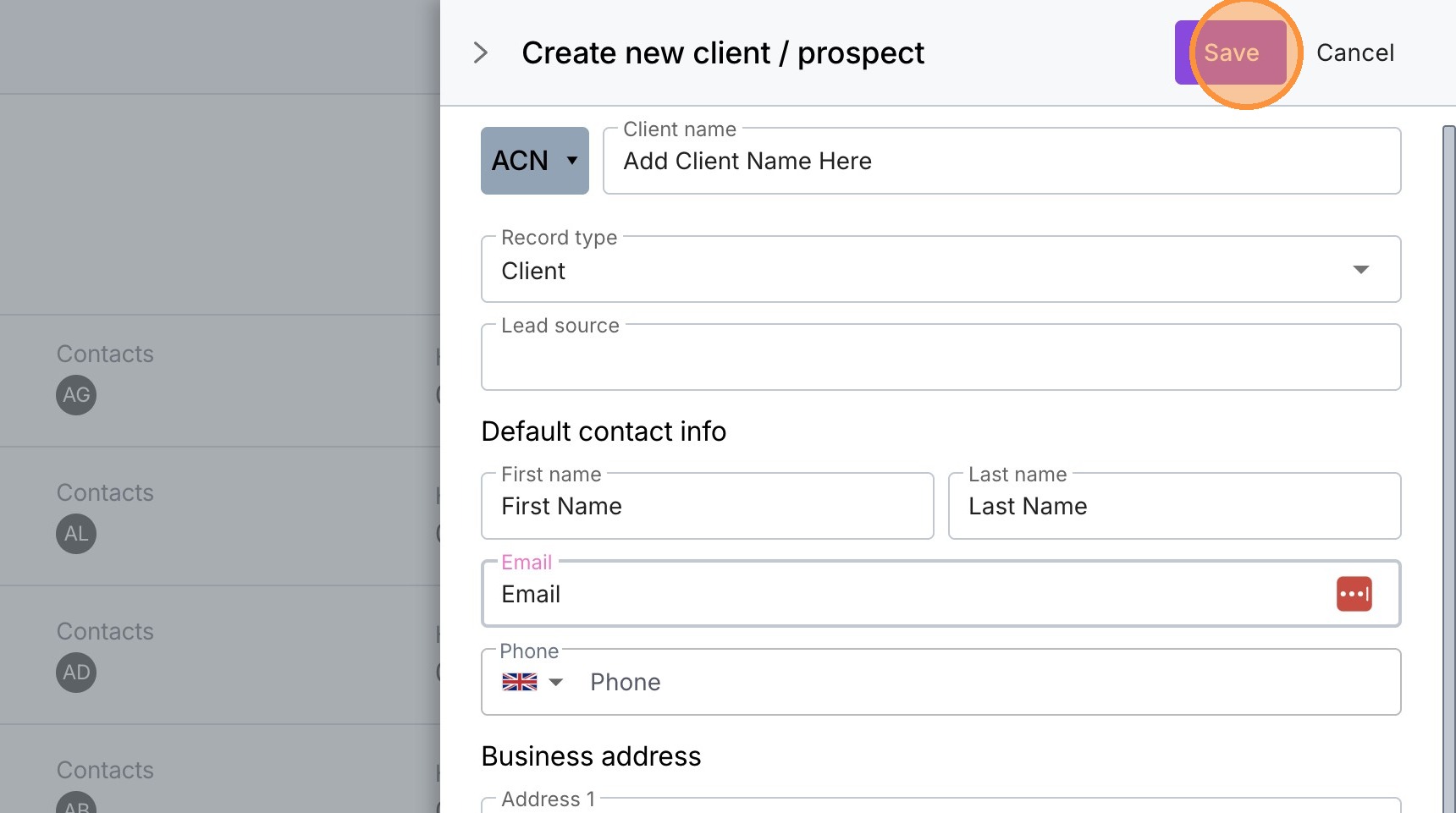
Create A New Client
1. Navigate to https://create.withmoxie.com/
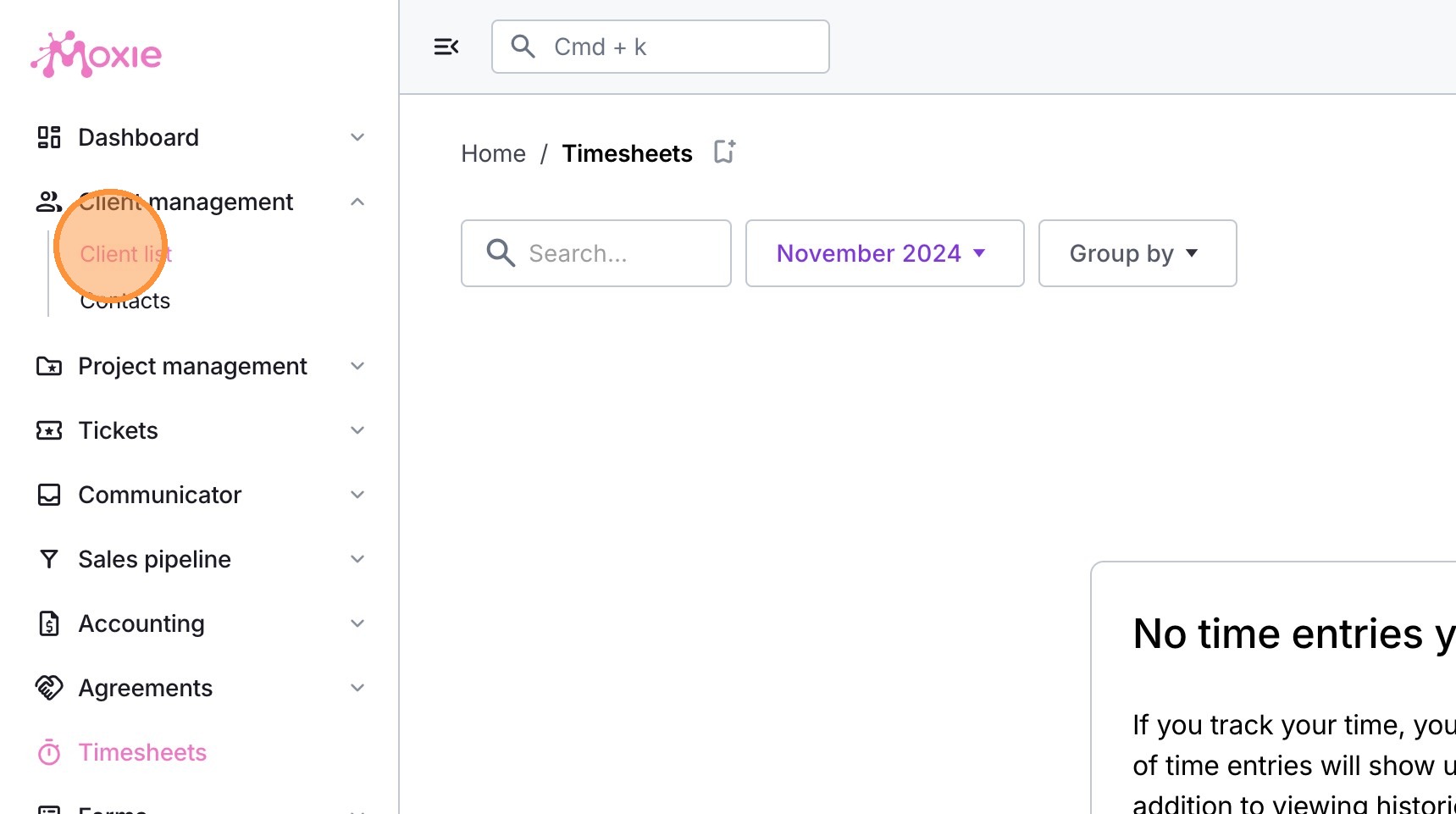
2. Click "Client list"
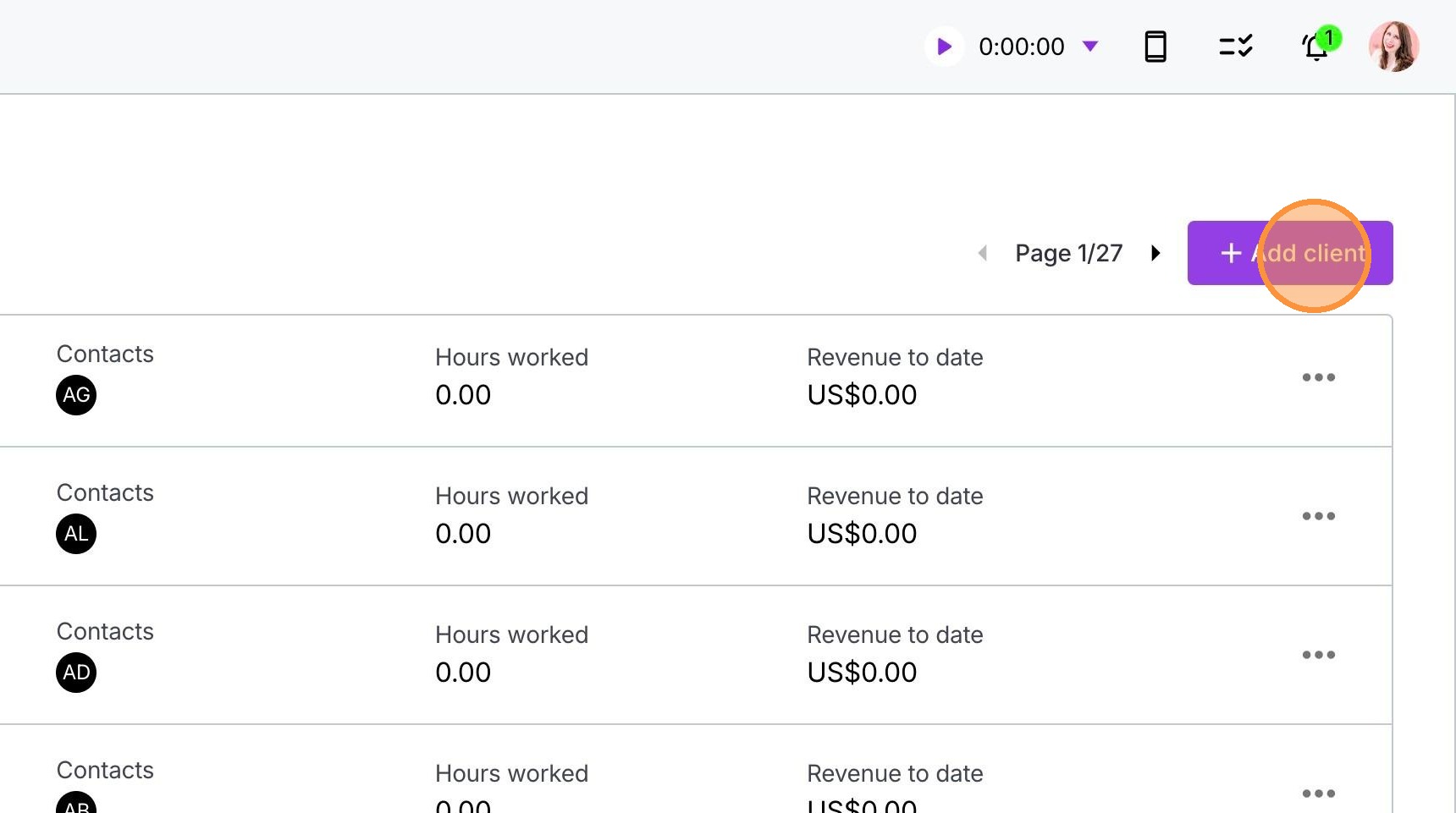
3. Click "+ Add client"
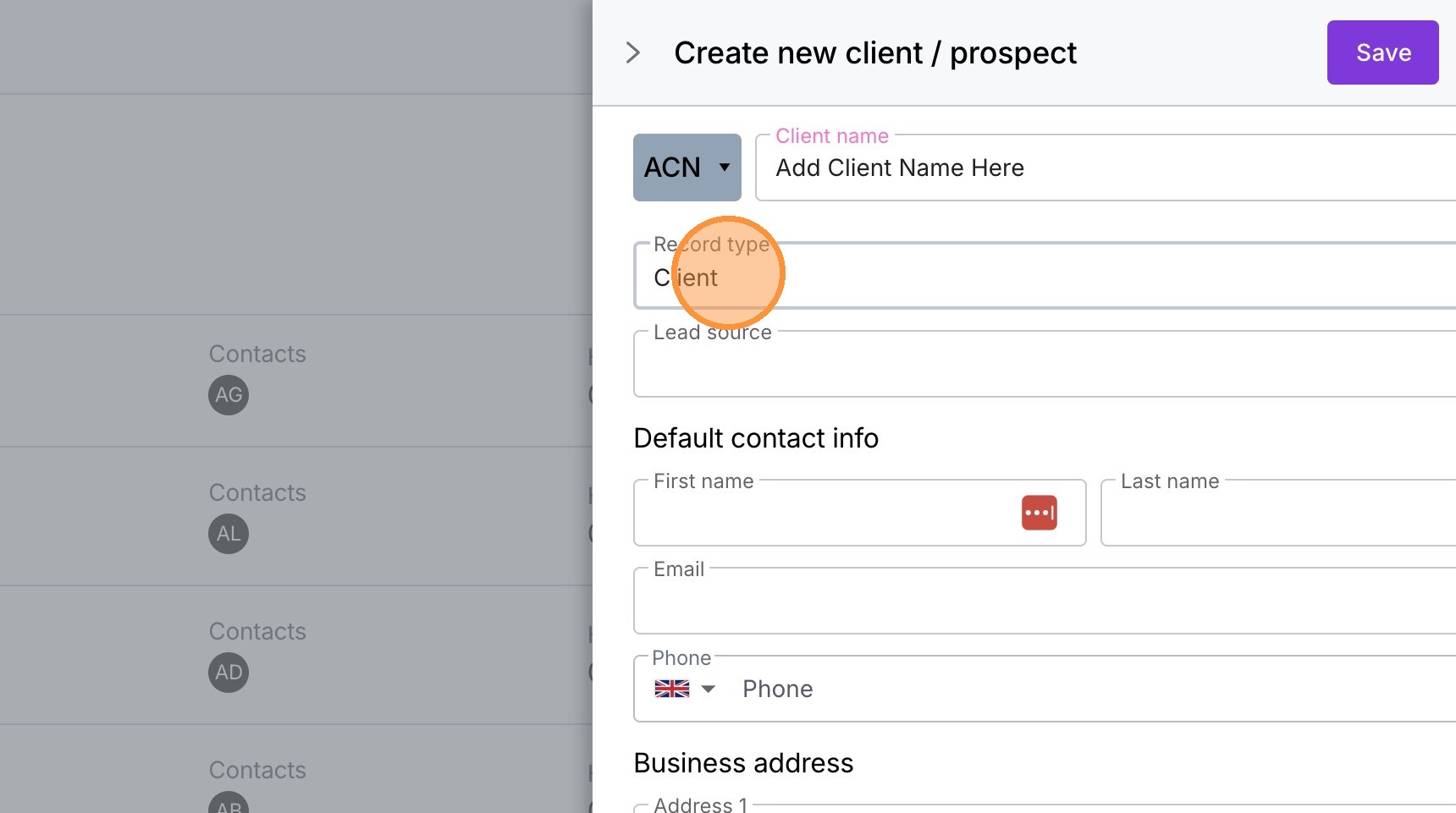
4. Type the client's name in the Client Name box
5. Make sure the "Record type" field is 'Client'
6. Add in all the client's details.
7. Click "Save"